Camera Club guideMerge your Hipstaccounts

If you have more than one Hipstaccount, you can merge them so all of your gear and your membership are on one account.

Camera Club · 2.5 · 4 steps
  1. 01

    Go to the Hipstaccount website

    Log in to the account you want to keep.

    Step 1: Go to the Hipstaccount website
  2. 02

    Tap Add an email

    Enter the email address of the account you want to merge with.
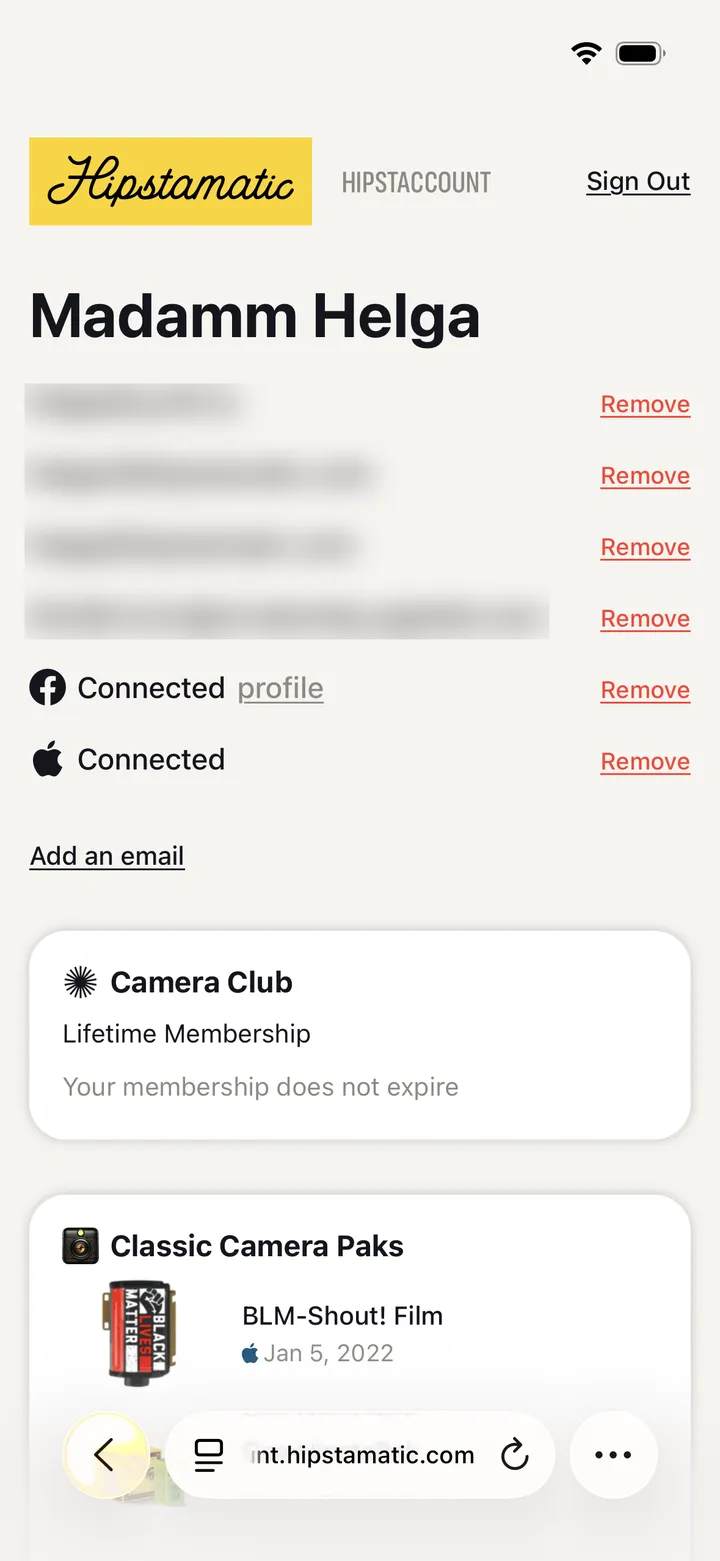
    Step 2: Tap Add an email
  3. 03

    Log in to the other Hipstaccount

    Enter the password of the other account.
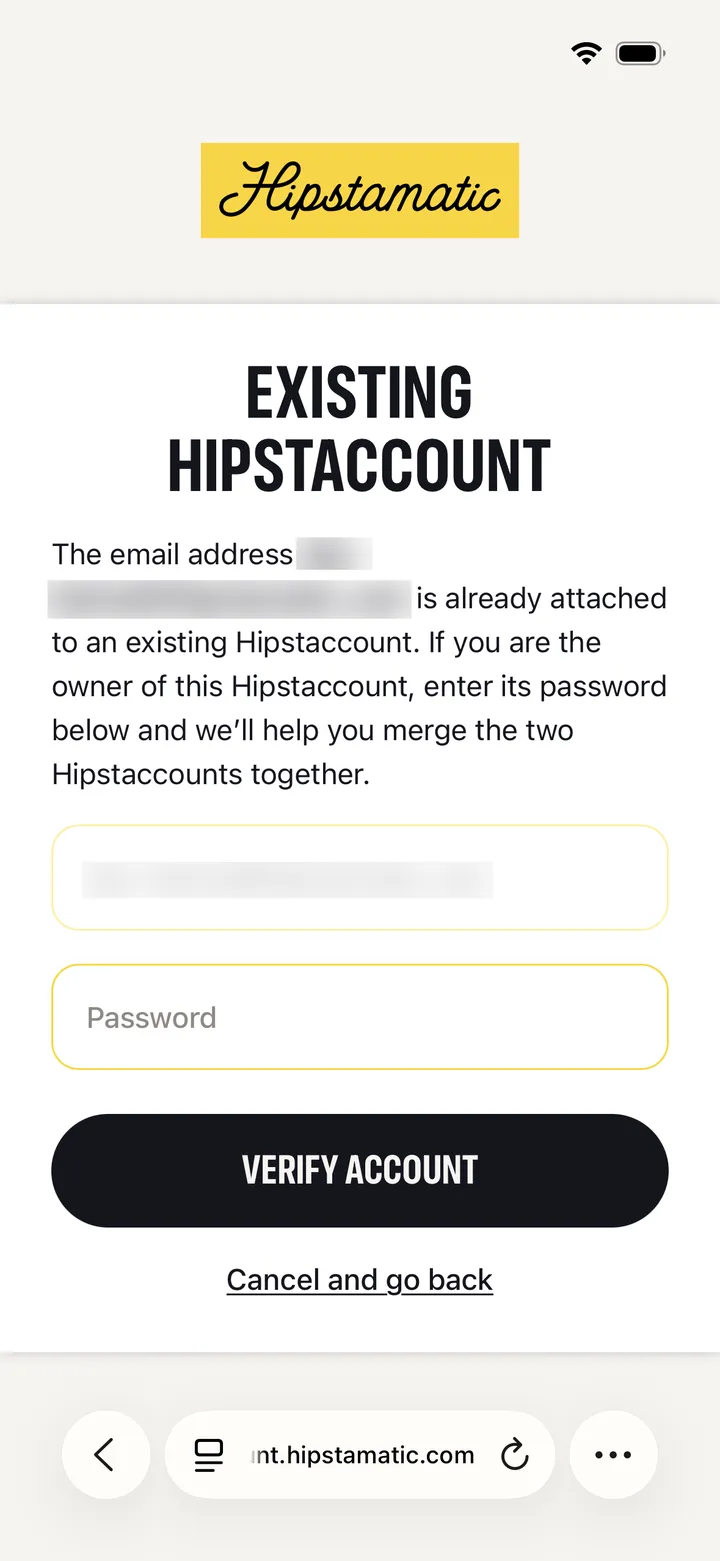
    Step 3: Log in to the other Hipstaccount
  4. 04

    Merge the accounts

    All of your gear and membership are now on your main Hipstaccount.
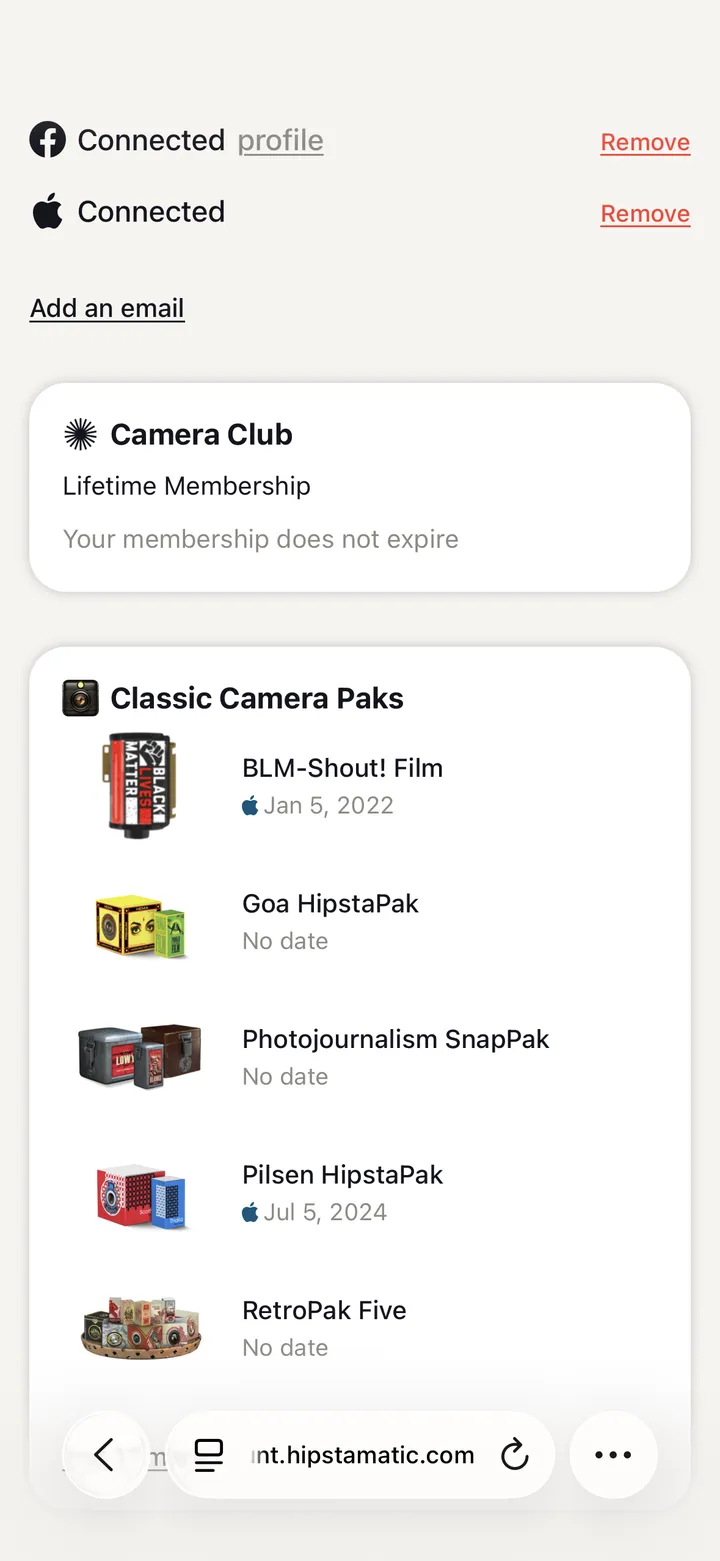
    Step 4: Merge the accounts

Good to know

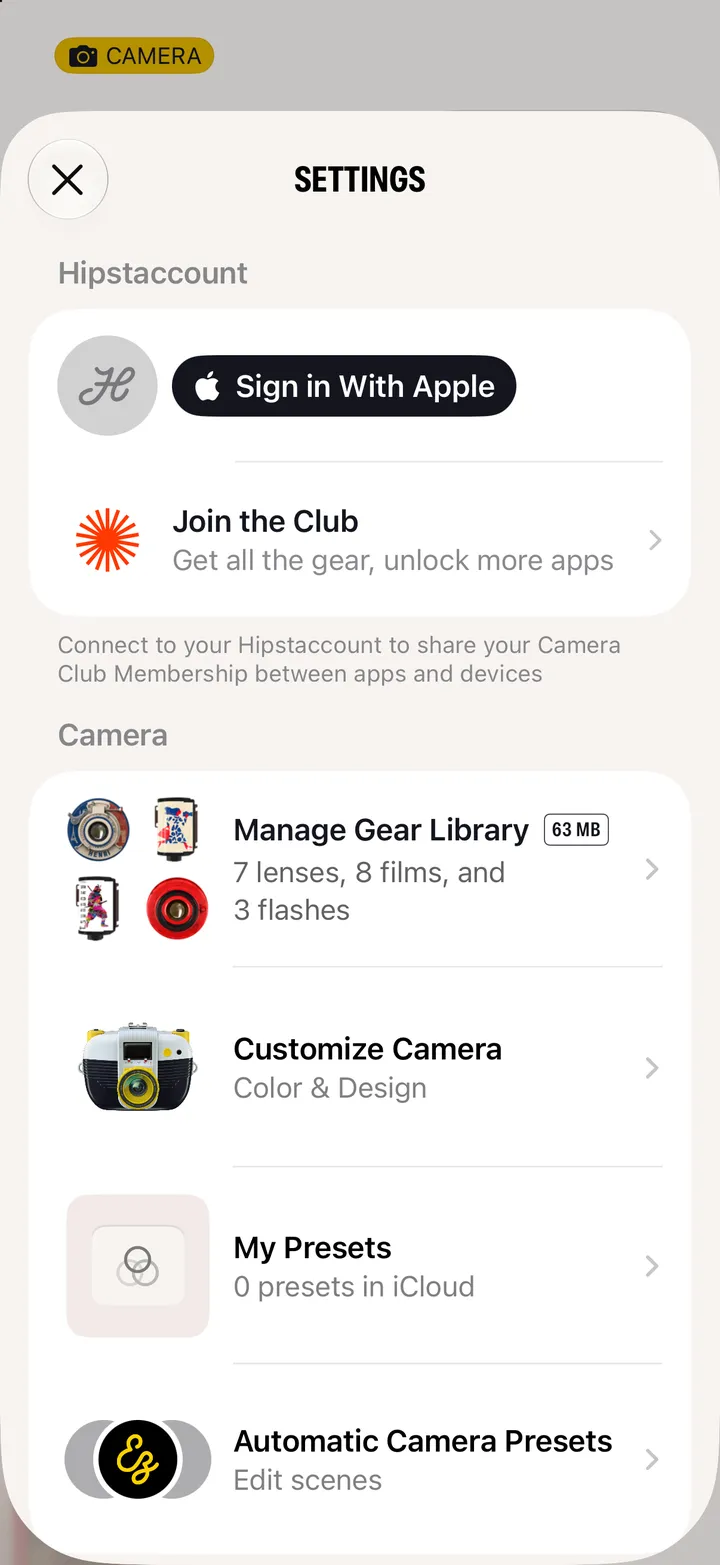
  • If Camera Club in Hipstamatic’s Settings says Sync conflict, tap Resolve, then Transfer. Your membership moves onto the account you’re signed in to.
  • Sign Out, in the Sync conflict box, also turns off your profile until you sign back in. Tap Cancel if you’re not sure.

Join and manage

Camera Club guide ↘