Party! guideGet more photos on the roll
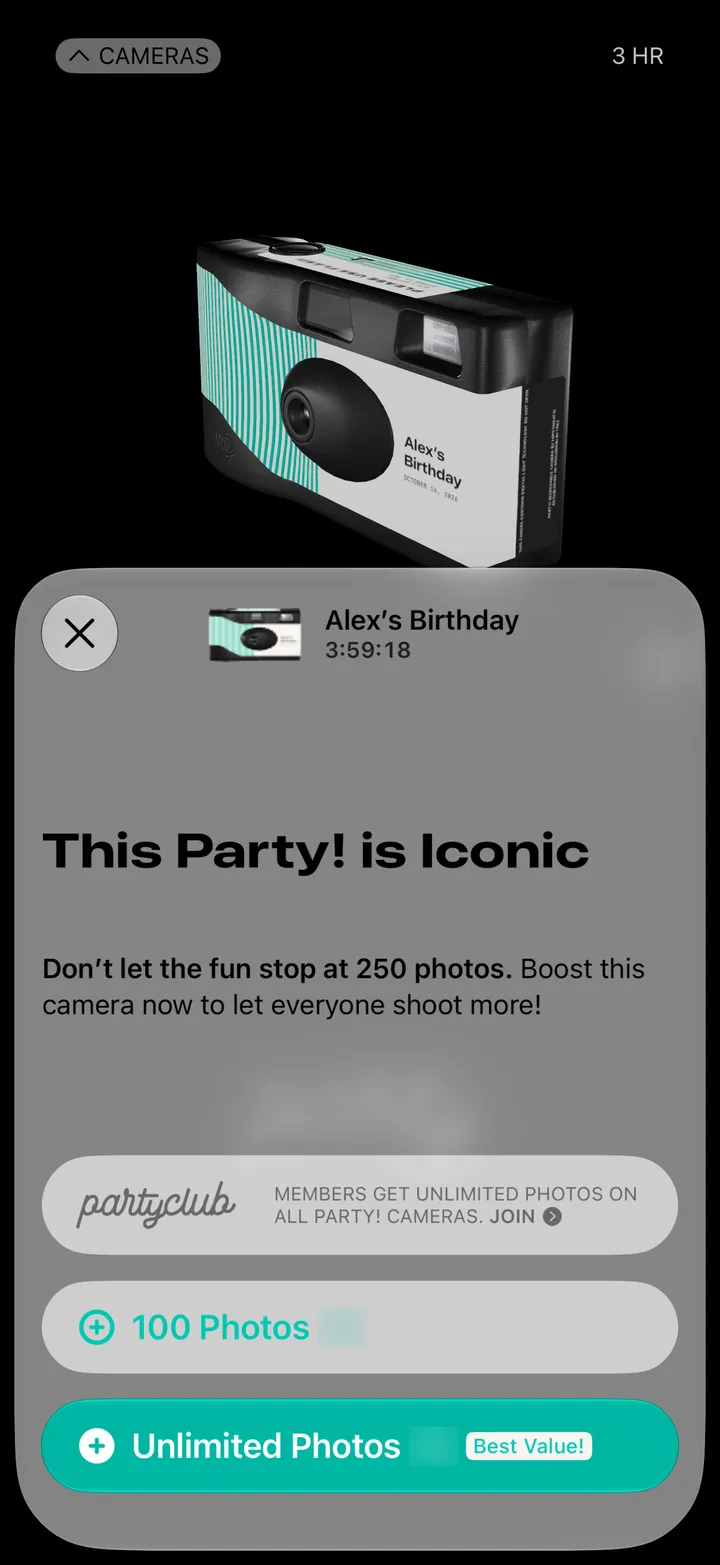
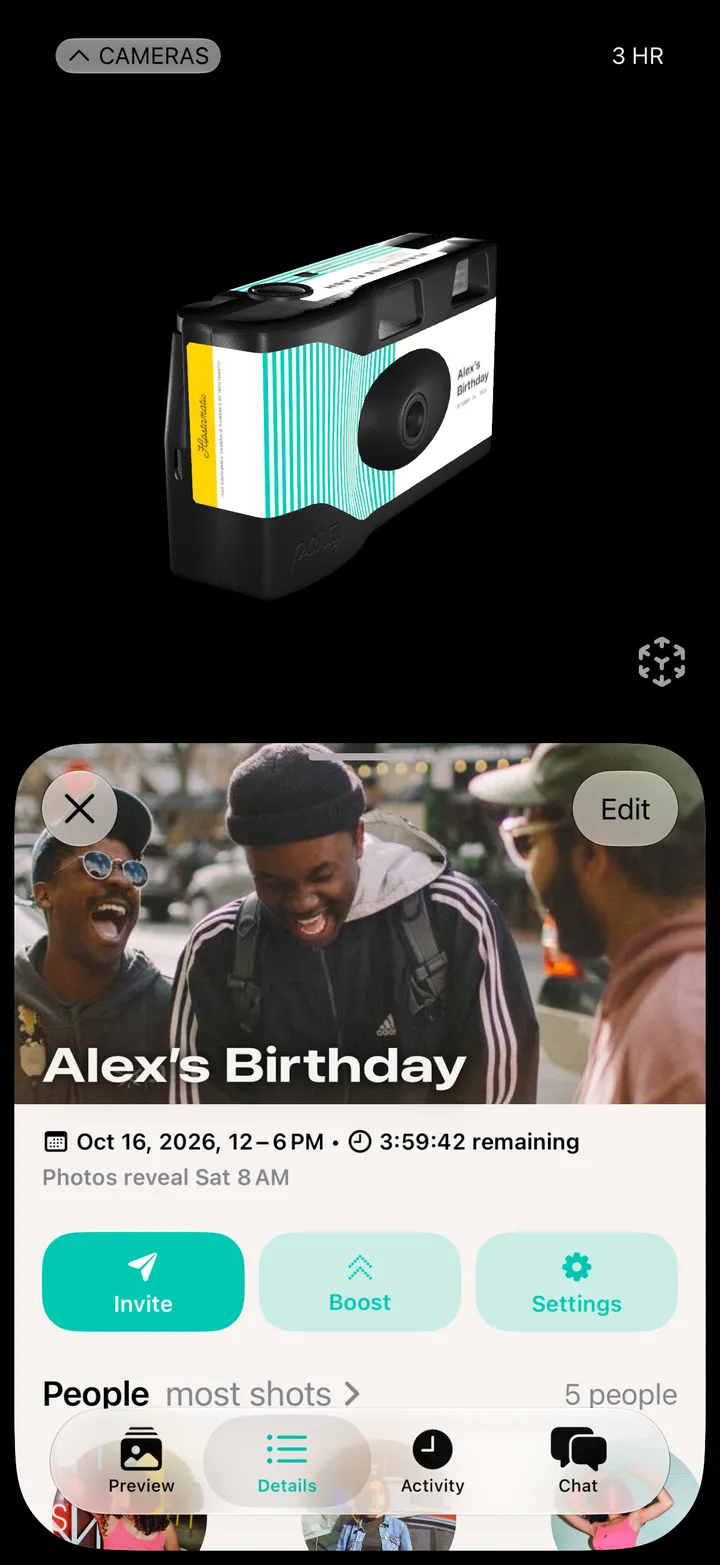
Open Party! Details and tap Boost. Add 100 photos, or make the roll unlimited.

Party! · 2.15 · 2 steps
  1. 01

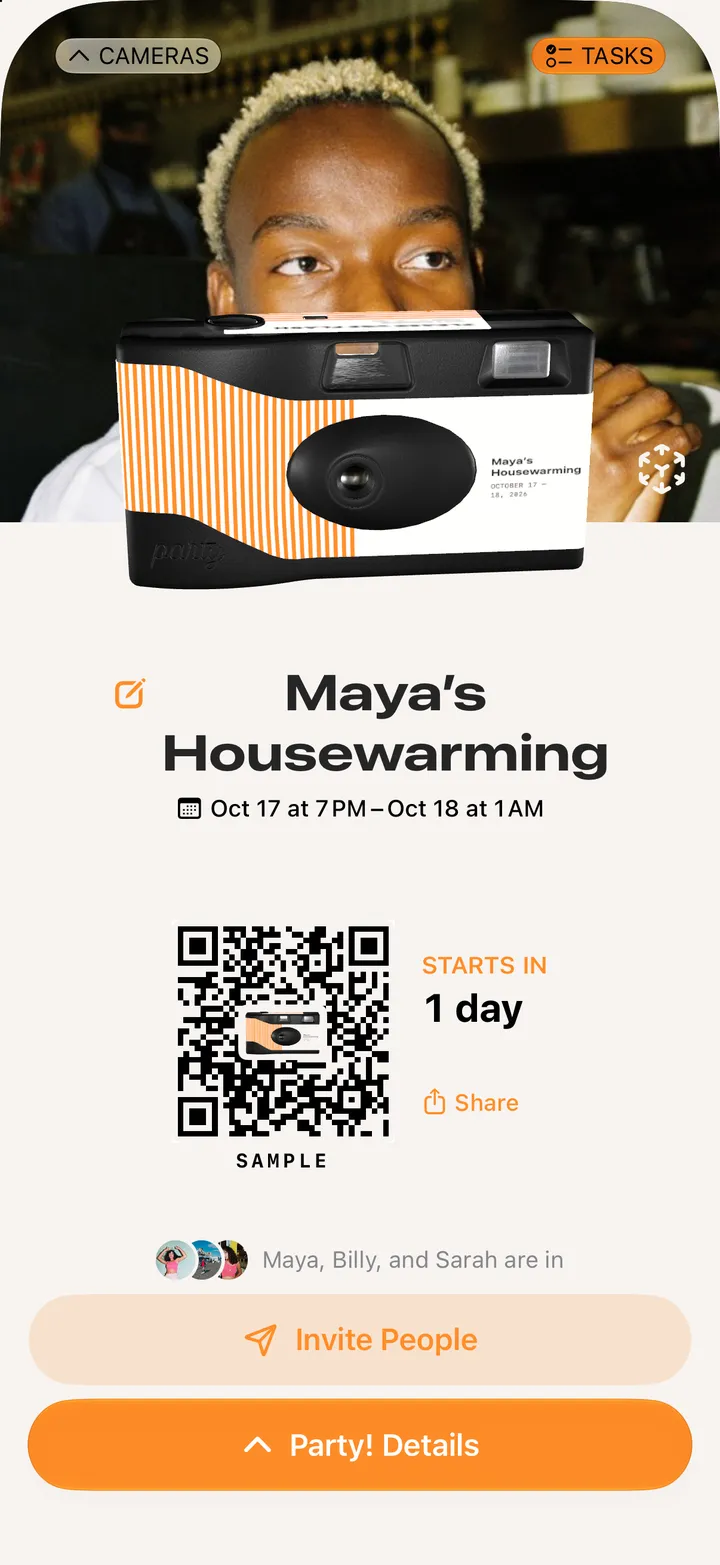
    Tap Party! Details, then Boost

    Step 1: Tap Party! Details, then Boost
  2. 02

    Pick 100 Photos or Unlimited Photos

    Apple asks you to confirm.

    Step 2: Pick 100 Photos or Unlimited Photos

Good to know

  • Anyone on the party can boost it, not just the host.
  • When the roll’s full, the shutter opens Boost instead. Camera Club members get unlimited photos.
  • The app shows the price in your currency. We’ve blurred it here.