Party! guideEnd the party early
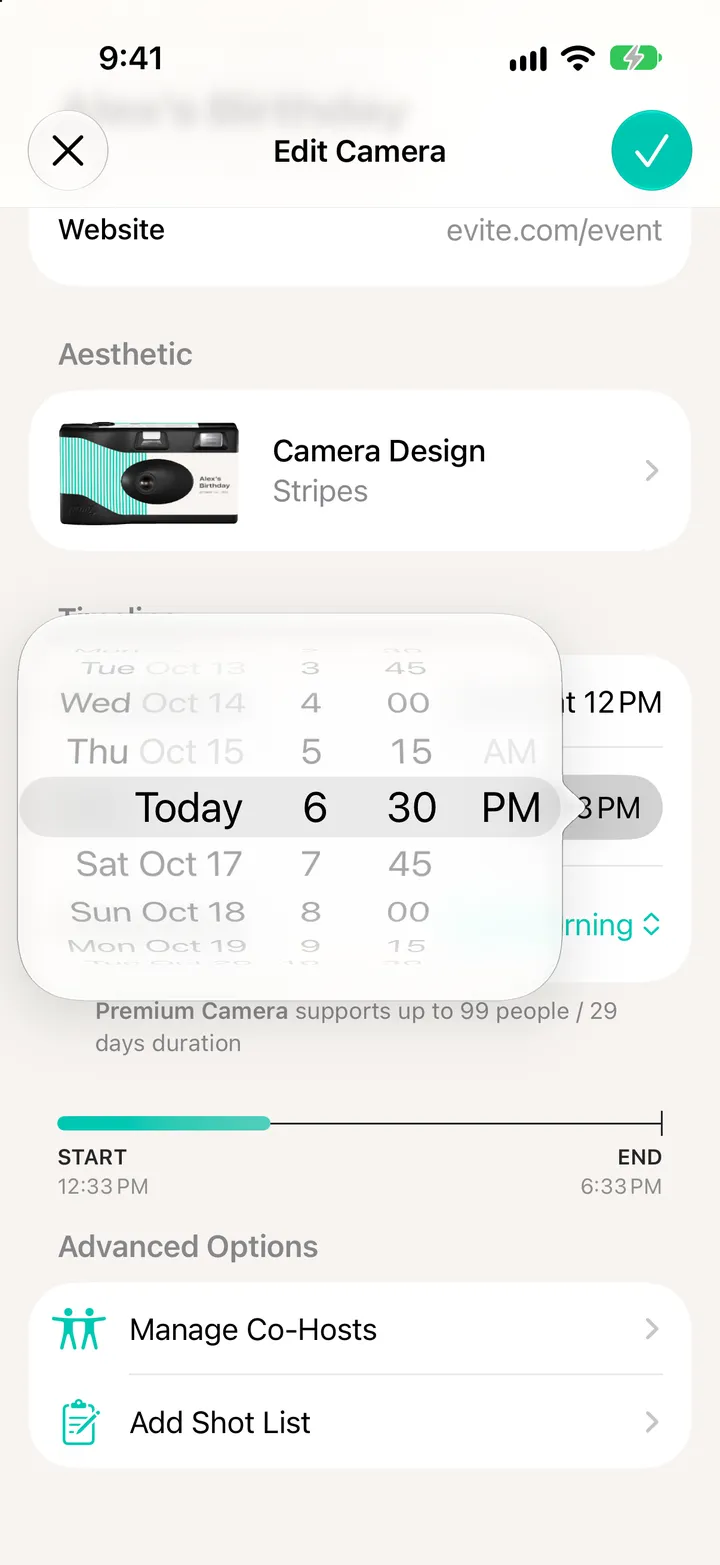
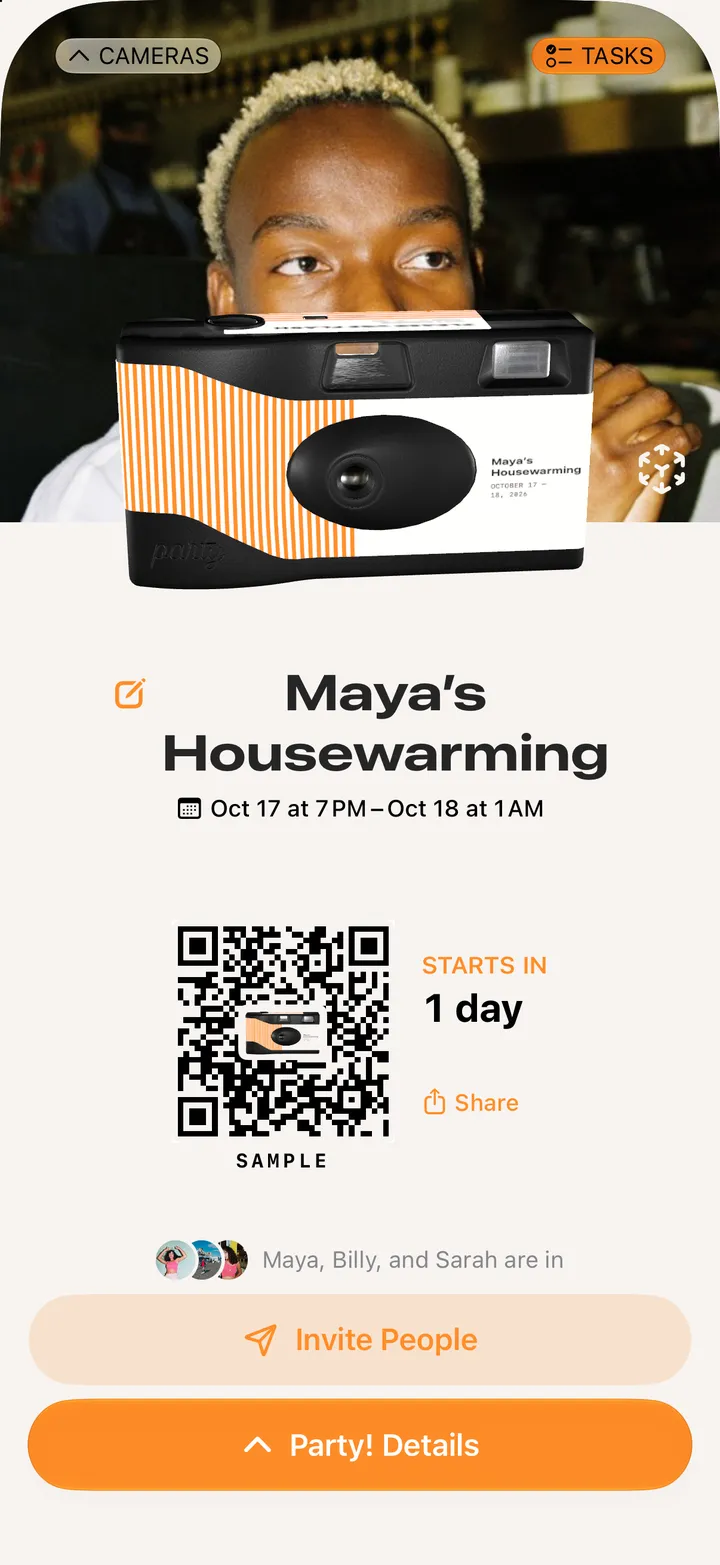
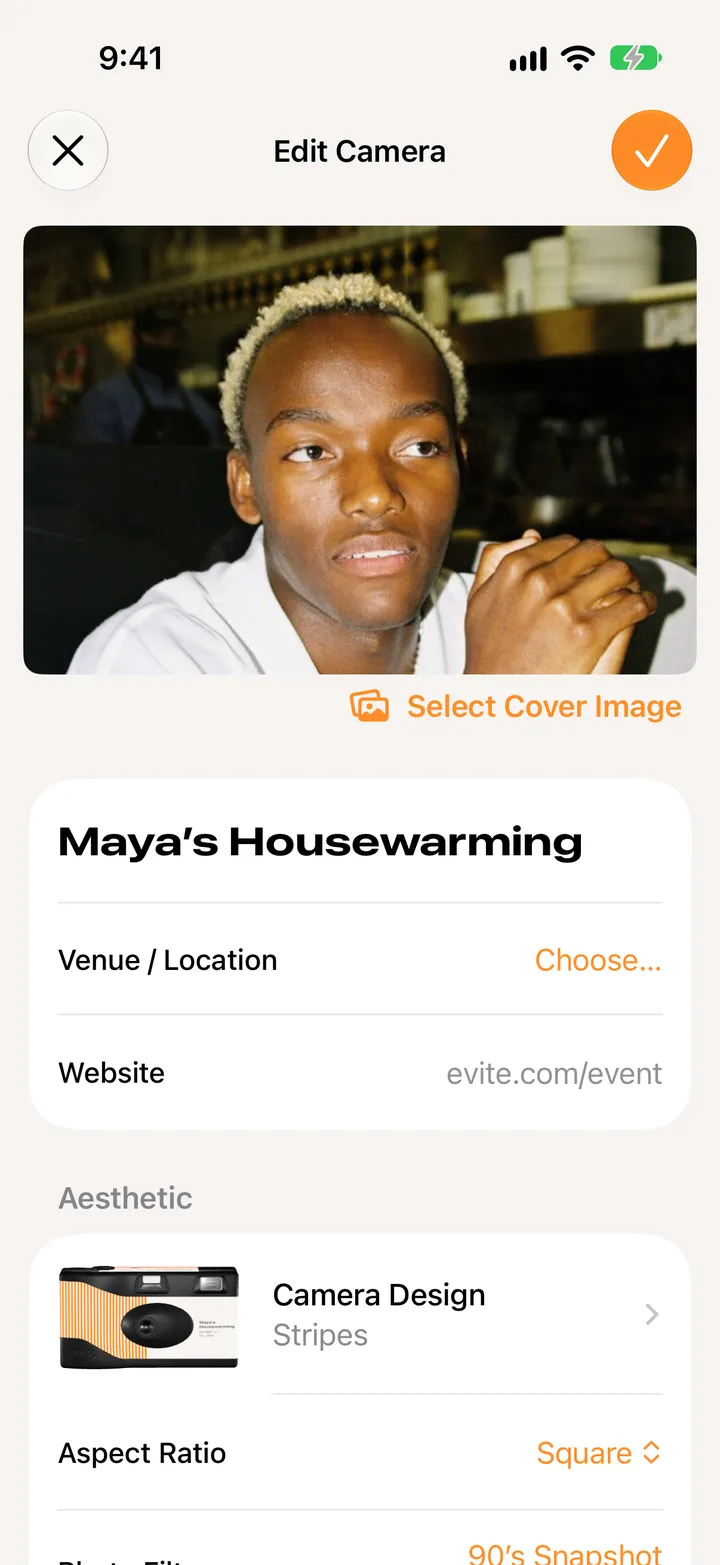
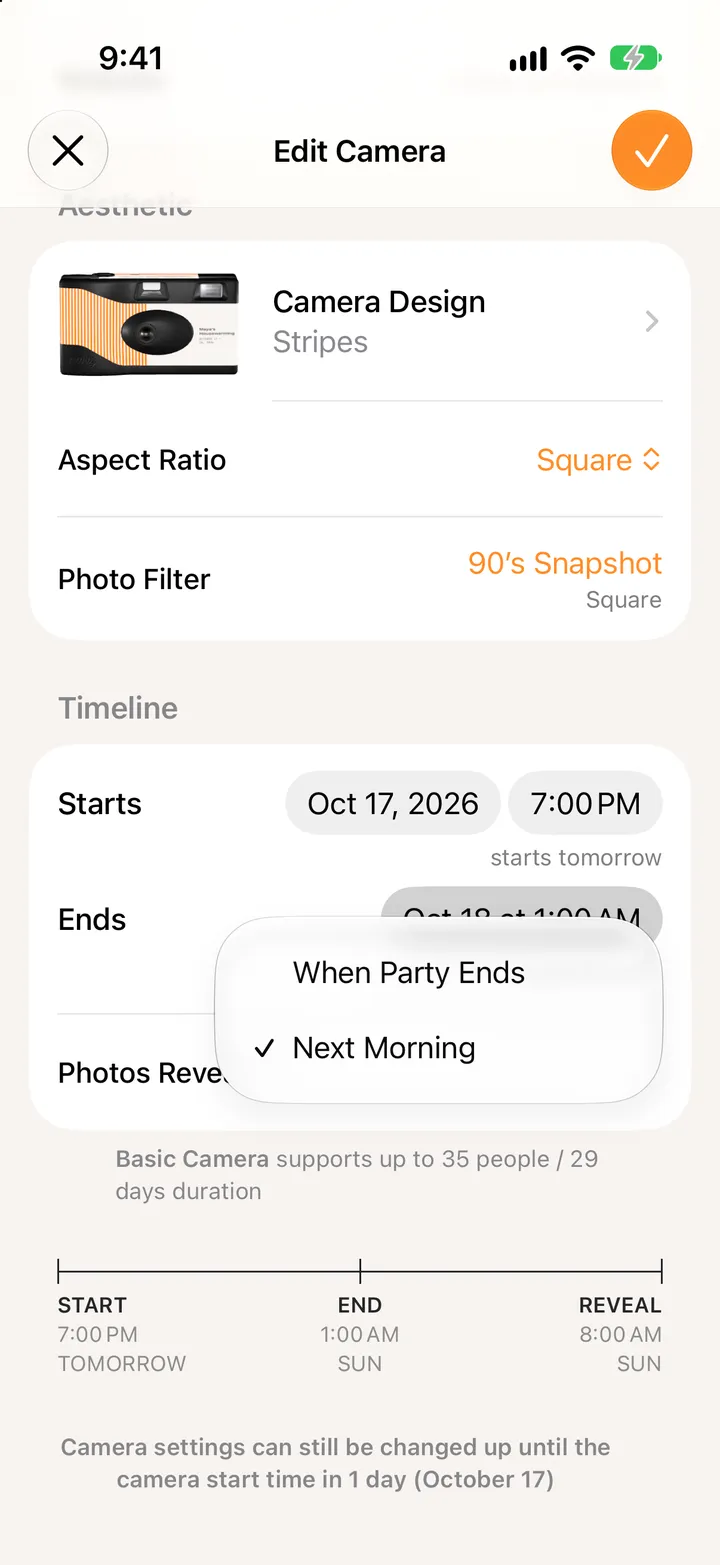
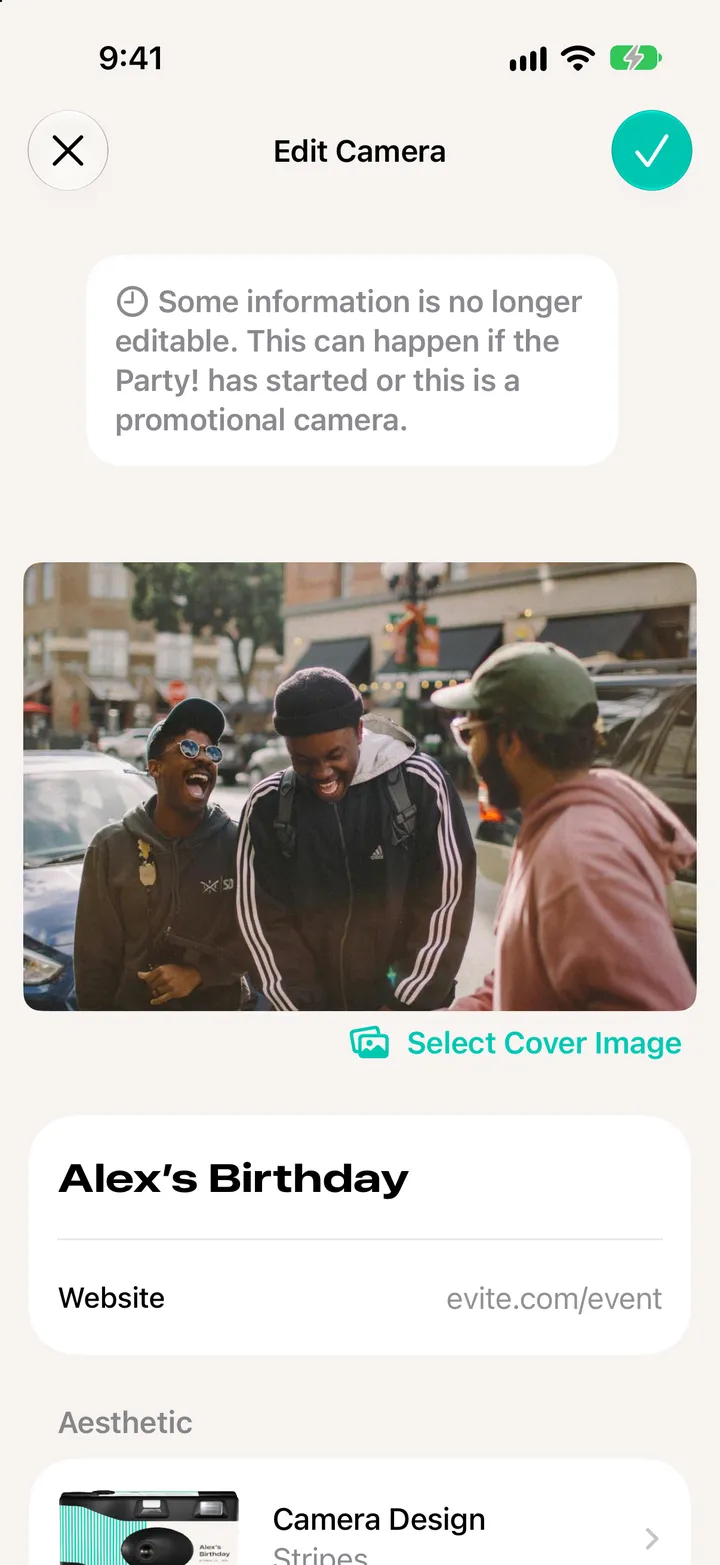
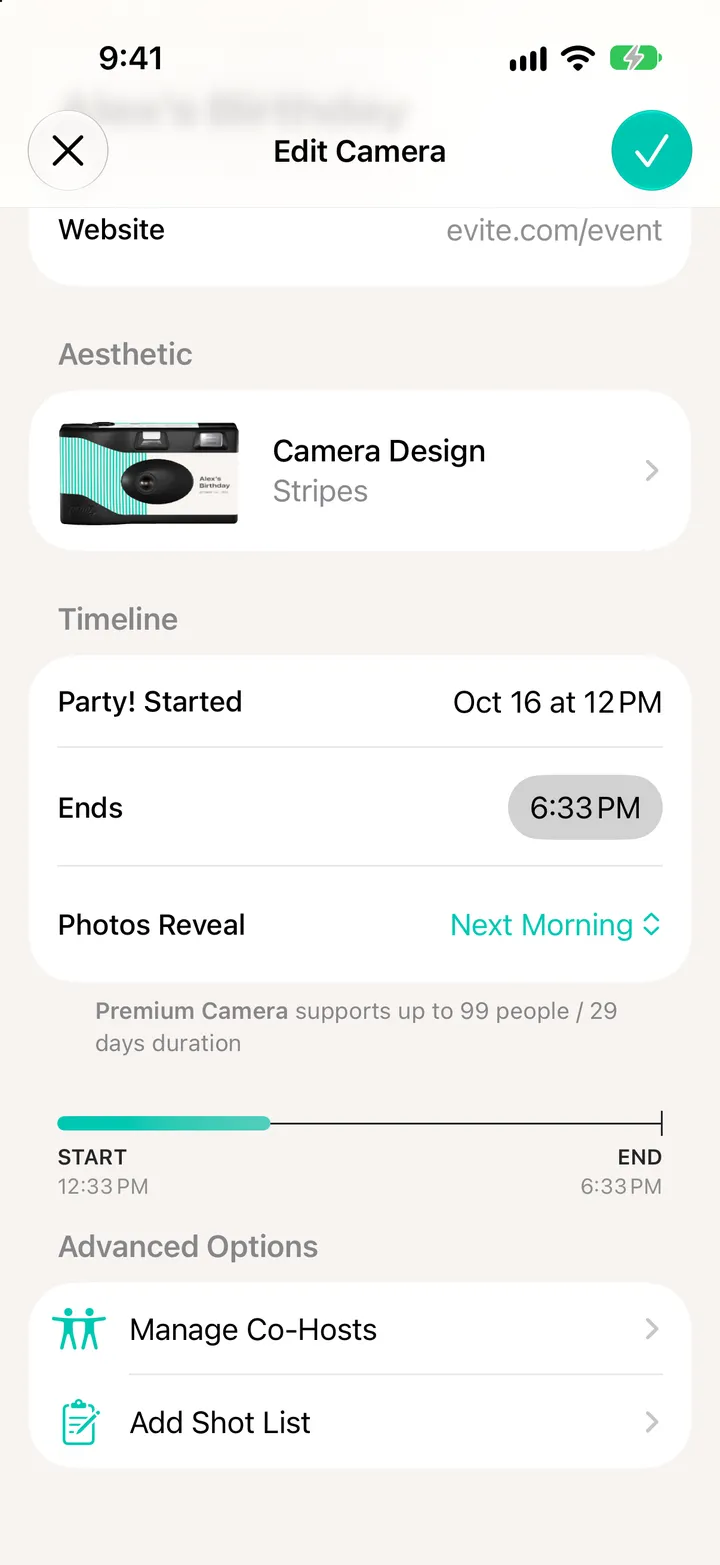
Open Party! Details, tap Edit and move Ends to an earlier time, then tap ✓. It can end as soon as 15 minutes from now.
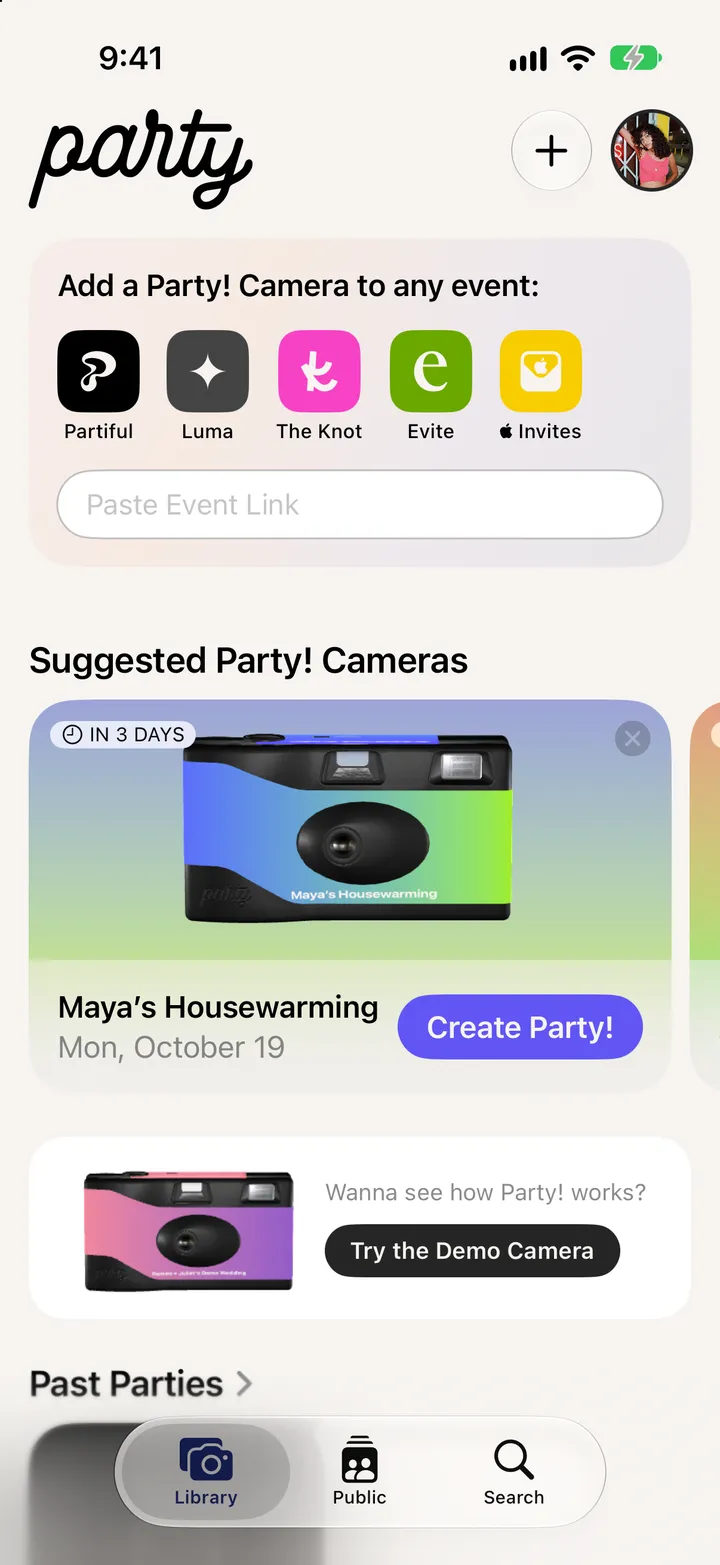
Party! · 2.10 · 4 stepsOnce the party’s started, some things are set. The end time isn’t.
Or a later one, to keep it going.