Party! guidePrint table cards with the Promo Kit
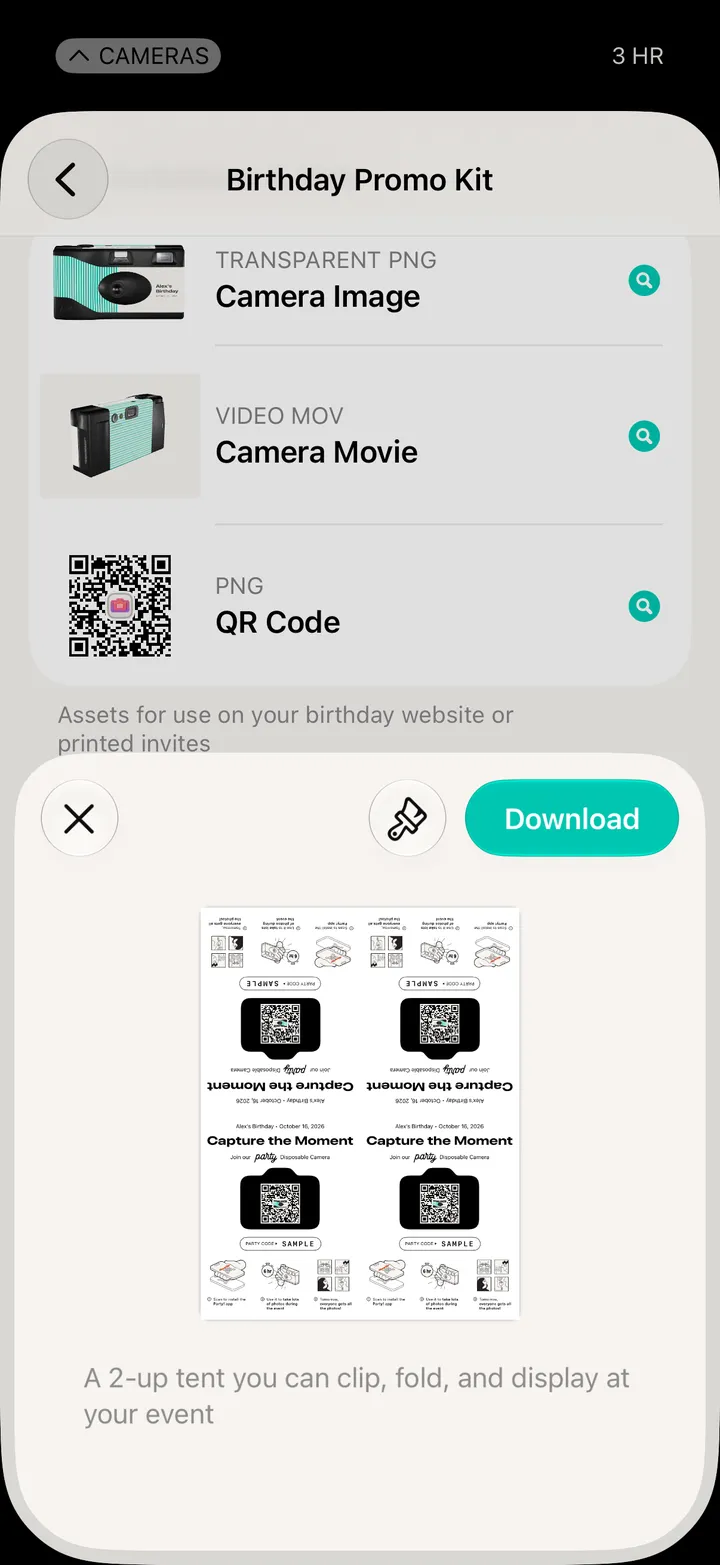
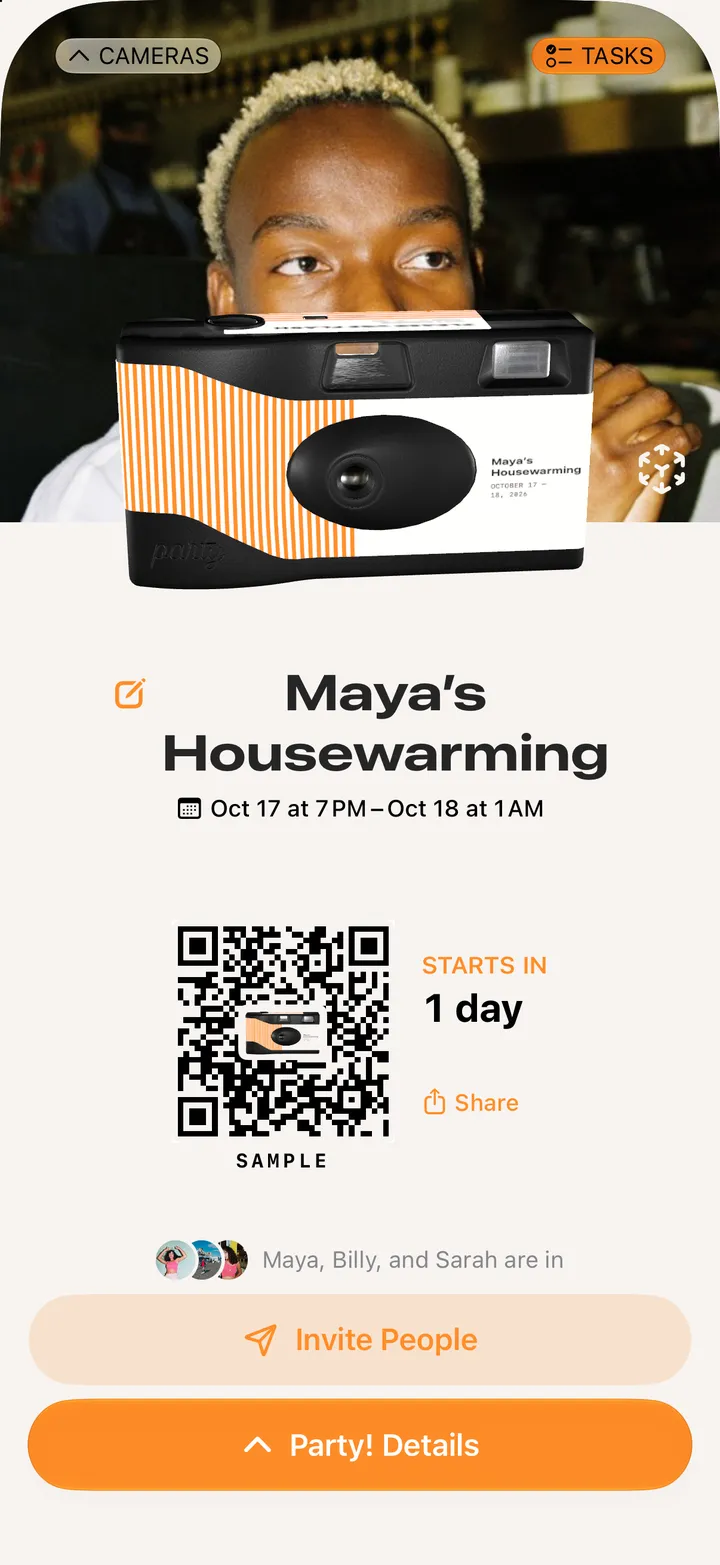
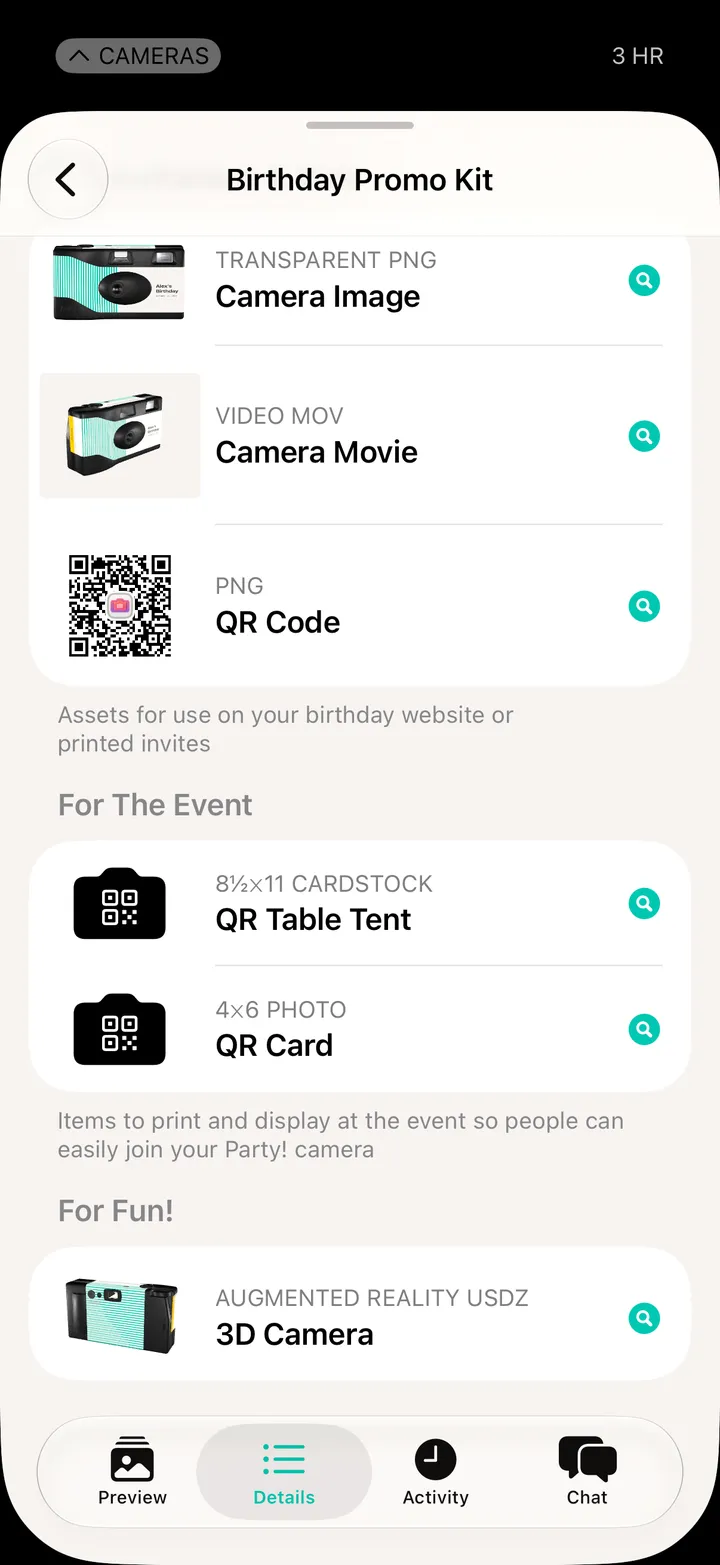
On a Premium camera, open Party! Details and tap Promo Kit. Under For The Event, pick QR Table Tent or QR Card and tap Download.
Party! · 2.3 · 3 steps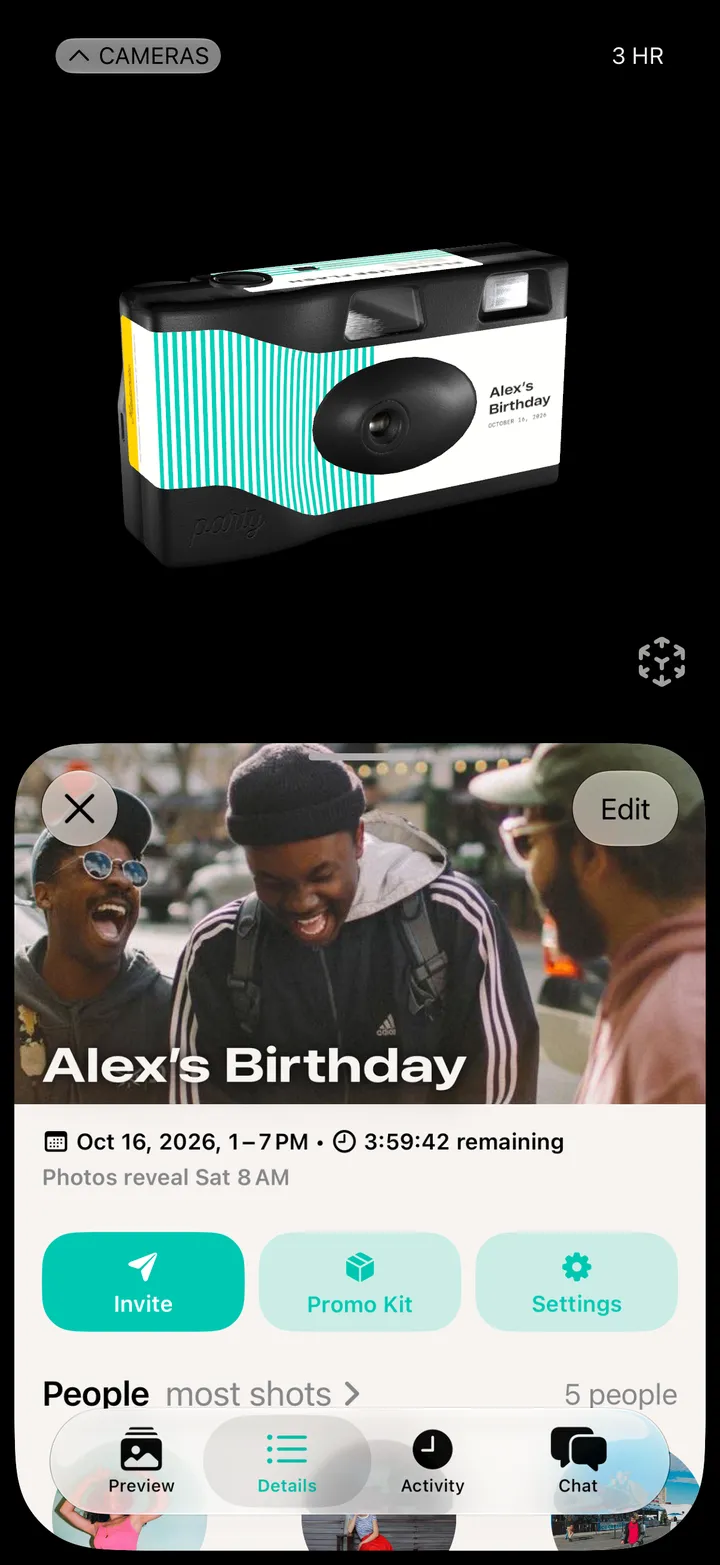
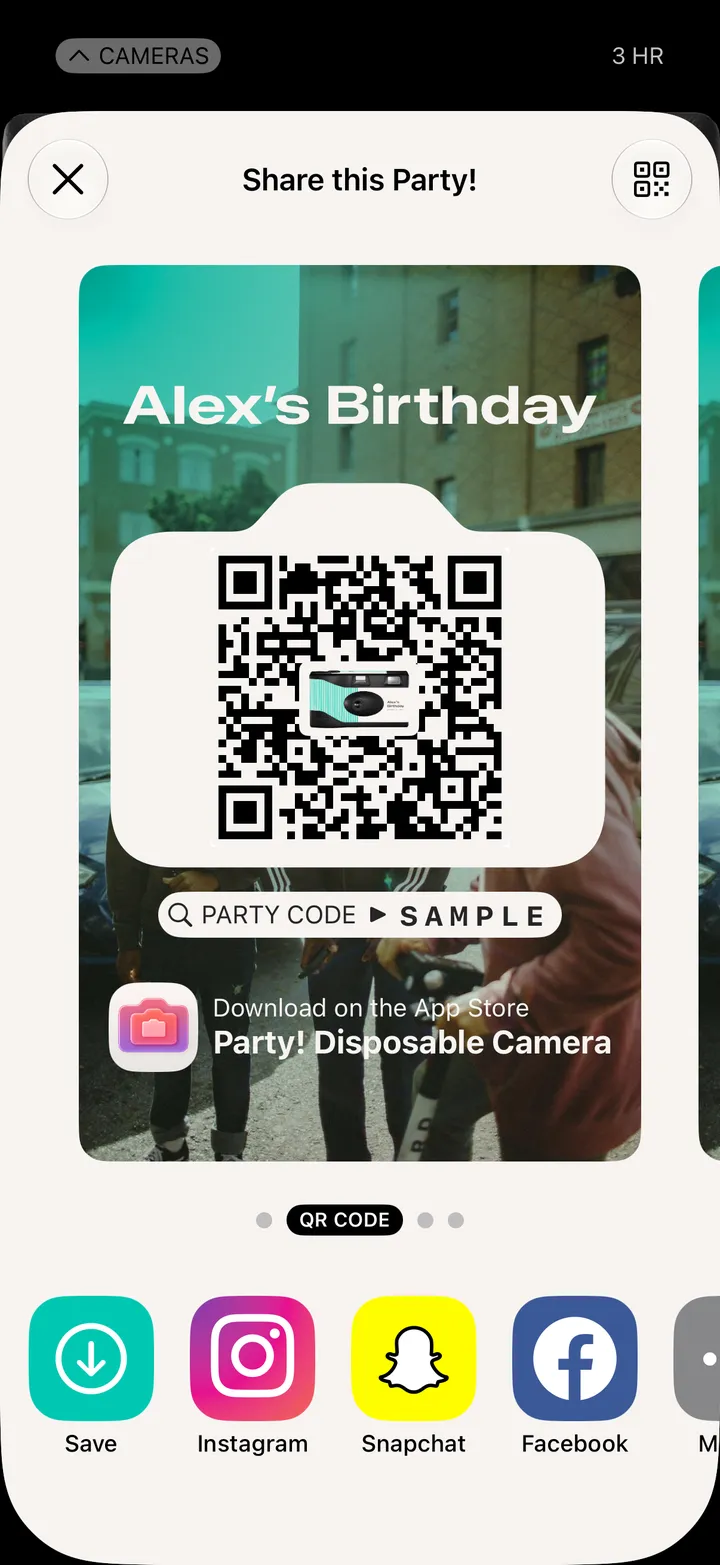
QR Table Tent prints on 8½×11 cardstock. QR Card is a 4×6 photo for a frame.
Clip, fold and set them out.