Party! guideSave or share photos before the reveal
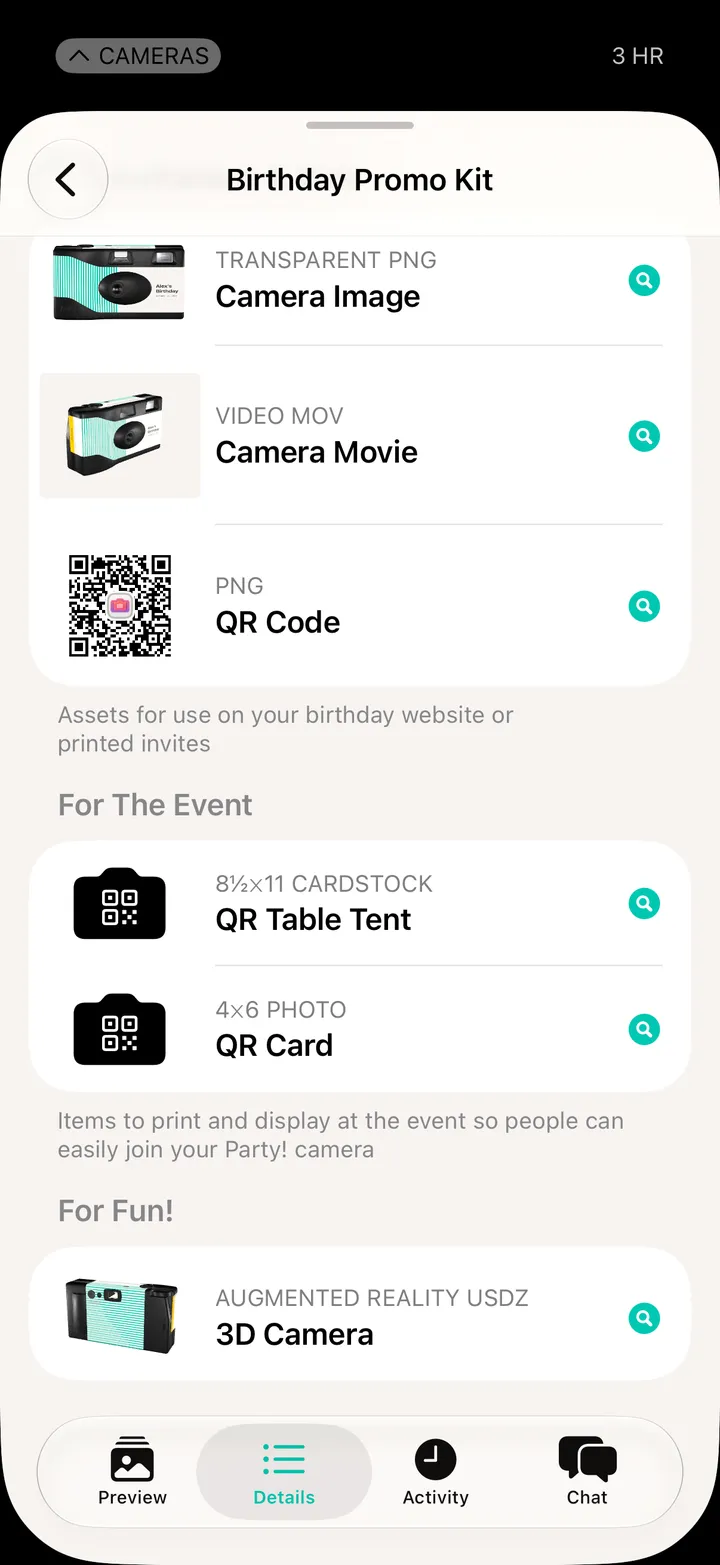
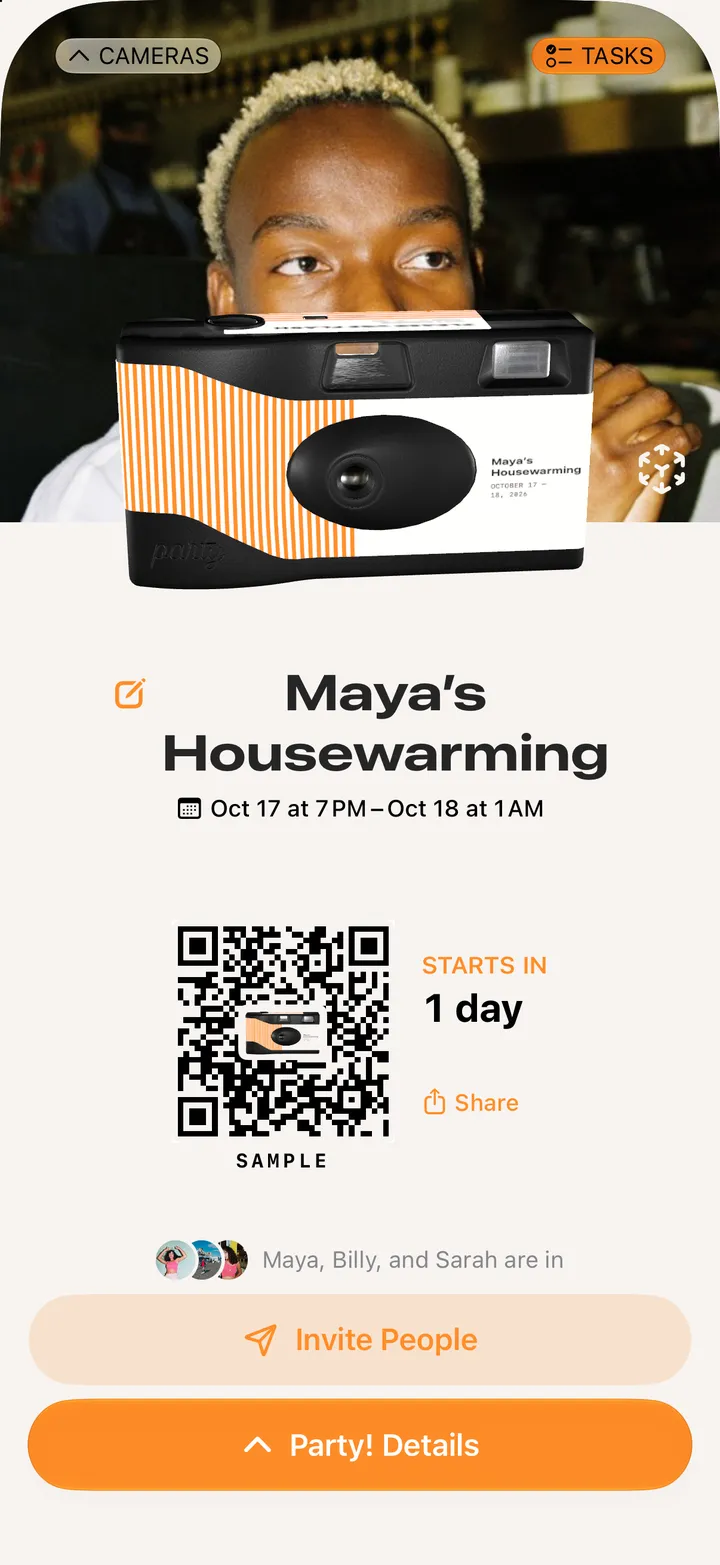
On a Premium camera, open Party! Details and tap Preview. Save All saves every photo so far, and Share Flipbook plays them as a video.
Party! · 2.14 · 4 steps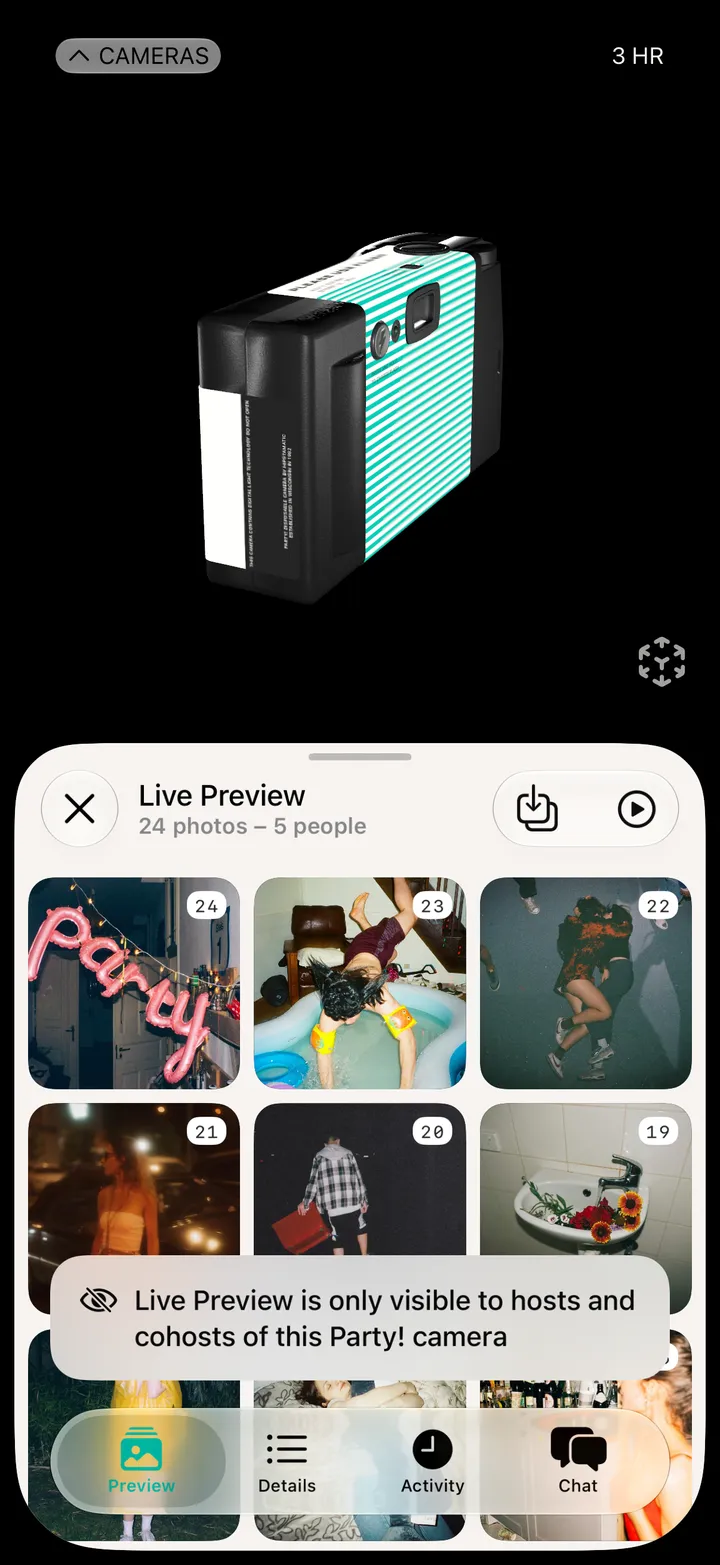
The tray, top right. Every photo so far goes to your Photos.
The play button, next to it.
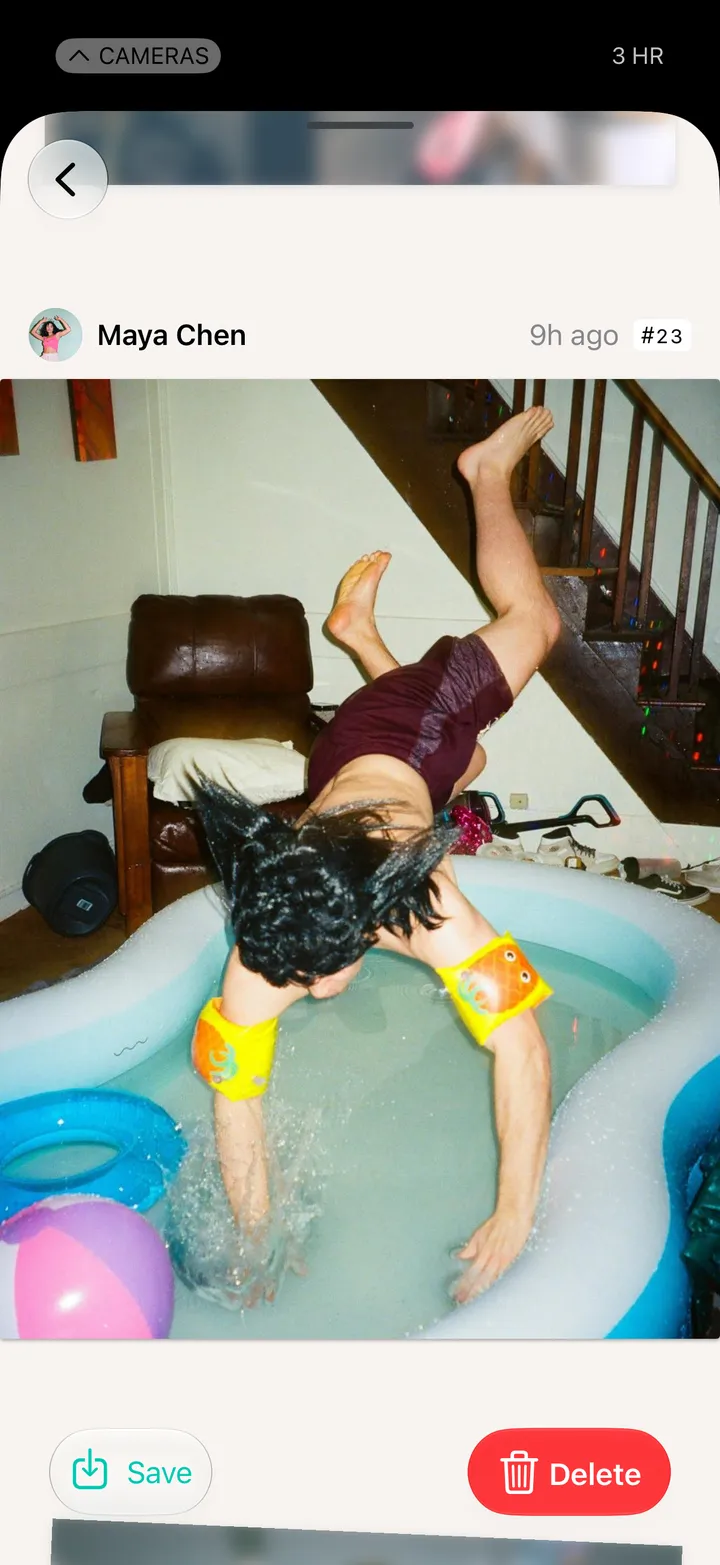
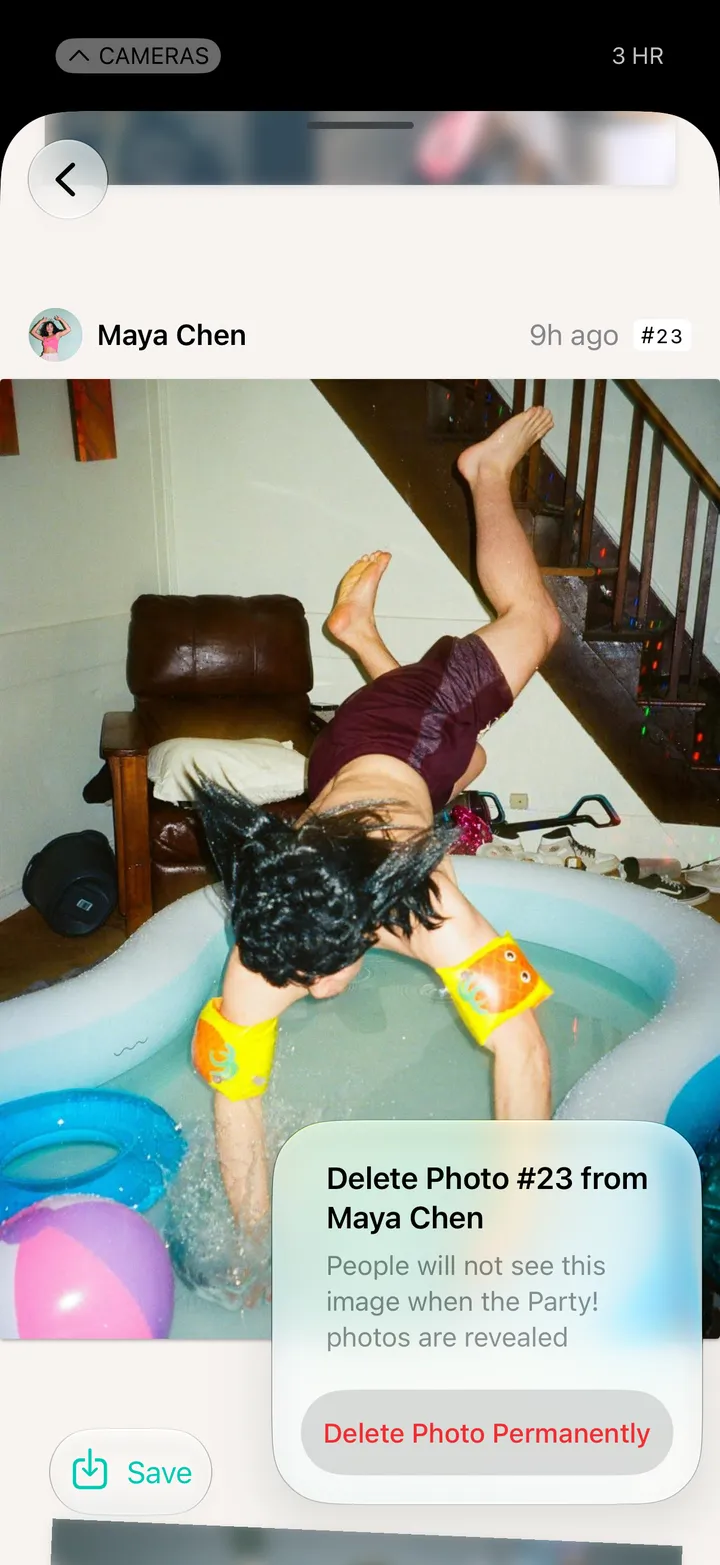
Tap a photo, then Save: to Photos or to Files.