Party! guideChange the camera’s design

In Edit, tap Camera Design. Pick a label, a color and light or dark, then tap ✓.

Party! · 2.9 · 4 steps
  1. 01

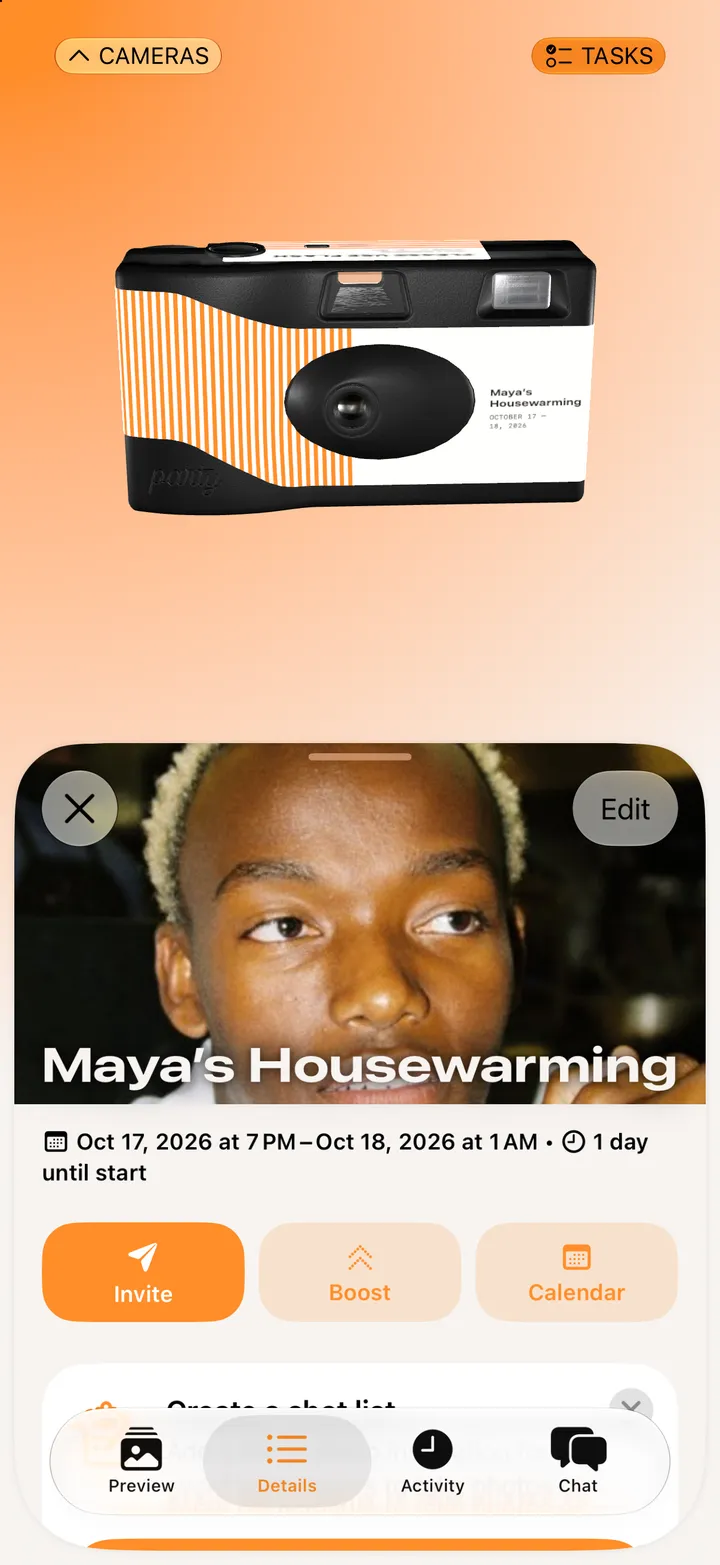
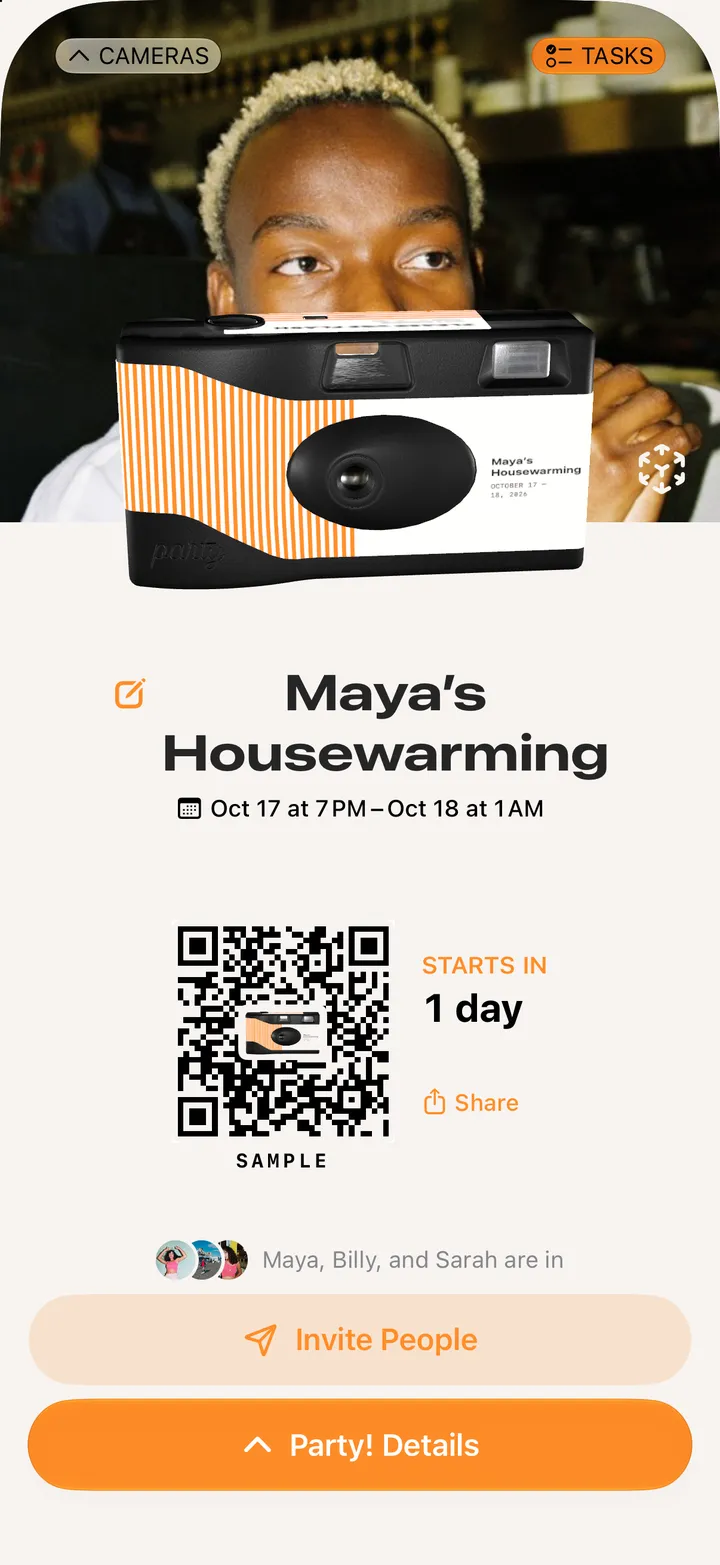
    Tap Party! Details, then Edit

    Step 1: Tap Party! Details, then Edit
  2. 02

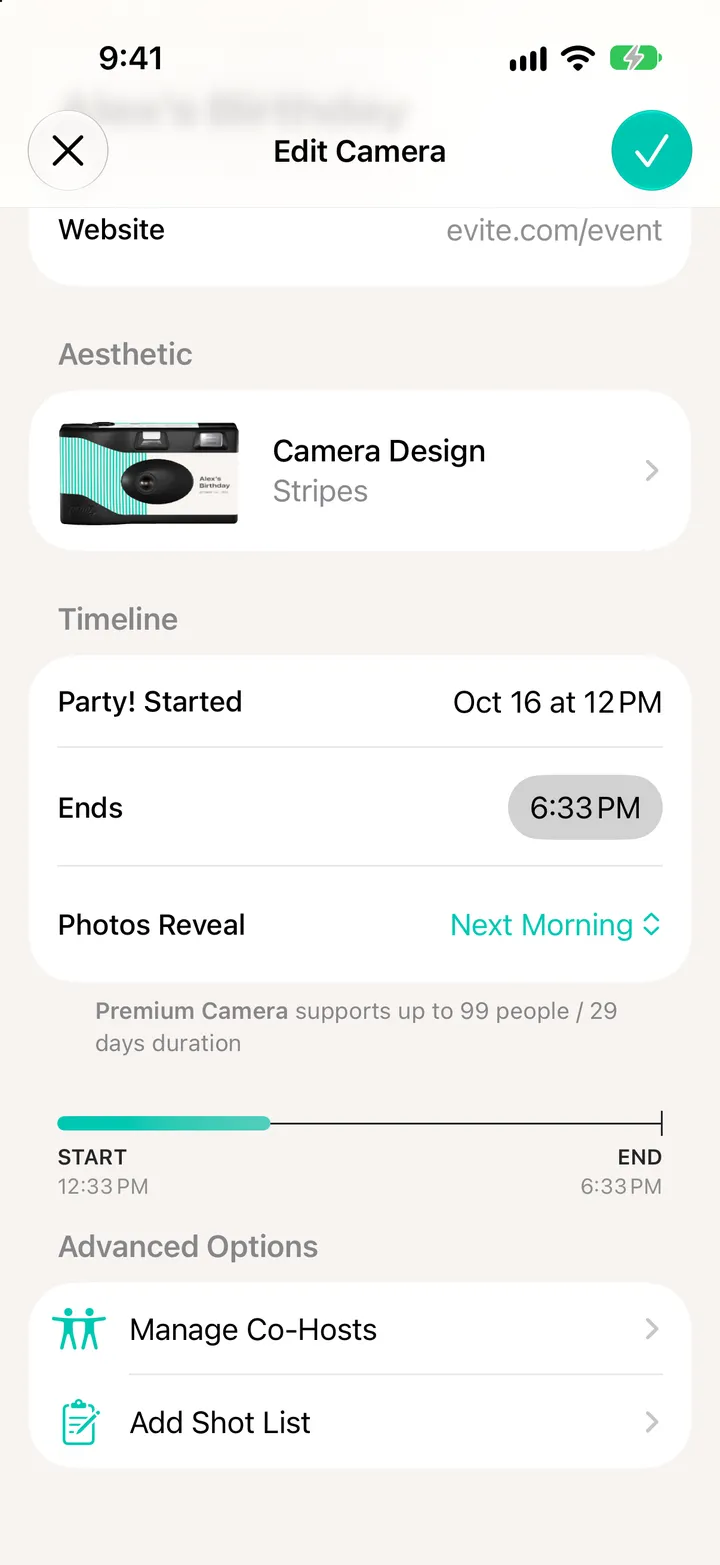
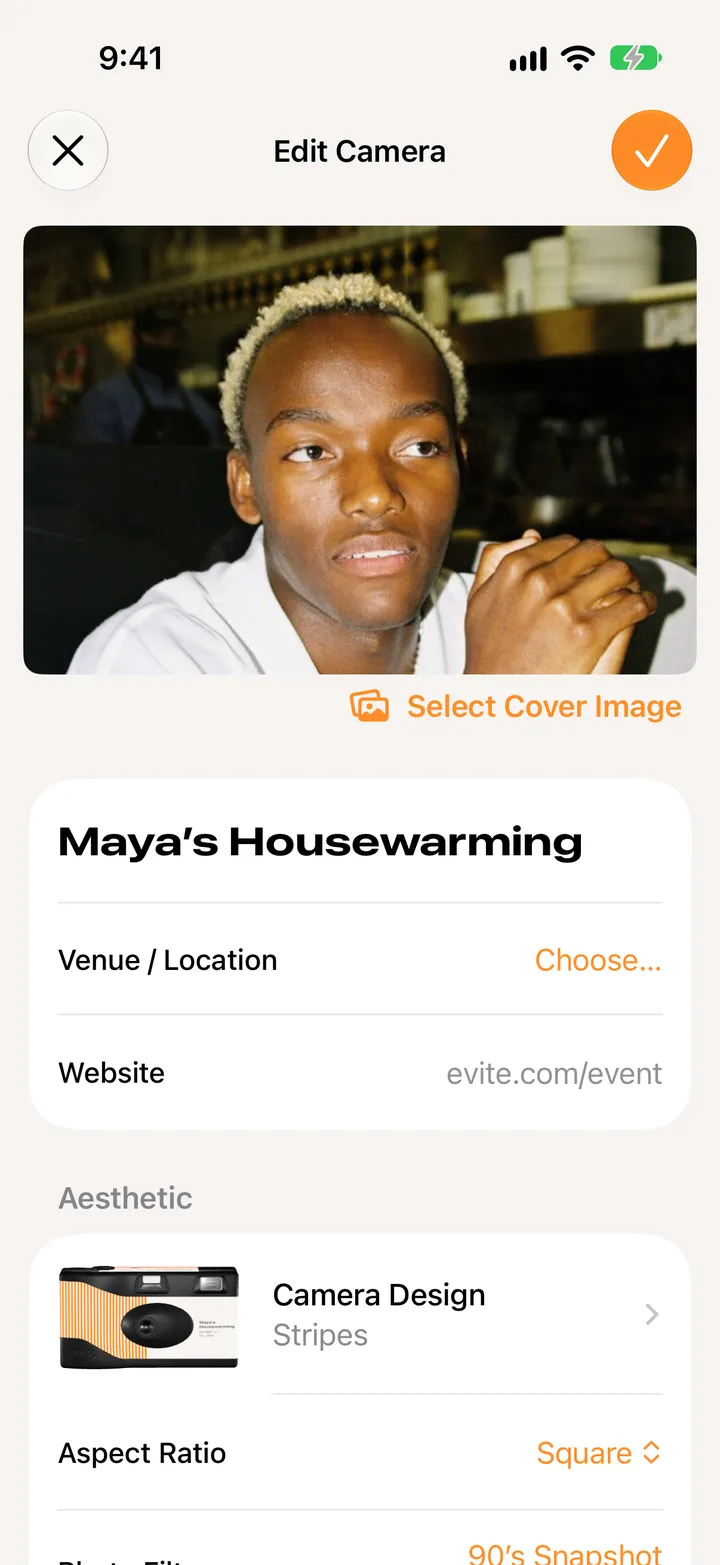
    Tap Camera Design

    Step 2: Tap Camera Design
  3. 03

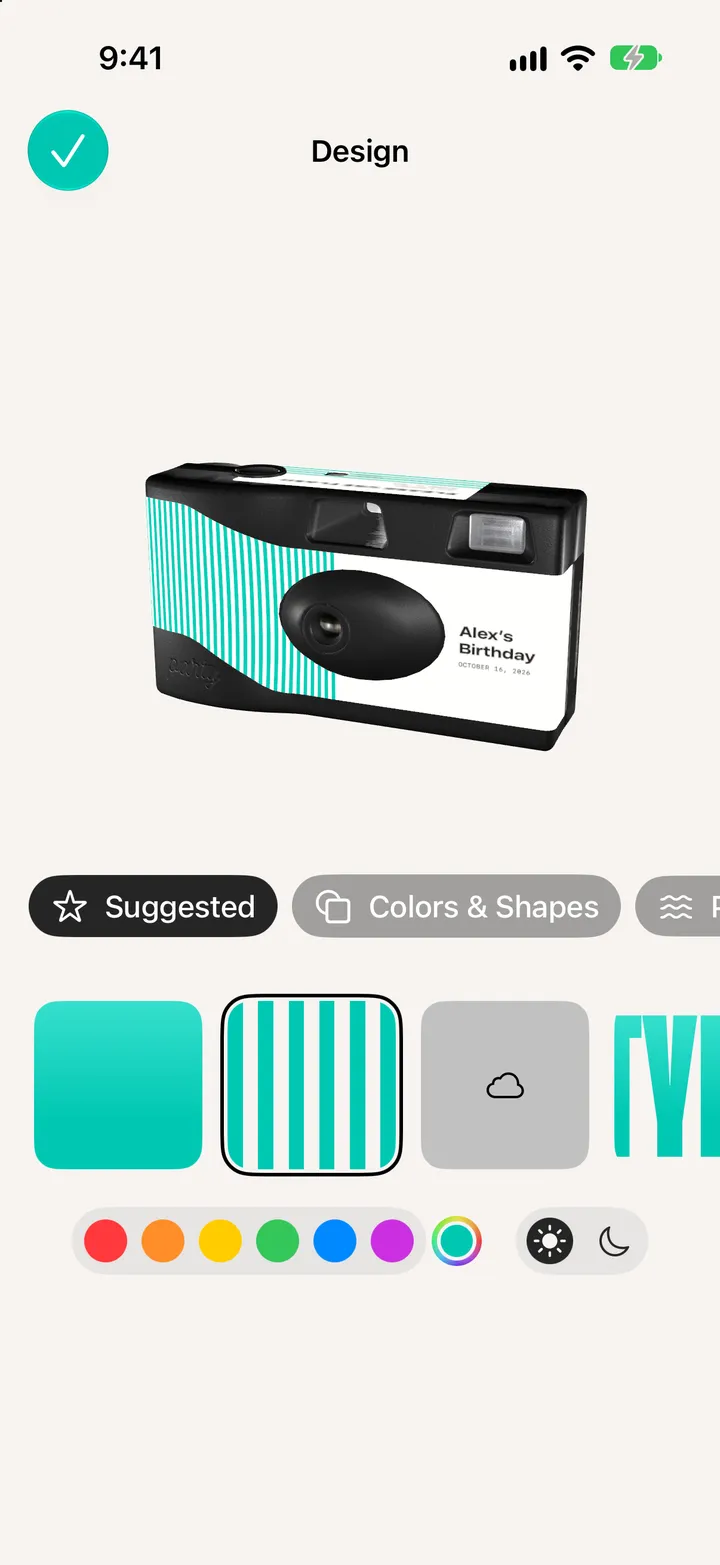
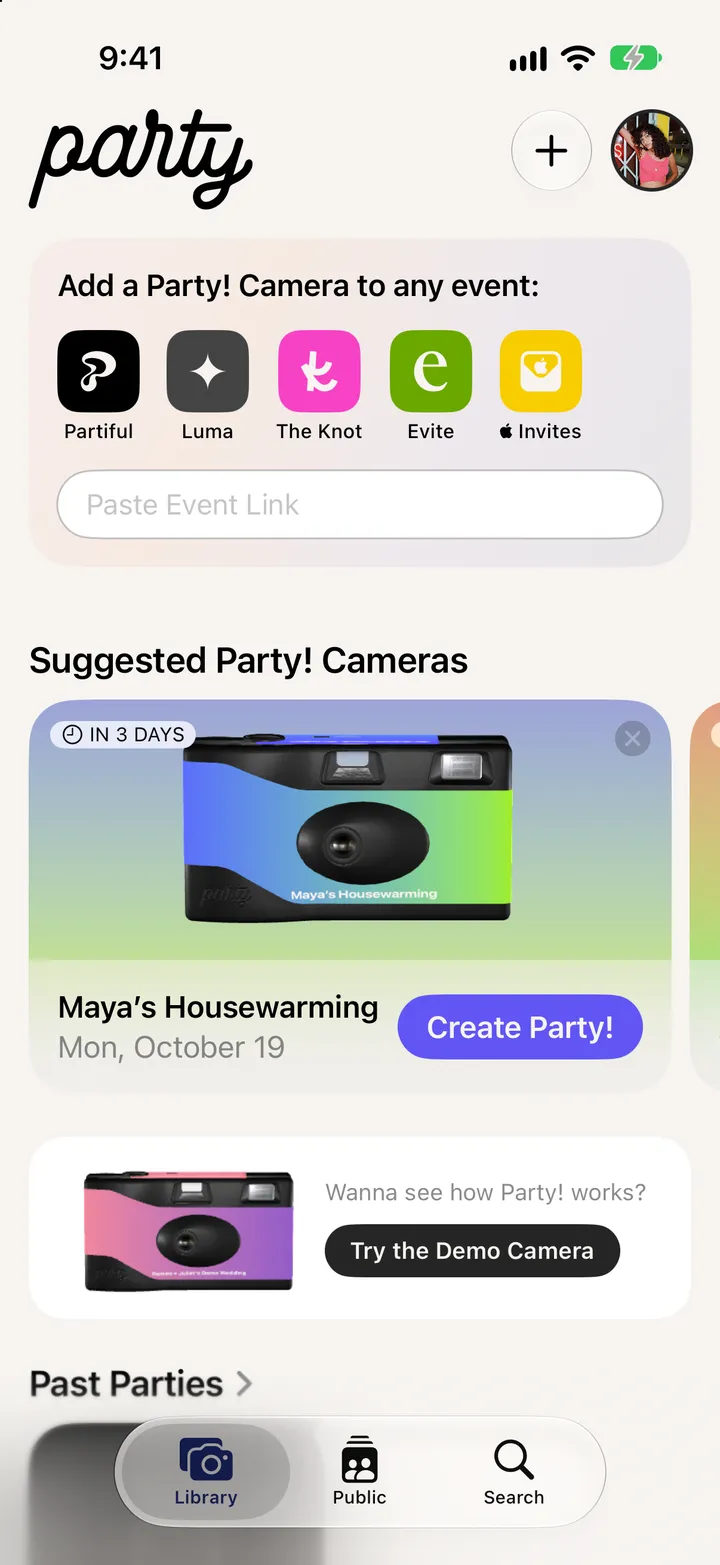
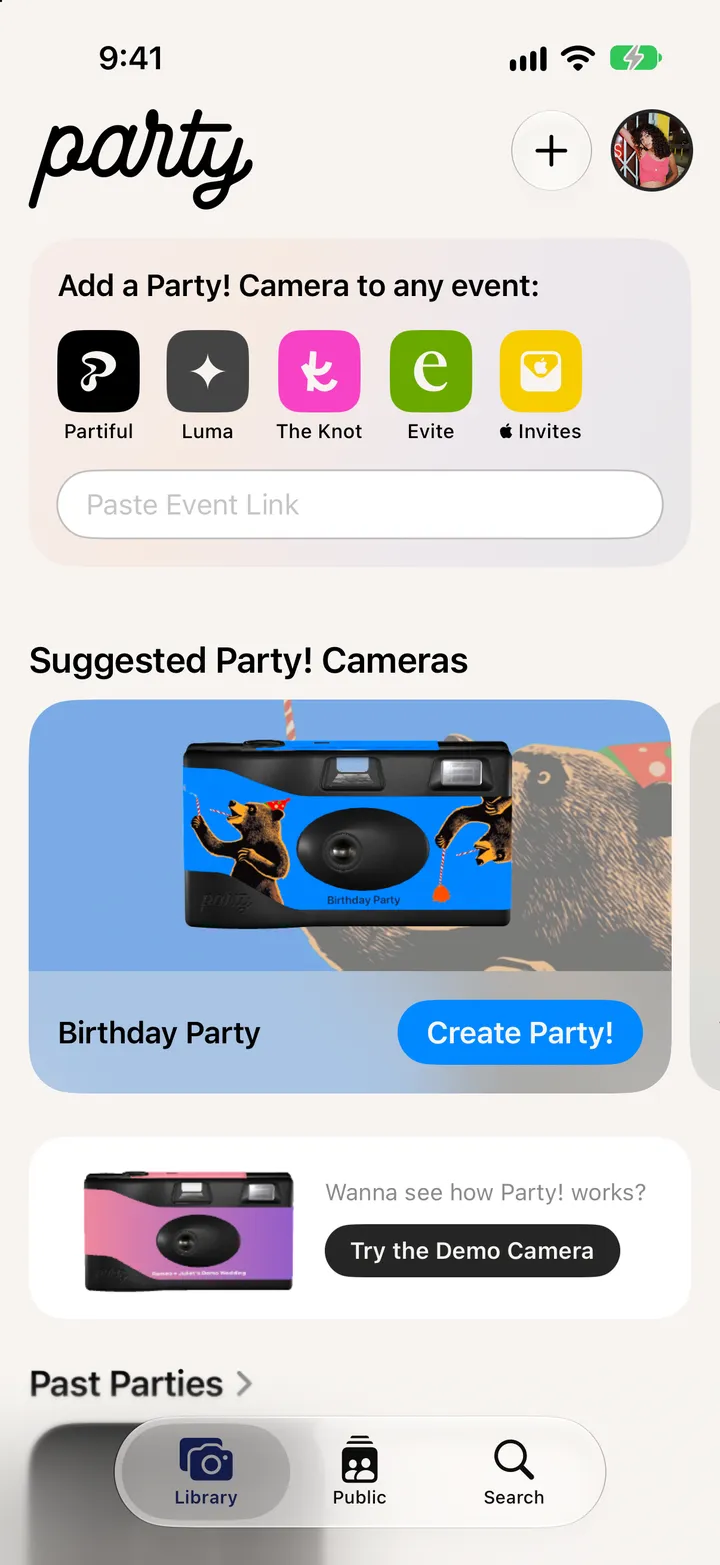
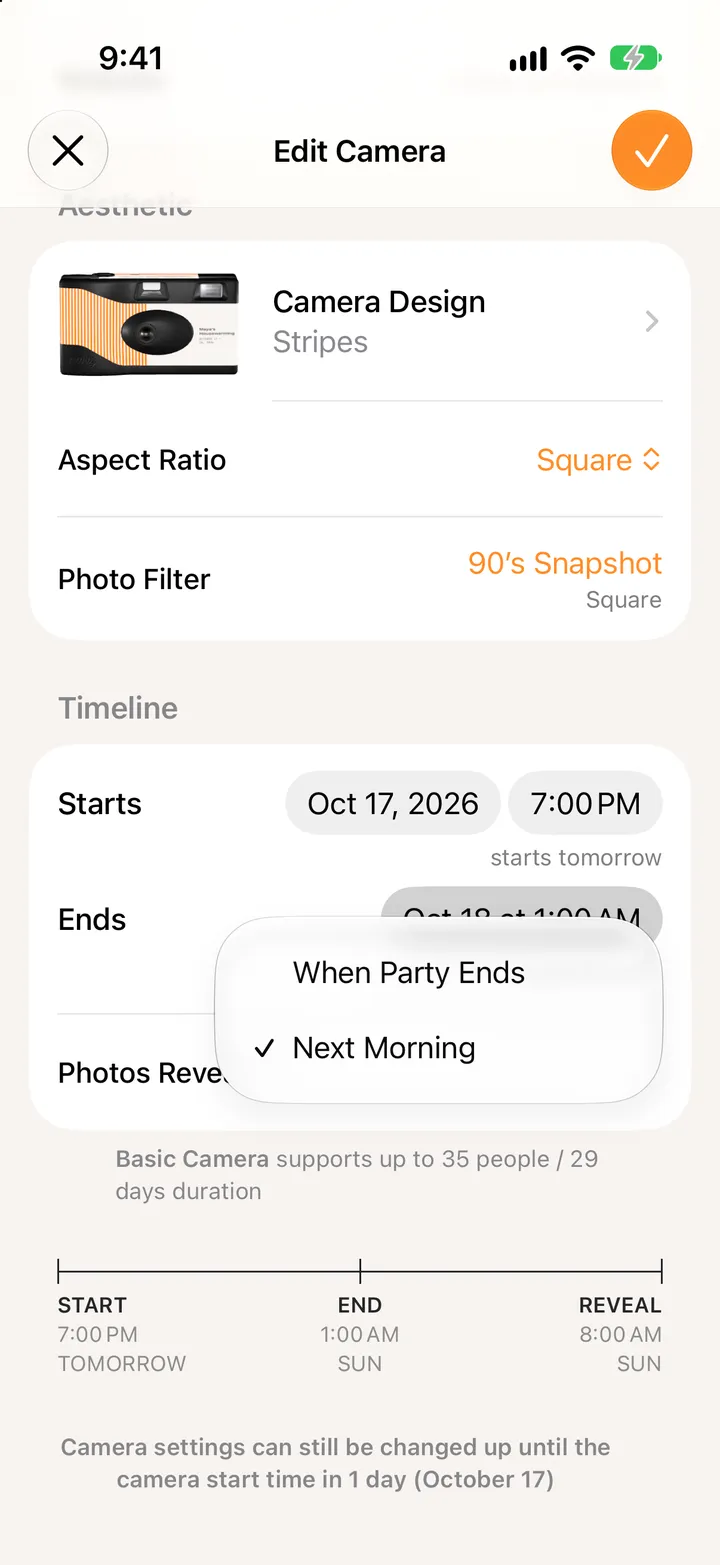
    Pick a label and a color

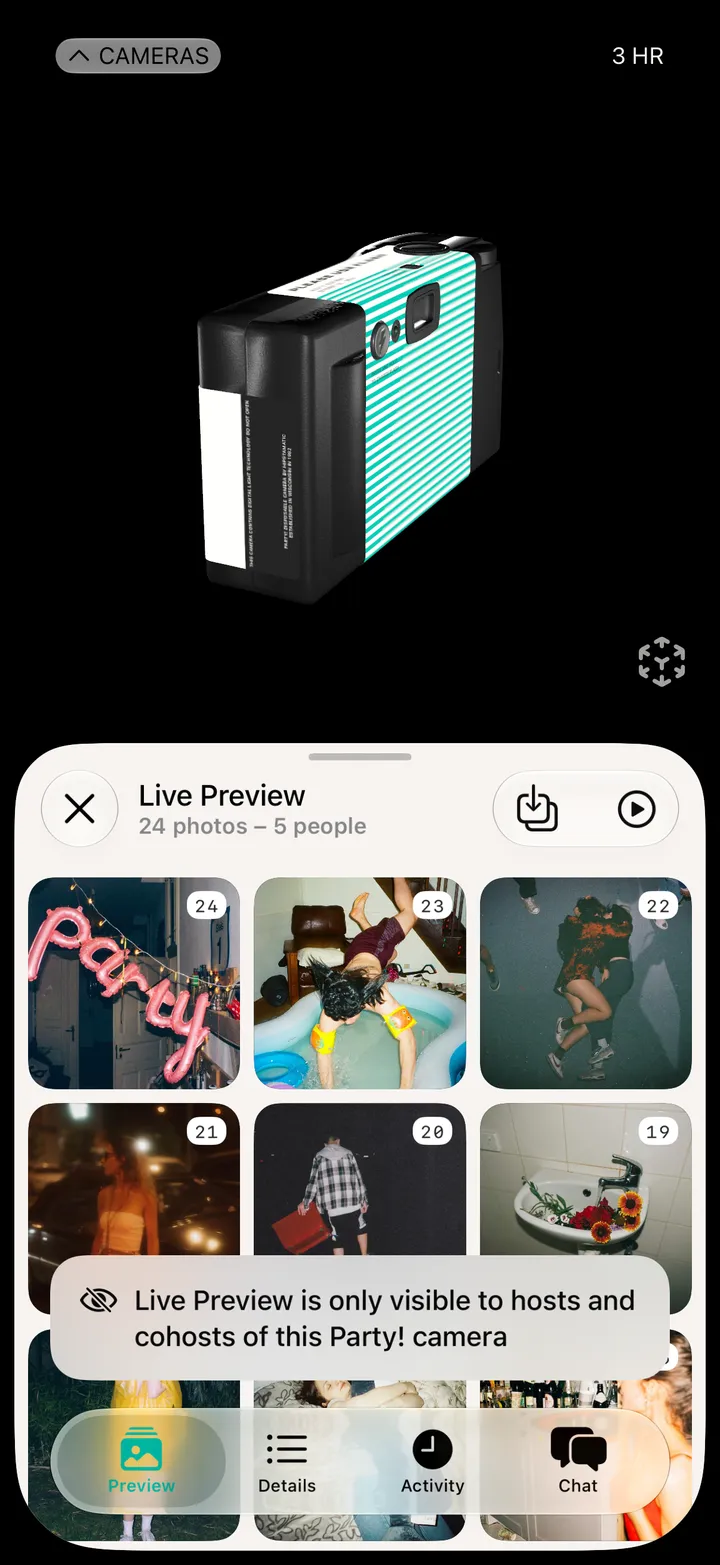
    Swipe through Suggested, Colors & Shapes and the rest. The camera turns to show it off.

    Step 3: Pick a label and a color
  4. 04

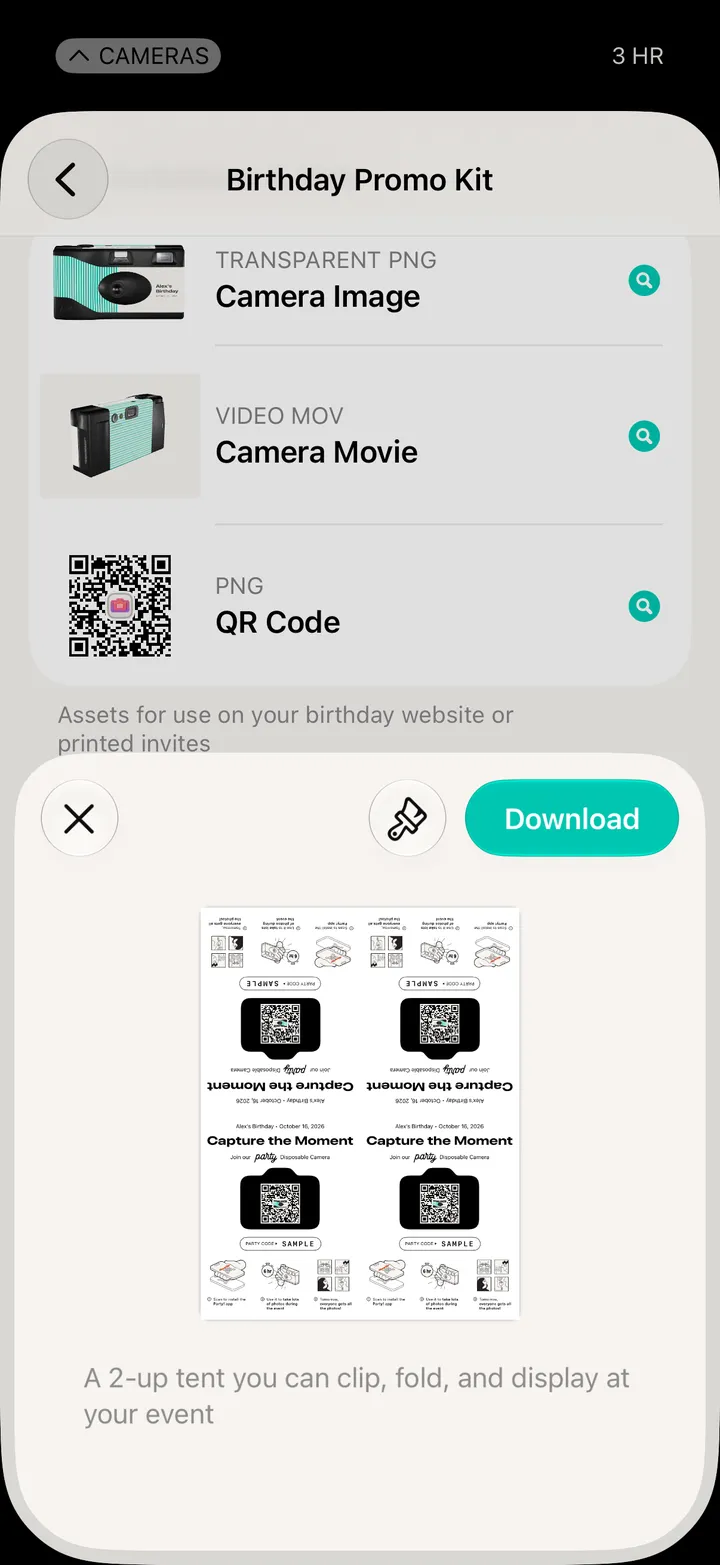
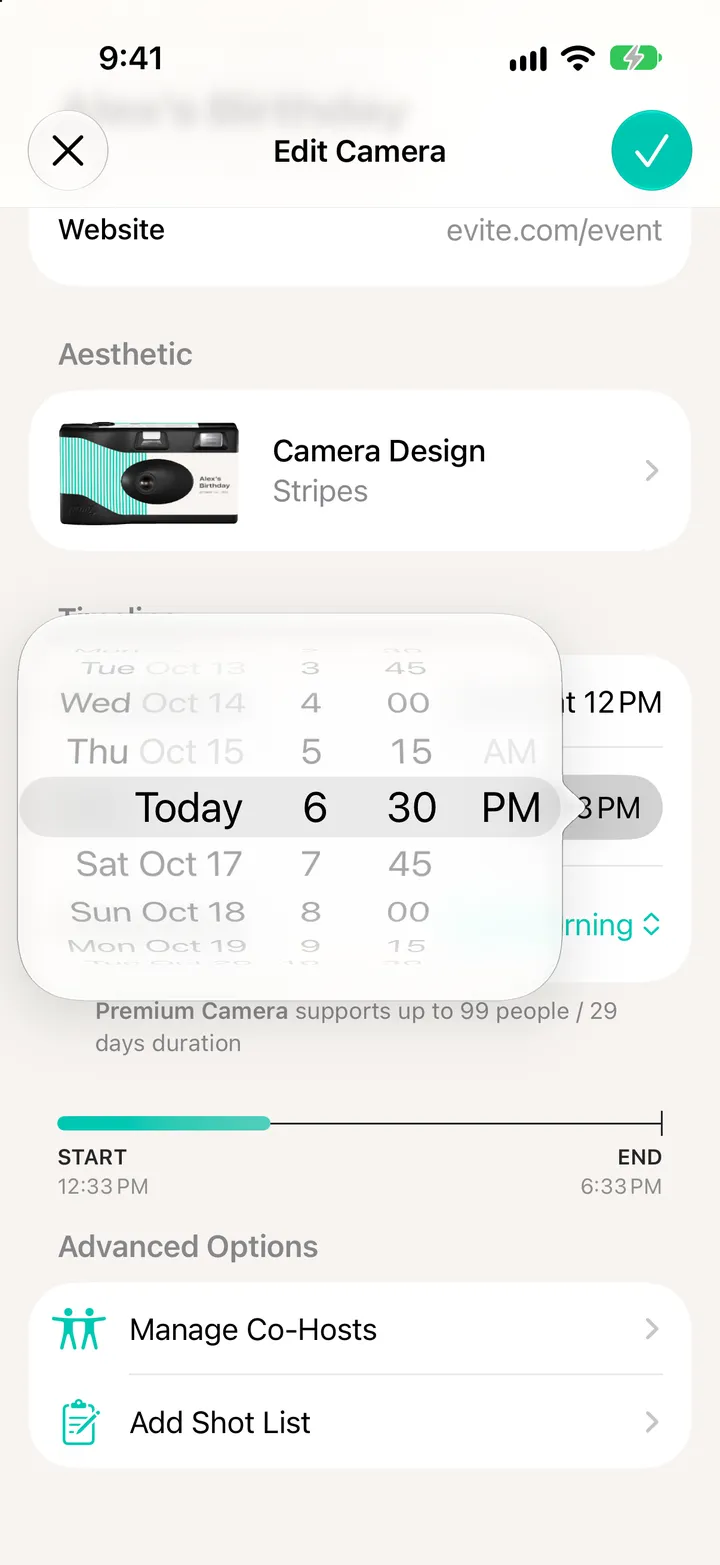
    Tap ✓

    Step 4: Tap ✓

Good to know

  • Some designs need a Deluxe camera. Party! tells you when you pick one.