Party! guideMake a camera from an invite link
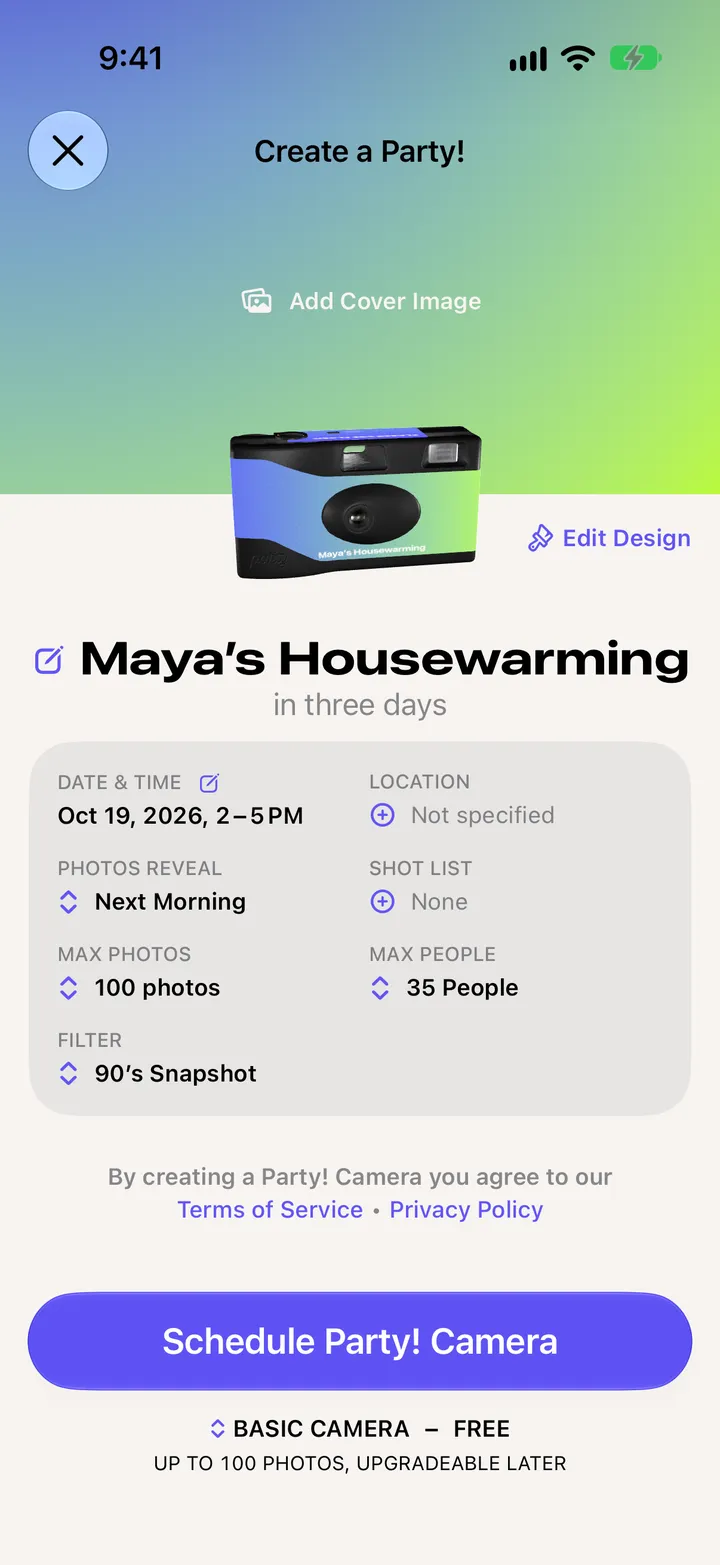
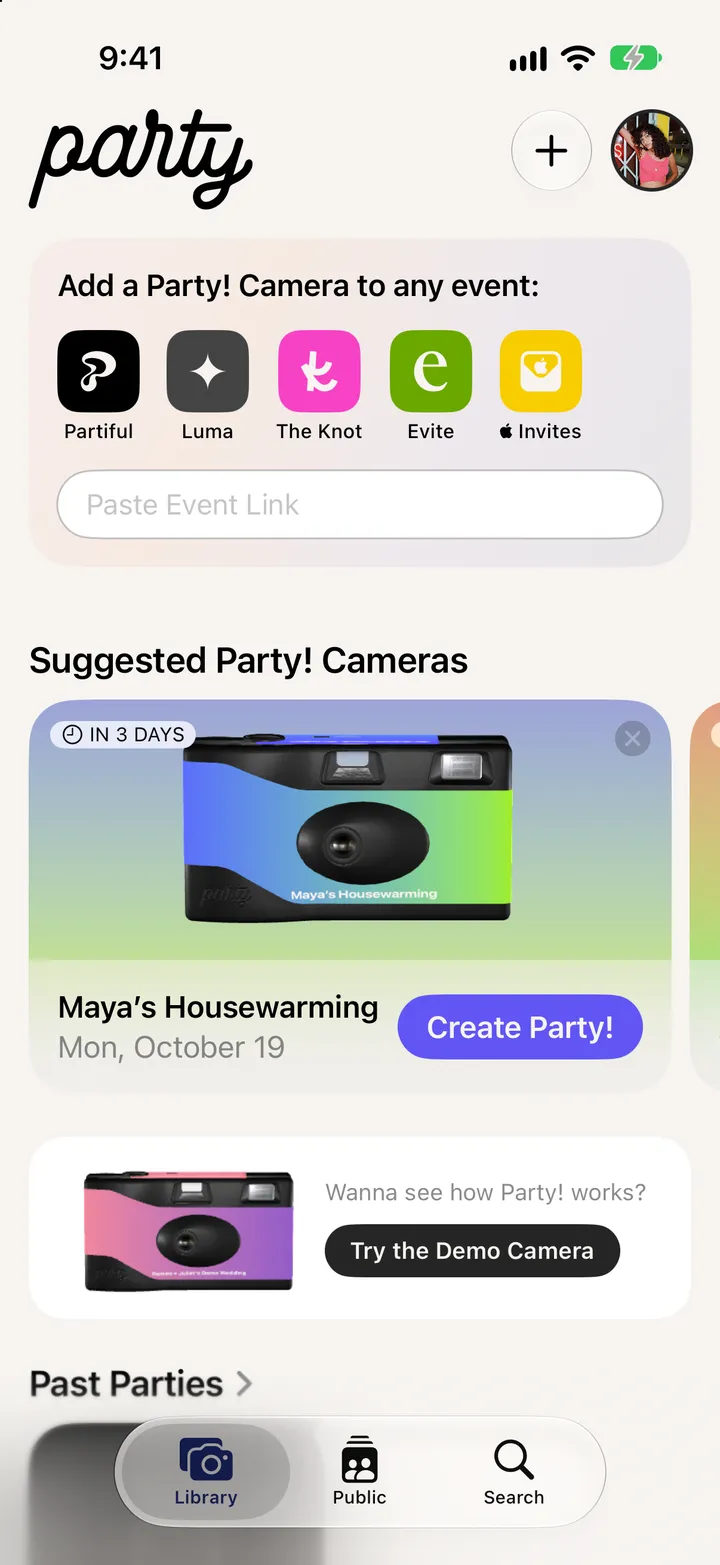
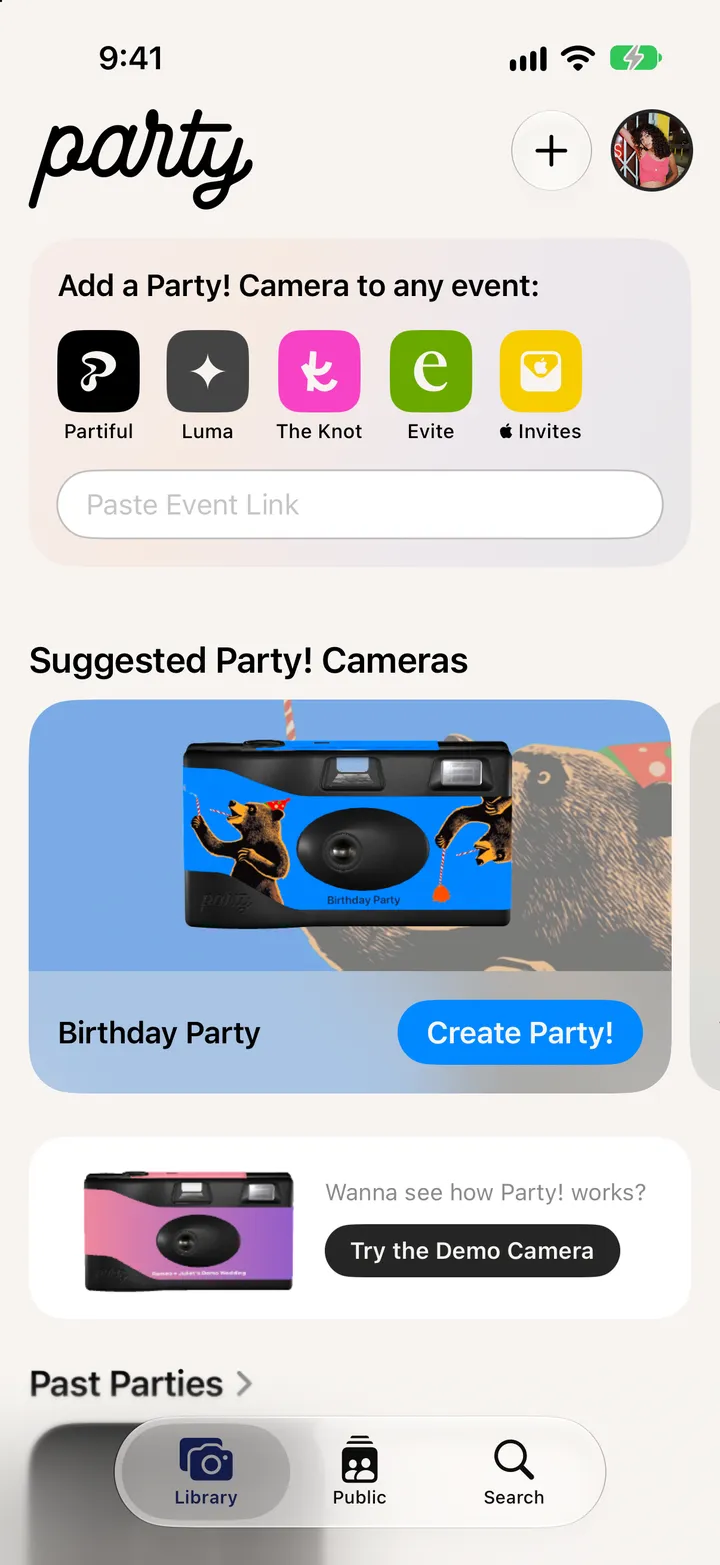
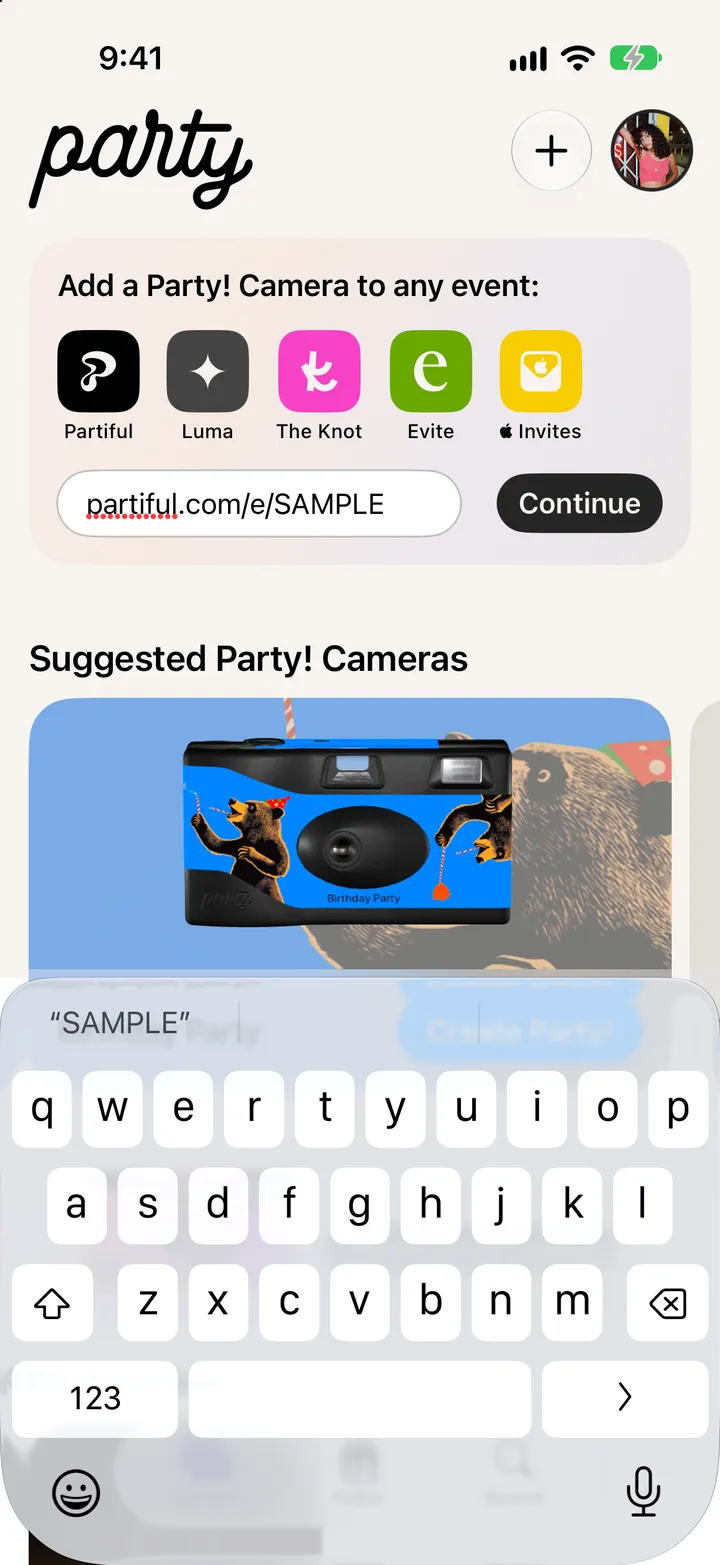
Copy your invite’s link, paste it under Add a Party! Camera to any event in your Library, tap Continue, then Schedule Party! Camera.
Party! · 2.5 · 4 stepsFrom Partiful, Luma, The Knot, Evite or Apple Invites. Eventbrite, Paperless Post, Zola and Facebook events work too.
Under Add a Party! Camera to any event.
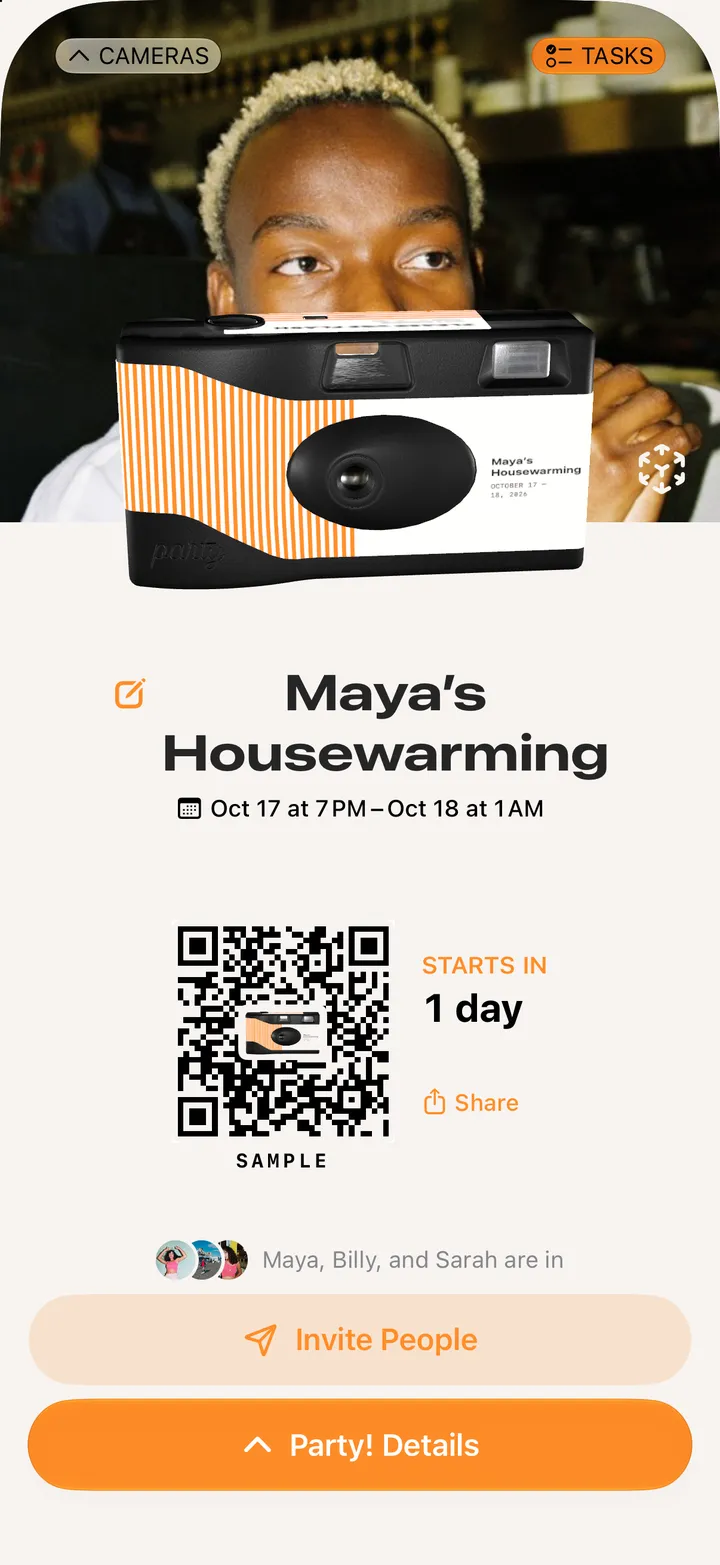
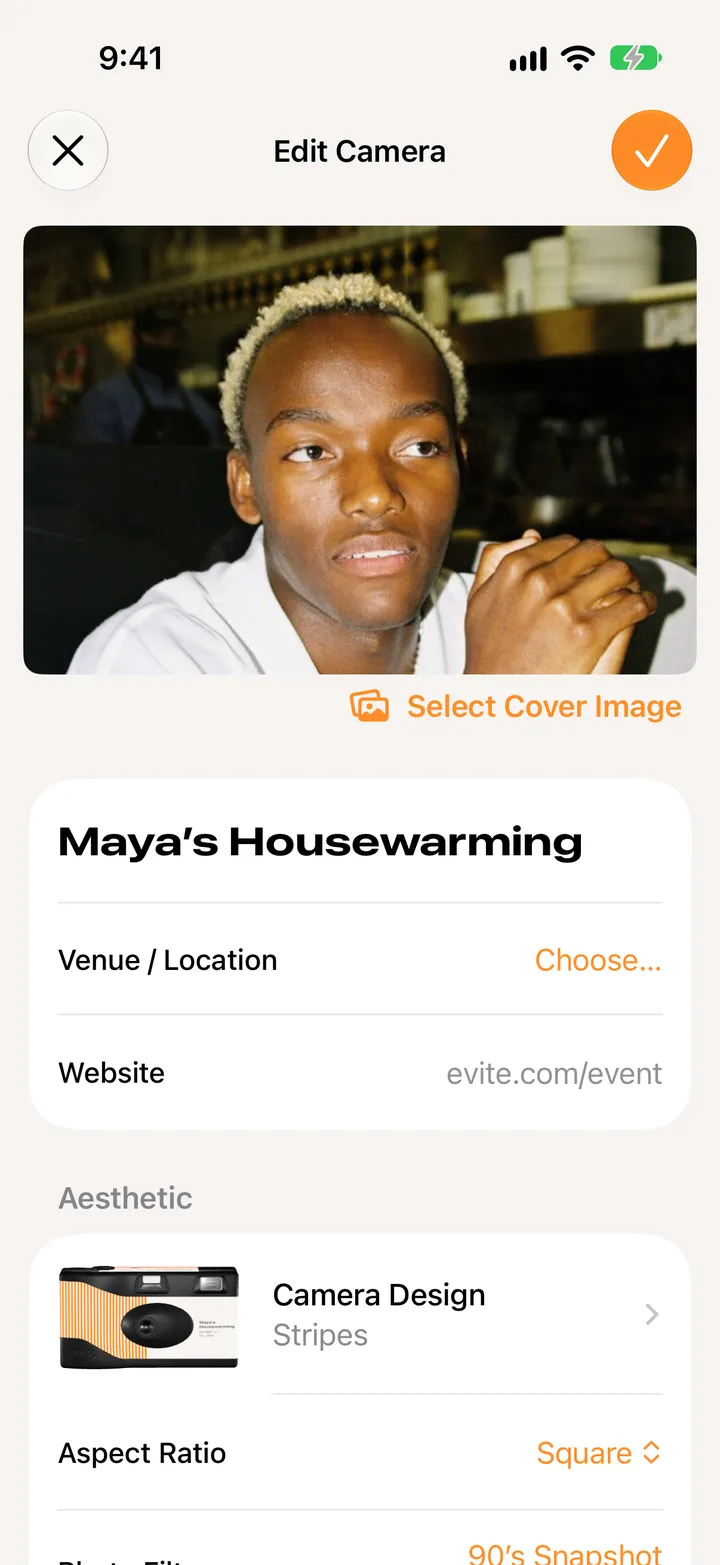
Party! reads the name, date and place.
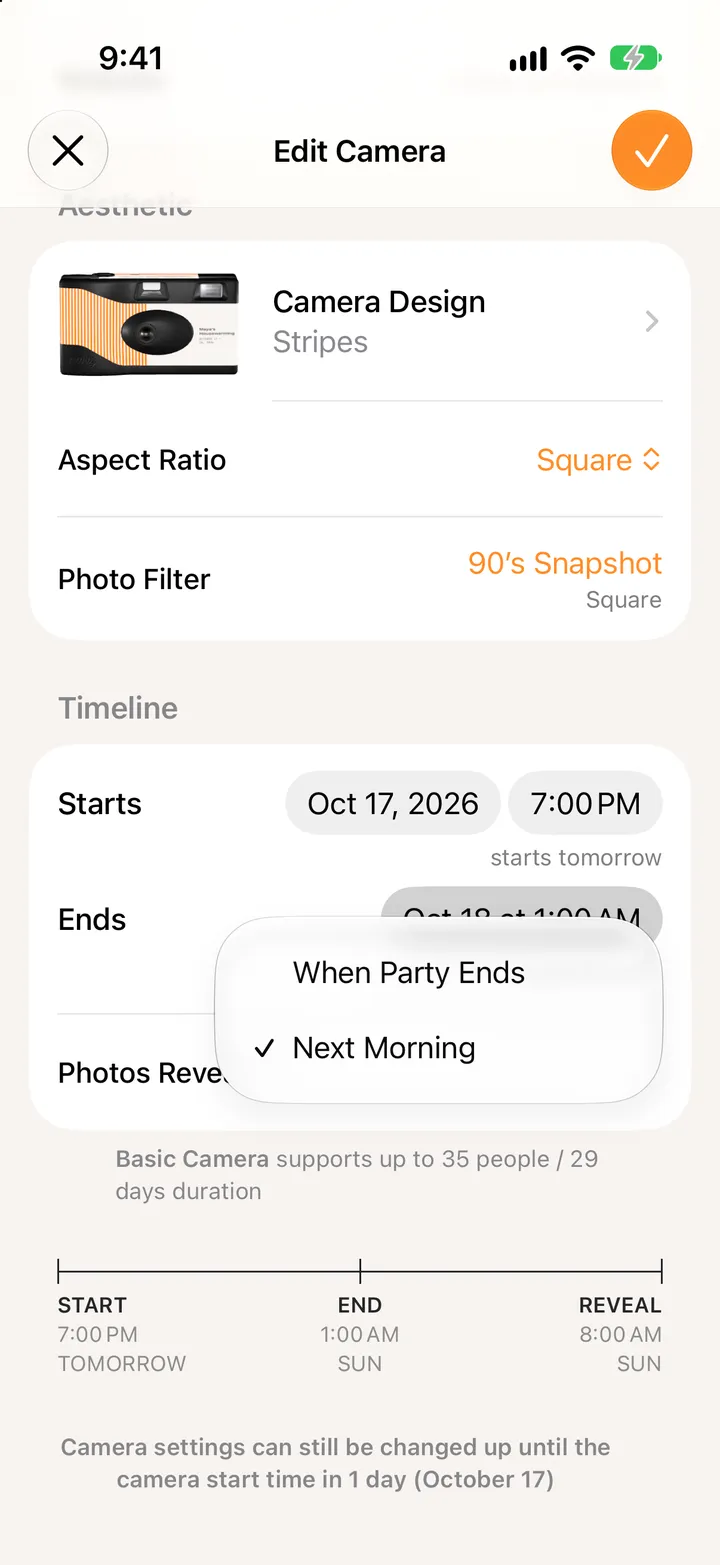
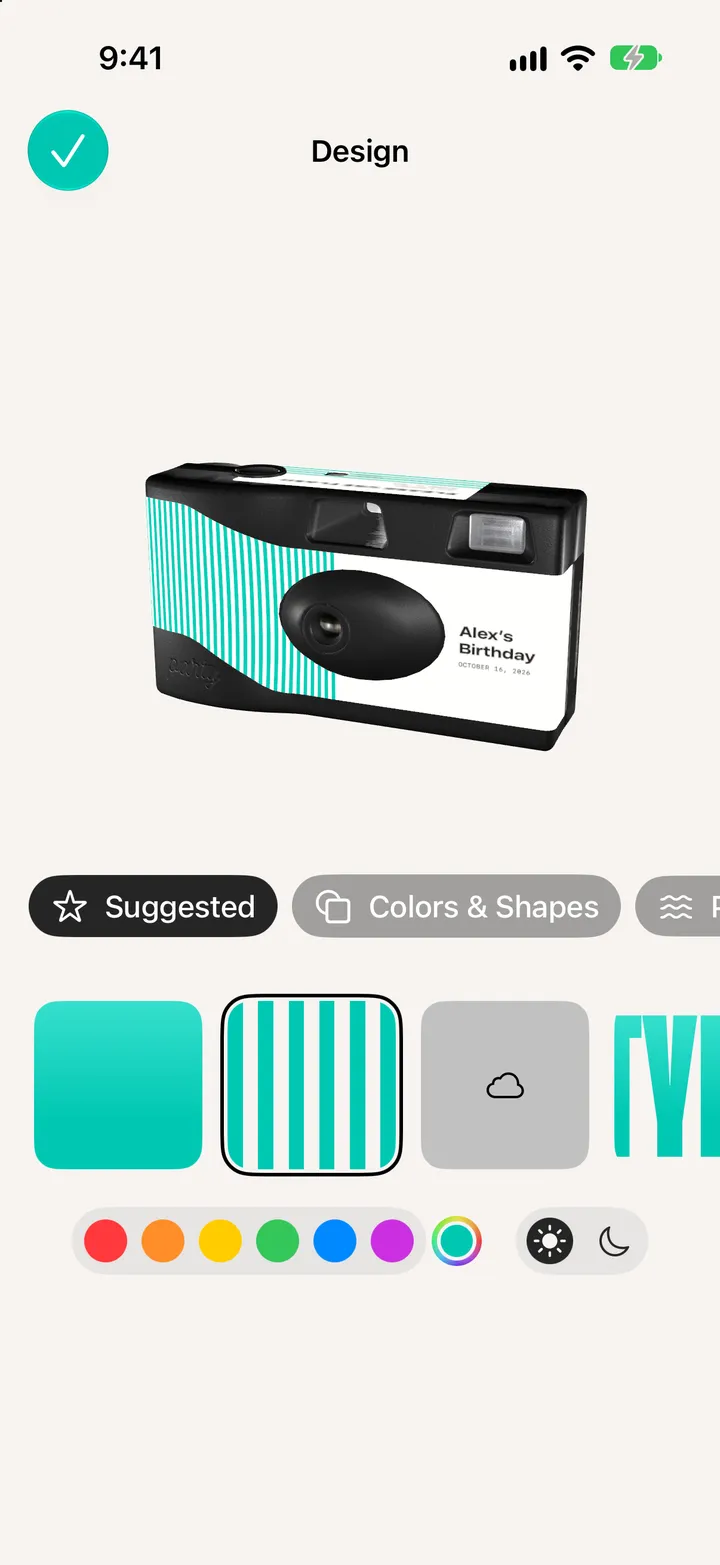
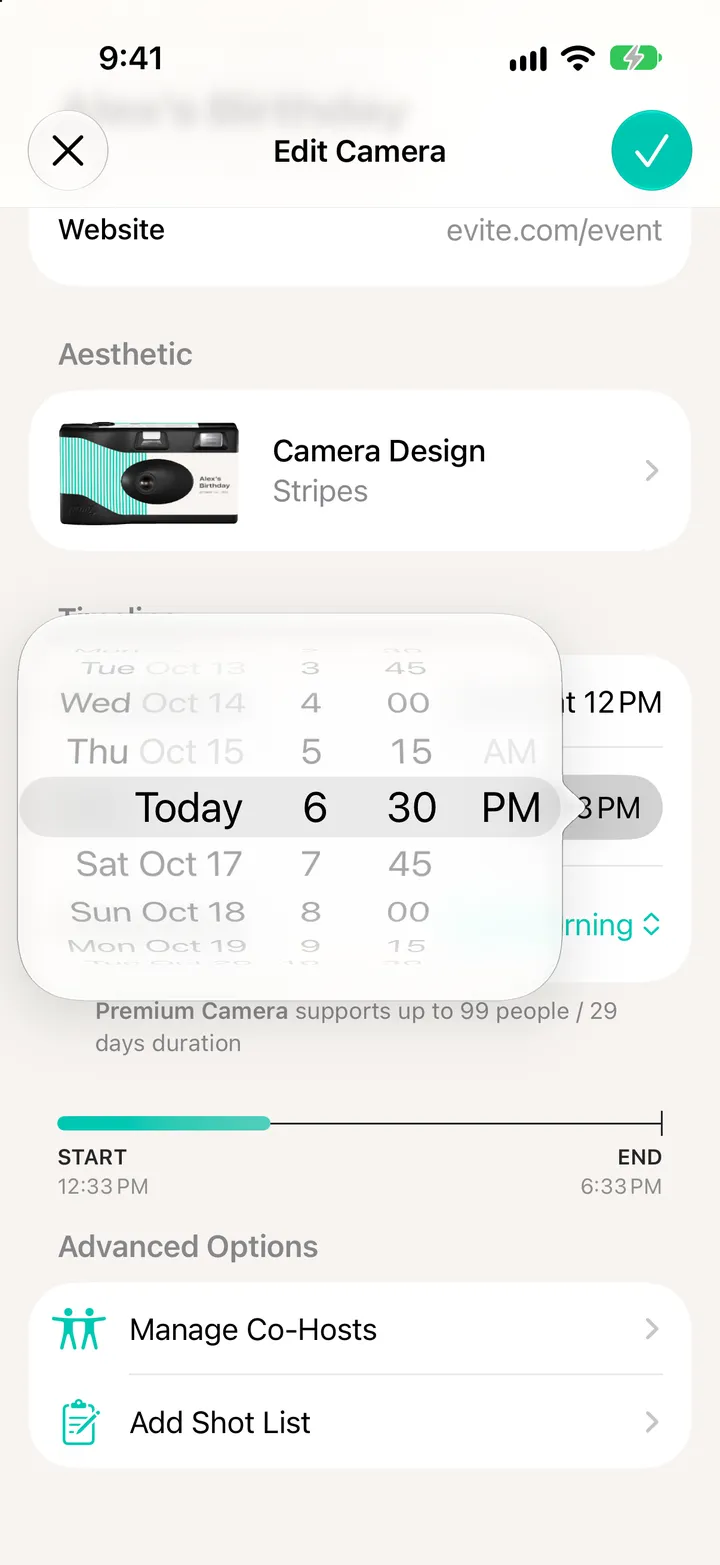
Check the details first. Tap any of them to change it.