Party! guideChoose when the photos reveal

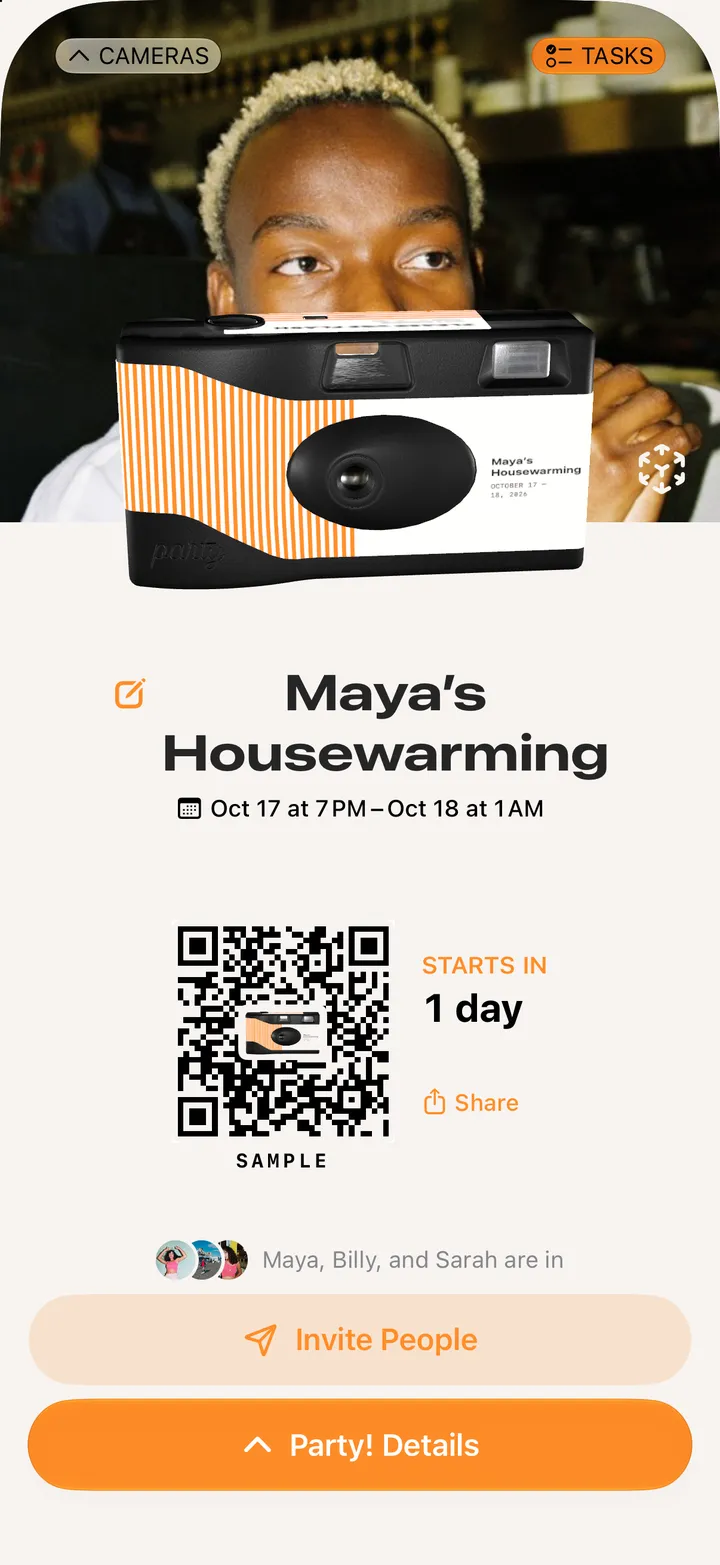
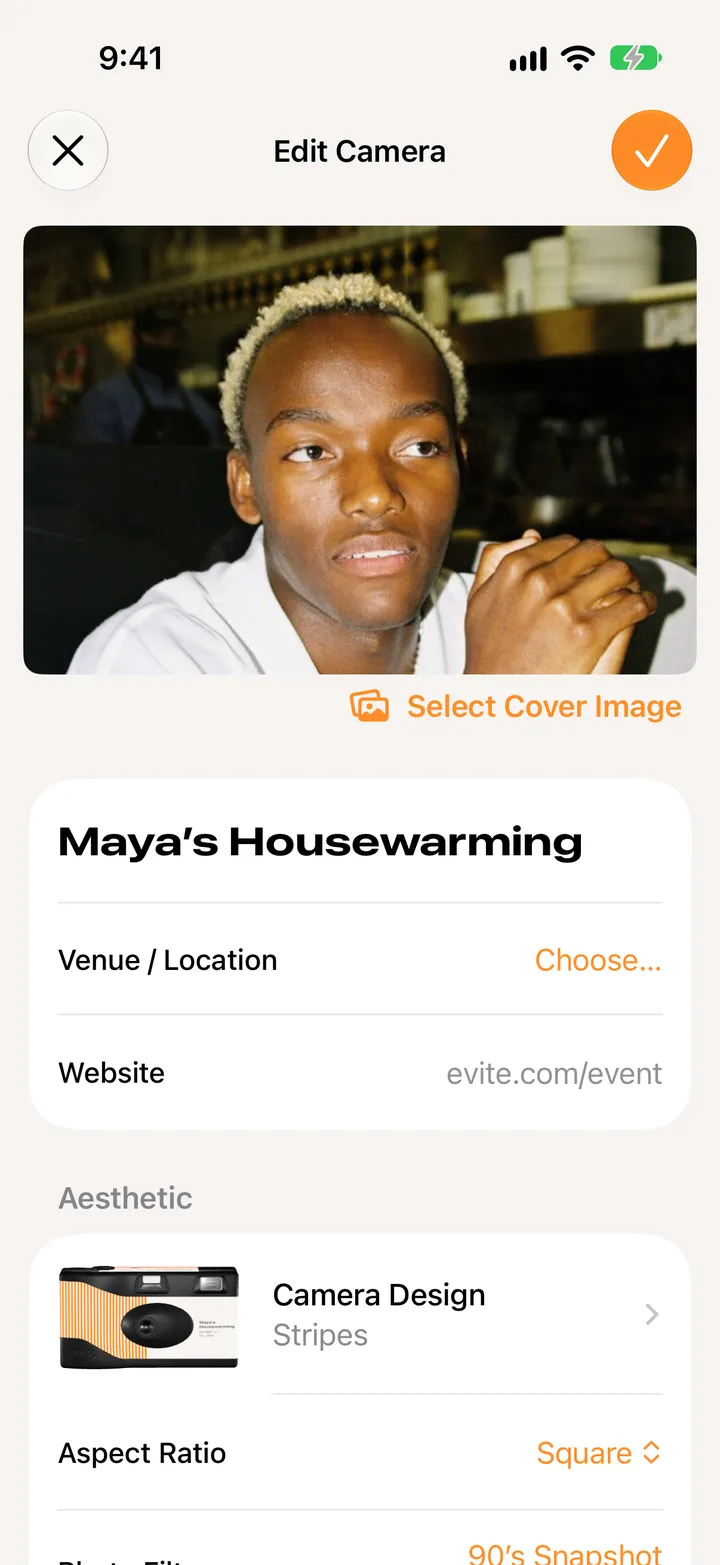
Open Party! Details, tap Edit, and set Photos Reveal to Next Morning or When Party Ends. Then tap ✓.

Party! · 2.8 · 4 steps
  1. 01

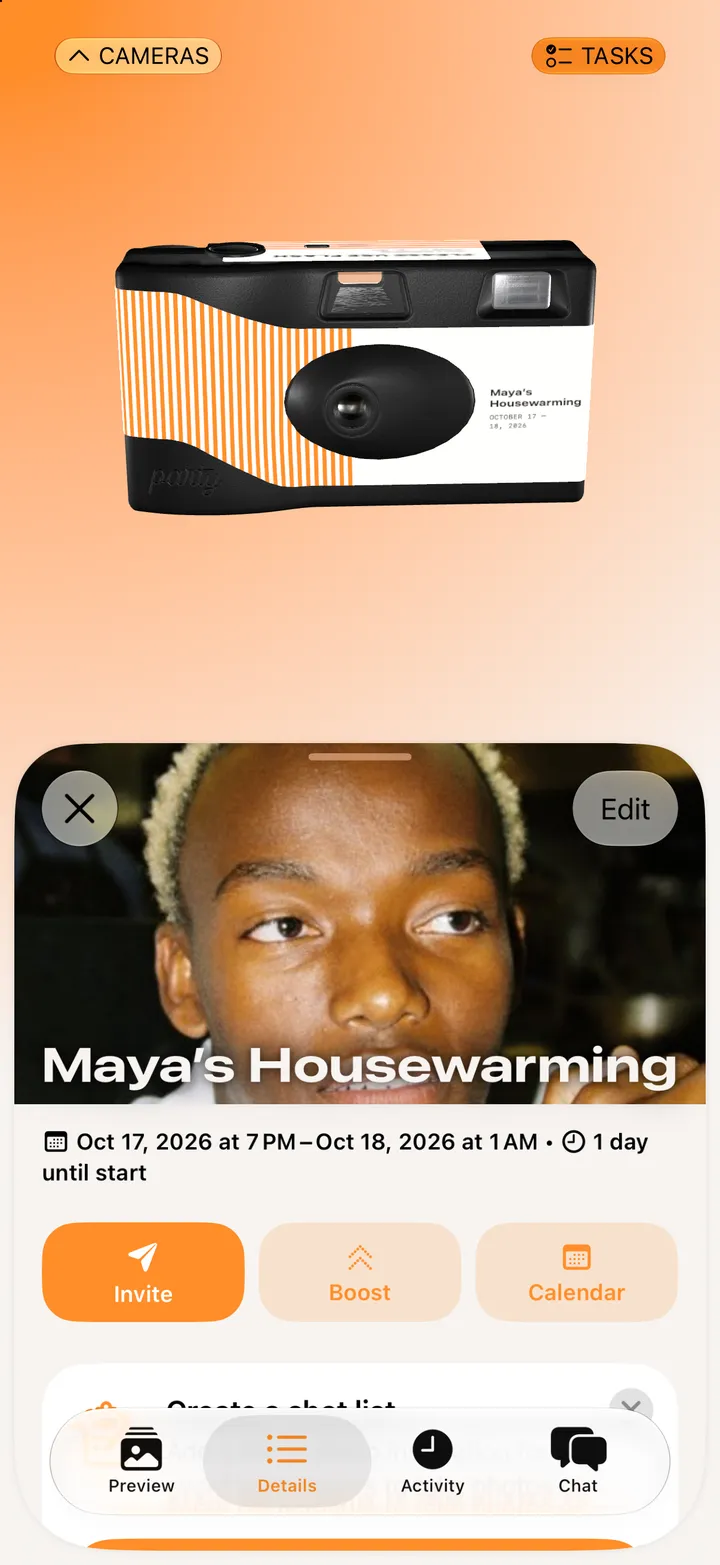
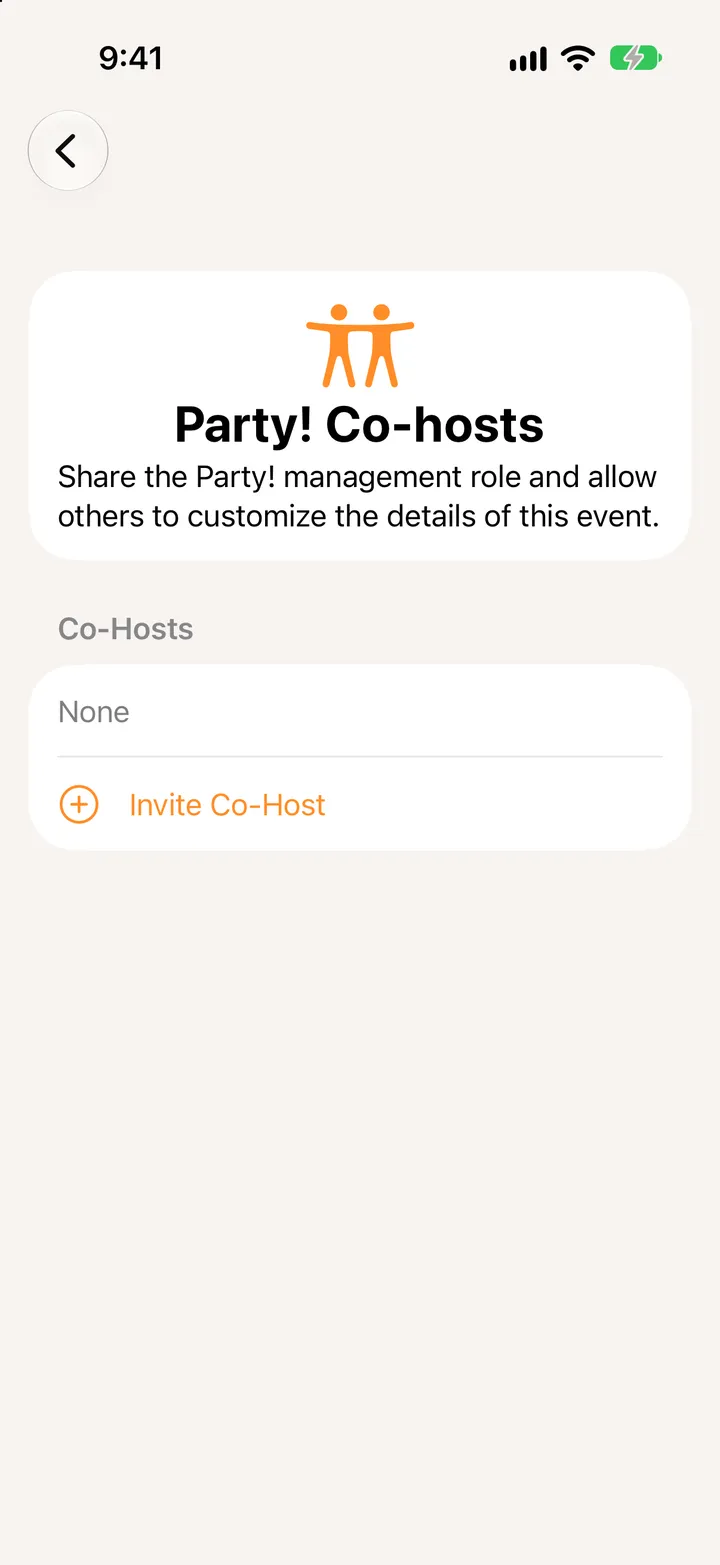
    Tap Party! Details, then Edit

    Step 1: Tap Party! Details, then Edit
  2. 02

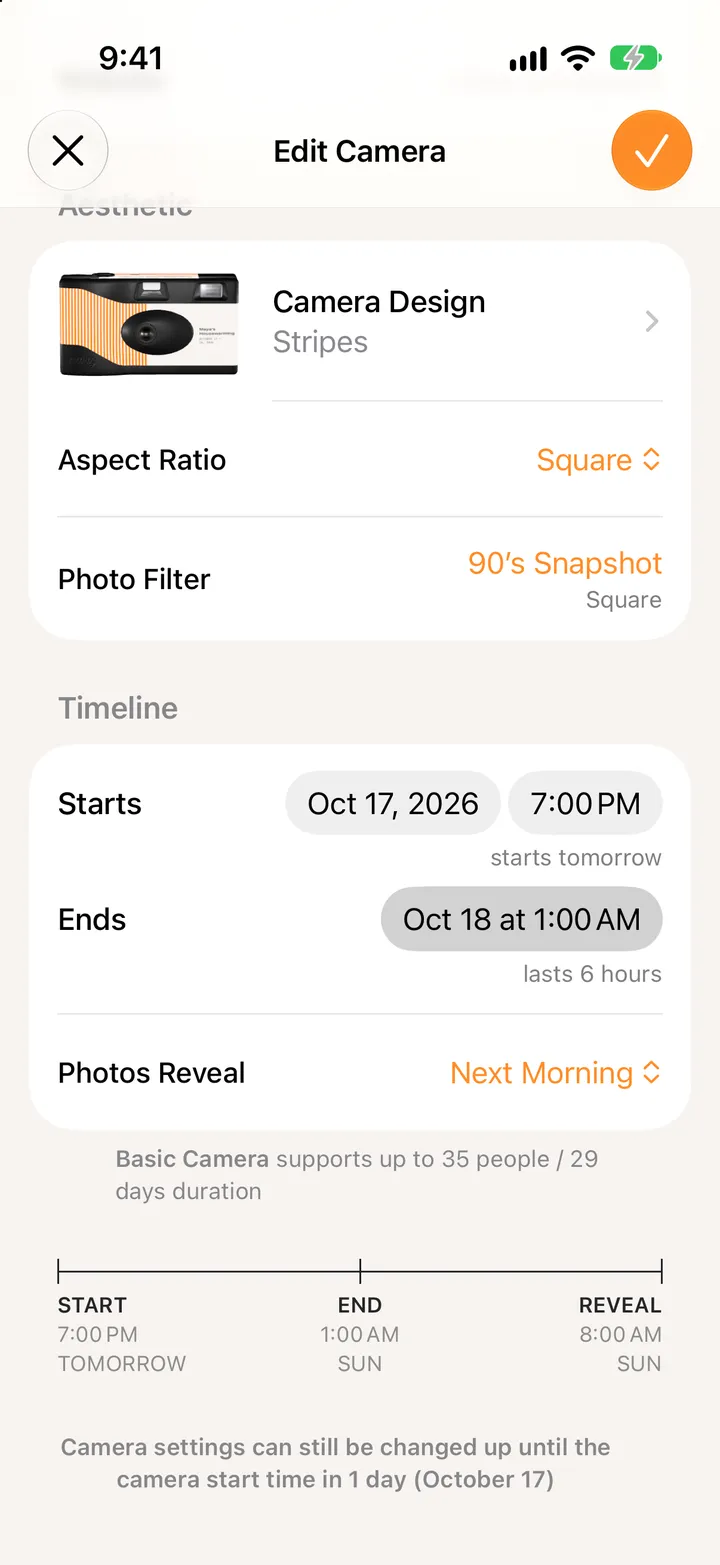
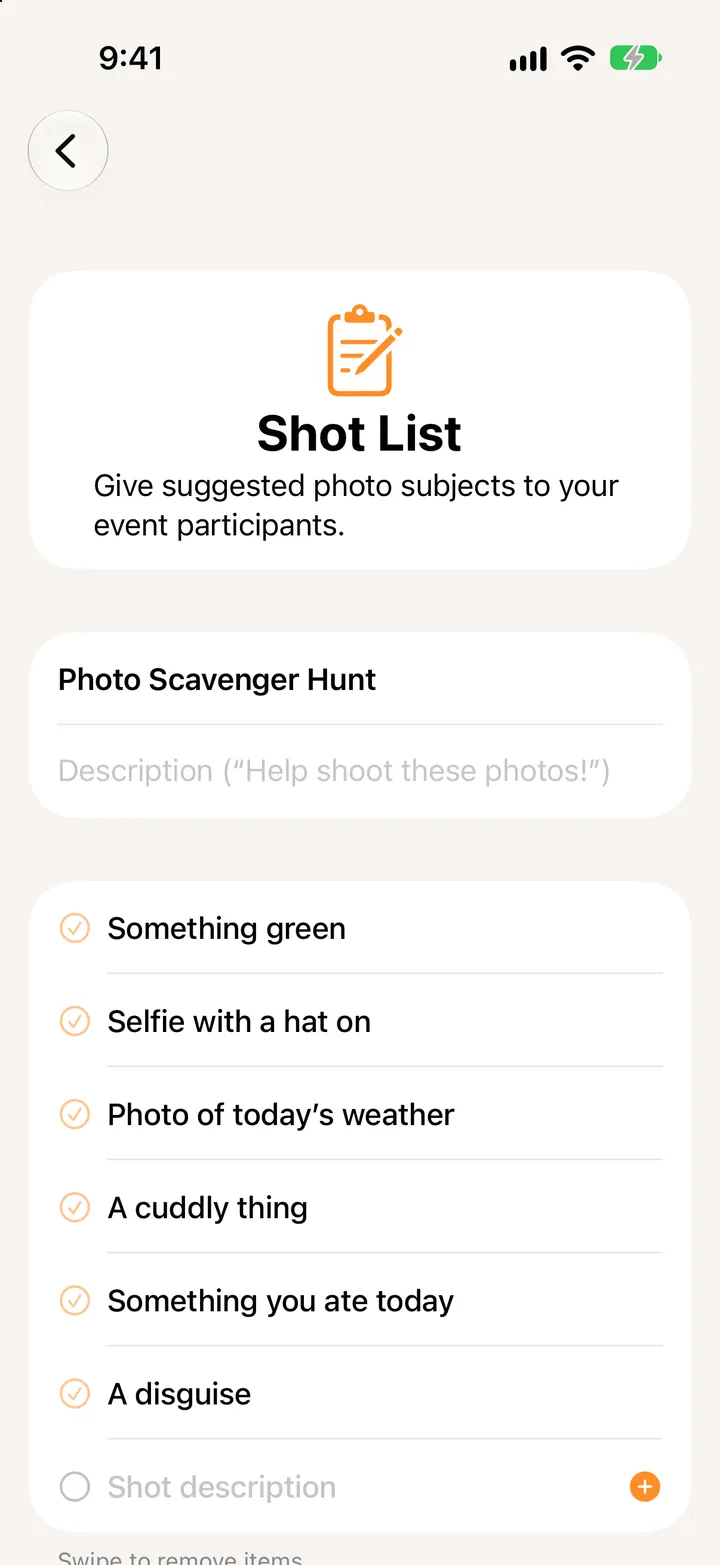
    Tap Photos Reveal

    Under Timeline.

    Step 2: Tap Photos Reveal
  3. 03

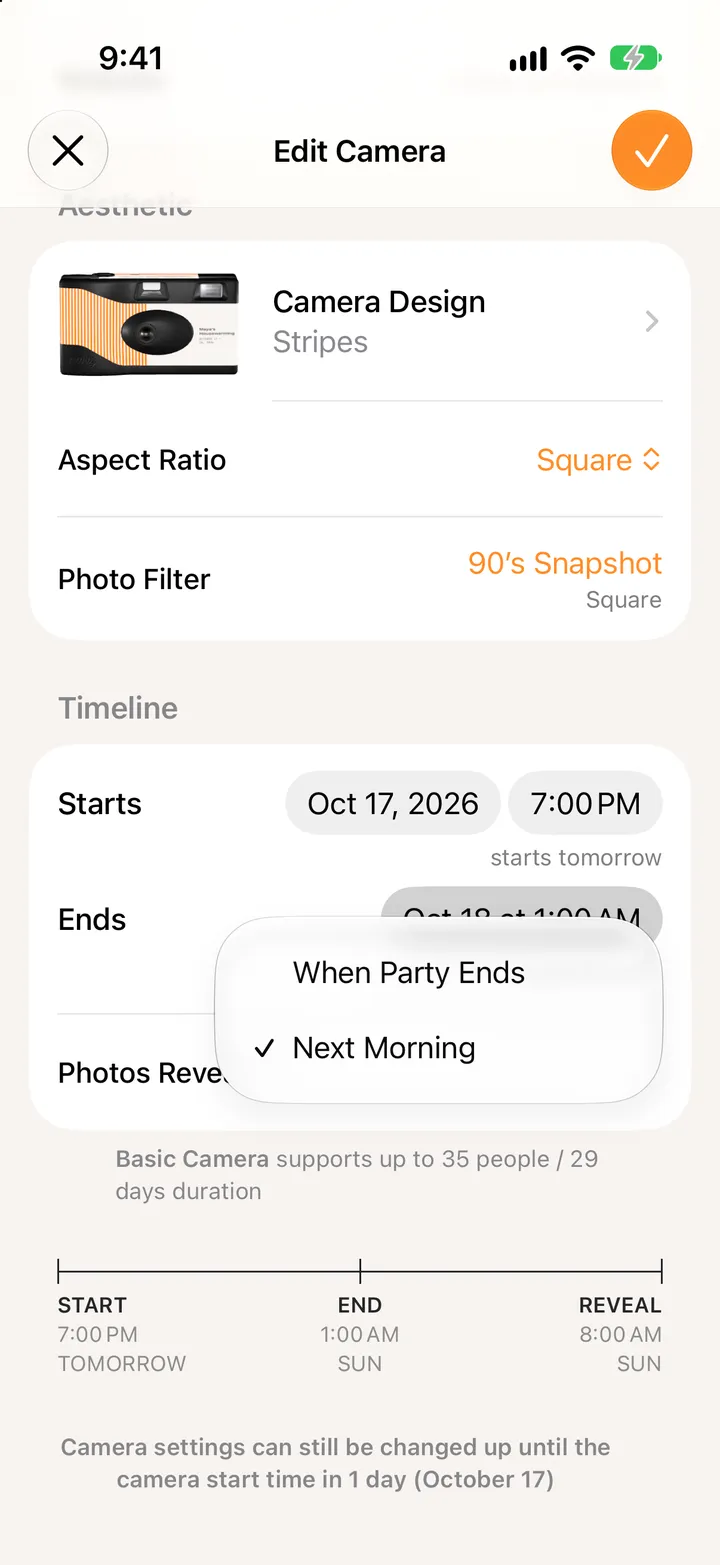
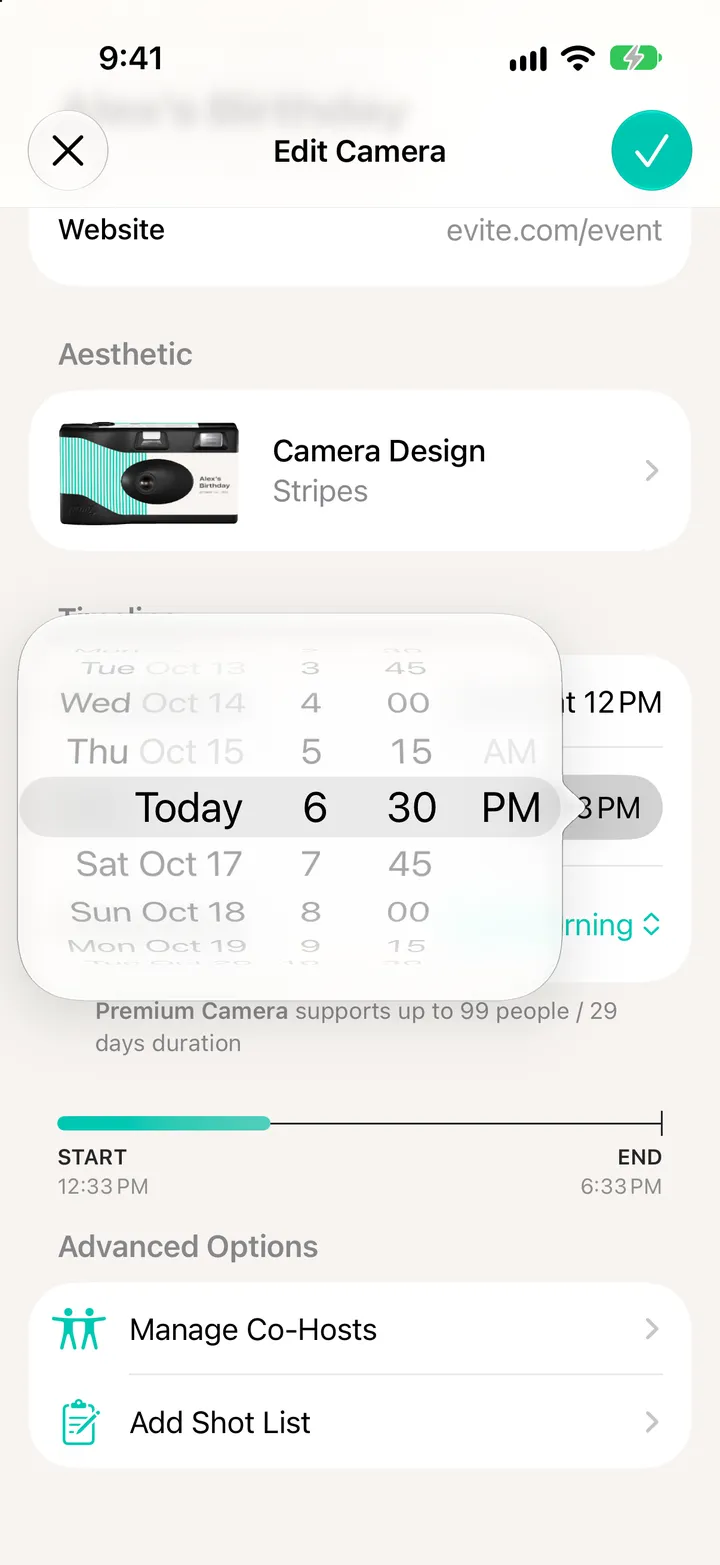
    Pick one

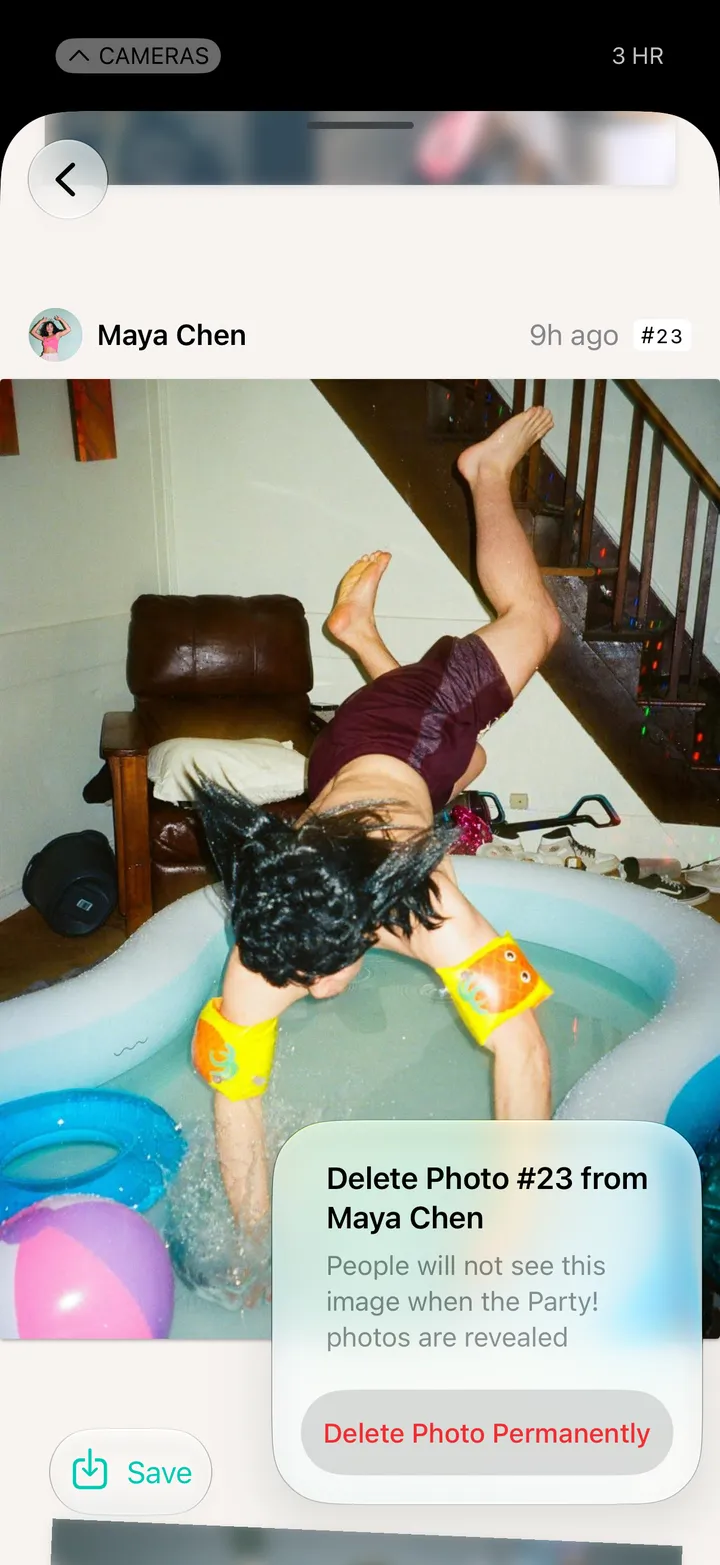
    Next Morning is 8 AM the day after. When Party Ends is right away.

    Step 3: Pick one
  4. 04

    Tap ✓

    Step 4: Tap ✓

Good to know

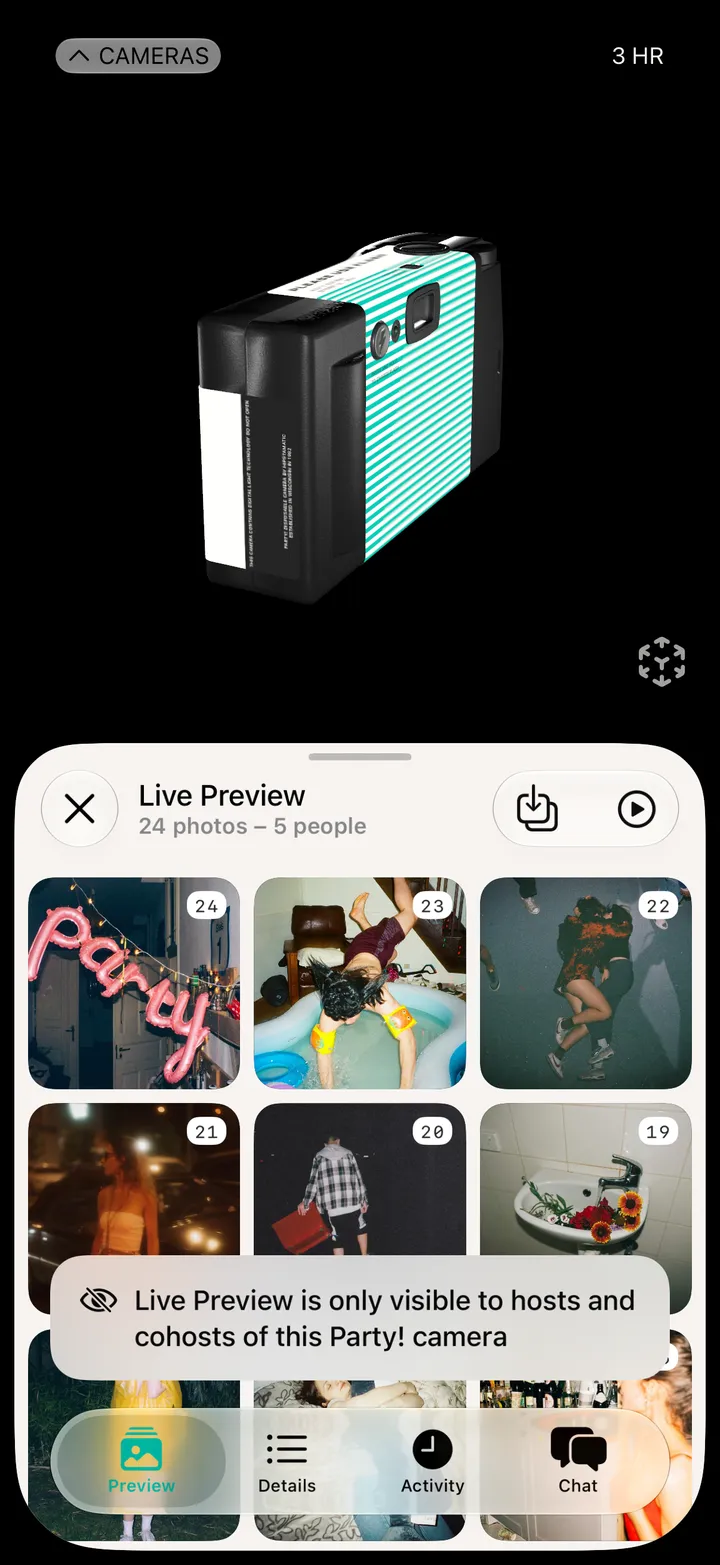
  • Guests don’t see a photo before the reveal. On a Premium camera, hosts can check them in Preview.