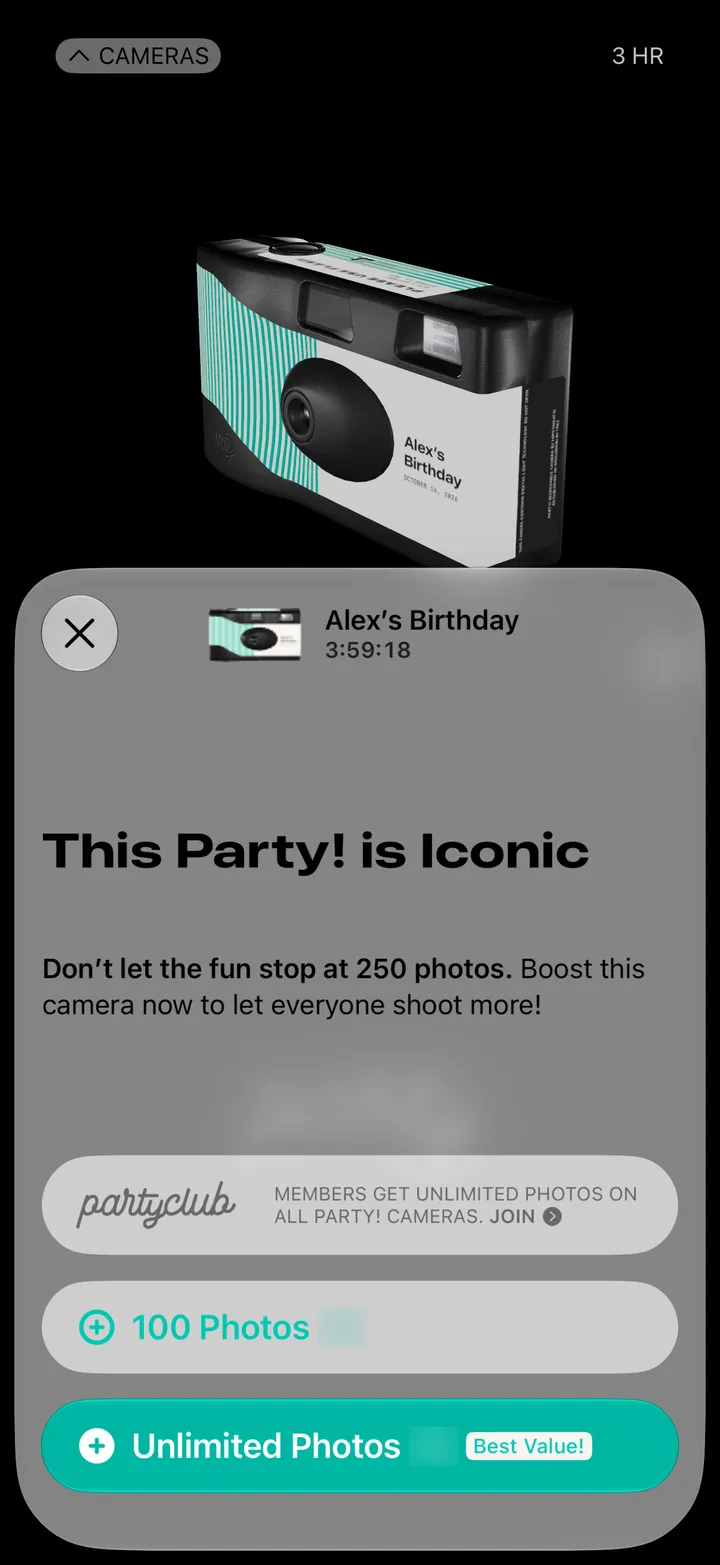
Party! guideChange your party’s details
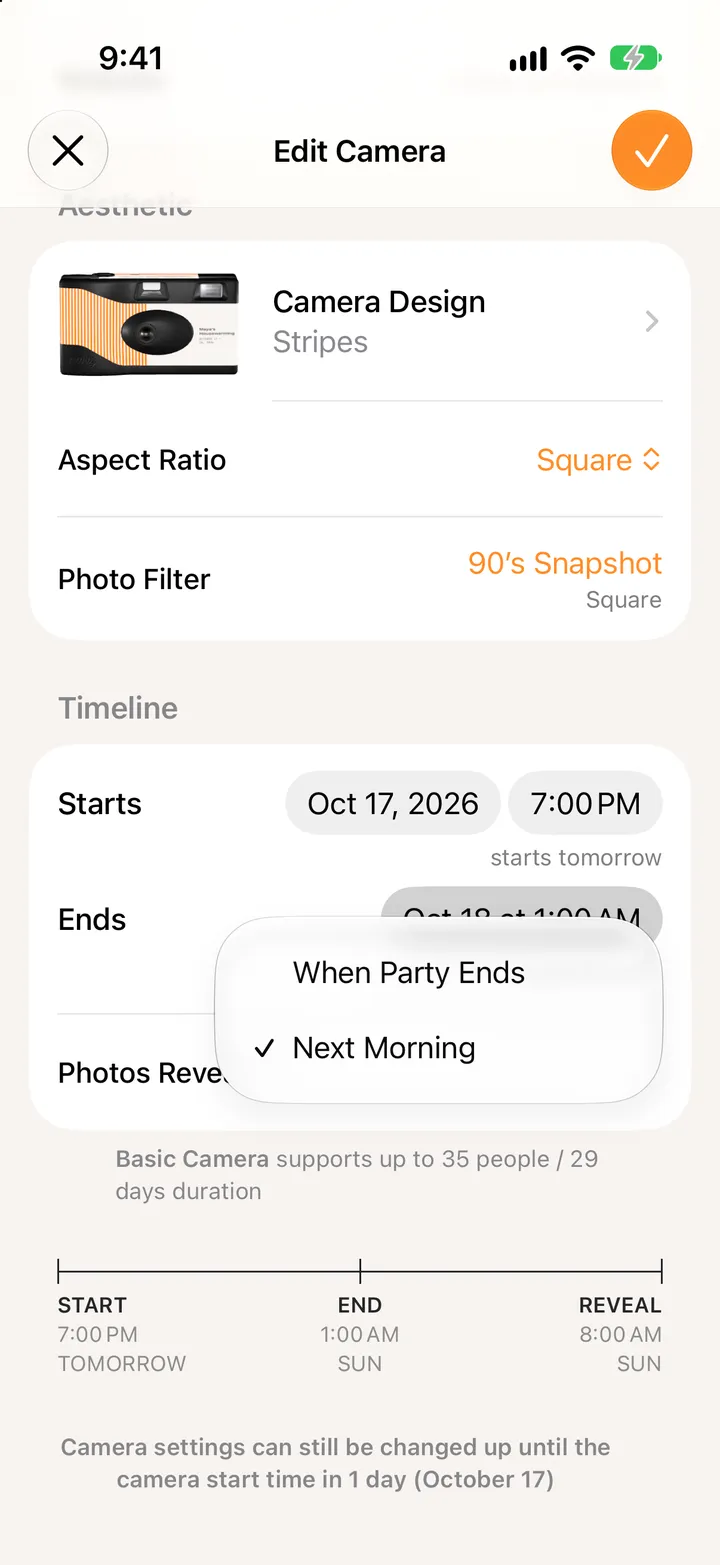
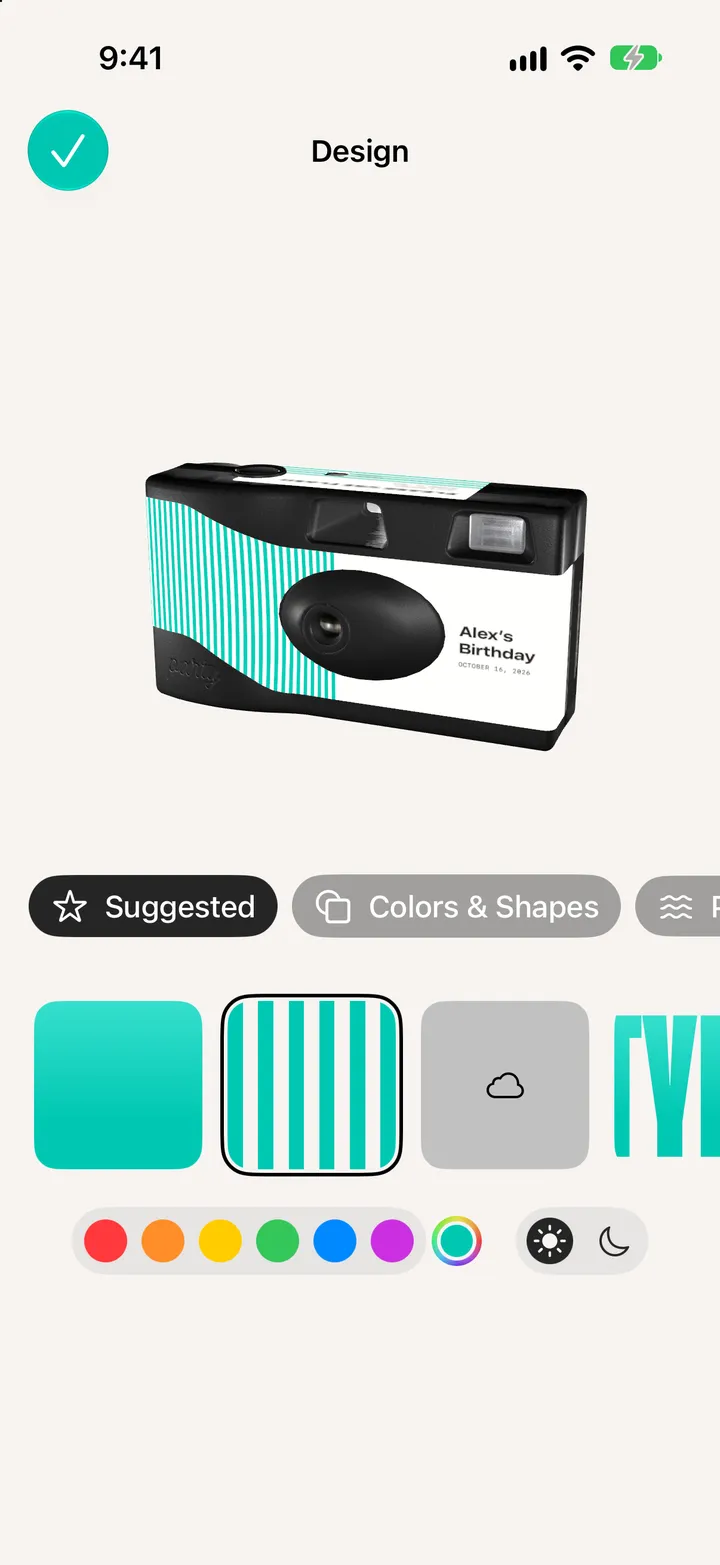
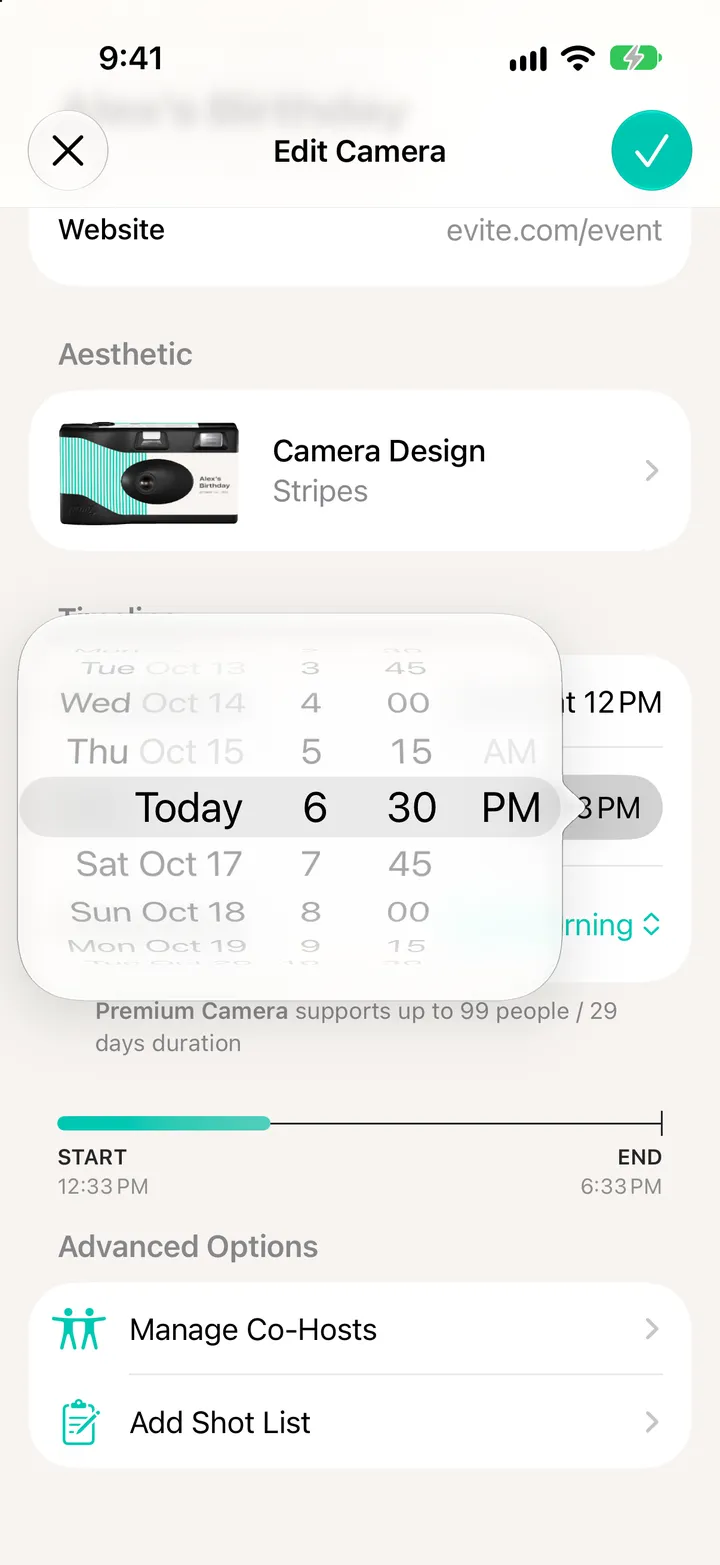
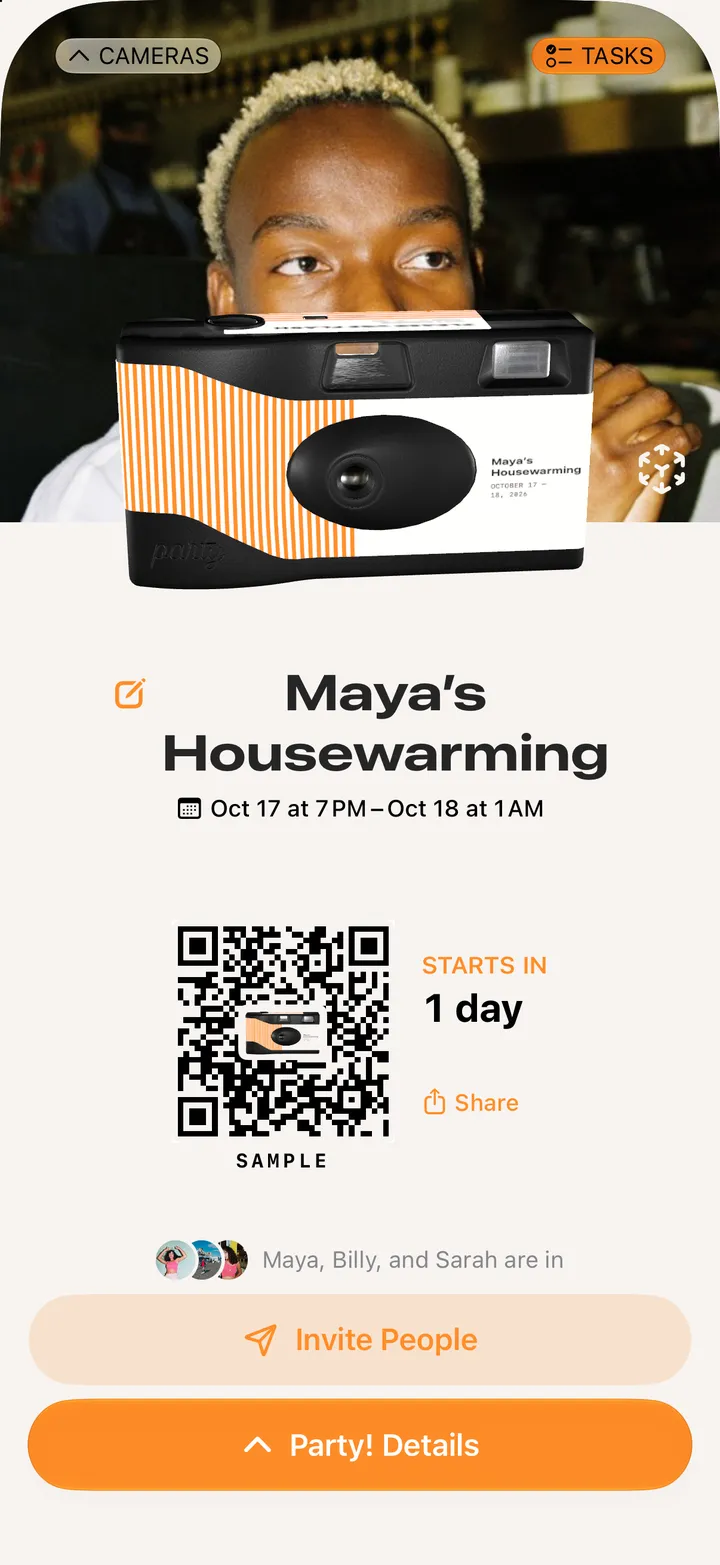
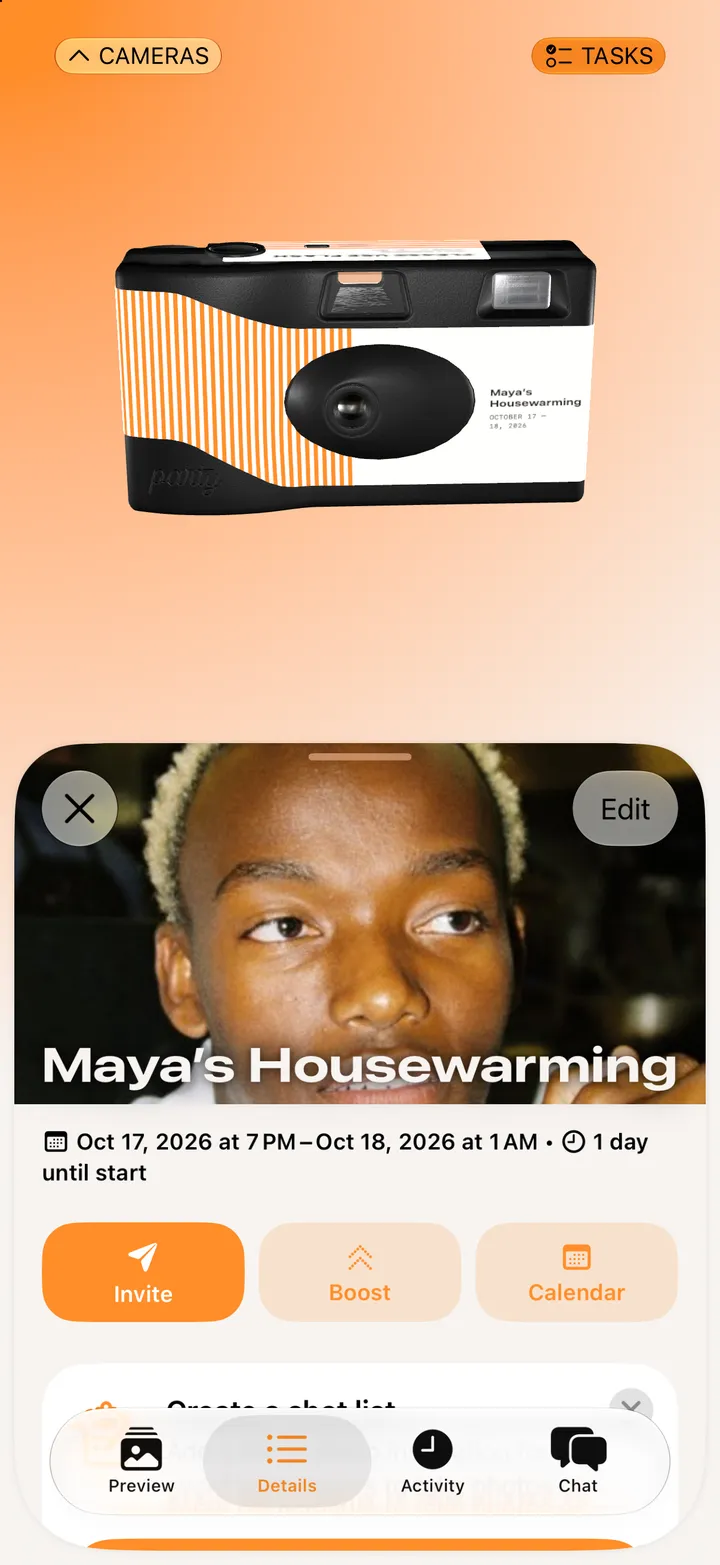
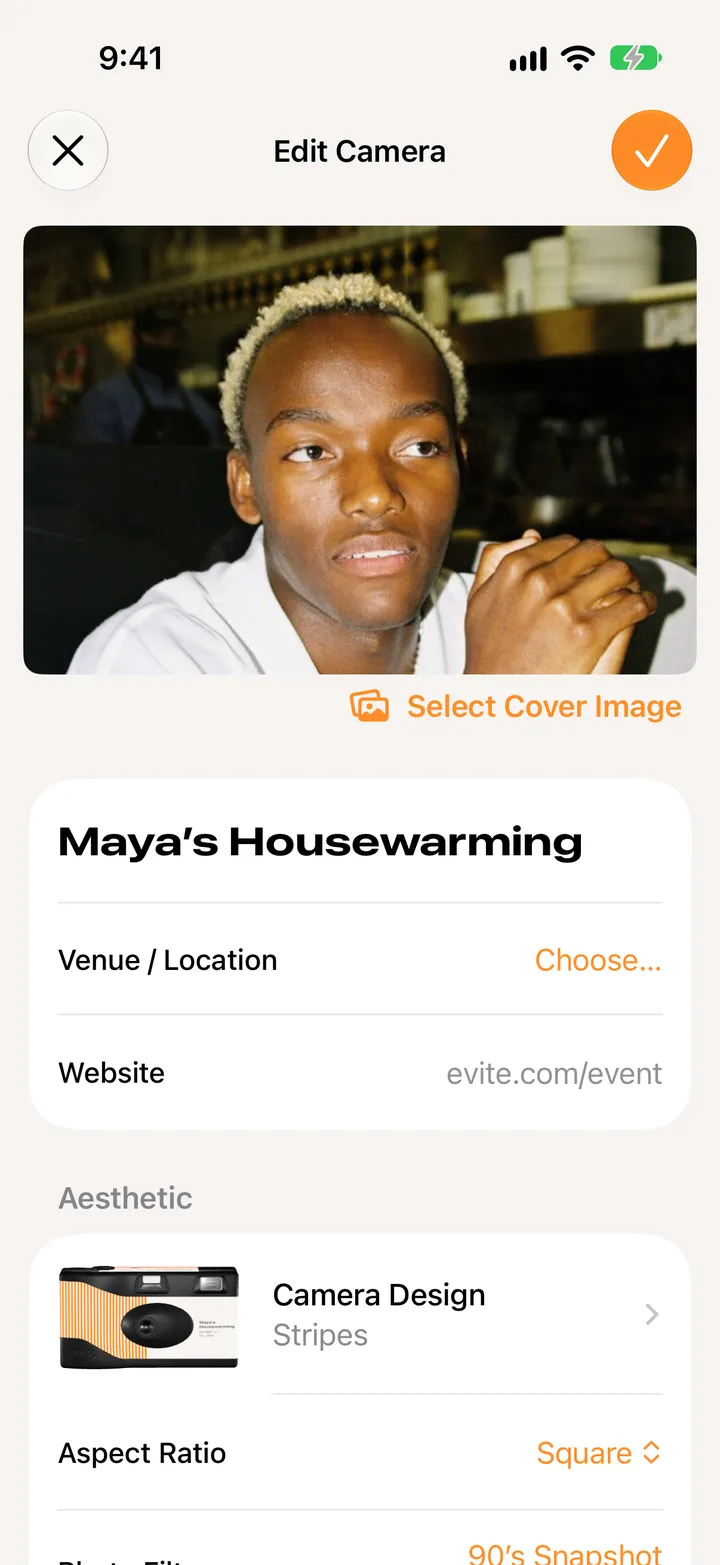
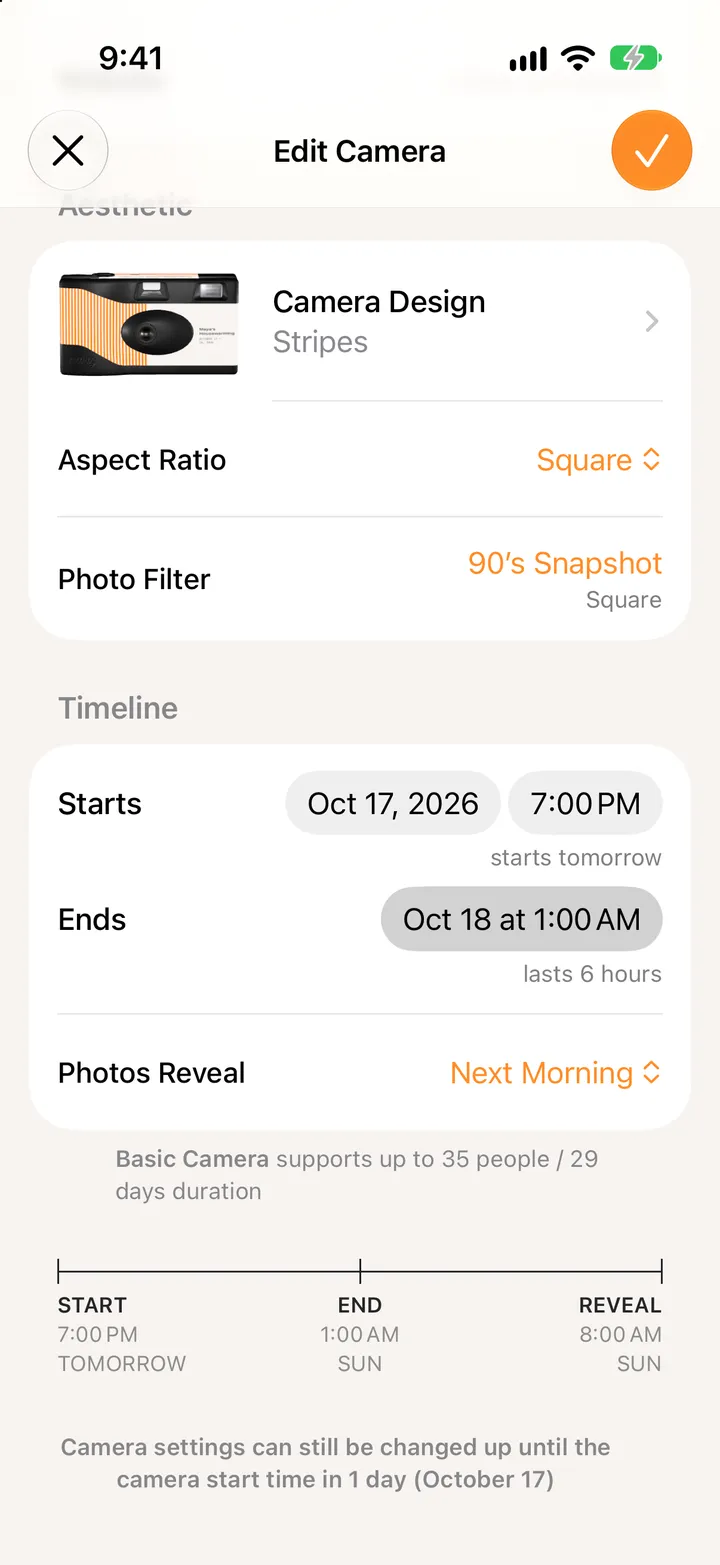
Open your camera, tap Party! Details, then Edit. Change the name, cover, place, design, look or time, then tap ✓.
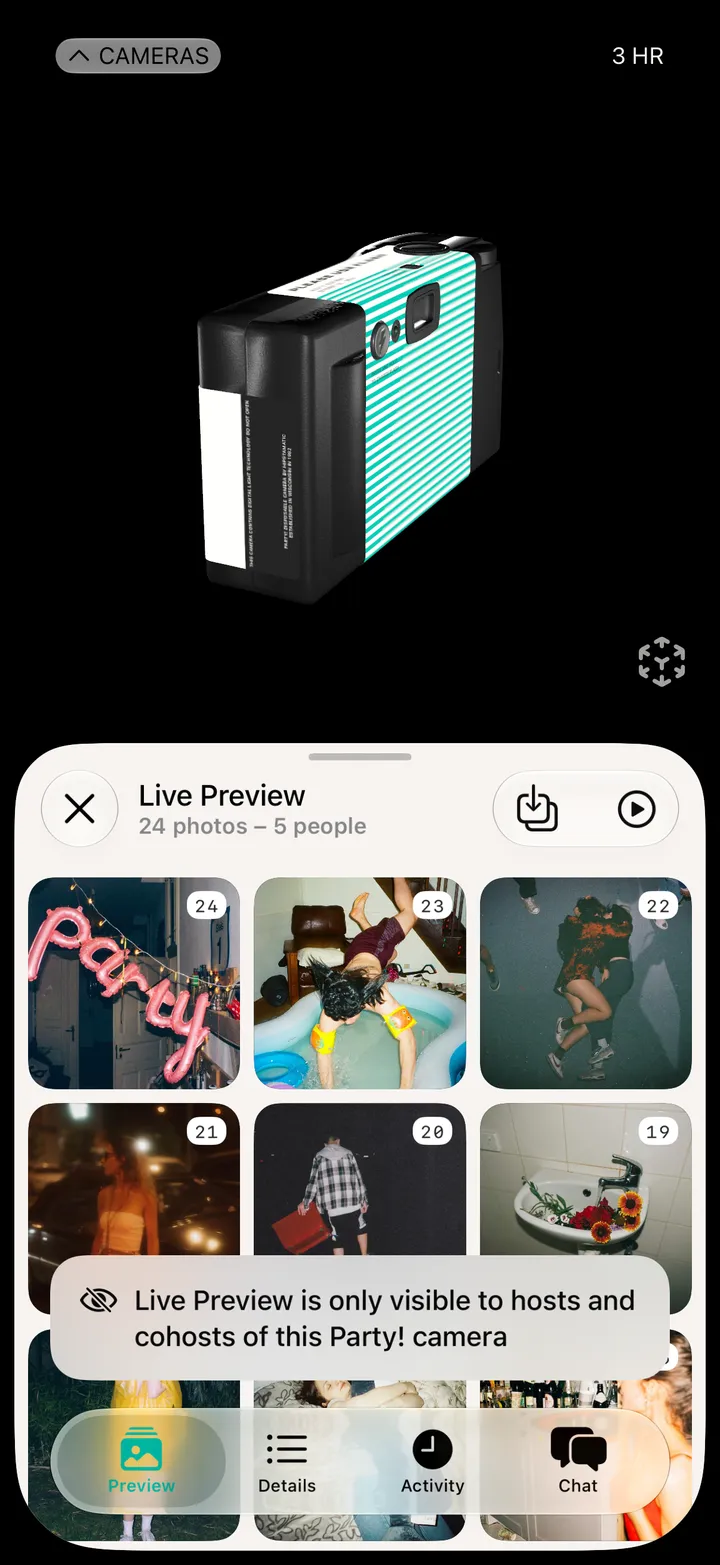
Party! · 2.7 · 5 stepsAt the bottom of your camera.
The cover, the name, the place and a website, then the design, the shape and the look of the photos.
Tap the start or end to move it.
Top right. Everyone on the camera gets the change.