Party! guideInvite people before the party

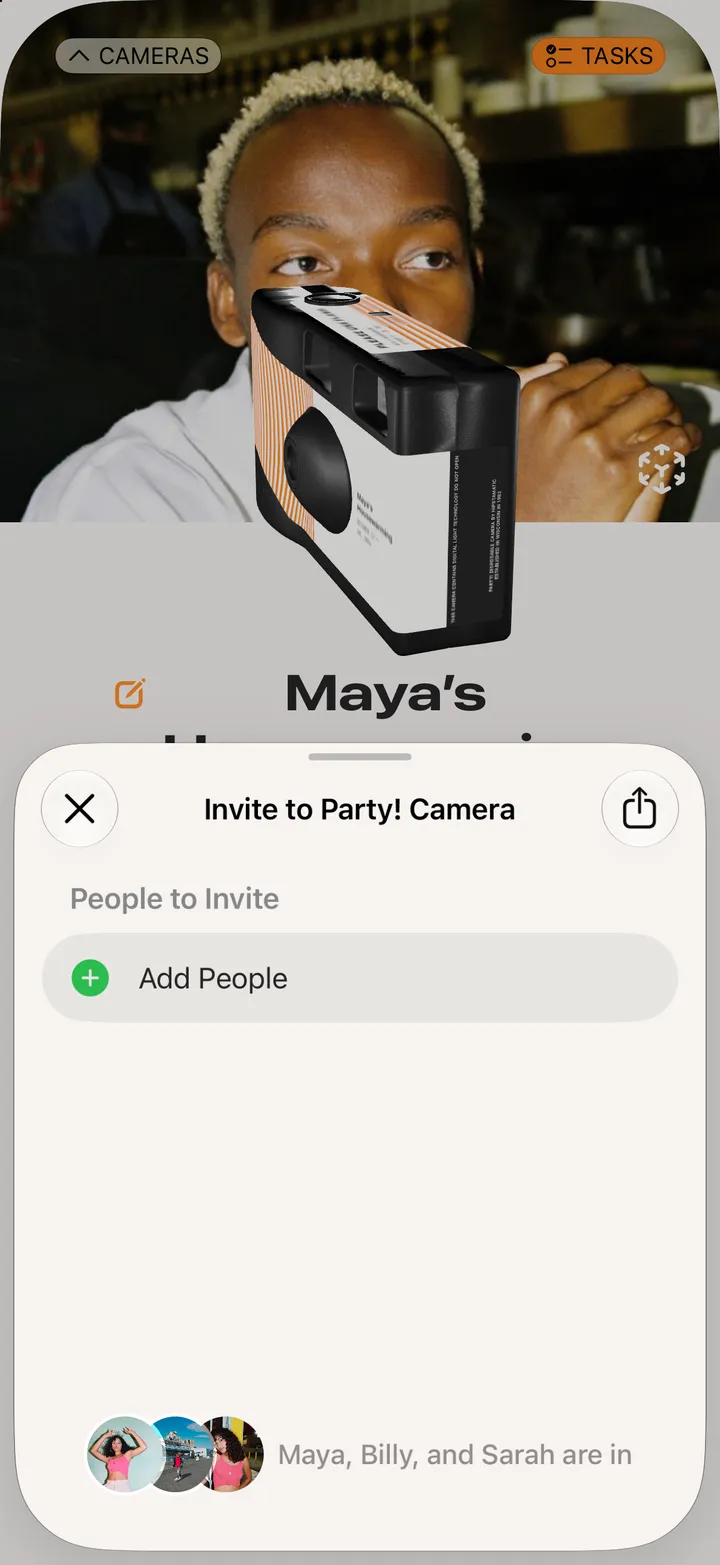
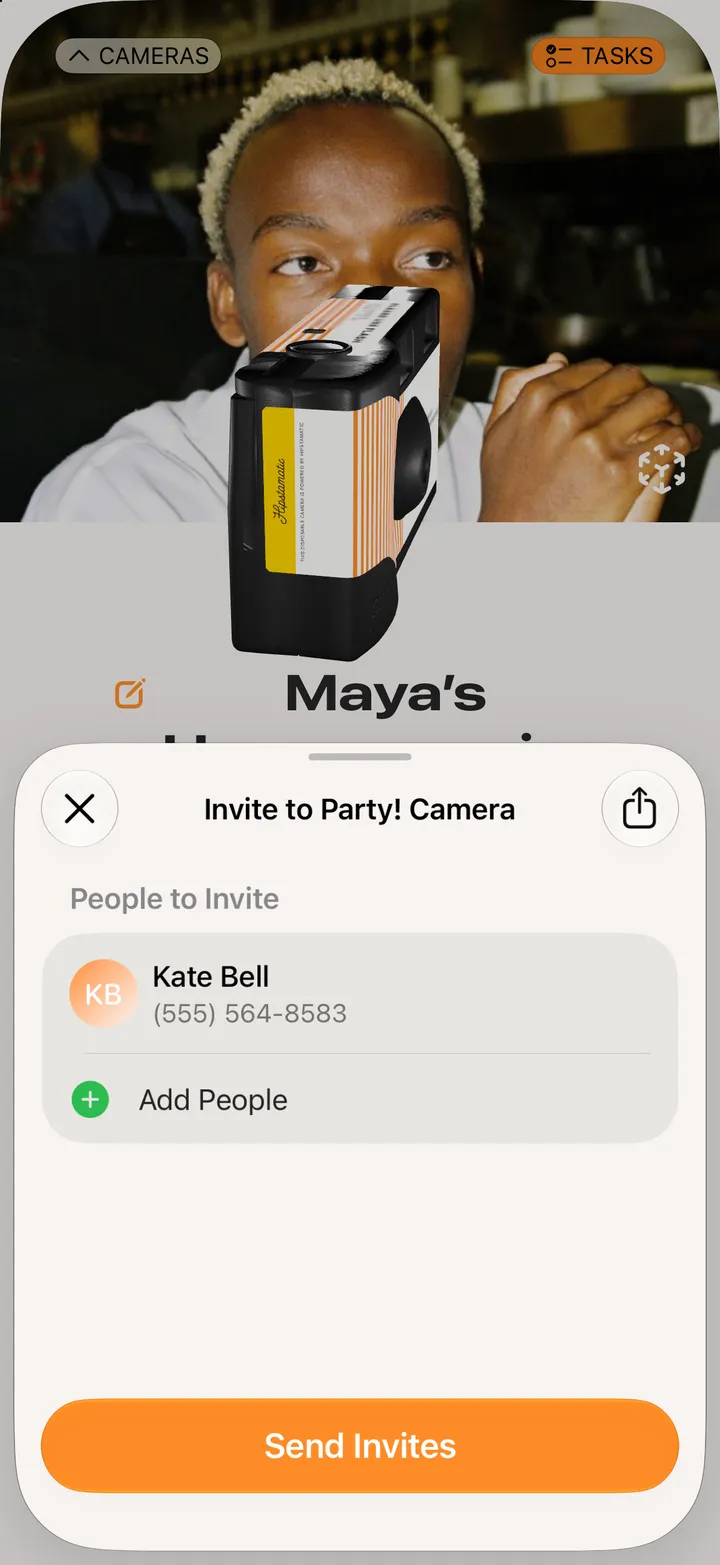
Open your camera and tap Invite People. Tap Add People, pick them from your contacts, then tap Send Invites and send the text.

Party! · 2.6 · 5 steps
  1. 01

    Open your camera and tap Invite People

    Before the party, the camera shows its code and a countdown.
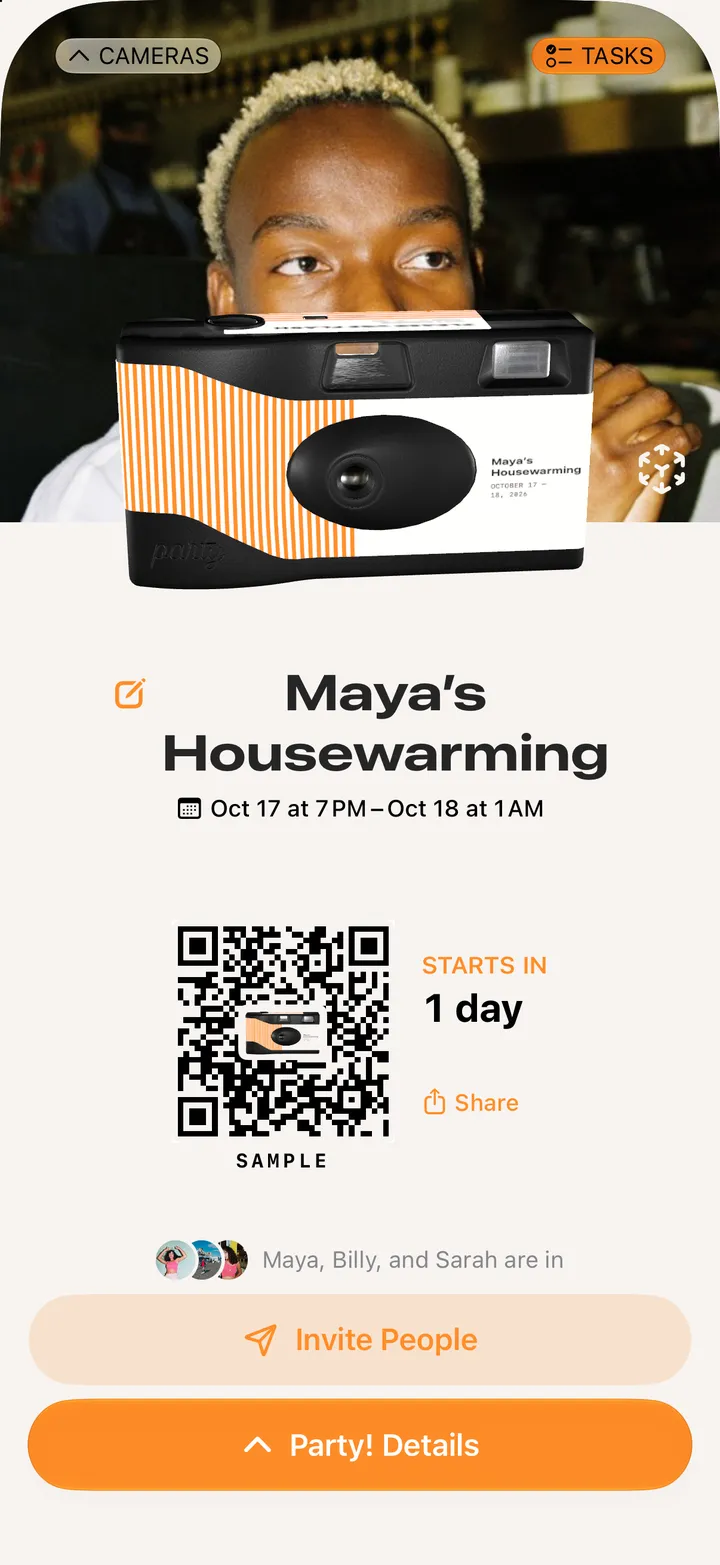
    Step 1: Open your camera and tap Invite People
  2. 02

    Tap Add People

    Step 2: Tap Add People
  3. 03

    Pick them from your contacts

    Party! only sees the people you pick.
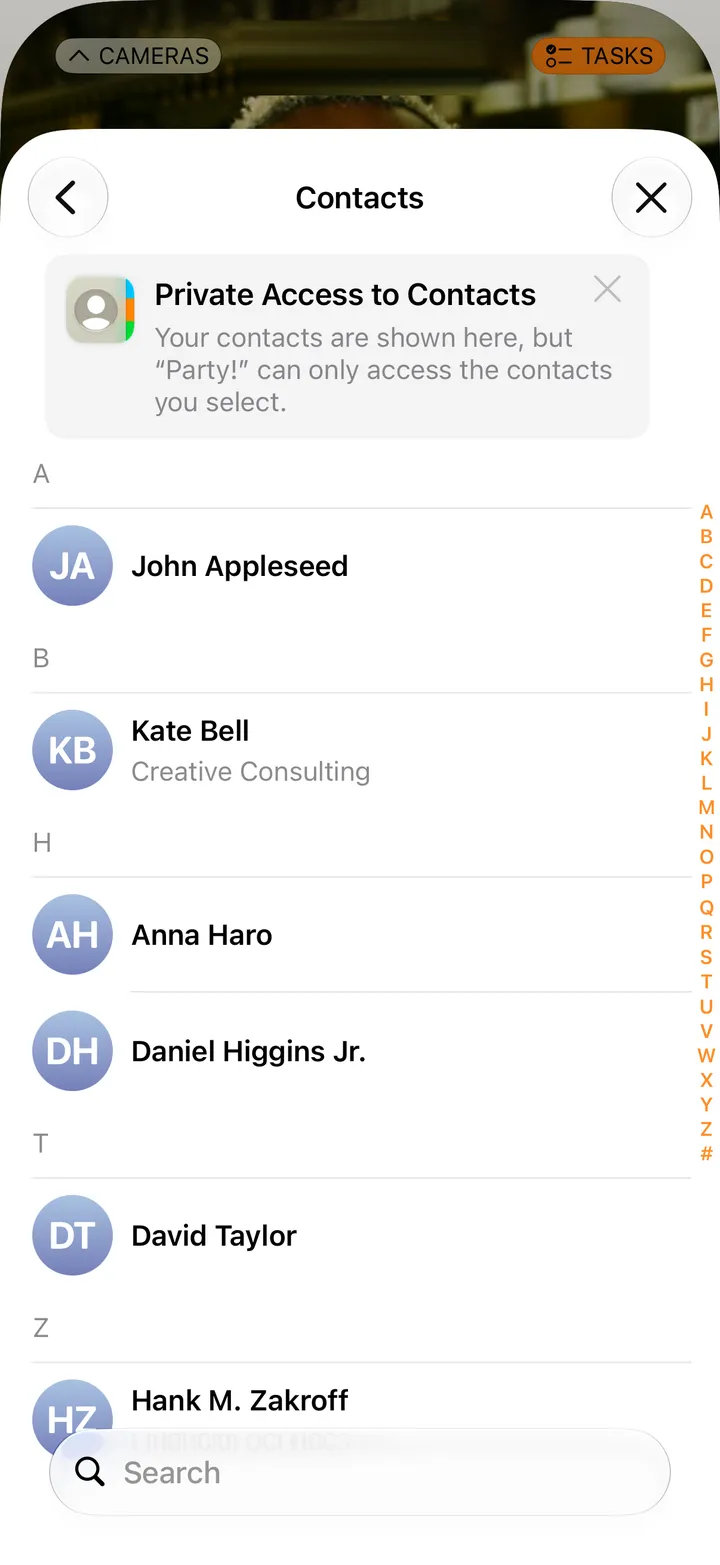
    Step 3: Pick them from your contacts
  4. 04

    Tap Send Invites

    Step 4: Tap Send Invites
  5. 05

    Send the text

    Messages opens with the link written. Hit send.
    On your iPhone
    1. Messages
    2. Send

Good to know

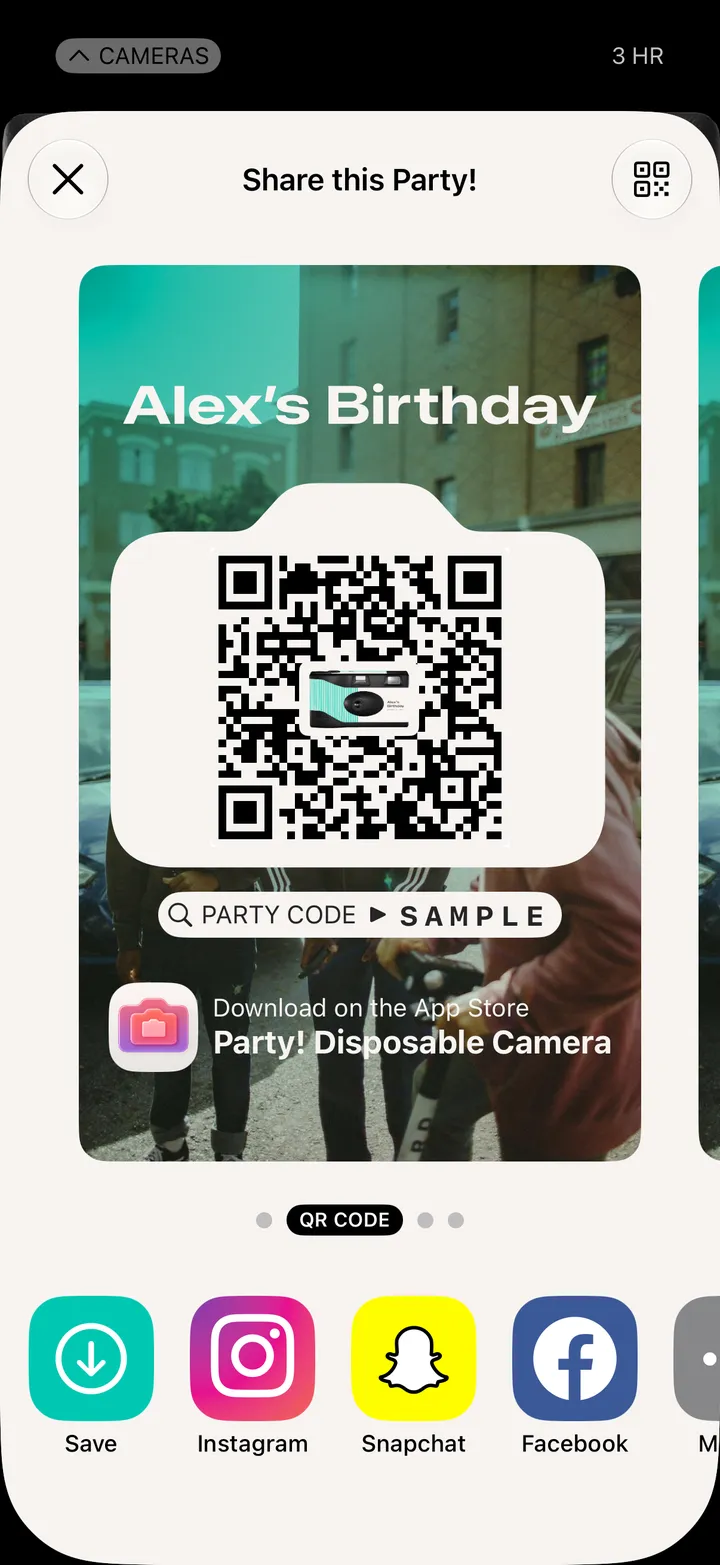
  • Share, top right of the invite list, sends the link anywhere else.
  • Guests who open the link before the party see a countdown, and the camera opens when it starts.