Party! guidePrint your party’s QR code
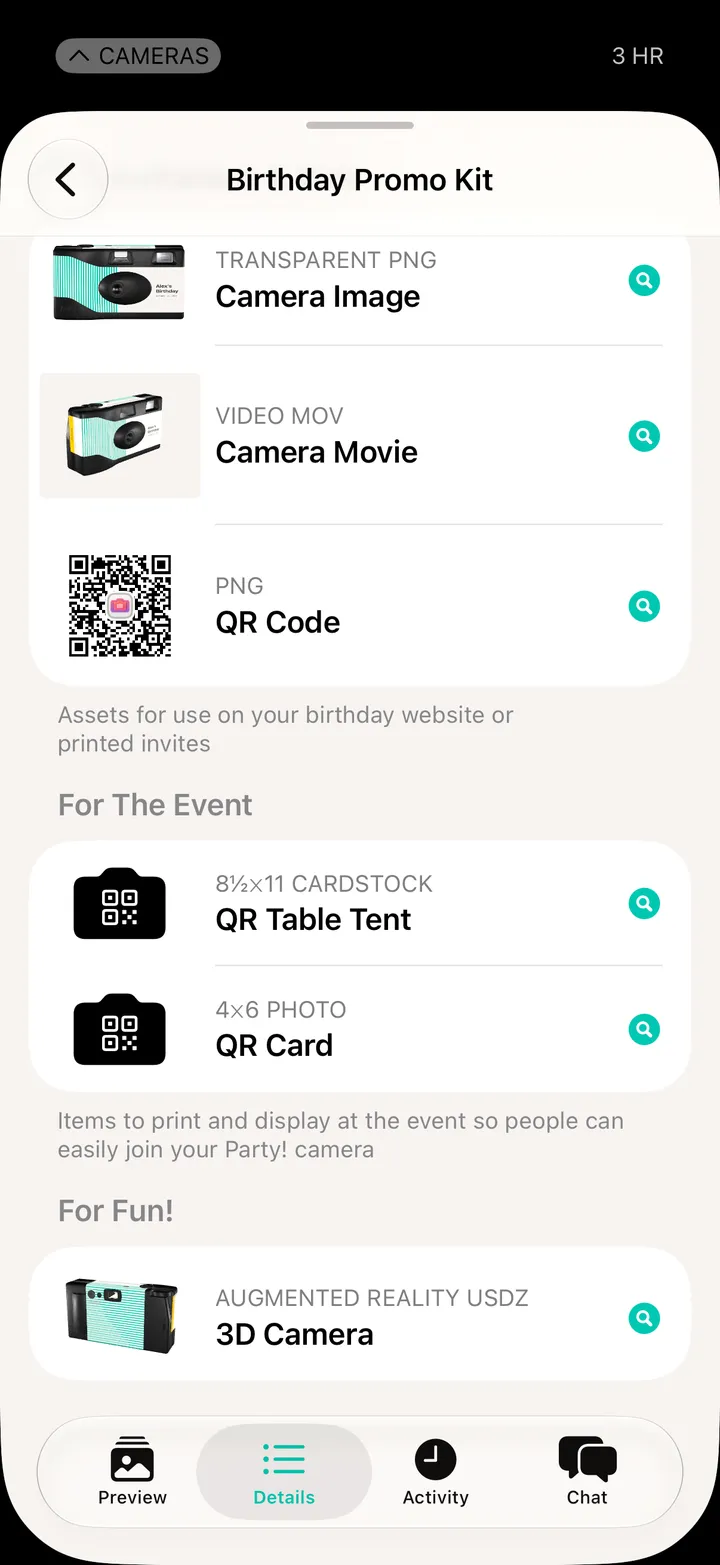
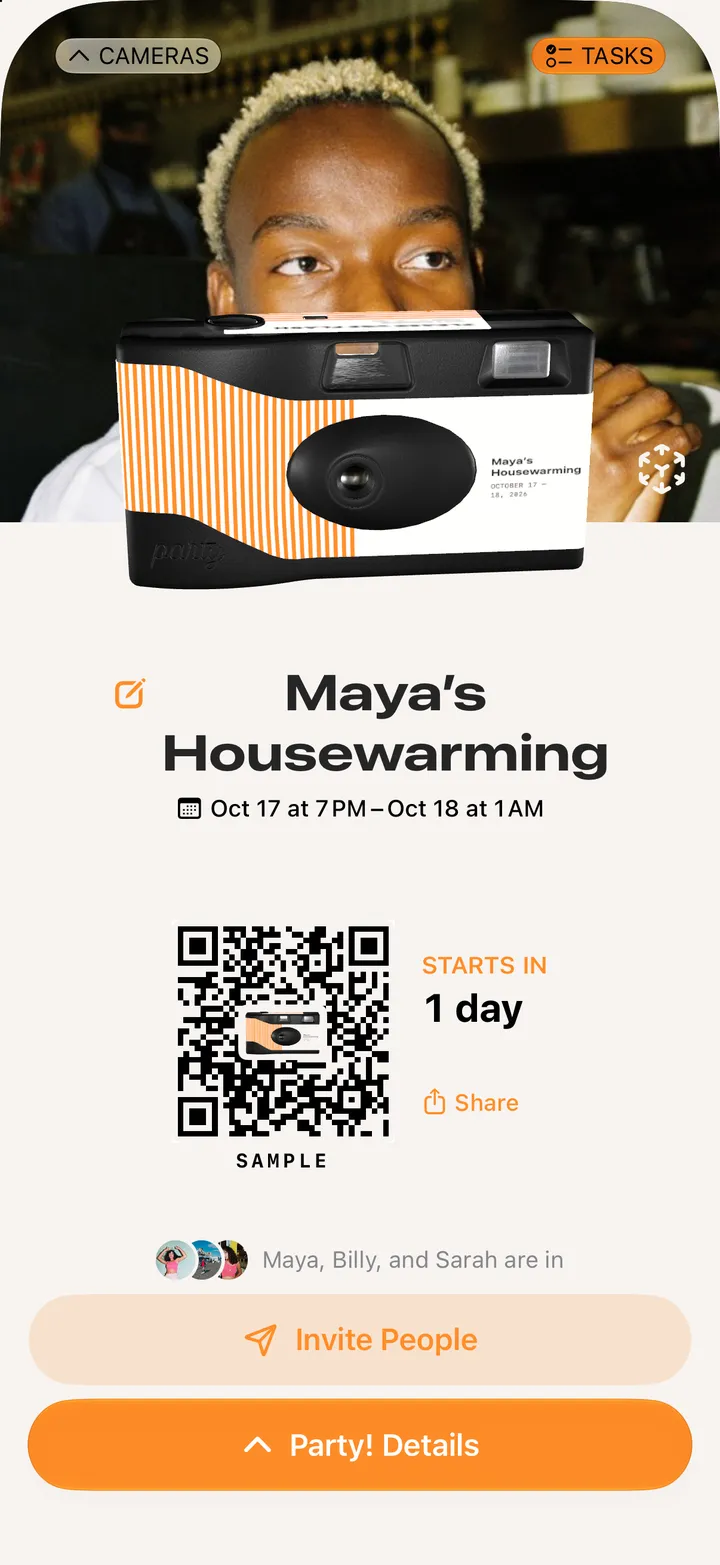
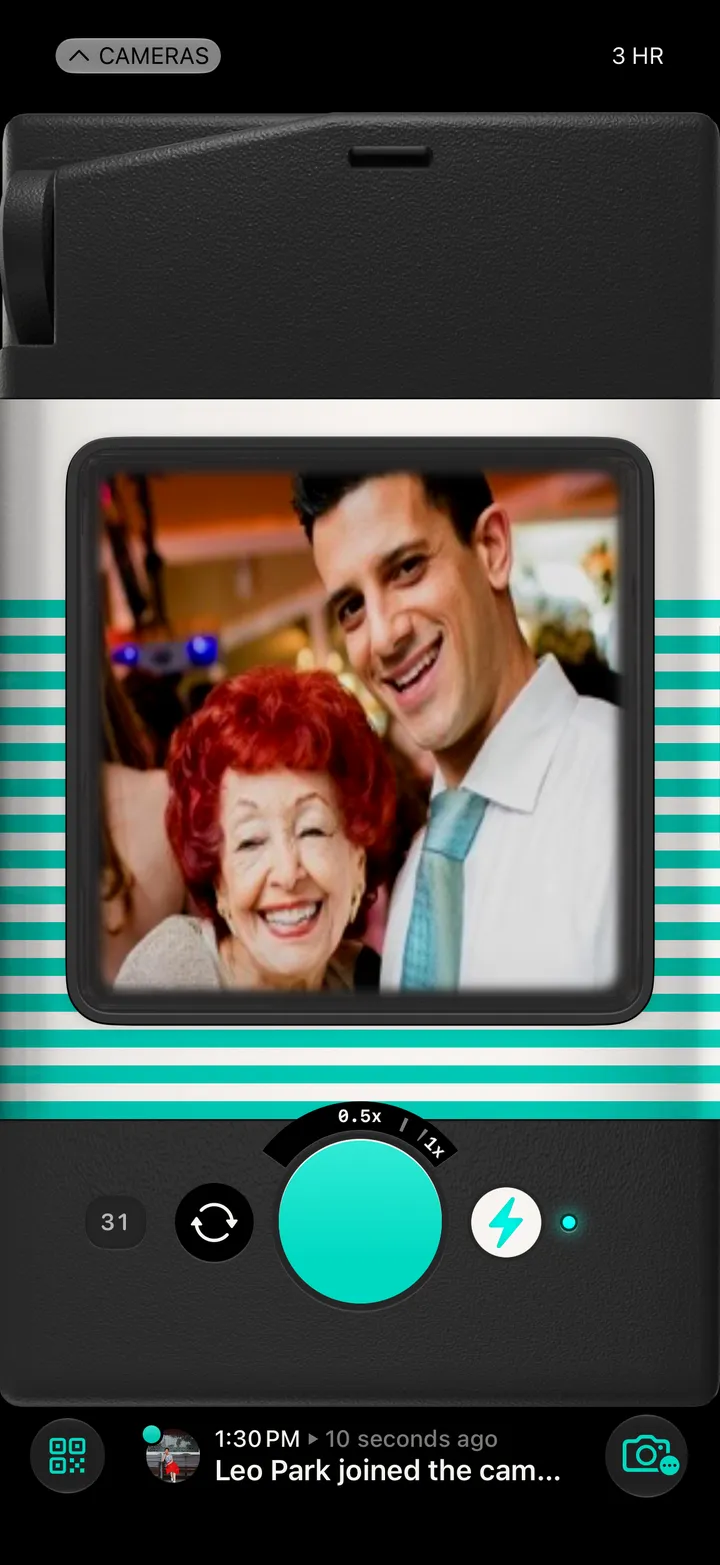
Tap the QR code button on your camera, then More… Swipe to QR Code, tap Save and print it from Files.
Party! · 2.2 · 4 stepsBottom left of your camera.
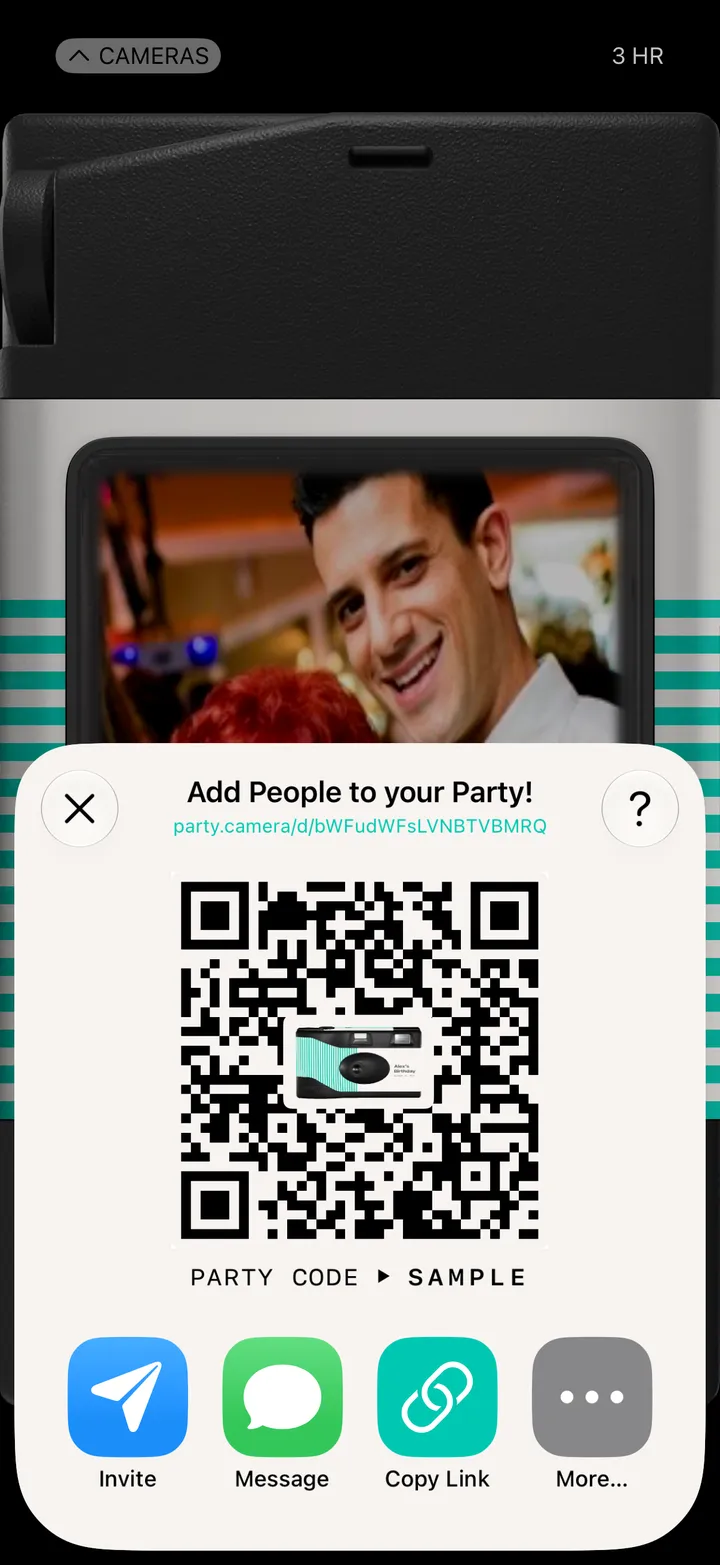
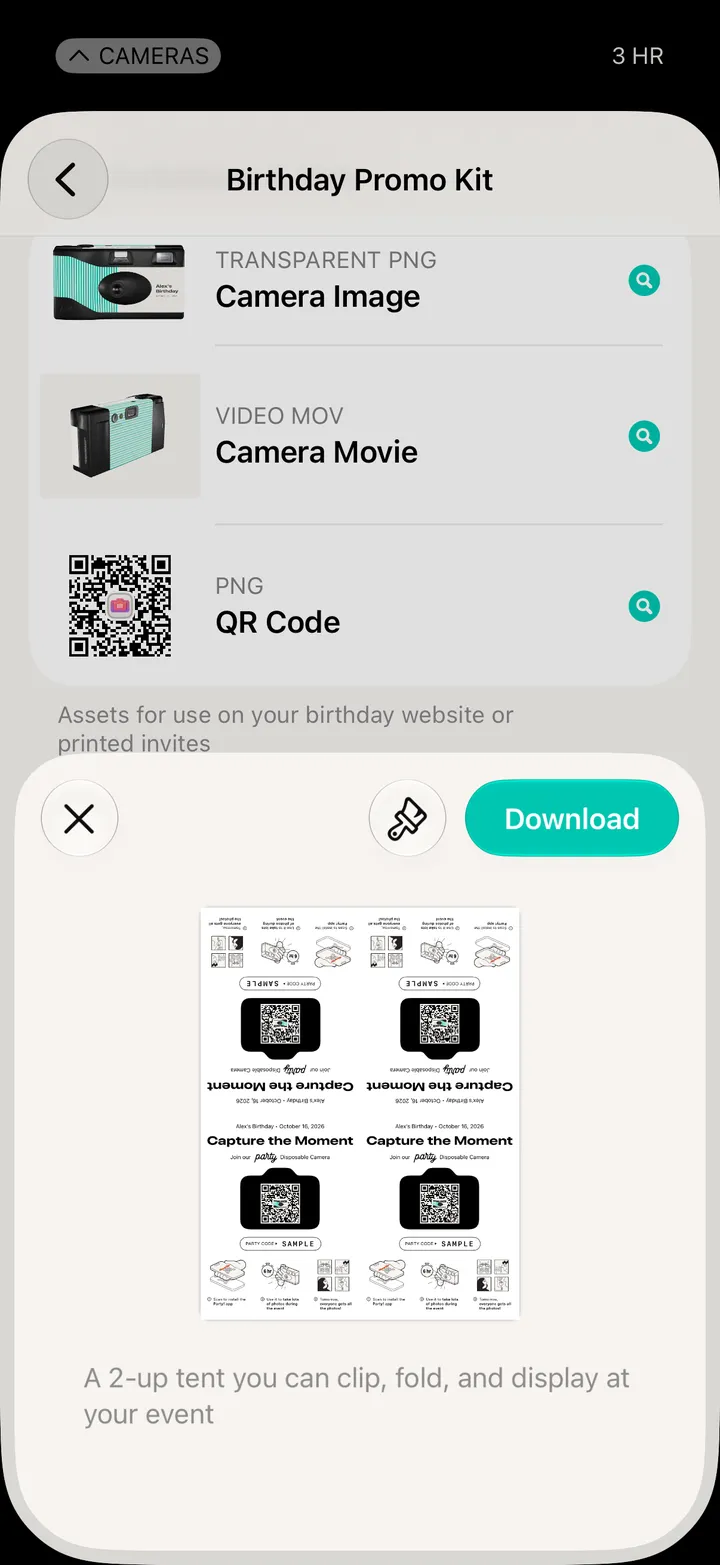
The party’s name, its QR code and its party code, on one card.
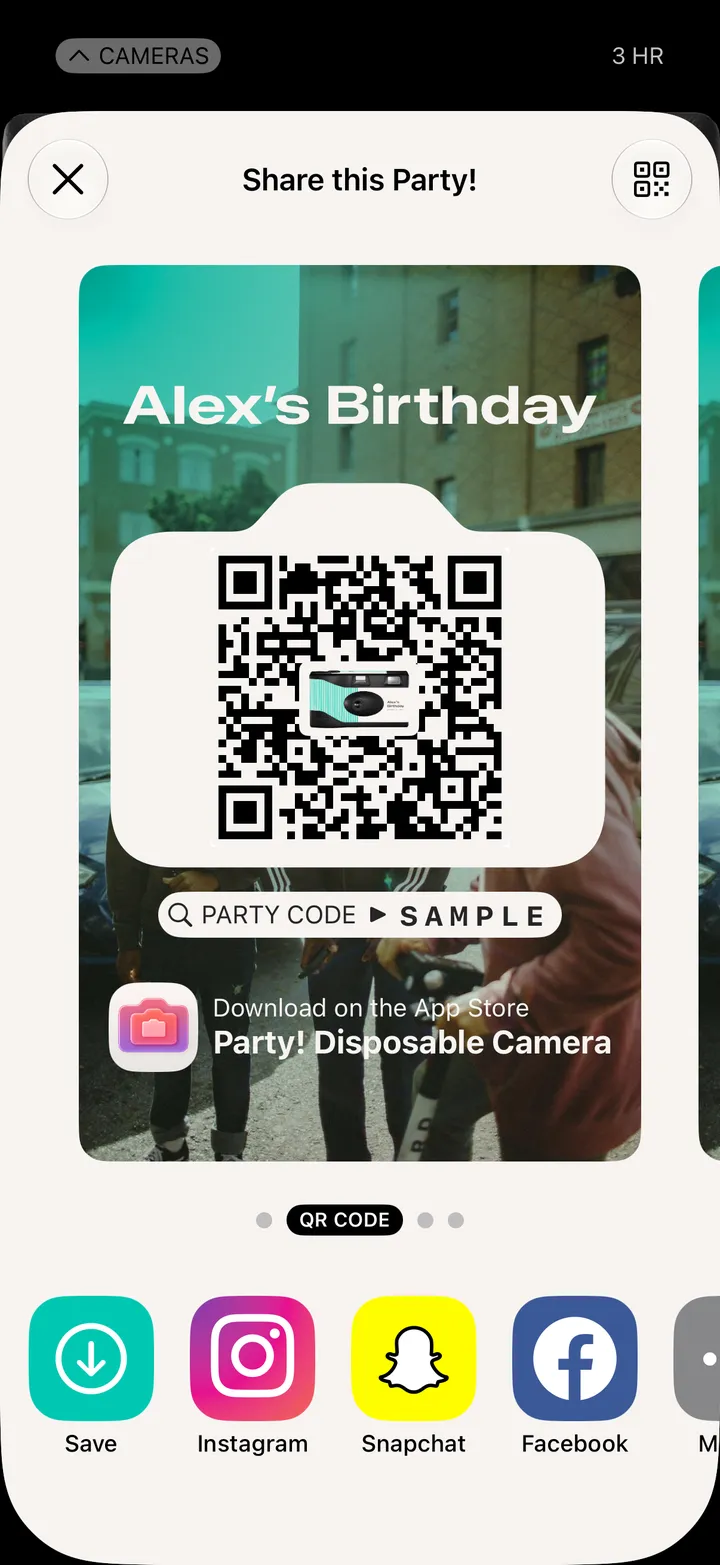
Pick a spot in Files, then print it from there. Or post it straight to Instagram.