Party! guideHosting tips
Put the QR code where people stand, reveal in the morning, give them a shot list and a co-host, take out the photos that shouldn’t be seen, and watch the roll.
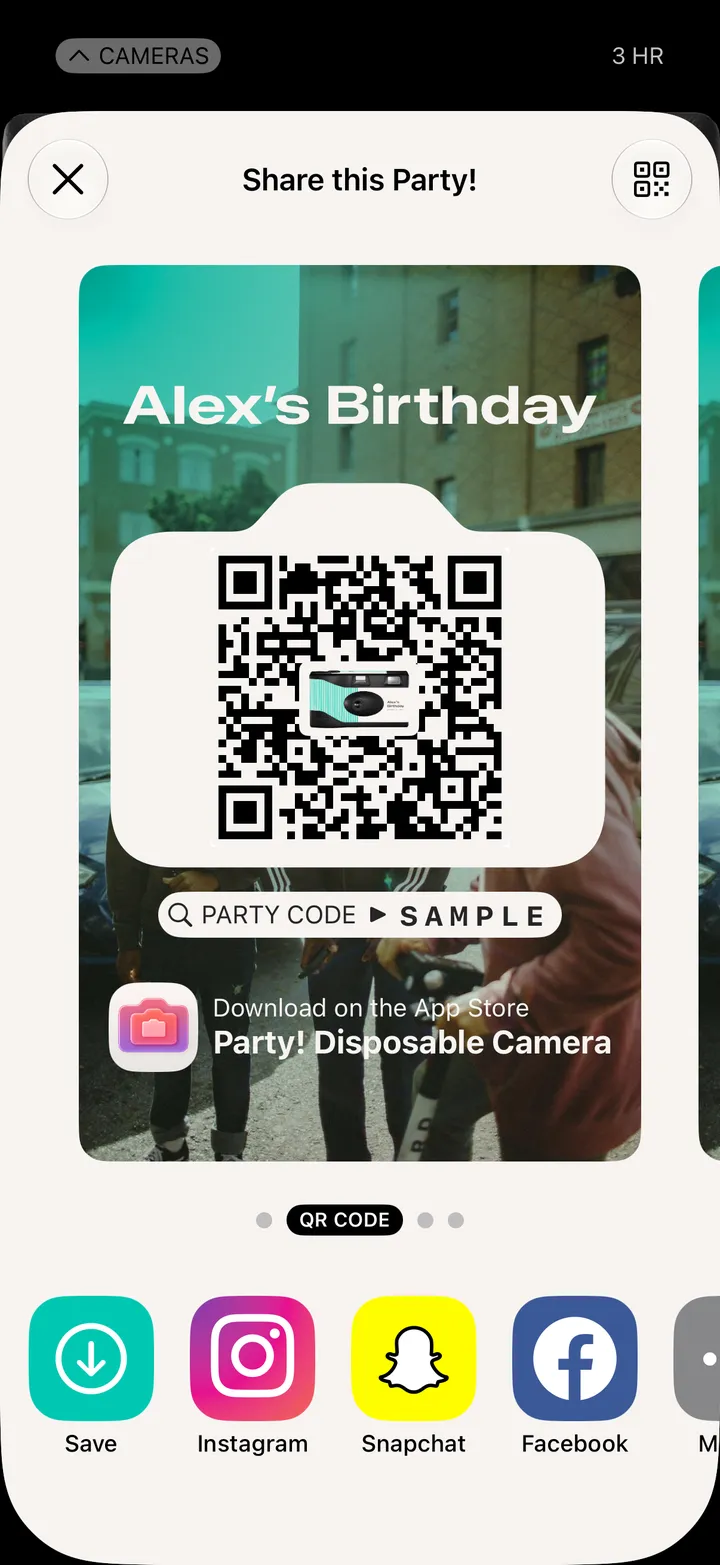
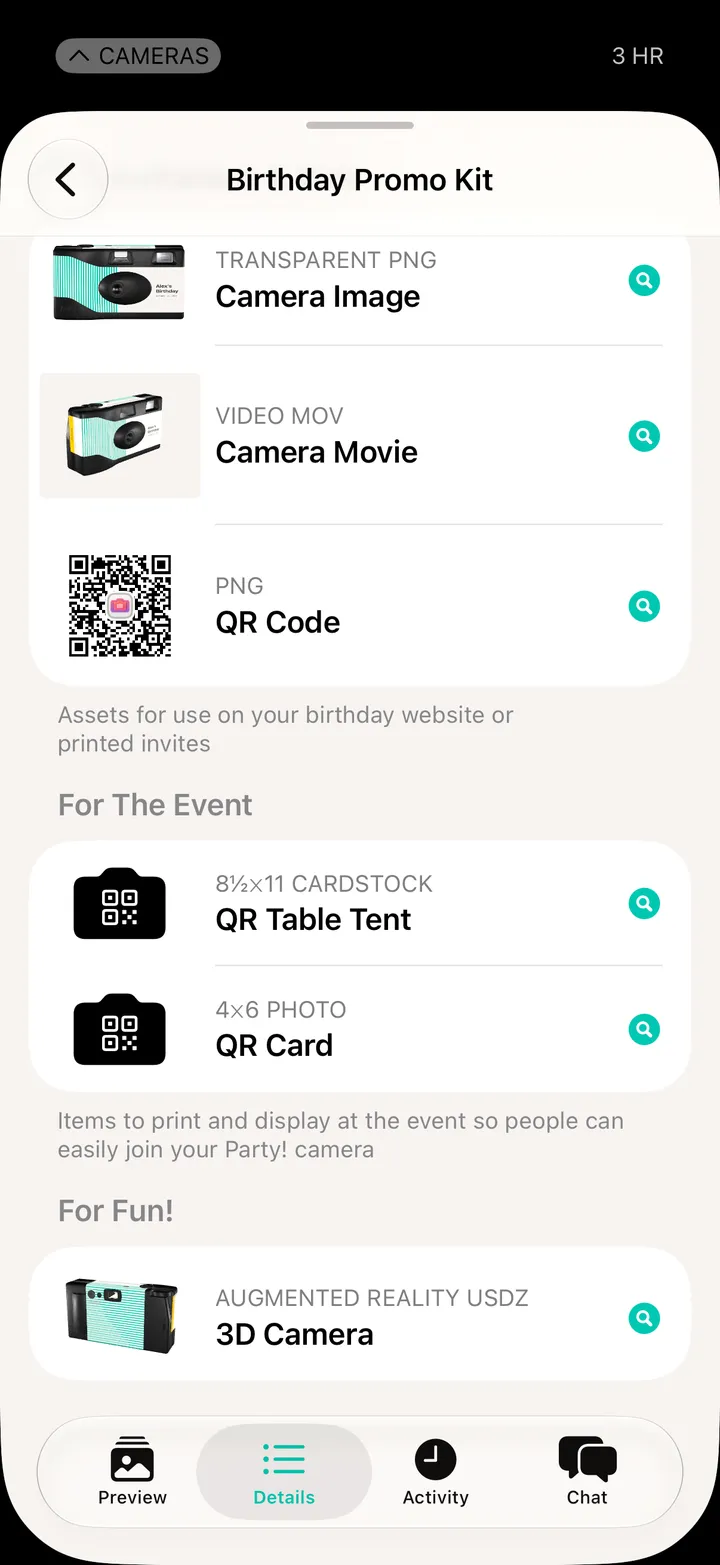
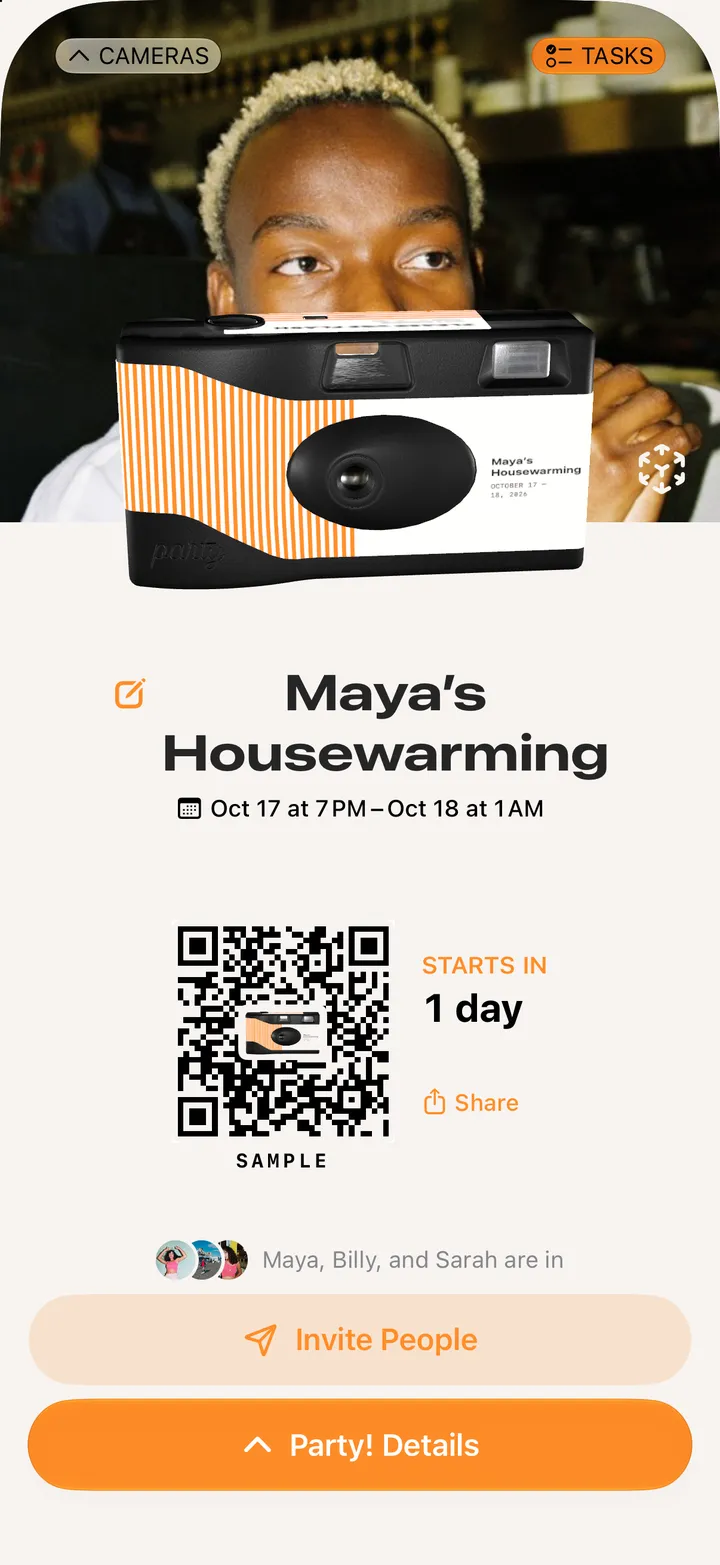
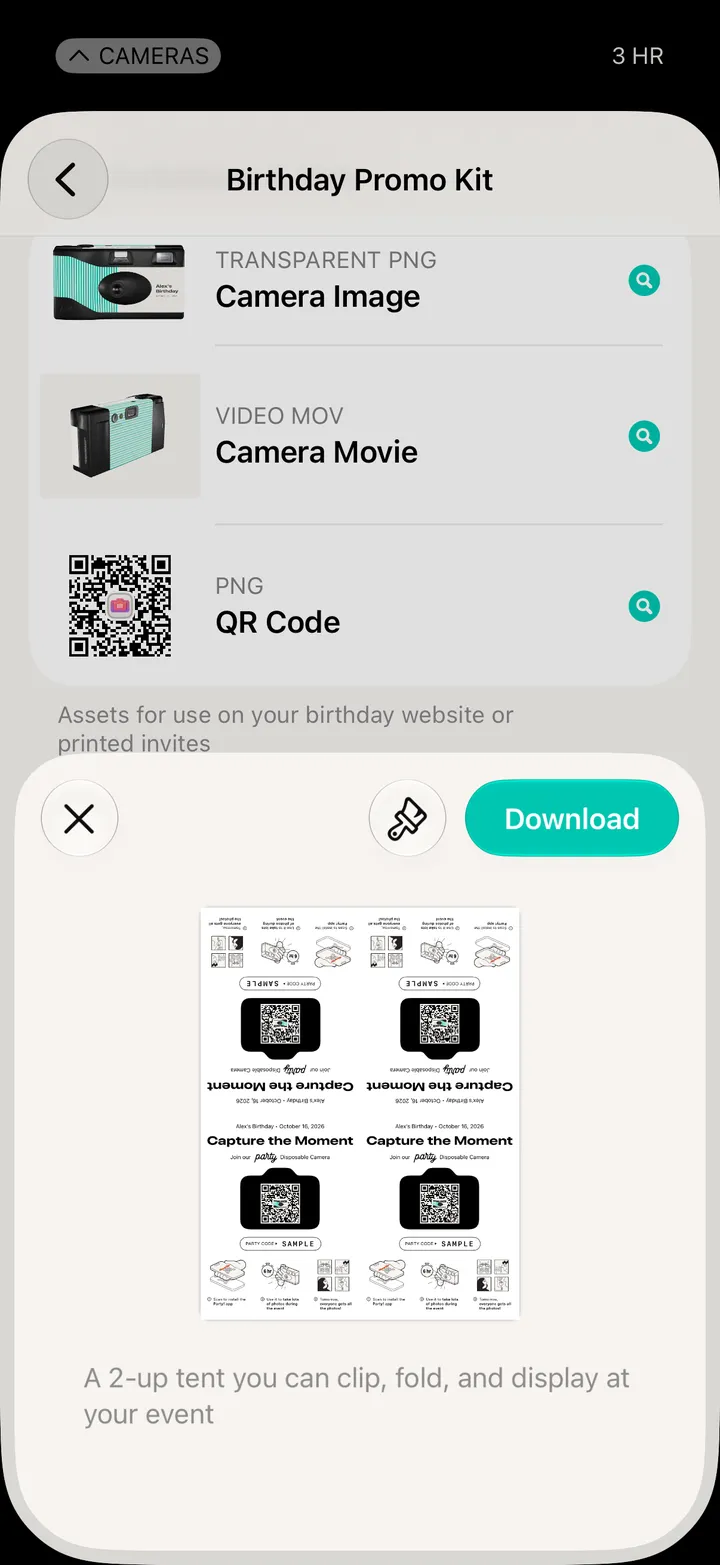
Party! · 2.1 · 7 stepsPrint it for the bar, the door and the tables. Every camera can save its QR code. Premium adds table tents.
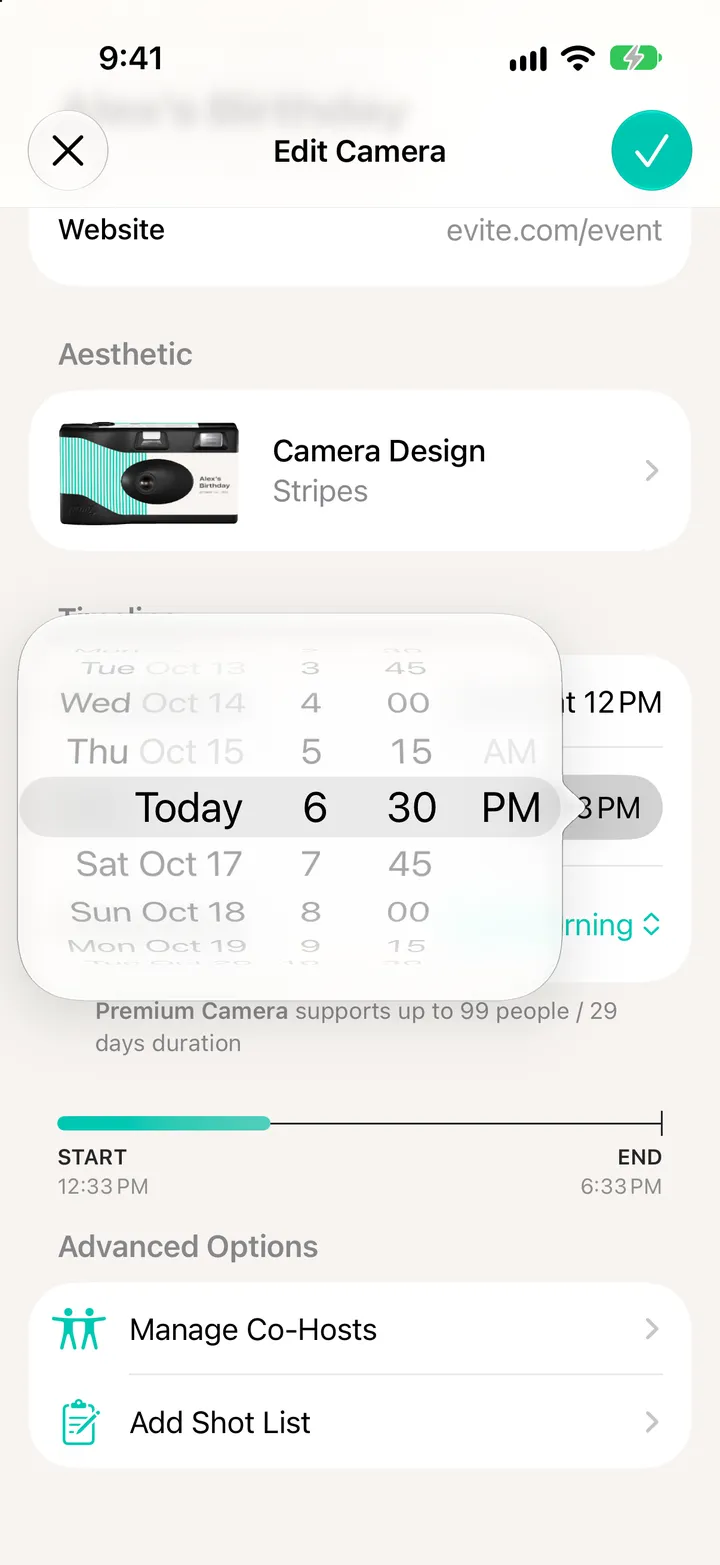
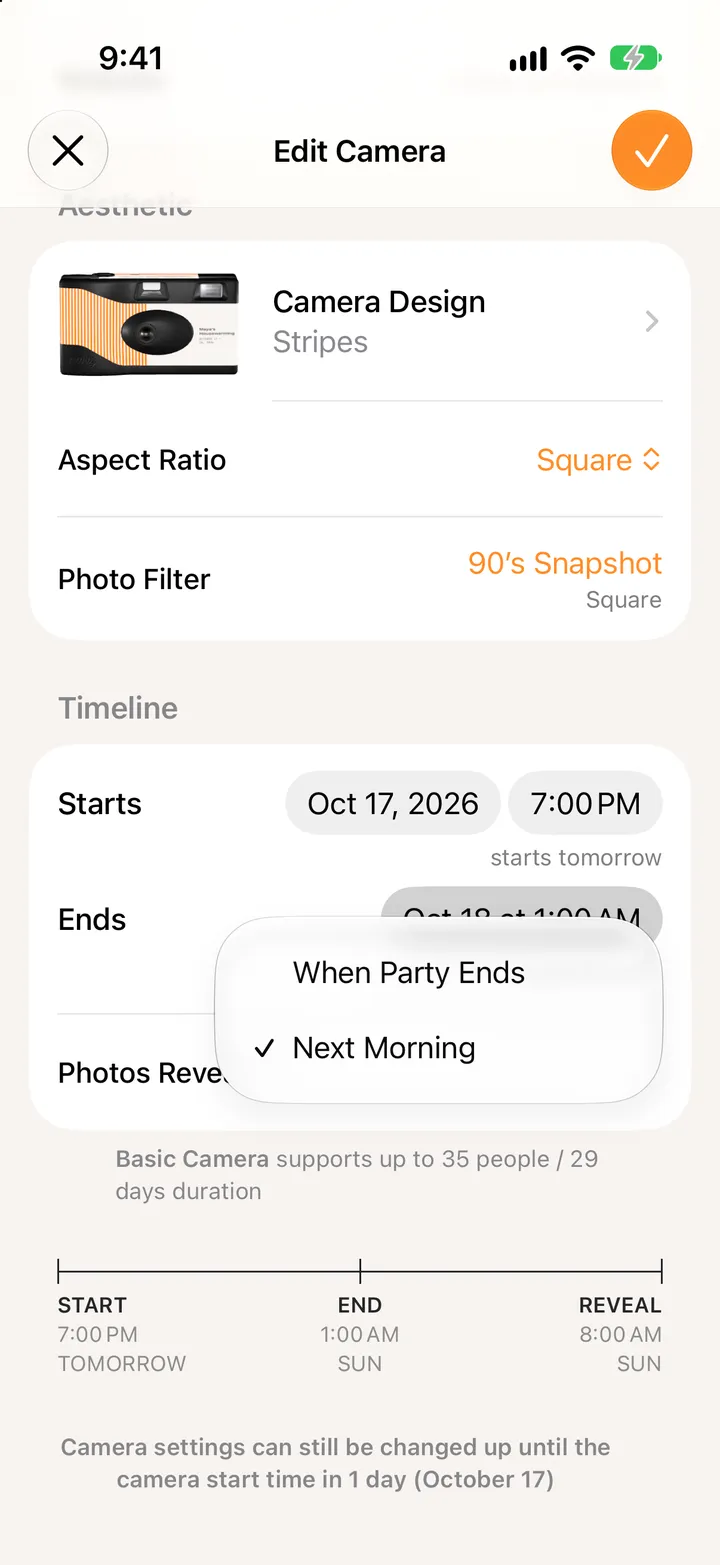
Everyone wakes up to the whole roll. It’s the default for a reason.
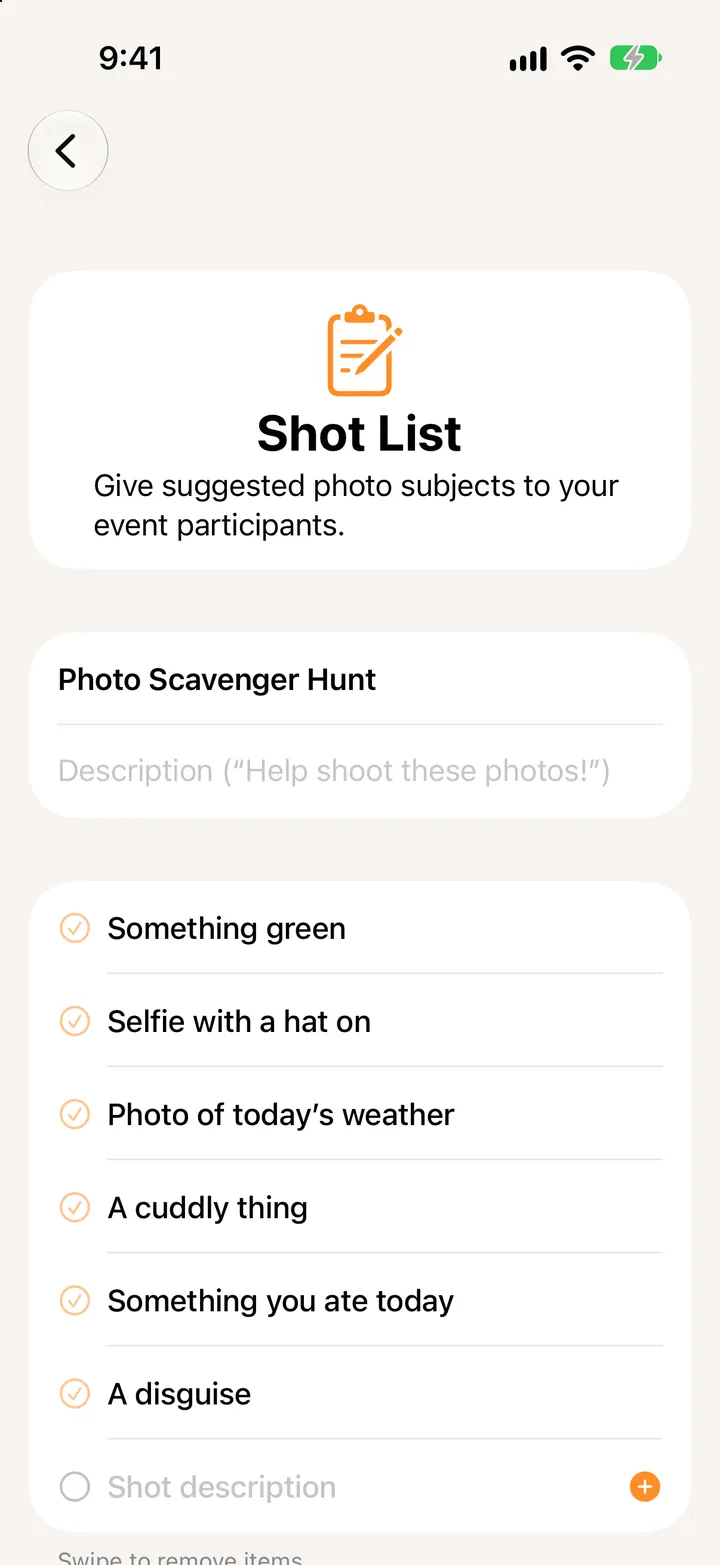
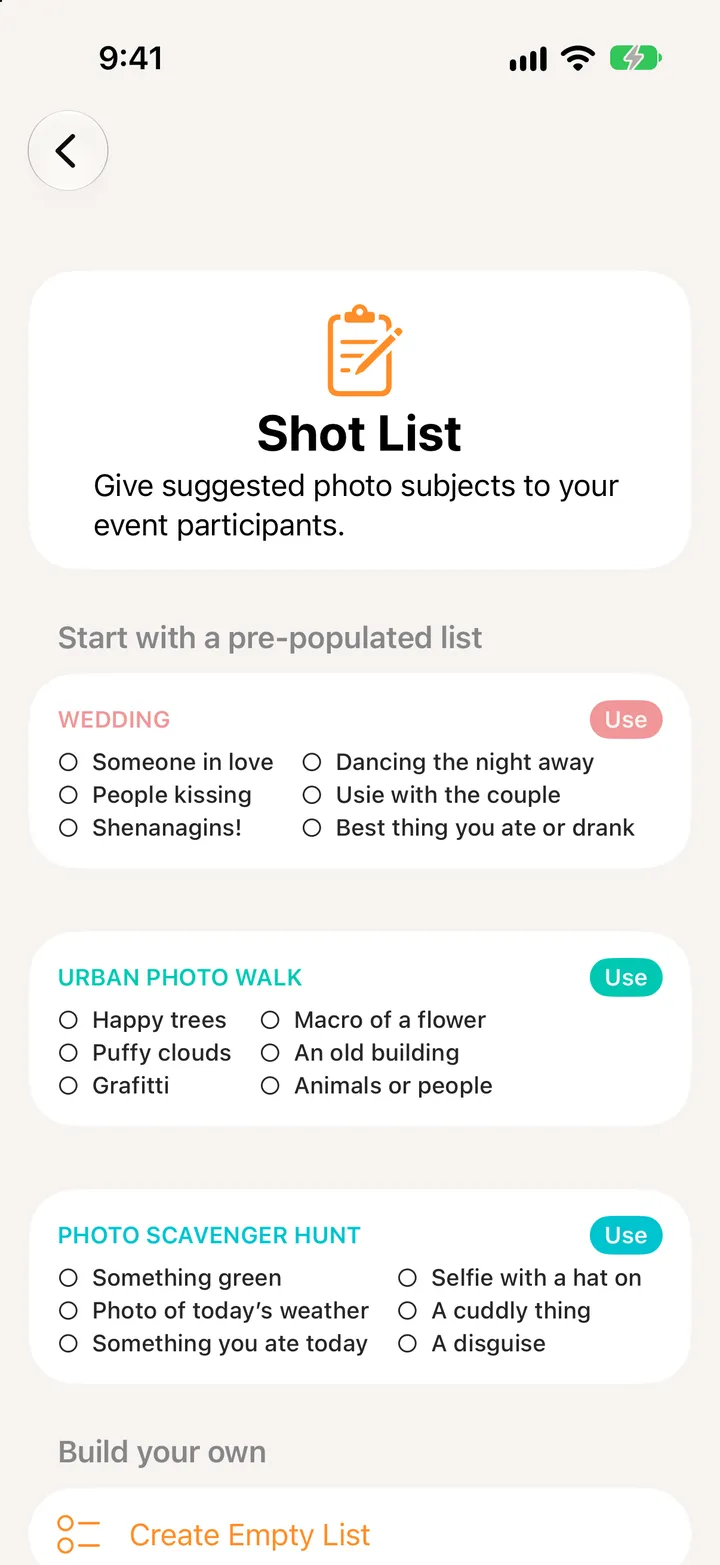
It gives quiet guests something to go after. Deluxe and up.
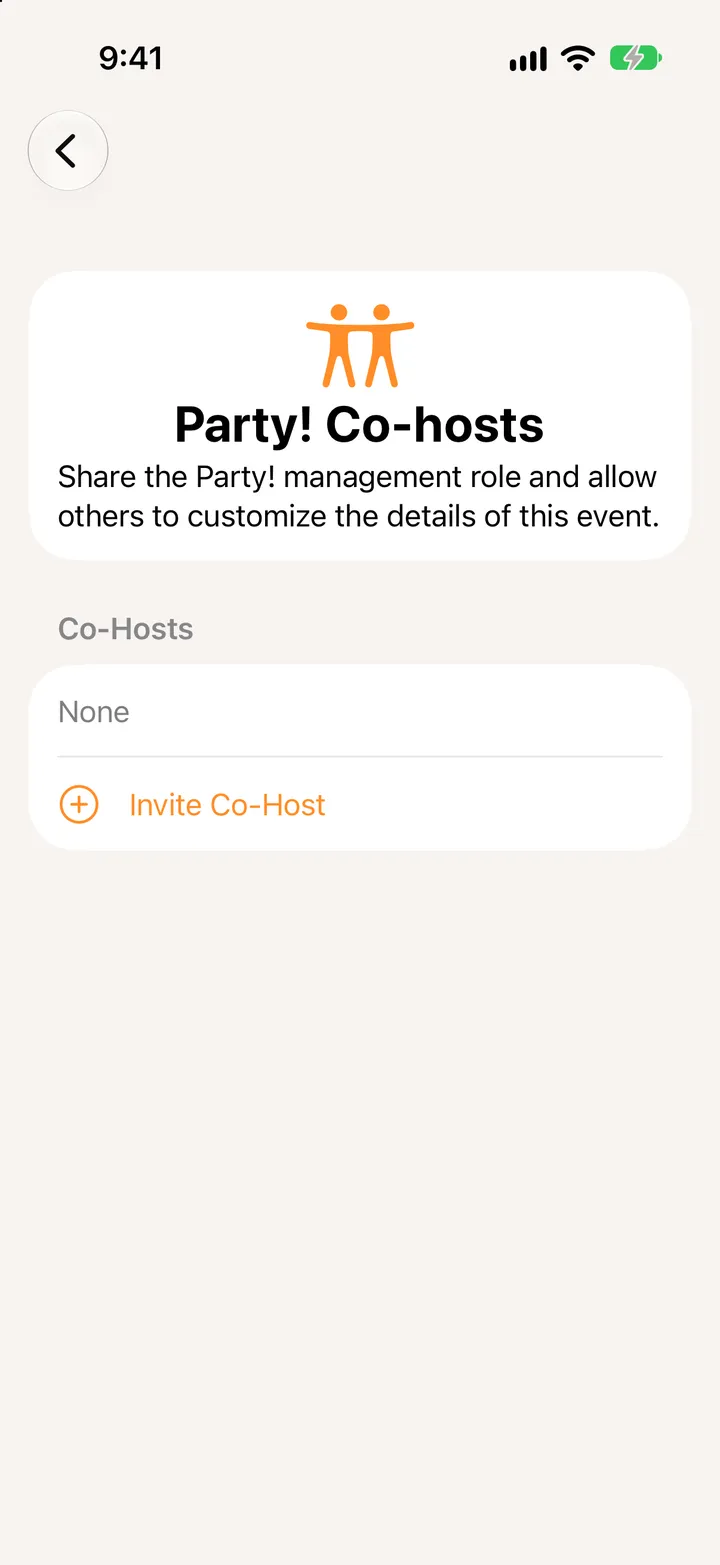
Someone to fix the end time while you’re dancing.
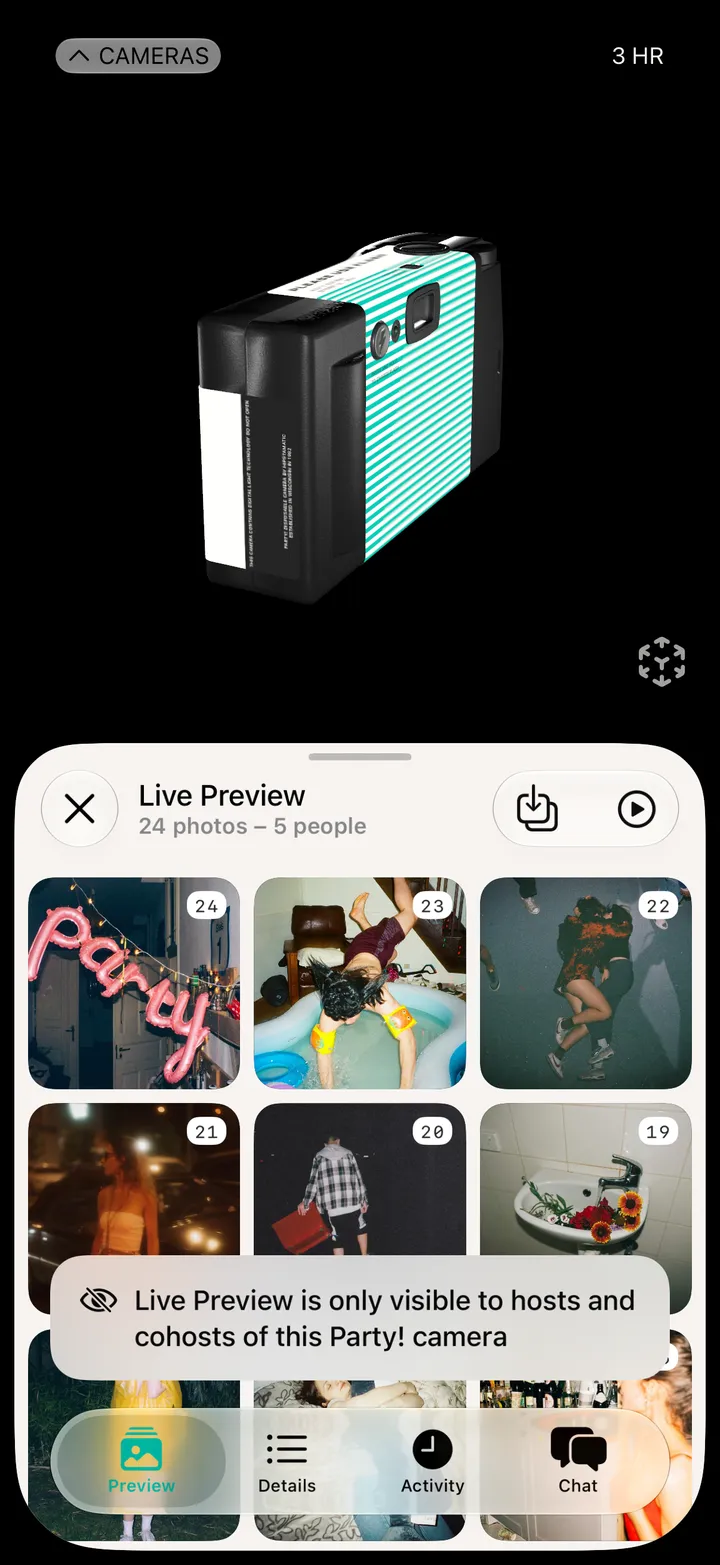
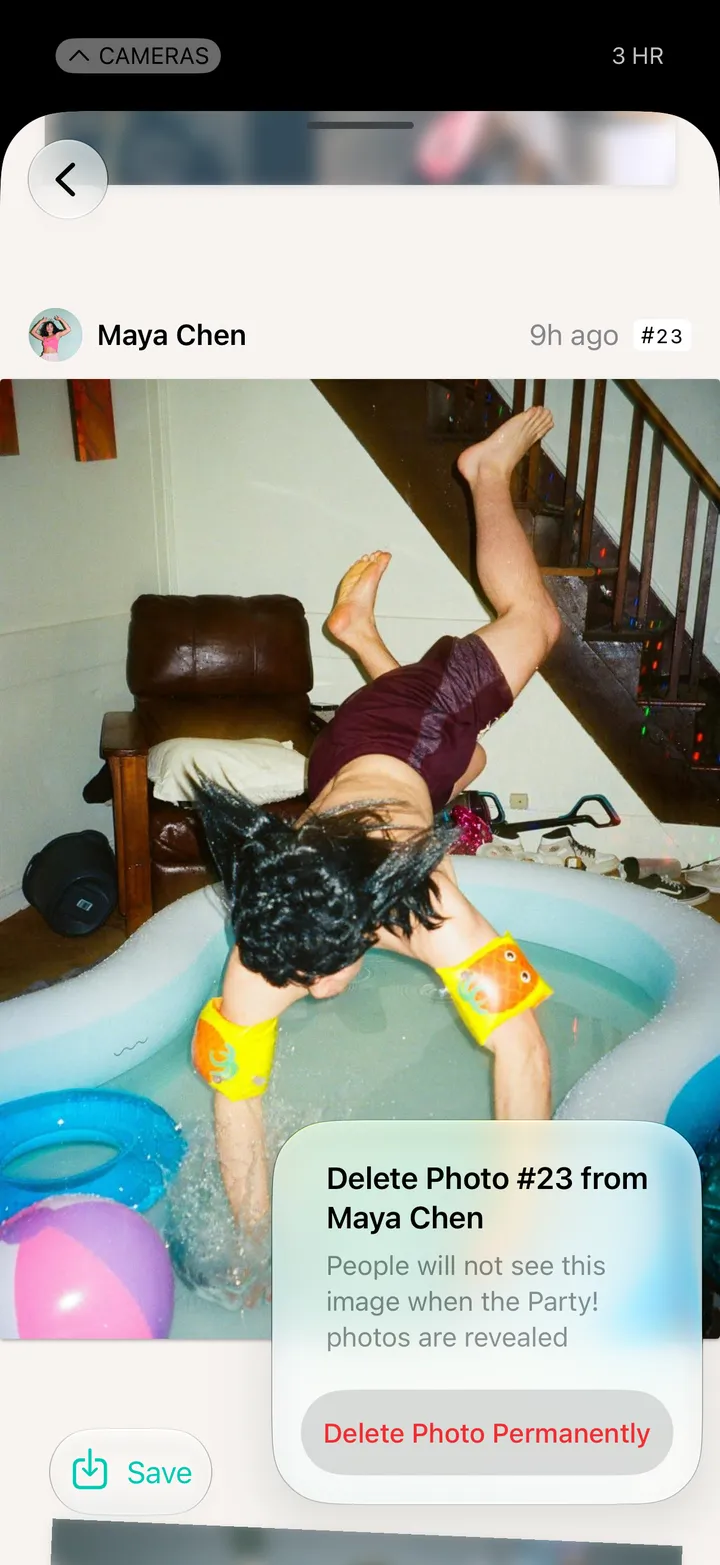
On Premium, delete a photo before anyone sees it at the reveal.
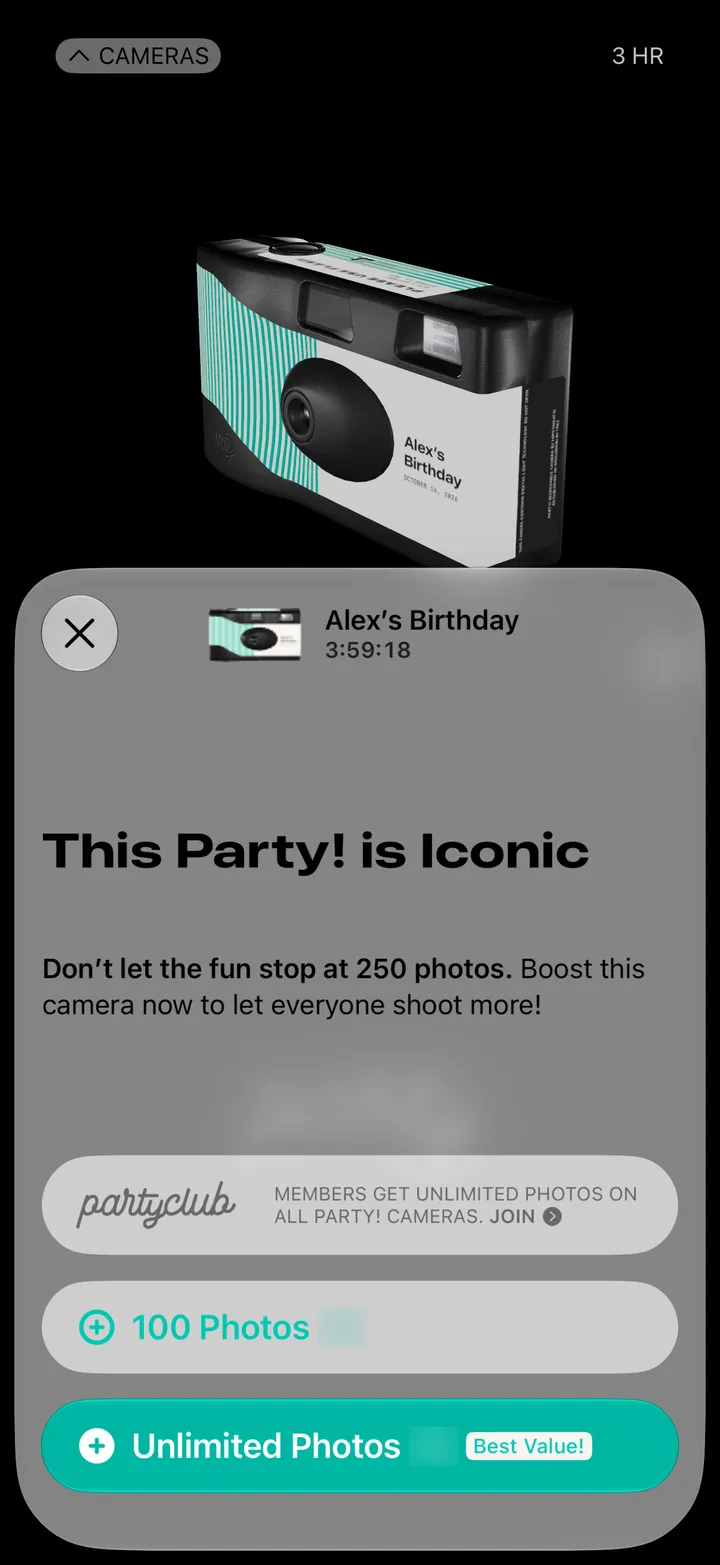
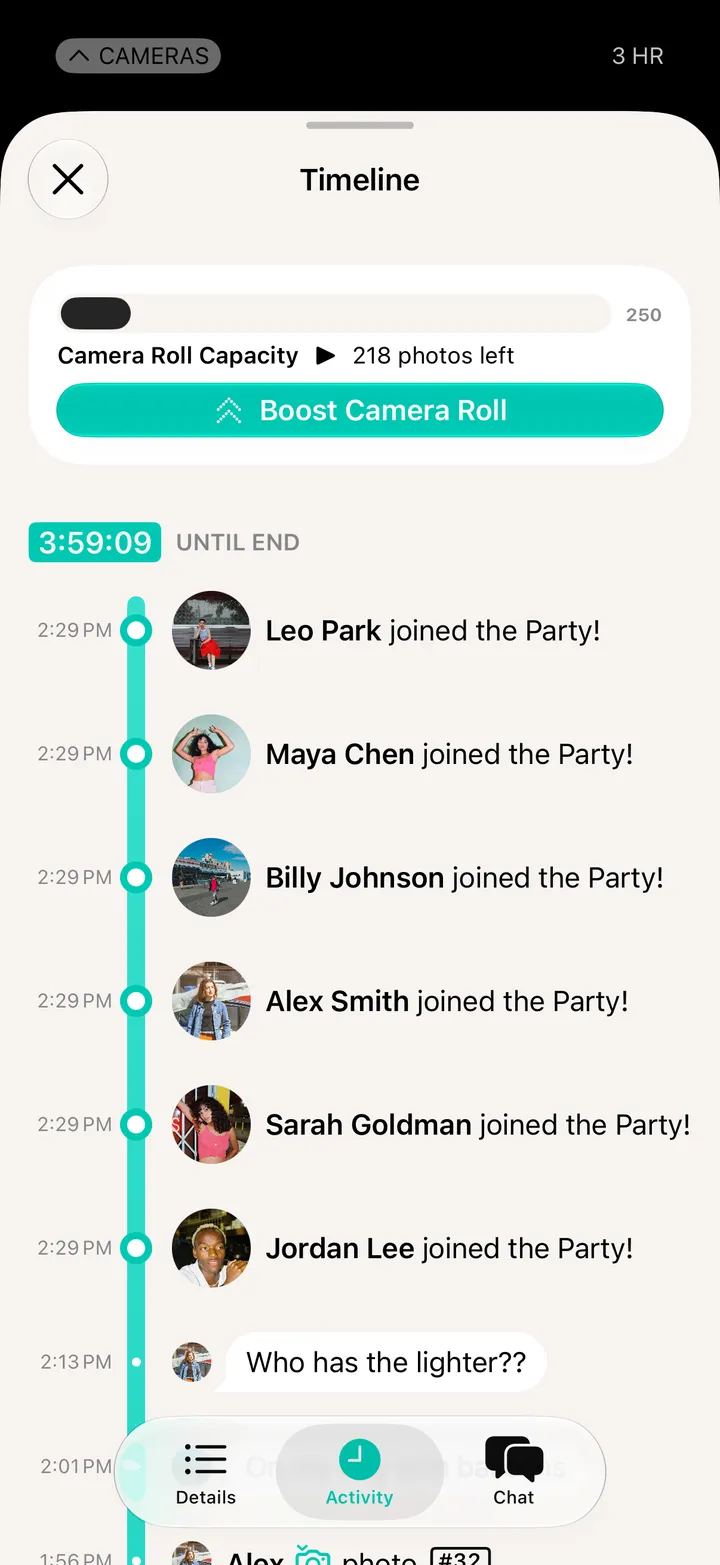
Boost before it fills up. When it’s full, the shutter stops shooting.
Party! photos turn out best with it. It starts on.