Party! guideAdd a co-host

In Edit, tap Manage Co-Hosts, then Invite Co-Host and send them the link. A co-host can change the party just like you.

Party! · 2.11 · 5 steps
  1. 01

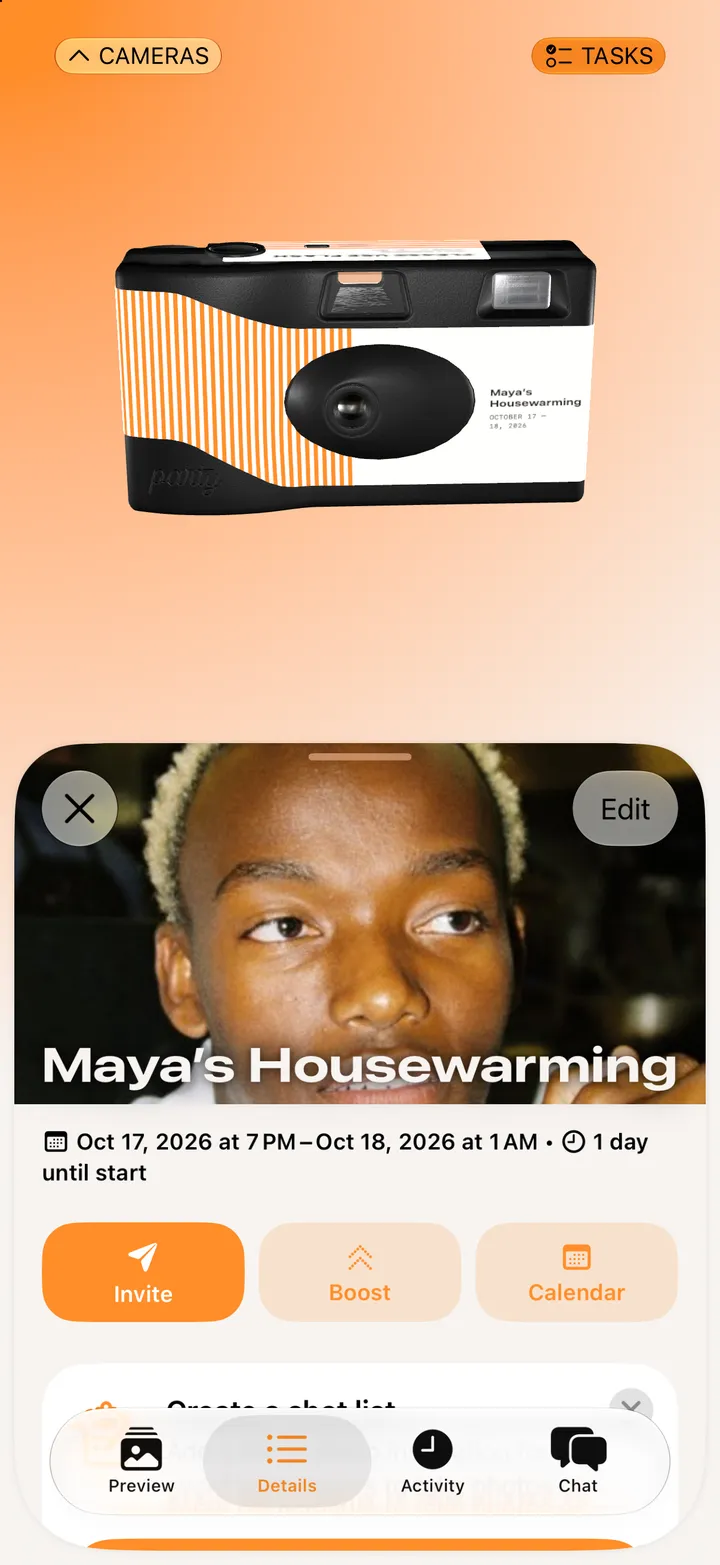
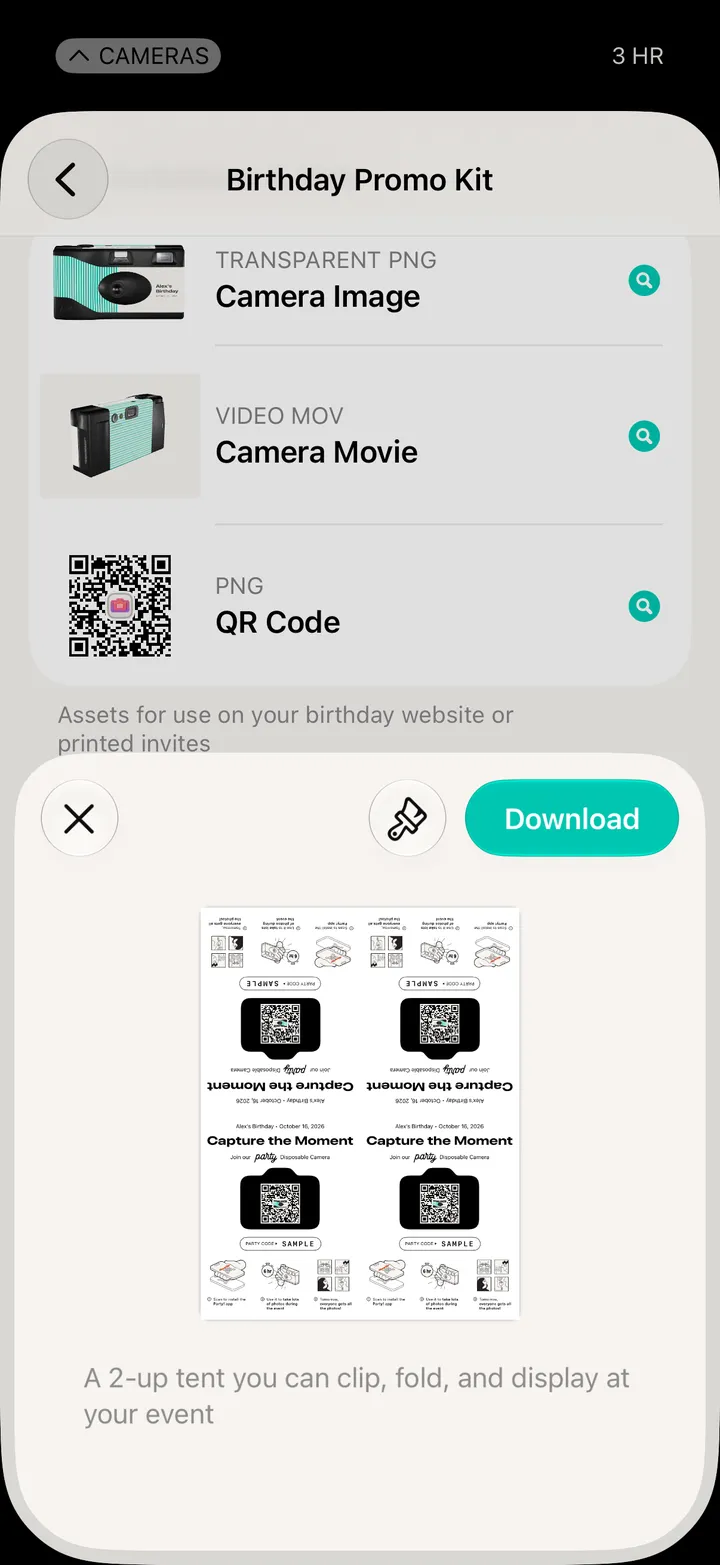
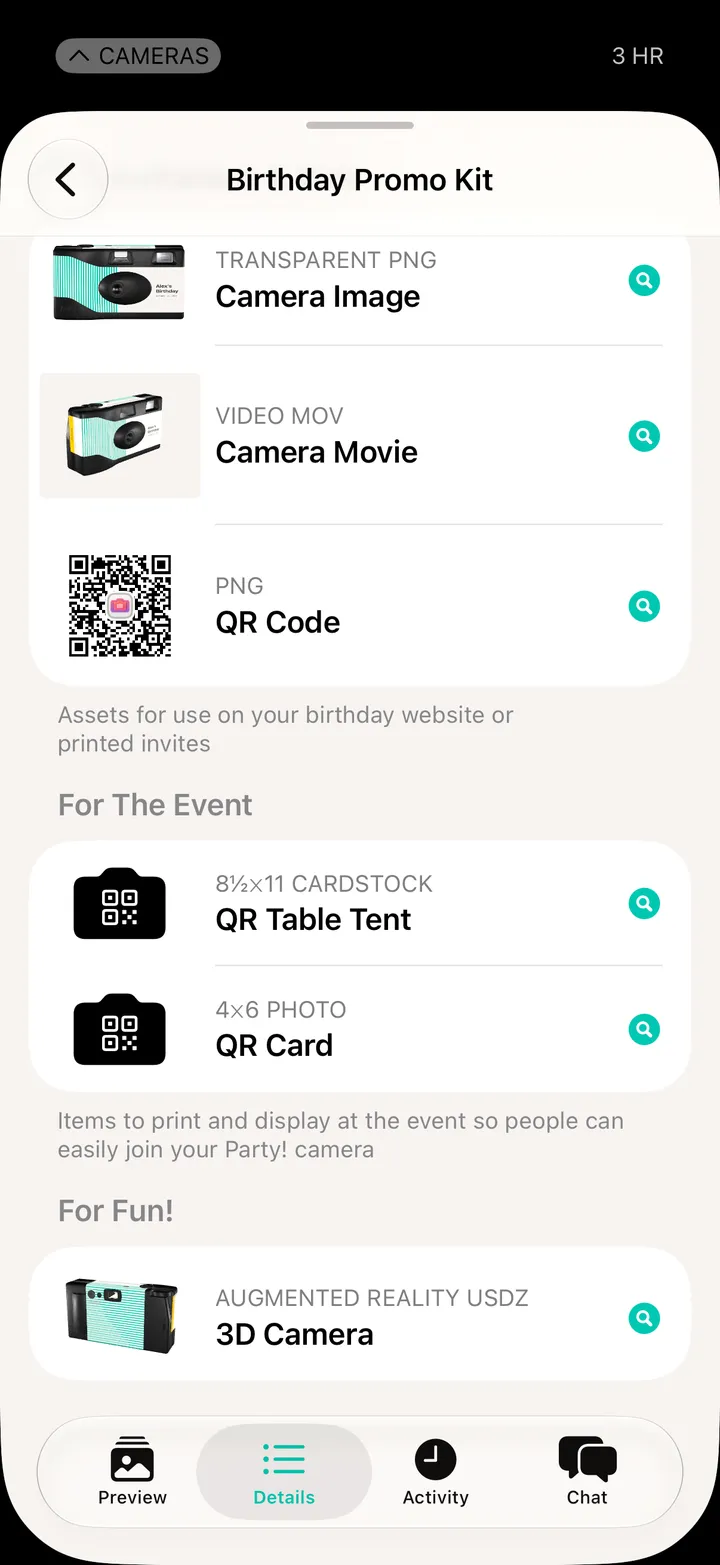
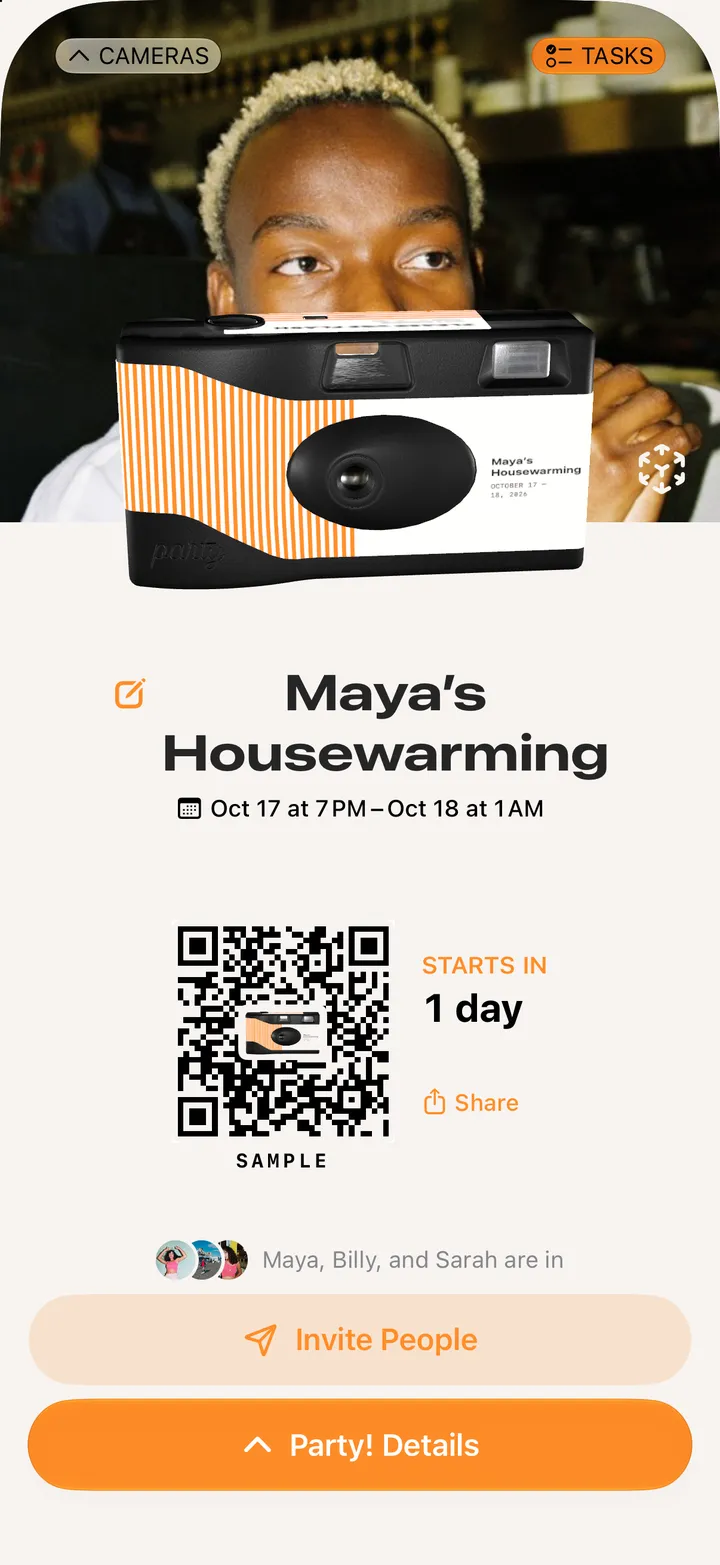
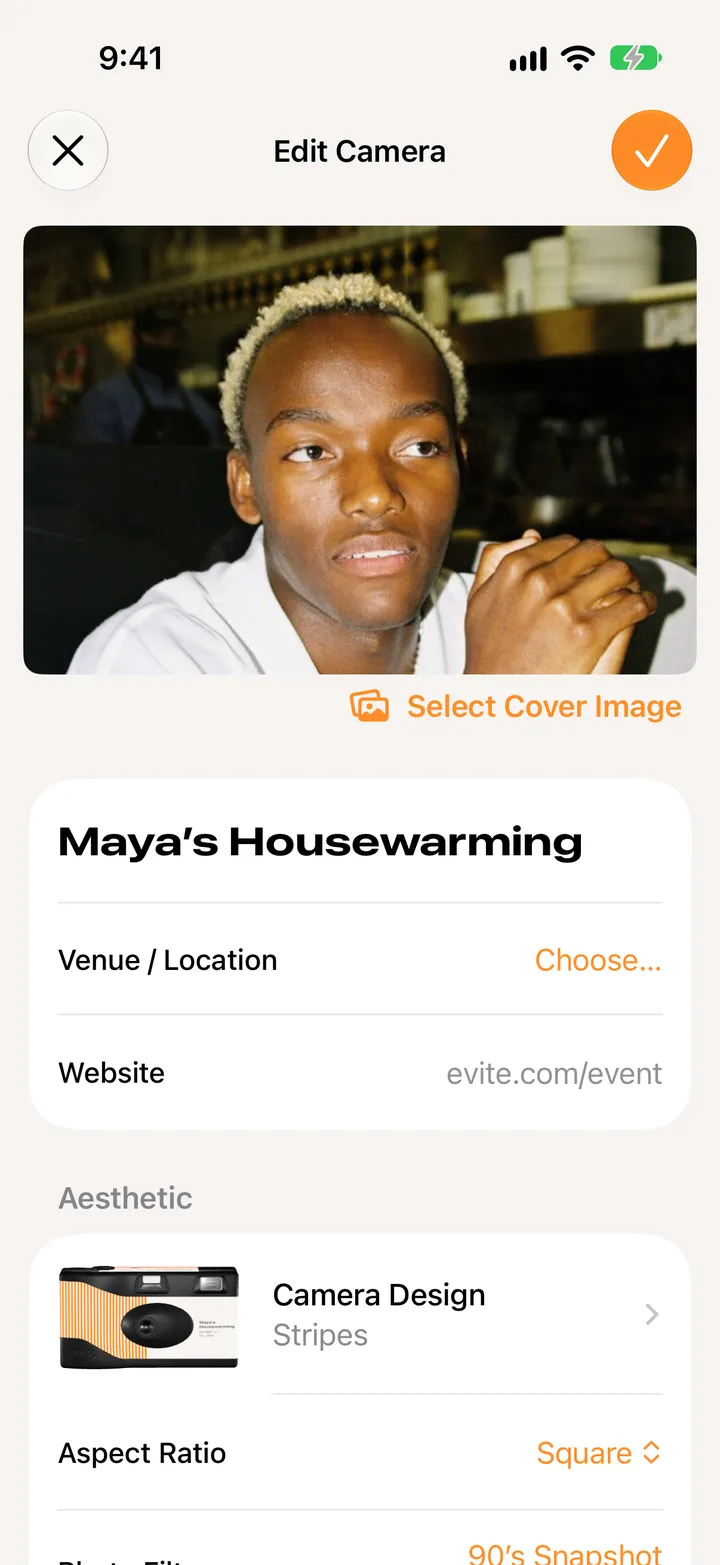
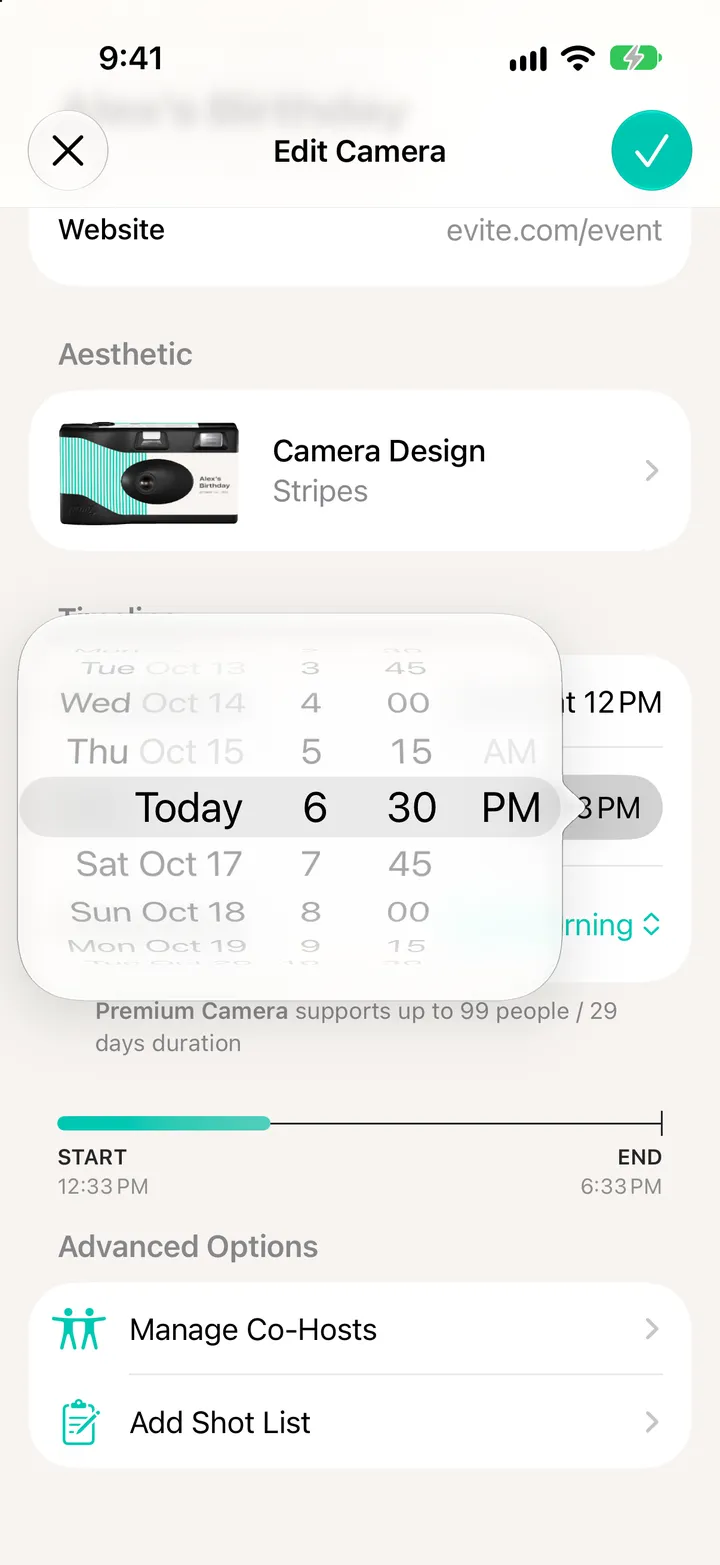
    Tap Party! Details, then Edit

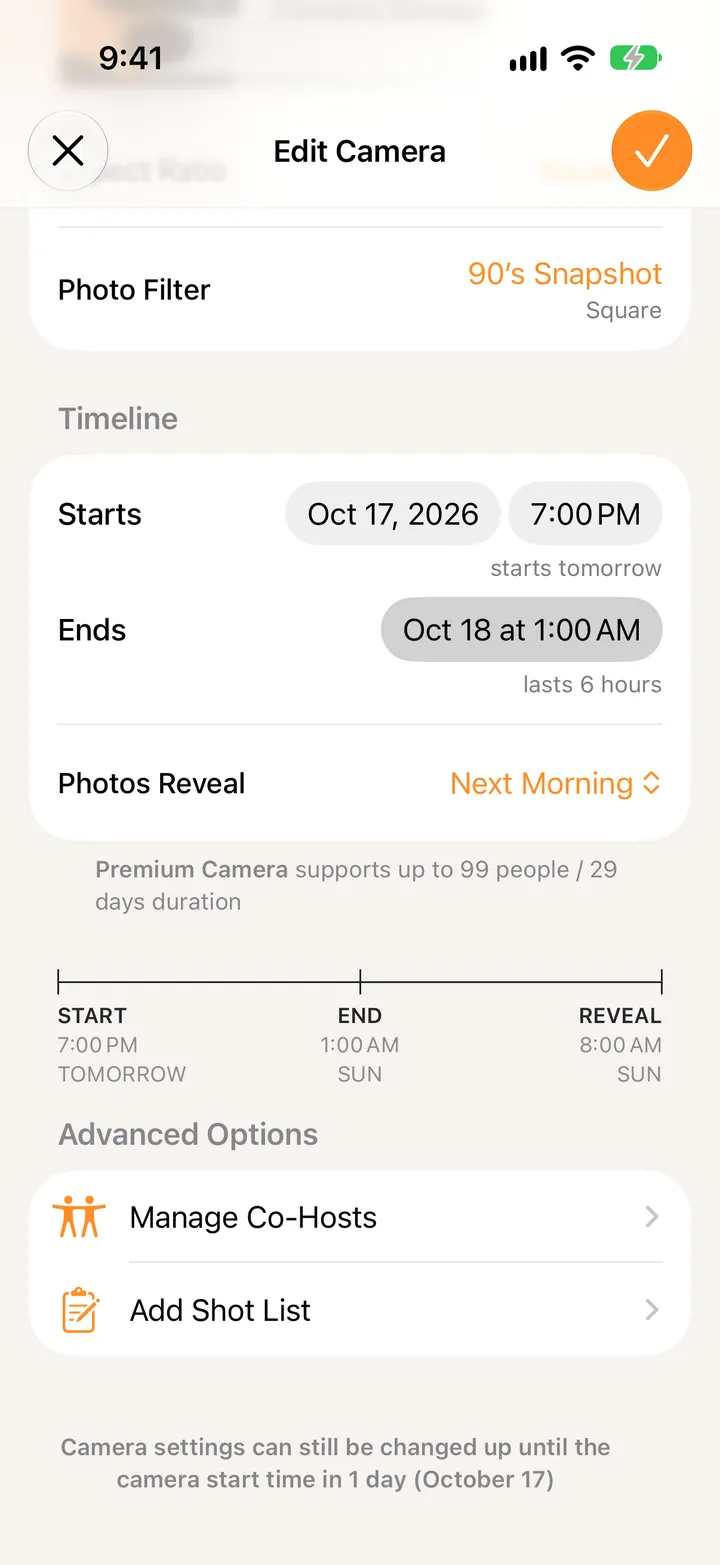
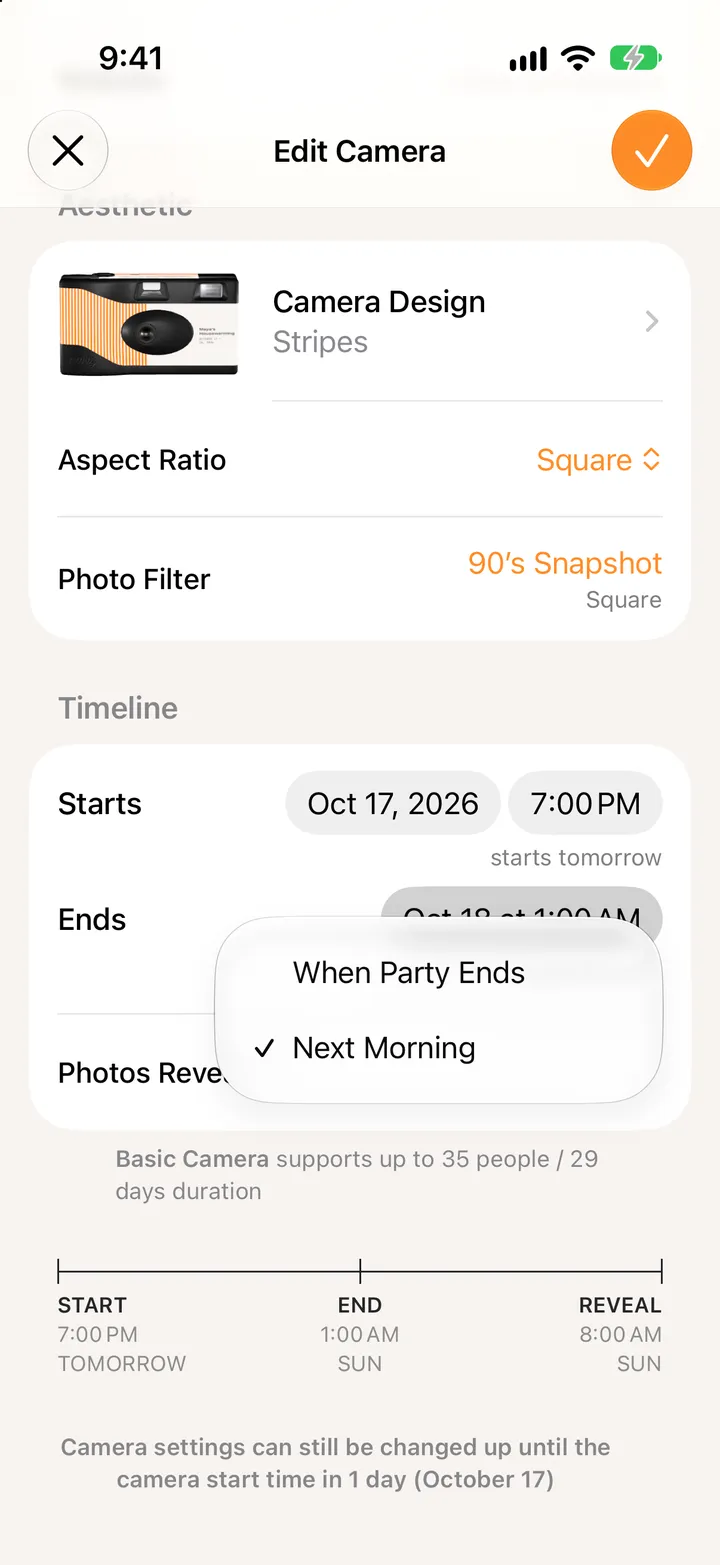
    Scroll to Advanced Options.

    Step 1: Tap Party! Details, then Edit
  2. 02

    Tap Manage Co-Hosts

    Step 2: Tap Manage Co-Hosts
  3. 03

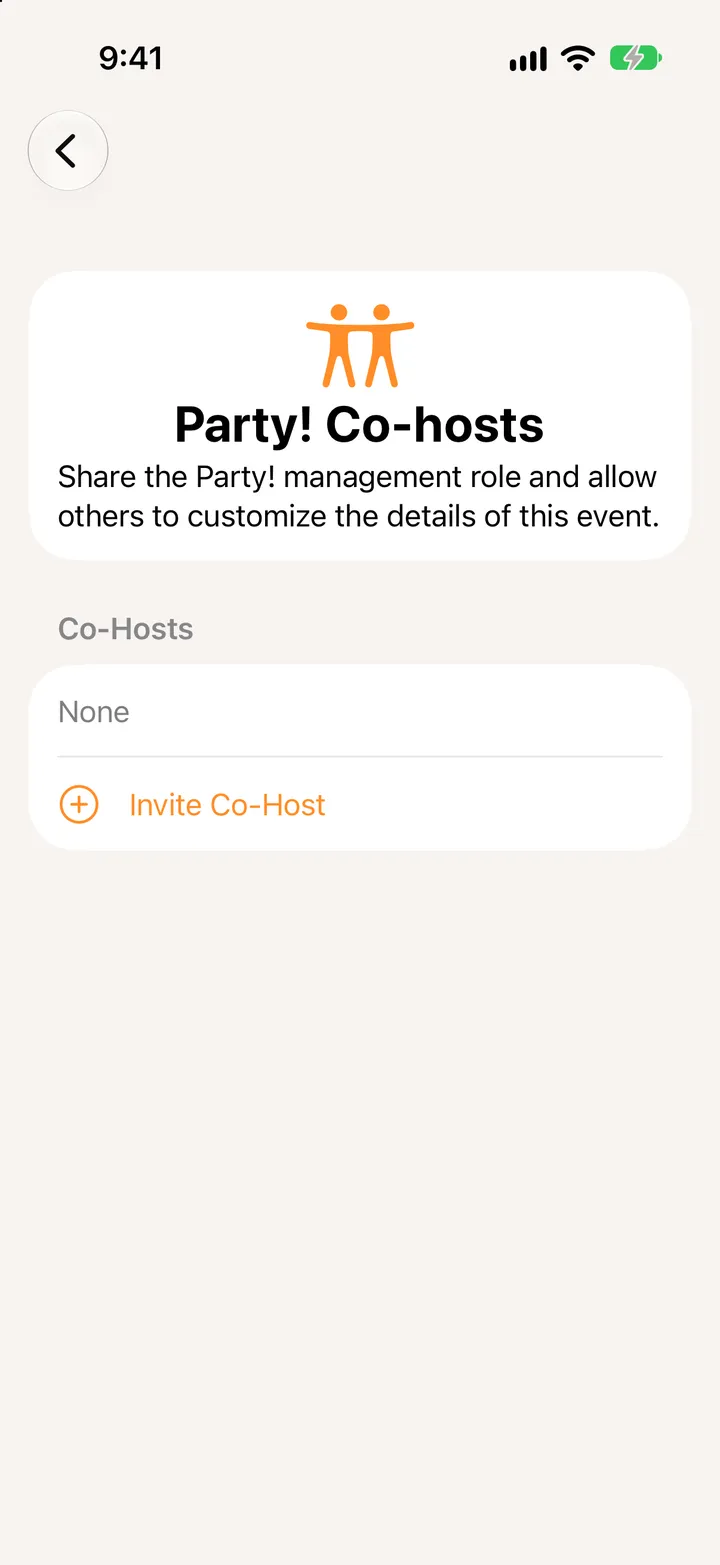
    Tap Invite Co-Host

    Step 3: Tap Invite Co-Host
  4. 04

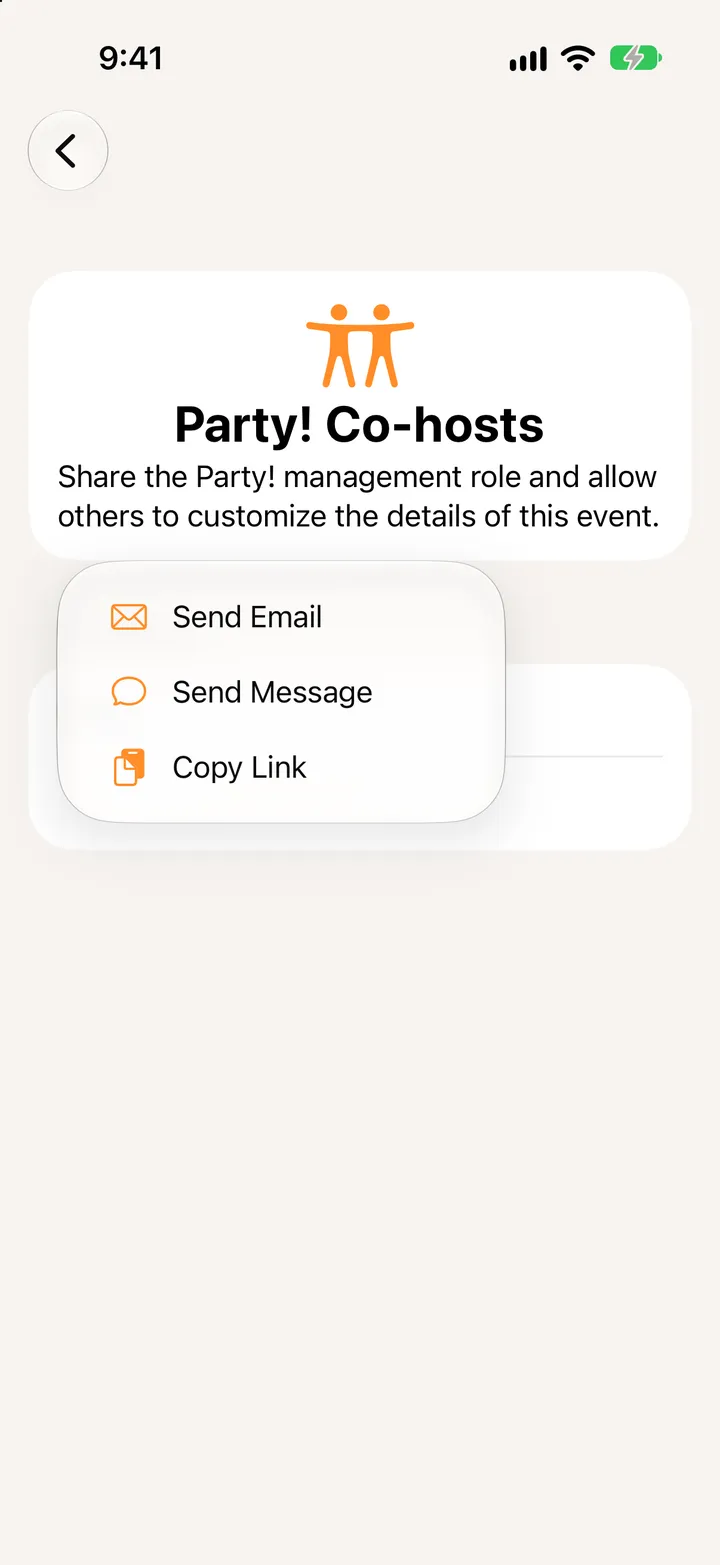
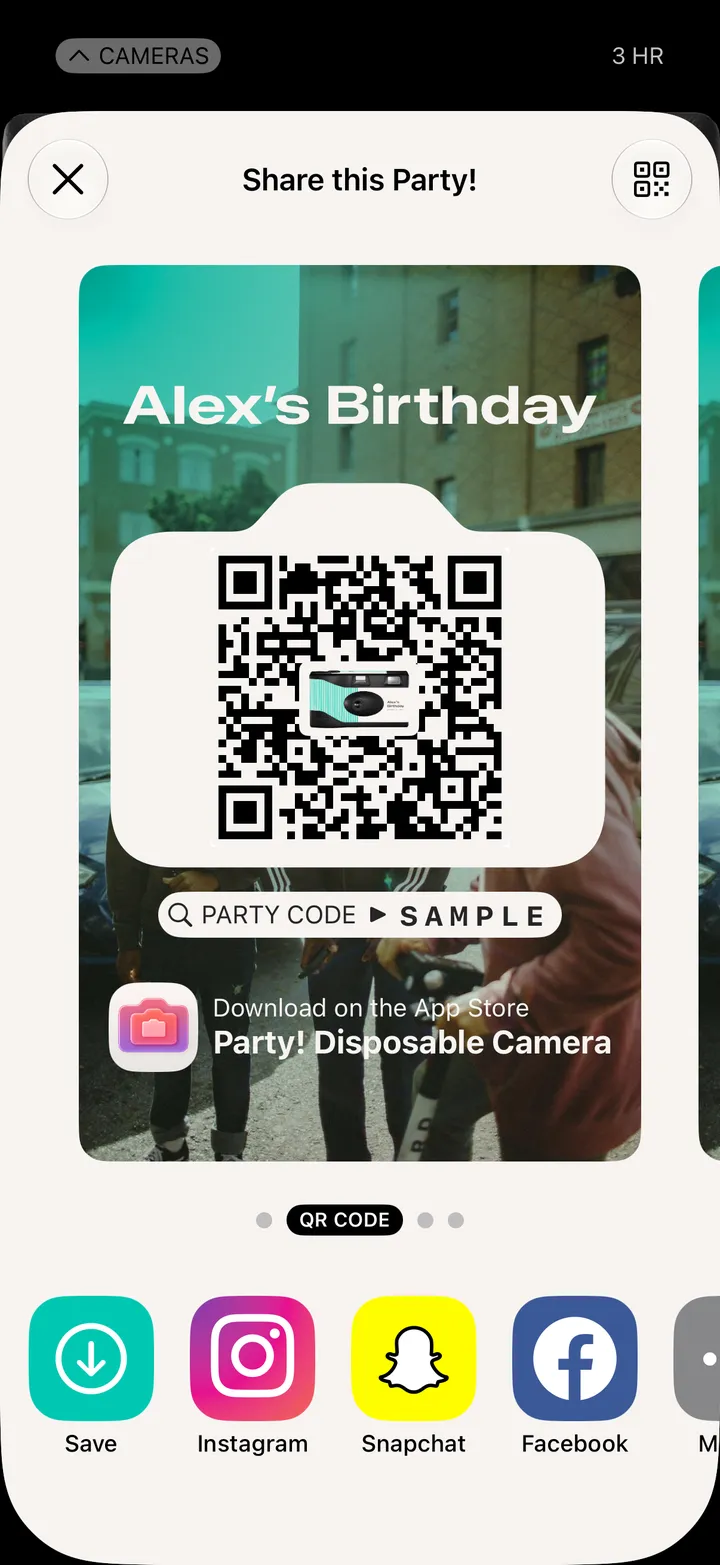
    Send the link

    By email, by message, or copy it.

    Step 4: Send the link
  5. 05

    They tap Continue

    They sign in with Apple, add their name, and tap Co-host this Party!
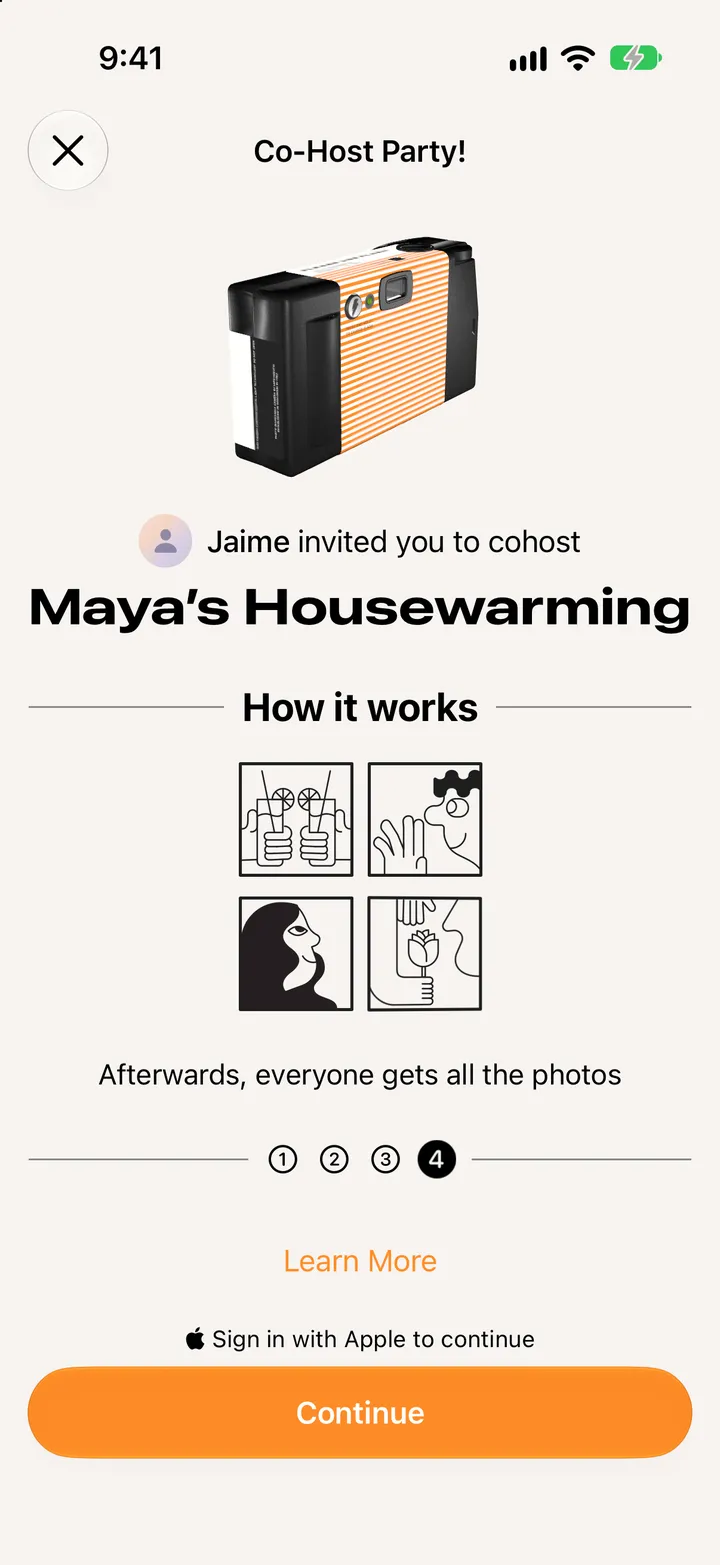
    Step 5: They tap Continue

Good to know

  • Co-hosts come with Deluxe cameras and up.
  • To take someone off, swipe their name in Manage Co-Hosts.