Party! guideMake a shot list

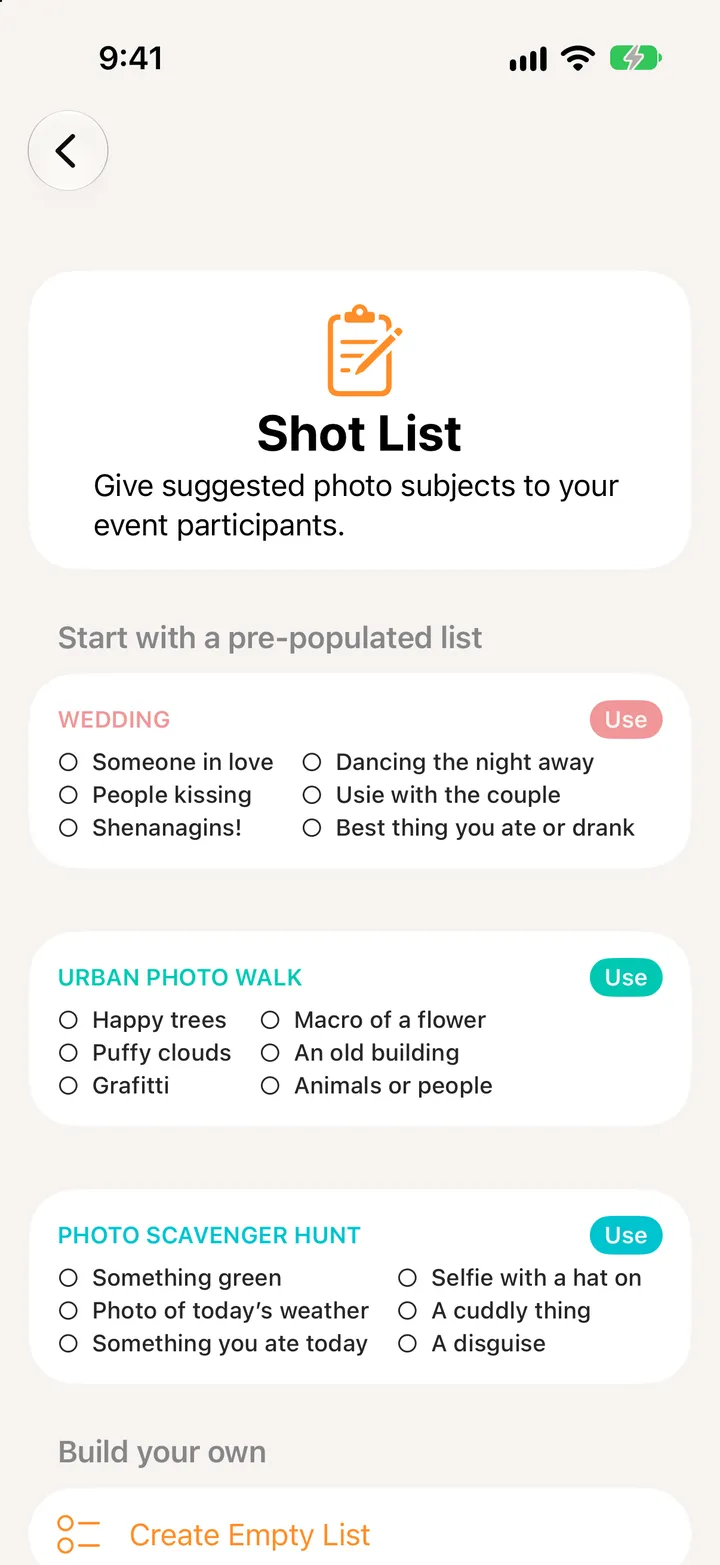
In Edit, tap Add Shot List. Start from Wedding, Urban Photo Walk or Photo Scavenger Hunt, or make your own, then save.

Party! · 2.12 · 4 steps
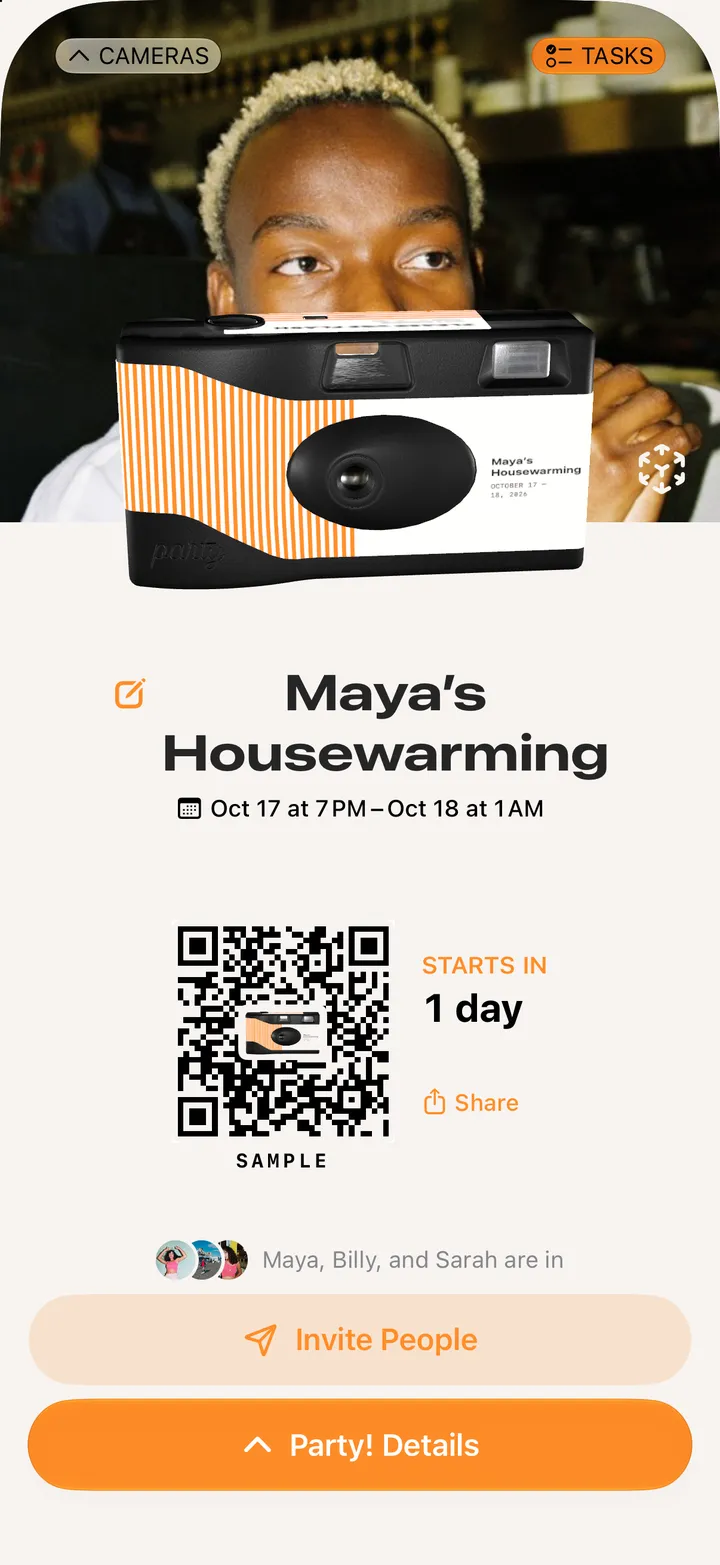
  1. 01

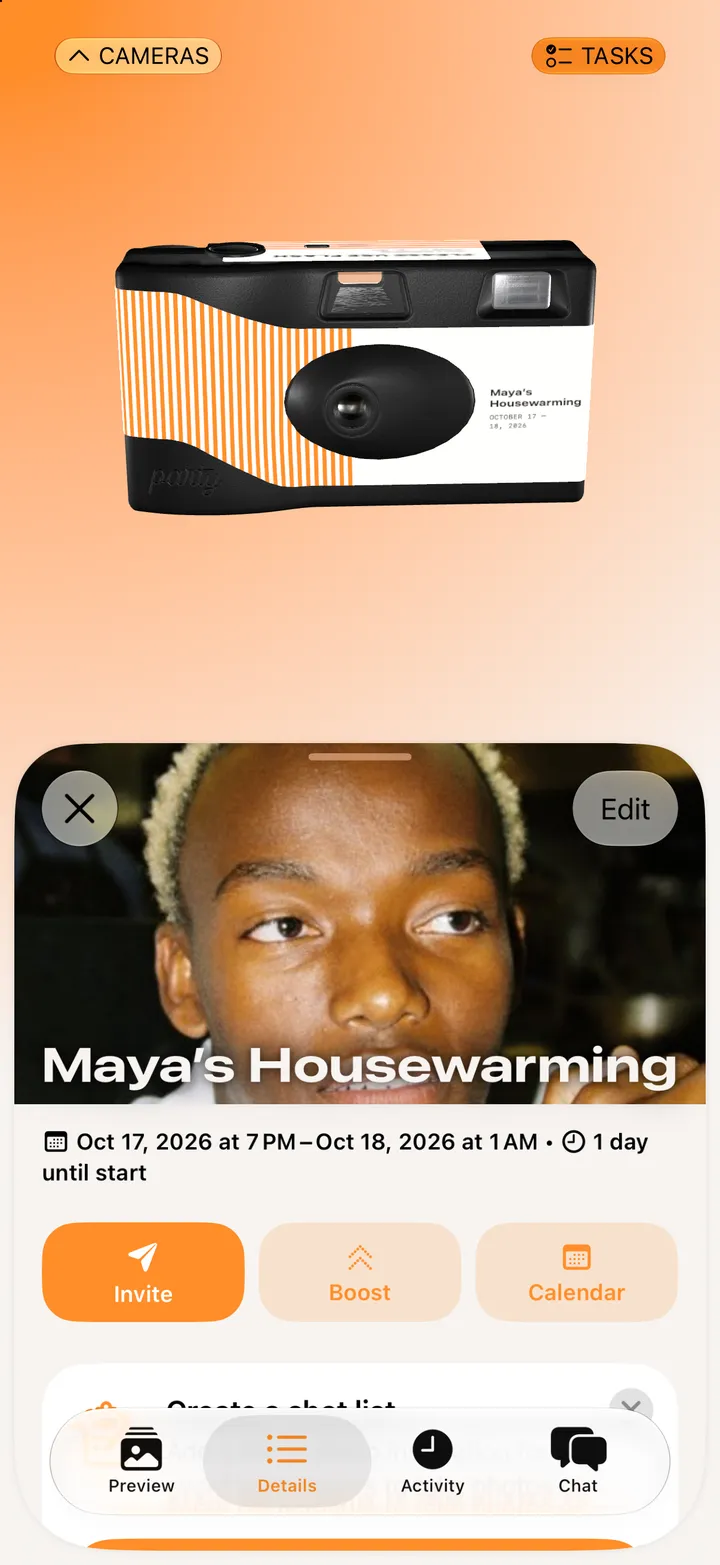
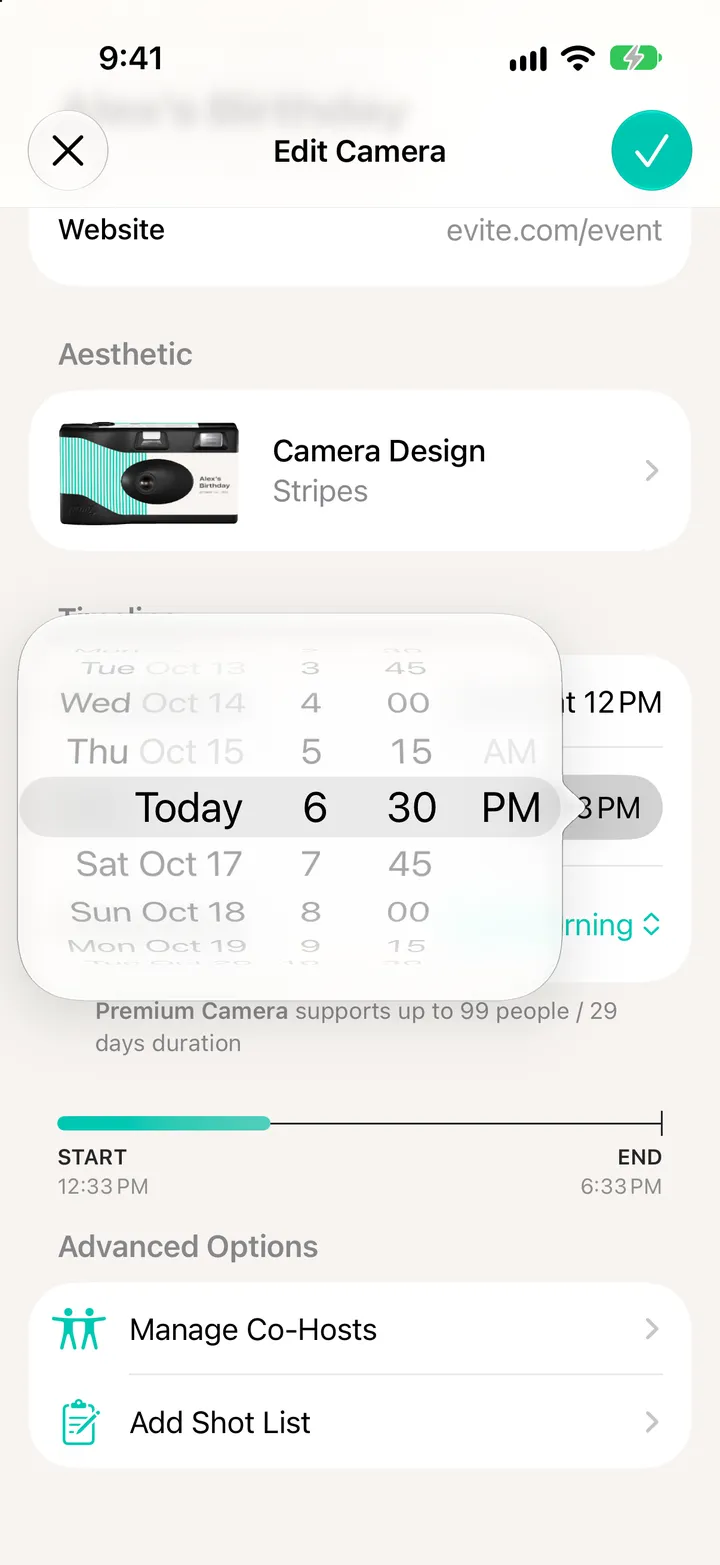
    Tap Party! Details, then Edit

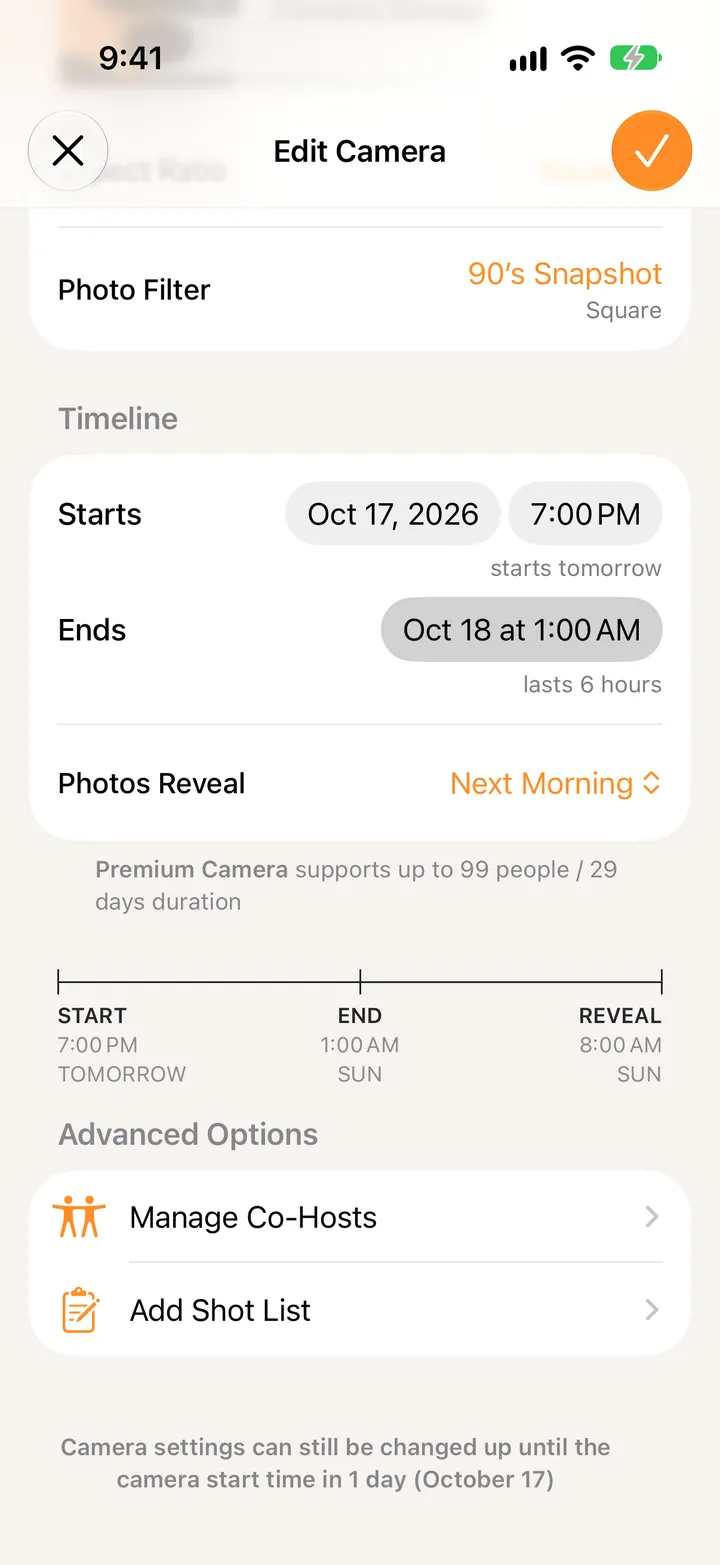
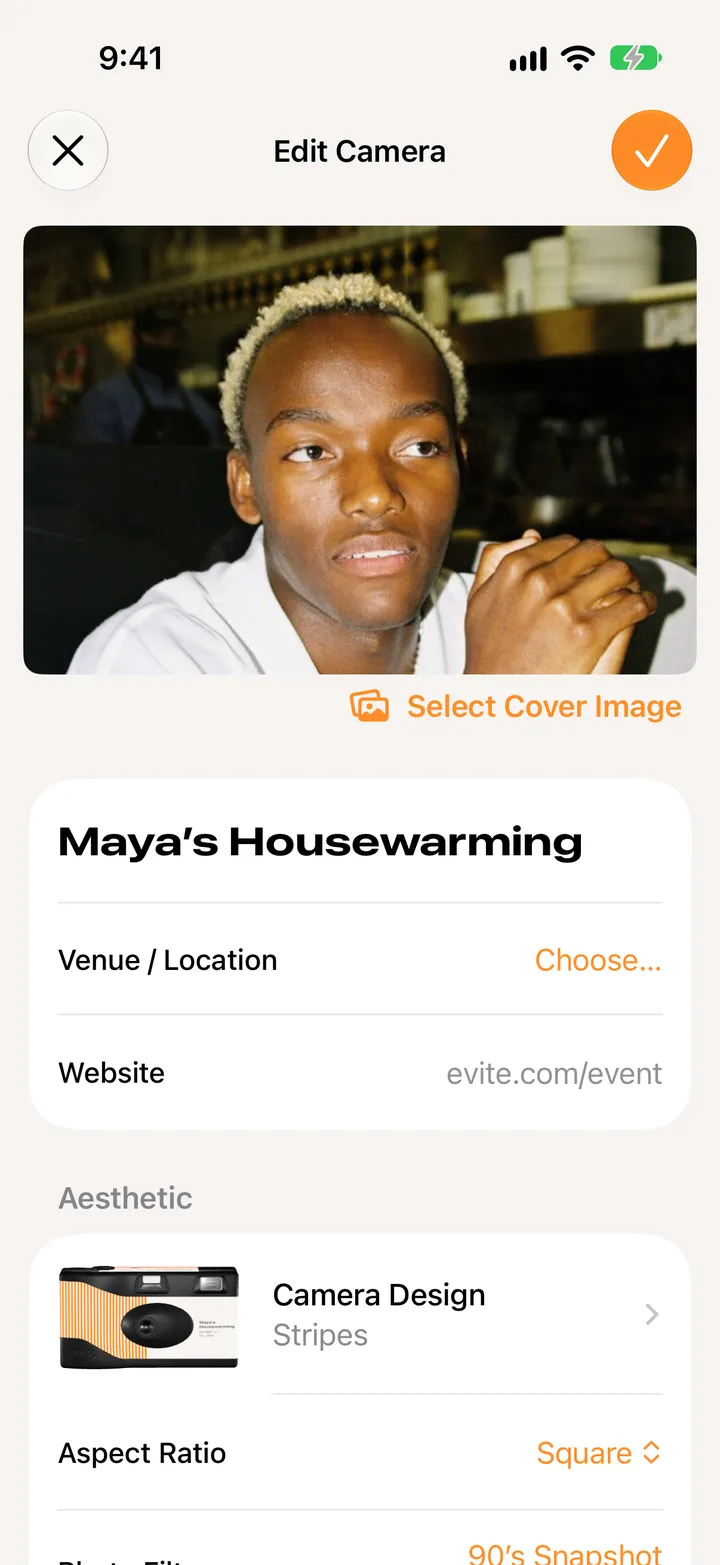
    Scroll to Advanced Options.

    Step 1: Tap Party! Details, then Edit
  2. 02

    Tap Add Shot List

    Step 2: Tap Add Shot List
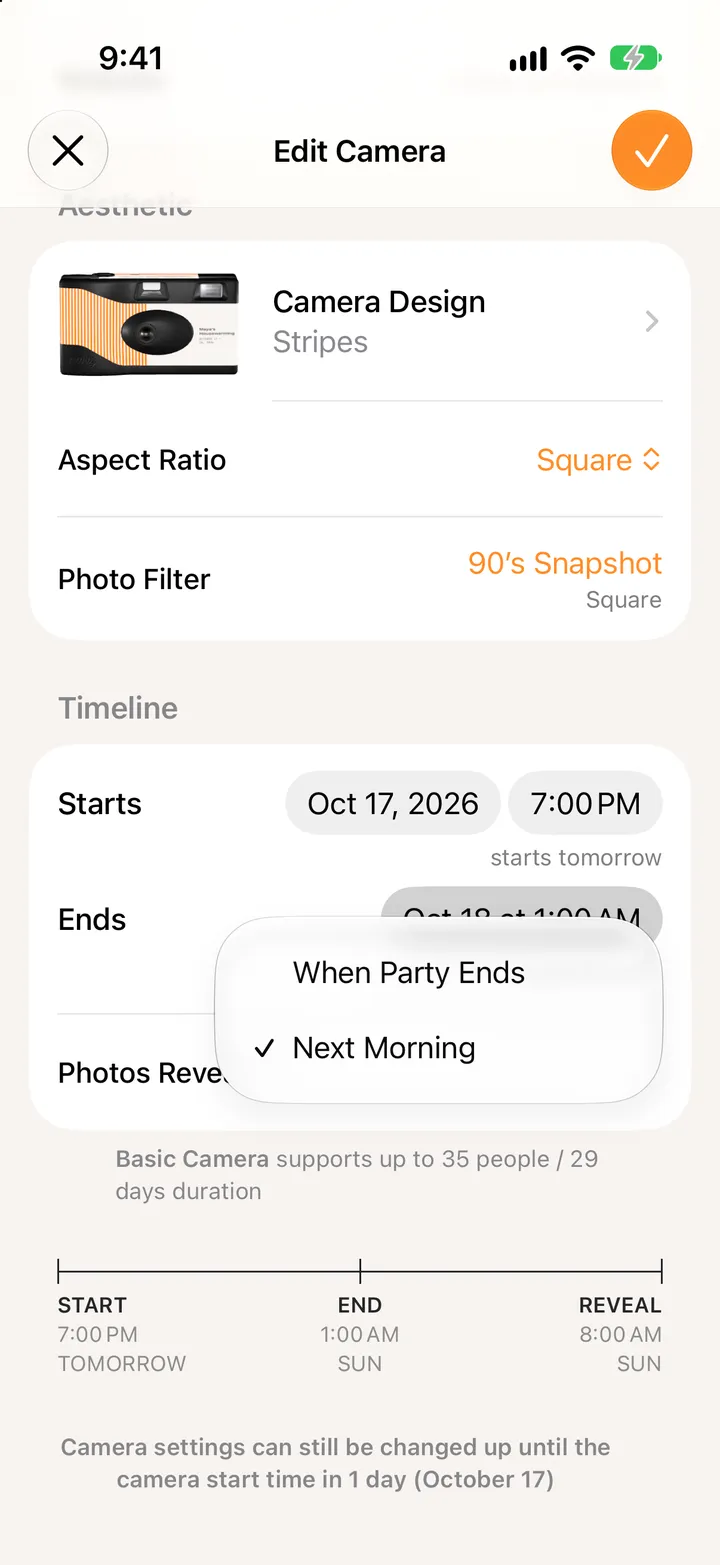
  3. 03

    Tap Use on a list

    Or Create Empty List at the bottom.

    Step 3: Tap Use on a list
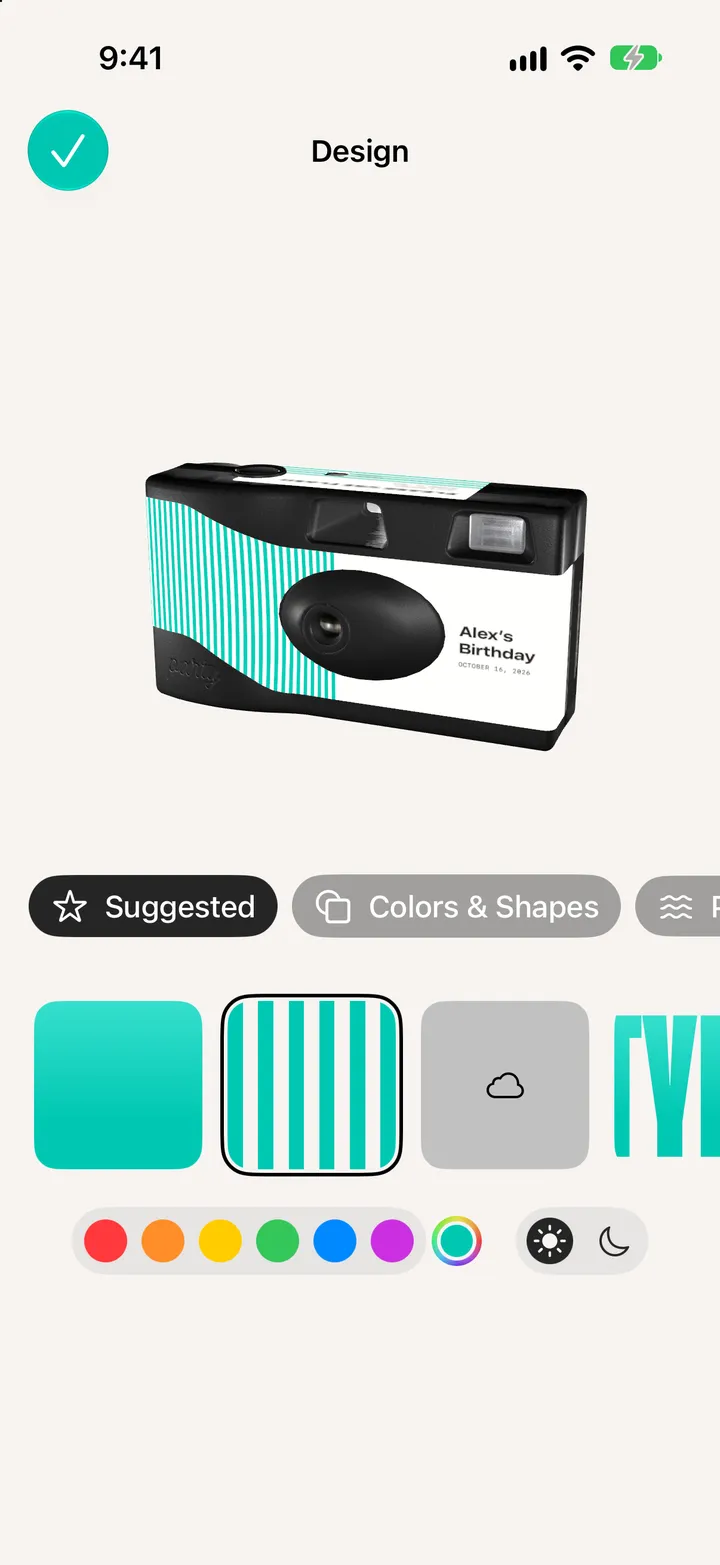
  4. 04

    Make it yours

    Rename it, add a line for guests, and add shots. Swipe one to remove it.
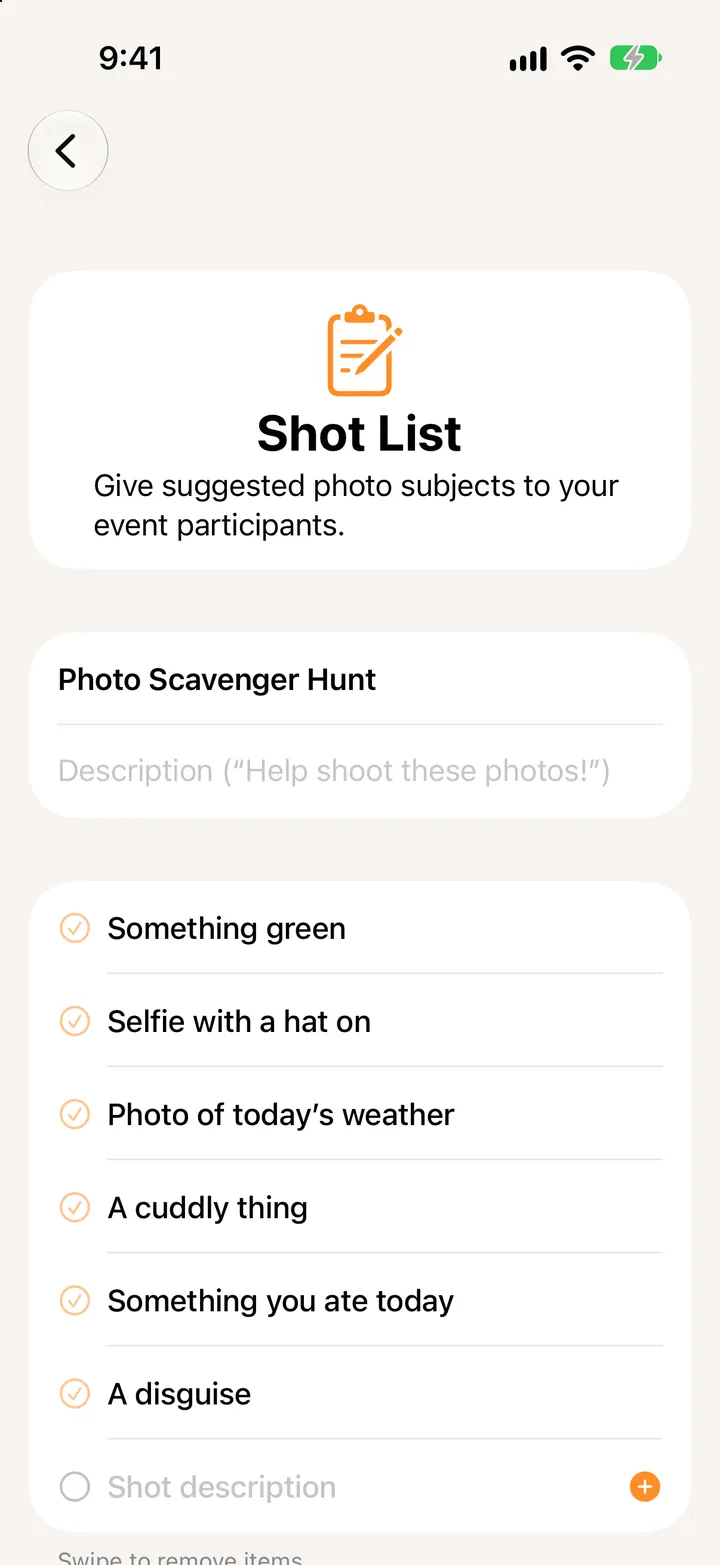
    Step 4: Make it yours

Good to know

  • Shot lists come with Deluxe cameras and up.
  • Guests check shots off during the party. The list stays editable until it starts.