Party! guideJoin with a party code
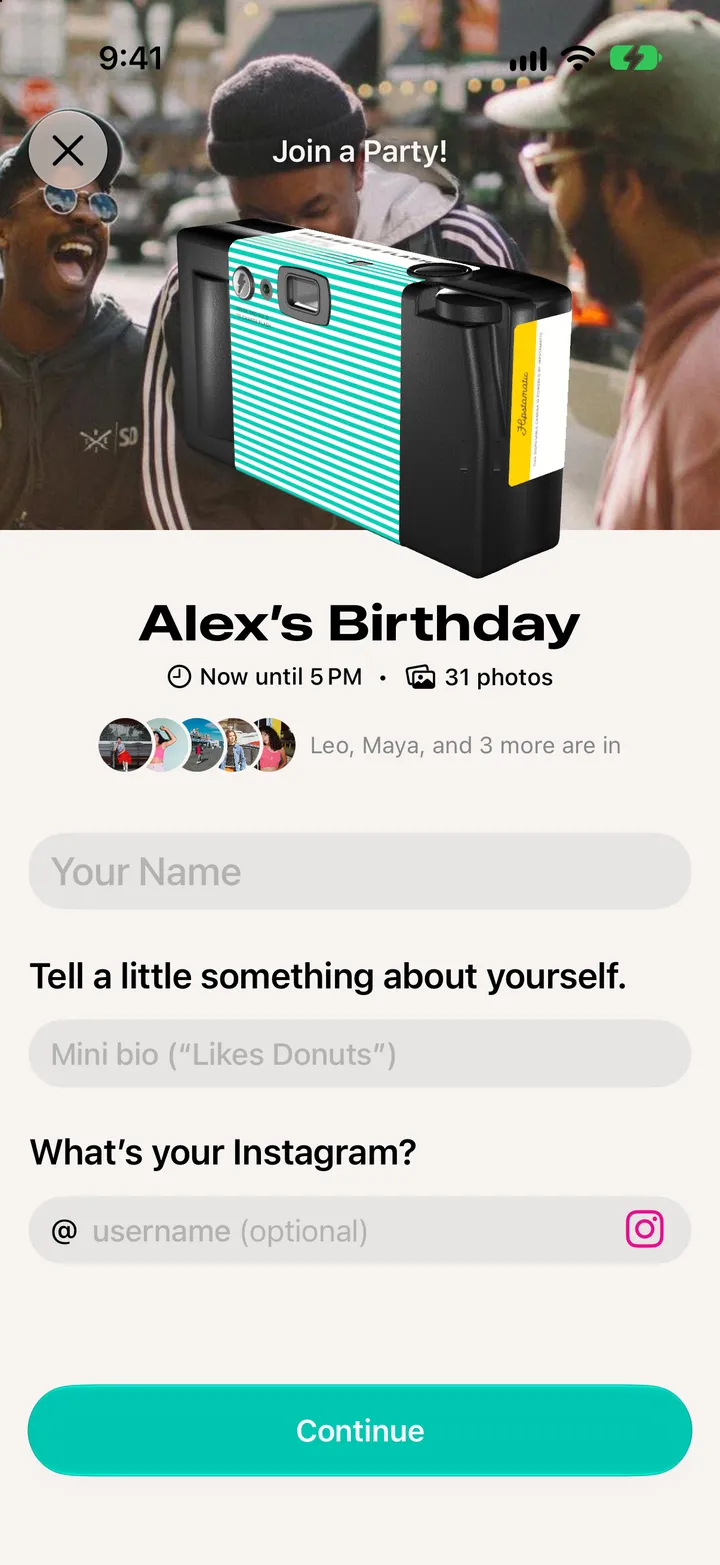
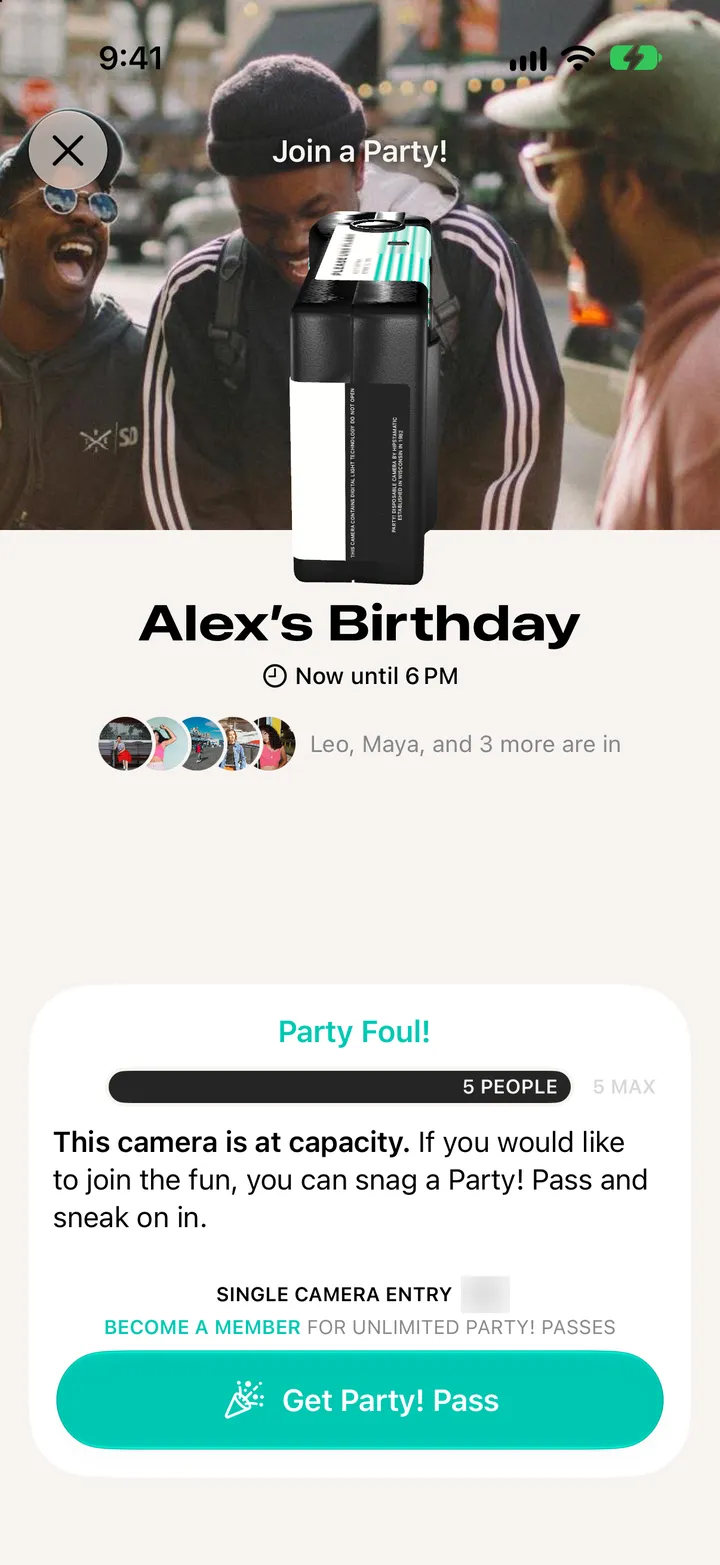
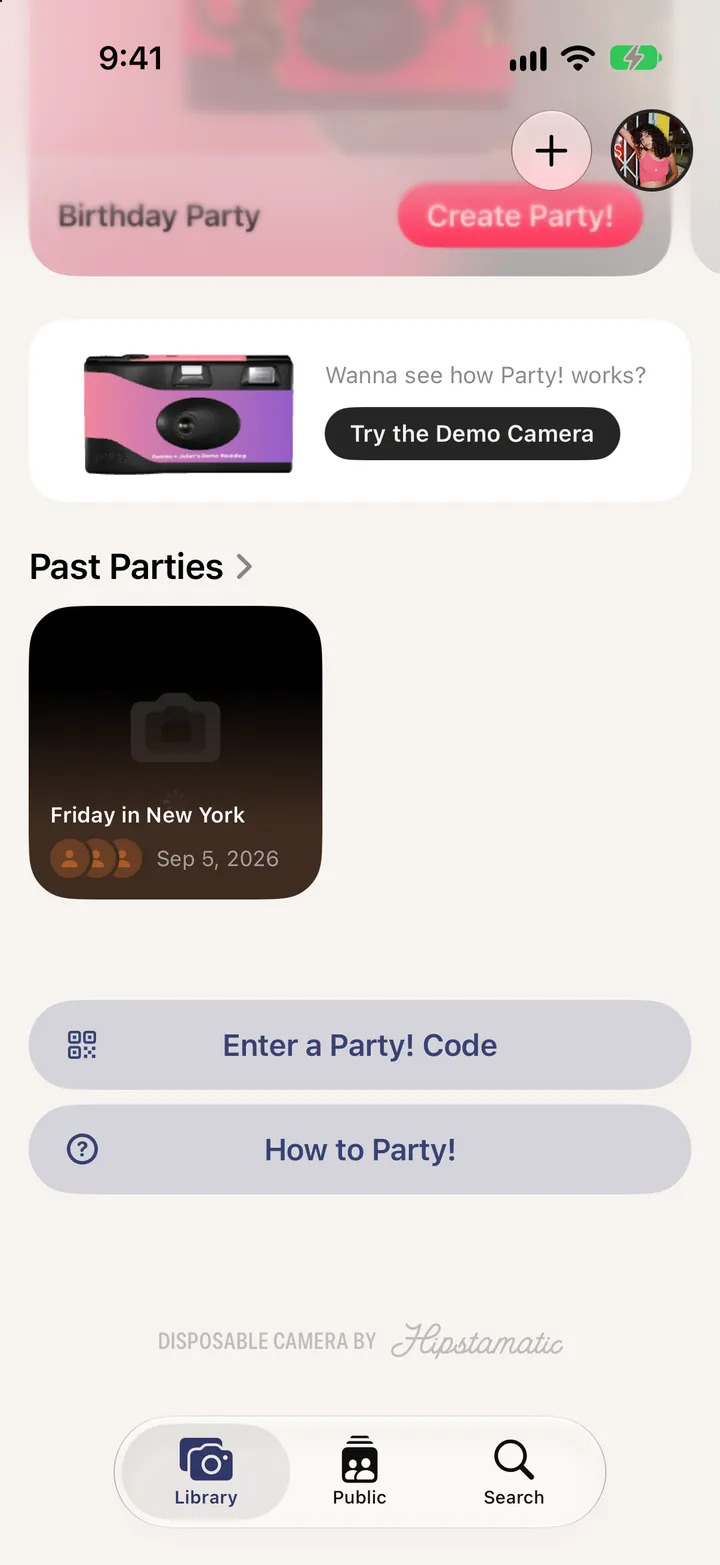
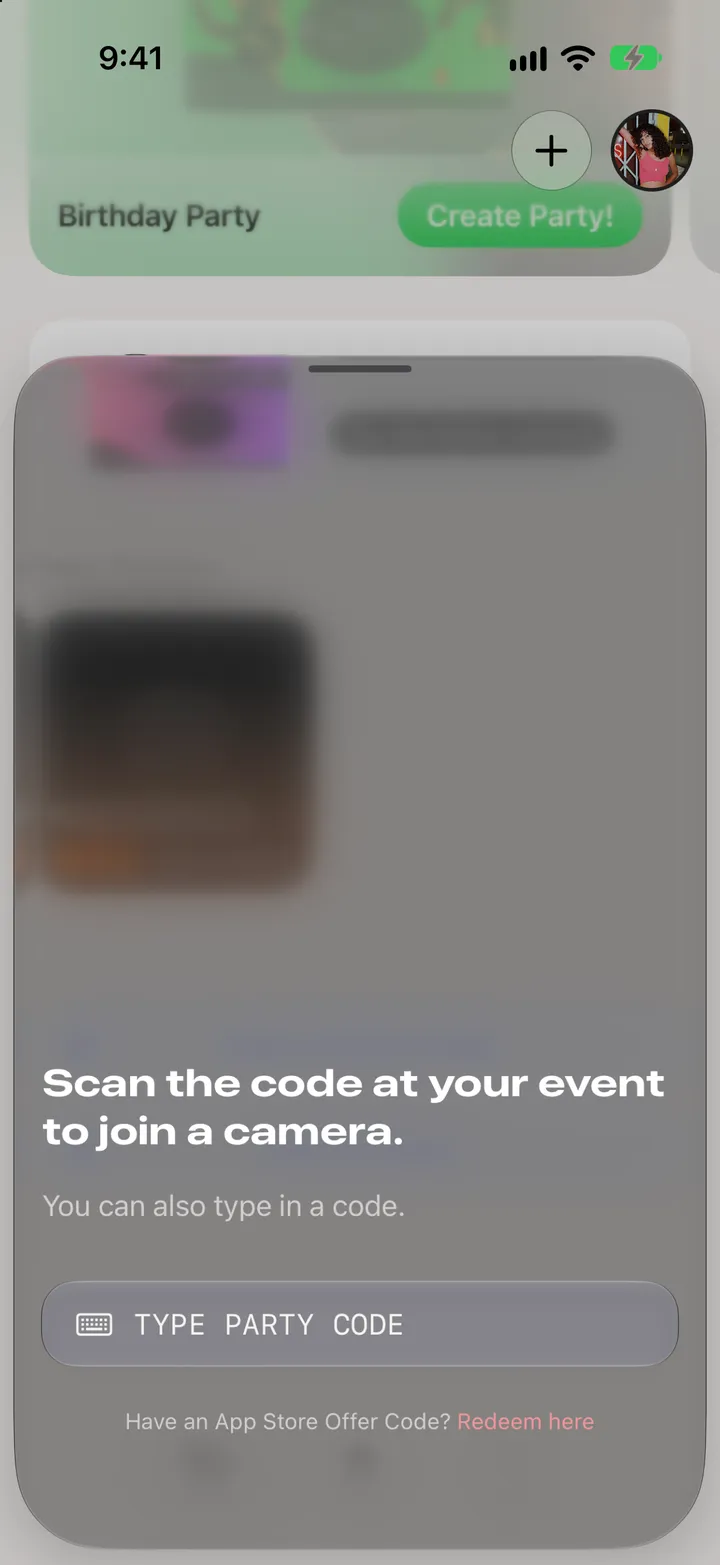
In your Library, tap Enter a Party! Code. Point your iPhone at the QR code, or tap Type Party Code and tap Find Camera.
Party! · 3.1 · 3 stepsAt the bottom of your Library.
The code is under the host’s QR code. Tap Type Party Code, then Find Camera.
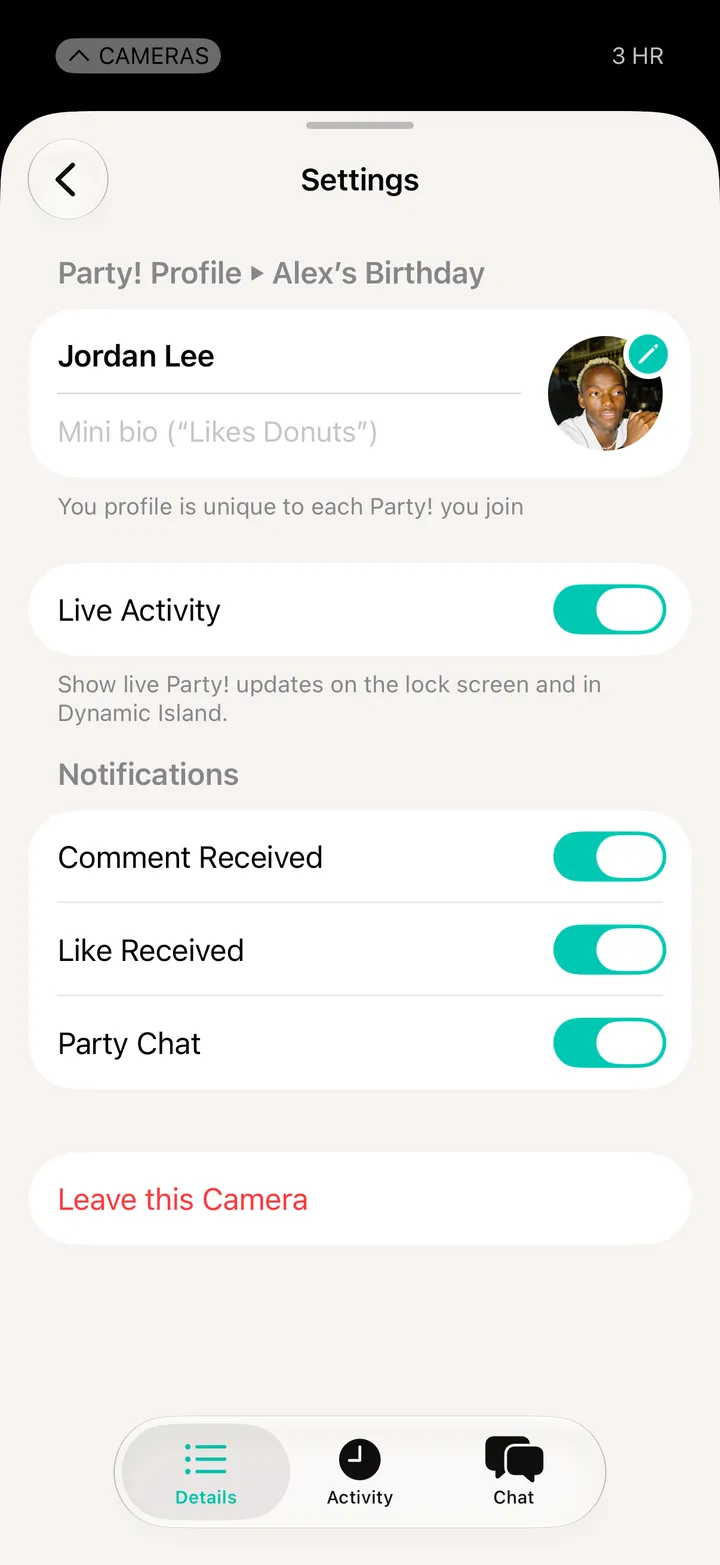
Same as joining from a link.