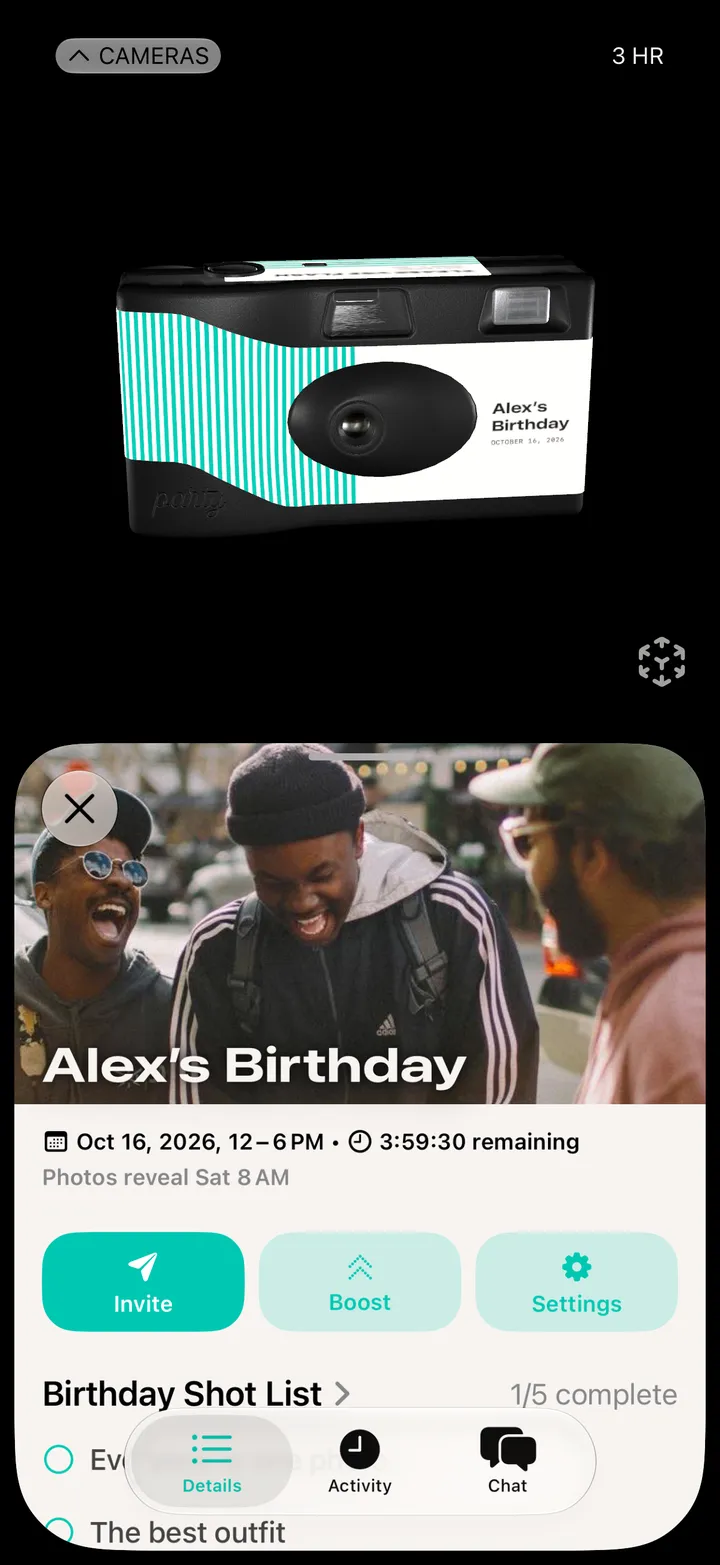
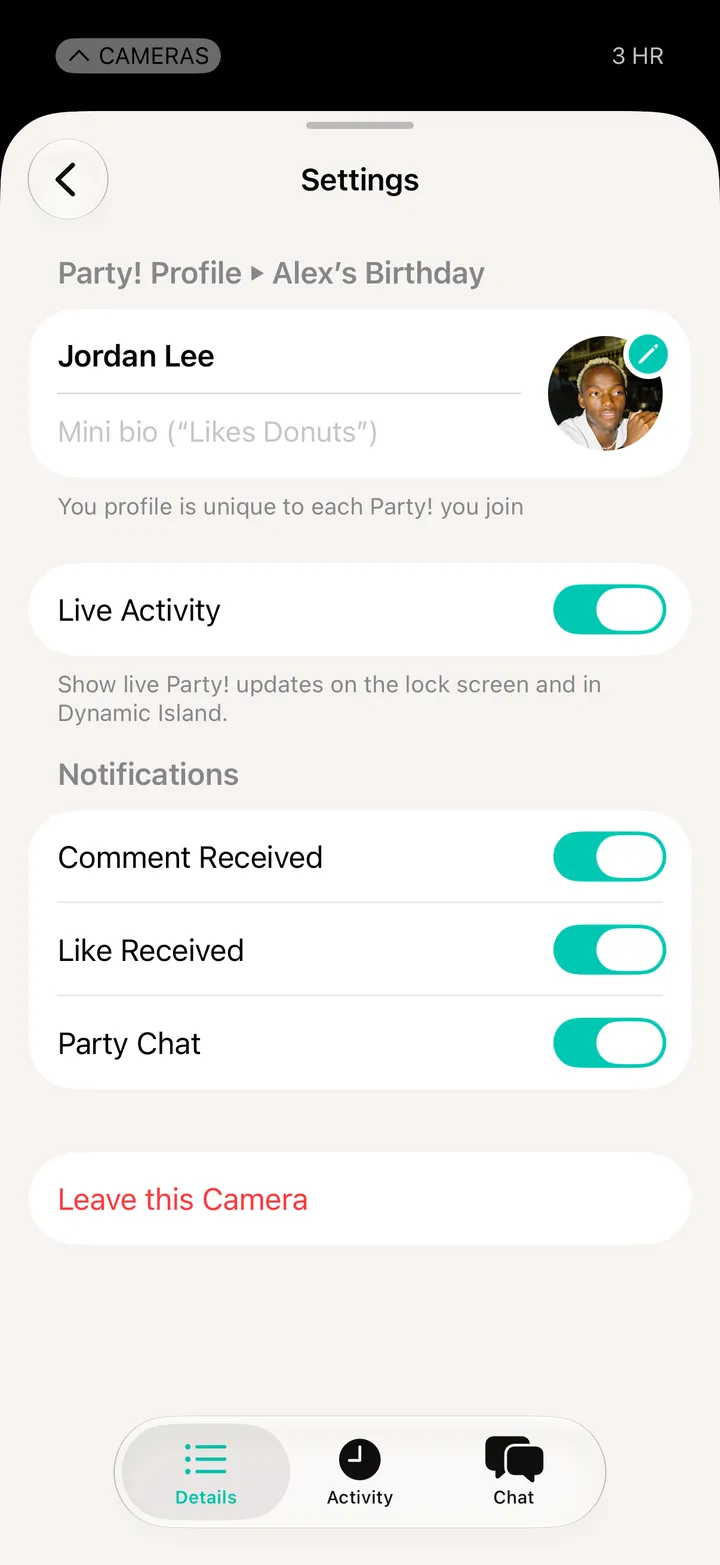
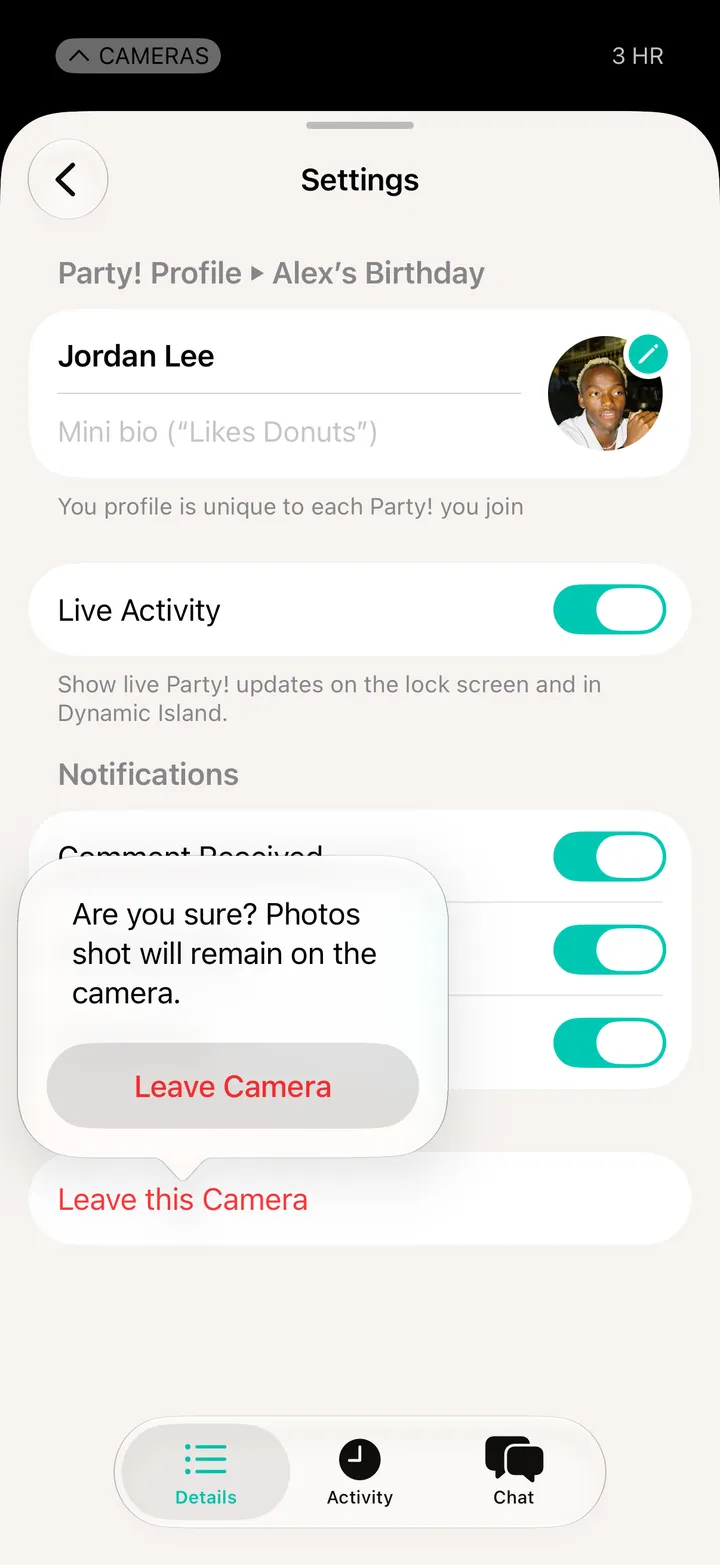
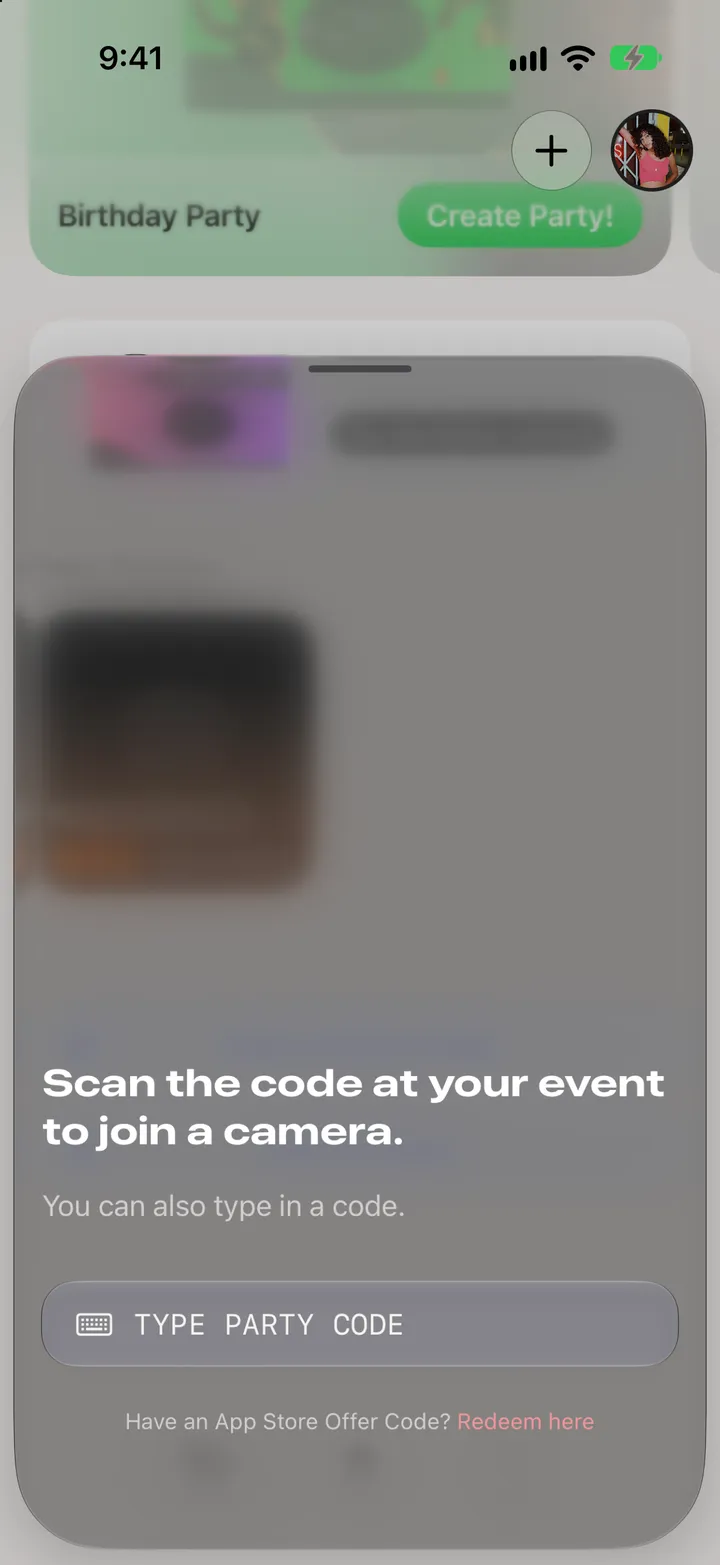
Open Party! Details, tap Settings, then Leave this Camera and Leave Camera. The photos you took stay on the roll.
The photos you shot stay on the camera for everyone.


 Party! guideLeave a party