Party! guideKnow your Party! camera

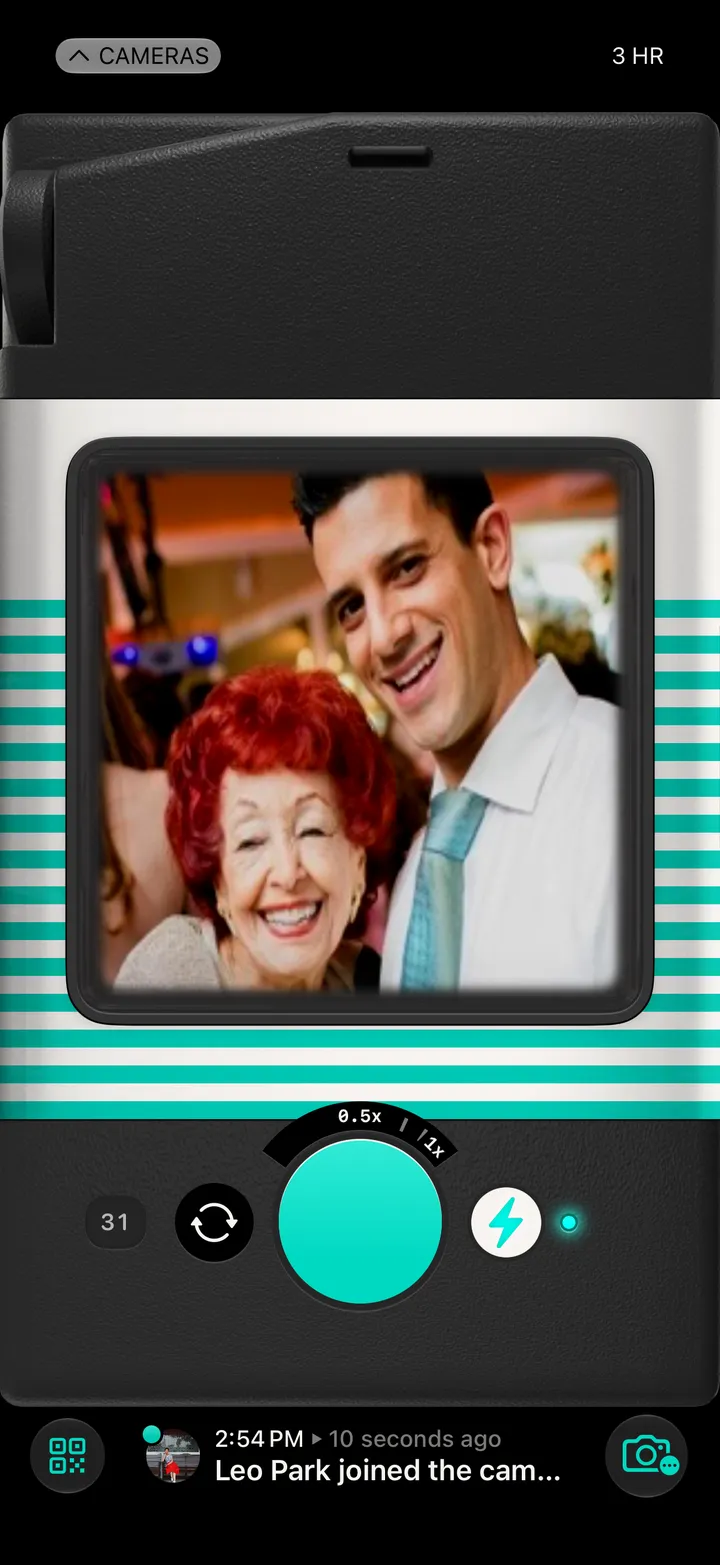
Every control on the Party! camera, labelled: the shutter, flash, zoom, the QR code, Party! Details and the rest.

Party! · 4.1 · 11 parts
  1. CamerasBack to your Library.
  2. Time leftUntil the party ends.
  3. ViewfinderPoint it at the party.
  4. ZoomDrag the dial. Tap it to go back to 1×.
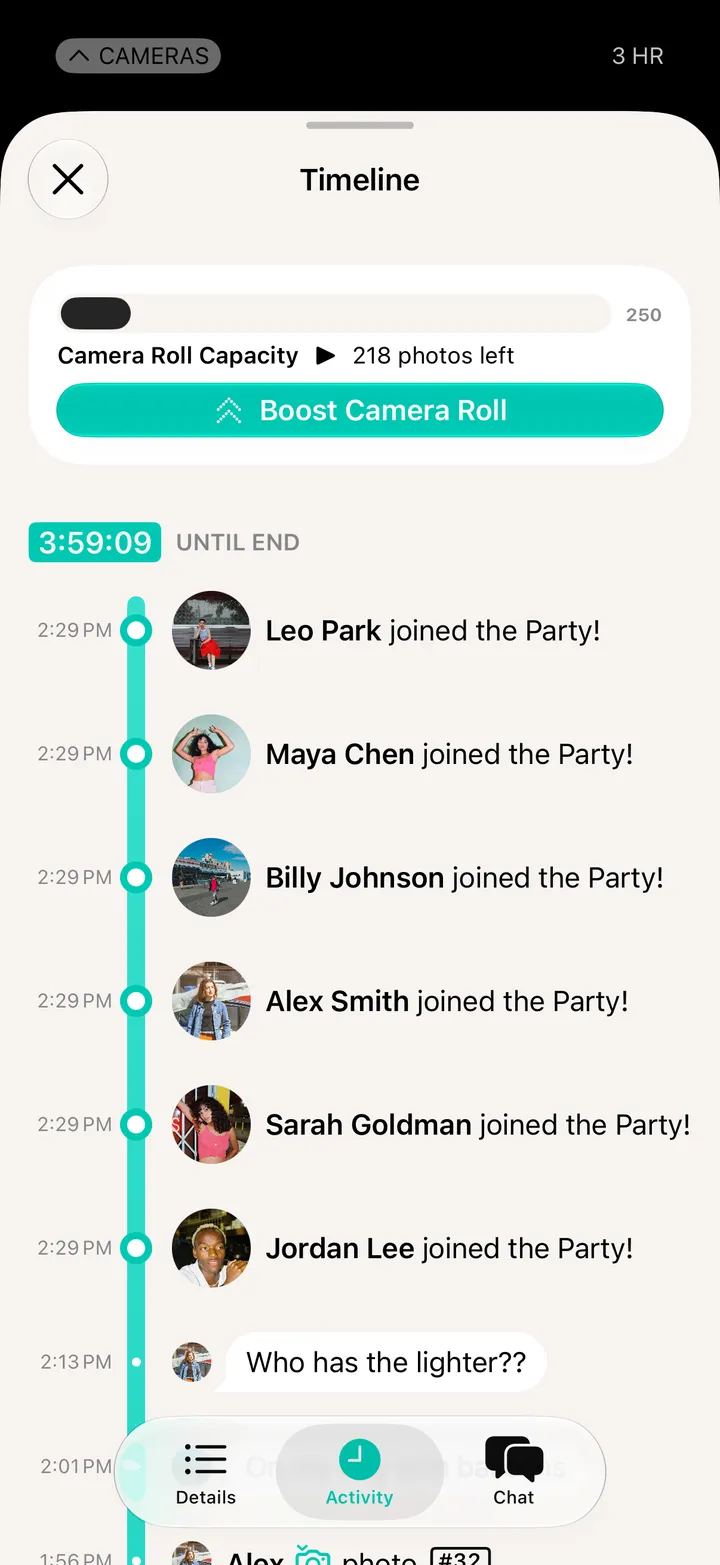
  5. Photos so farTap to see the roll’s count and room left.
  6. FlipSwitch to the front camera.
  7. ShutterPress it and find out. The volume buttons work too.
  8. FlashOn to start. Party! photos turn out best with it.
  9. QR codeShow it to someone so they can join.
  10. What’s newWho joined, who shot, the latest chat.
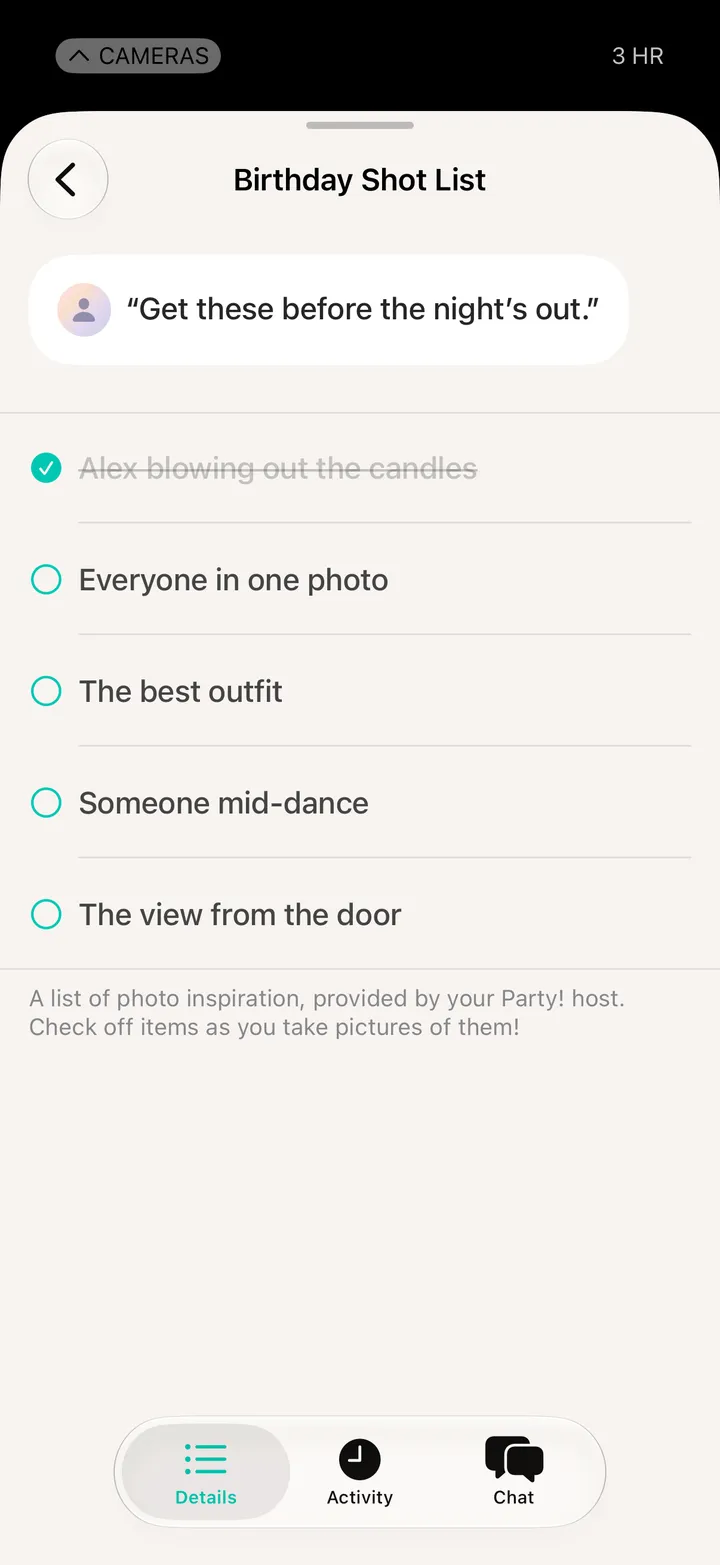
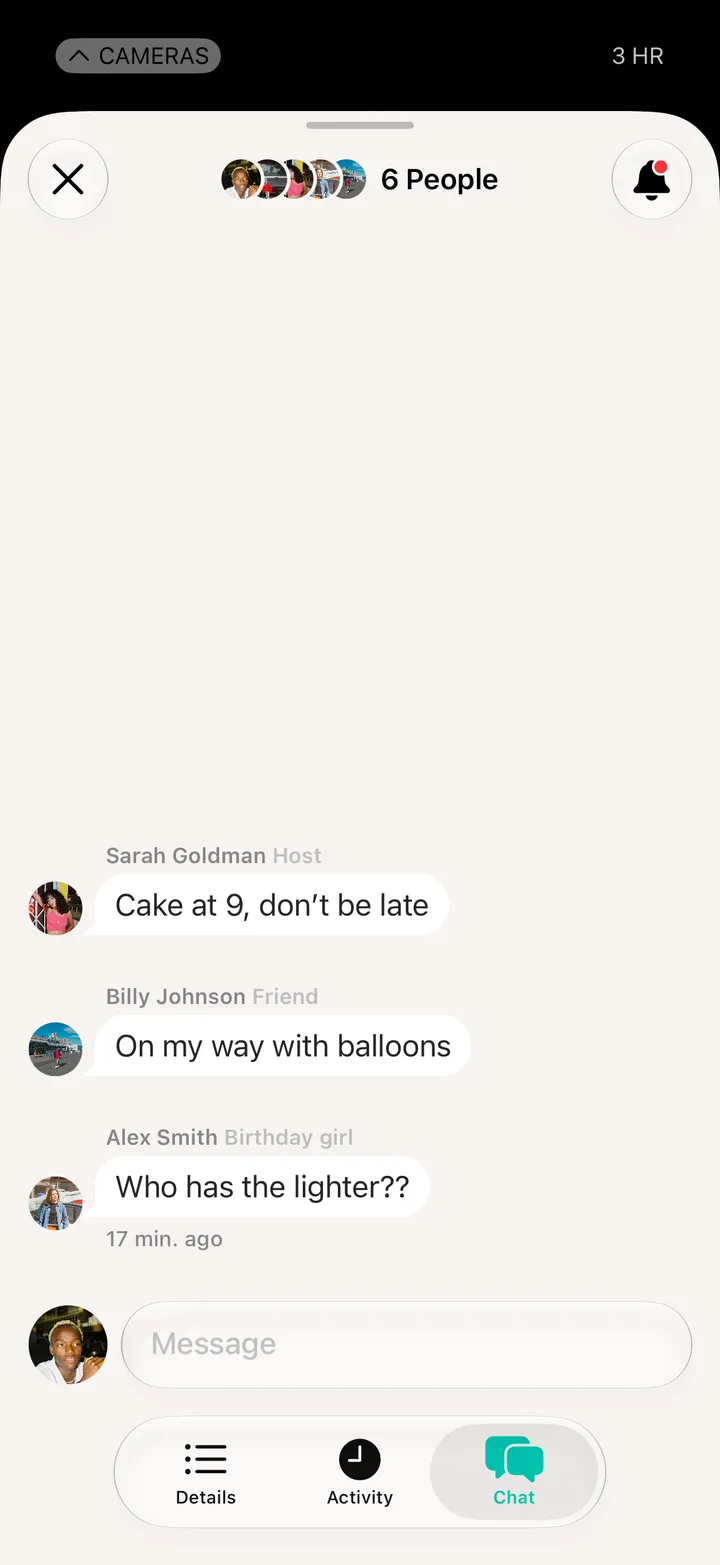
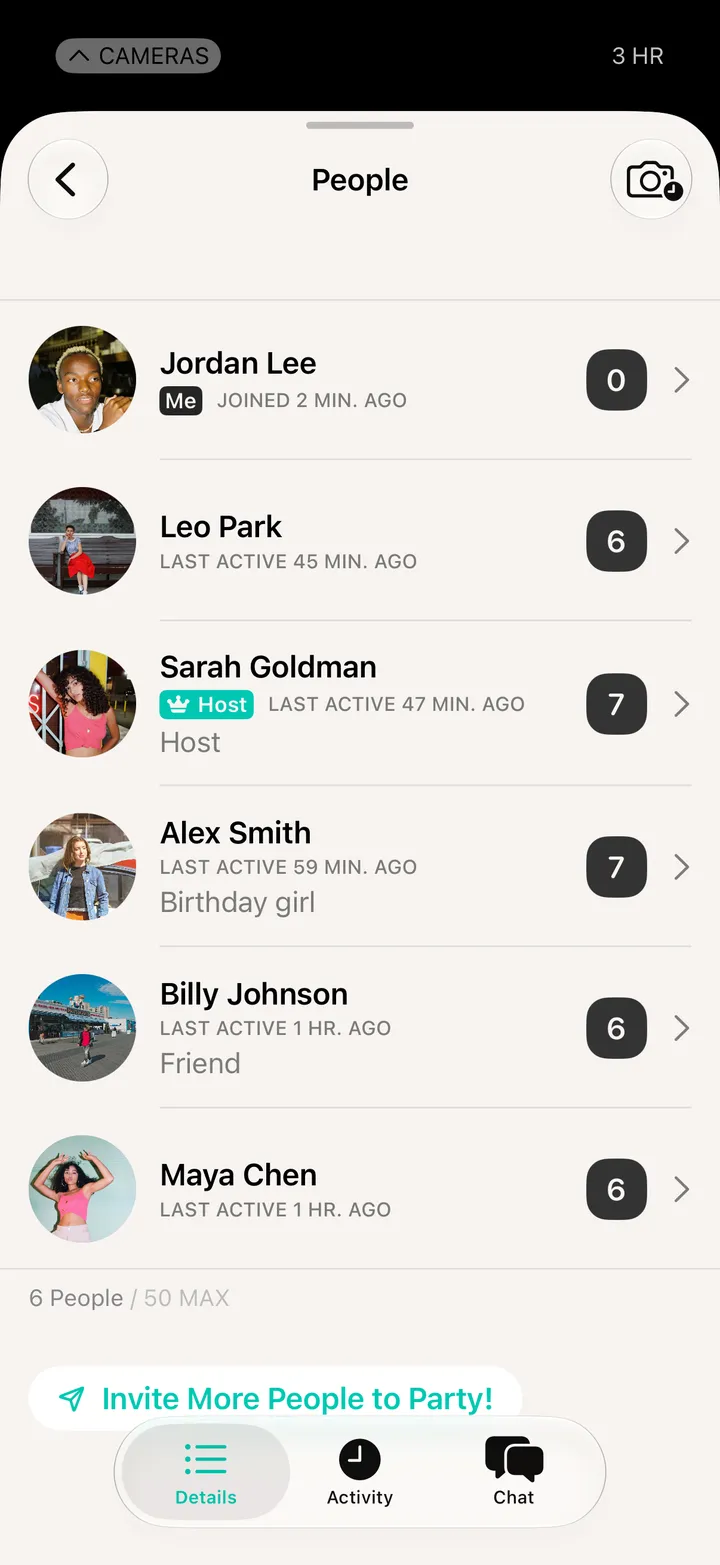
  11. Party! DetailsPeople, the chat, the shot list and settings. Or drag the camera up.

At the party

Party! guide ↘