Party! guideCheck off the shot list
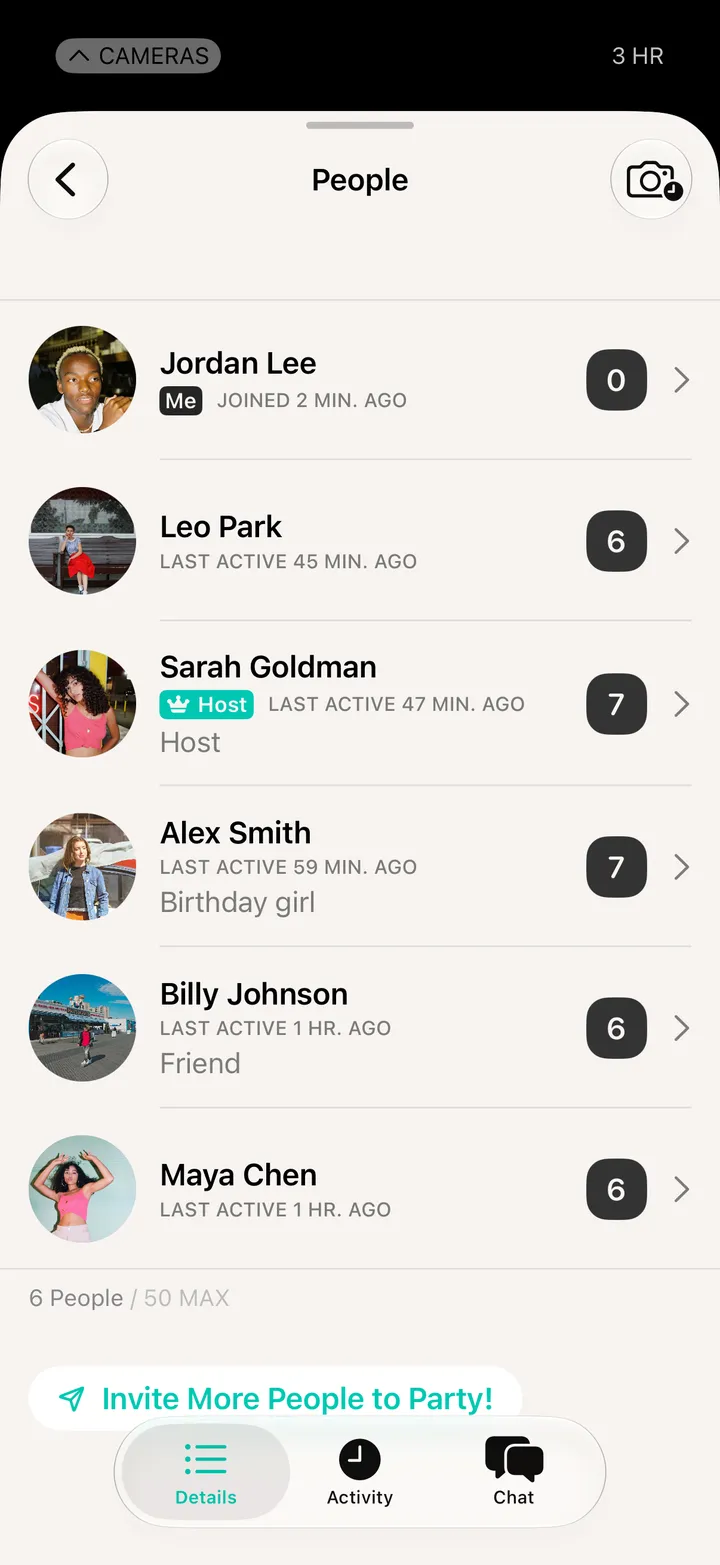
If the host made a shot list, it’s in Party! Details. Tap a shot to check it off once you’ve taken it.

Party! · 4.2 · 3 steps
  1. 01

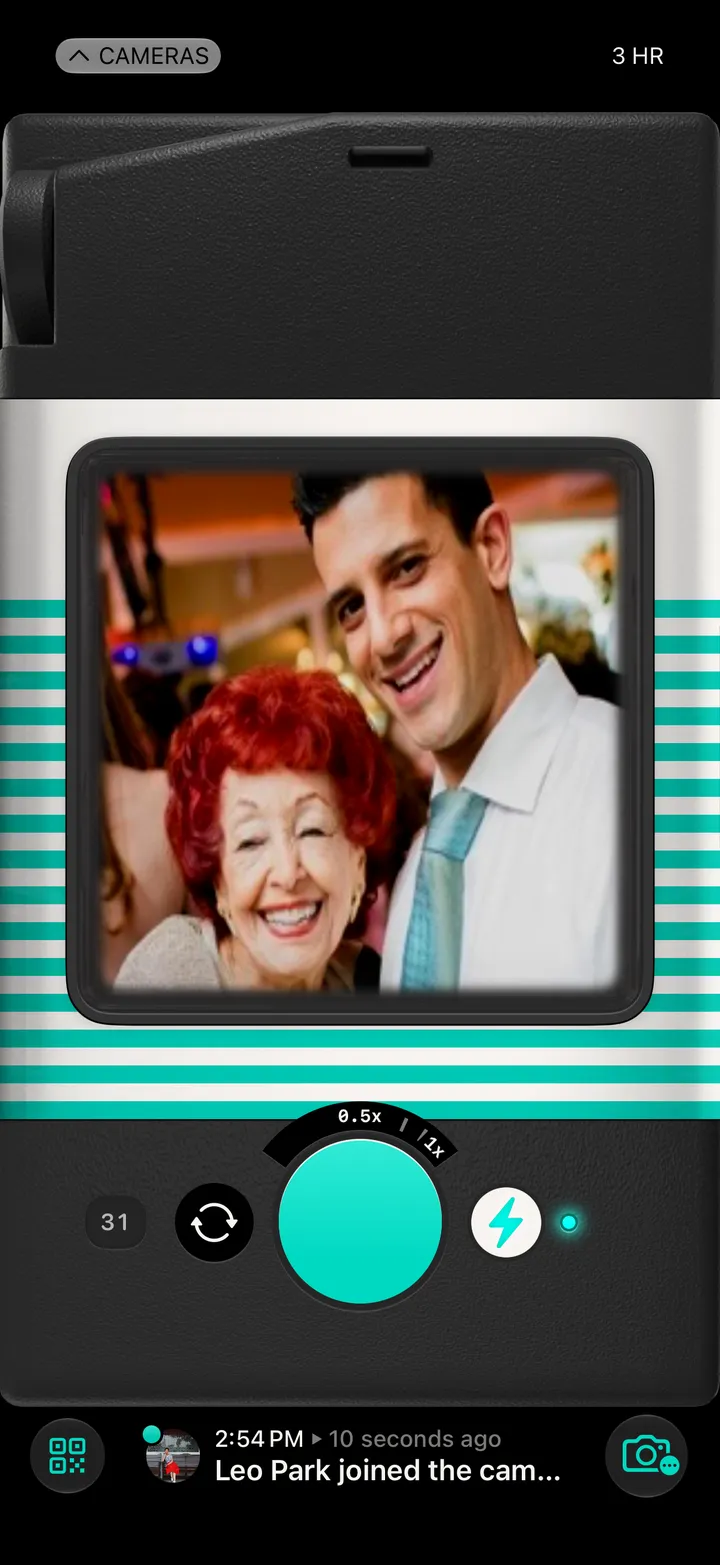
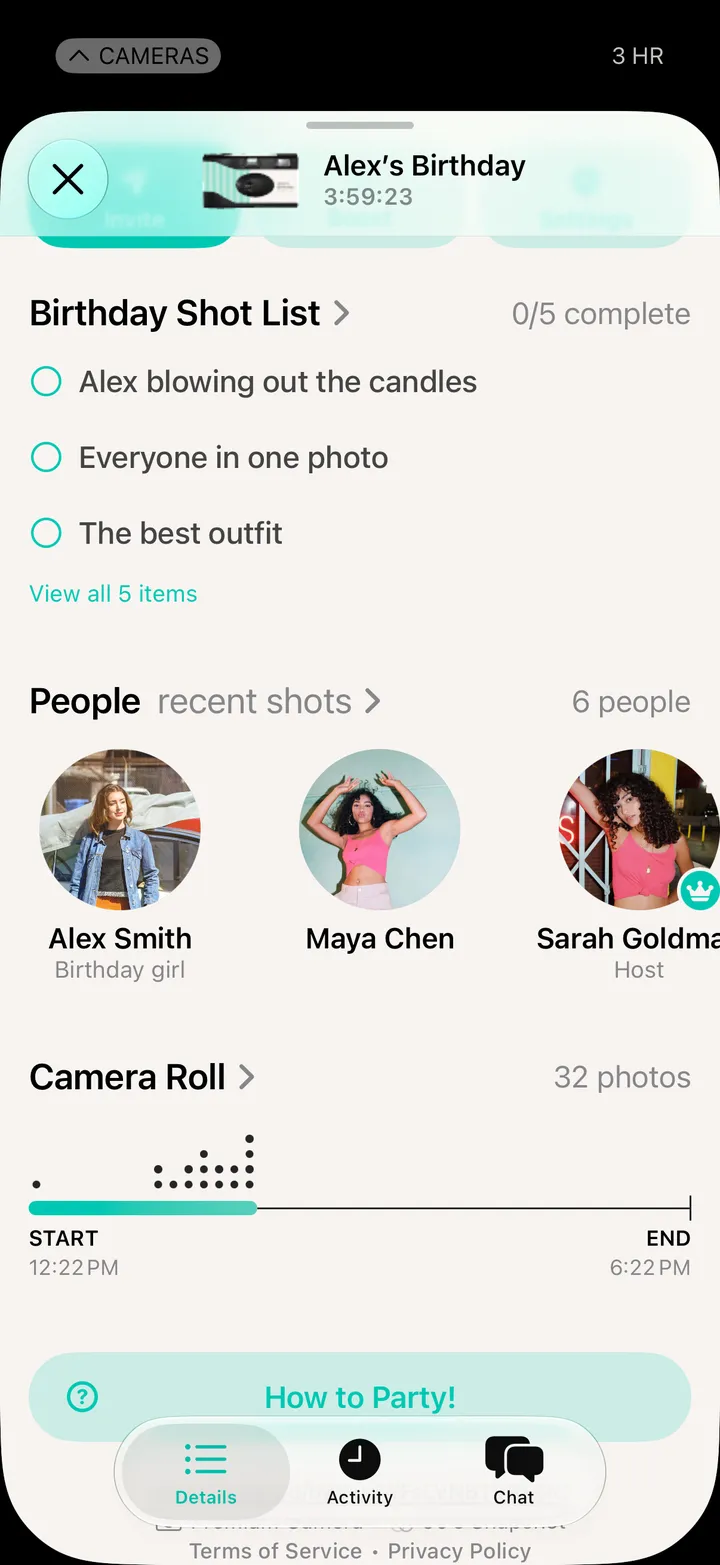
    Tap Party! Details

    The shot list is near the top.

    Step 1: Tap Party! Details
  2. 02

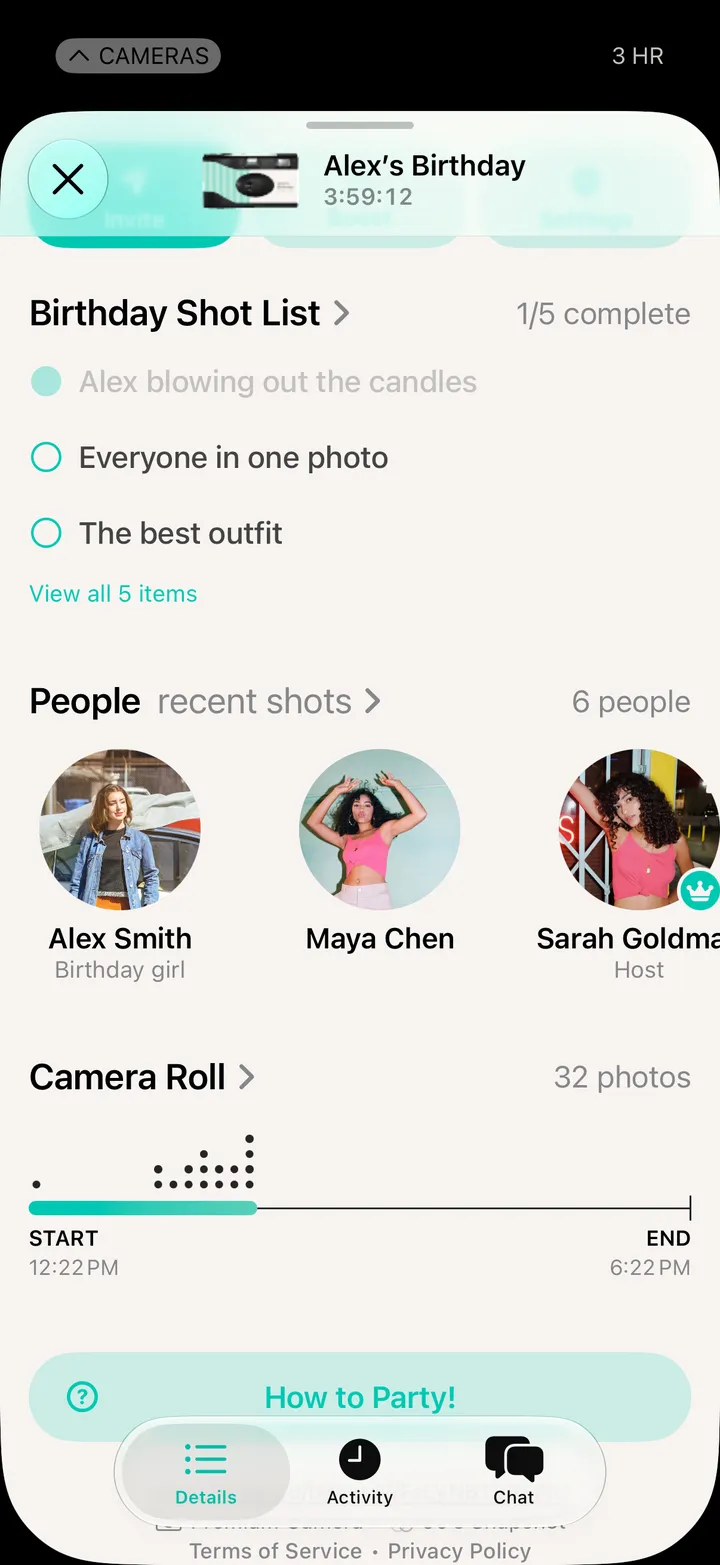
    Tap a shot when you get it

    Step 2: Tap a shot when you get it
  3. 03

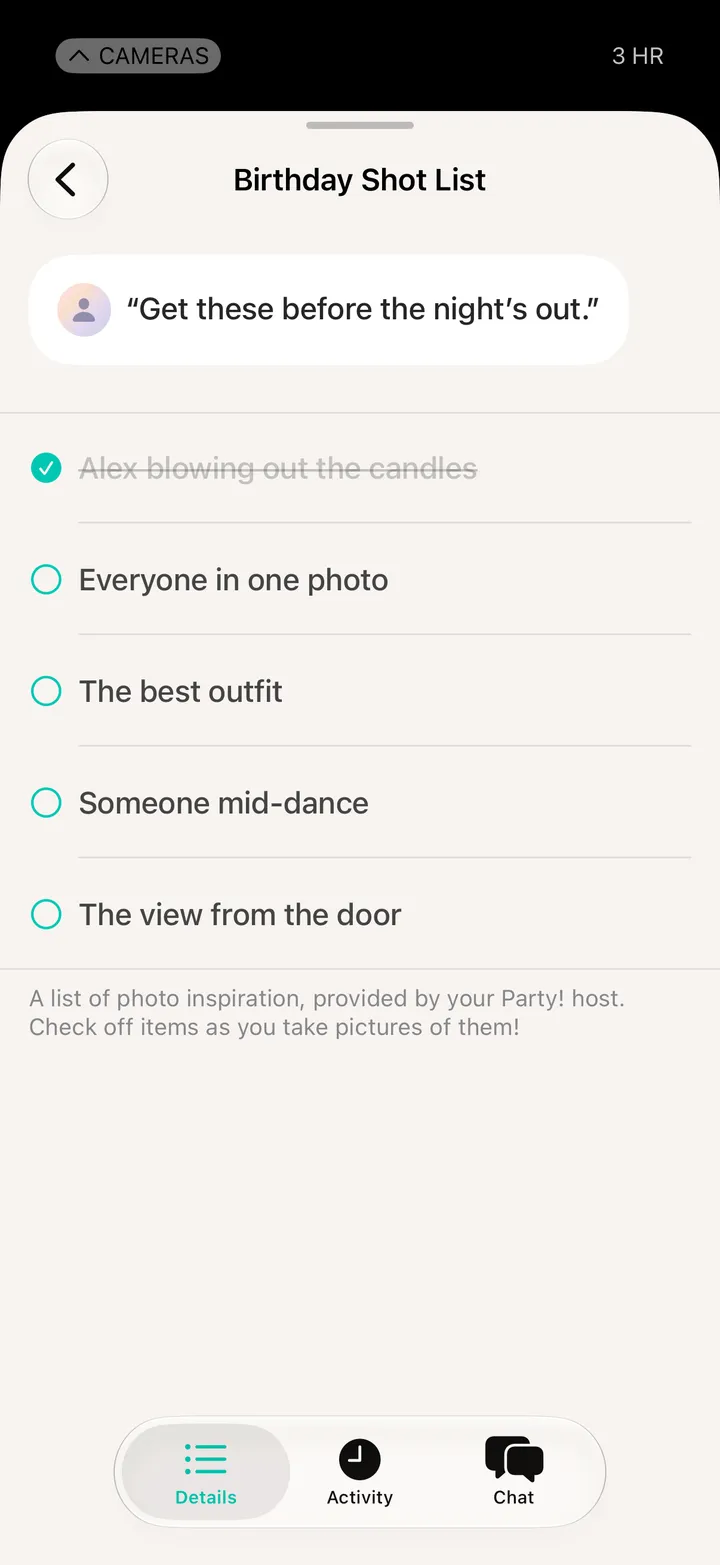
    Tap View all for the whole list

    Everyone sees how many are done.

    Step 3: Tap View all for the whole list

Good to know

  • The list opens when the party starts and closes when it ends.

At the party

Party! guide ↘