Party! guideSee who’s at the party
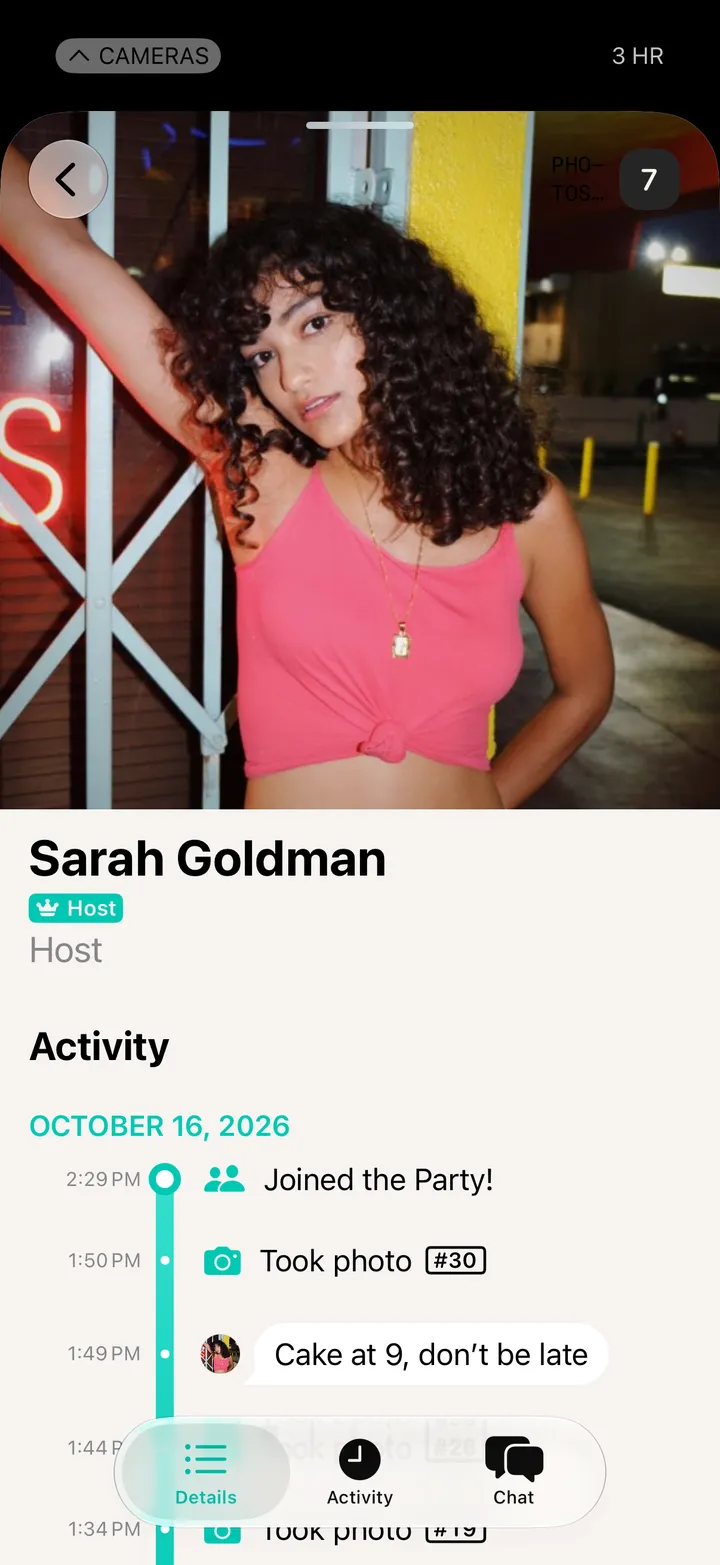
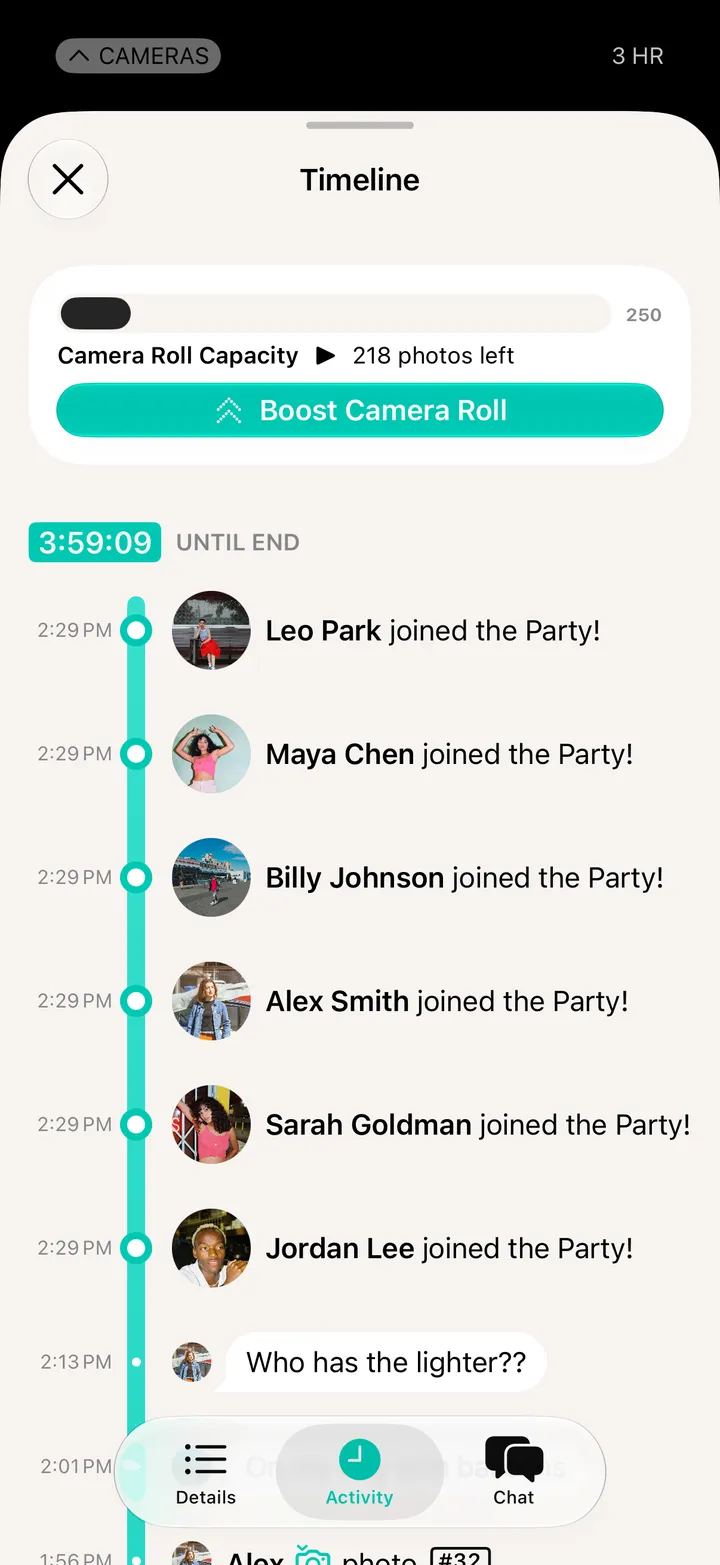
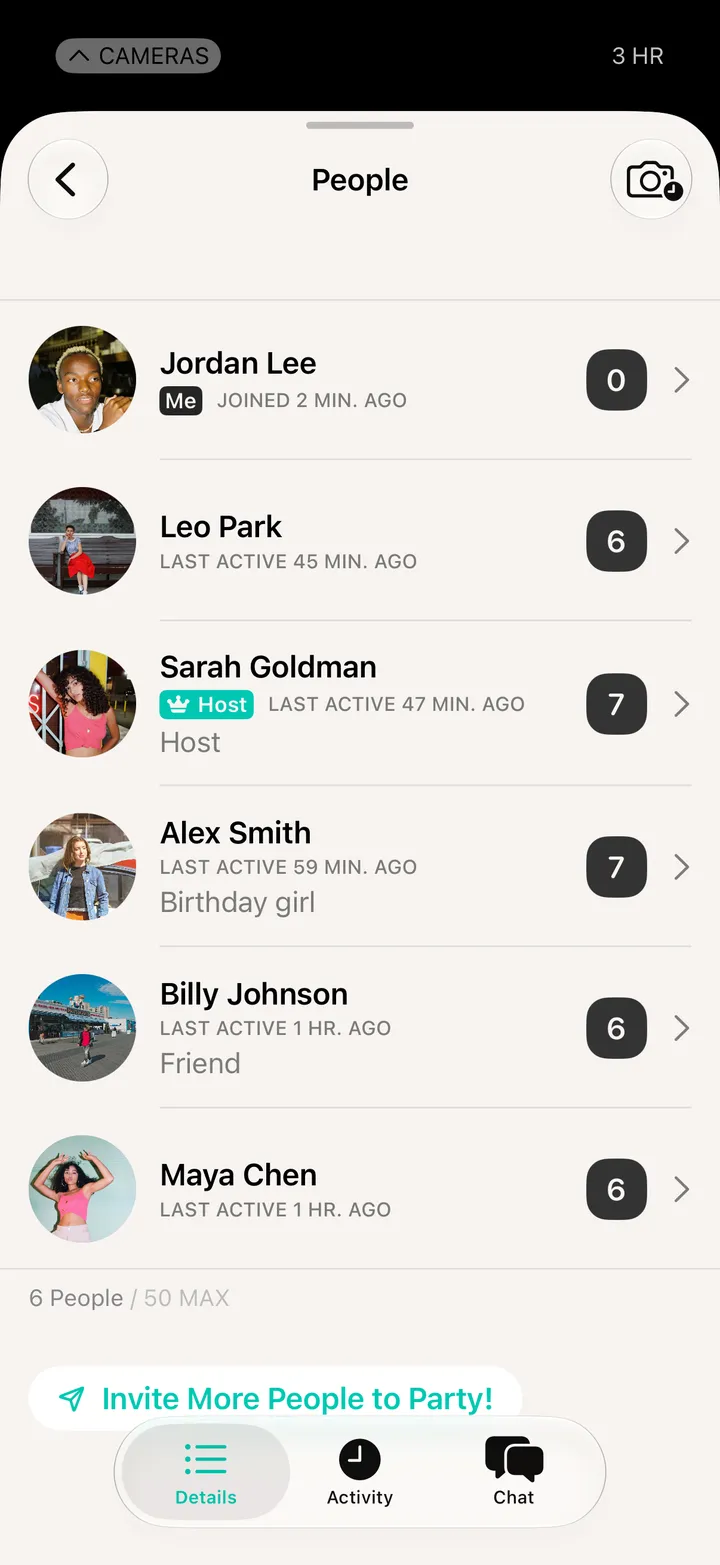
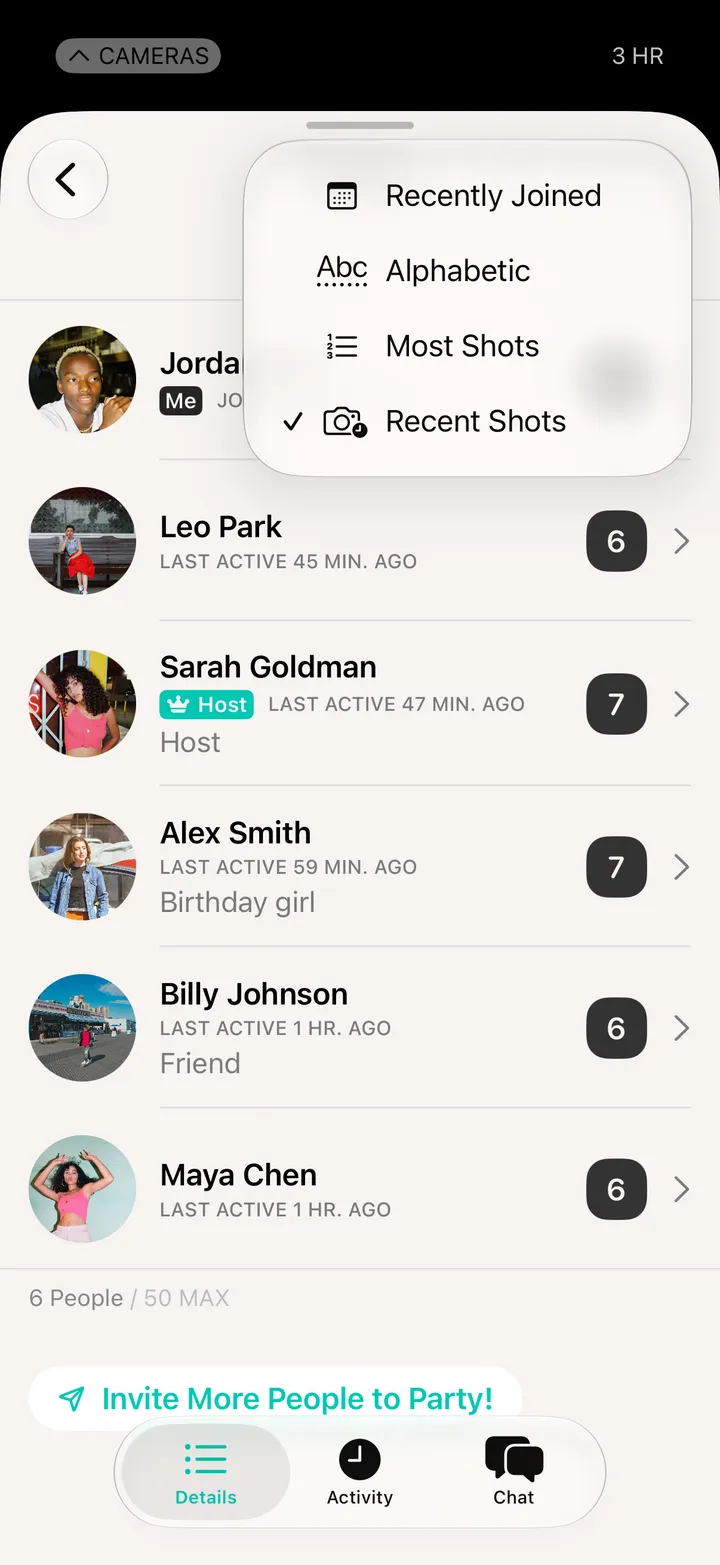
Open Party! Details and tap People. Sort by who joined last, name or most shots, and tap someone to see what they’ve been up to.
Party! · 4.4 · 3 stepsEveryone, with how many shots they’ve taken. Not what they shot.
Recently Joined, Alphabetic, Most Shots or Recent Shots.
When they joined, when they shot, what they said.