Party! guideChange your name and picture on a party
Open Party! Details, tap Settings, and change your name, bio or picture at the top. It saves when you go back.
Party! · 3.4 · 3 steps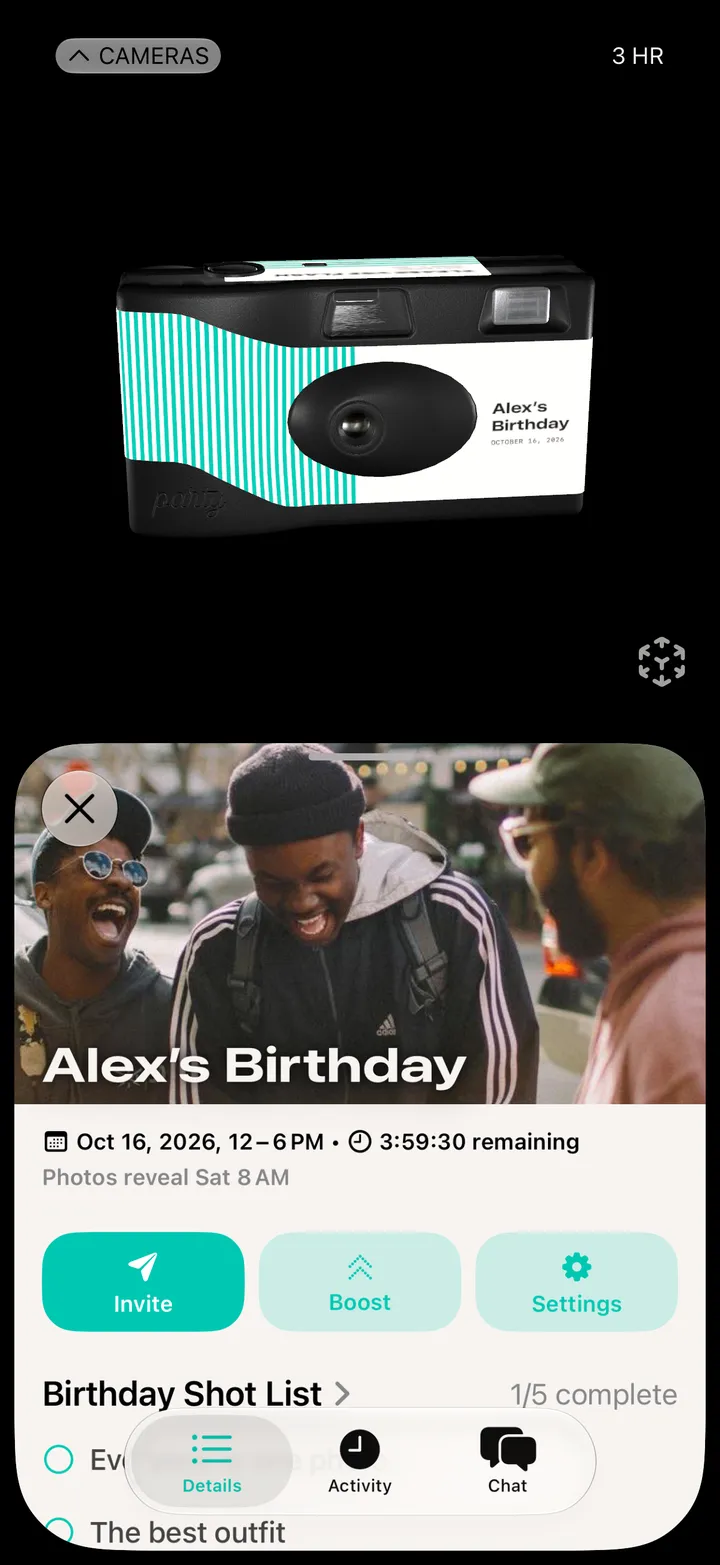
Each party has its own profile.
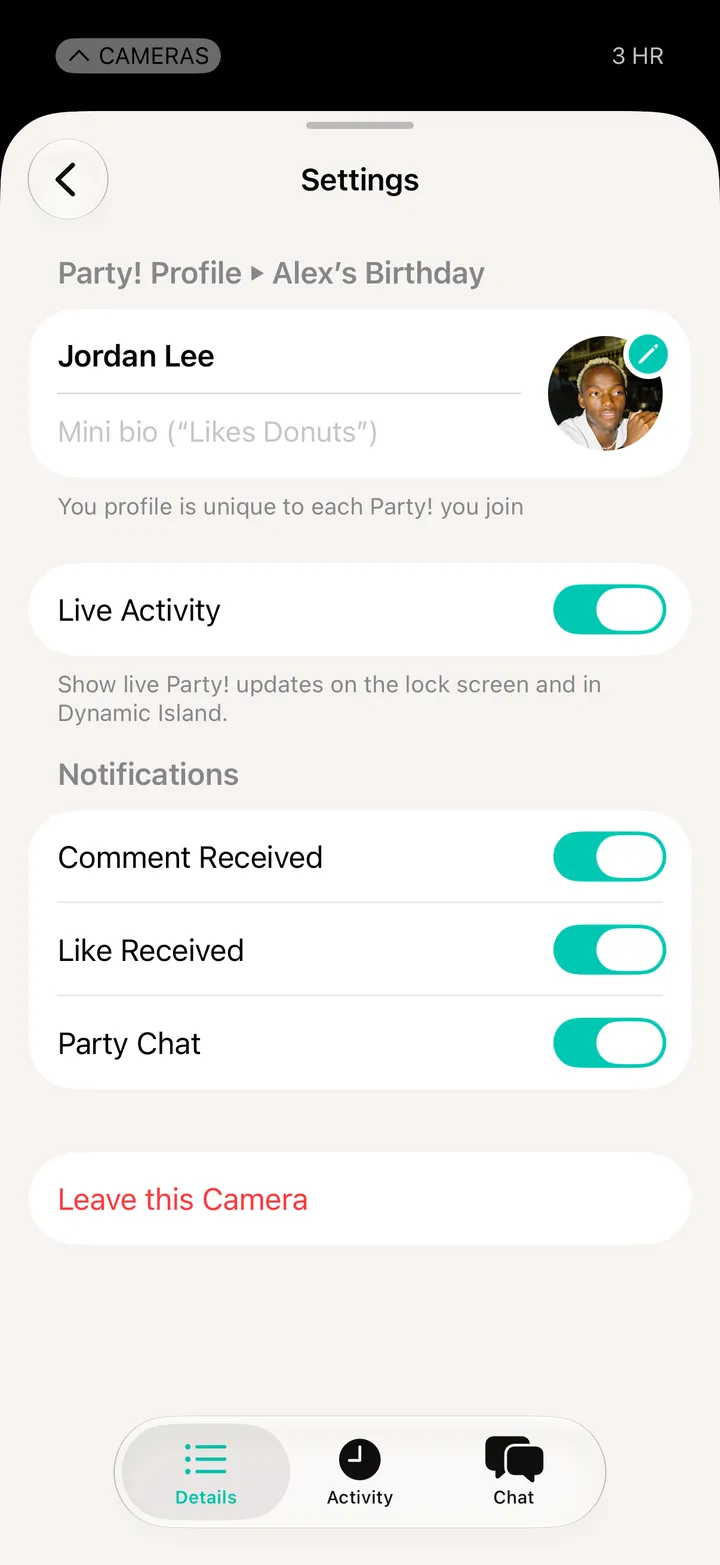
Take one with the Party! camera, or pick one from Photos.