Party! guideTurn notifications on or off
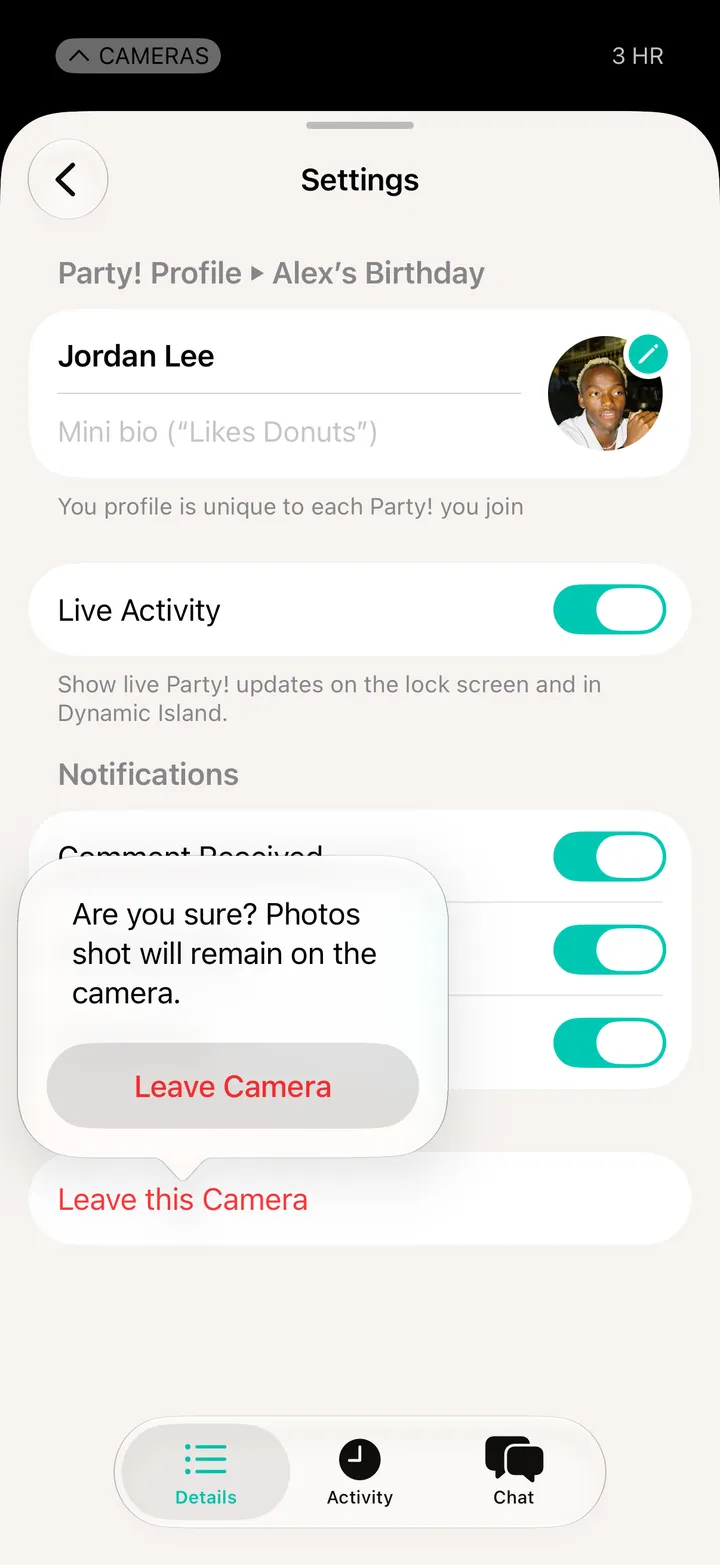
Open Party! Details and tap Settings. Turn Comment Received, Like Received, Party Chat or Live Activity on or off.
Party! · 3.5 · 3 steps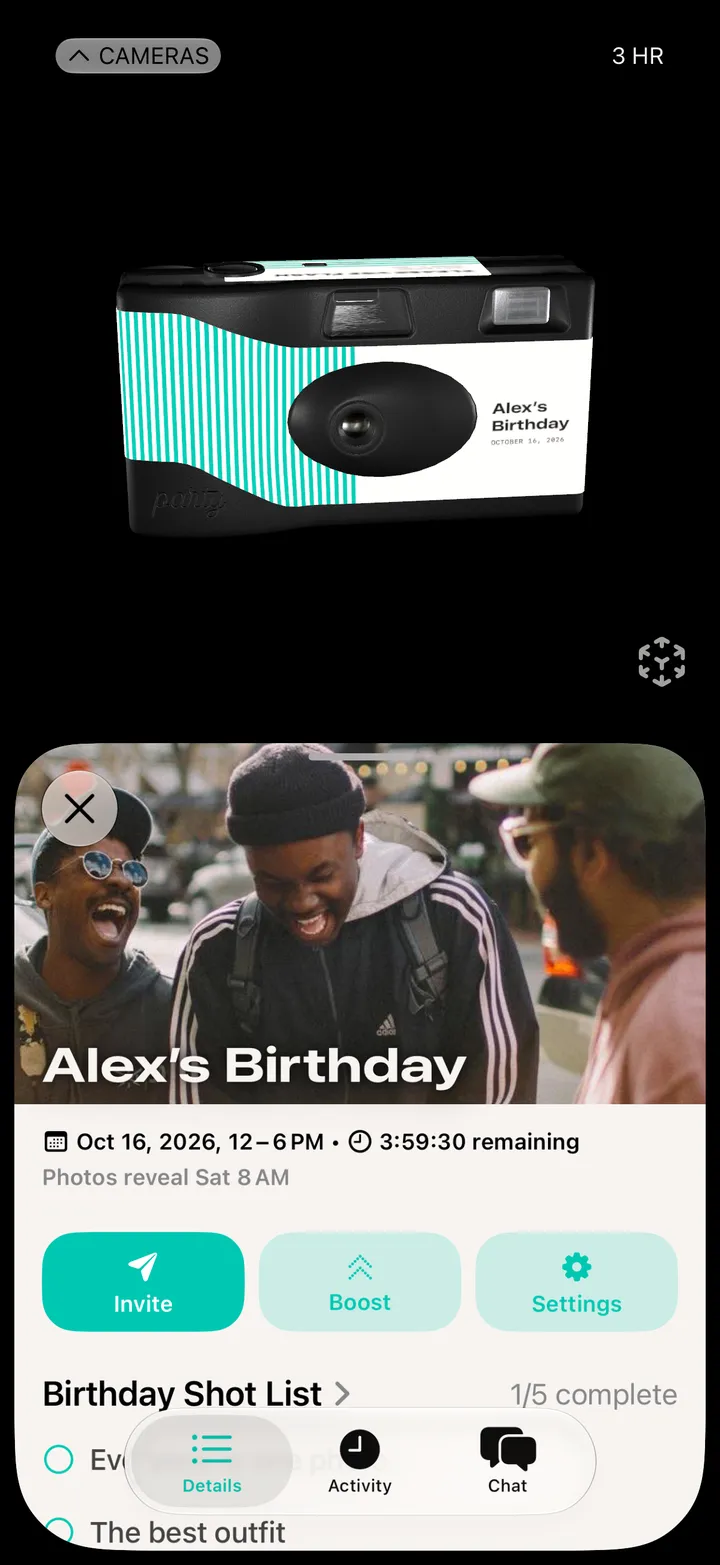
For comments, likes and the party chat, on this party only.
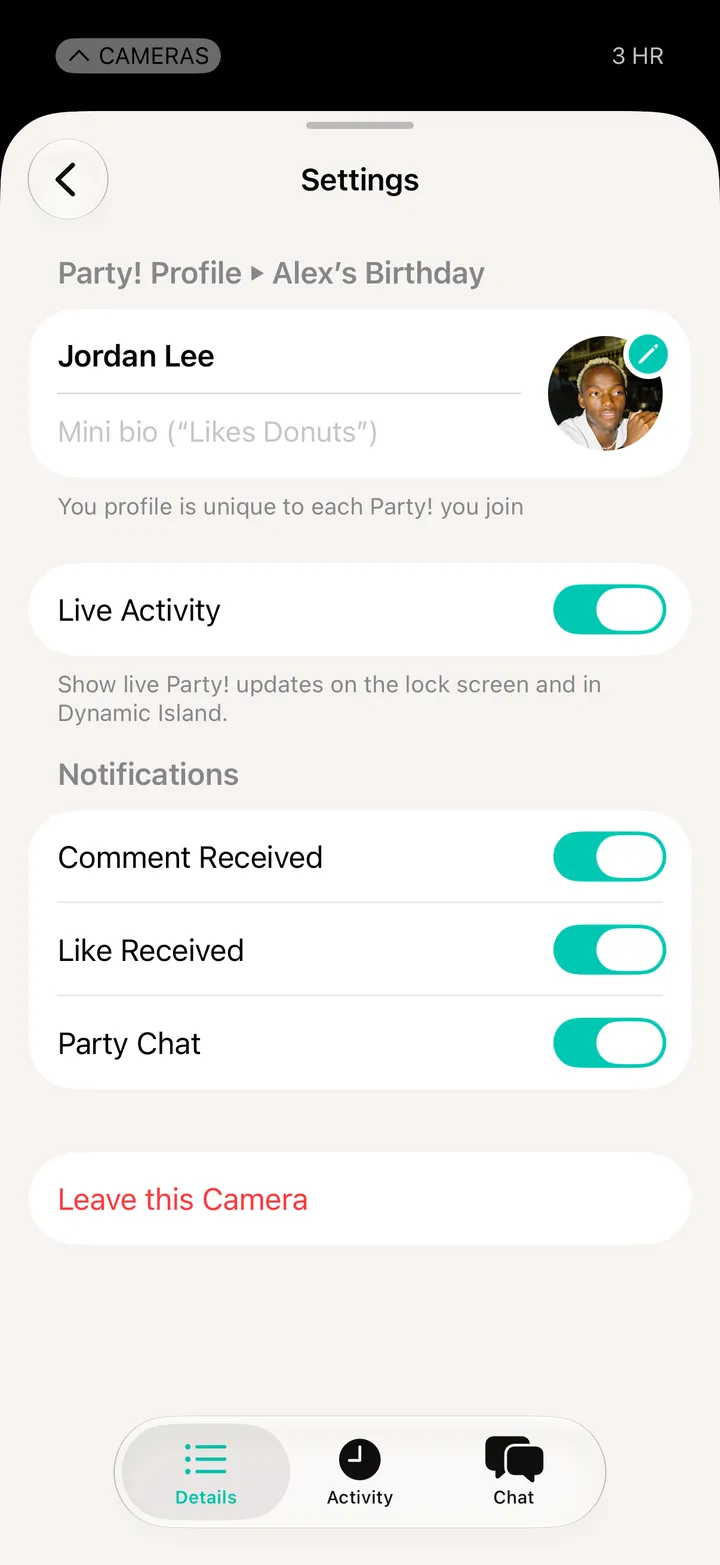
Shows the party on your Lock Screen and in the Dynamic Island.