Party! guideJoin a party that’s full
When a camera’s at capacity, Party! offers a Party! Pass to get you in. Tap Get Party! Pass. Camera Club members get in free.
Party! · 3.2 · 2 stepsIf it’s full, you’ll see Party Foul! when you tap Join the Party!
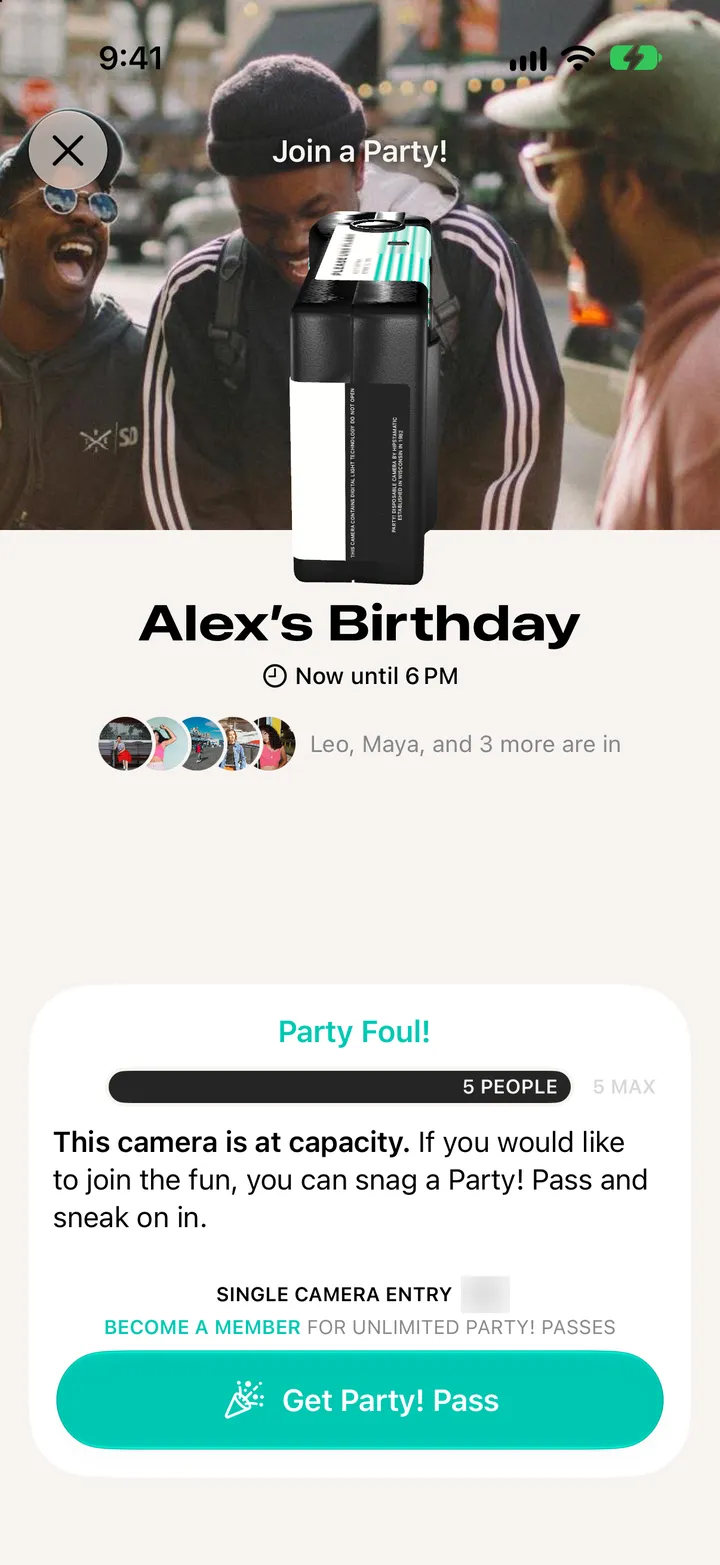
One pass, one camera. Apple asks you to confirm.