Party! guideJoin a public party

Tap Public at the bottom of Party! to see public parties near you. Join one, then tap Check In when you get to the venue.

Party! · 3.3 · 4 steps
  1. 01

    Tap Public

    At the bottom of Party!

    On your iPhone
    1. Party!
    2. Public
  2. 02

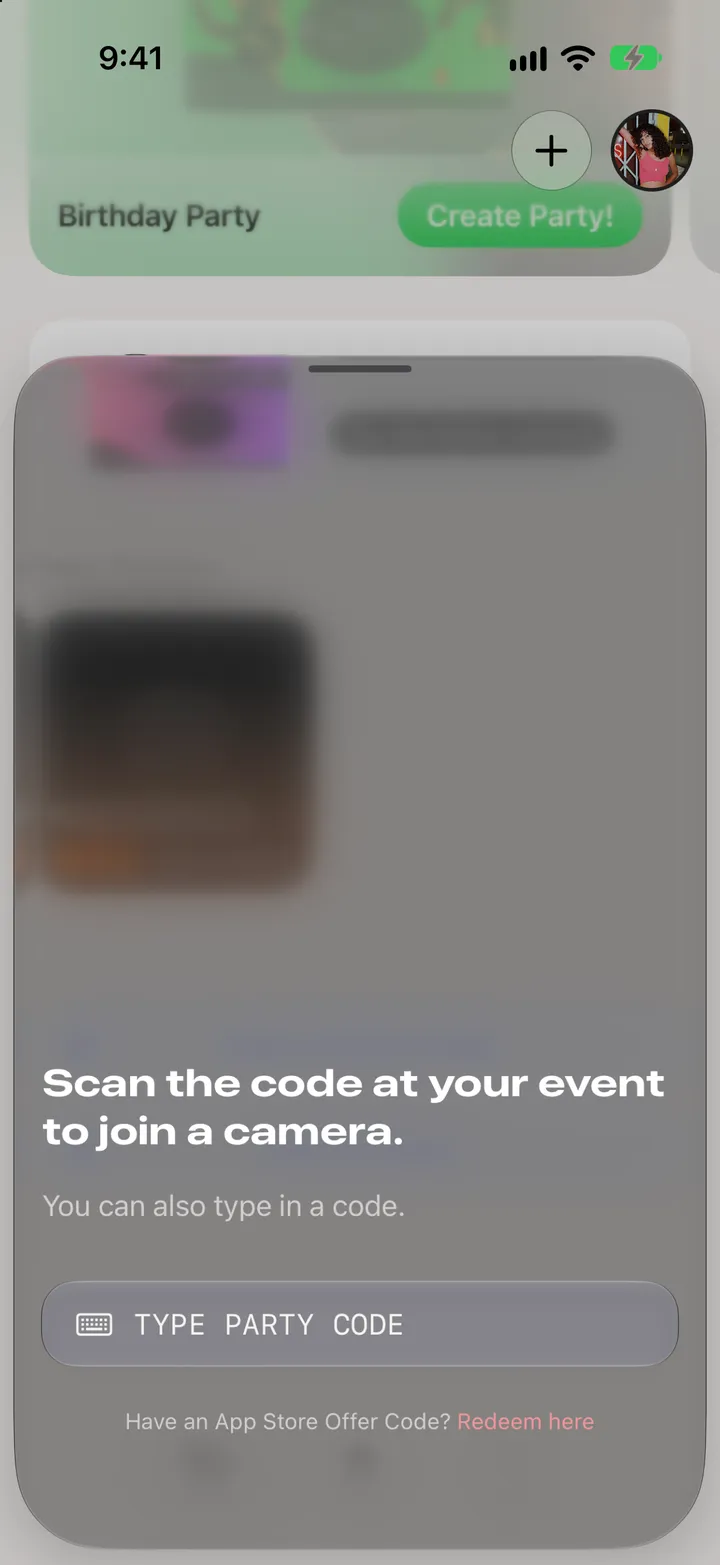
    Pick a party

    Happening Now is on top.

    On your iPhone
    1. Public Parties
    2. Happening Now
  3. 03

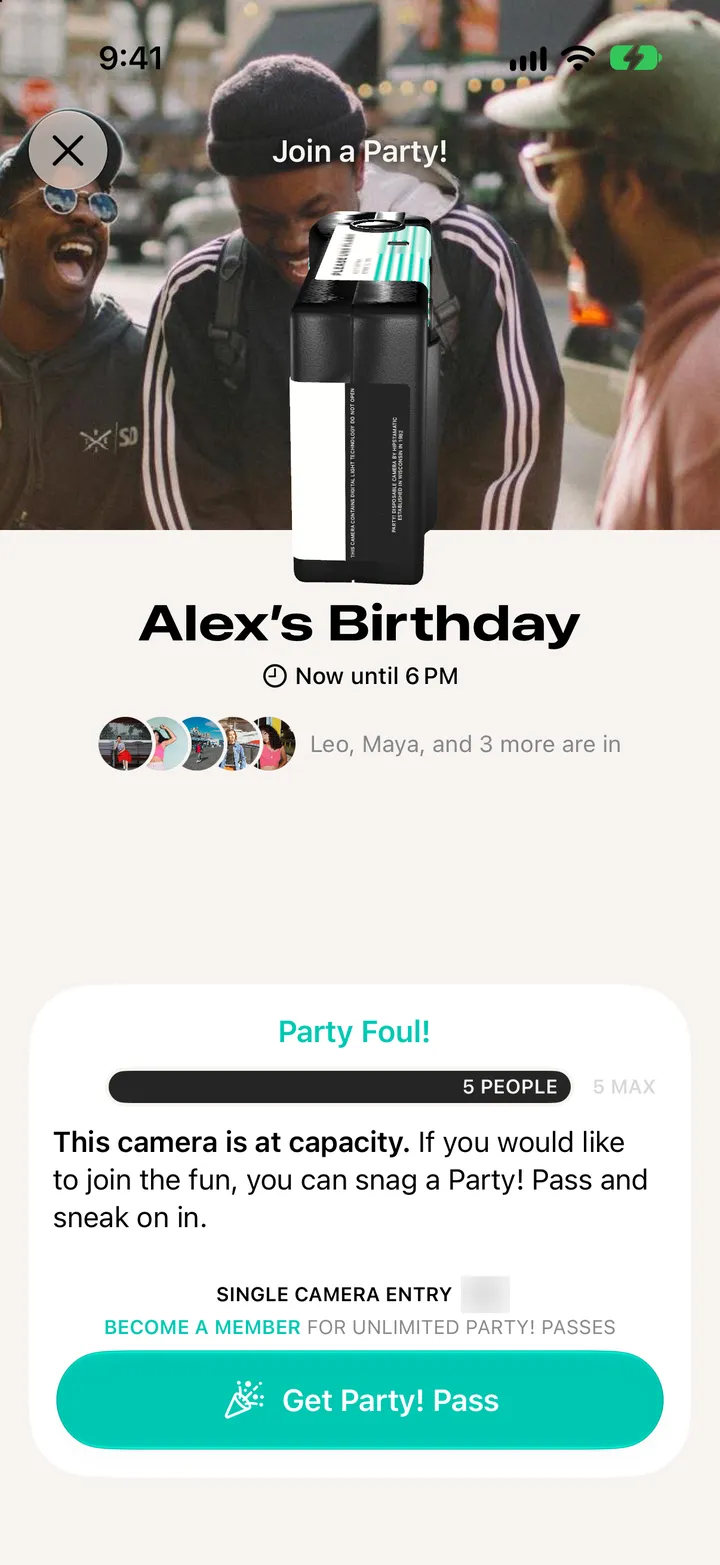
    Join it

    Add your name, same as any party.

    On your iPhone
    1. Join a Public Party!
    2. Join Public Party!
  4. 04

    Tap Check In when you get there

    Party! checks you’re at the venue, then you can shoot.
    On your iPhone
    1. Party! is Live
    2. Check In

Good to know

  • Public parties are in Los Angeles for now. Anyone nearby can join.
  • Party! needs your location to check you in.