Party! guideGet your parties back on a new iPhone

On a new iPhone, tap Restore Cameras from iCloud at the bottom of your Library. Parties come back for 30 days after their reveal, a year for Premium.

Party! · 5.6 · 3 steps
  1. 01

    Sign in to iCloud

    With the same Apple Account. Party! keeps your parties there.

    On your iPhone
    1. Settings
    2. Your name
    3. iCloud
  2. 02

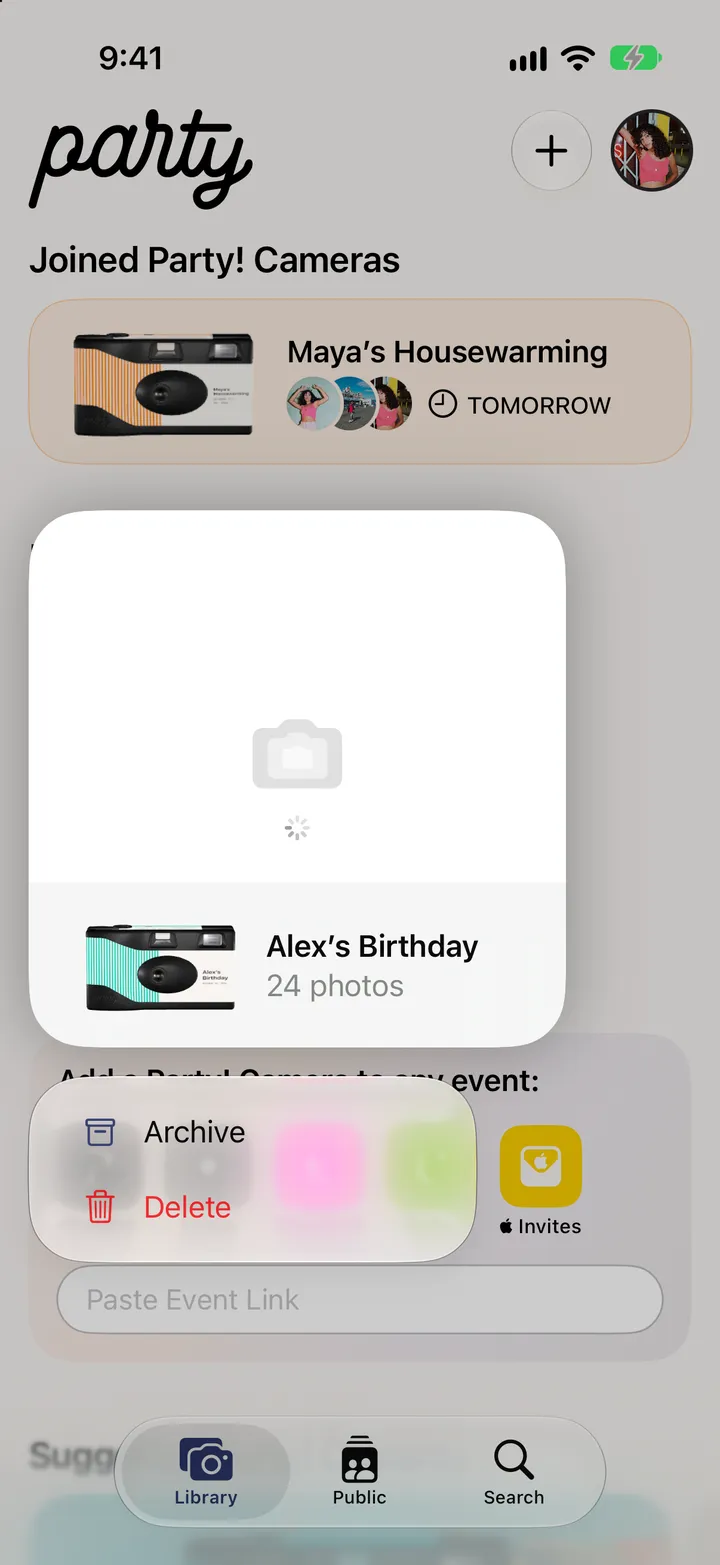
    Tap Restore Cameras from iCloud

    At the bottom of your Library, while it’s empty.
    On your iPhone
    1. Party!
    2. Library
    3. Restore Cameras from iCloud
  3. 03

    Pick the parties

    On your iPhone
    1. Restore Cameras
    2. Your parties

Good to know

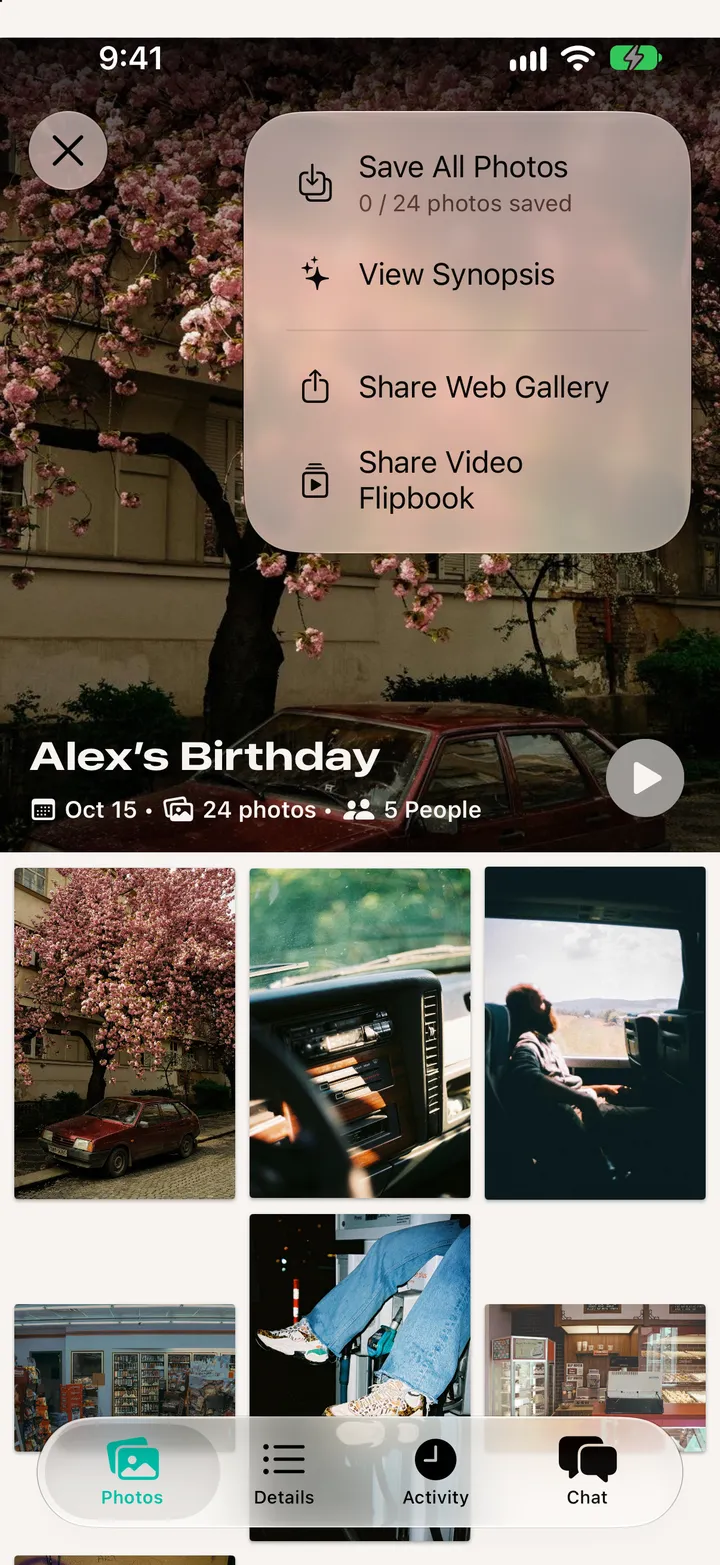
  • iCloud keeps a party’s photos for 30 days after the reveal, a year for Premium. Save the roll to Photos to keep it for good.

After the party

Party! guide ↘