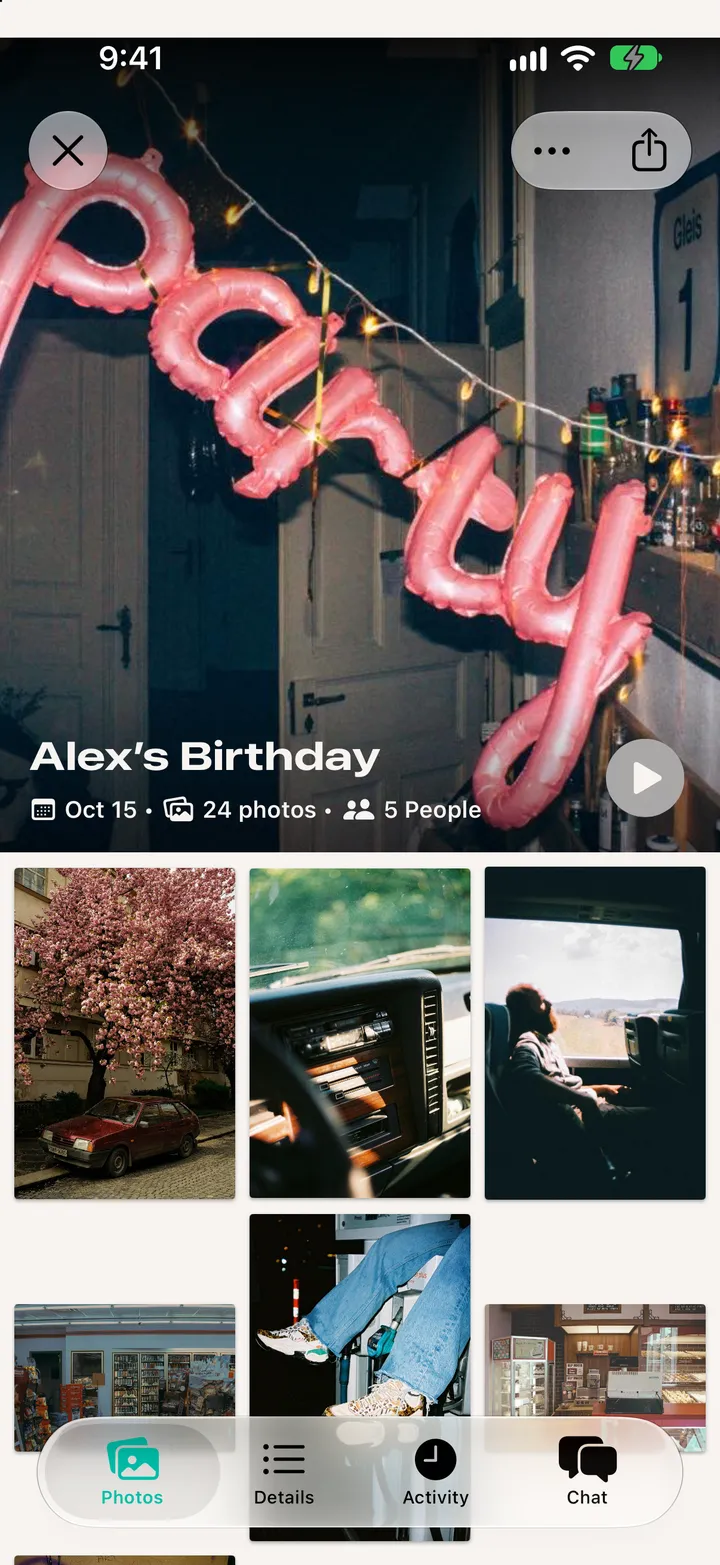
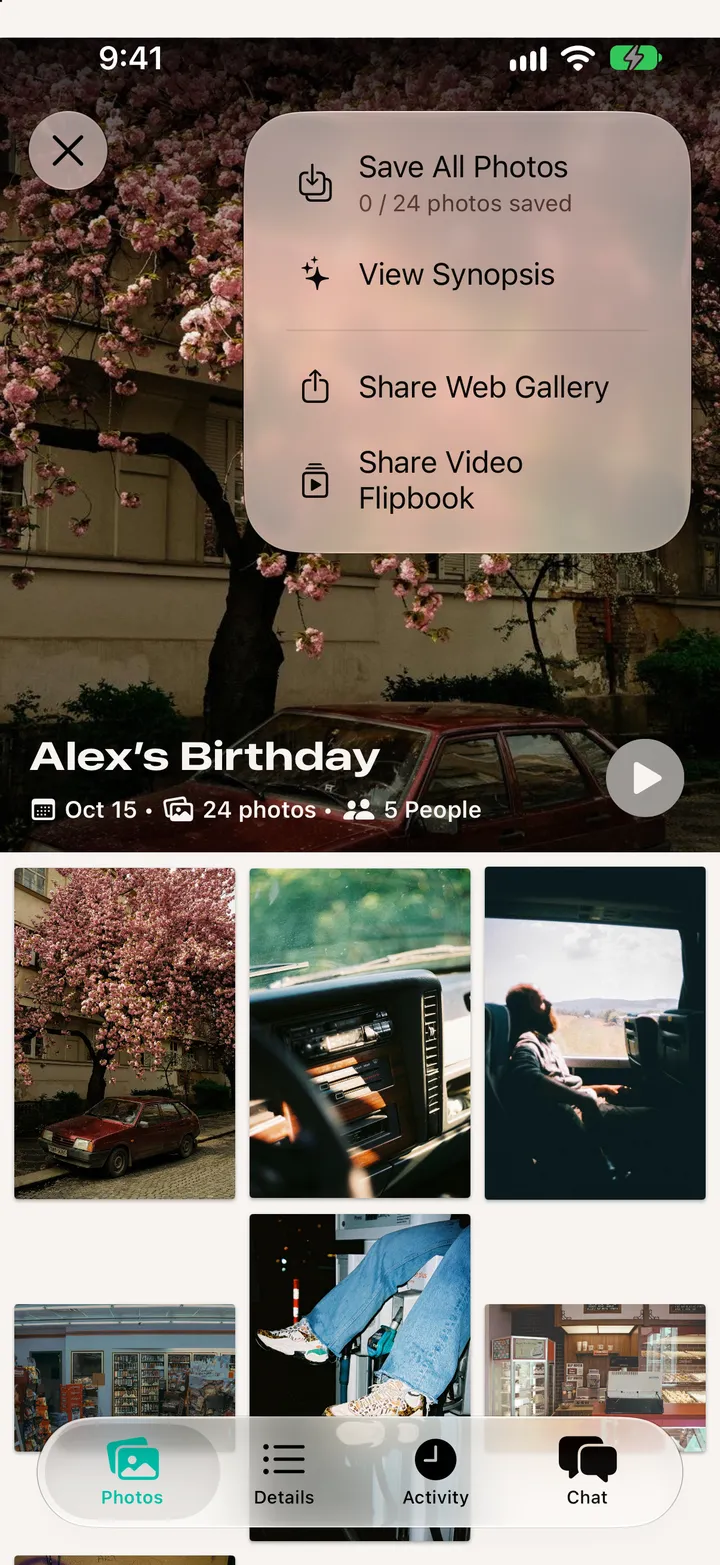
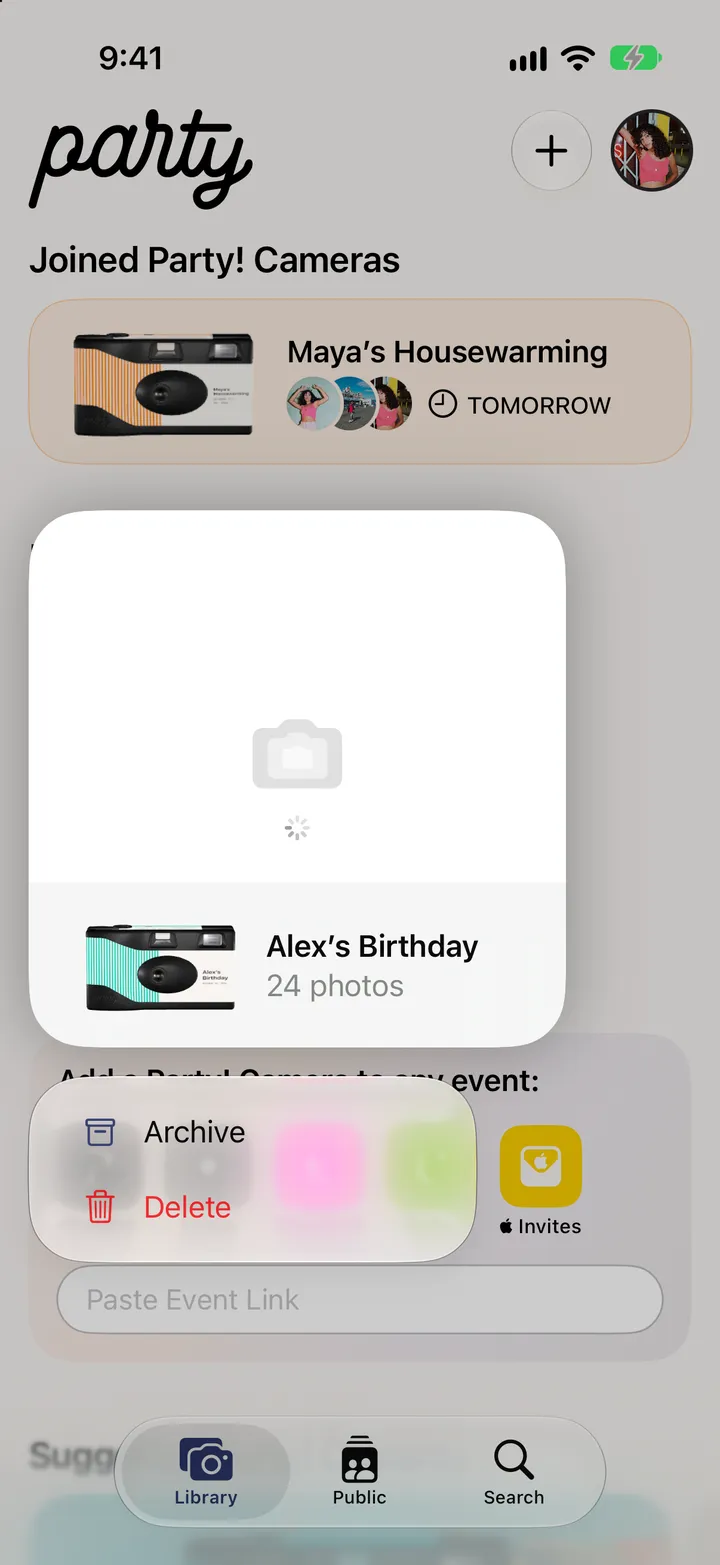
Open the roll, tap ••• at the top, then Share Web Gallery. Anyone with the link sees the roll in a browser.


 Party! guideShare the roll as a link