Party! guideSave the whole roll to your iPhone

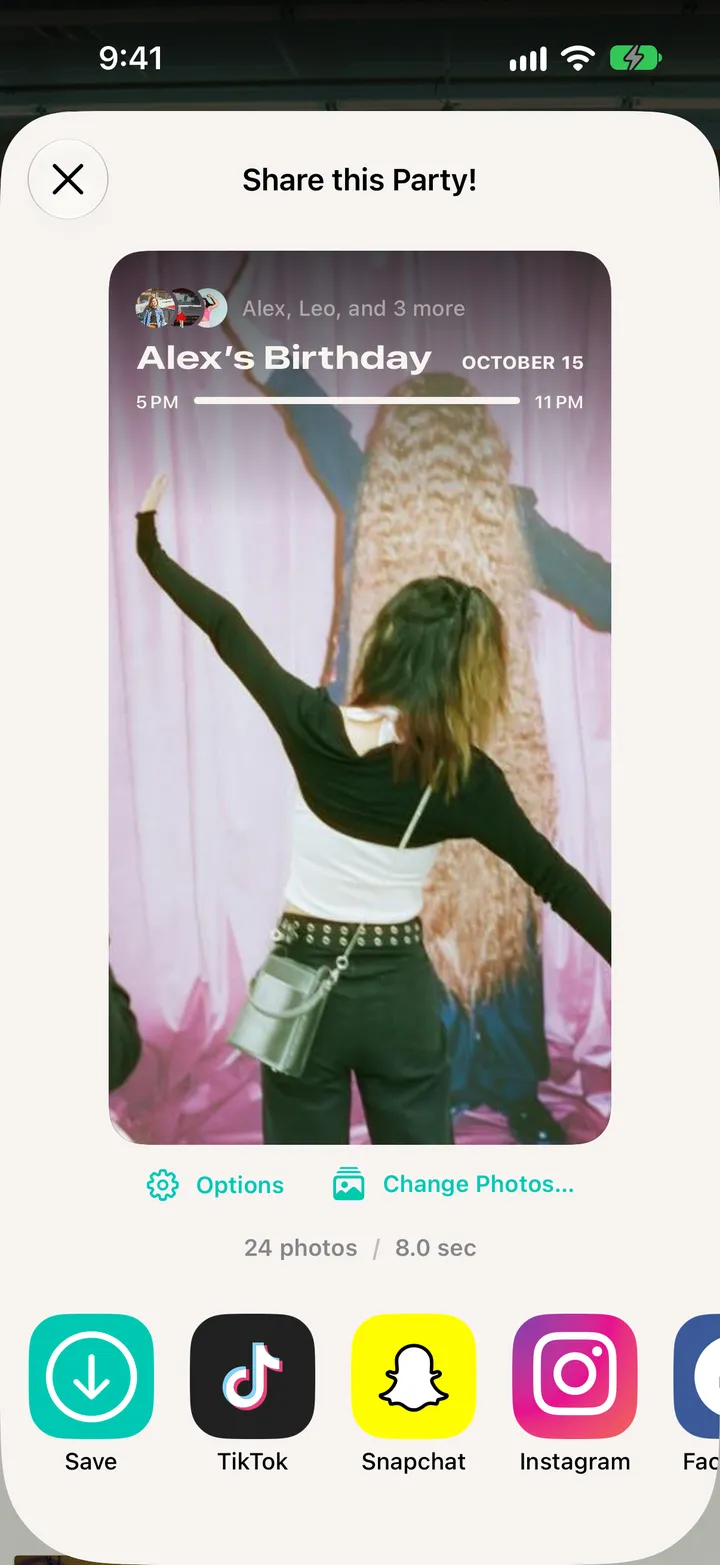
Open the roll, tap ••• at the top, then Save All Photos. Every photo from every phone goes to your Photos library.

Party! · 5.1 · 3 steps
  1. 01

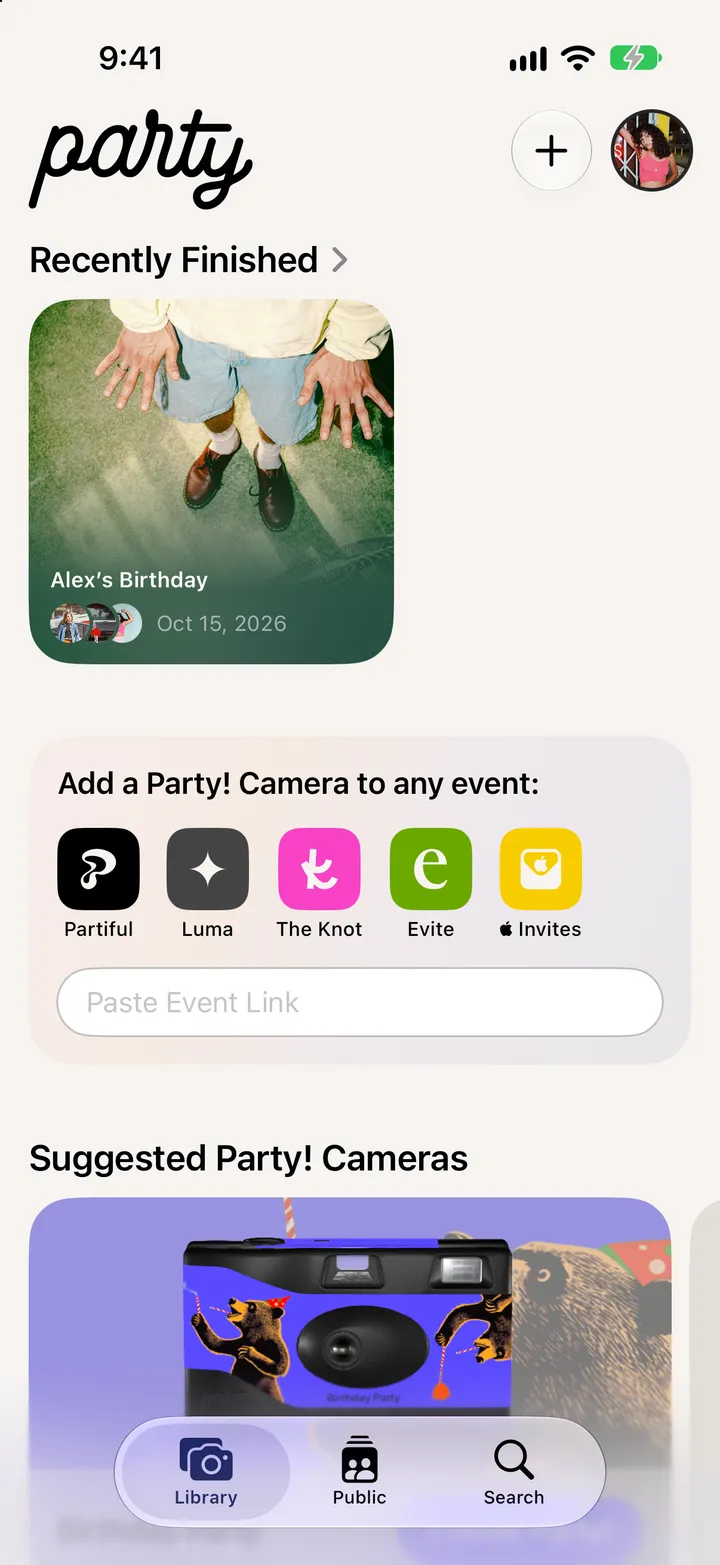
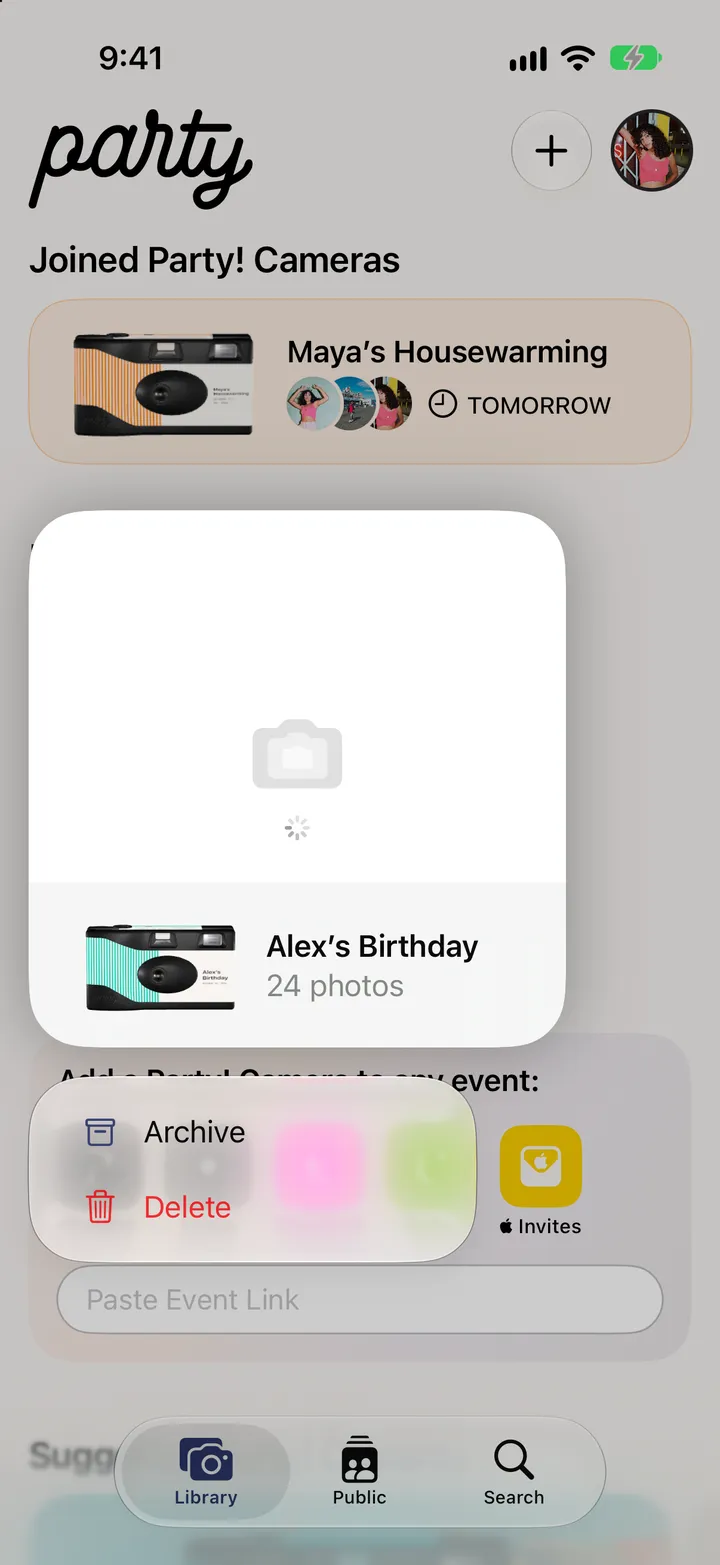
    Open the roll

    In your Library, under Recently Finished.

    Step 1: Open the roll
  2. 02

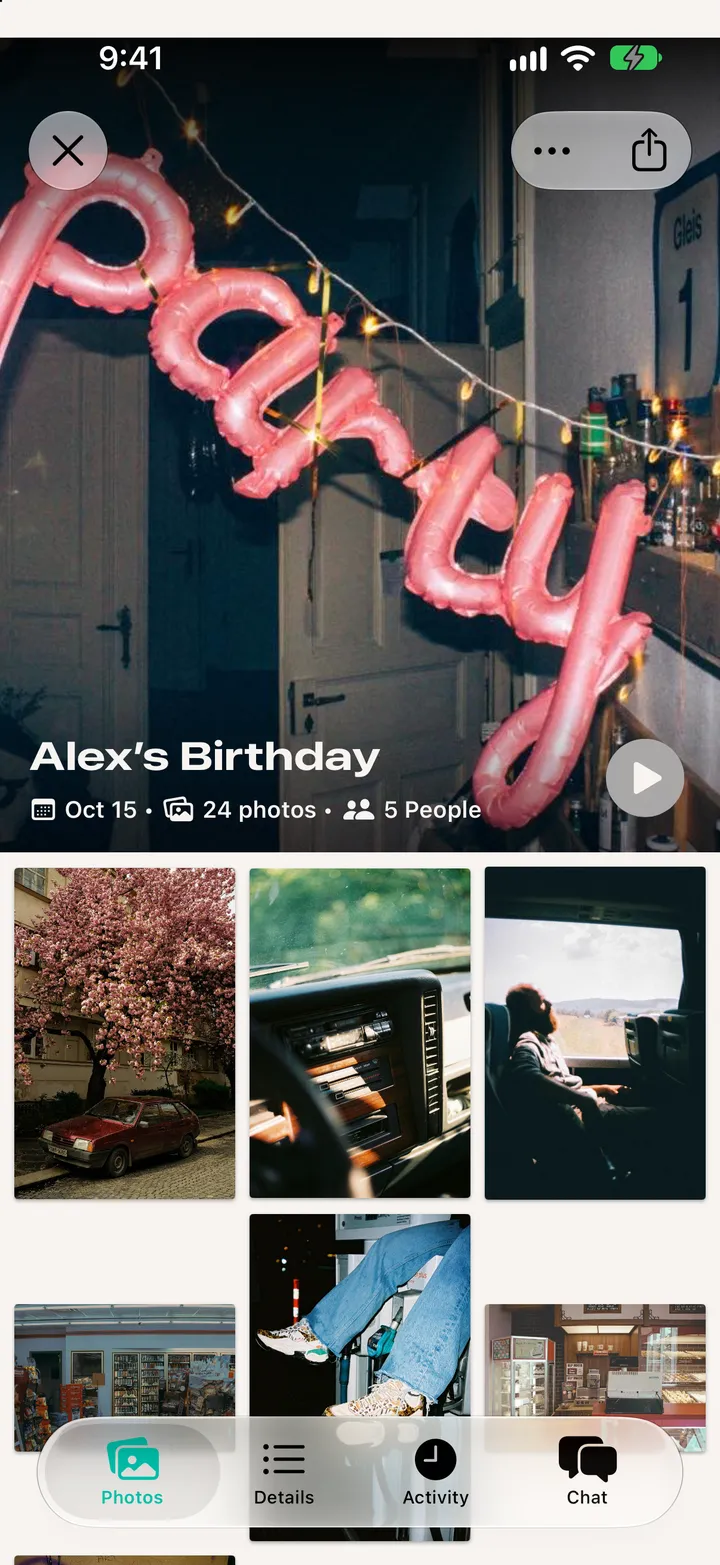
    Tap •••

    Step 2: Tap •••
  3. 03

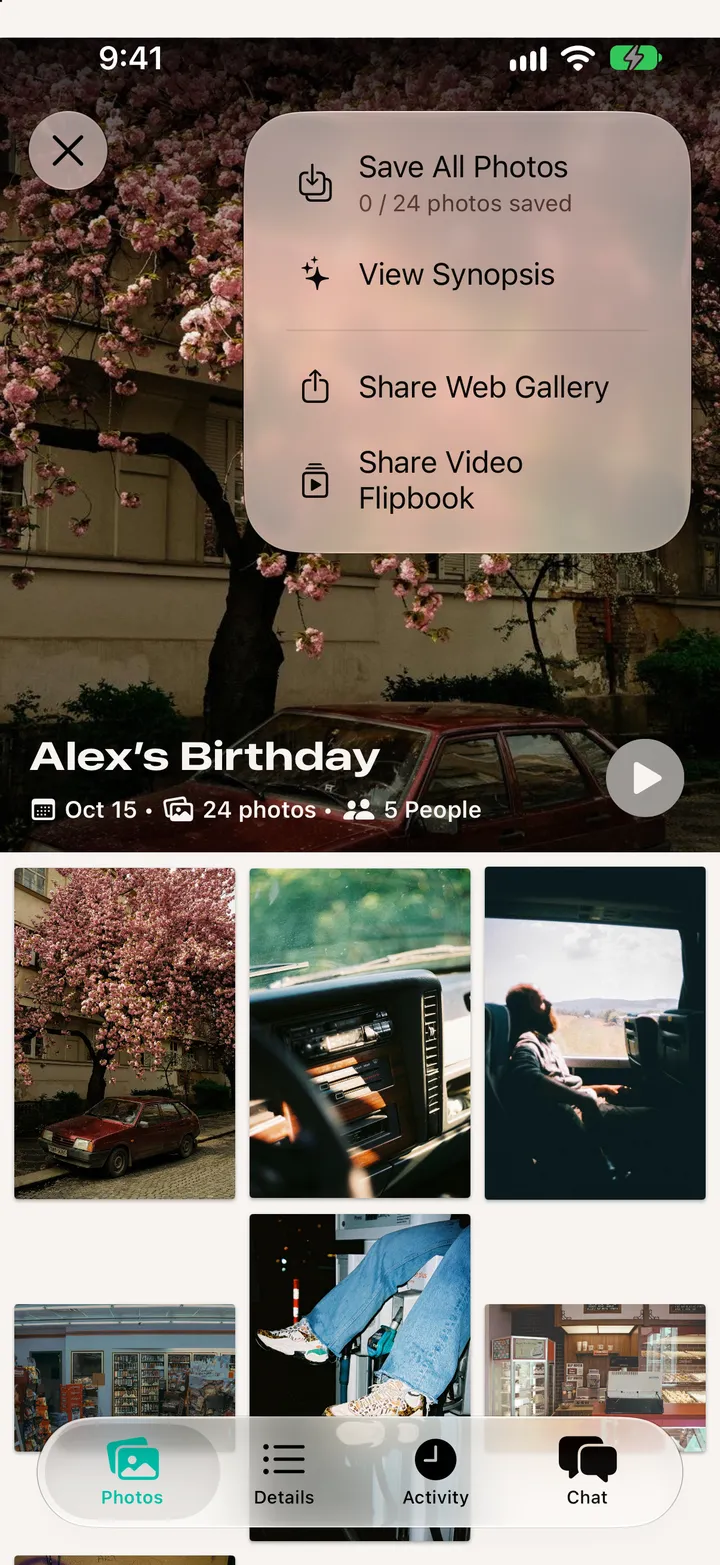
    Tap Save All Photos

    Step 3: Tap Save All Photos

Good to know

  • The photos you took save themselves at the reveal. Turn that off with Automatically Save My Photos in your account’s Additional Settings.
  • Save Photos in Separate Albums, there too, puts each party in its own album.

After the party

Party! guide ↘