Party! guideShare the flipbook
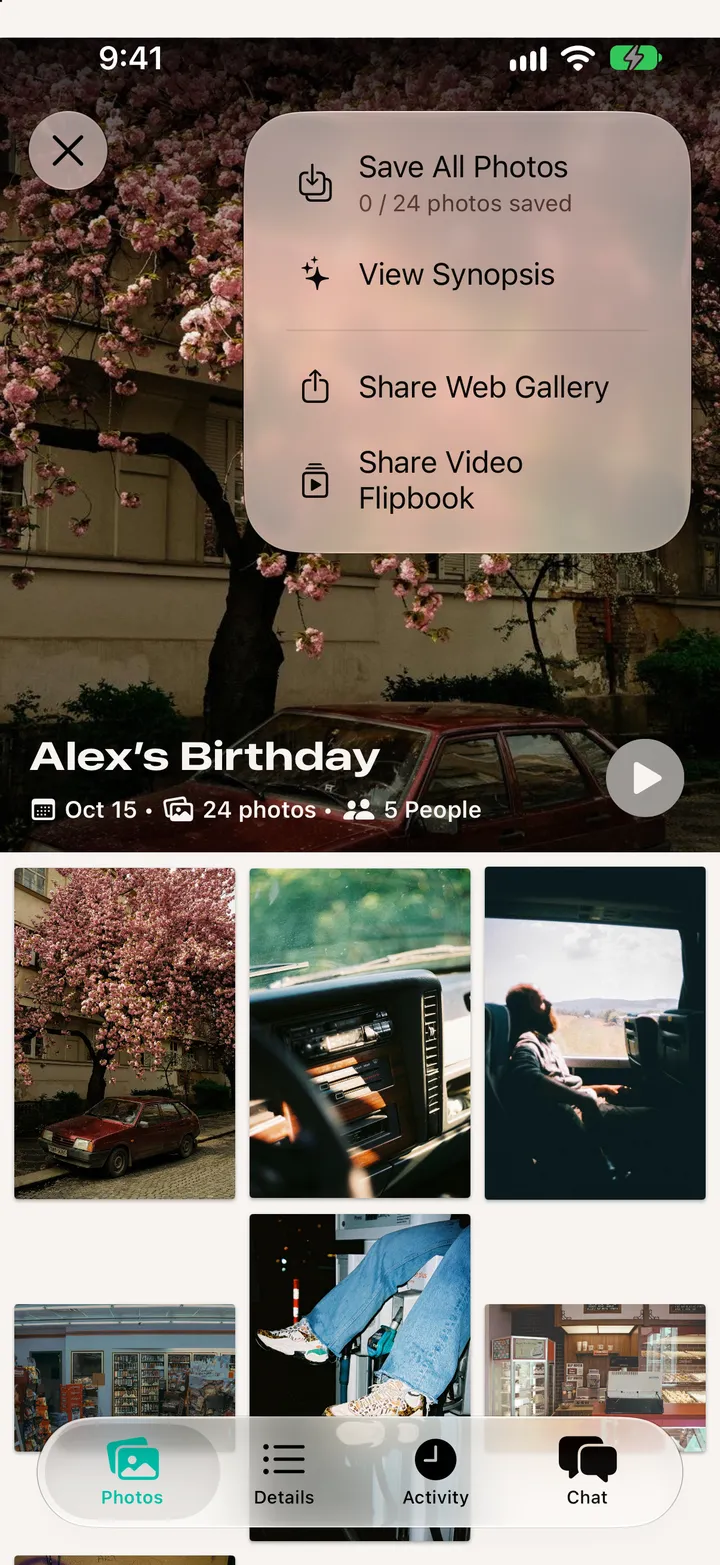
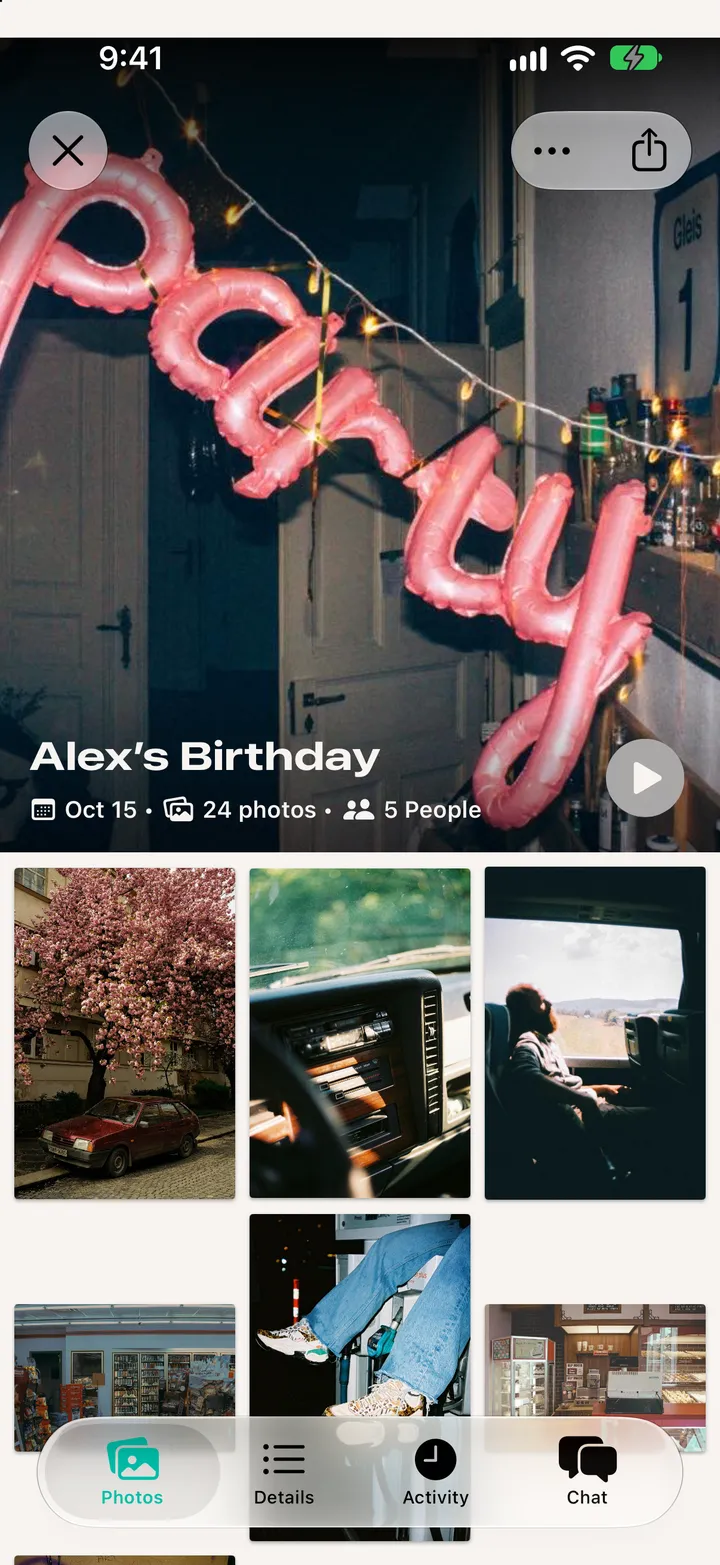
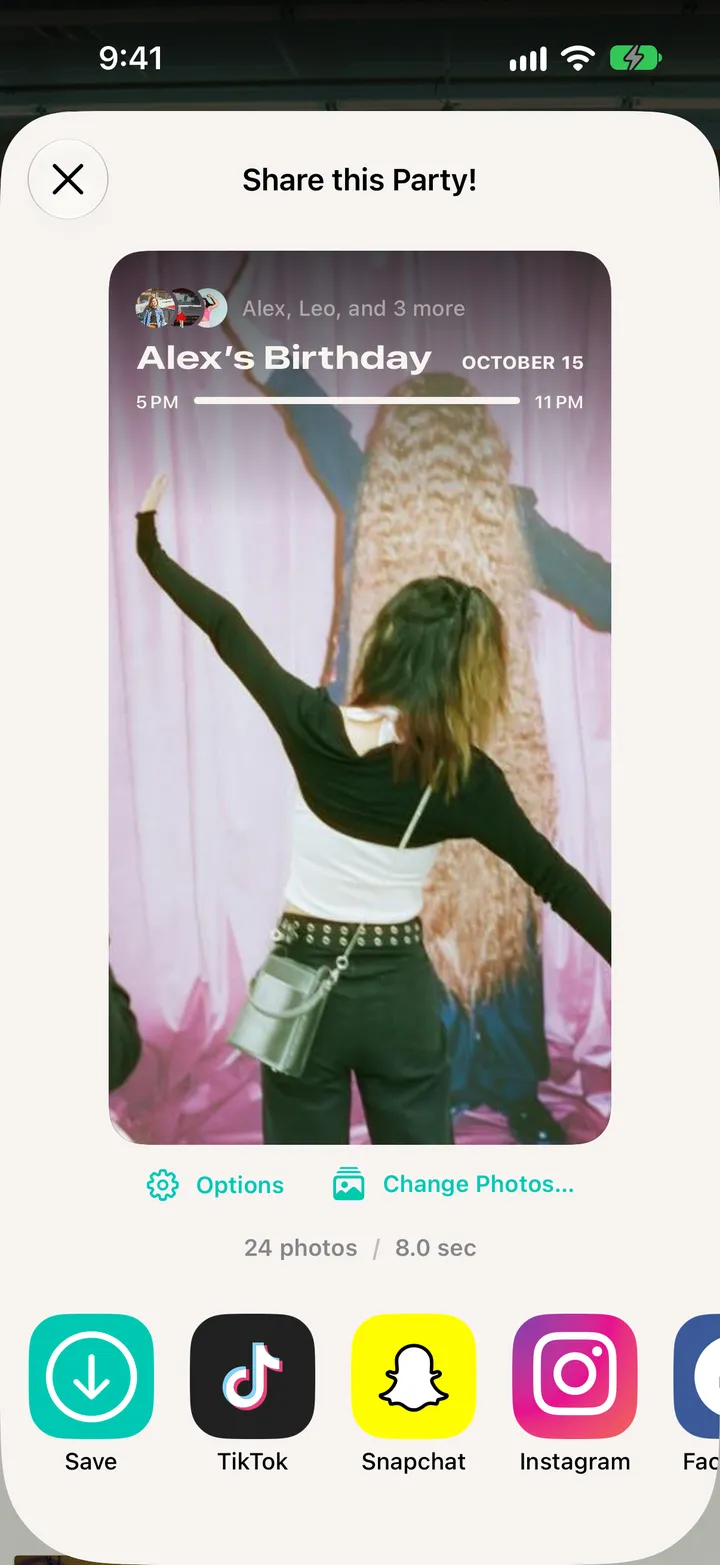
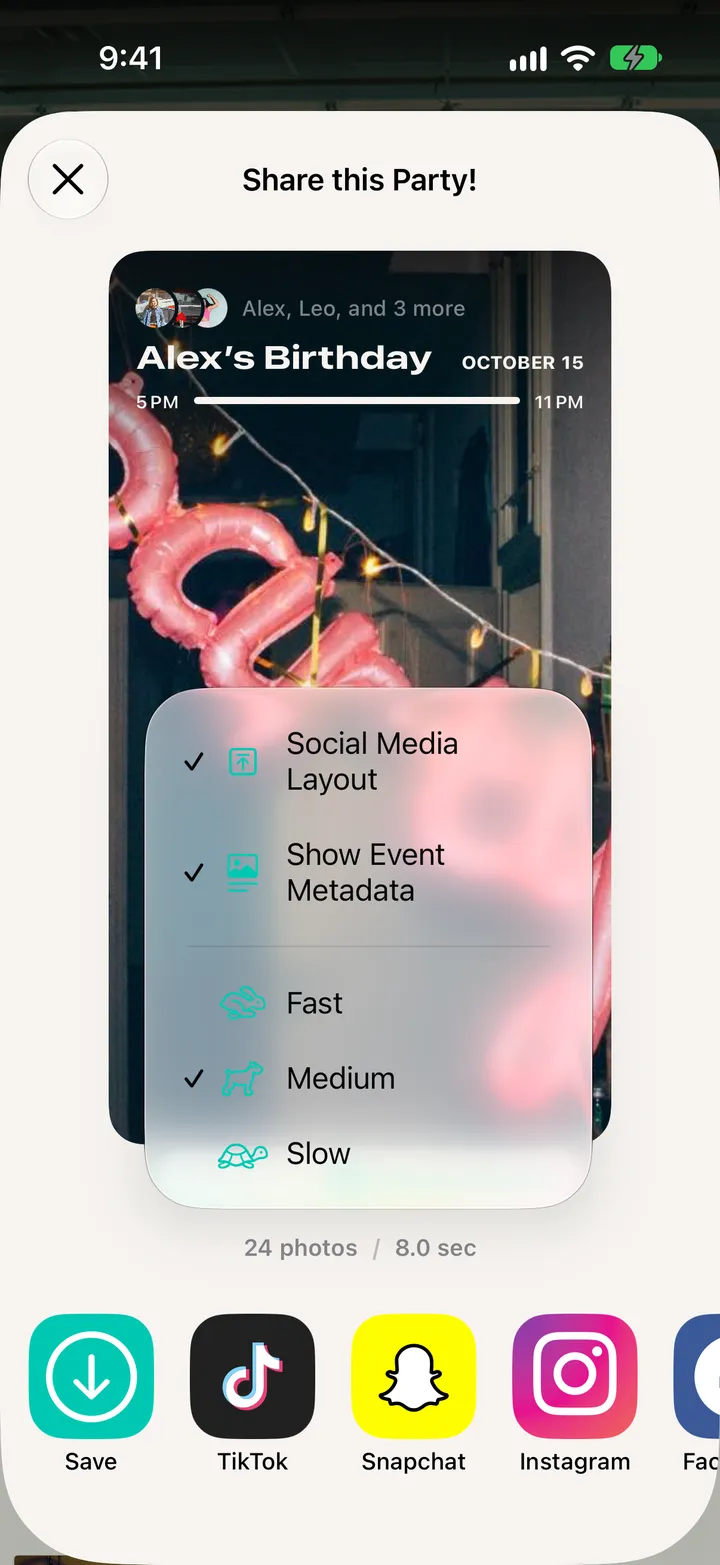
Open the roll and tap share at the top. Pick Options for the speed and layout, then Save, TikTok, Snapchat or Instagram.
Party! · 5.3 · 4 stepsTop right.
The party’s name and date on top, and a layout made for stories.
Fast, Medium or Slow.
Change Photos… picks which photos it plays.