Party! guideArchive or delete a party

In your Library, press and hold the party, then tap Archive or Delete. Archived parties move to Past Parties.

Party! · 5.5 · 3 steps
  1. 01

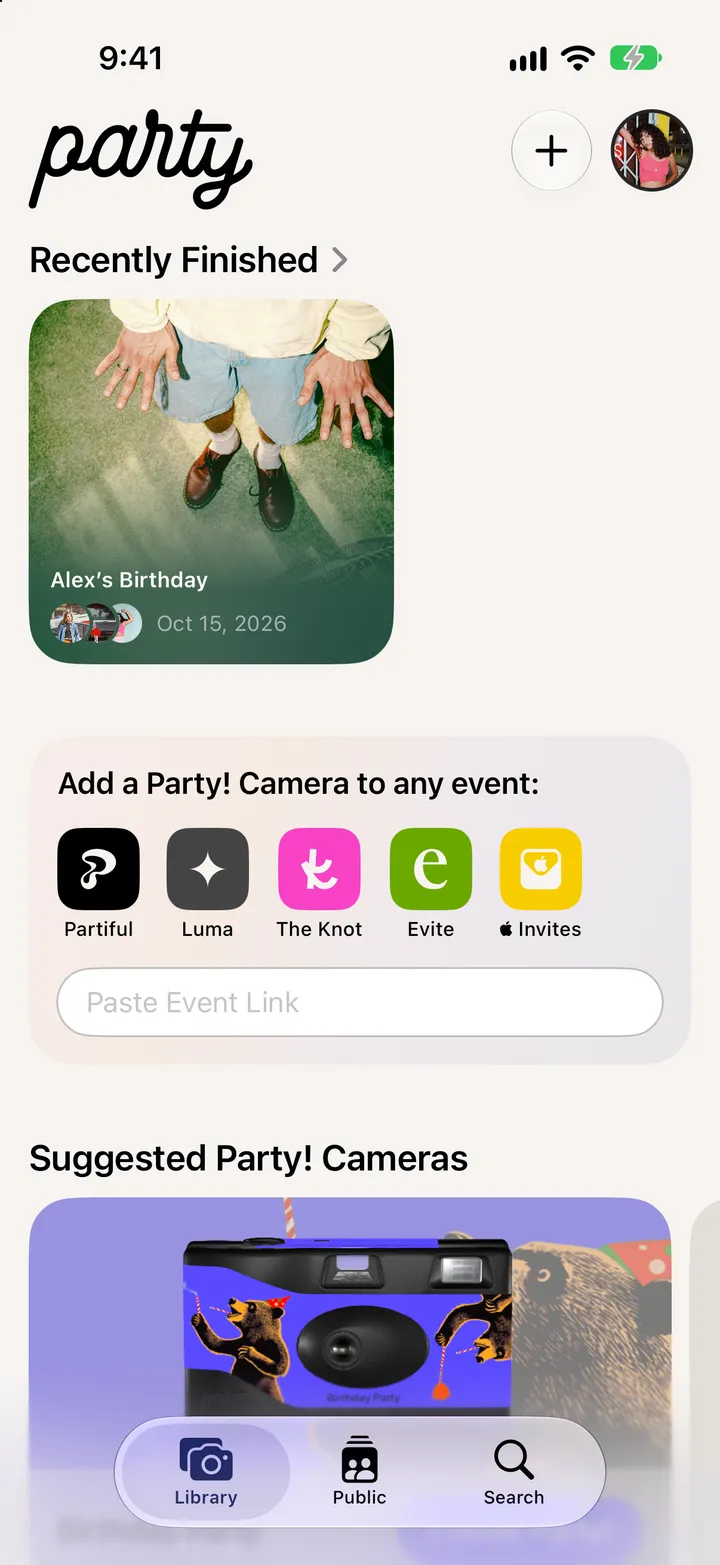
    Press and hold the party

    In your Library.

    Step 1: Press and hold the party
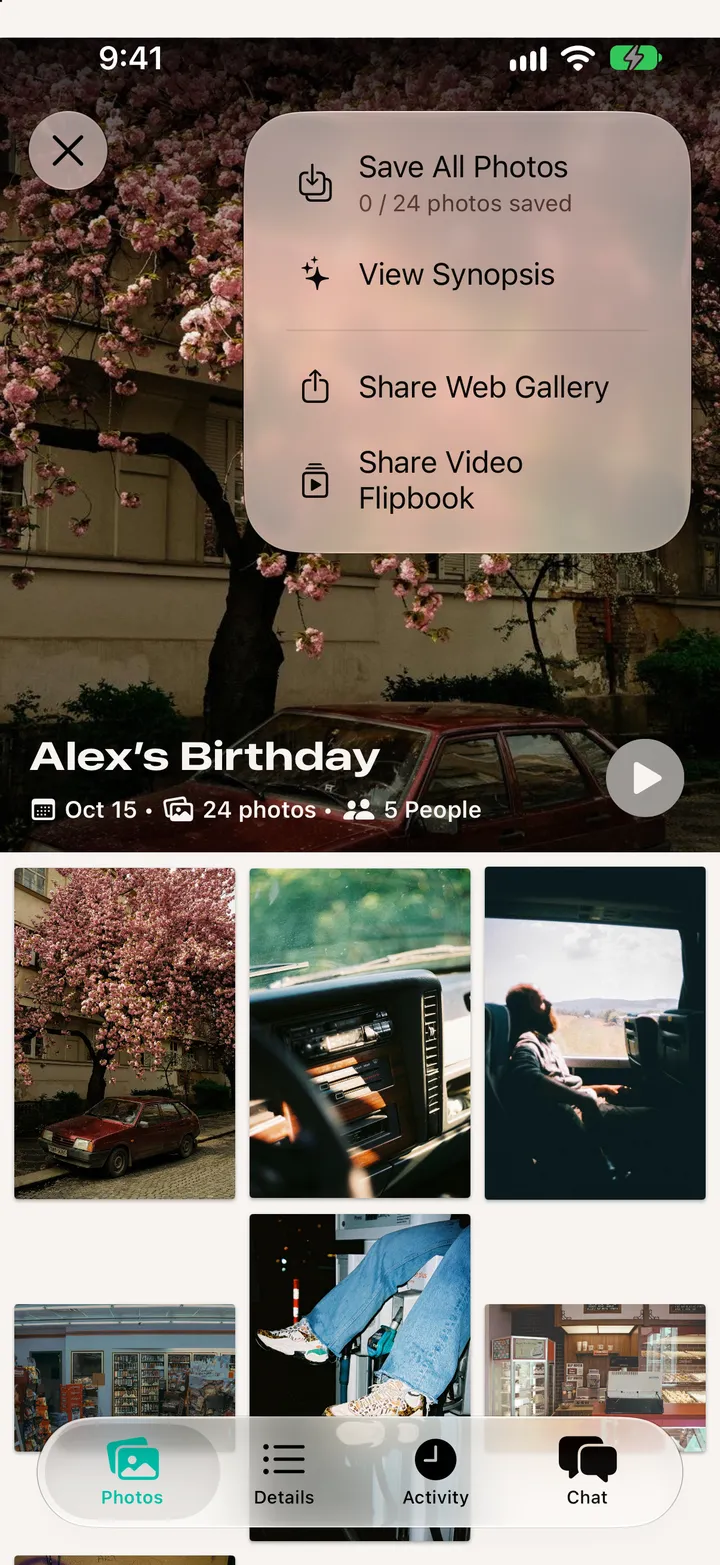
  2. 02

    Tap Archive

    Or Delete, which clears it off this iPhone.
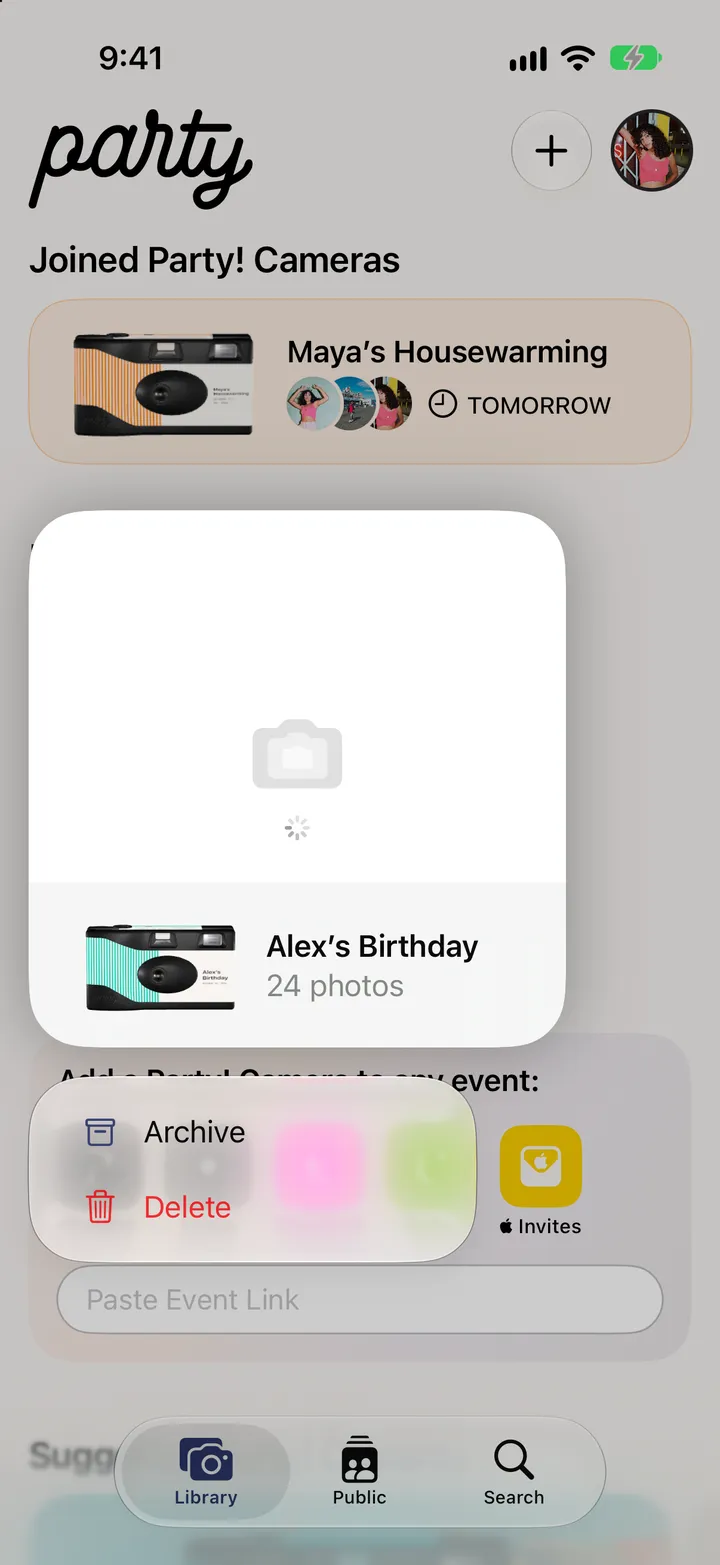
    Step 2: Tap Archive
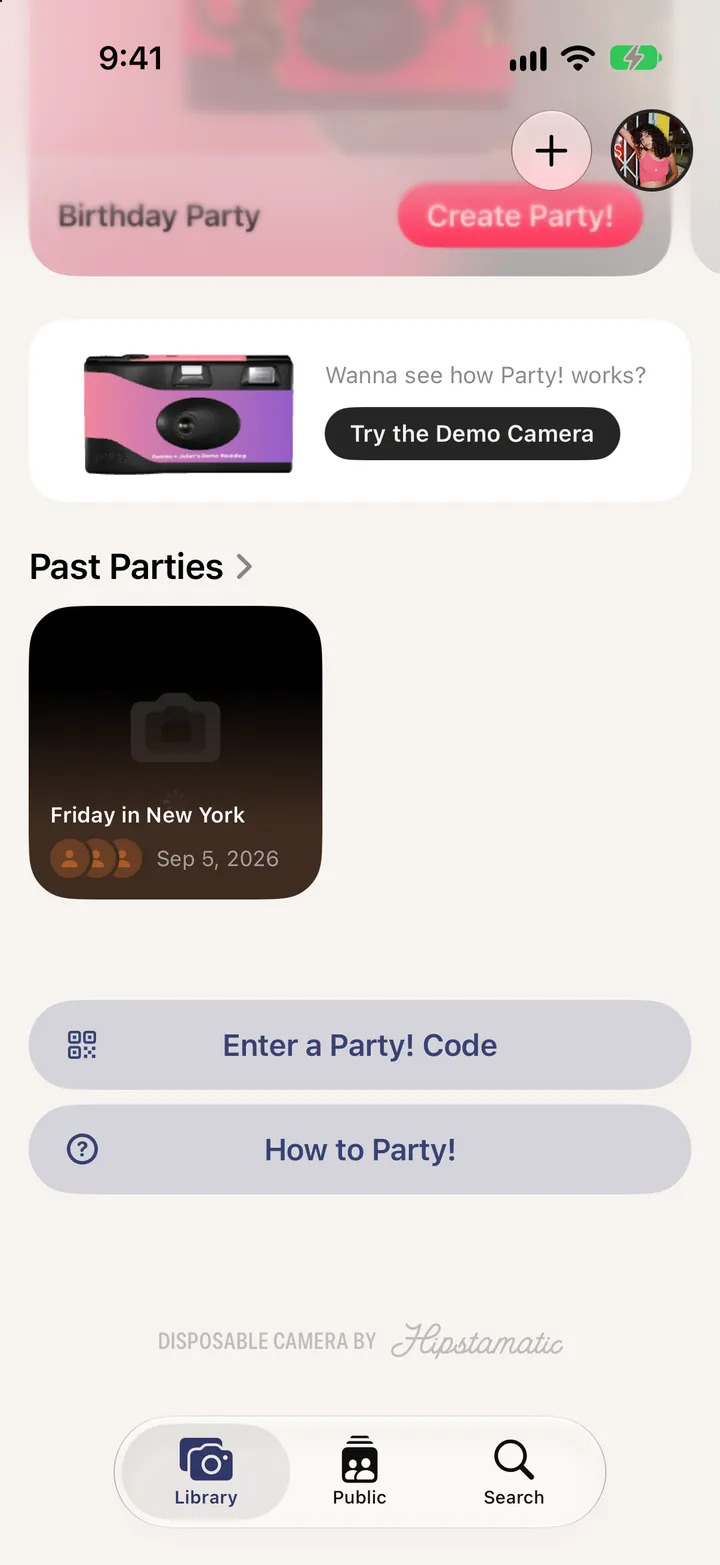
  3. 03

    Find it in Past Parties

    Near the bottom of your Library.

    Step 3: Find it in Past Parties

Good to know

  • Parties move to Past Parties on their own 30 days after the reveal.
  • Photos you’ve saved to your iPhone stay in Photos.

After the party

Party! guide ↘