Party! guideHeart and comment on photos
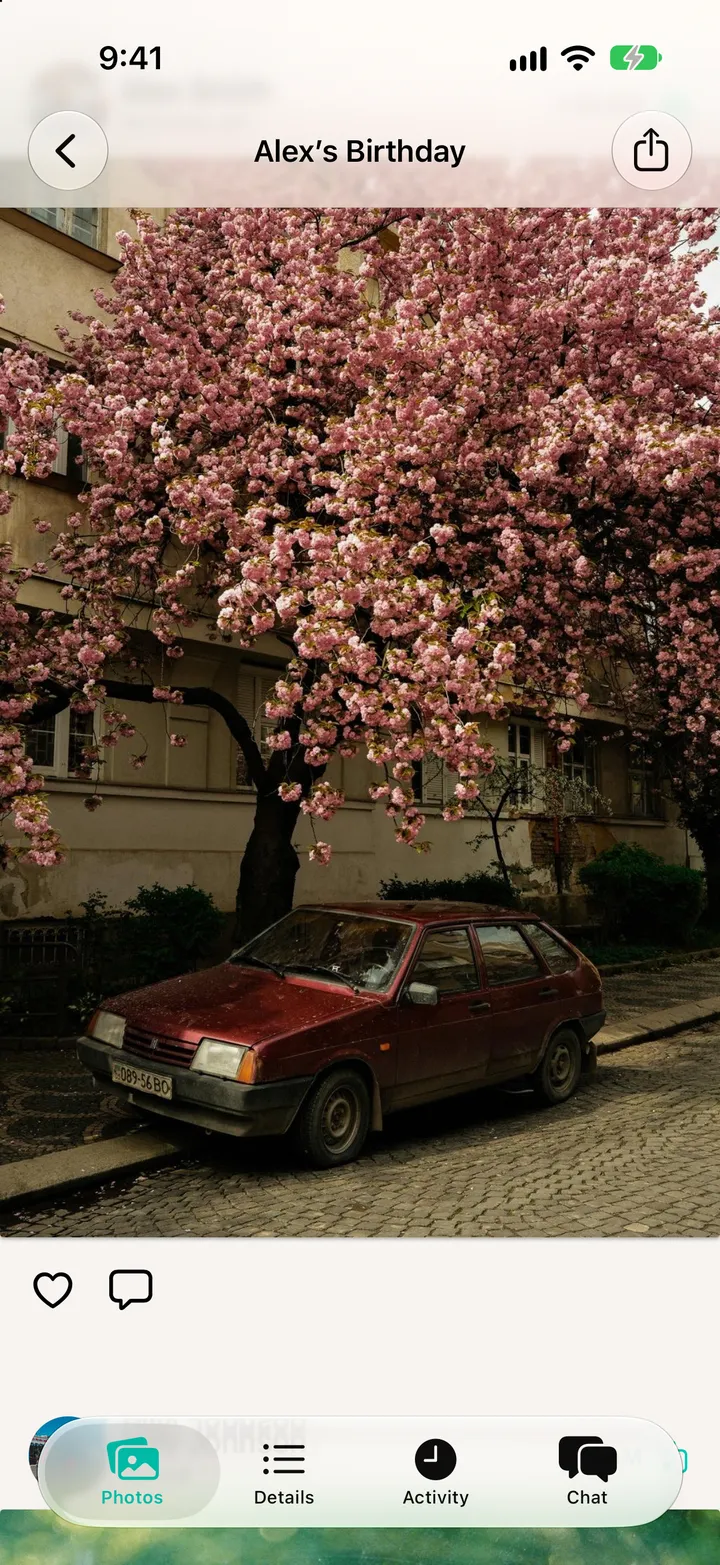
Open the roll and tap a photo. Tap the heart, or the bubble to comment.

Party! · 5.2 · 2 steps
  1. 01

    Tap a photo on the roll

    Step 1: Tap a photo on the roll
  2. 02

    Tap the heart or the bubble

    Whoever took it hears about it.

    Step 2: Tap the heart or the bubble

Good to know

  • Hearts and comments stay open for 30 days after the reveal.

After the party

Party! guide ↘