Party! guideChoose how Party! saves your photos
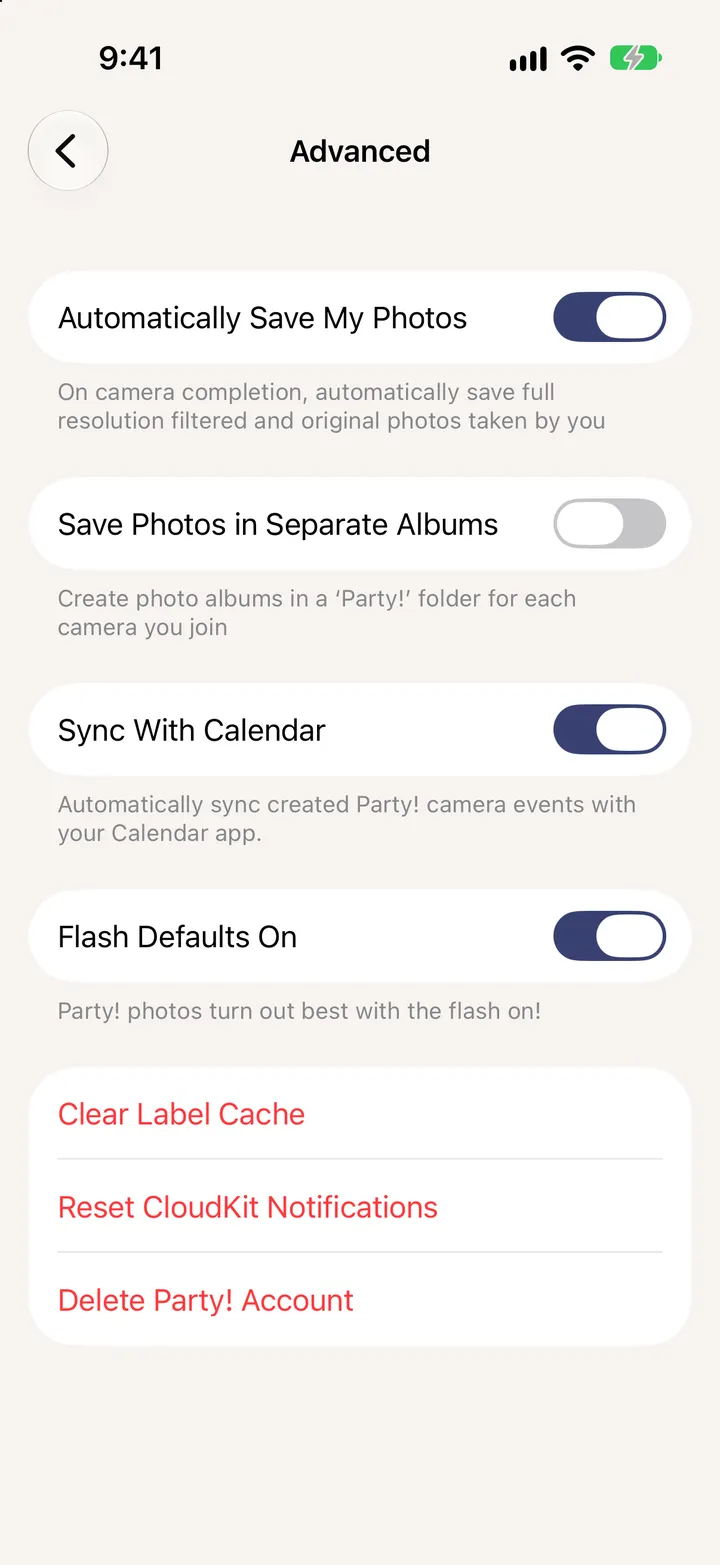
Tap your picture in the Library, then Additional Settings. Choose whether your photos save themselves, whether each party gets an album, calendar sync and the flash.
Party! · 6.1 · 2 steps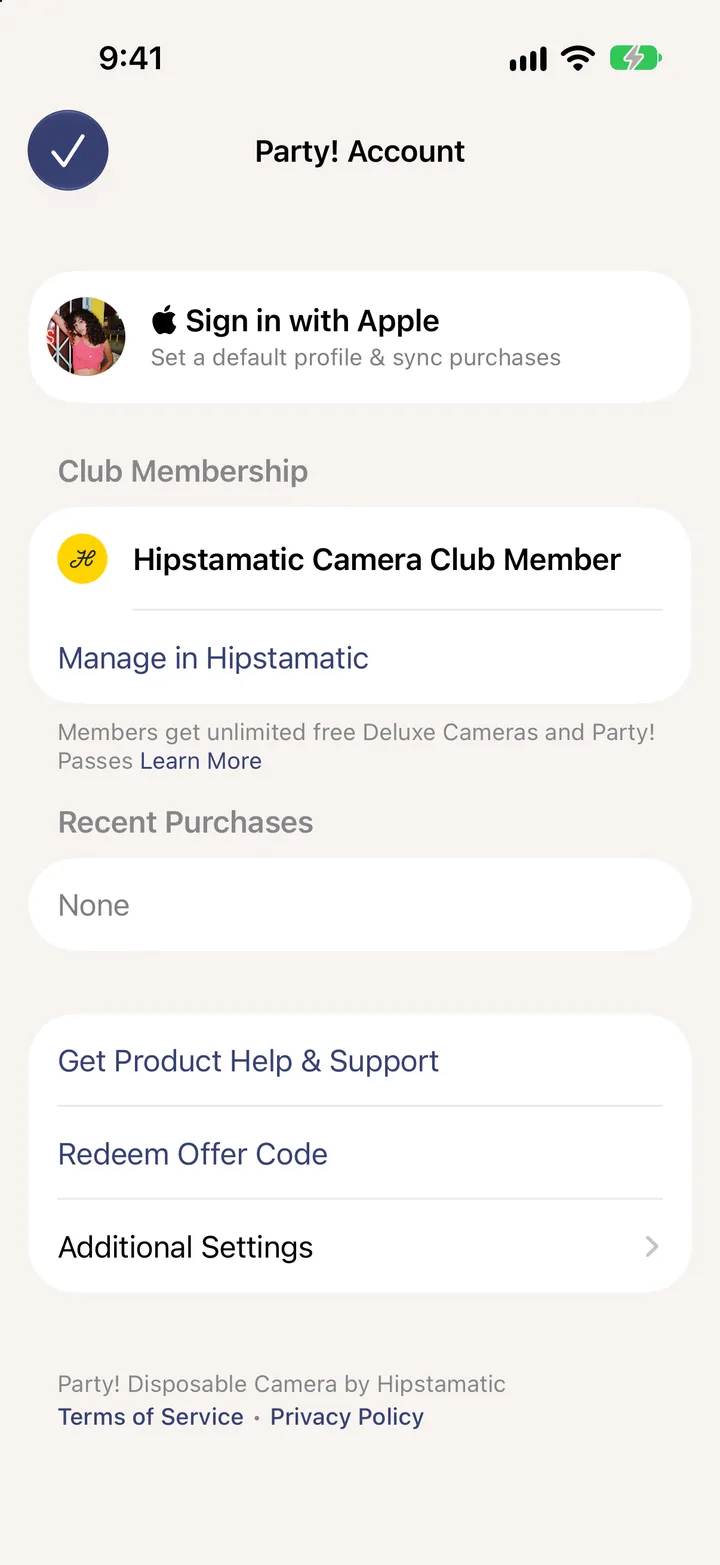
Automatically Save My Photos, Save Photos in Separate Albums, Sync With Calendar, Flash Defaults On.