 Camera Club guideThe Camera Club screen won’t load, or a purchase fails
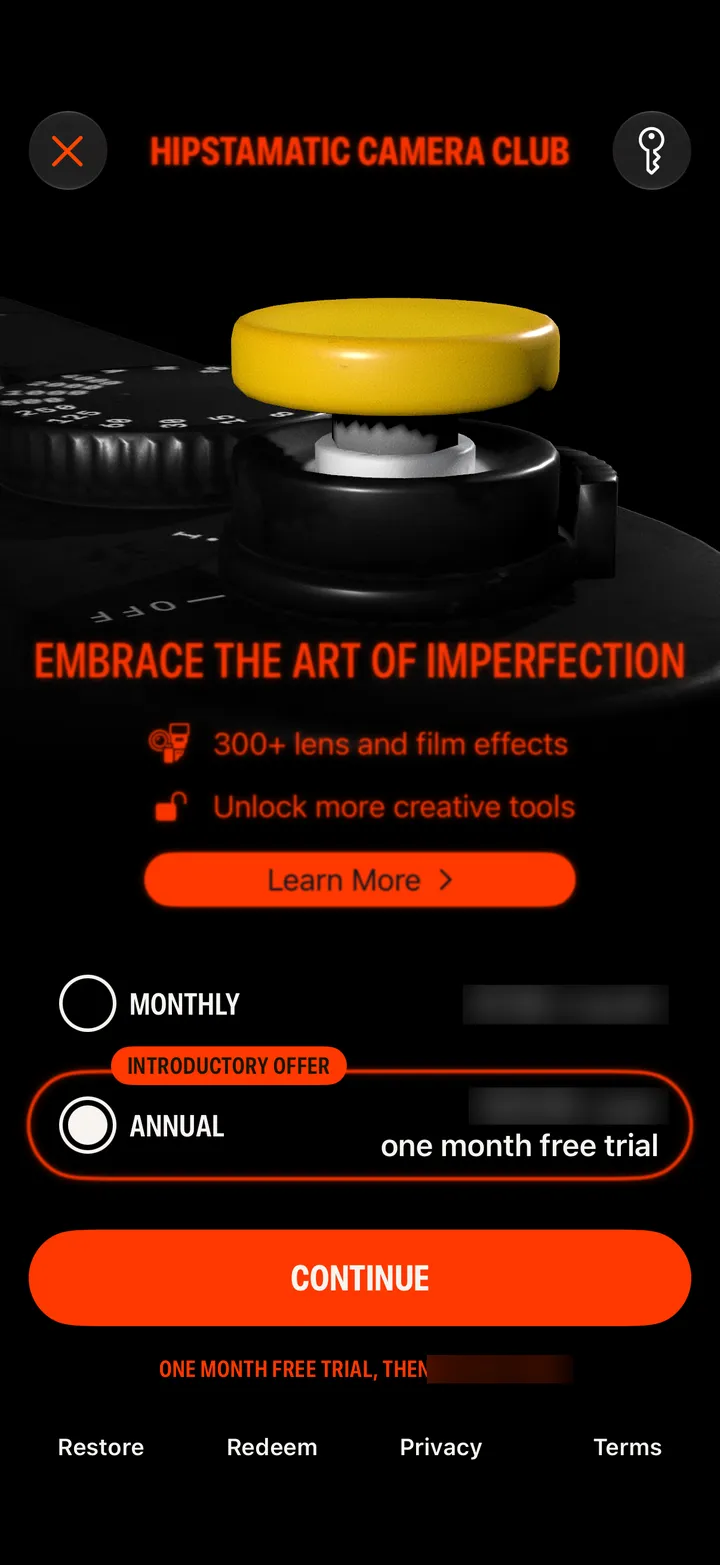
It needs the internet to show the plans. If it says The internet connection is offline, connect and open it again. A purchase that waits on Ask to Buy finishes when it’s approved.
Camera Club · 3.11 · 2 stepsSettings app ▸ Screen Time ▸ Content & Privacy Restrictions can block in-app purchases.