 Camera Club guideGear still says Members-Only
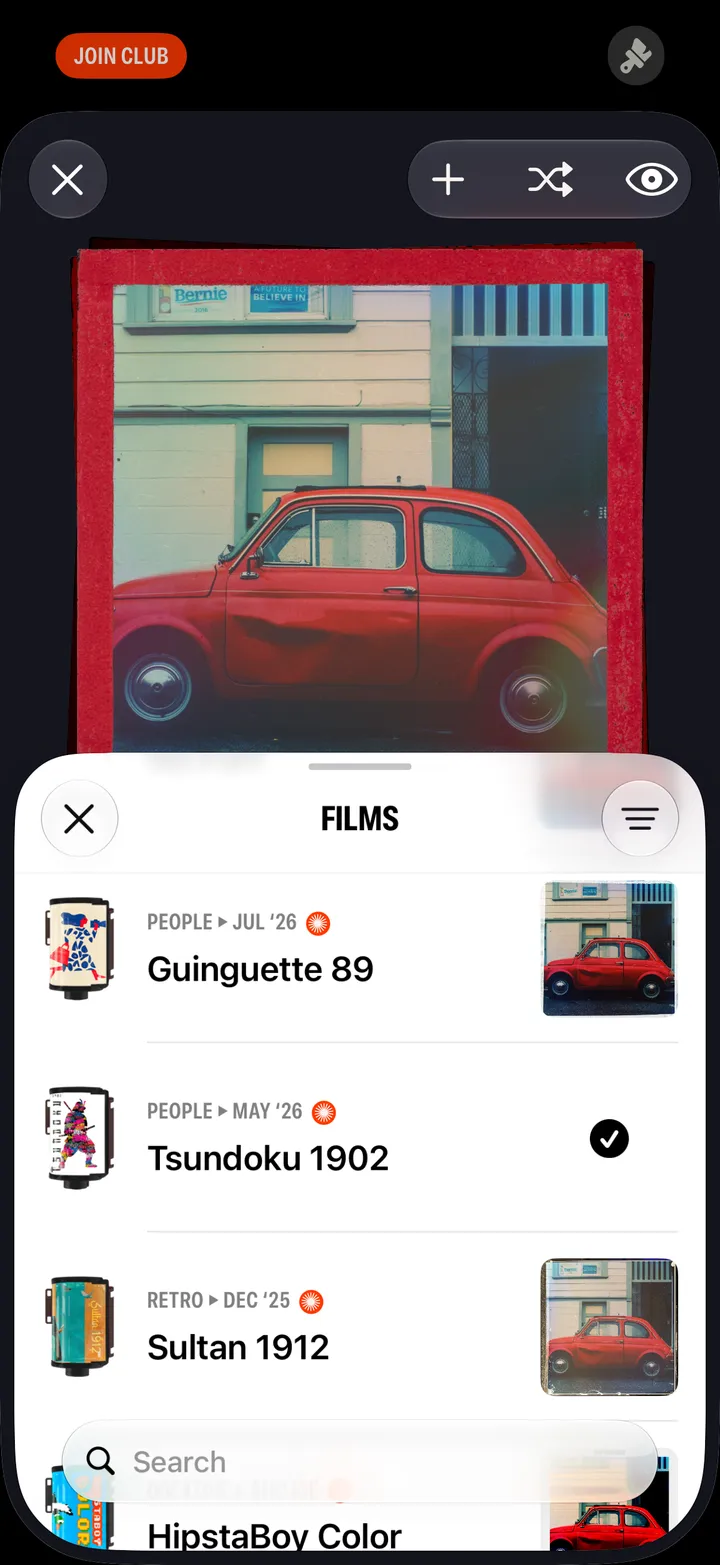
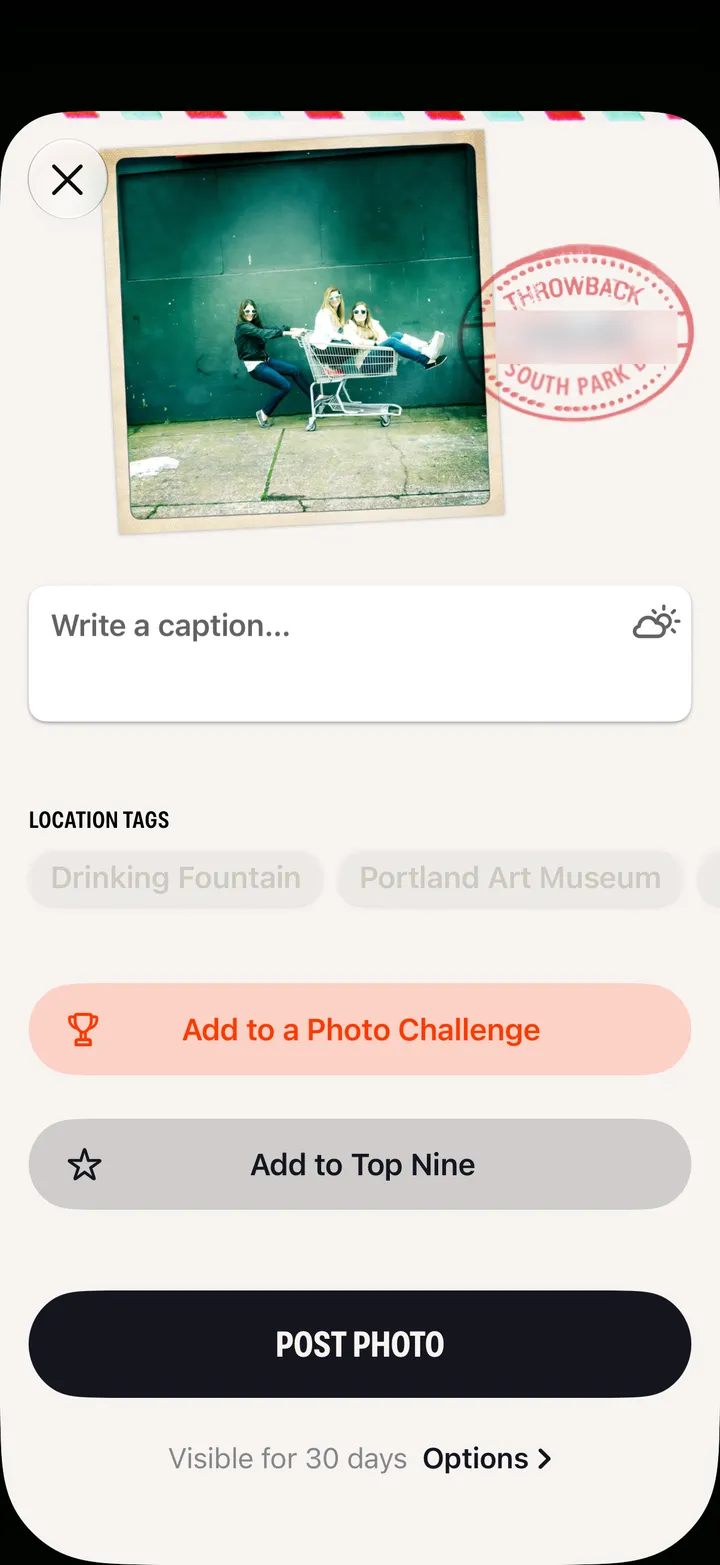
Close Hipstamatic and open it again. It checks your membership as it opens. Photographs you shot with locked gear are waiting: tap Save this Photo.
Camera Club · 3.2 · 3 stepsSwipe it away in the app switcher.
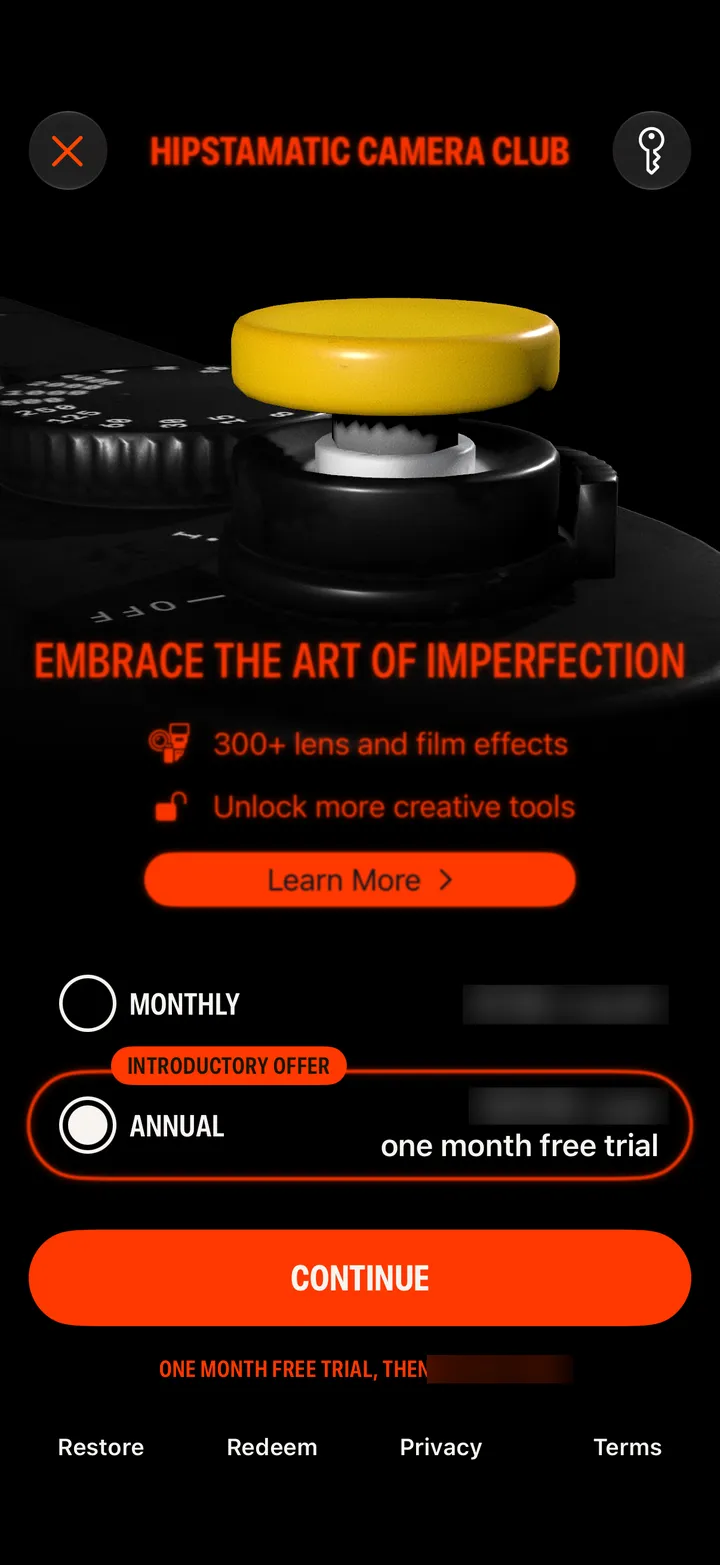
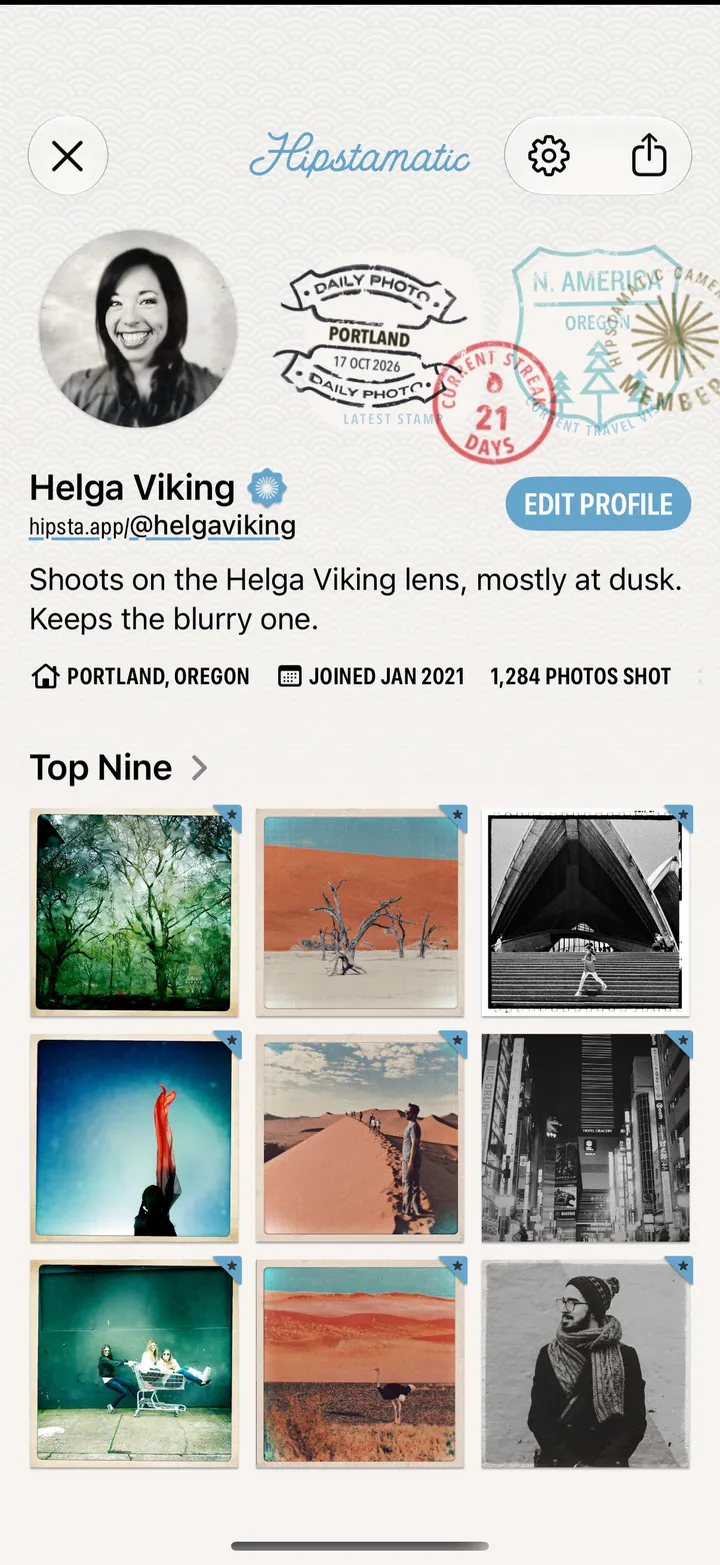
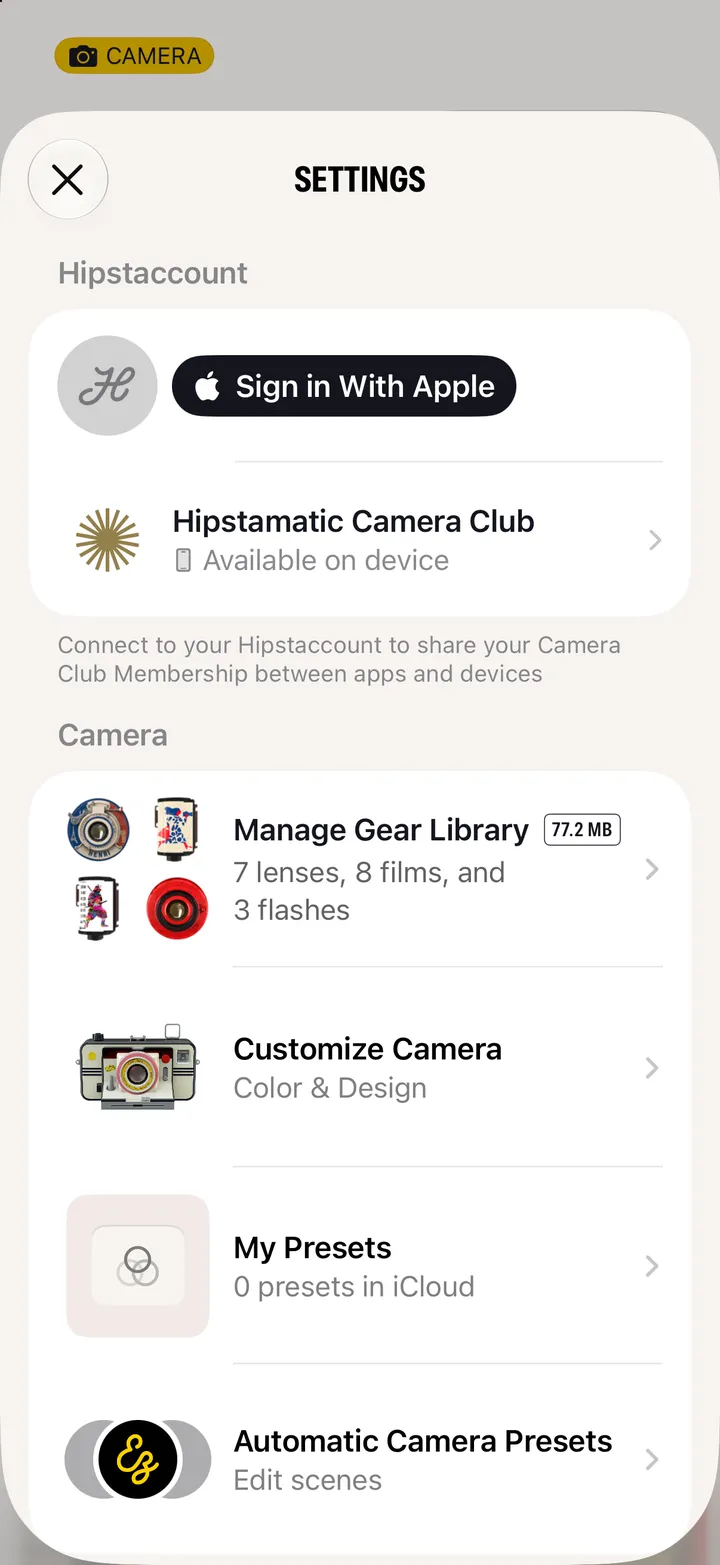
It should say Hipstamatic Camera Club under Hipstaccount. If it says Join the Club, see I joined, but it still says Join Club.
On each one: Save this Photo.