 Camera Club guideOther Hipstamatic apps don’t see my membership
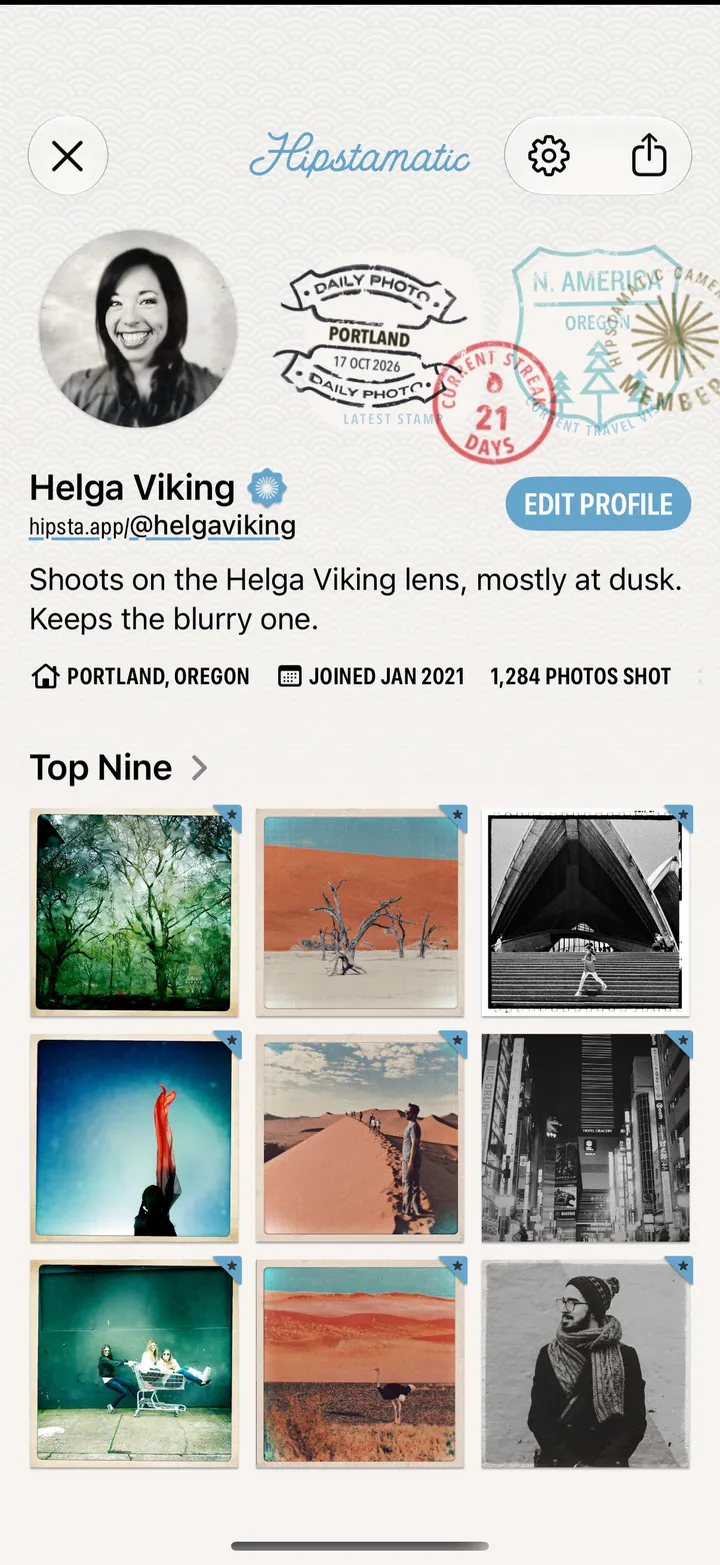
On the same iPhone, open Hipstamatic once, then the other app. On another iPhone, sign in to the same Hipstaccount in both apps.
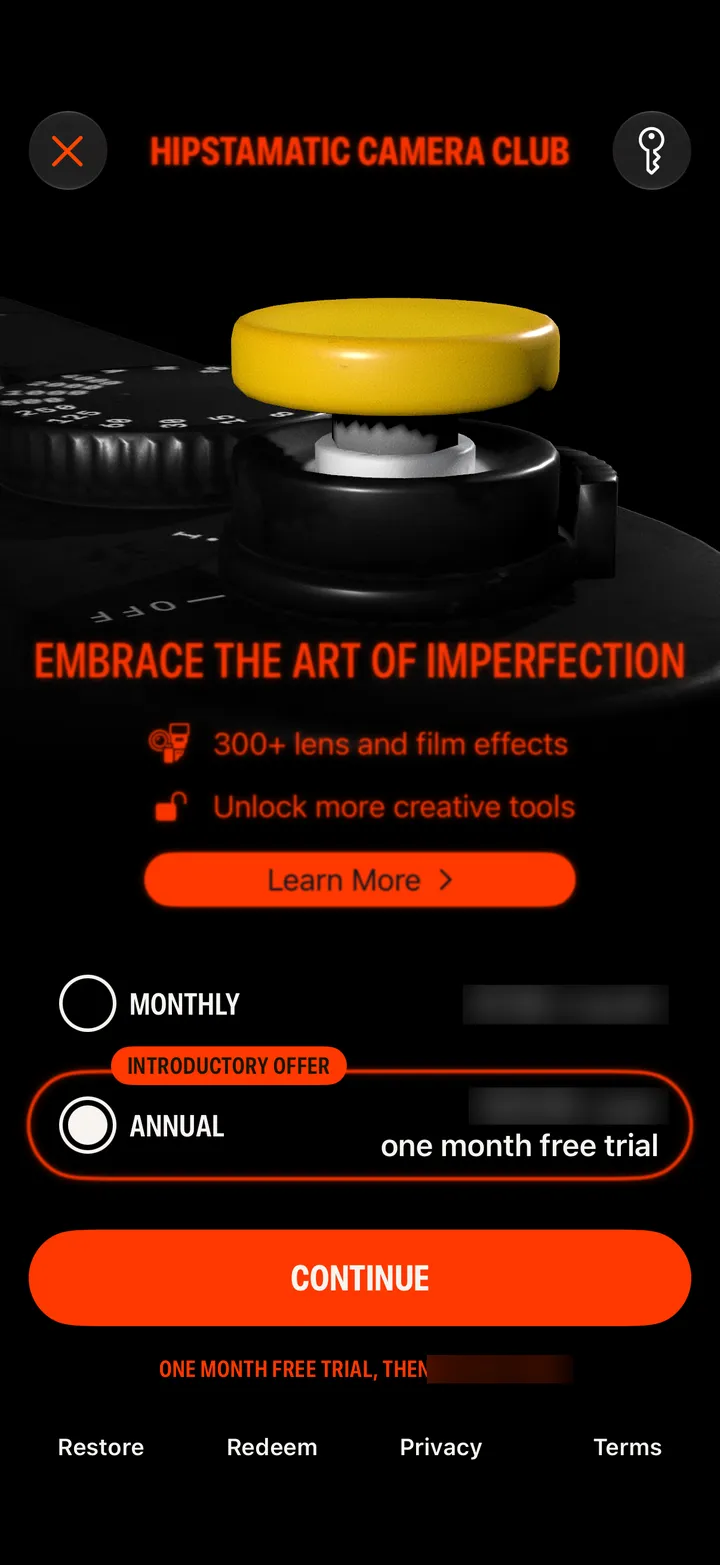
Camera Club · 3.3 · 3 stepsIt shares your membership with our other apps on this iPhone each time it opens. For Party!, open the Camera Club screen in Hipstamatic too.
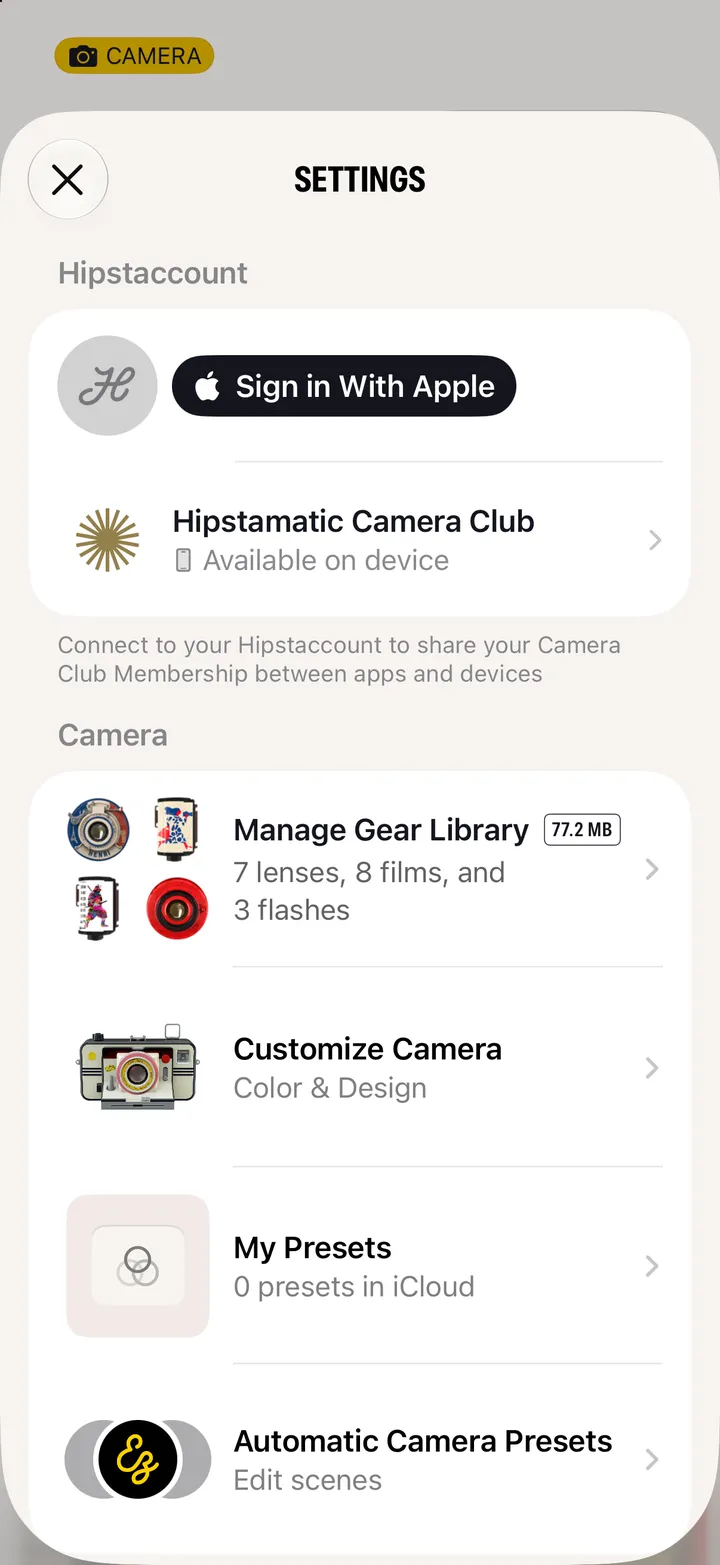
TinType and IncrediBooth say Your membership includes them. Party! says Hipstamatic Camera Club Member.
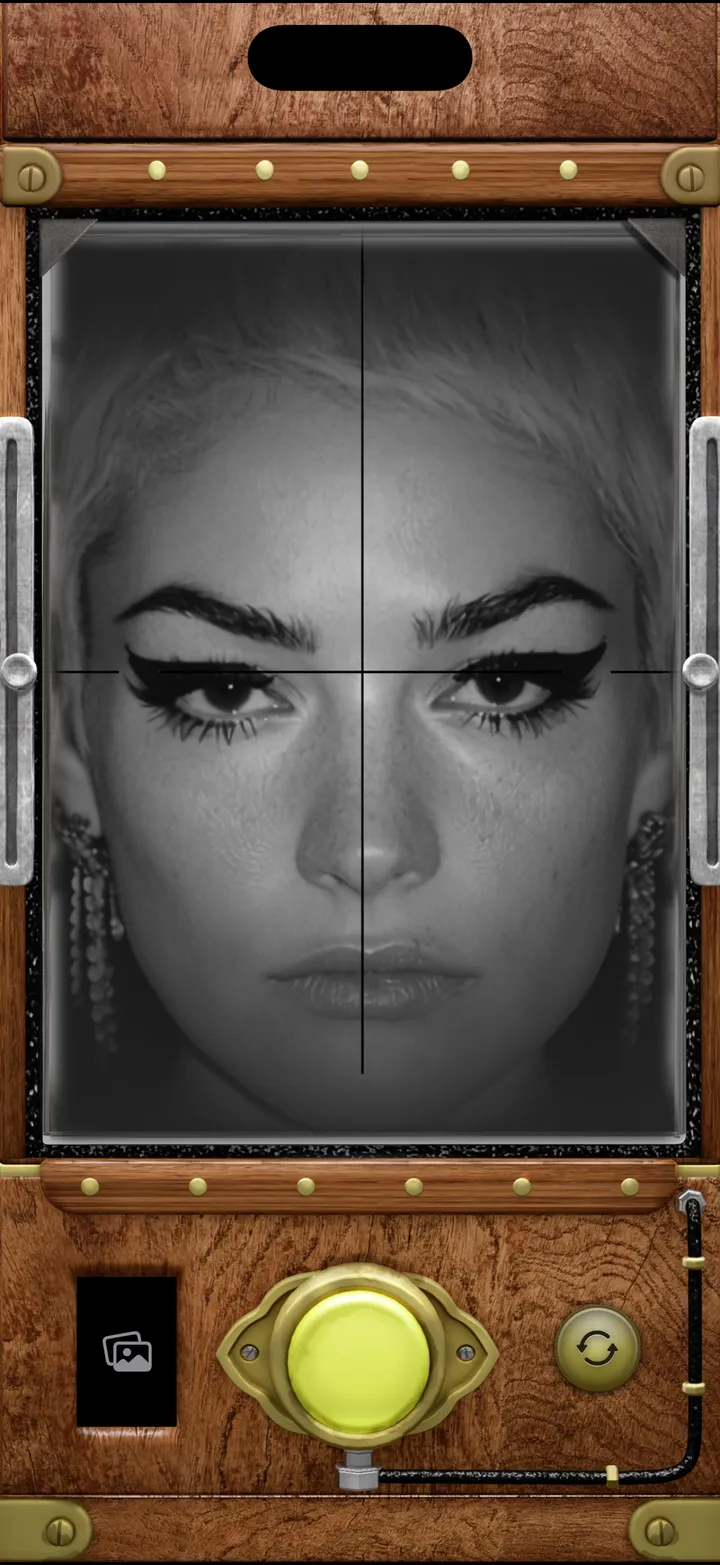
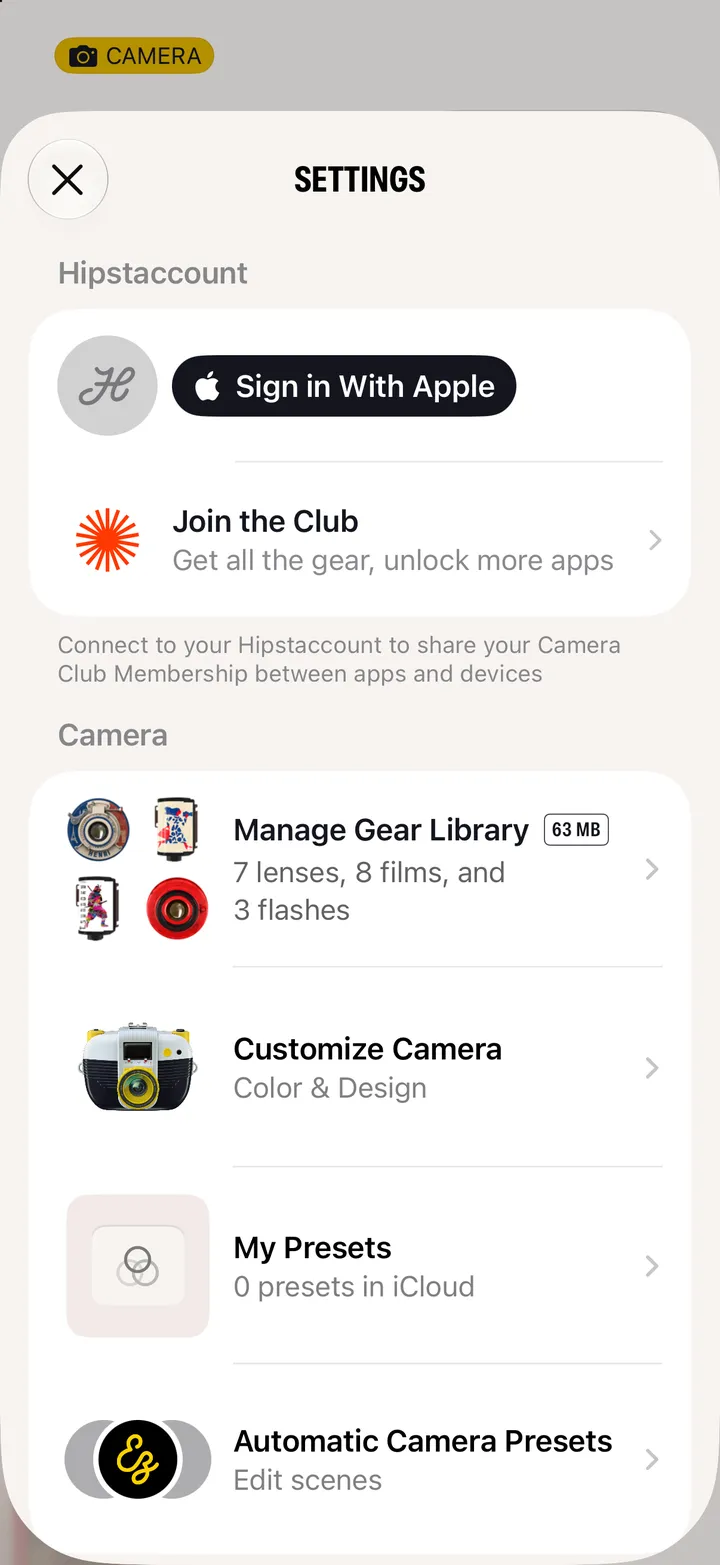
In Hipstamatic and in the other app’s Settings: Sign in, with the same account.