 Camera Club guideNew iPhone, or a new Apple Account
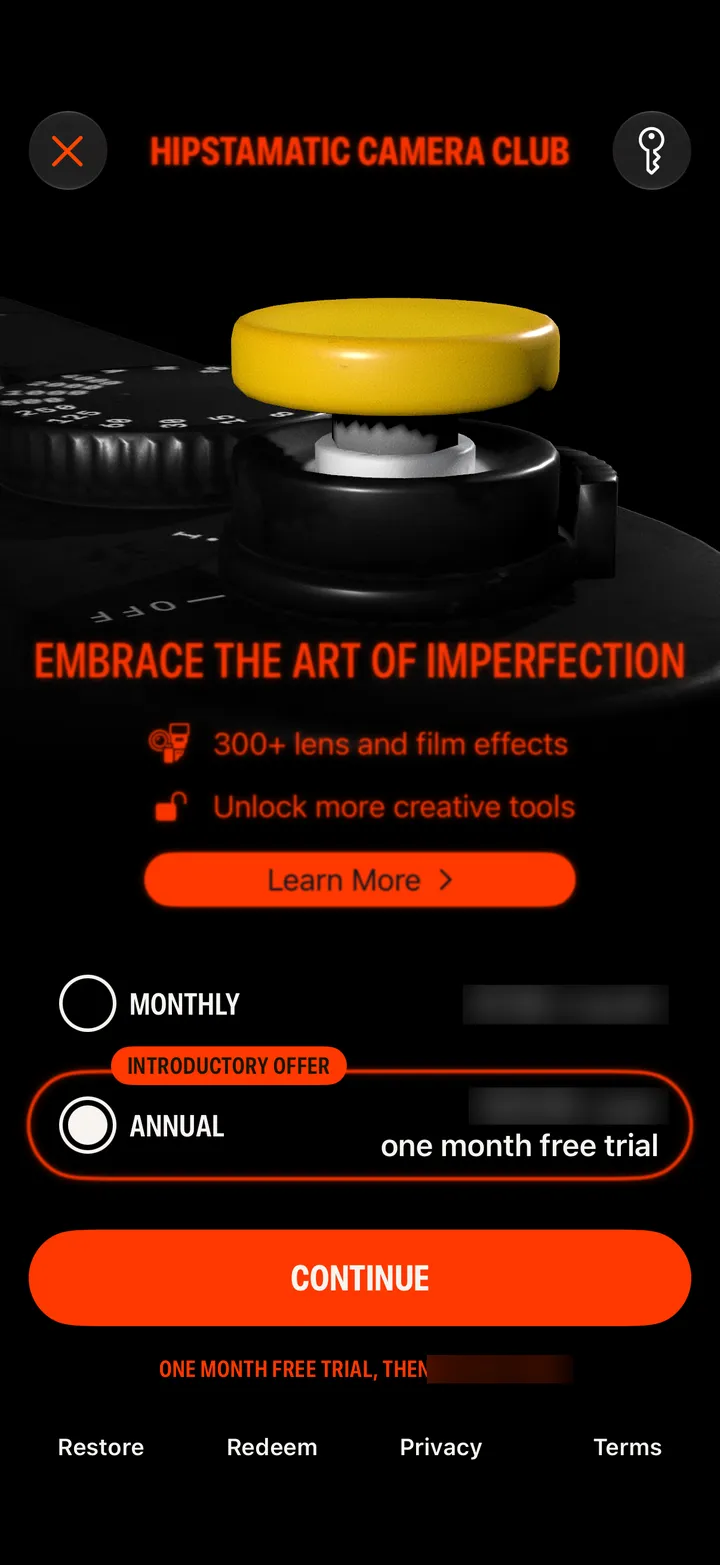
On a new iPhone with the same Apple Account, tap Restore. With a new Apple Account, sign in to the same Hipstaccount: the membership comes with it.
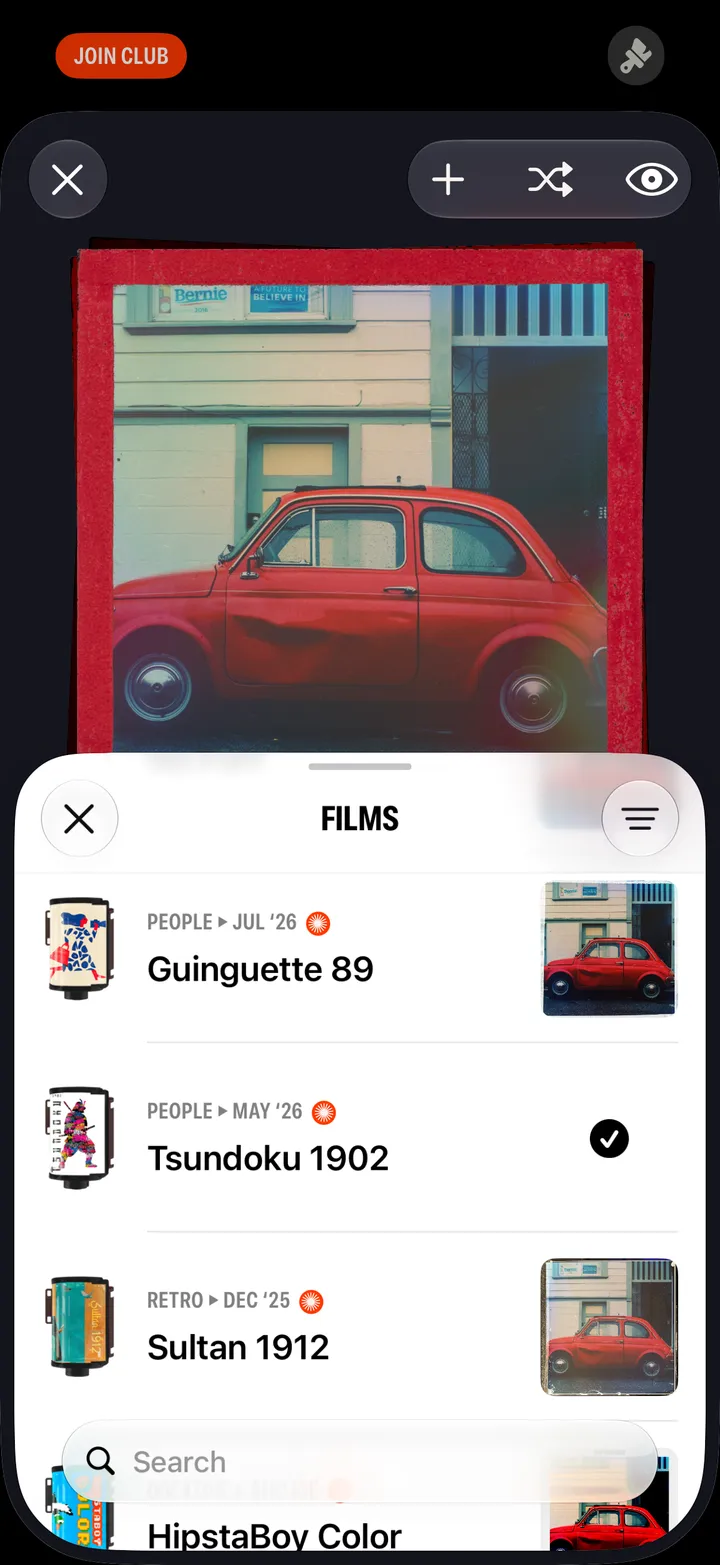
Camera Club · 3.7 · 2 stepsOn the Camera Club screen.
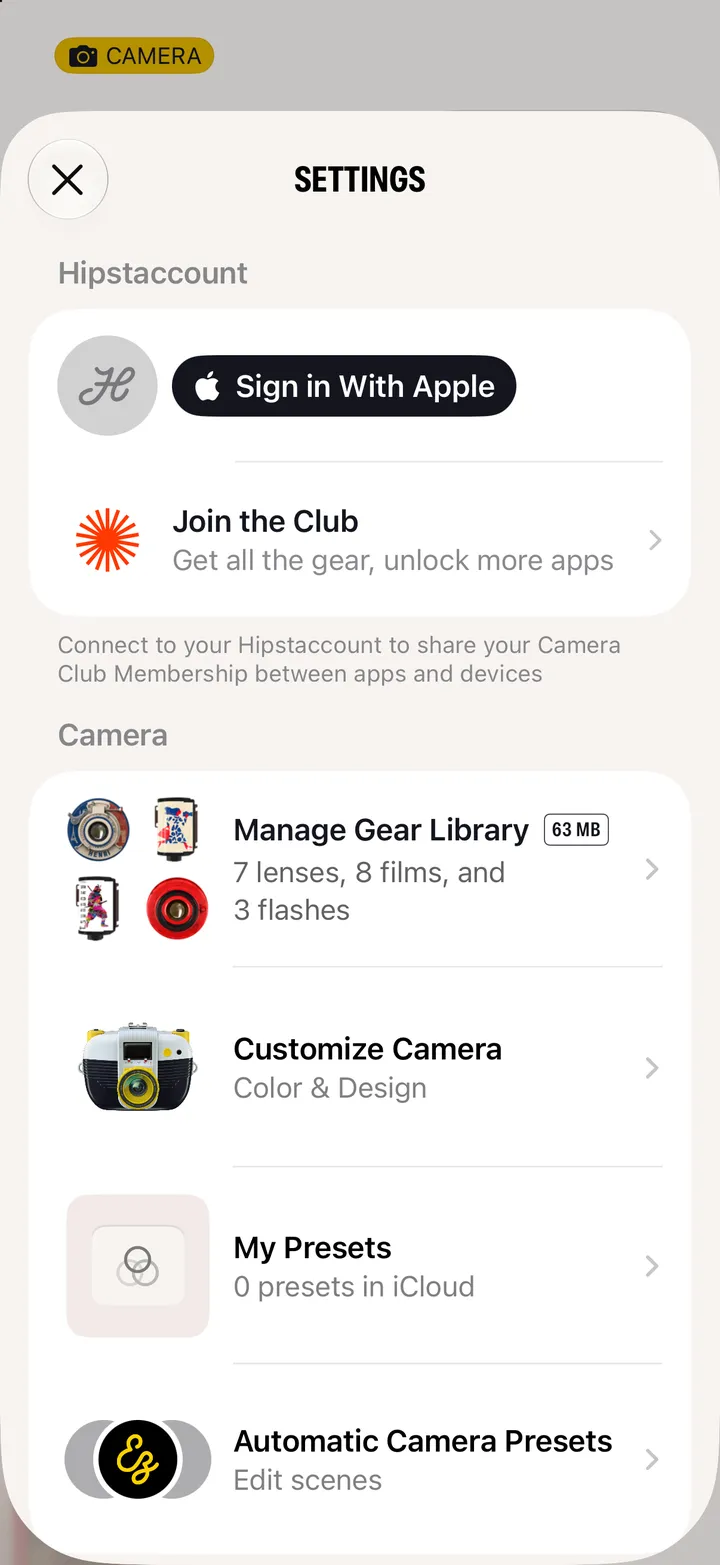
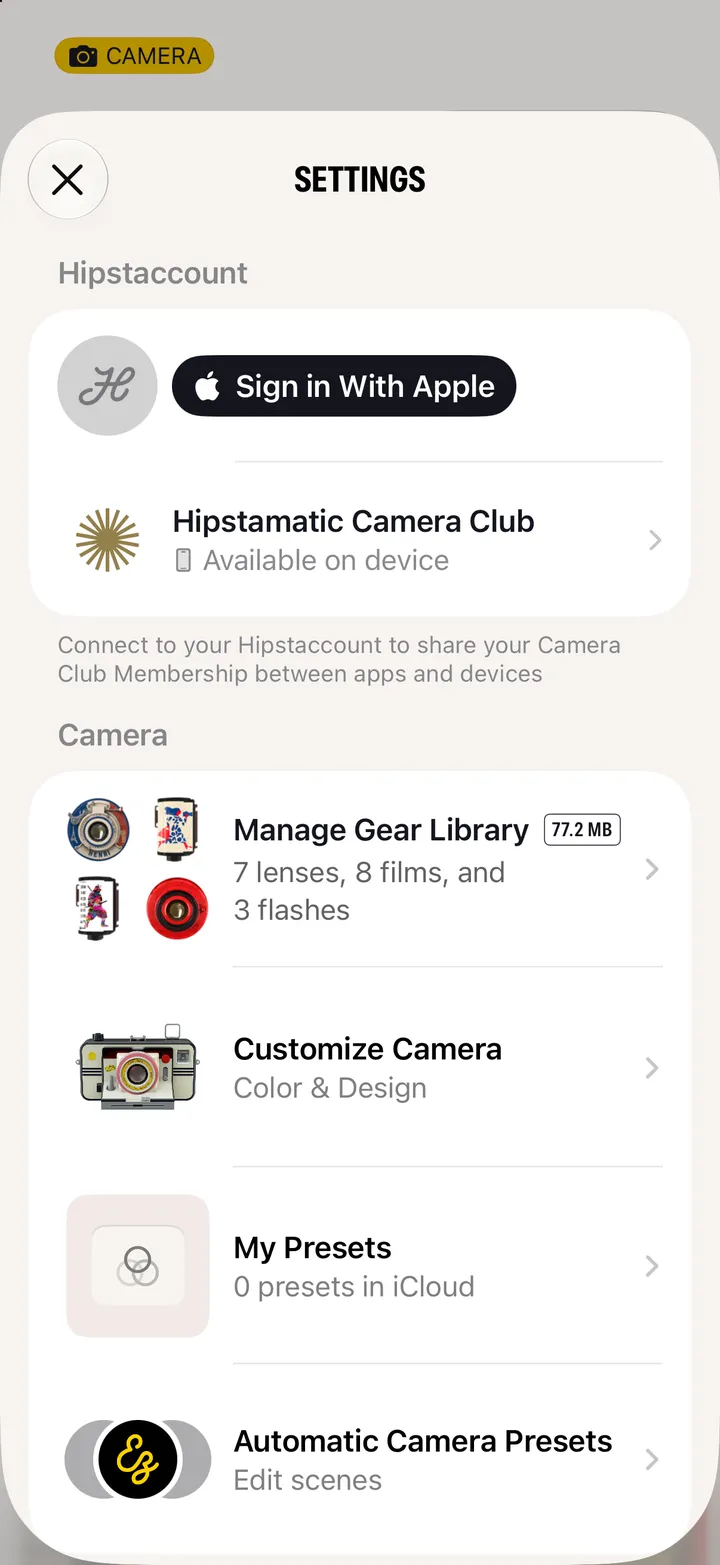
Settings ▸ Hipstaccount. Use Existing, if it asks, with the account your membership is on.