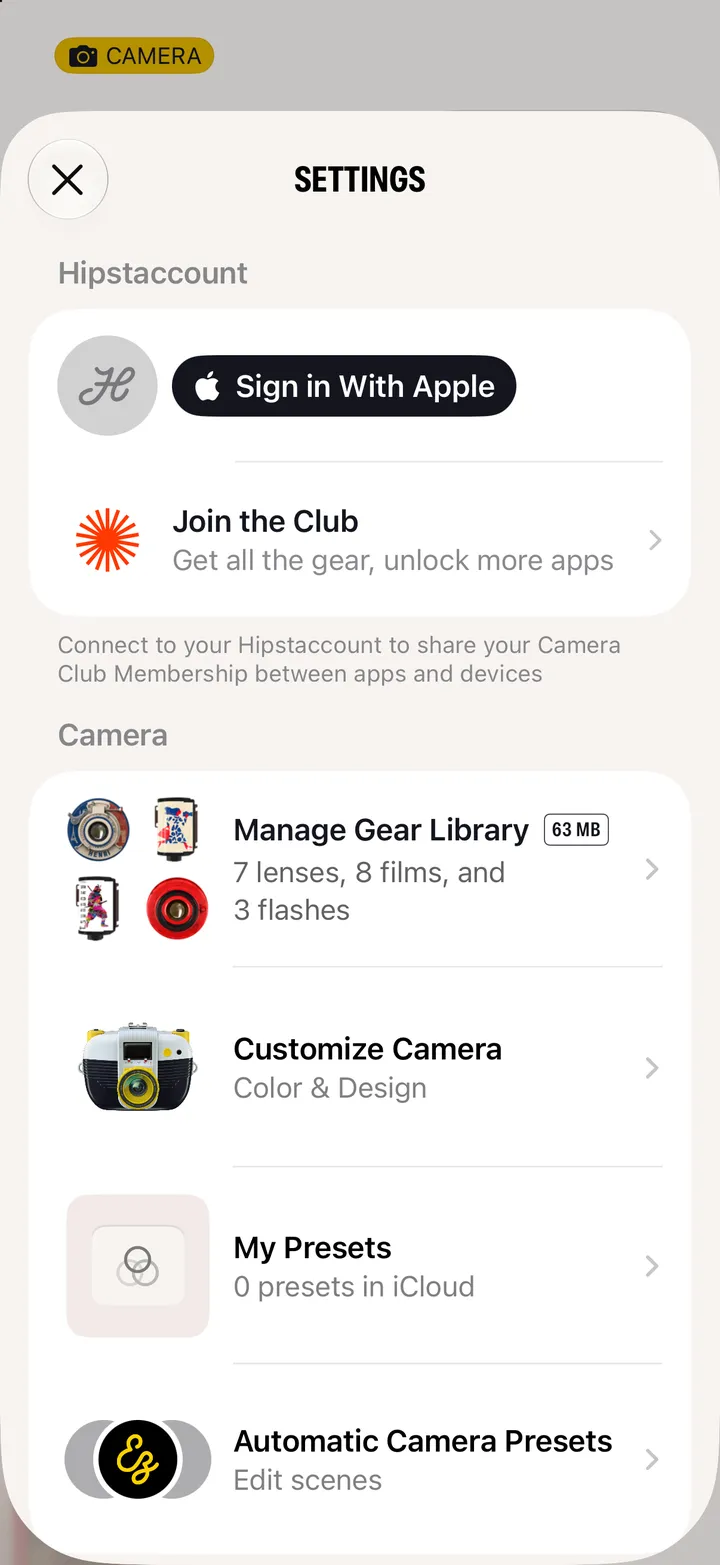
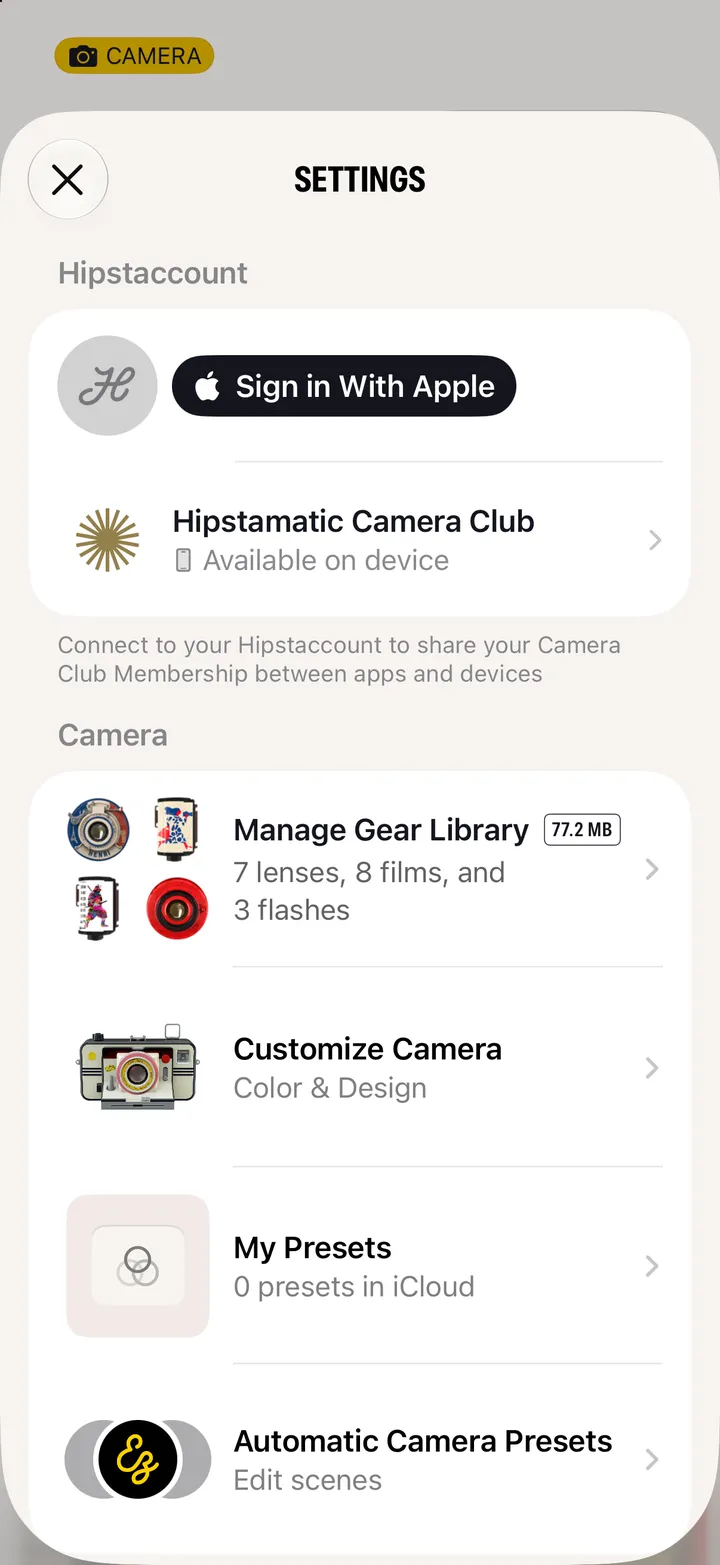
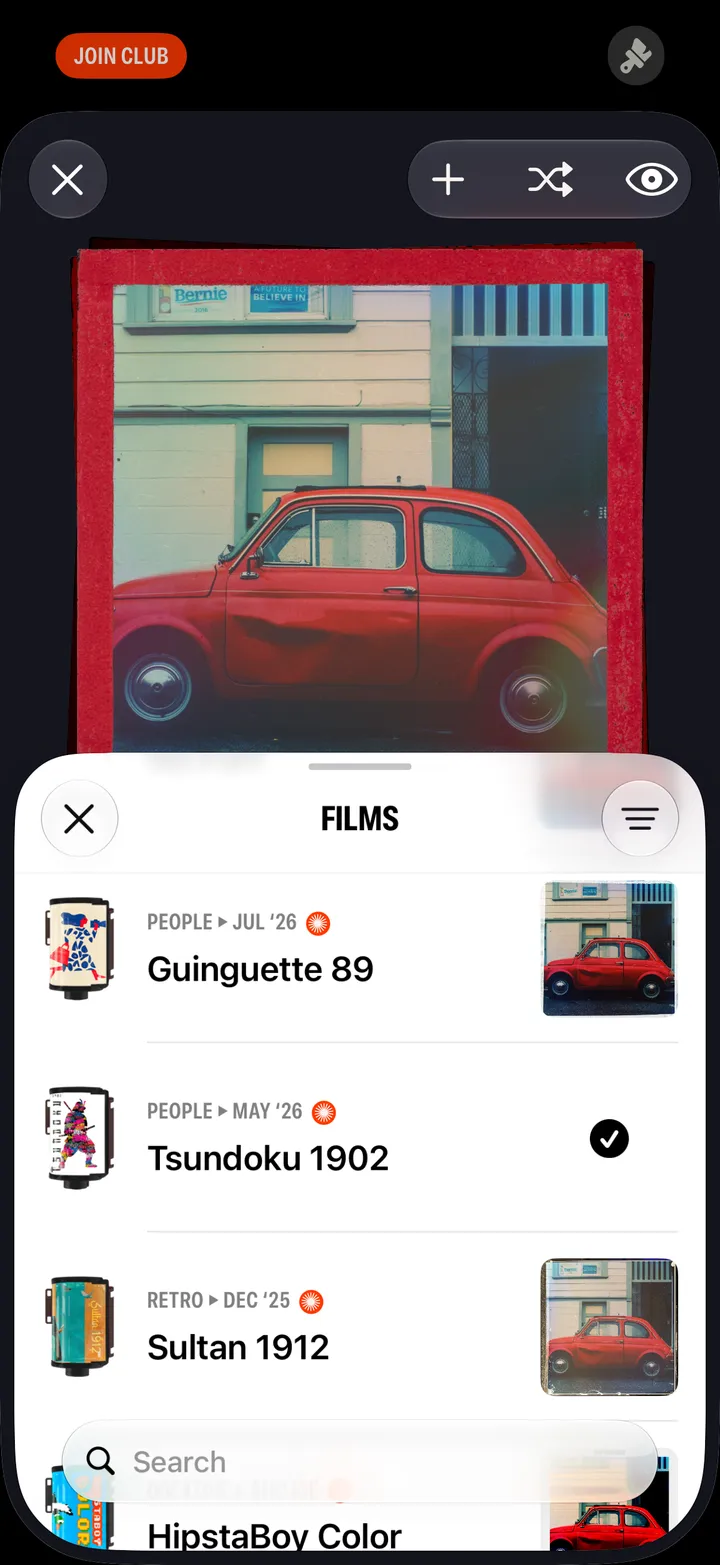
 Camera Club guideI joined, but it still says Join Club
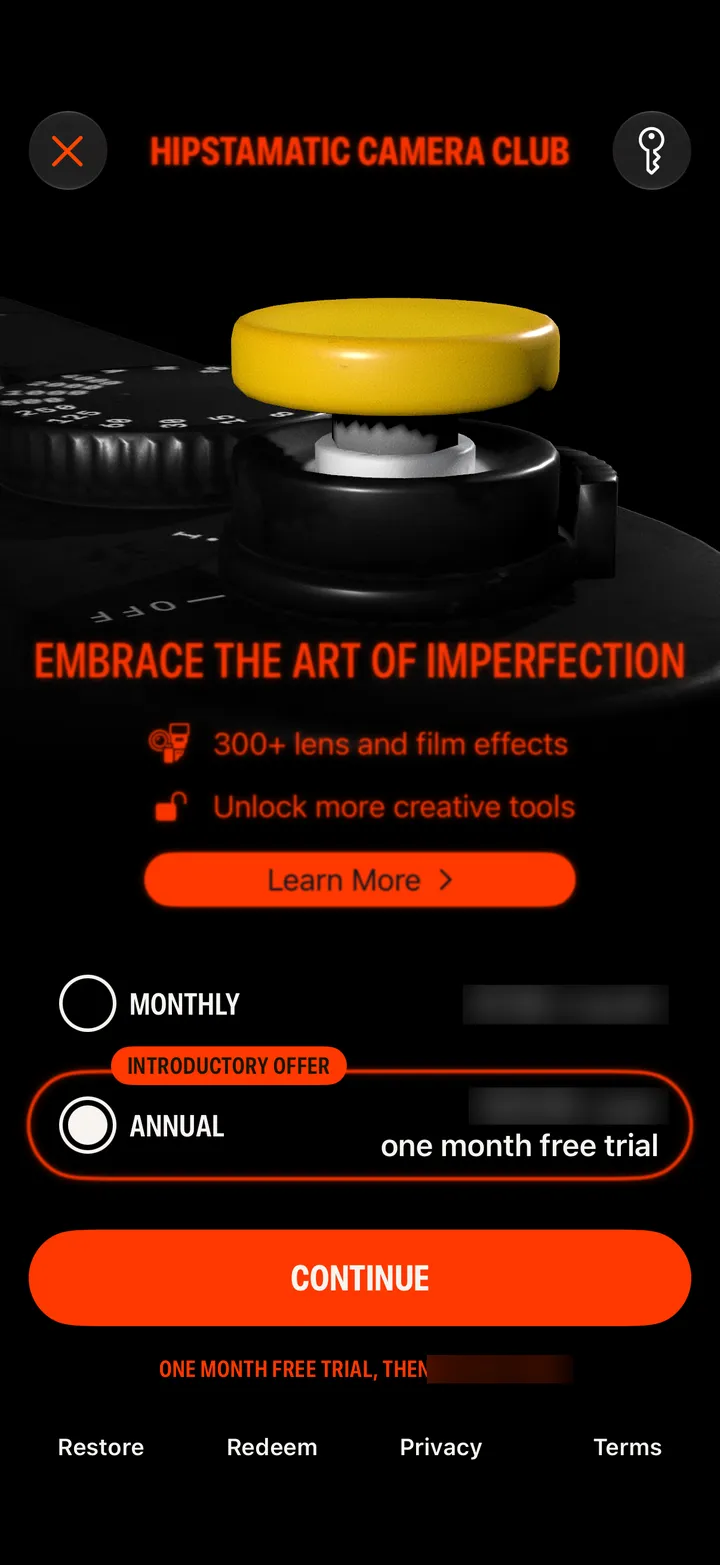
Tap Restore on the Camera Club screen. Still there? Check the subscription is on the Apple Account this iPhone uses, then sign in to your Hipstaccount in Settings.
Camera Club · 3.1 · 3 stepsBottom left of the Camera Club screen. It says Purchases Restored when it’s done.
Settings app ▸ your name ▸ Subscriptions. If Hipstamatic isn’t listed, it was bought with another Apple Account.
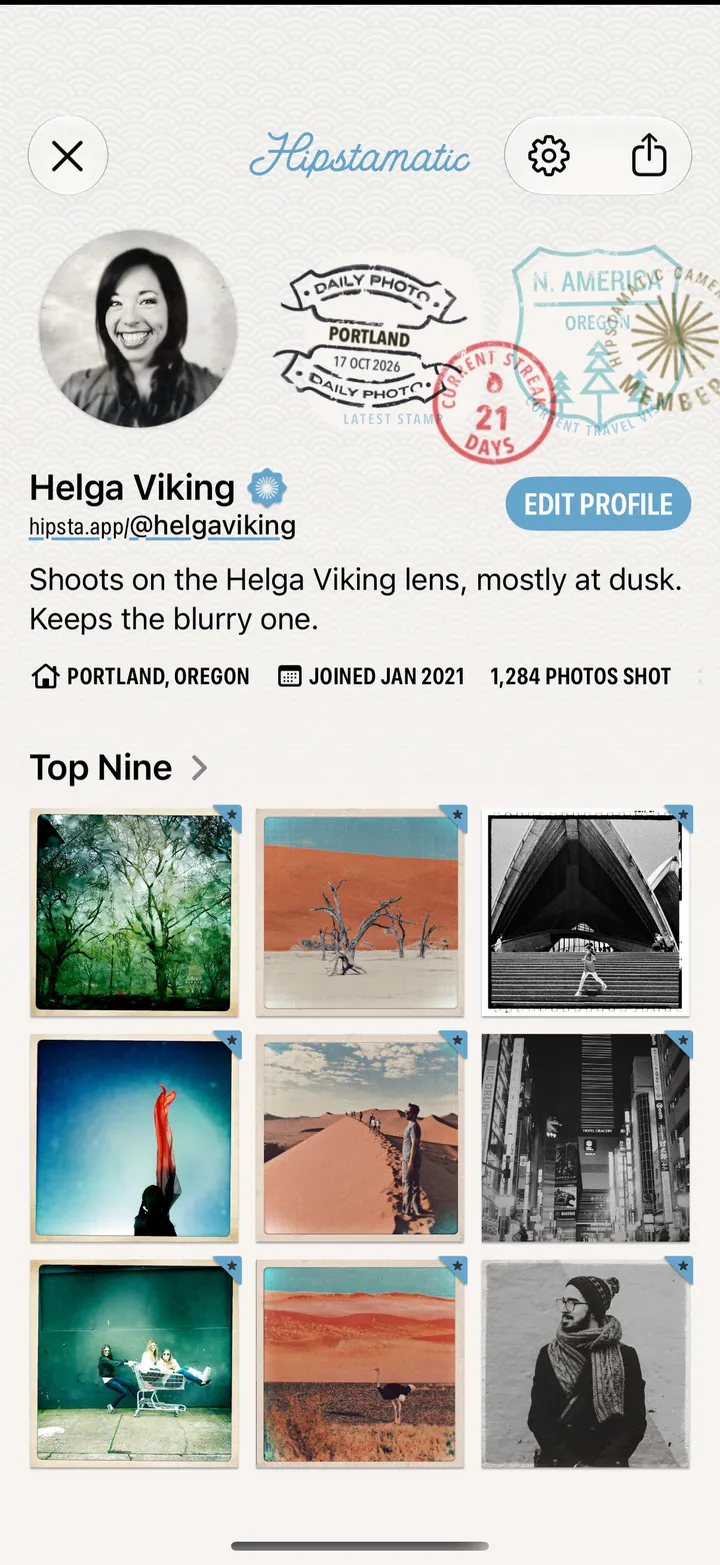
In Hipstamatic’s Settings. A membership on your Hipstaccount works whichever Apple Account bought it.