TinType guideMake a tintype

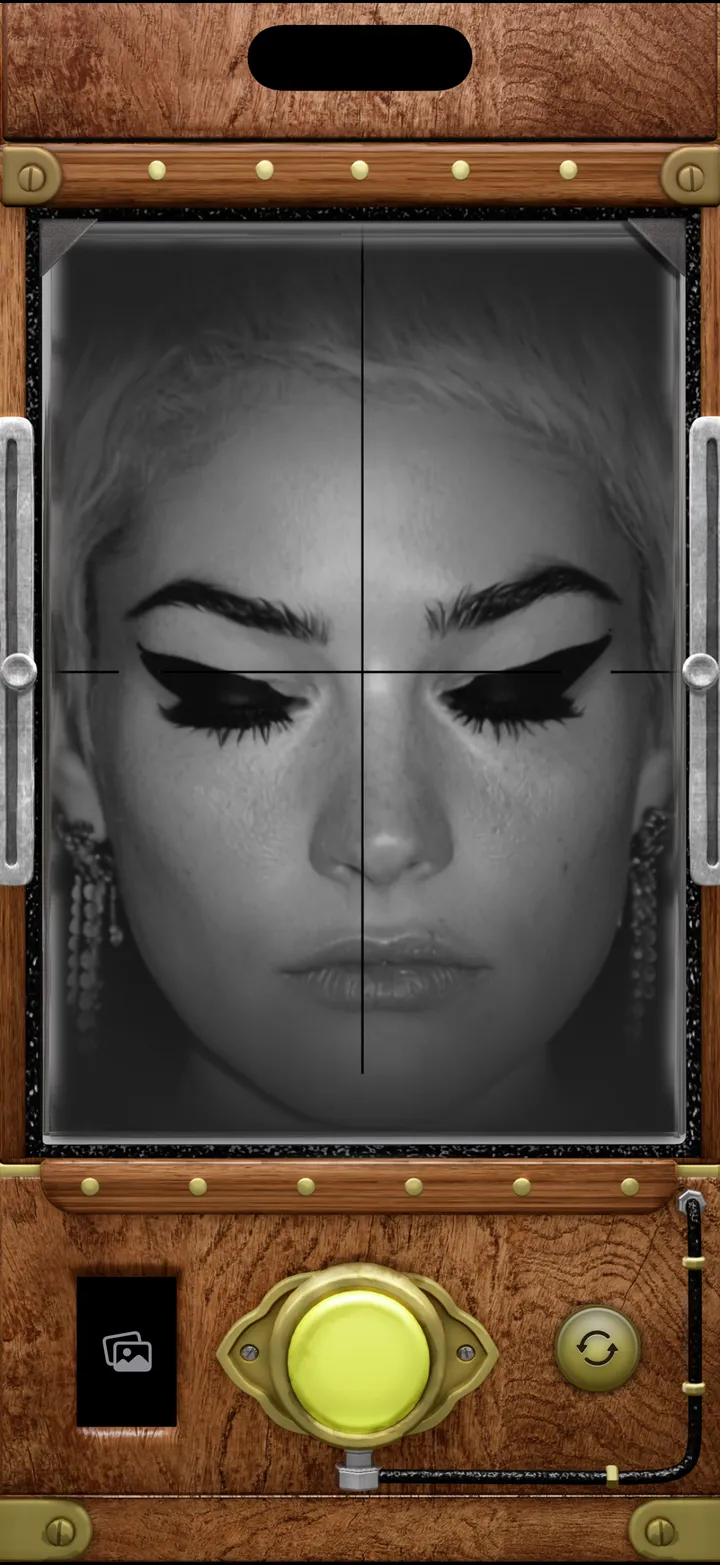
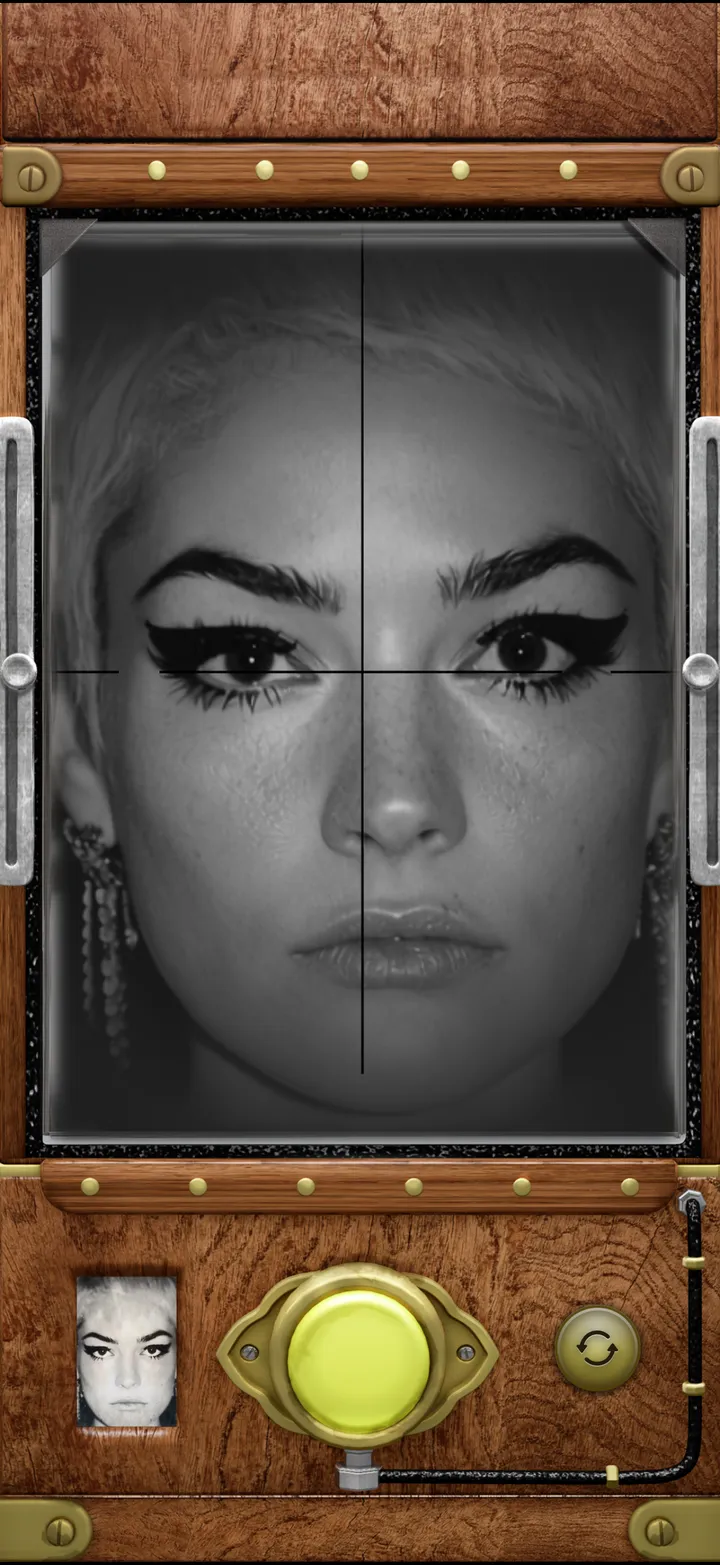
Put the eyes on the crosshair and press the brass button. Shake your iPhone to develop the plate, then tap Save Photo.

TinType · 1.1 · 4 steps
  1. 01

    Put the eyes on the crosshair

    TinType finds the eyes and focuses on them. Hold still, like it’s 1860.
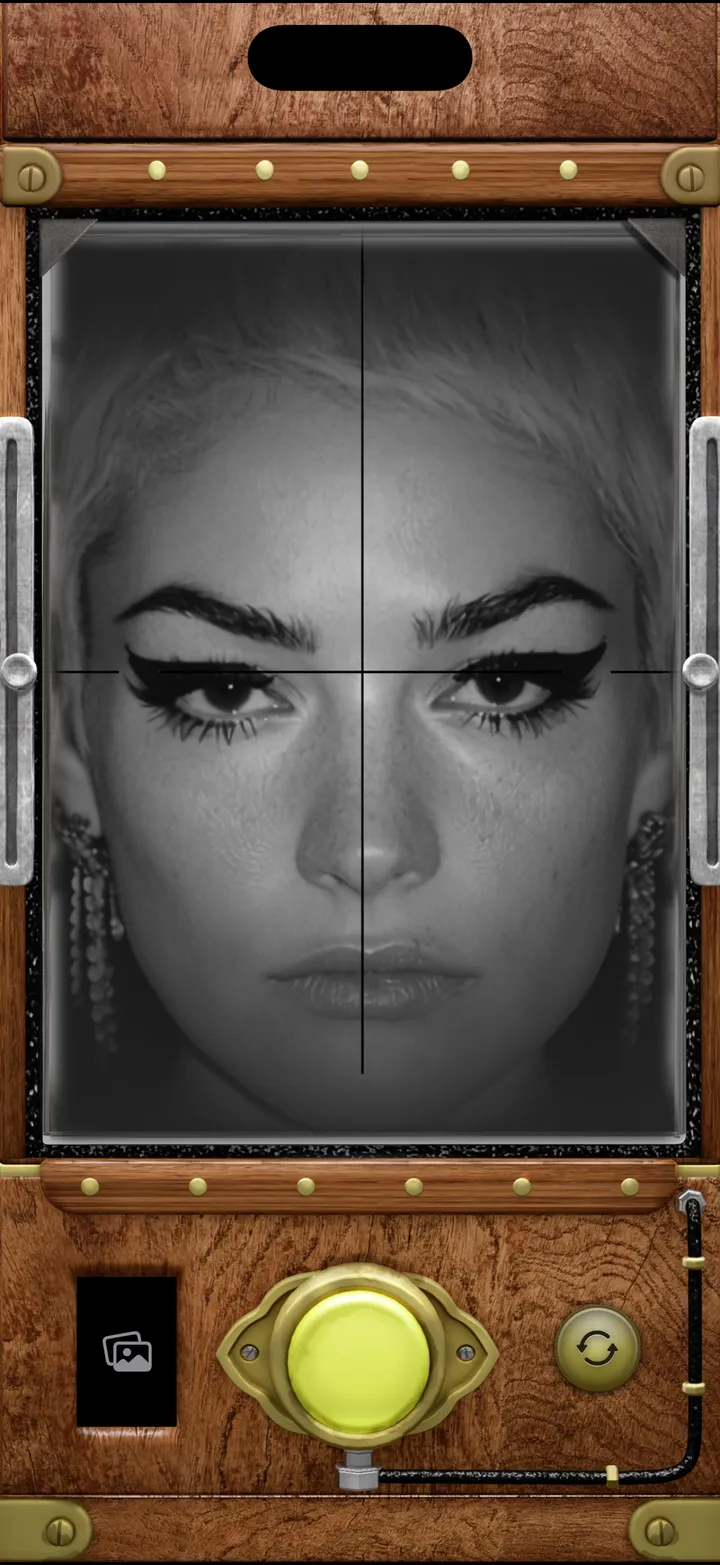
    Step 1: Put the eyes on the crosshair
  2. 02

    Press the brass button

    Step 2: Press the brass button
  3. 03

    Shake to develop the plate

    It comes up out of the dark.

    Step 3: Shake to develop the plate
  4. 04

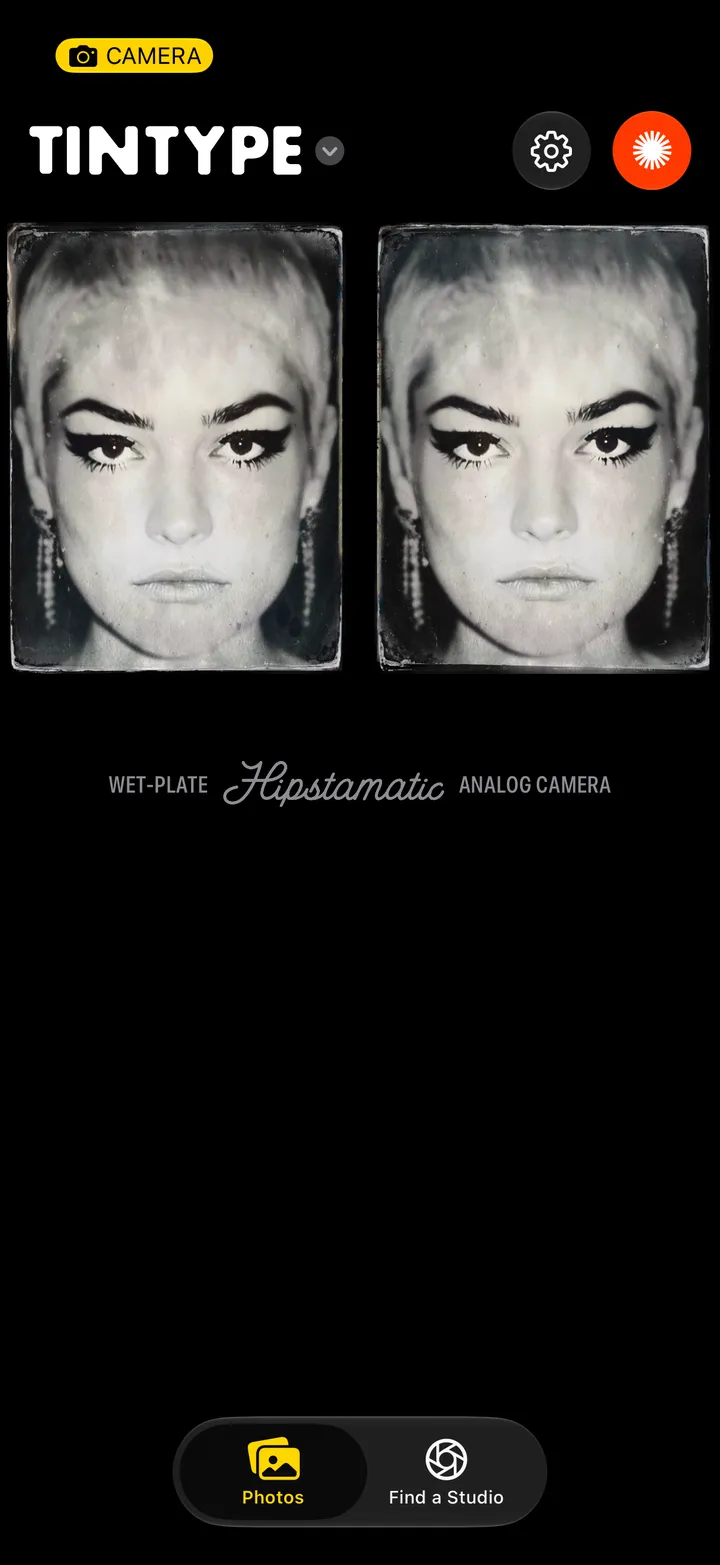
    Tap Save Photo

    Or Discard, top left. One sitting, one plate.

    Step 4: Tap Save Photo

Good to know

  • Saved plates go to your TinType library and your iPhone’s Photos.
  • Unlimited TinType comes with Camera Club, and members’ plates save as they shoot, with no Save Photo.