 TinType guideFind your plates
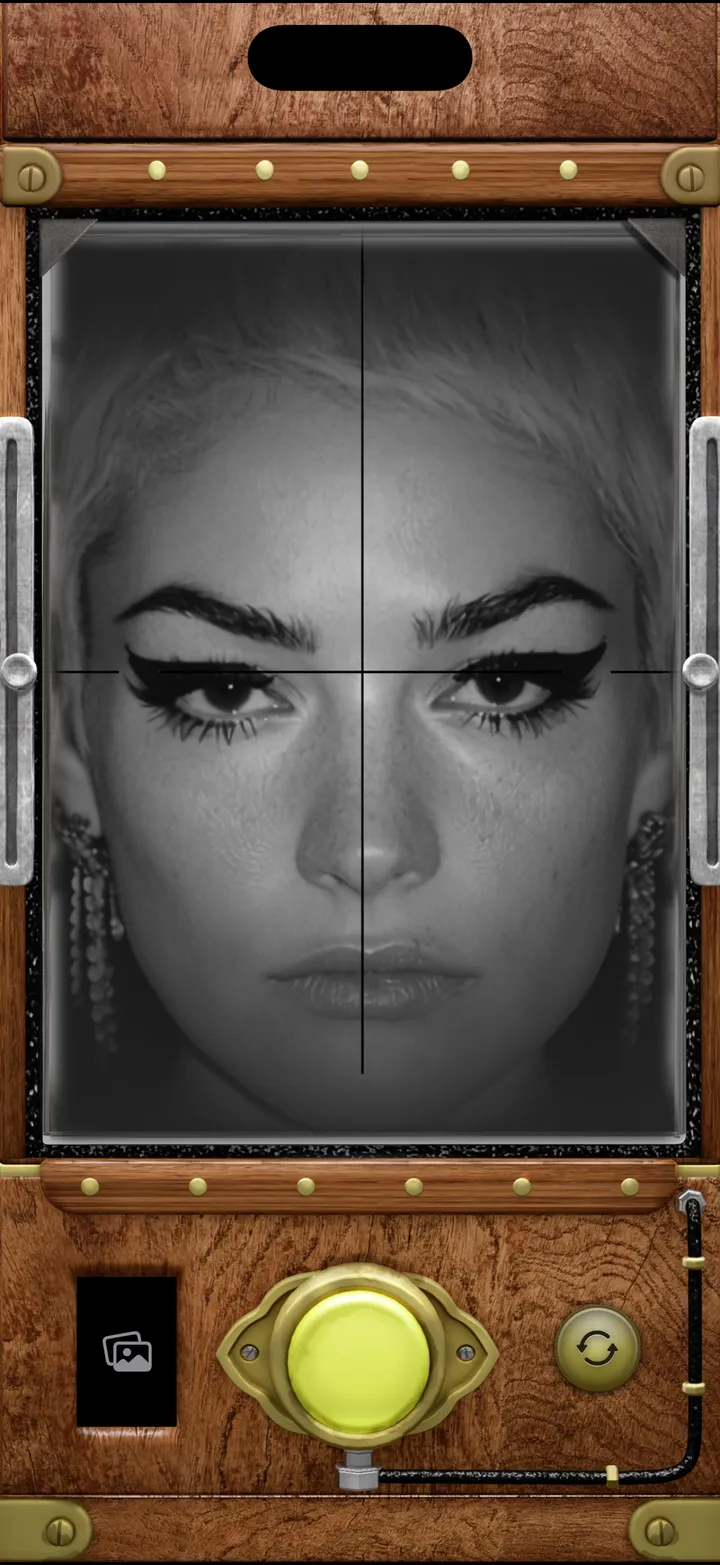
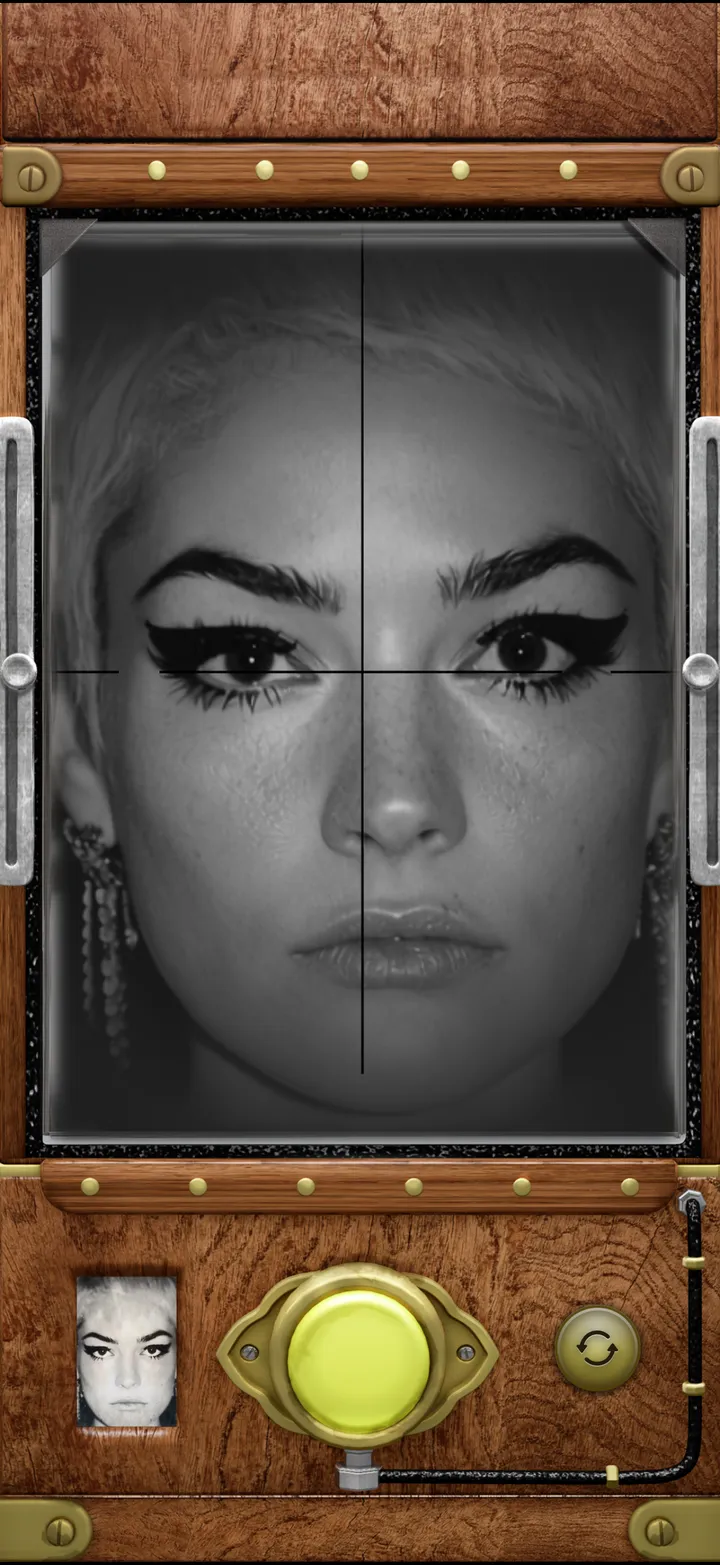
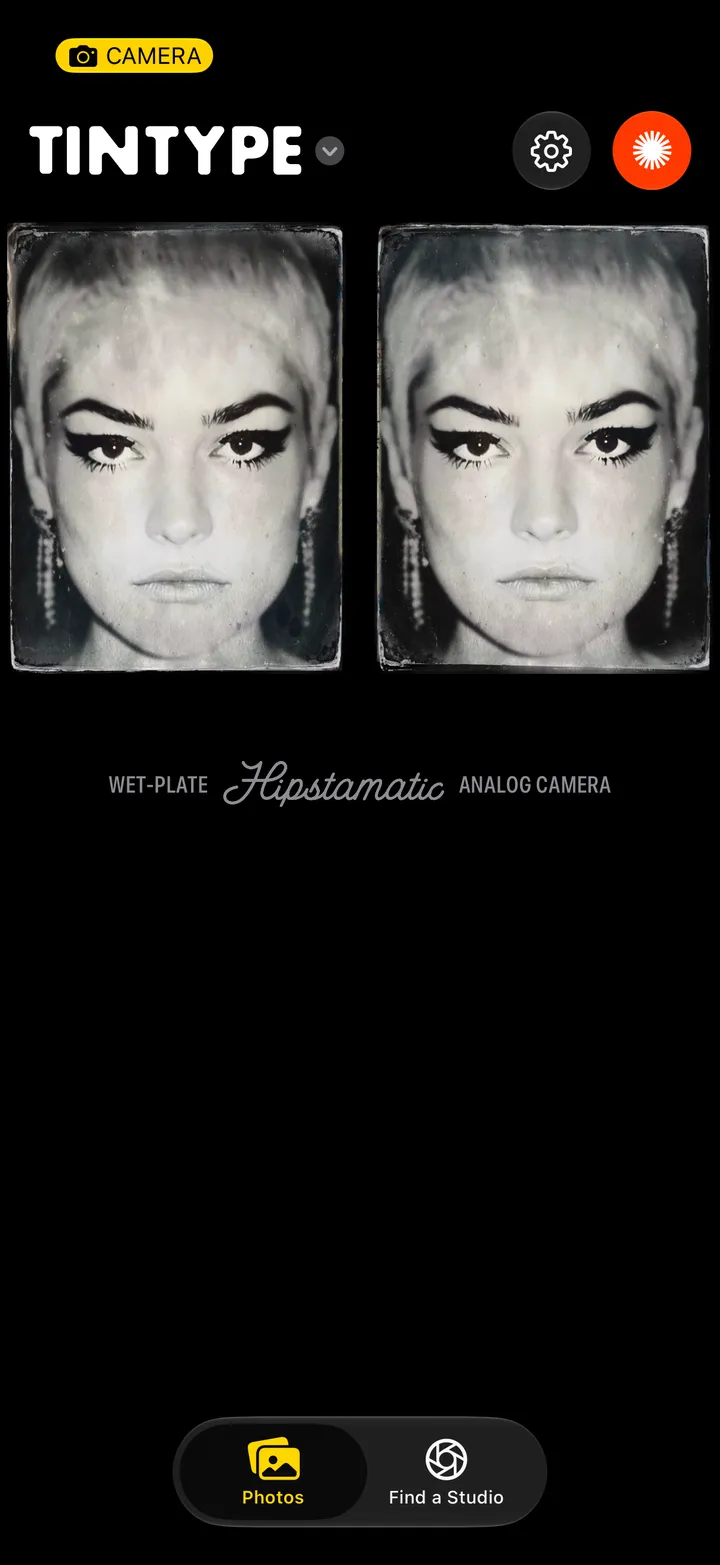
Tap your last plate, bottom left of the camera. Every plate you’ve made is there, newest first, and in an album called TinType in your Photos app.
TinType · 1.3 · 4 stepsBottom left of the camera.
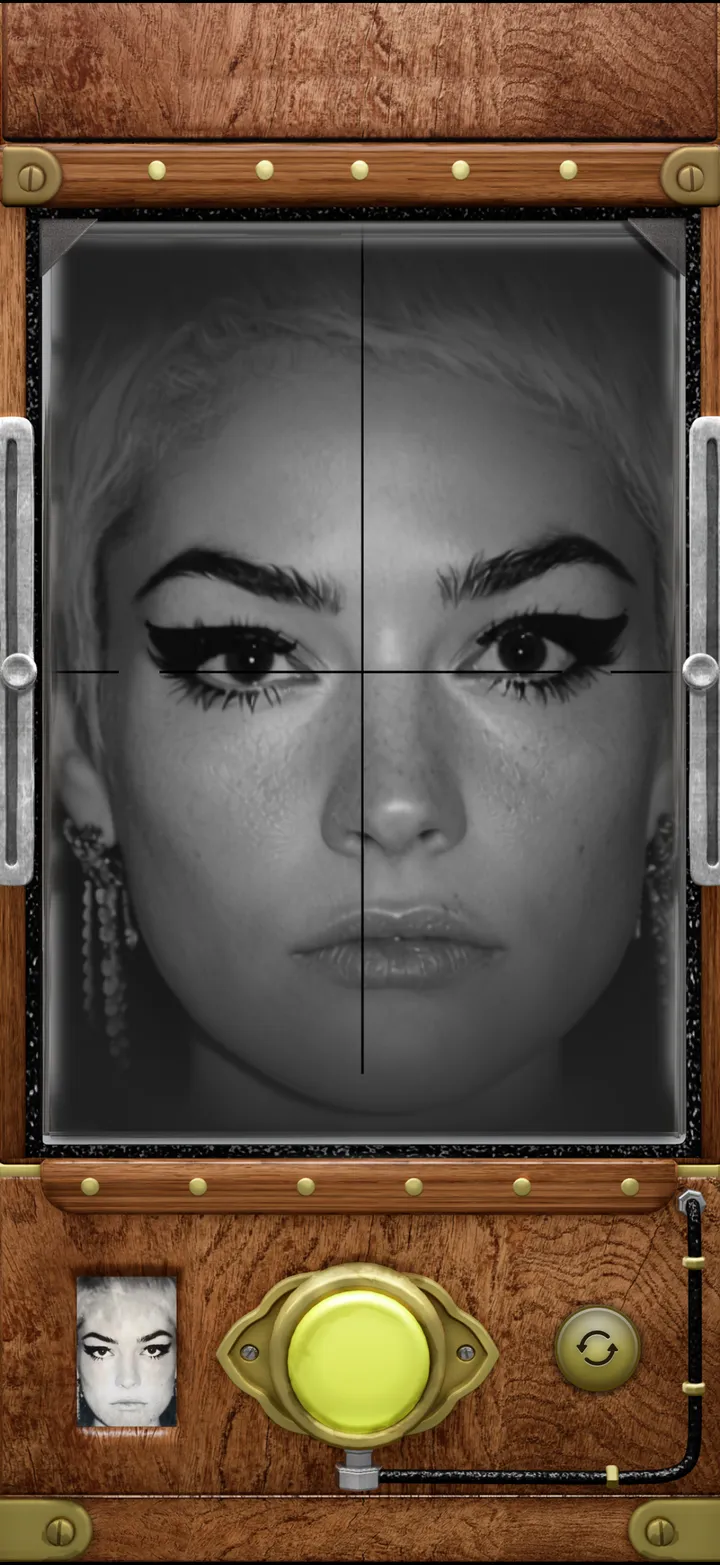
Newest first. Only the plates you made in TinType are here.
Each one’s numbered in the order you made it. The heart puts it in your Favorites.
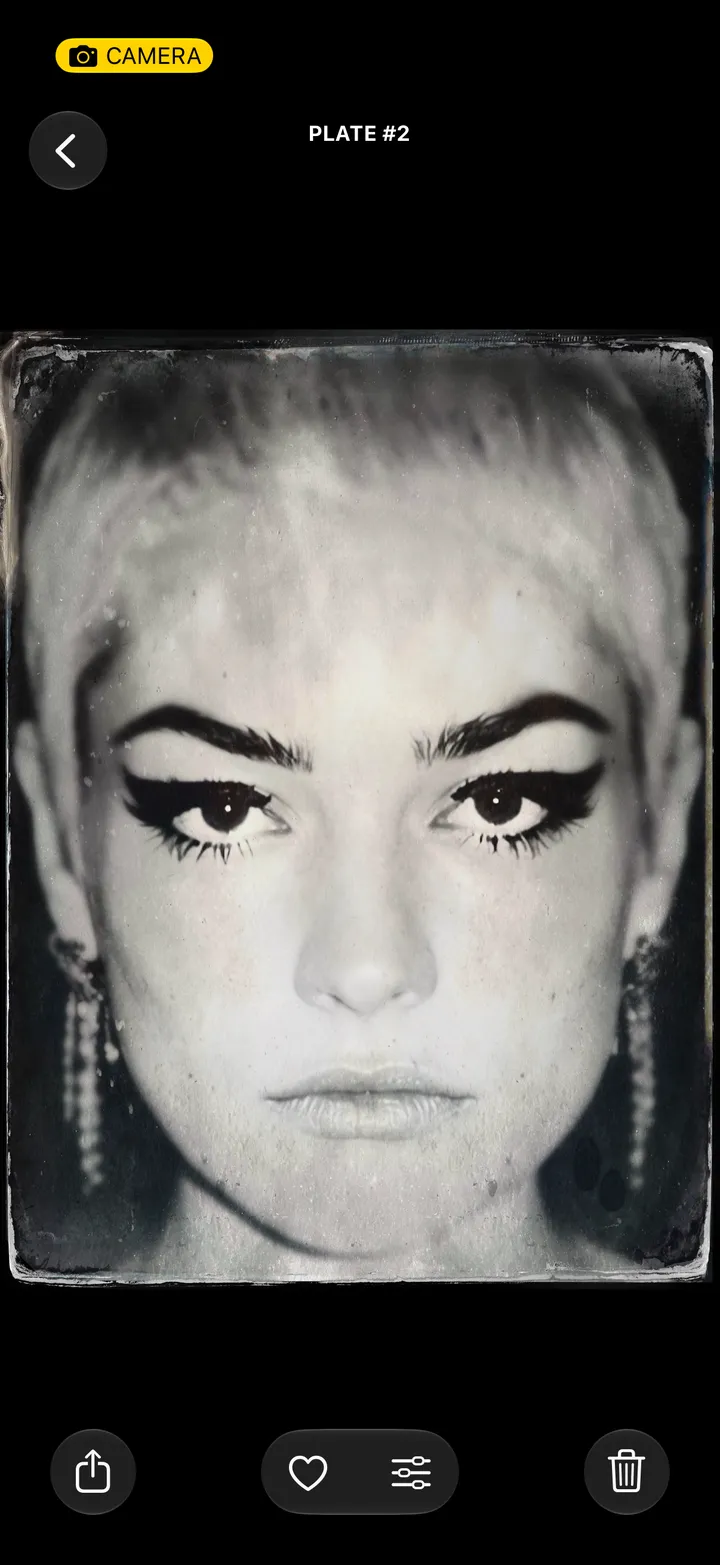
Top left, from anywhere. Or pull down.