 TinType guideTake a self-portrait
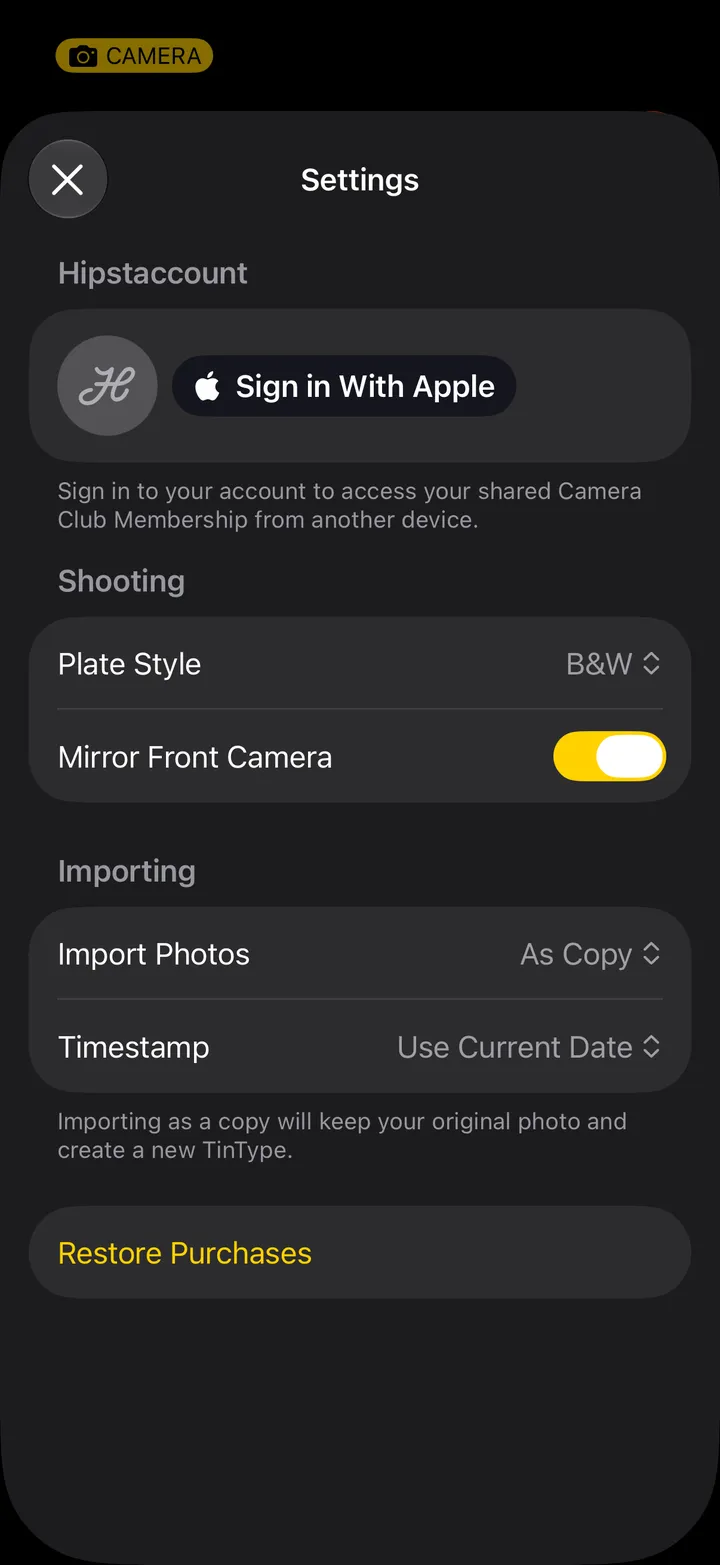
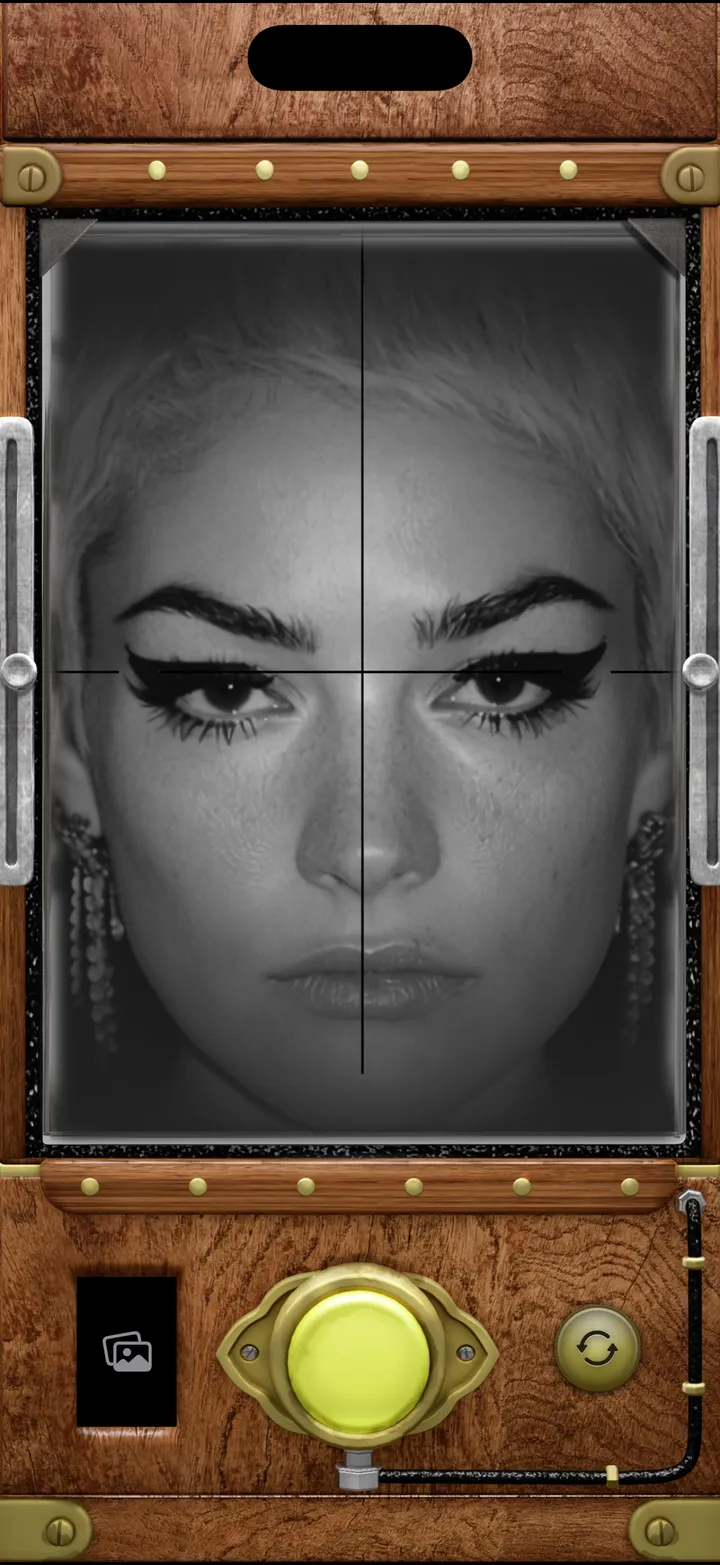
TinType starts on the front camera, so hold still and press the brass button. Mirror Front Camera, in Settings, decides which way round you come out.
TinType · 1.2 · 4 stepsTinType starts on the front camera. If it’s facing out, tap the flip button, bottom right.
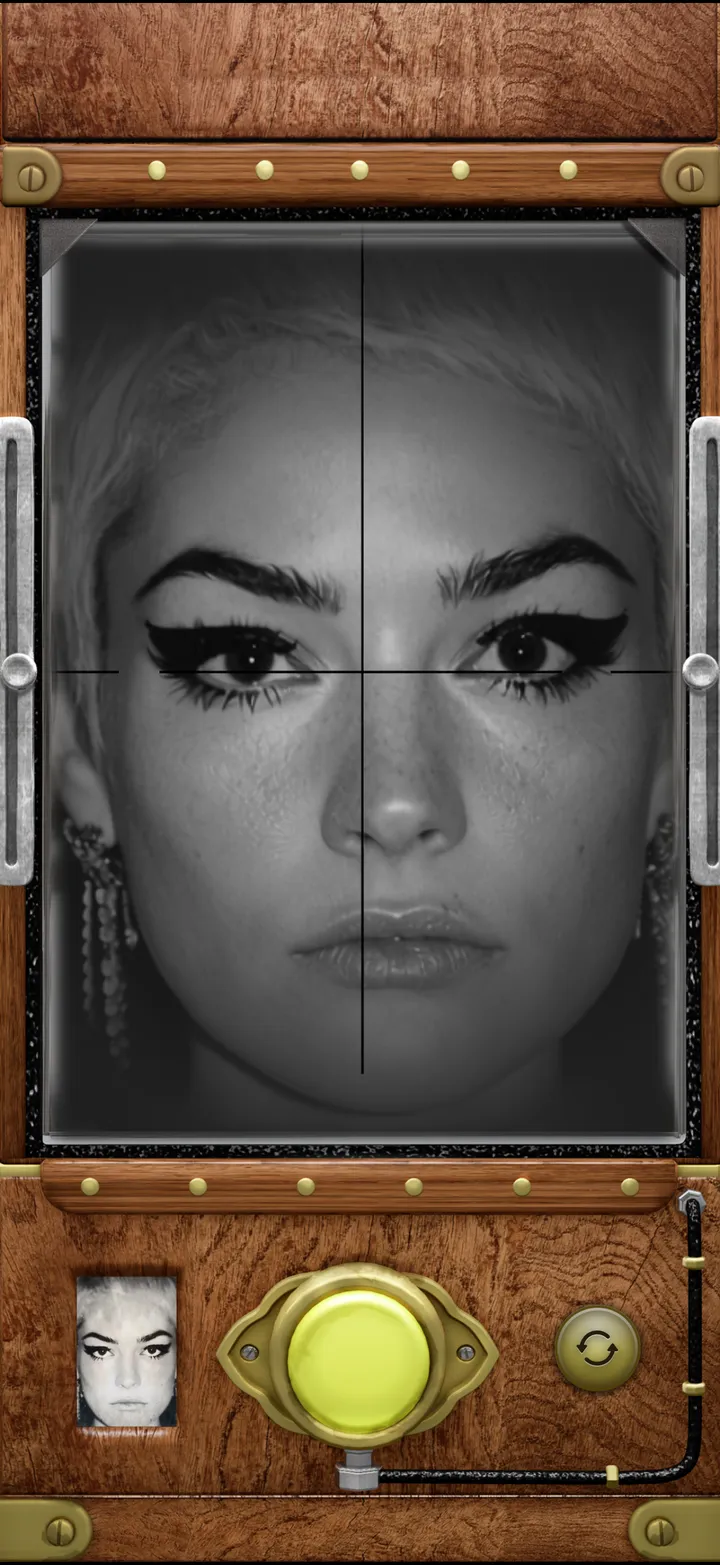
Arm’s length, eyes on the crosshair. Too close and TinType says Move farther away.
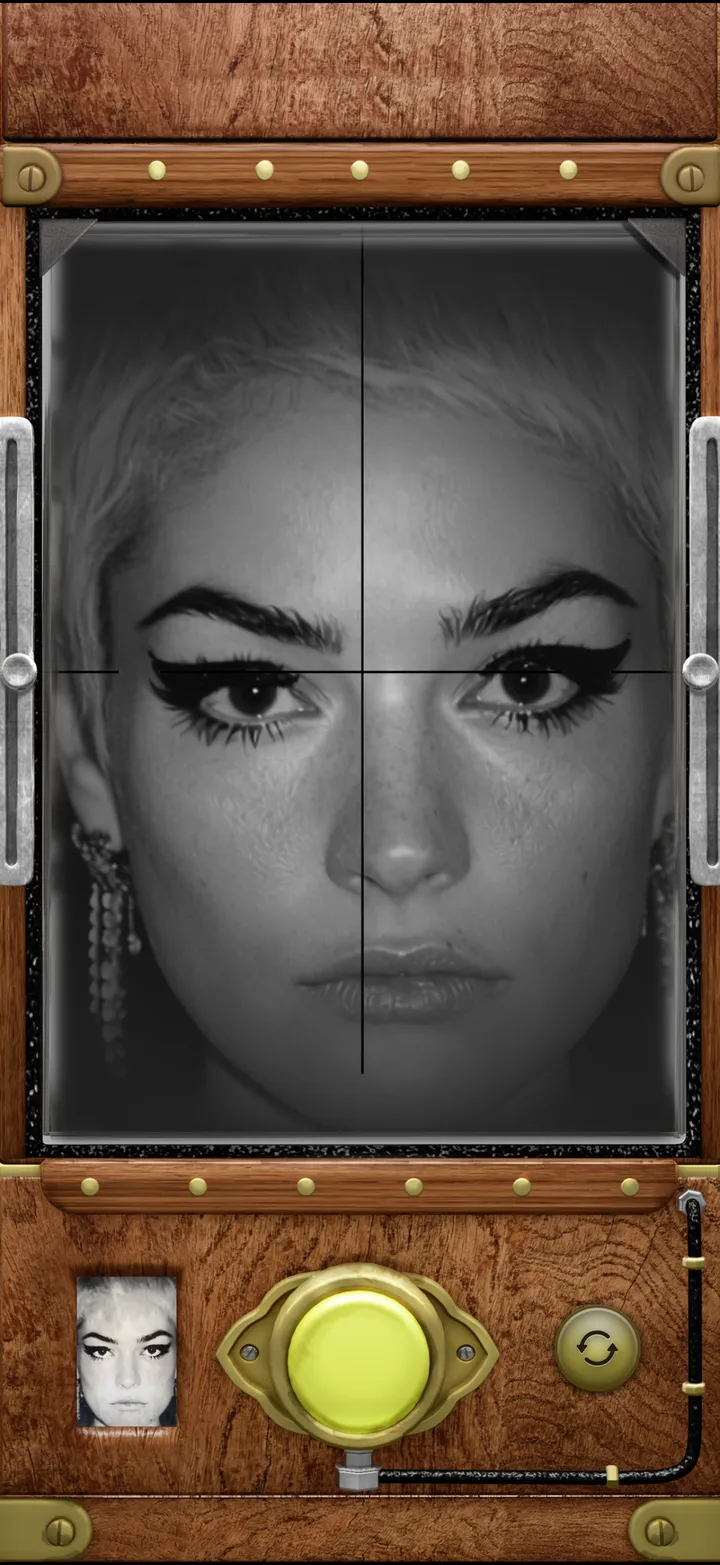
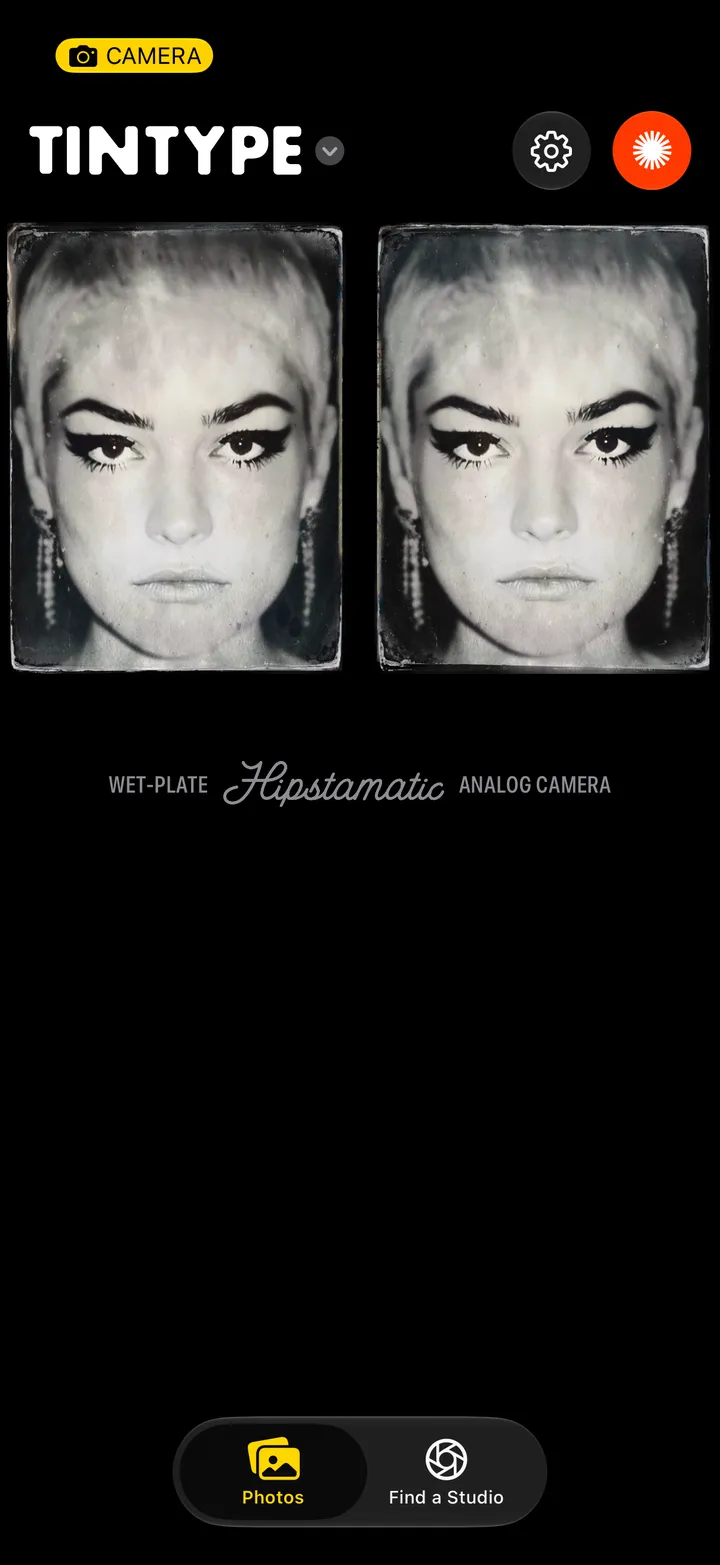
Tap your last plate, bottom left of the camera, then the gear.
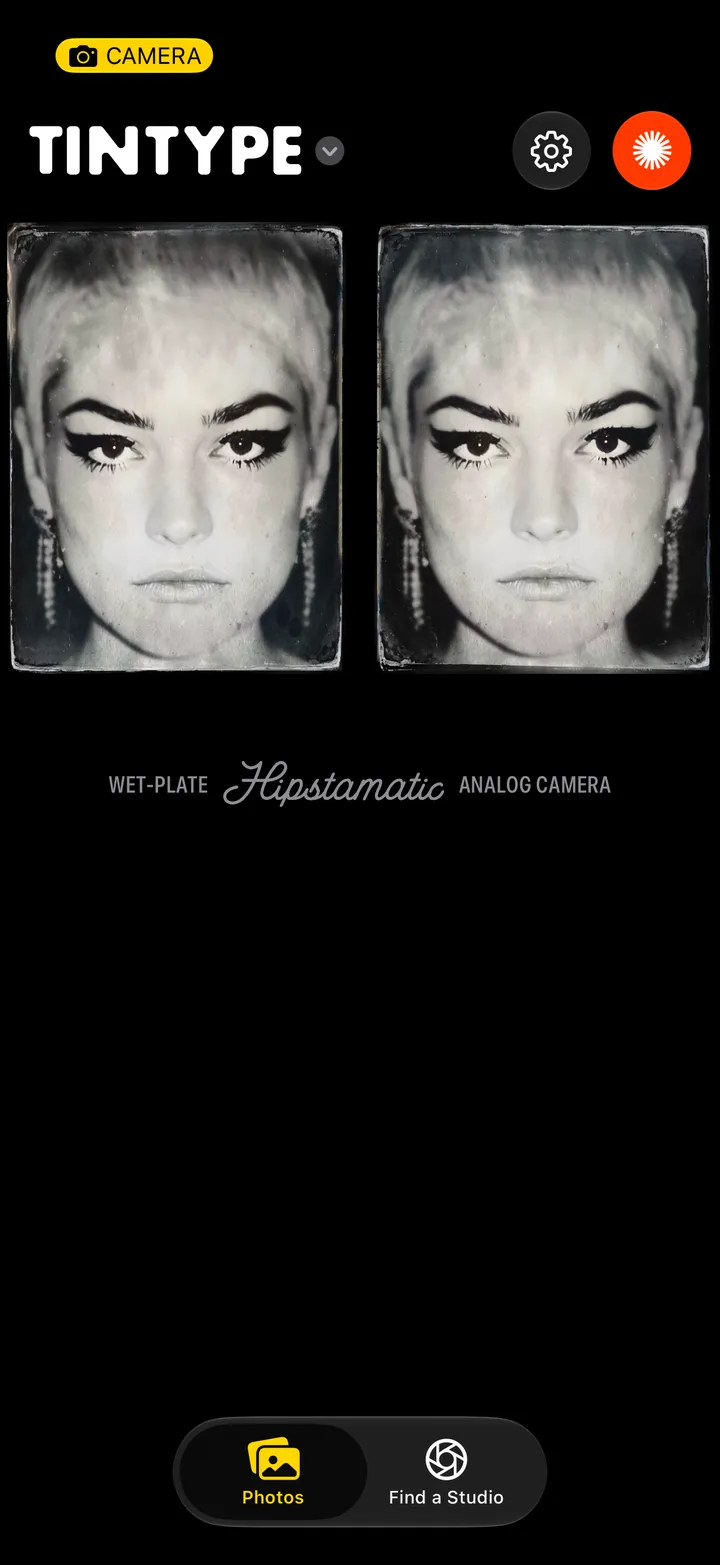
On, the plate matches the viewfinder, like a mirror. Off, it shows you the way everyone else sees you.