TinType guideChange the plate

Open a plate, tap the sliders, then pick B&W, Color, Sepia or Dark and tap Save.

TinType · 2.1 · 4 steps
  1. 01

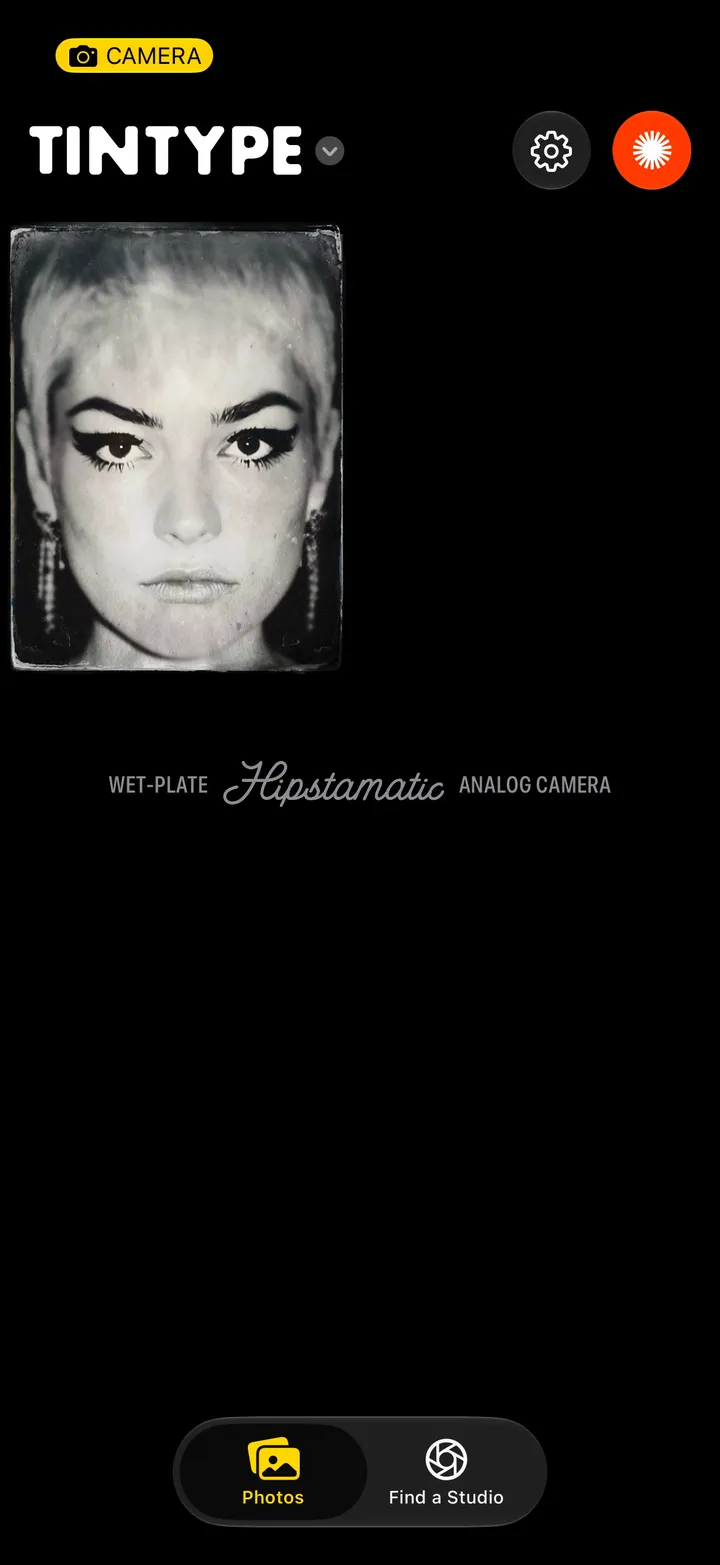
    Tap a plate

    Your library is the picture bottom left of the camera.

    Step 1: Tap a plate
  2. 02

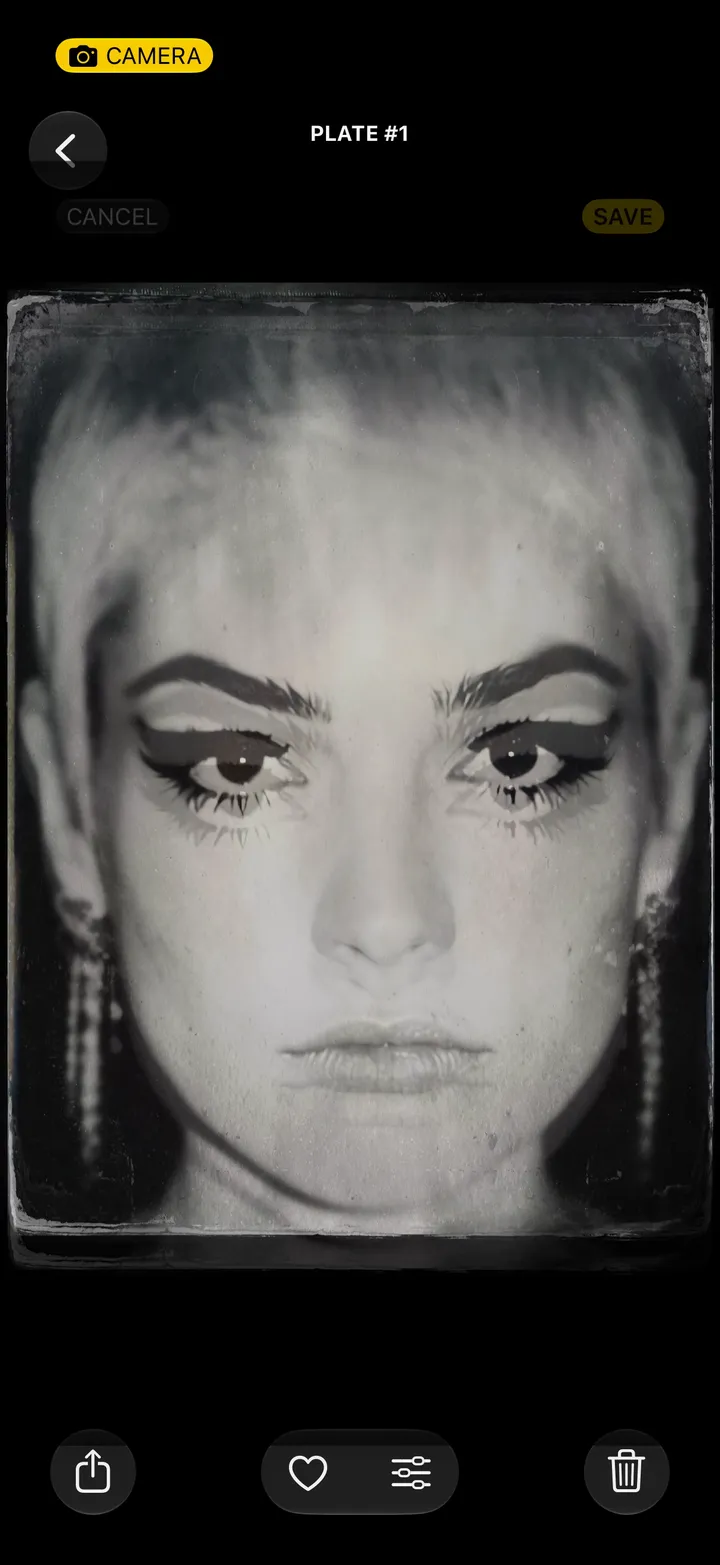
    Tap the sliders

    Step 2: Tap the sliders
  3. 03

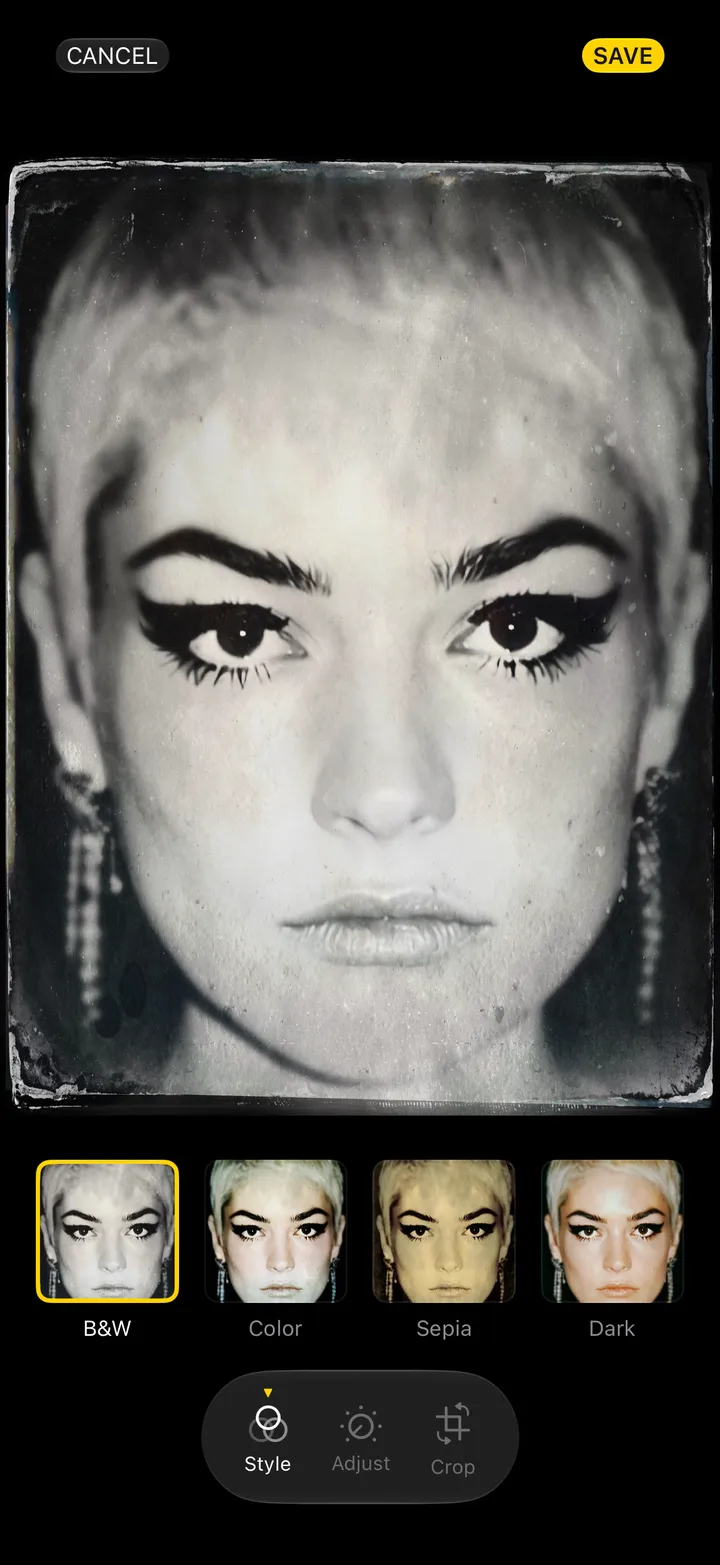
    Pick a plate

    B&W, Color, Sepia or Dark.

    Step 3: Pick a plate
  4. 04

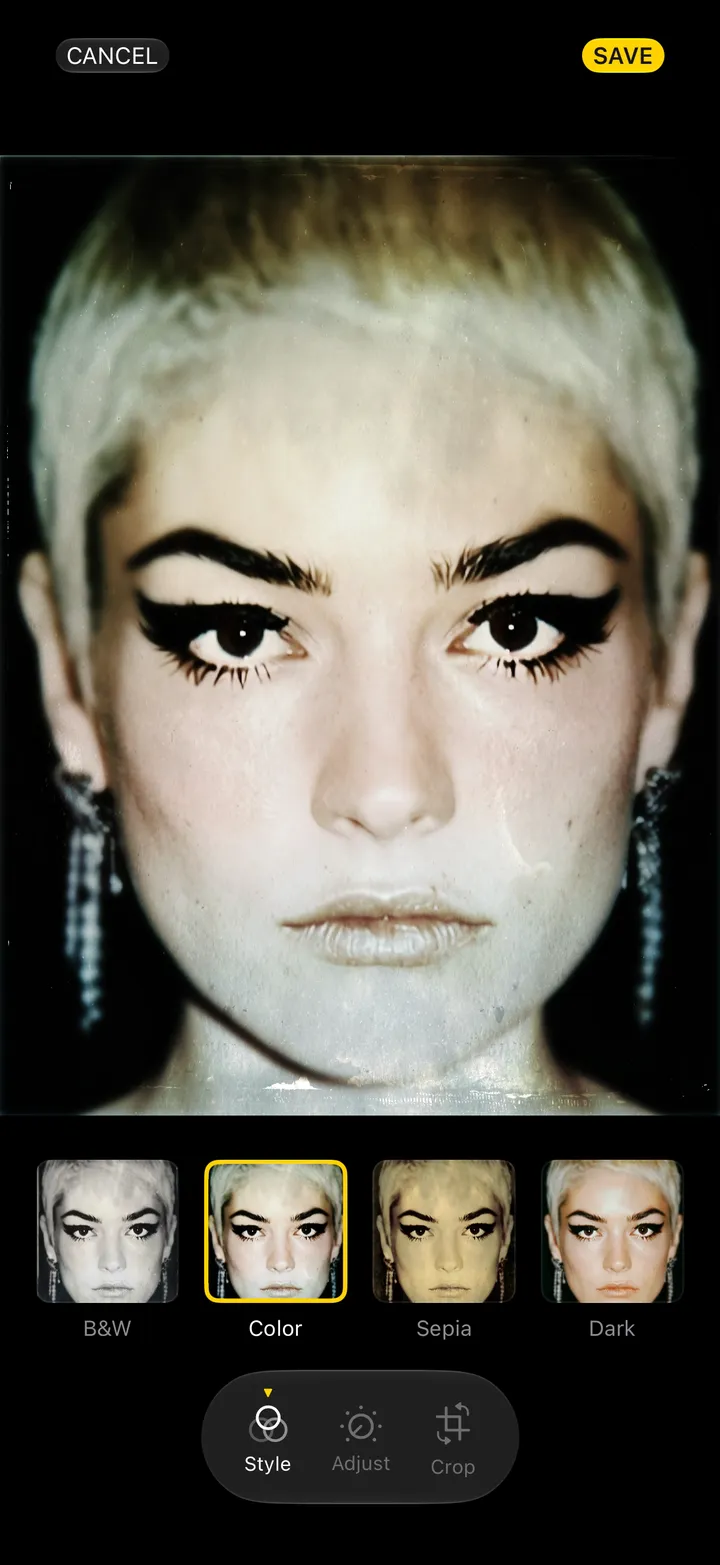
    Tap Save

    Step 4: Tap Save

Good to know

  • Adjust and Crop sit next to Style.
  • To start every new plate in Color, Sepia or Dark, change Plate Style in Settings.