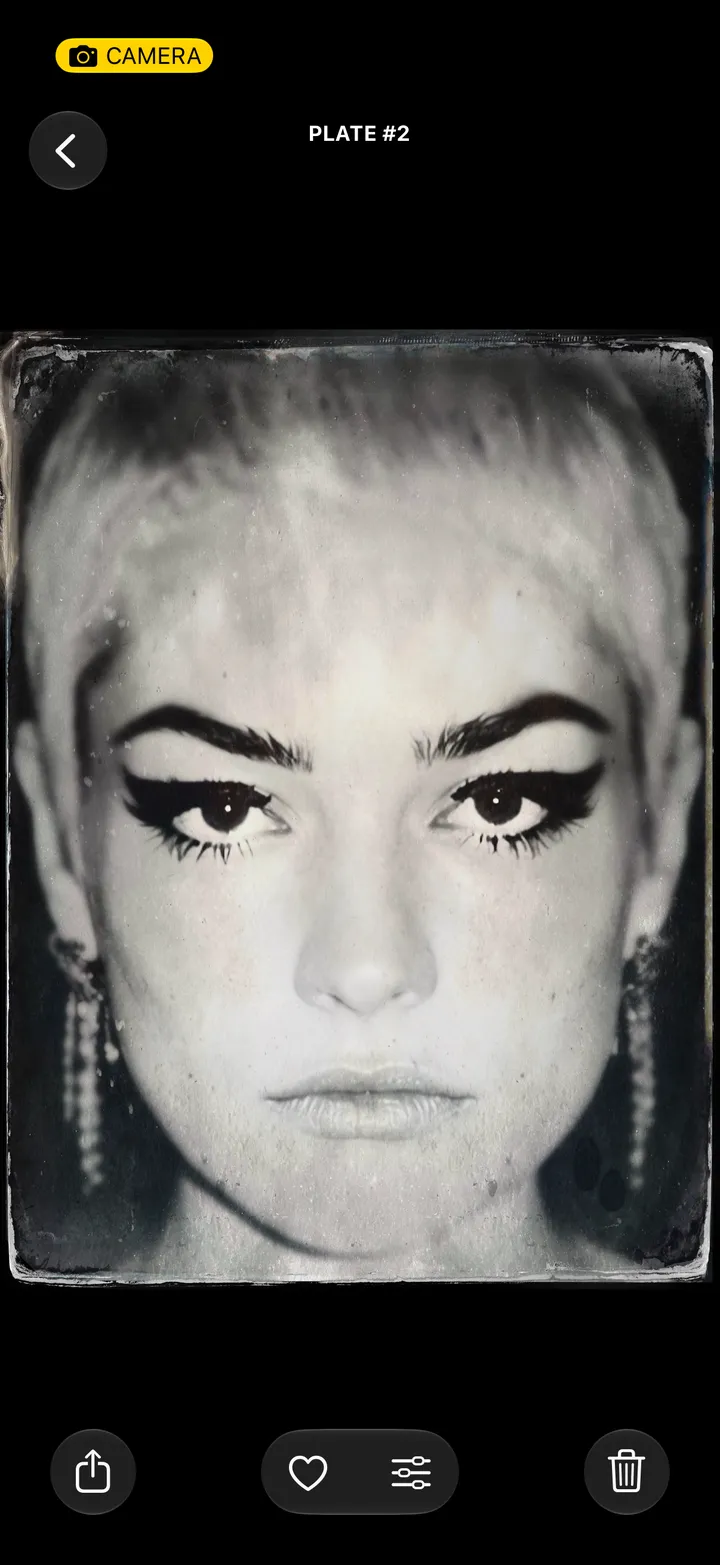
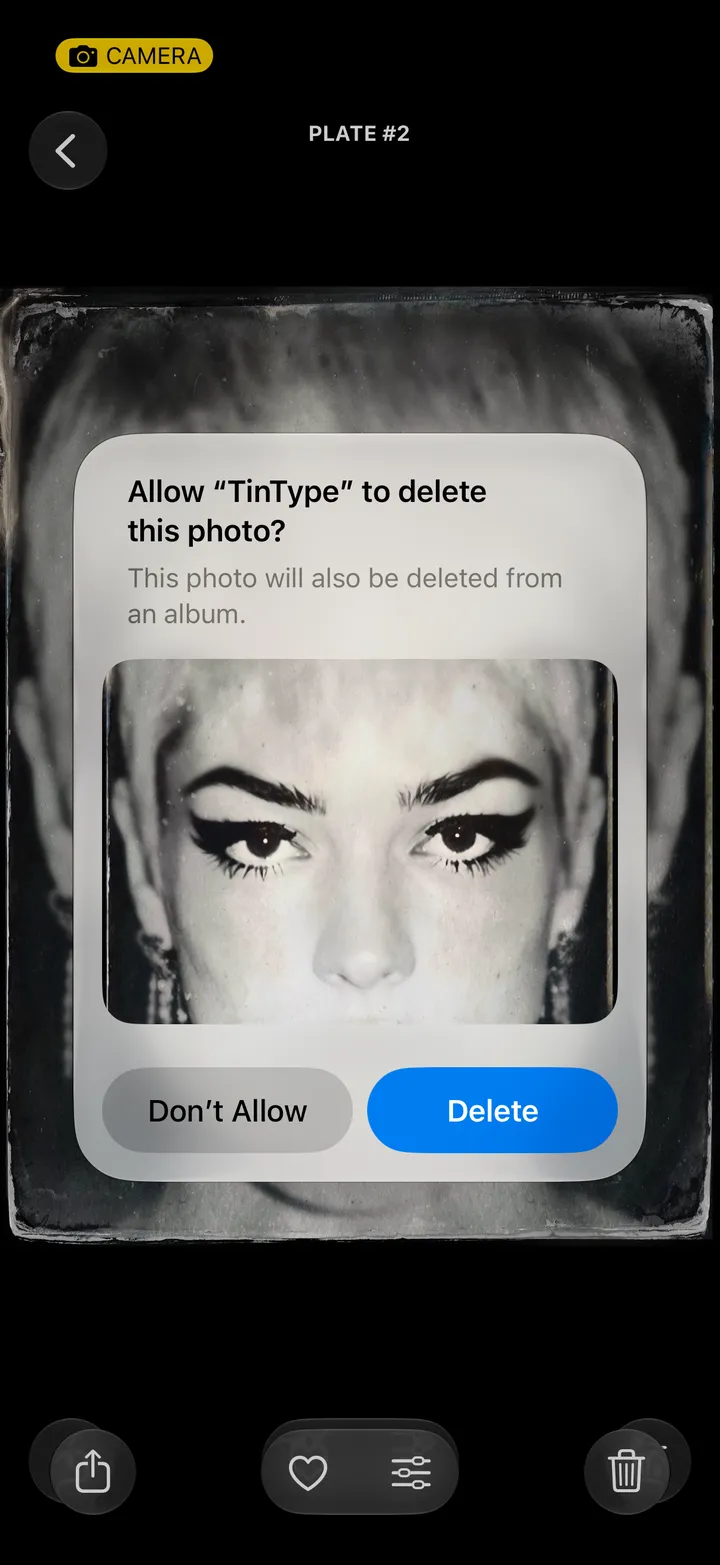
Open the plate, tap the trash, then tap Delete. It goes to Recently Deleted in the Photos app, where you can get it back for 30 days.
Bottom right.
Your iPhone asks first. Don’t Allow keeps it.


 TinType guideDelete a plate