TinType guideShare a plate

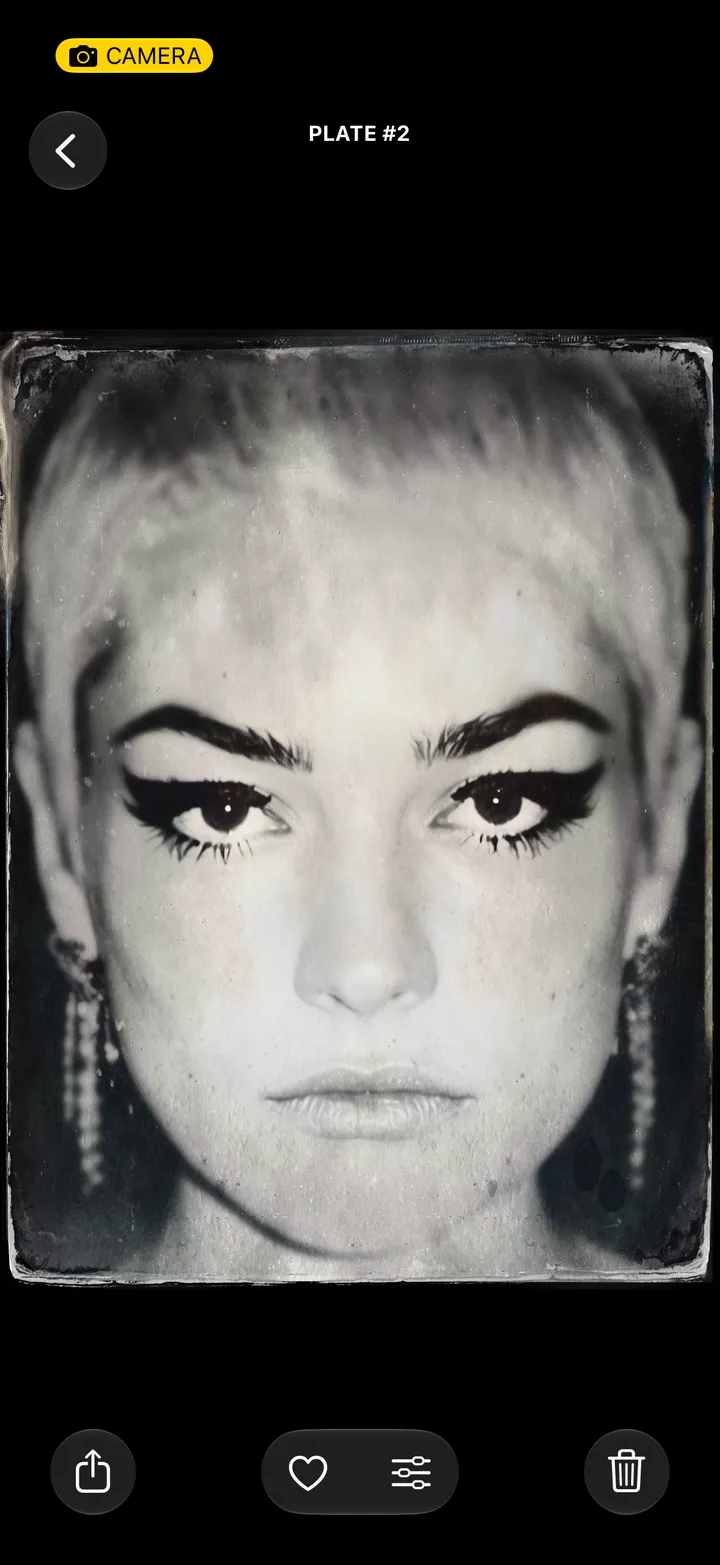
Open the plate and tap Share. Swipe to Plate, Field or Cabinet, then tap where it goes.

TinType · 3.1 · 5 steps
  1. 01

    Open the plate and tap Share

    Bottom left.

    Step 1: Open the plate and tap Share
  2. 02

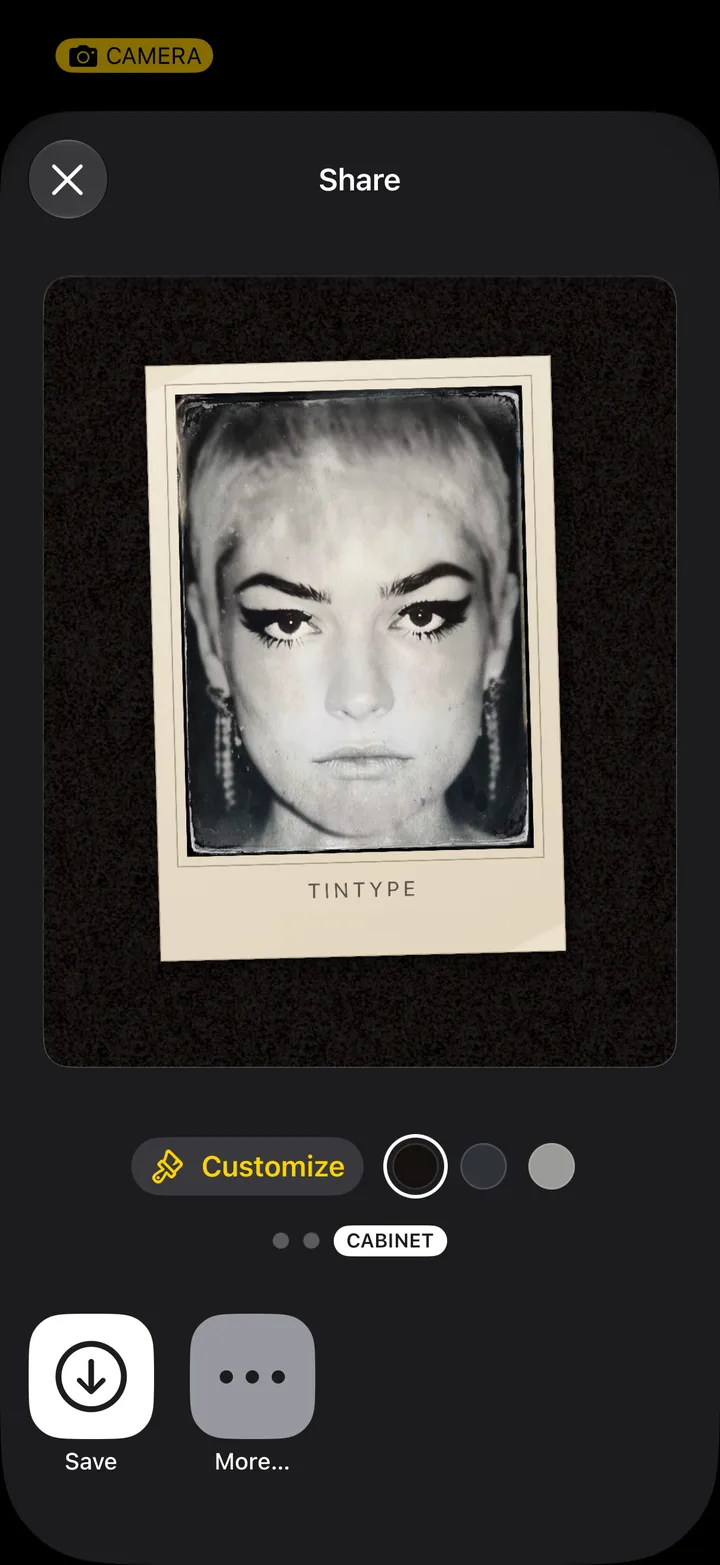
    Swipe to Plate, Field or Cabinet

    Plate is the file just as you made it. Field lays it on a colored surface. Cabinet mounts it on card, the way a studio sent one home.
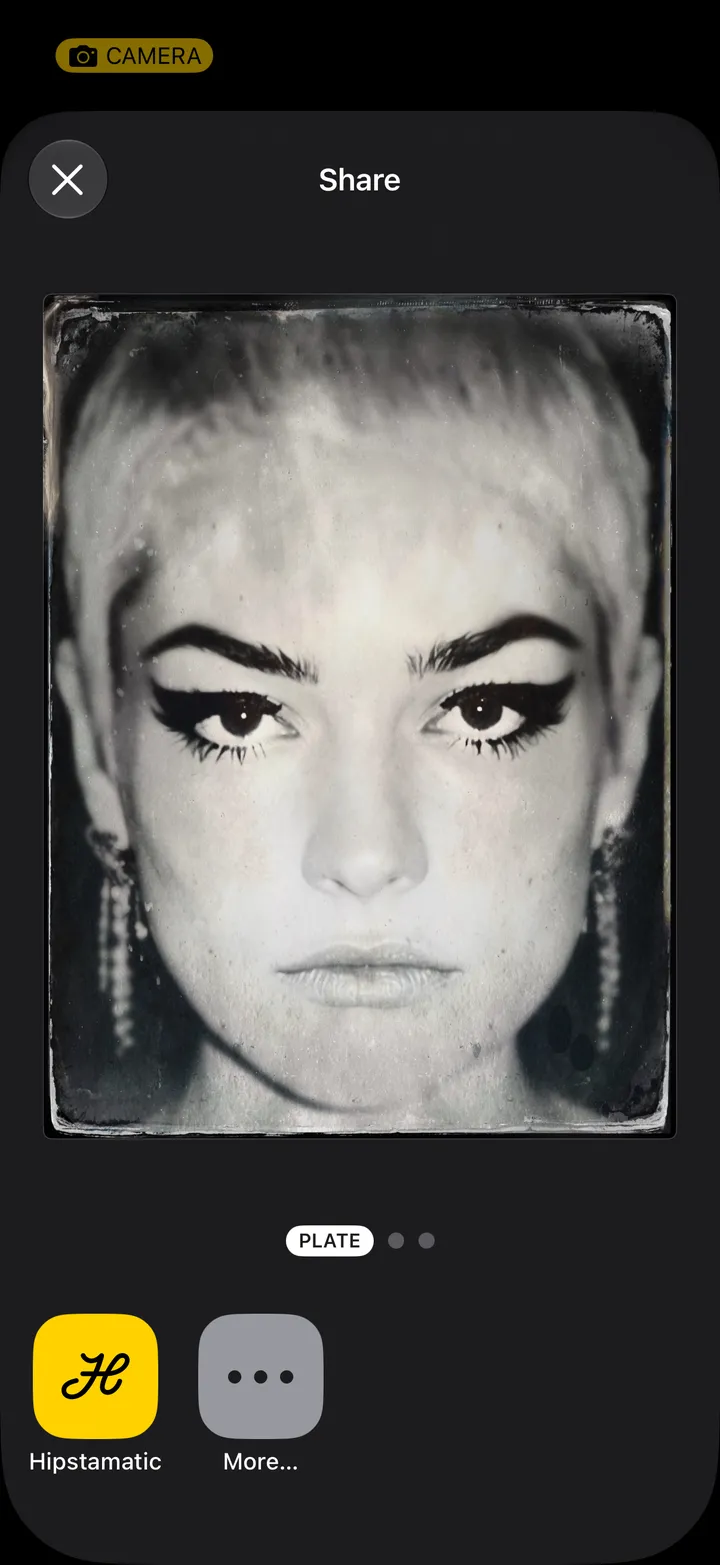
    Step 2: Swipe to Plate, Field or Cabinet
  3. 03

    Tap Customize

    On Field and Cabinet.

    Step 3: Tap Customize
  4. 04

    Pick a color and a shape

    Paper or Flat, and 4:5, 1:1 or 9:16. On a Cabinet card, tap the word at the top to write your own imprint.
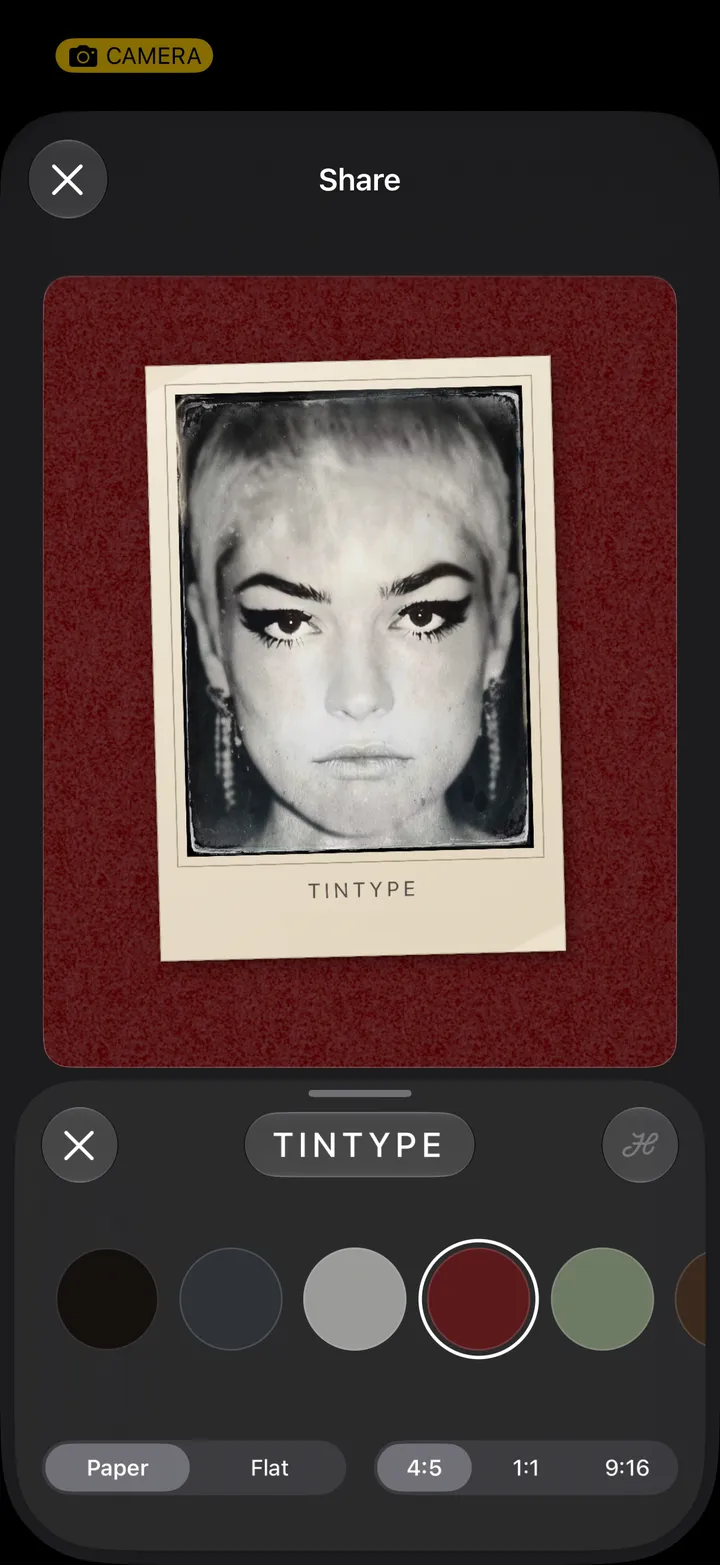
    Step 4: Pick a color and a shape
  5. 05

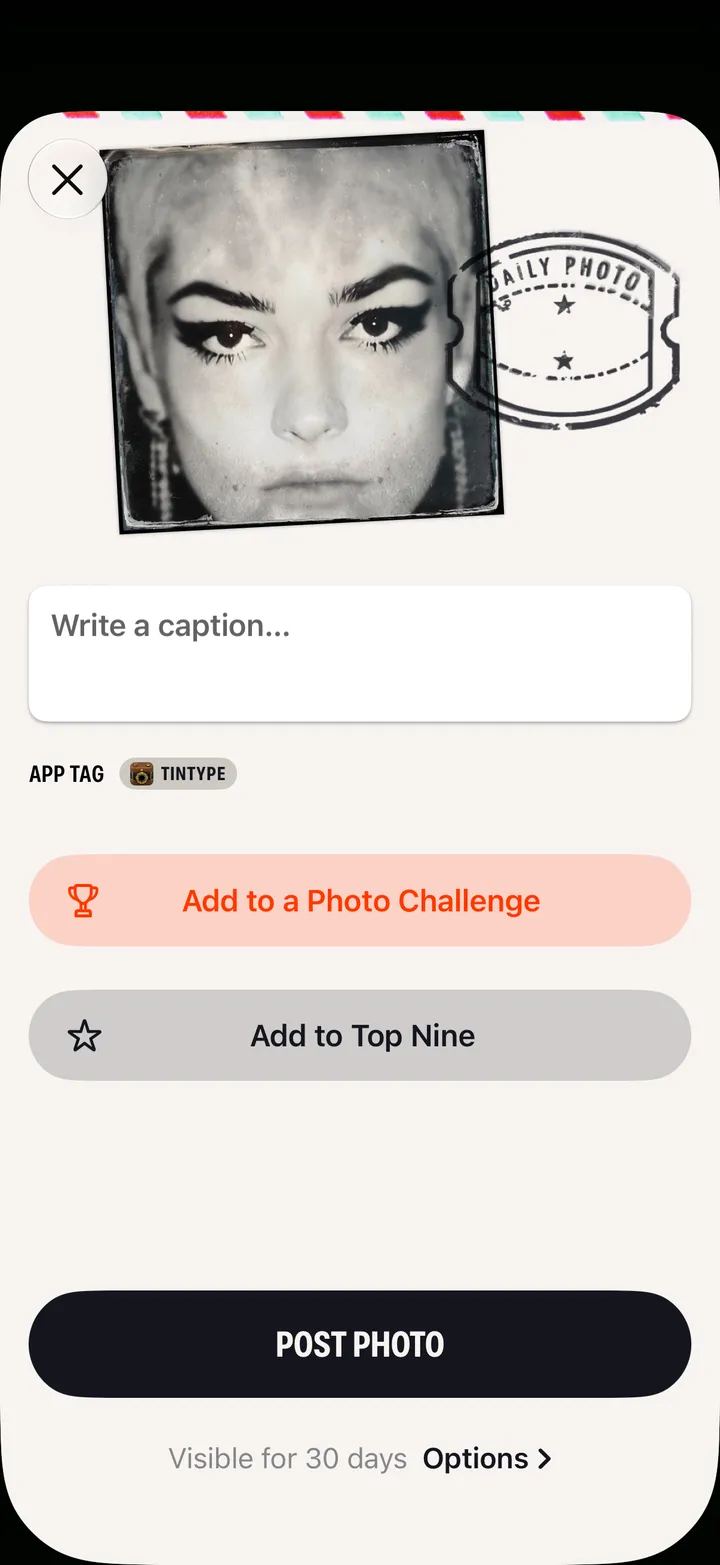
    Tap where it goes

    Save puts it in your Photos. More… opens your iPhone’s share sheet.
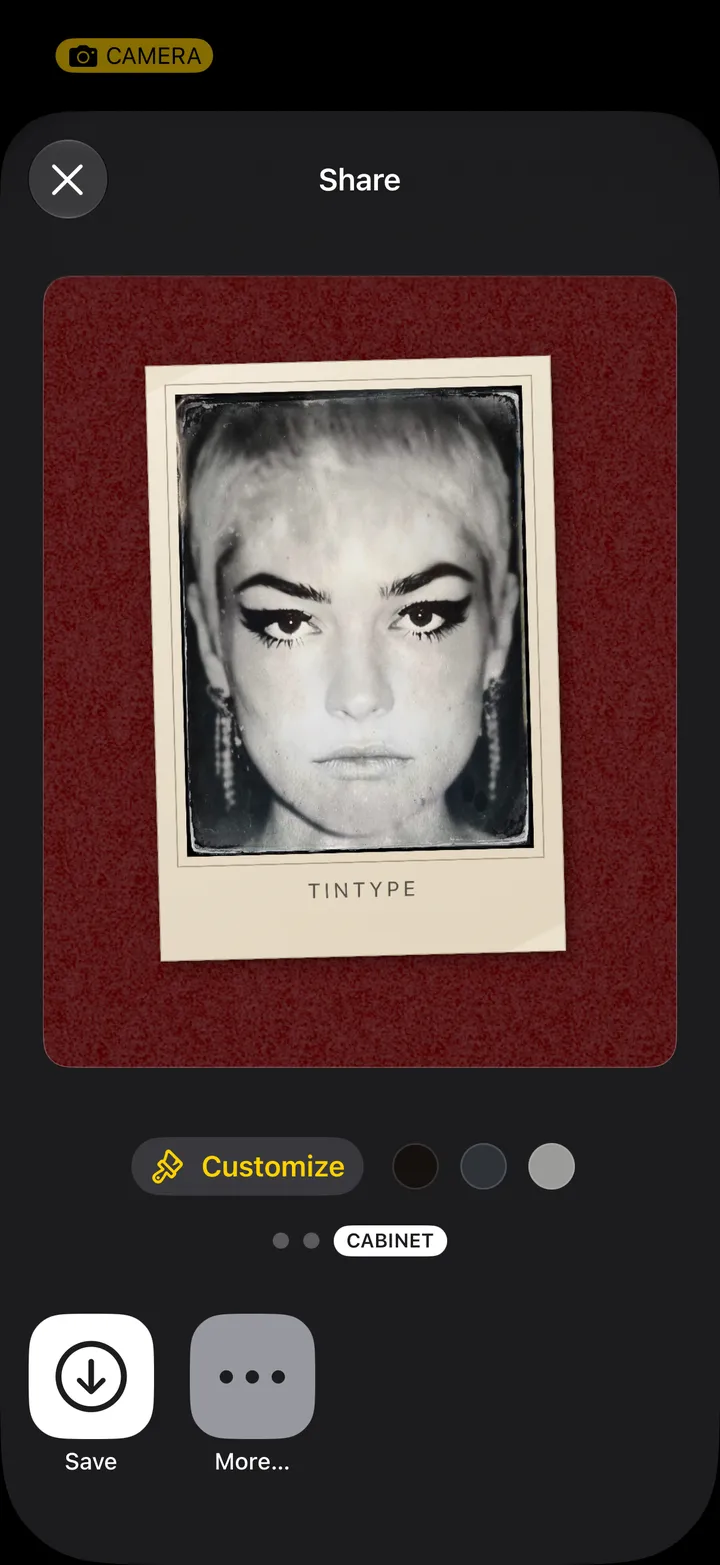
    Step 5: Tap where it goes

Good to know

  • The Plate page also has Hipstamatic, Messages, and Instagram, Facebook or Snapchat when they’re on your iPhone.
  • Sharing never changes the plate in your library.