 TinType guideEnter a plate in a photo challenge
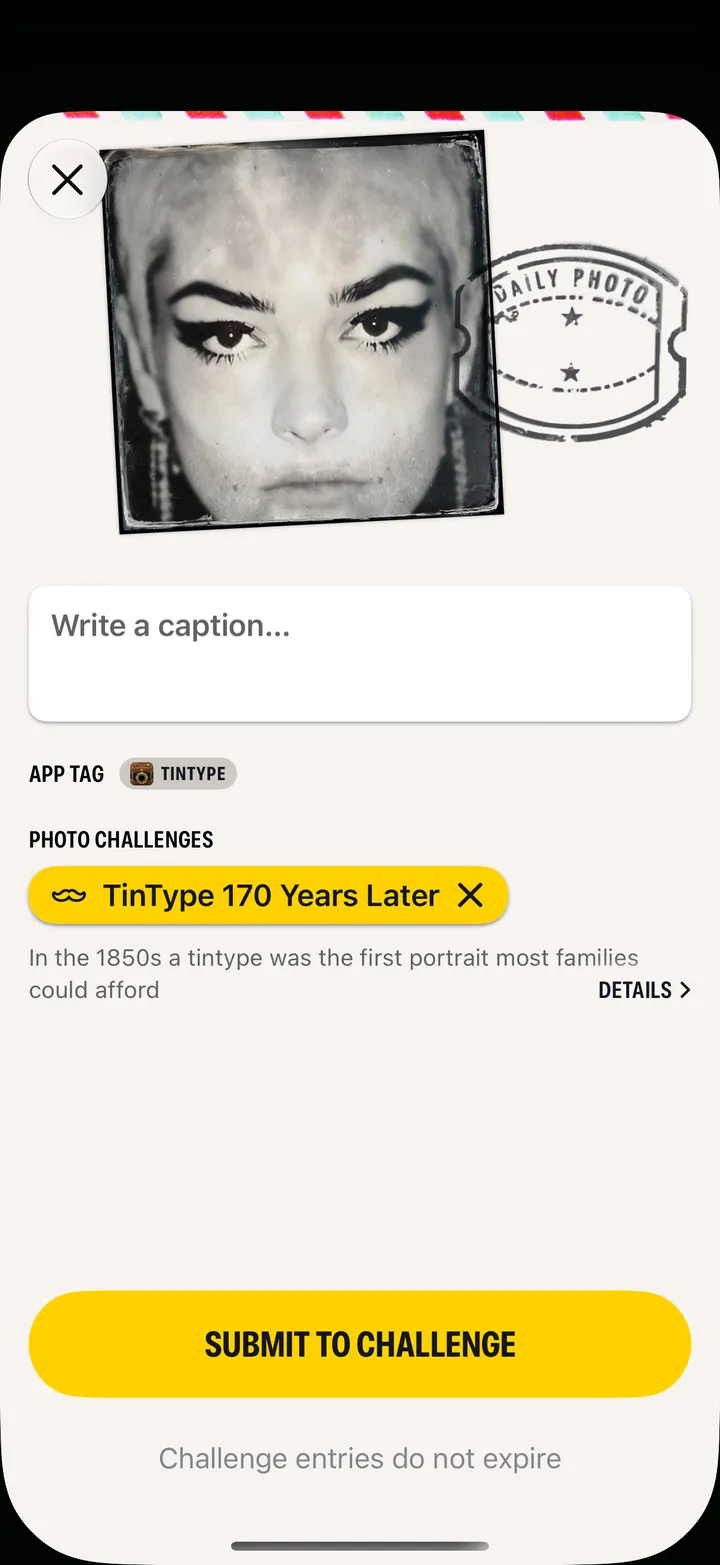
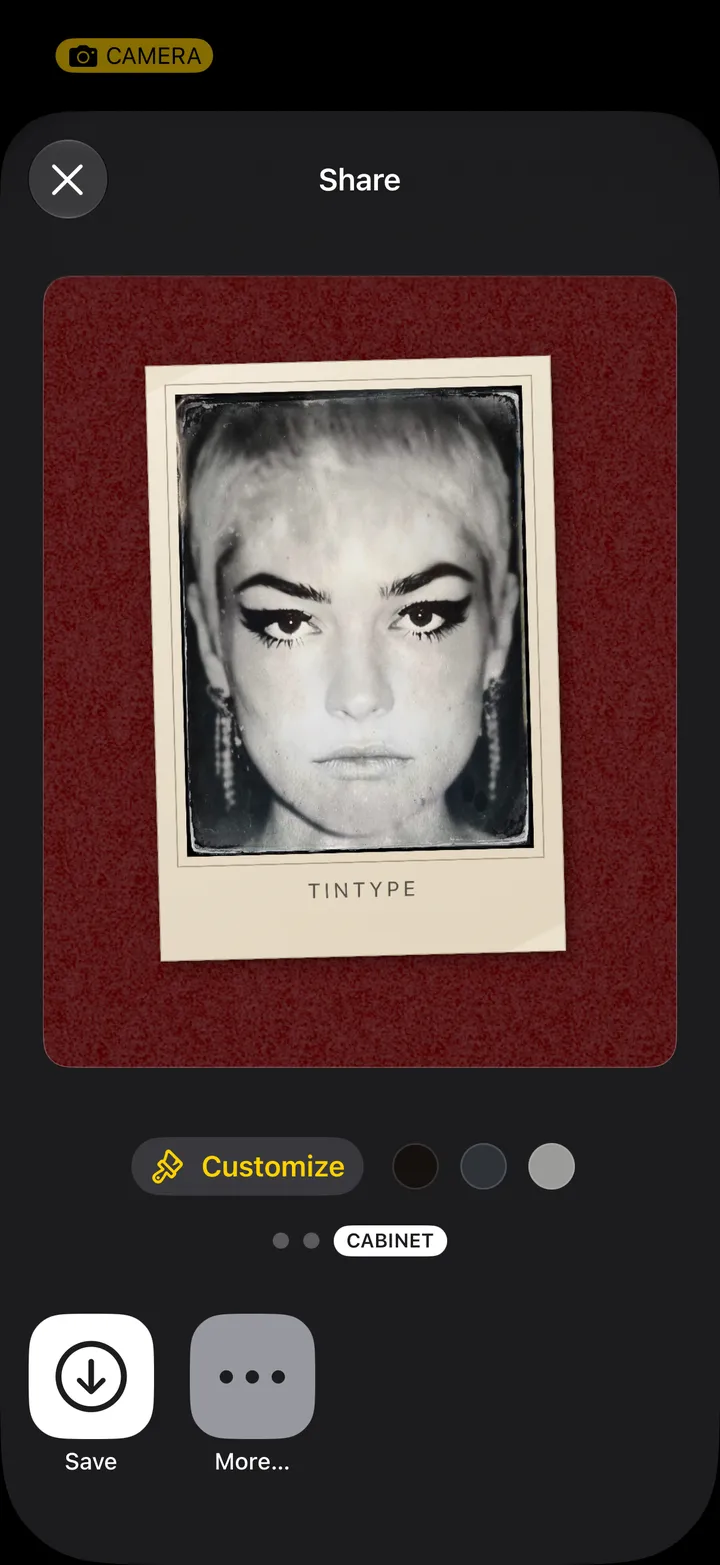
Open the plate, tap Share, then Hipstamatic. On the Post page, tap Add to a Photo Challenge, select the challenge and tap Submit to Challenge.
TinType · 3.2 · 5 stepsBottom left.
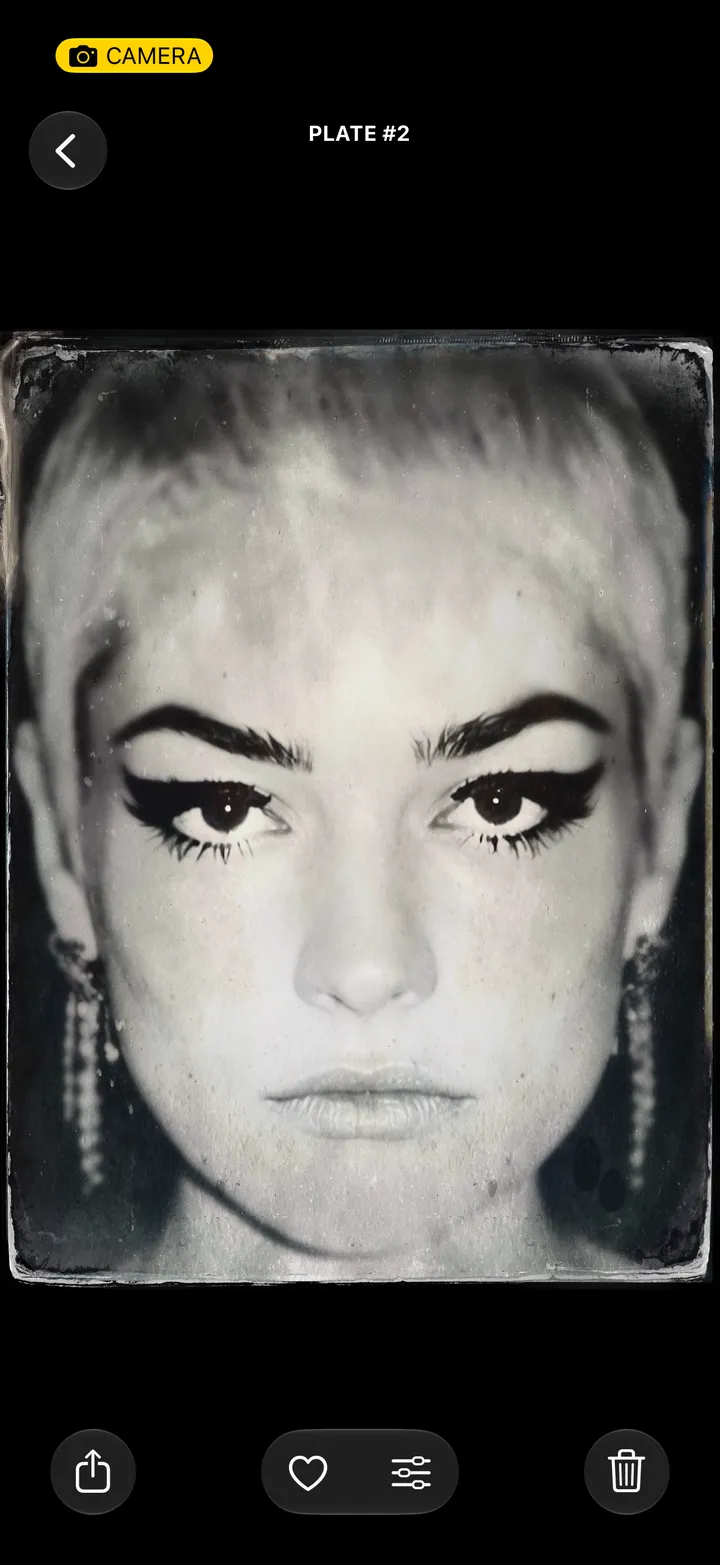
Hipstamatic posts are square, so a tall plate goes over as a square copy, frame and all. Yours stays as it is.

Hipstamatic opens on its Post page, with your plate tagged TinType.
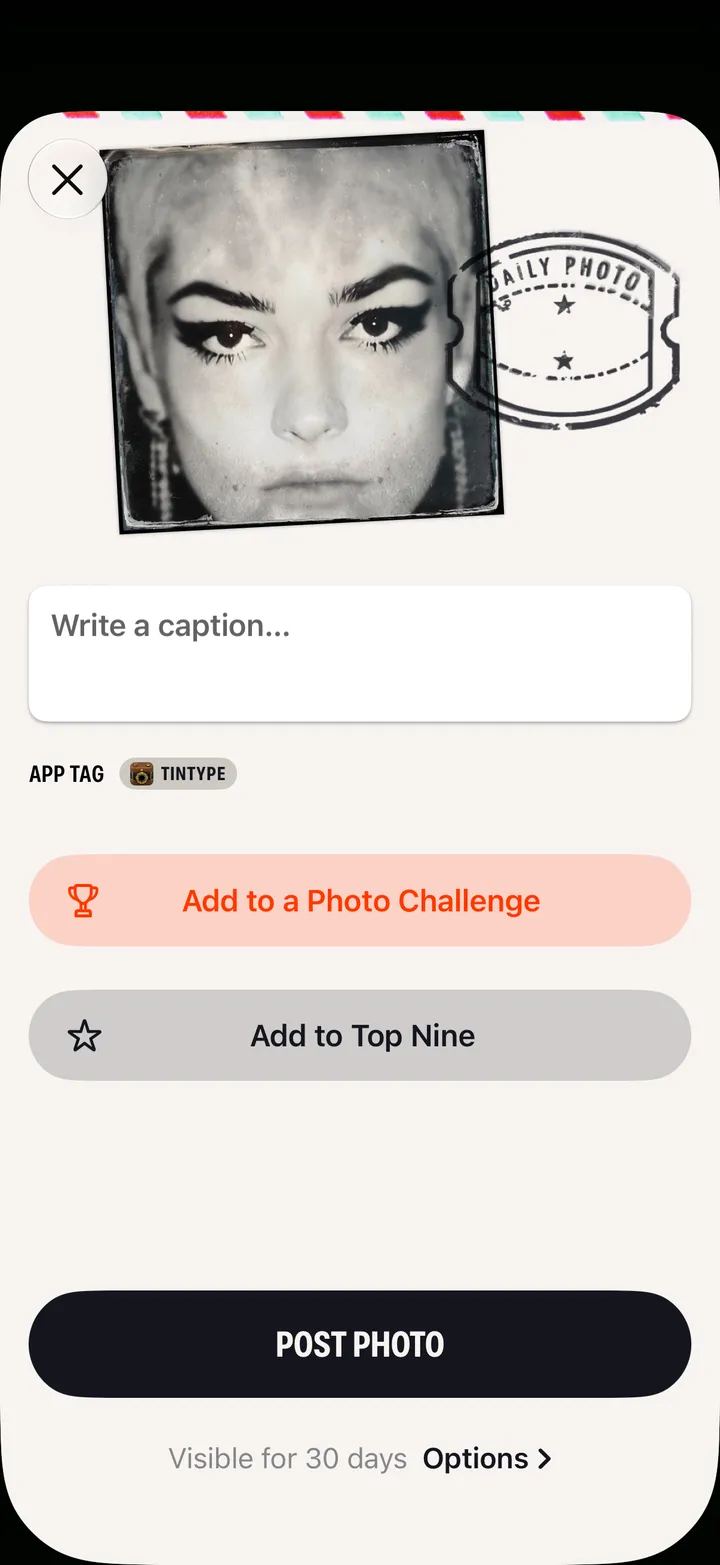
It joins you up, too. Only plates made in TinType can enter a TinType challenge, and Hipstamatic can tell.

Add a caption first if you like.