Coming soon

IncrediBooth guideMake a photo strip

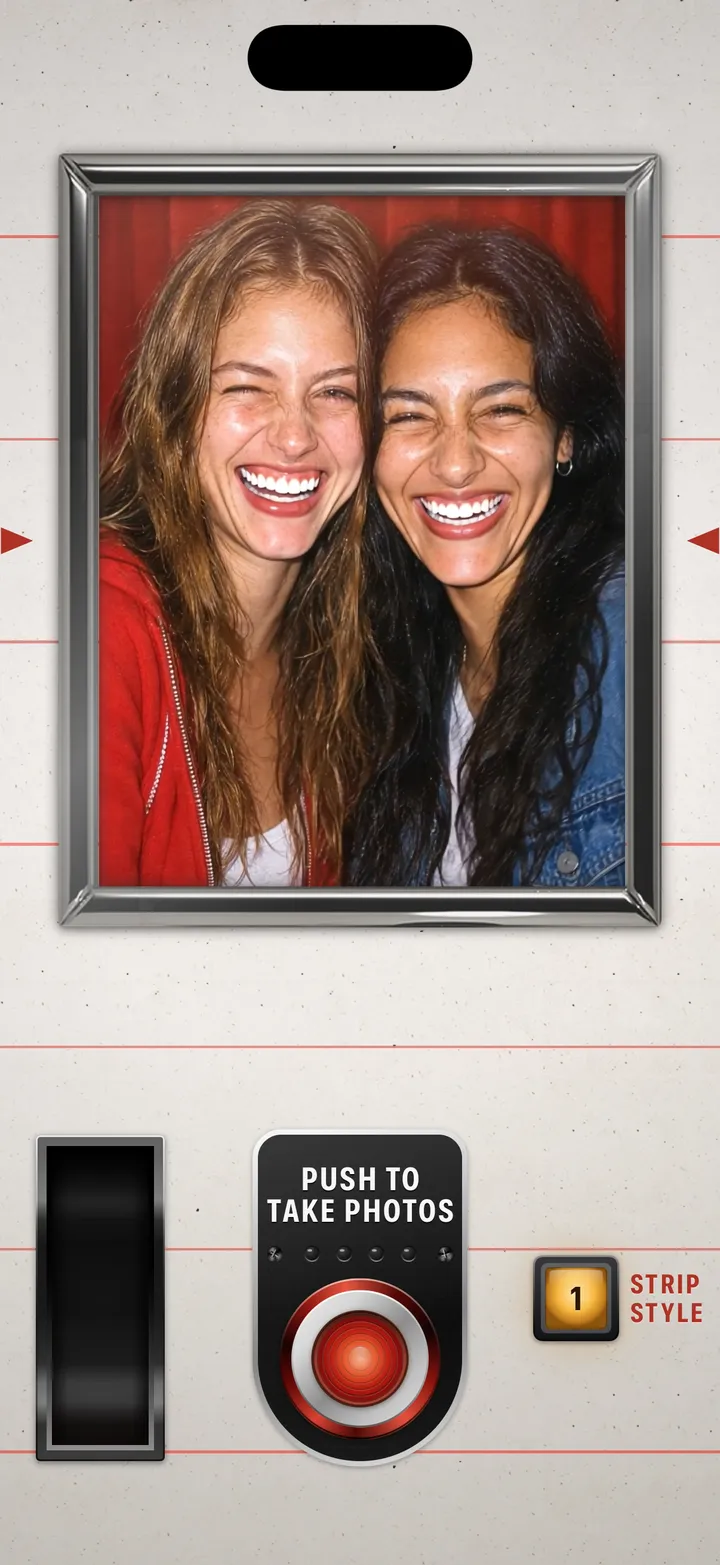
Squeeze in and push the red button. The booth fires four times on its own clock, and the strip drops into the slot.

IncrediBooth · 1.1 · 5 steps
  1. 01

    Squeeze in

    Everyone in the window.

    Step 1: Squeeze in
  2. 02

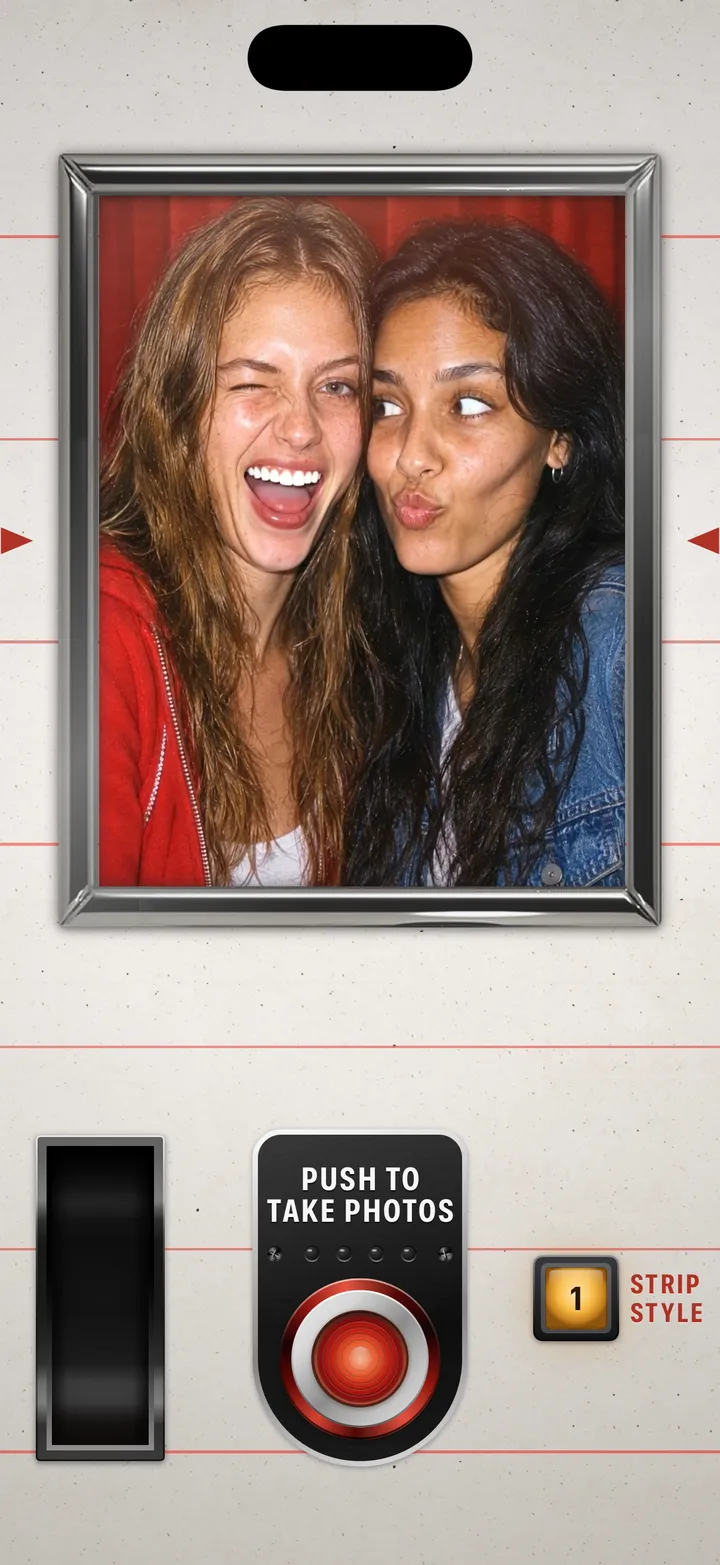
    Push the red button

    Push to take photos.

    Step 2: Push the red button
  3. 03

    Hold it for four flashes

    The lamps count them off. Somebody always blinks.
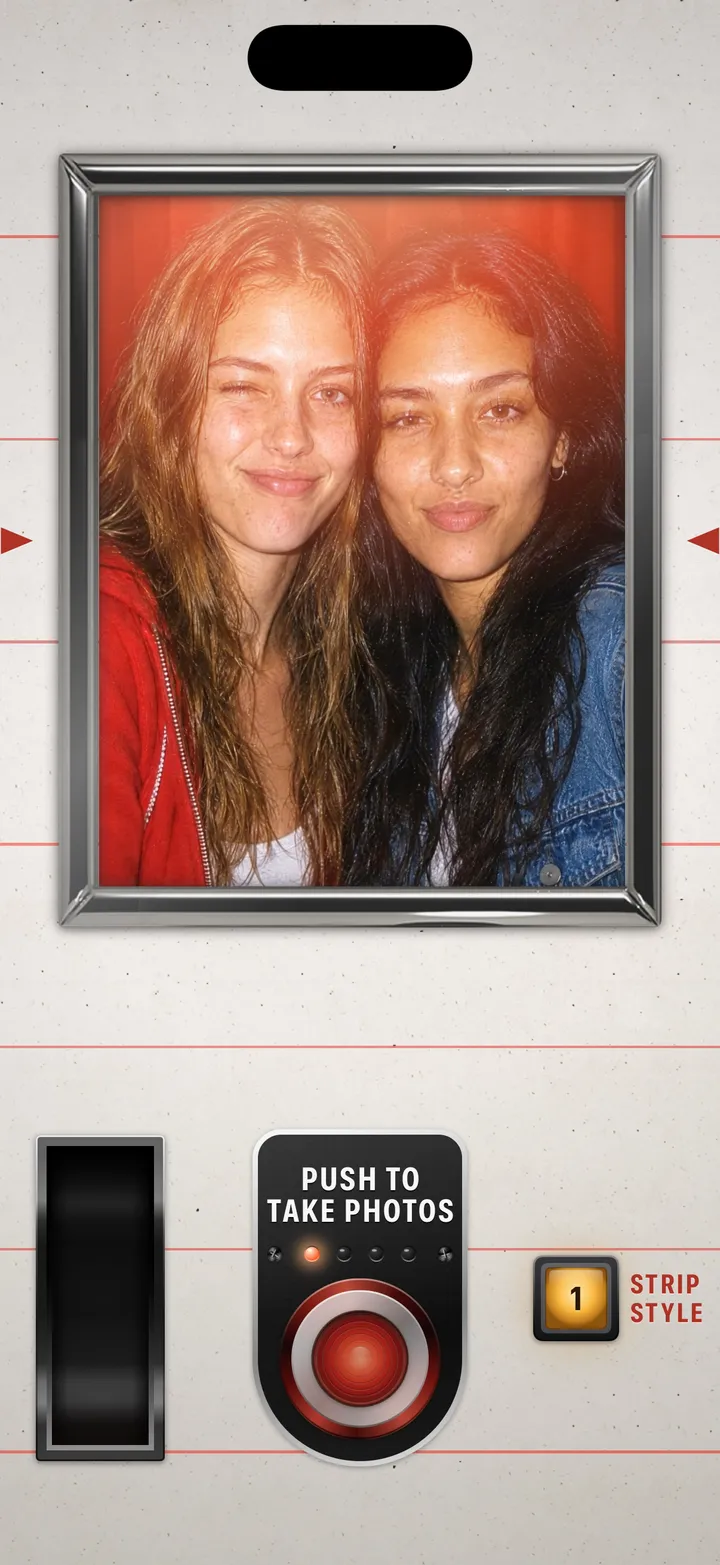
    Step 3: Hold it for four flashes
  4. 04

    Wait at the slot

    The strip drops where it says Photos Delivered Here.
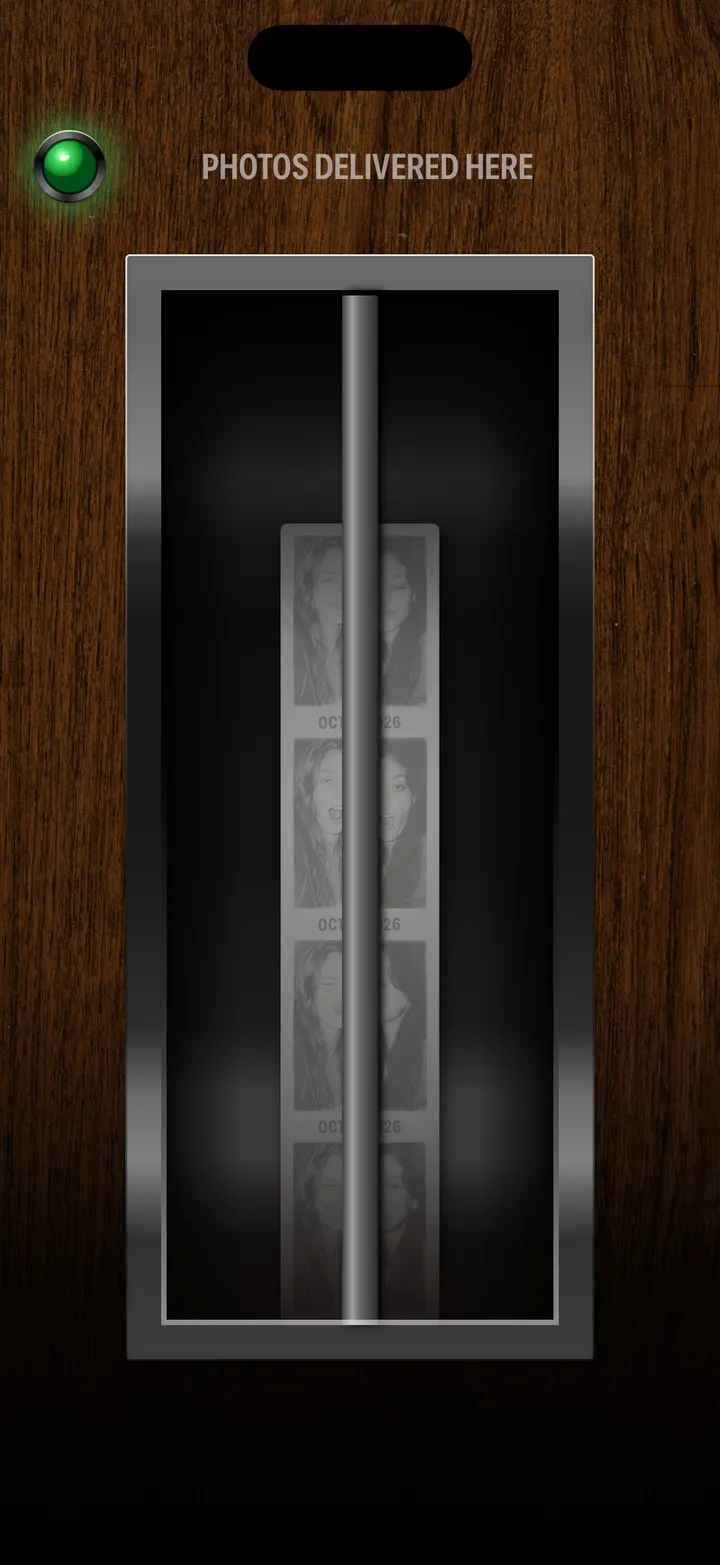
    Step 4: Wait at the slot
  5. 05

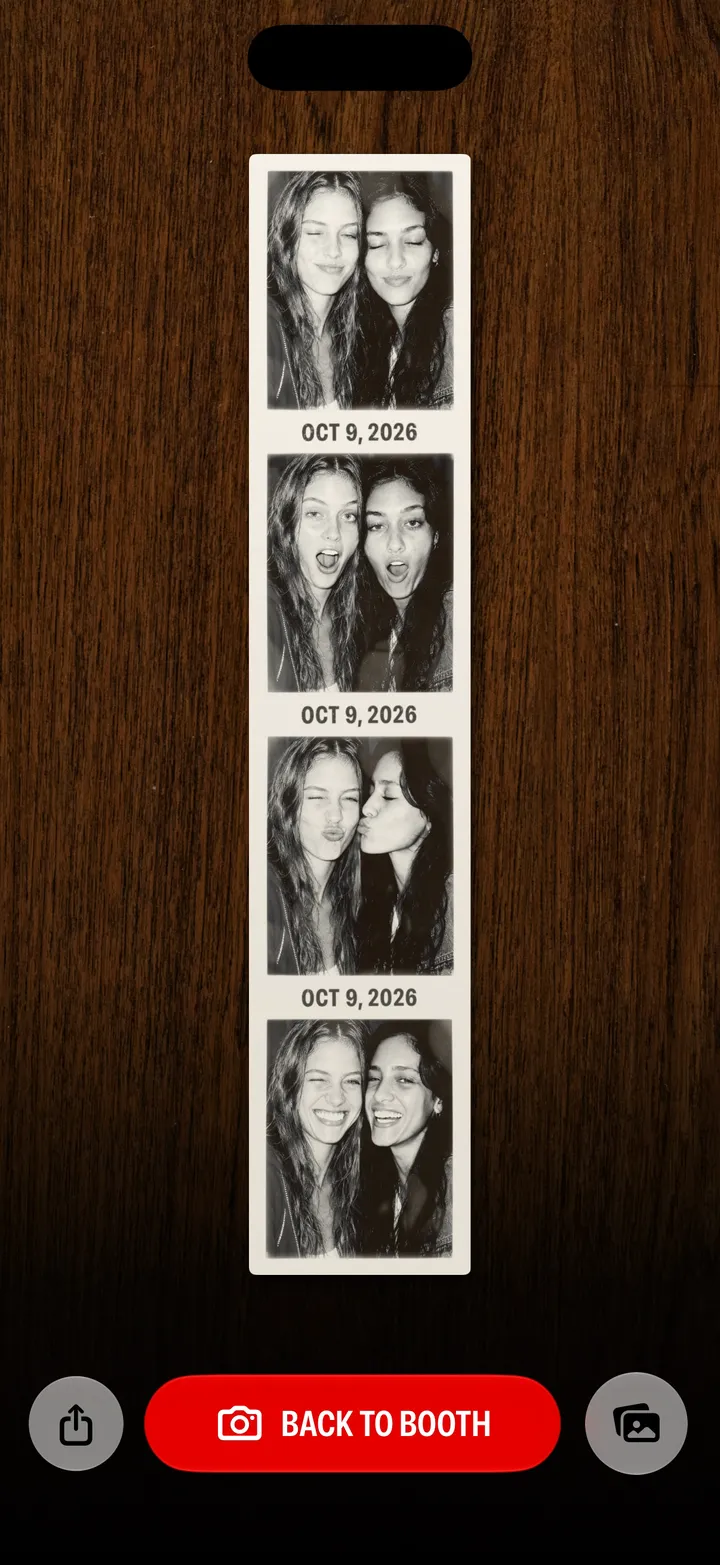
    There’s your strip

    Tap Back to Booth for another.

    Step 5: There’s your strip

Good to know

  • Strip Style, next to the button, changes the strip.

IncrediBooth guide

IncrediBooth guide ↘