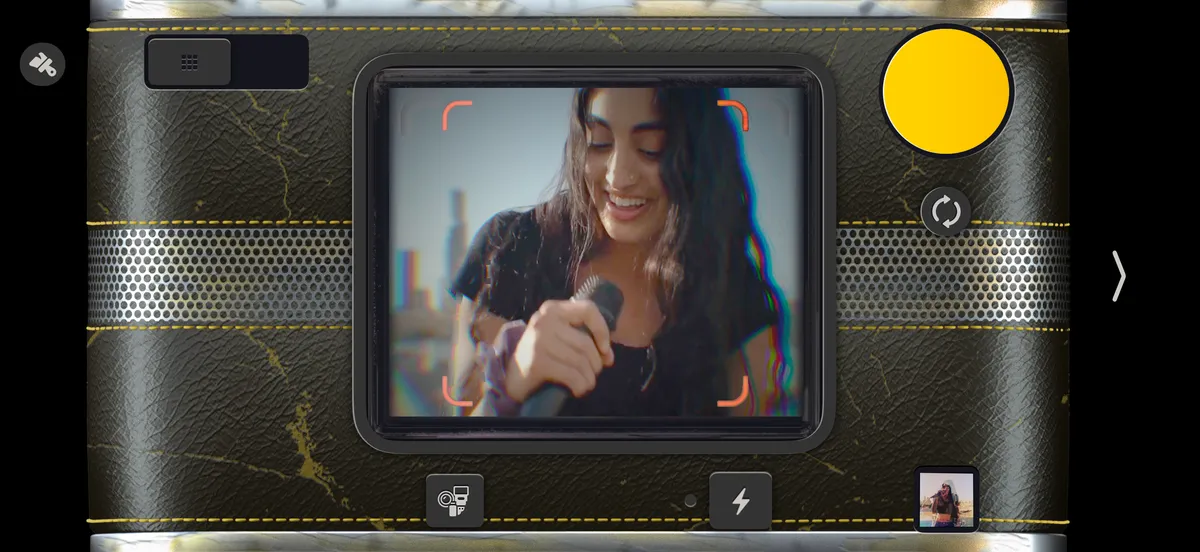
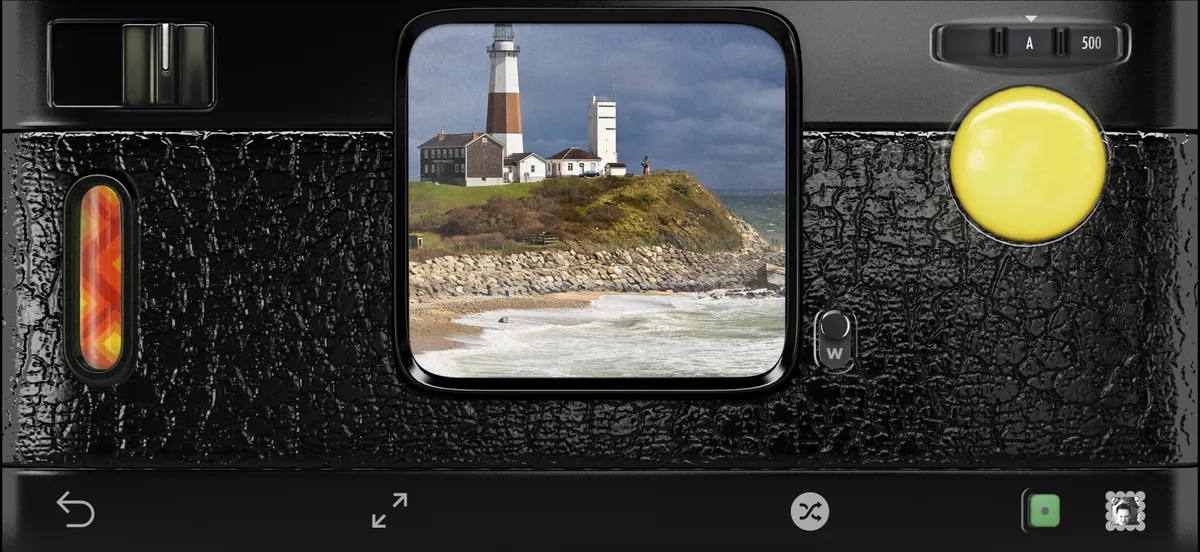
 Hipstamatic Classic guideBring everything from Classic to Hipstamatic
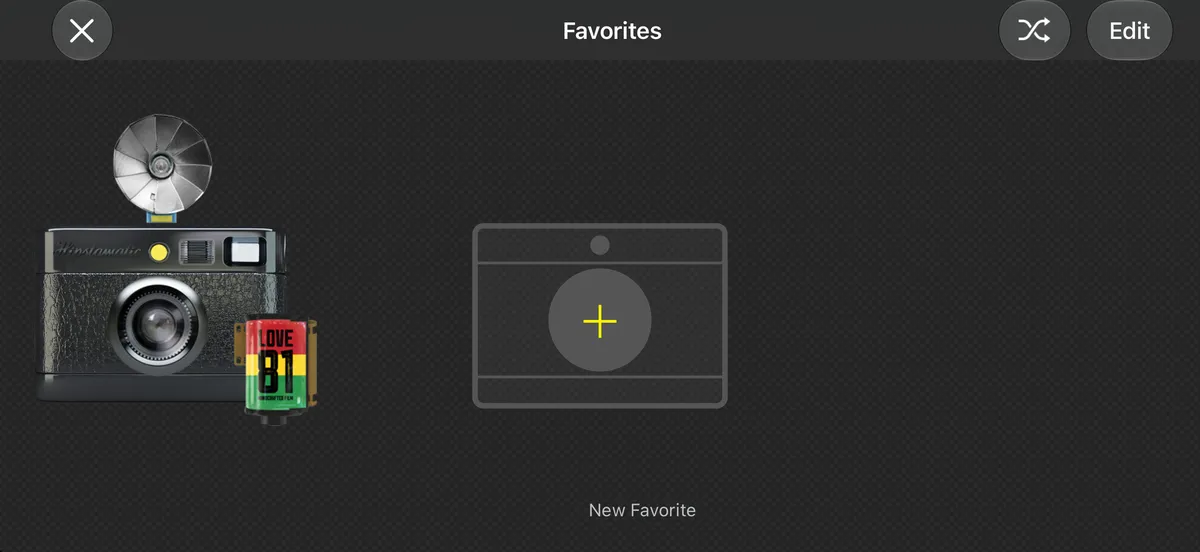
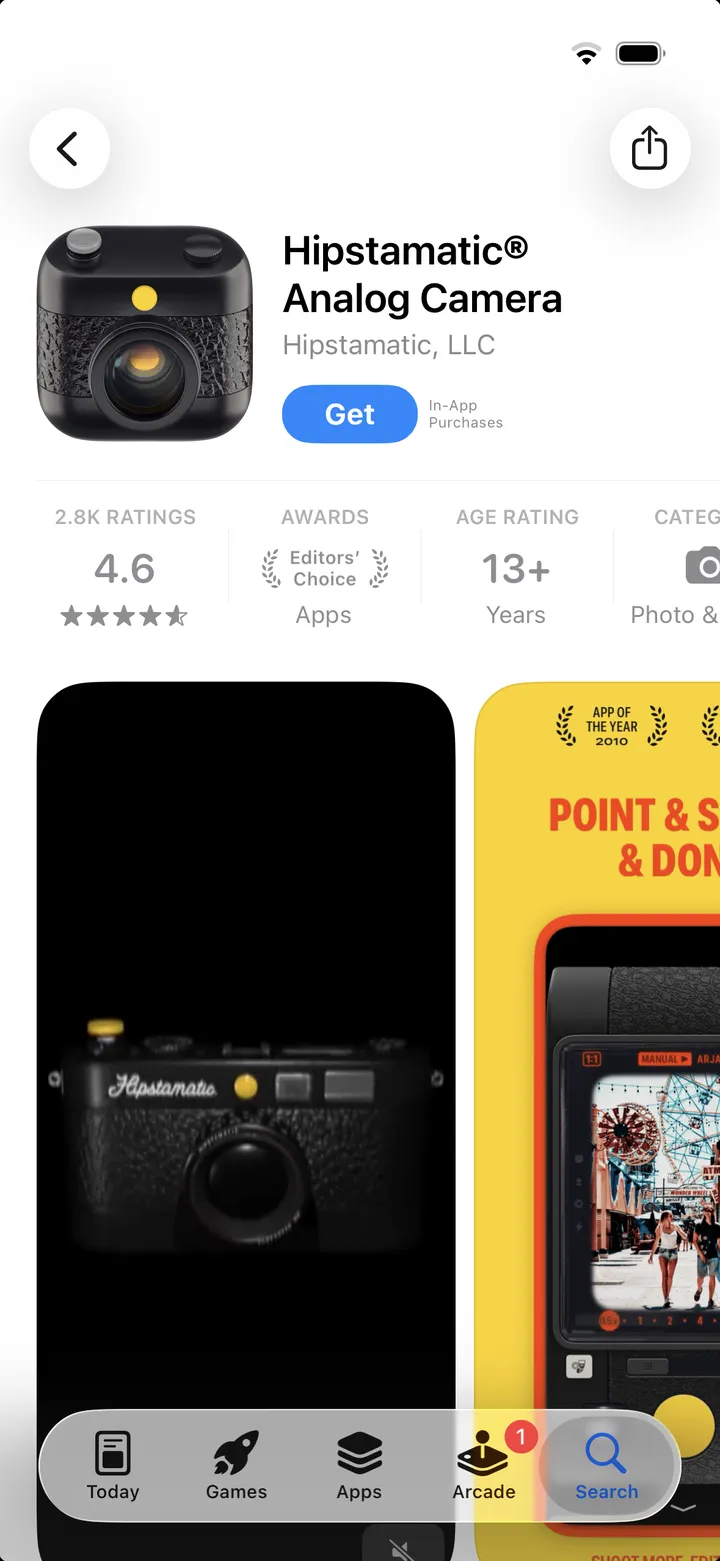
Get Hipstamatic, keep Classic on your iPhone and open it once, then sign in to the same Hipstaccount. Your HipstaPaks, gear and favorites come with you.
Hipstamatic Classic · 1.1 · 5 stepsFree on the App Store. Keep Classic: it stays on your iPhone and keeps working.
Make sure you’re signed in to your Hipstaccount in Classic.
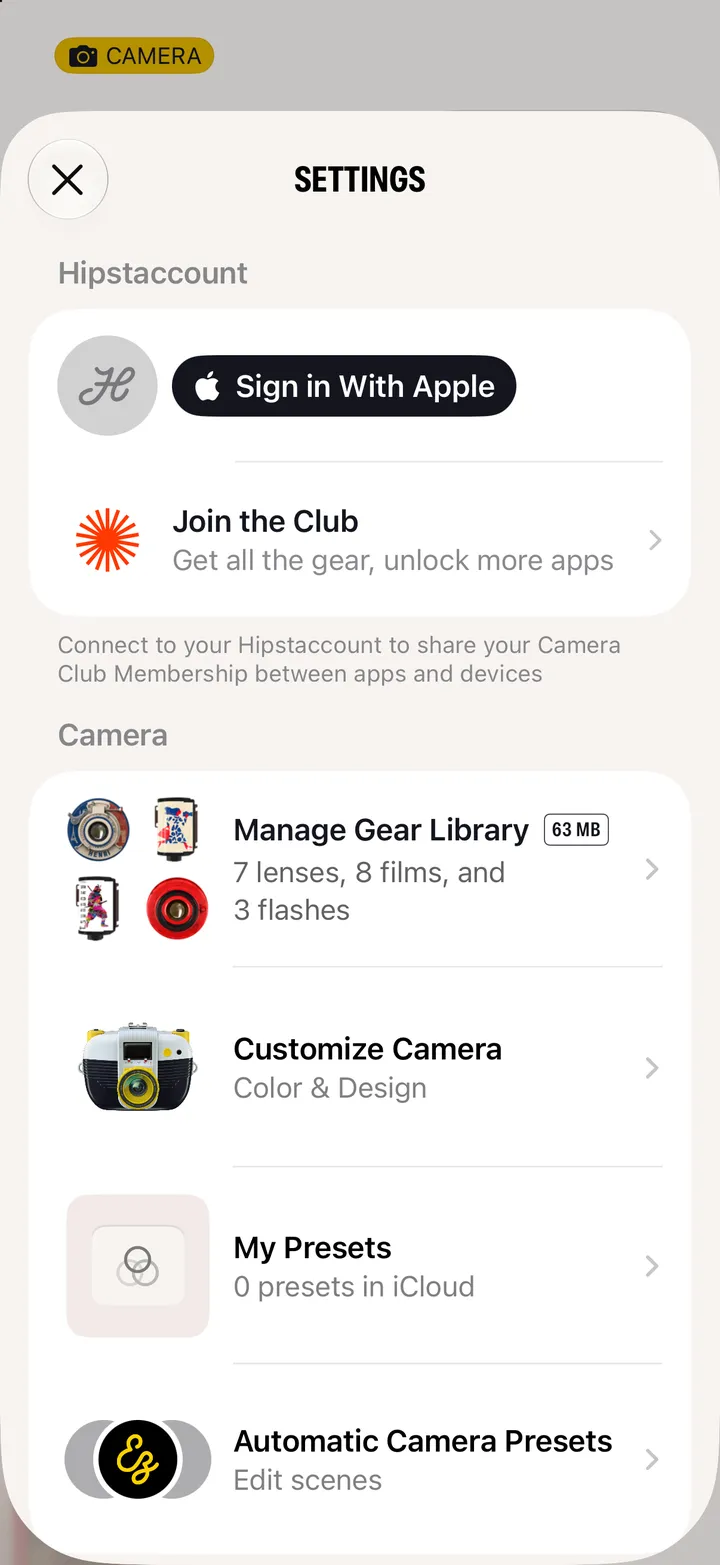
Settings, under Hipstaccount. Choose Use Existing for the one you use in Classic.
Tip If you have a different Hipstaccount created for Hipstamatic, you can merge the two on the Hipstaccount website.
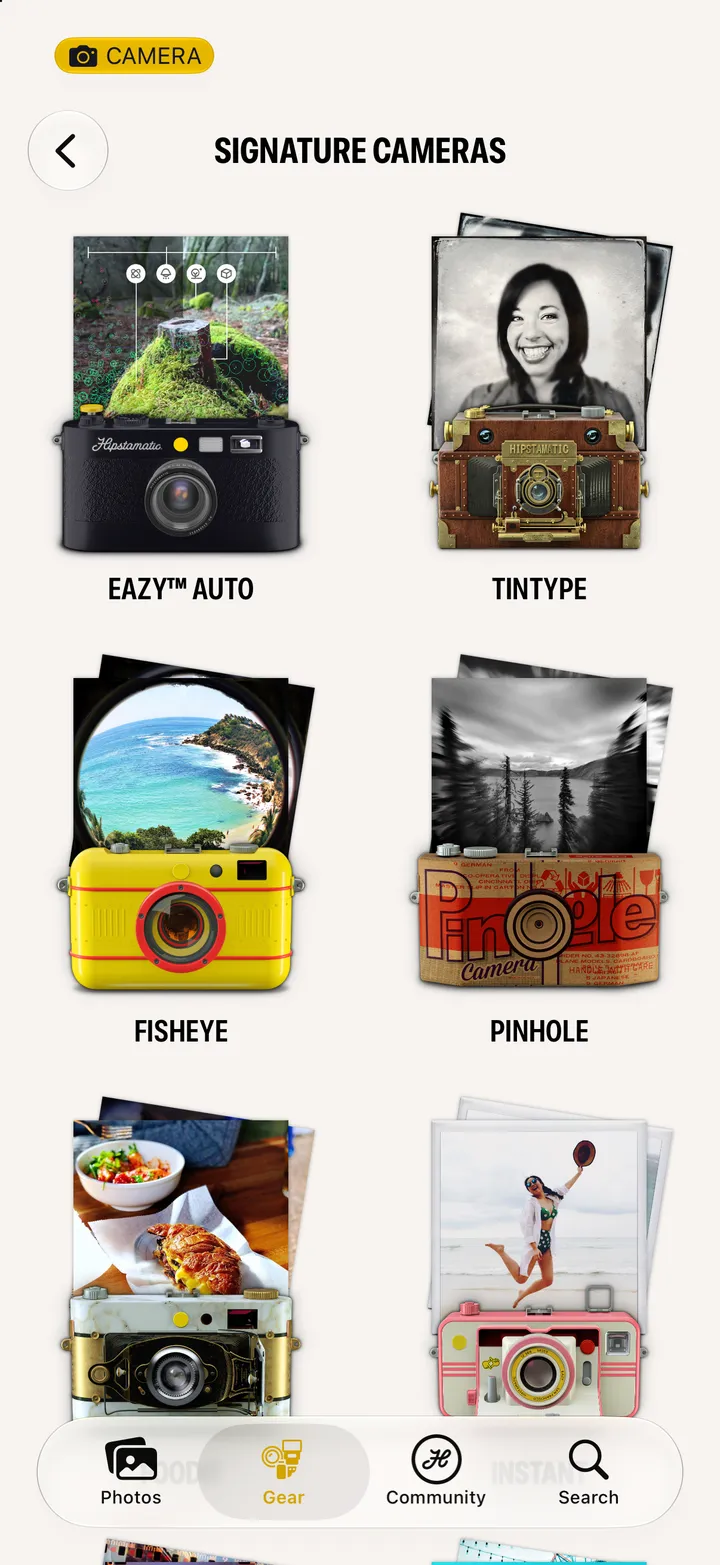
On the Gear tab: Classic Gear Import, at the bottom.
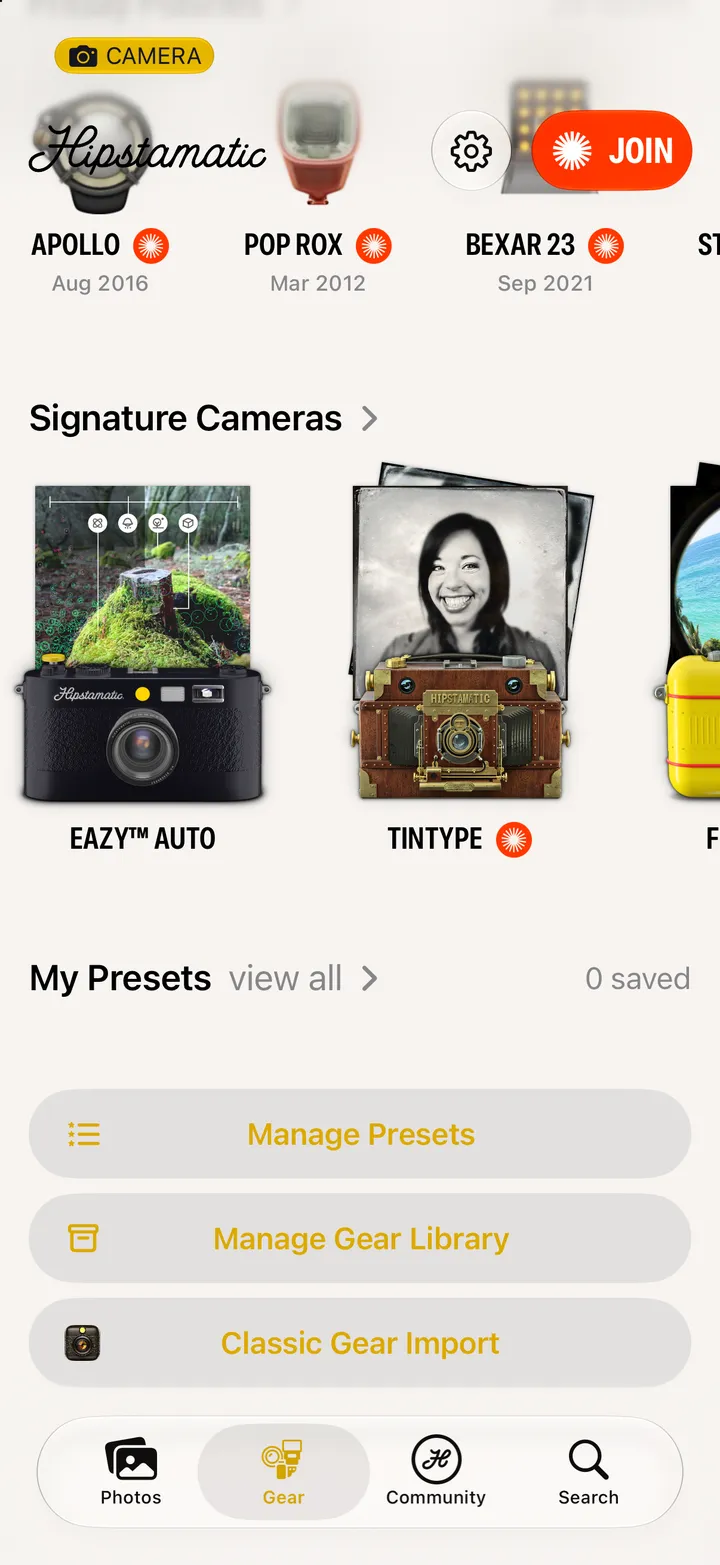
They’re presets now: Manage Presets, on the same page.