 Hipstamatic Classic guideUse your Classic gear in Hipstamatic
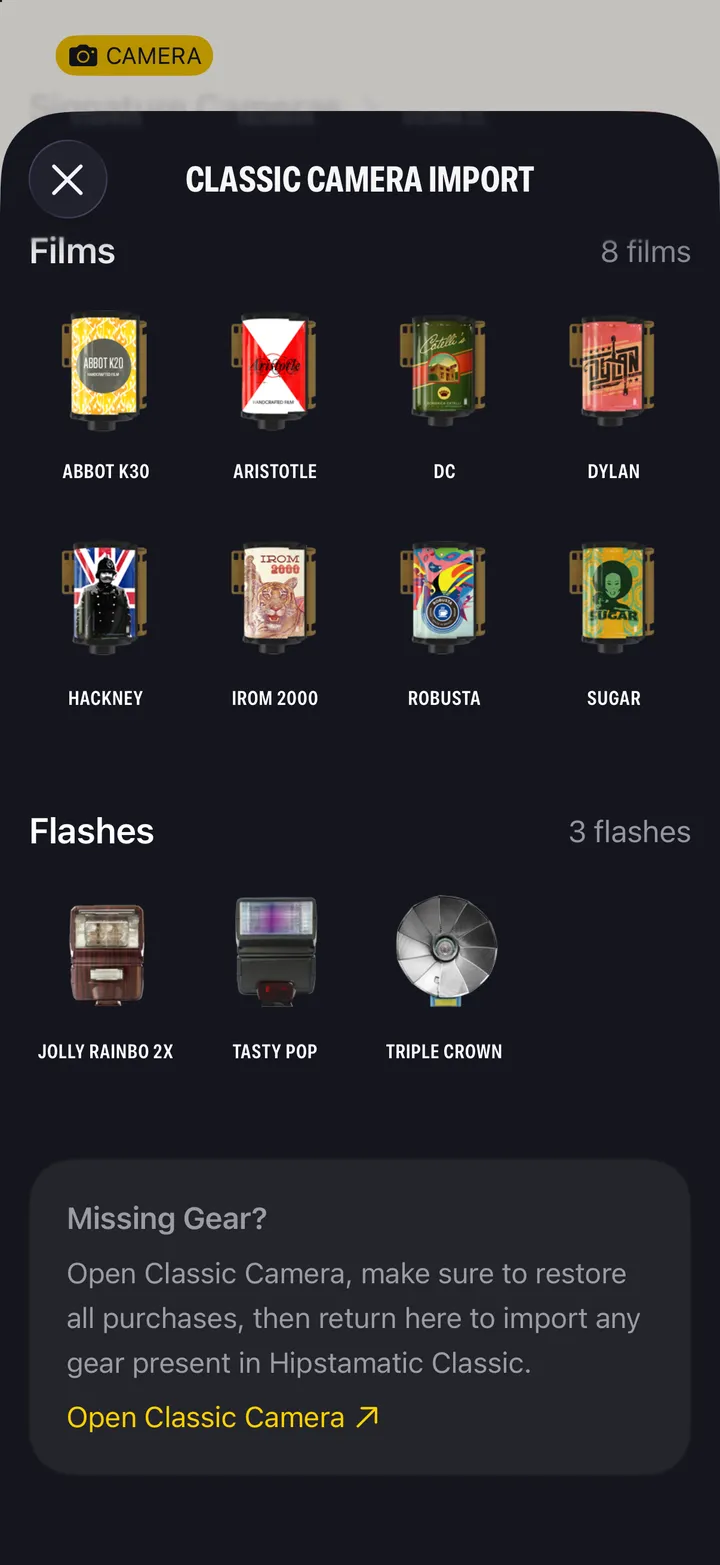
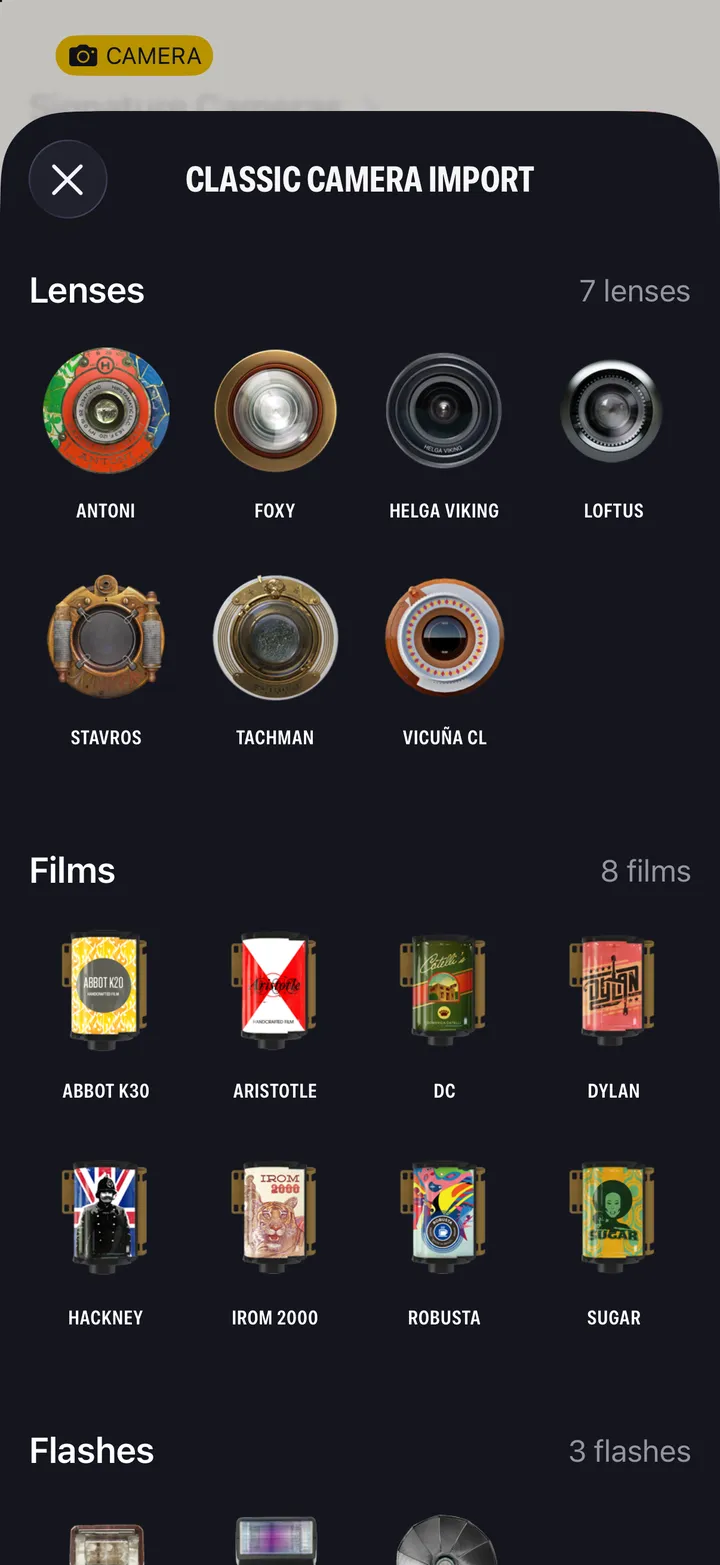
Update both apps, open Classic and restore your purchases, then sign in to the same Hipstaccount in Hipstamatic. Your Classic lenses, films and flashes show up under Classic Gear Import.
Hipstamatic Classic · 1.5 · 5 stepsOn a new iPhone, open Classic then navigate to the HipstaMart and restore purchases.
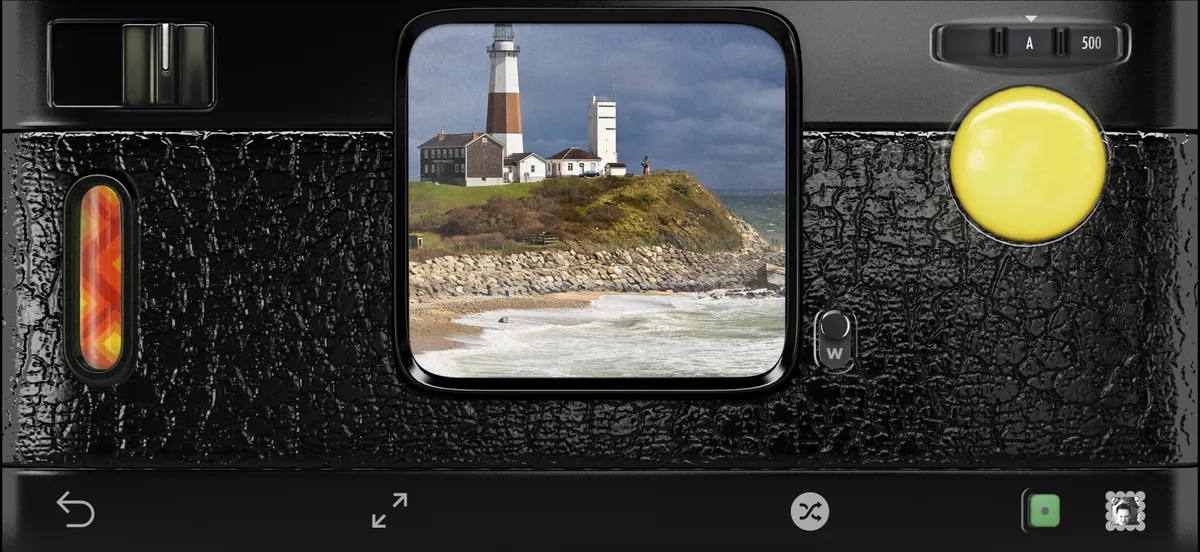
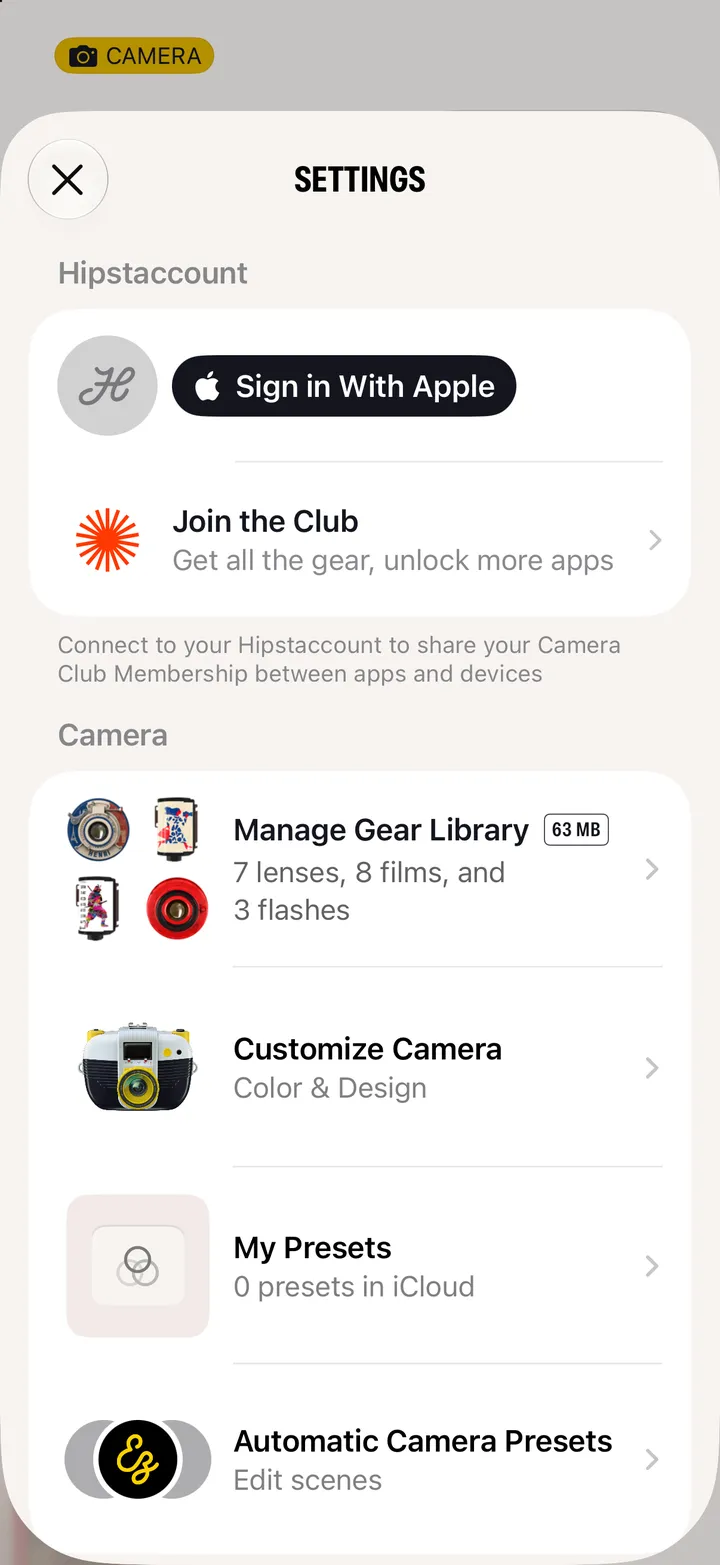
Settings, under Hipstaccount. Use the account you use in Classic.
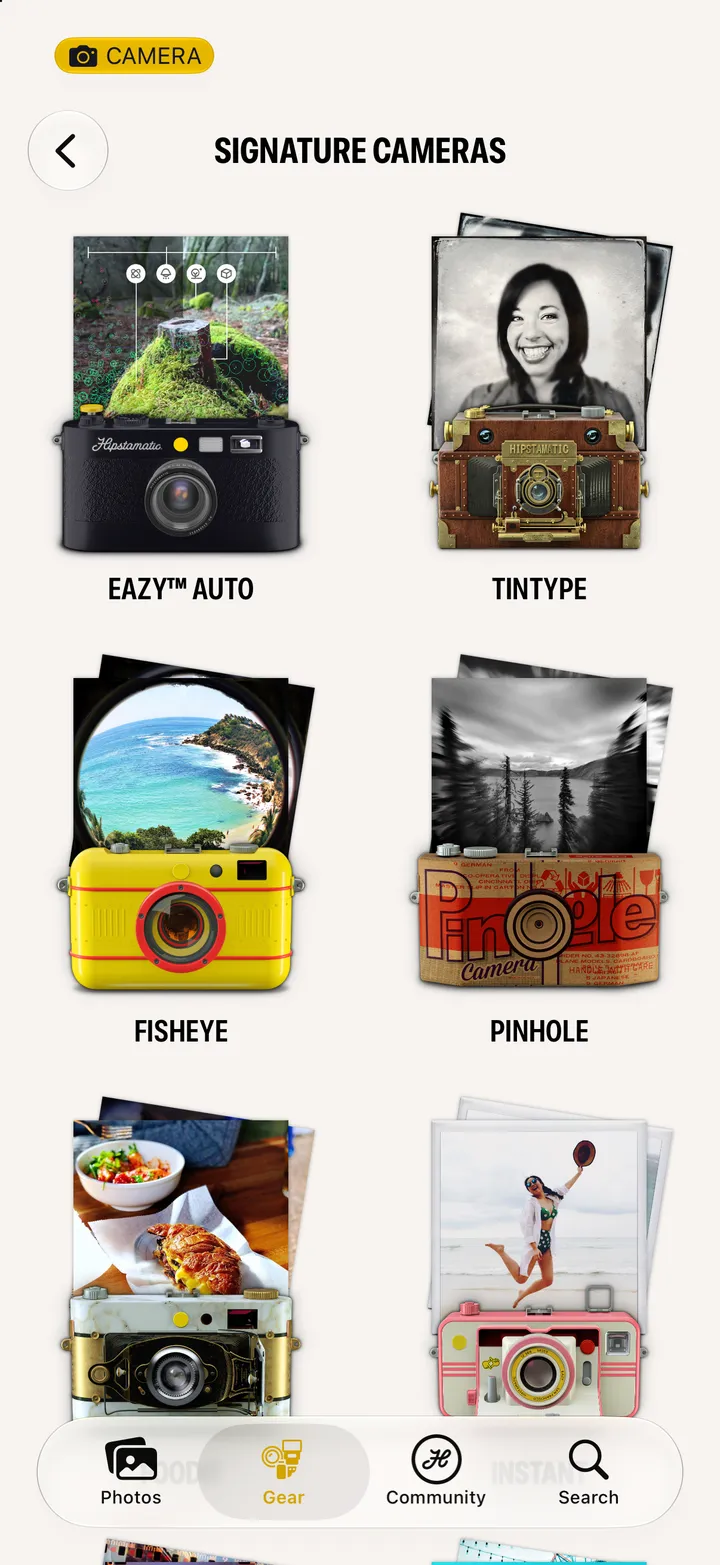
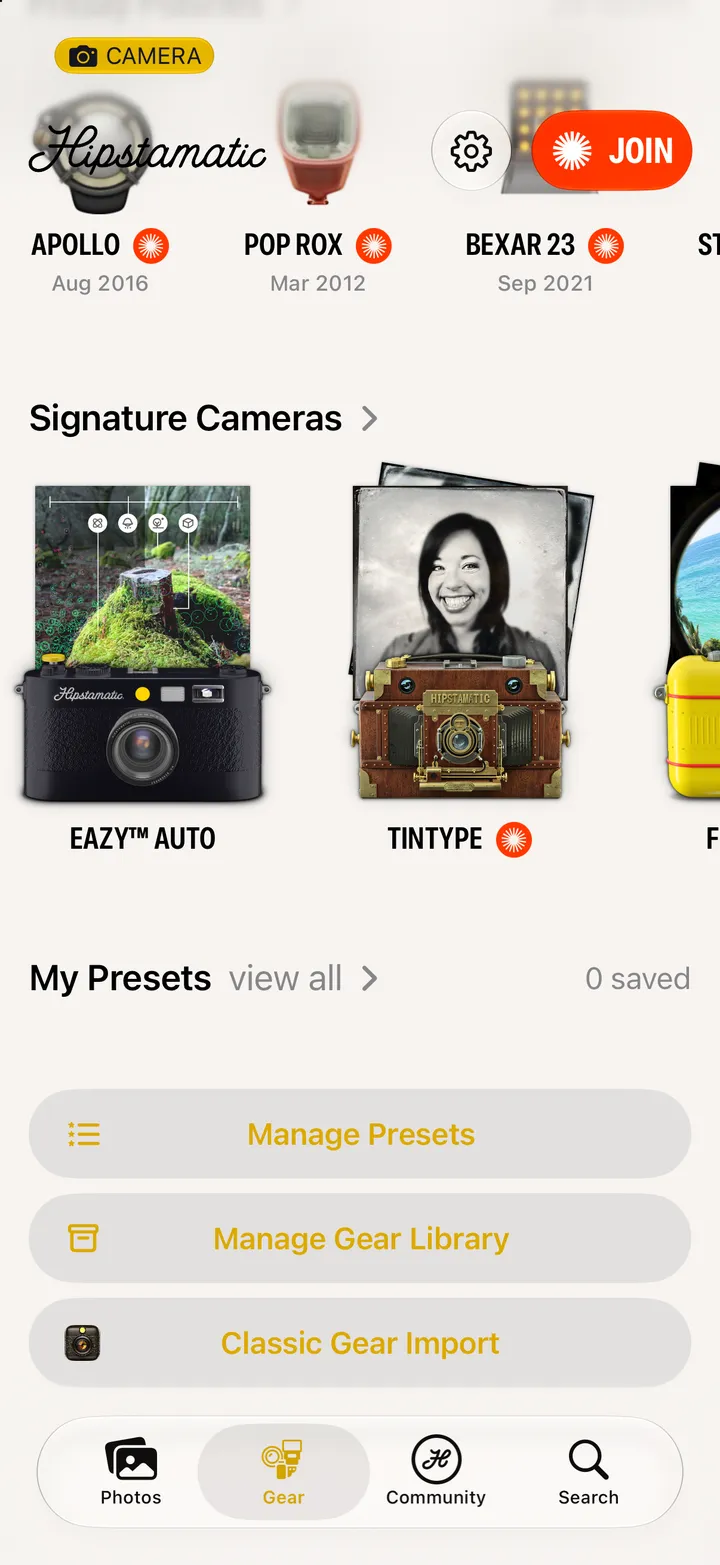
Swipe up from the camera, tap Gear, and scroll to the bottom.
Lenses, films and flashes, ready to load.
Under Missing Gear?. Classic opens to restore your purchases. Then come back.