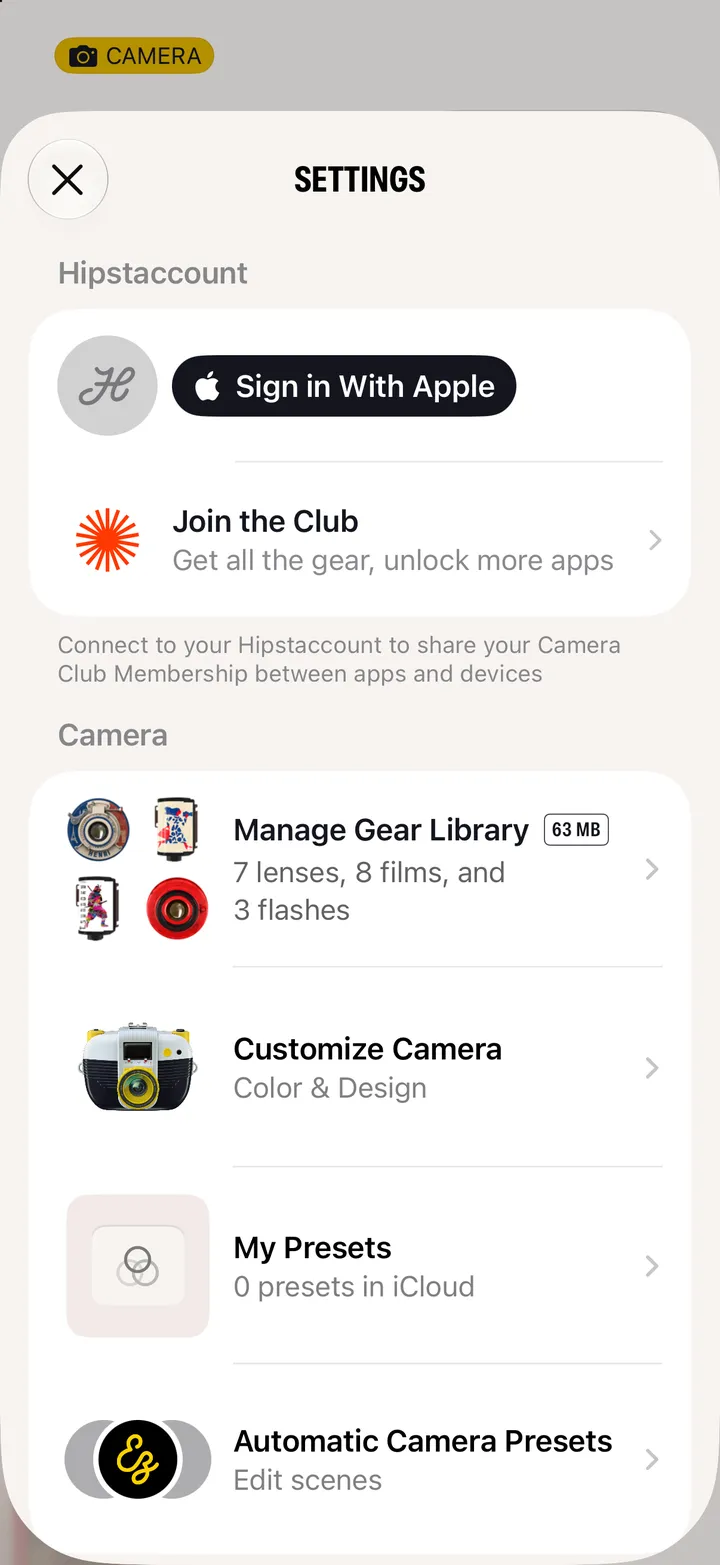
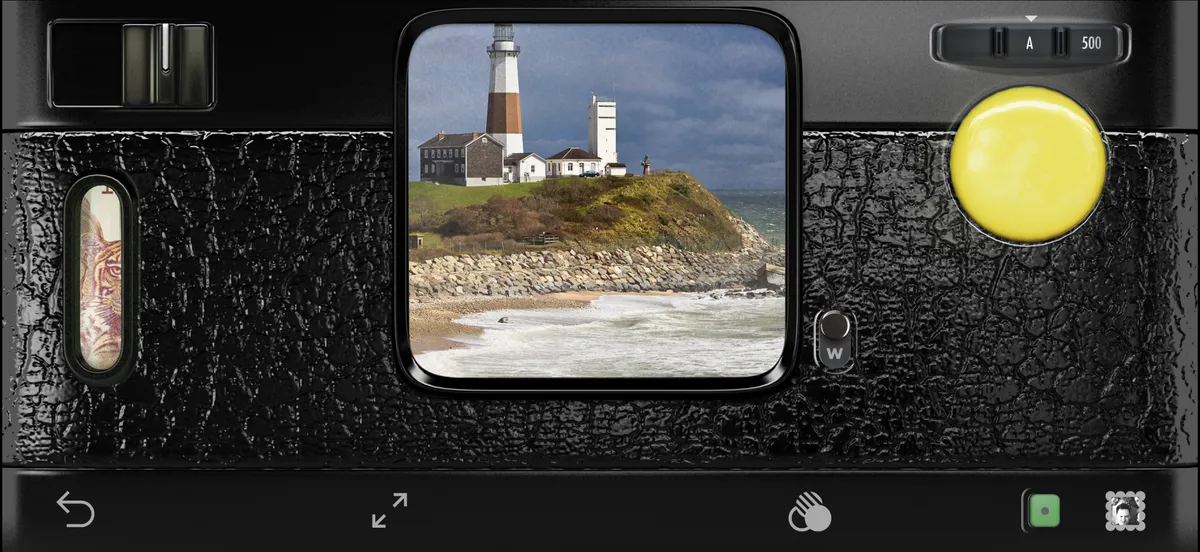
 Hipstamatic Classic guideChange the lens, film and flash
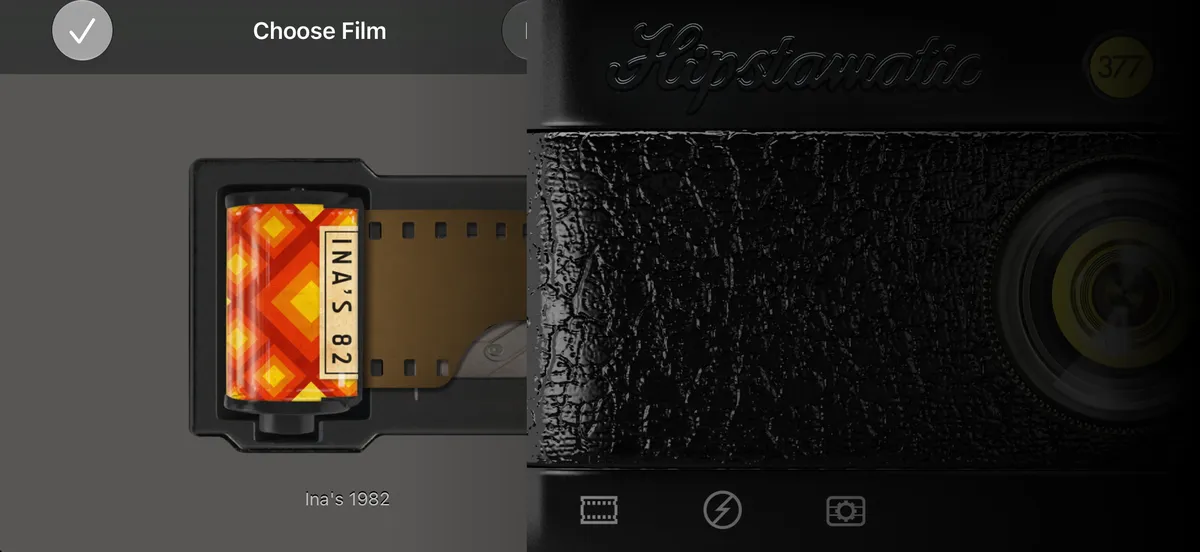
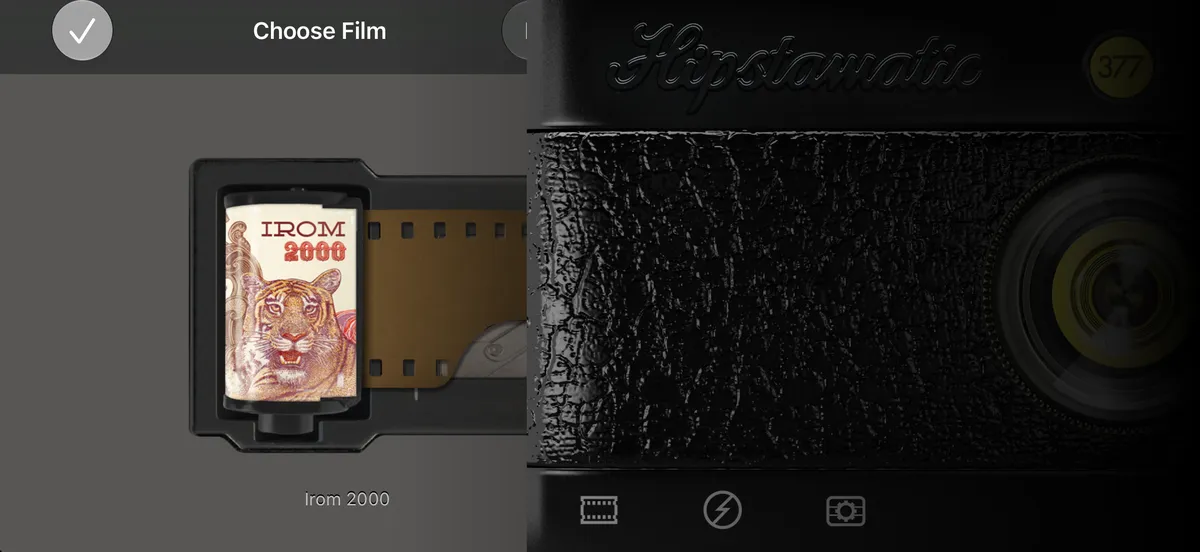
Hold your iPhone sideways and tap ↩ to turn the camera around. Swipe the lens to change it. Tap the film icon, swipe up through the films, then tap ✓.
Hipstamatic Classic · 2.1 · 7 stepsThis is the back of the camera: the viewfinder, the shutter and the flash slider.
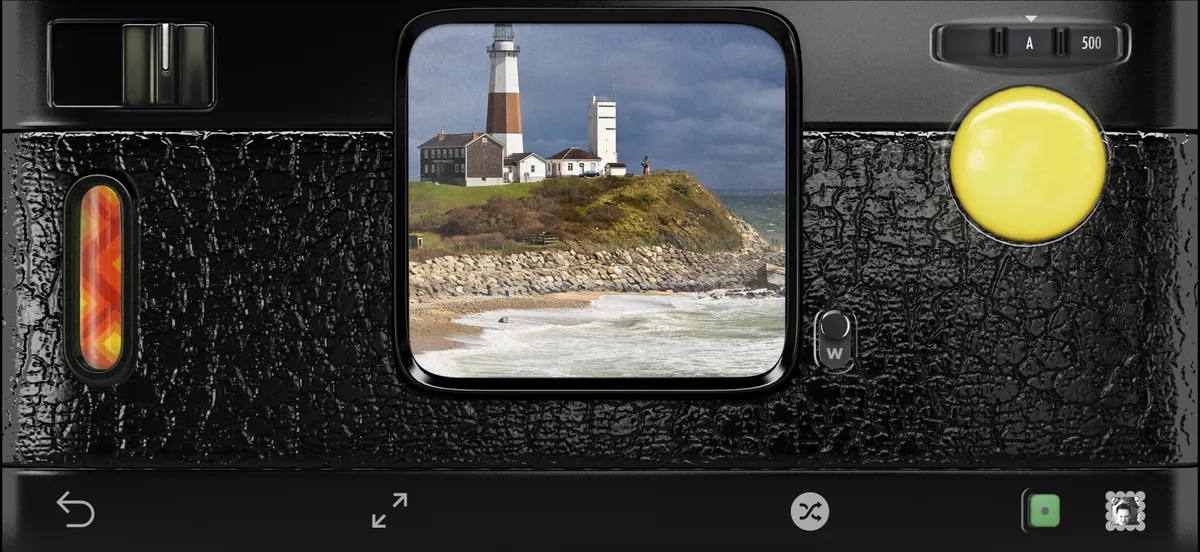
It turns the camera around to the front.
Each swipe is a different lens.
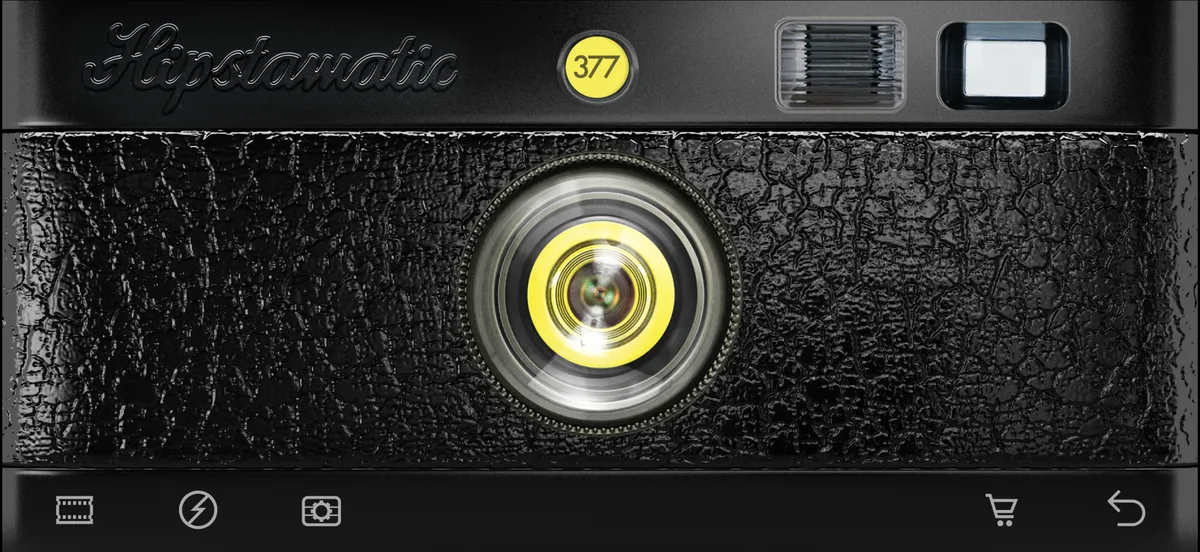
Bottom left. The flash and the case are next to it, and work the same way.
Each one’s named under the canister.
↩ again, bottom right, then the yellow button.