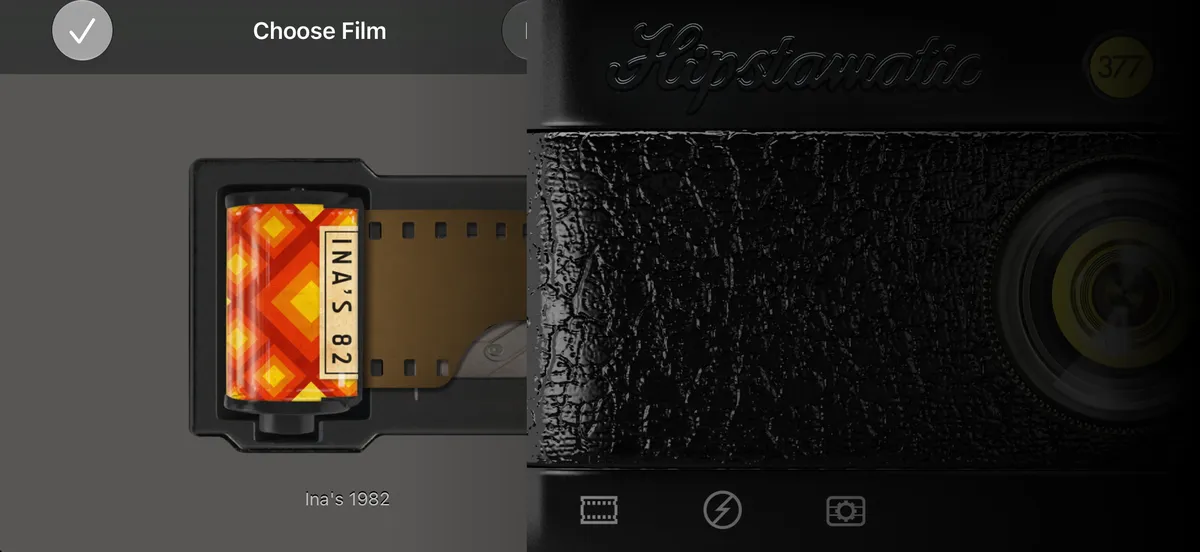
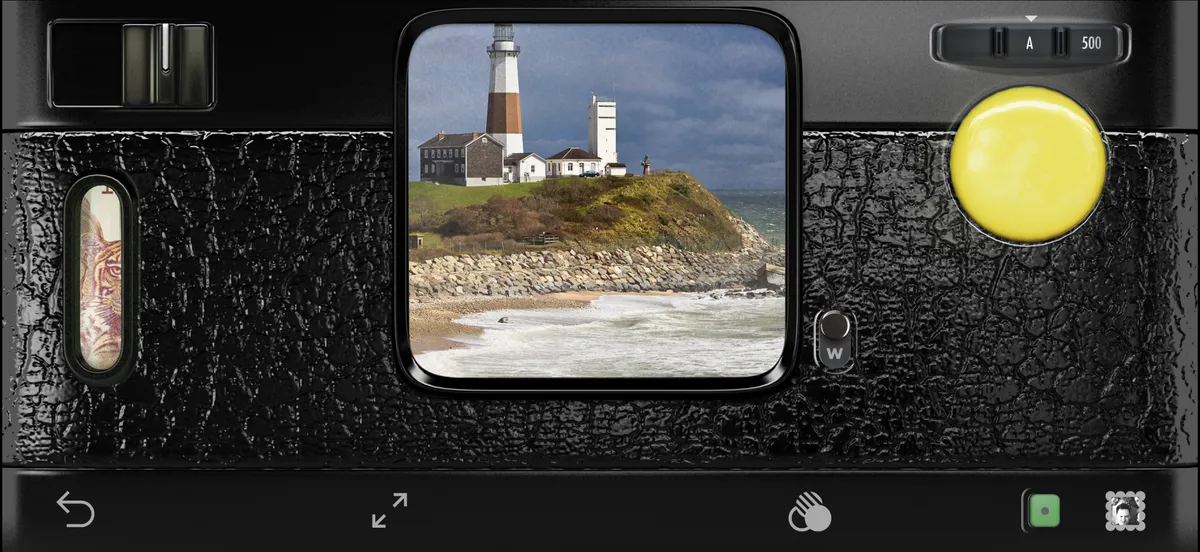
 Hipstamatic Classic guideUse Camera Club in Classic
Camera Club is bought in Hipstamatic and works in Classic too. Update both apps and sign in to the same Hipstaccount in each, and Classic picks up your membership.
Hipstamatic Classic · 2.2 · 4 stepsSettings, under Hipstaccount. Your membership is listed under it as Hipstamatic Camera Club.
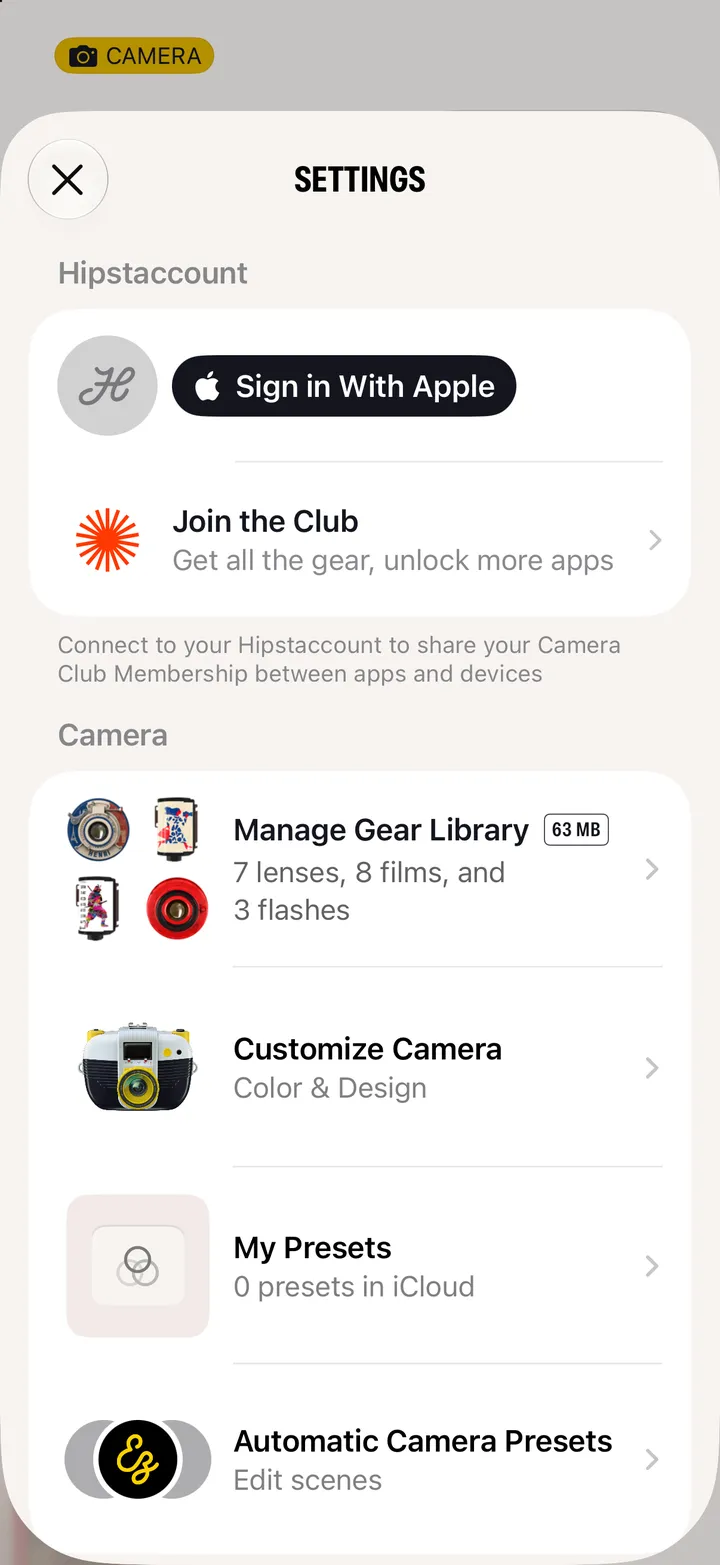
Classic picks up the membership by itself.
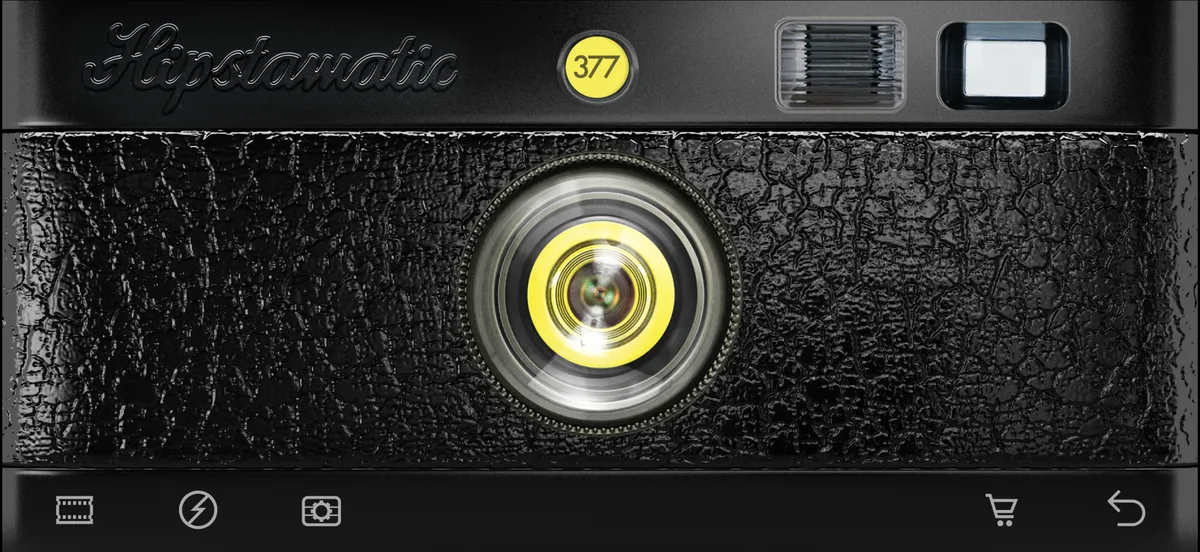
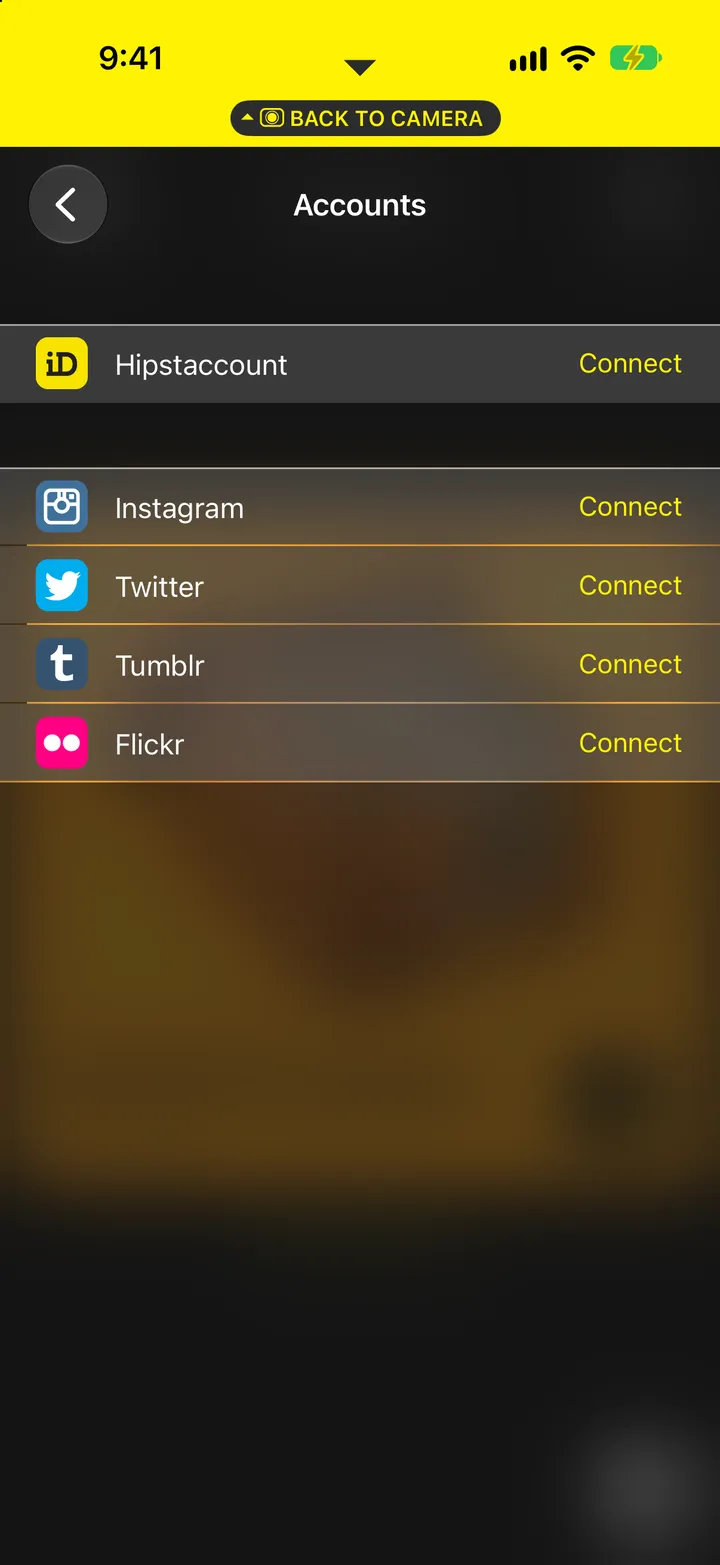
Classic’s Settings ▸ Accounts ▸ Hipstaccount ▸ Connect. Your membership follows the account.
Every lens, film and flash is on the camera now.