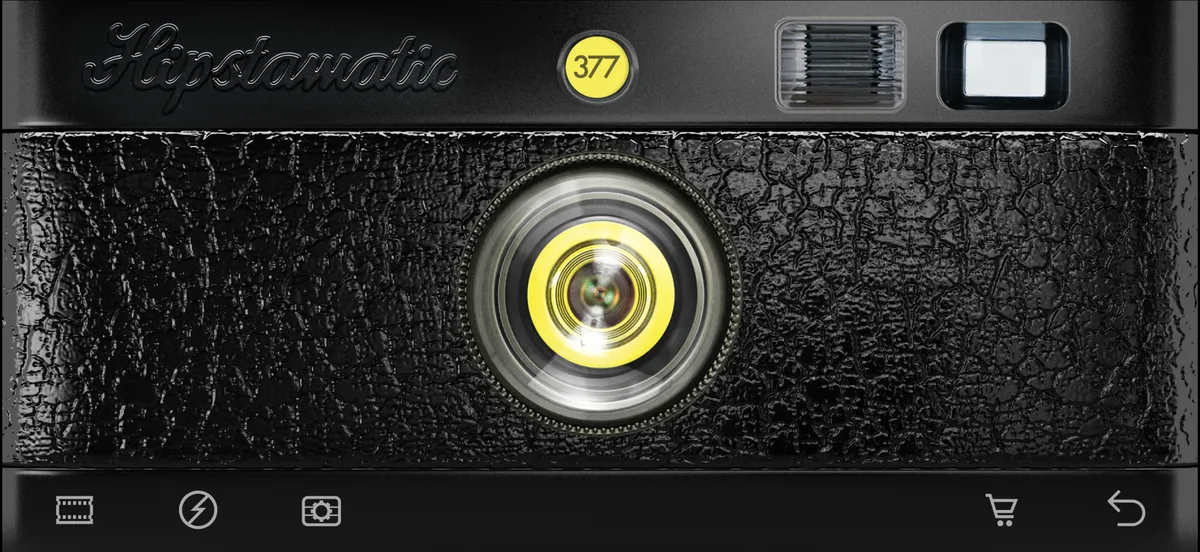
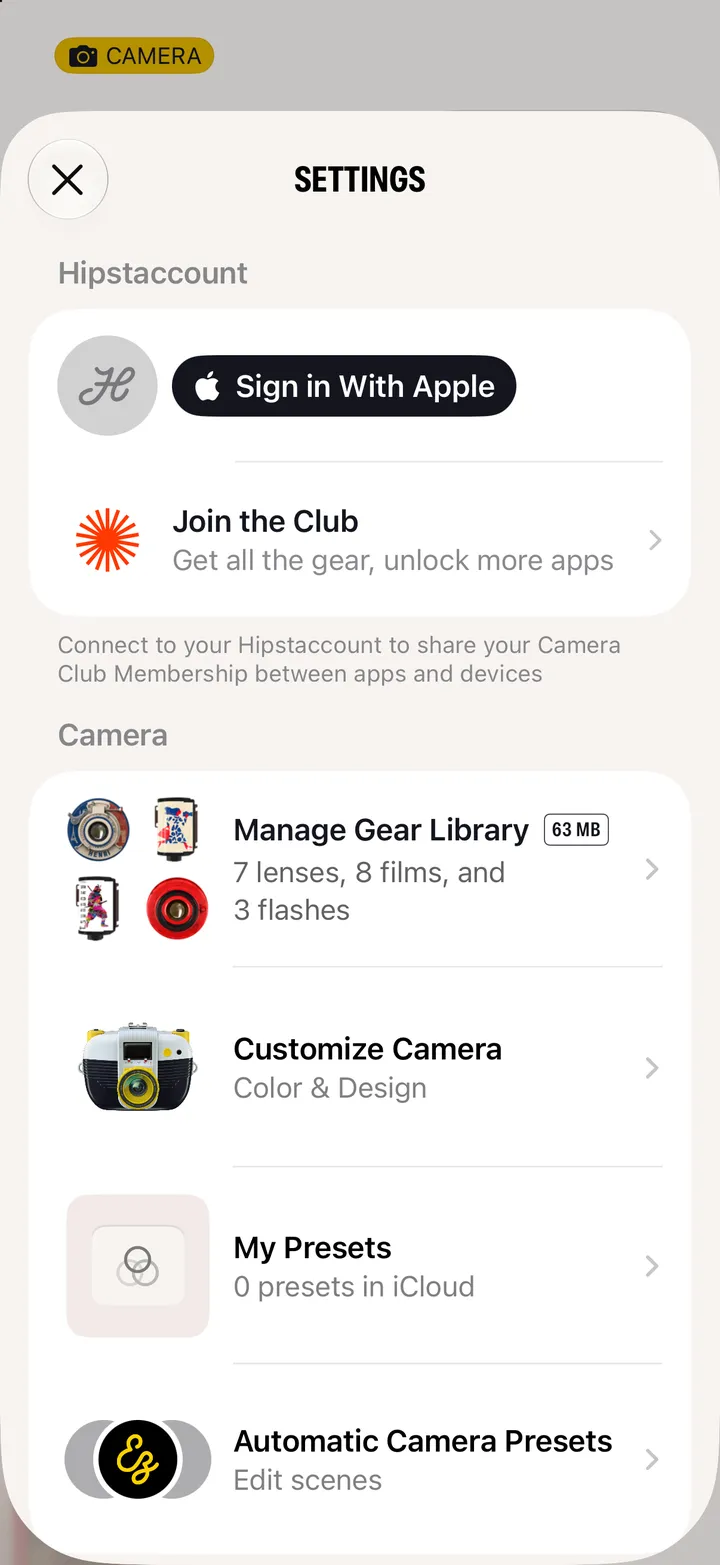
 Hipstamatic Classic guideConnect Classic to your Hipstaccount
In Classic, open the photos, tap ☰, then Settings ▸ Accounts, and tap Connect next to Hipstaccount.
Hipstamatic Classic · 2.3 · 4 stepsBottom corner of the camera.
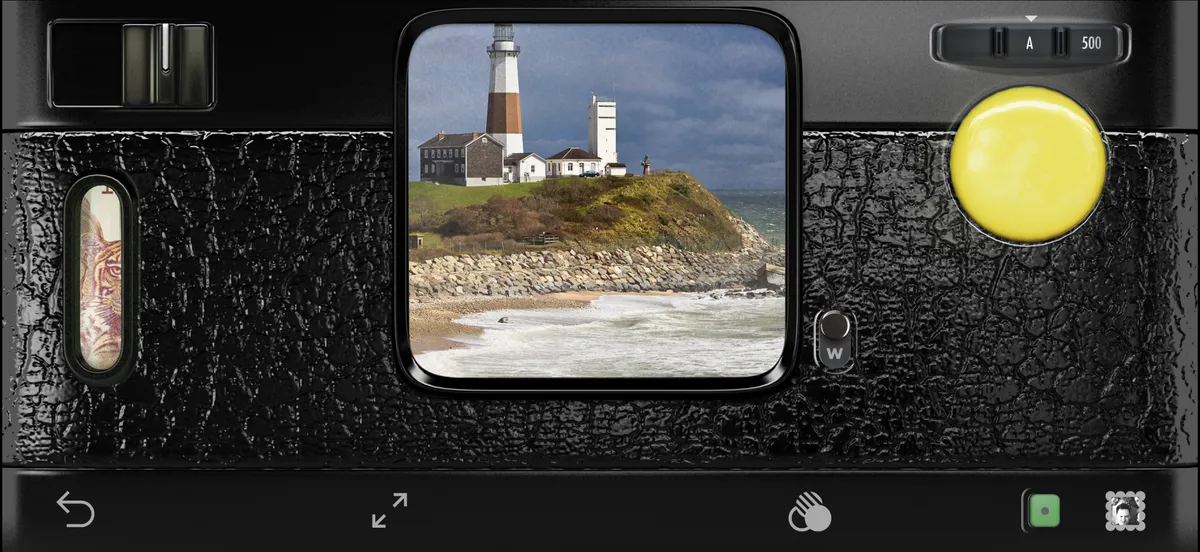
Top right.
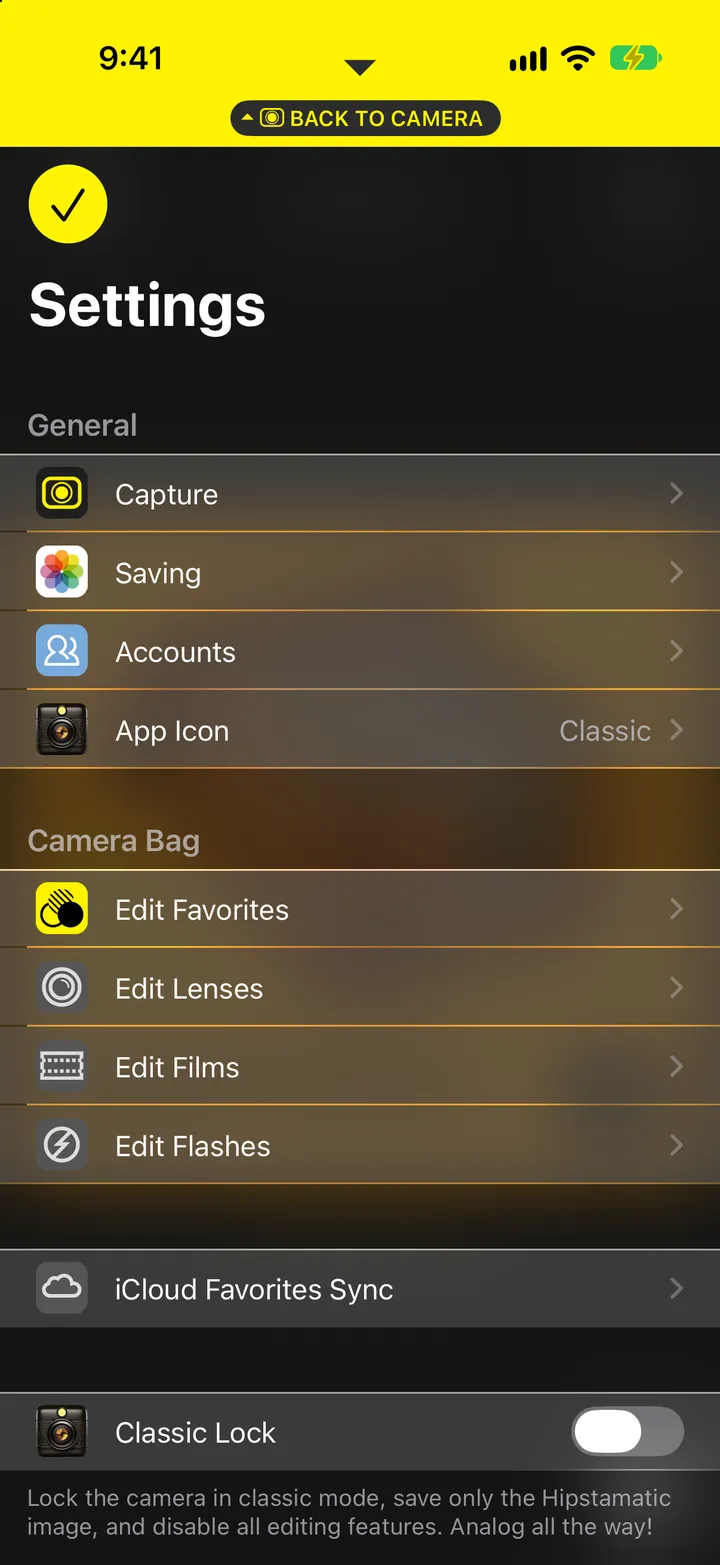
Use the same Hipstaccount as in Hipstamatic.