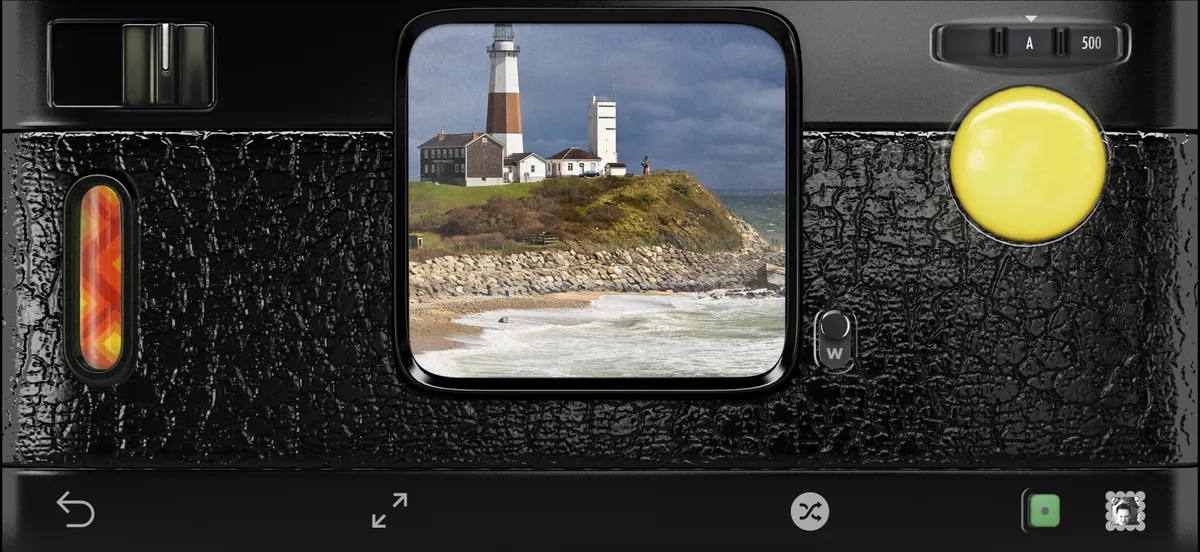
Hipstamatic Classic guideYour Classic favorites, in Hipstamatic

Classic’s favorites are presets in Hipstamatic, and they sync between the two through iCloud. On the Gear tab, tap Manage Presets.

Hipstamatic Classic · 1.3 · 4 steps
  1. 01

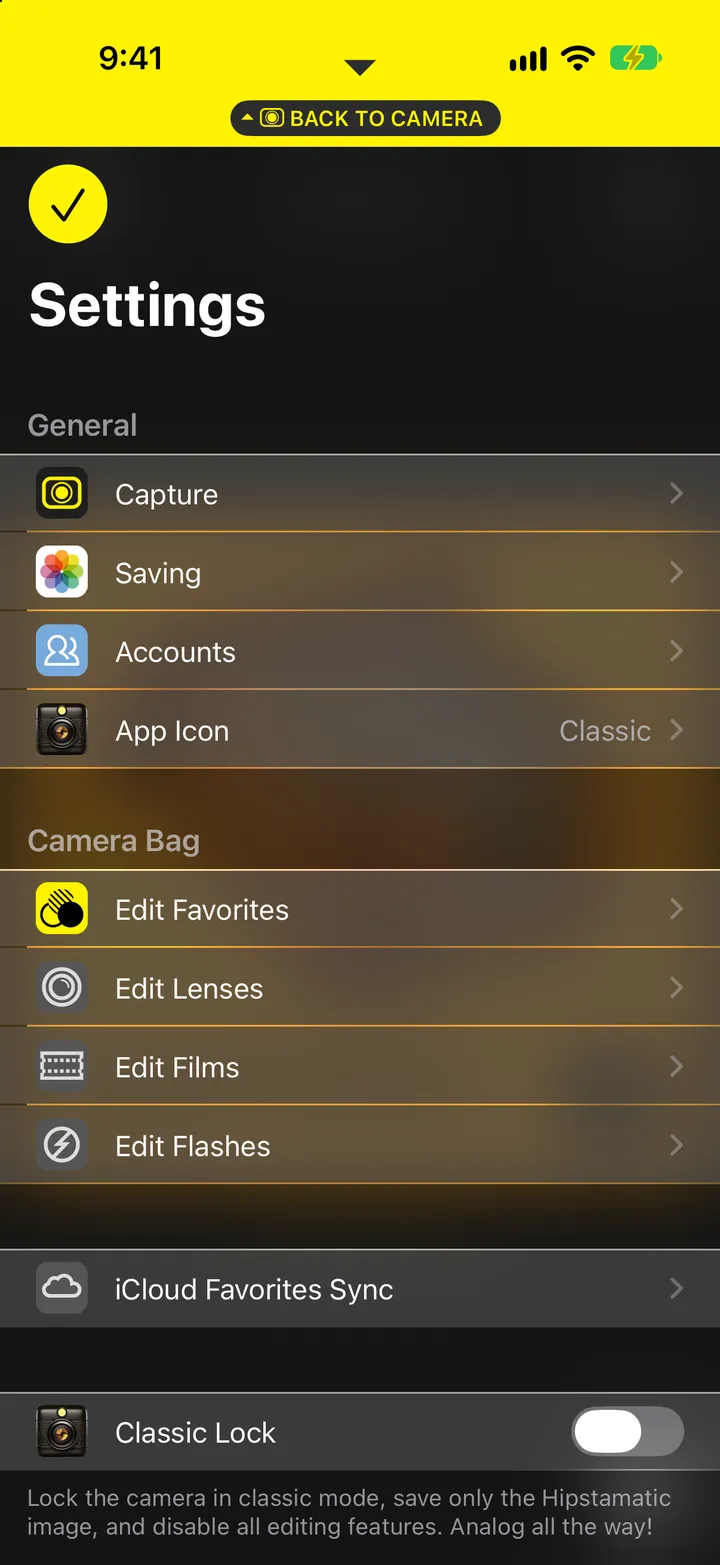
    In Classic, check iCloud Favorites Sync

    Classic’s Settings, under Camera Bag.

    Step 1: In Classic, check iCloud Favorites Sync
  2. 02

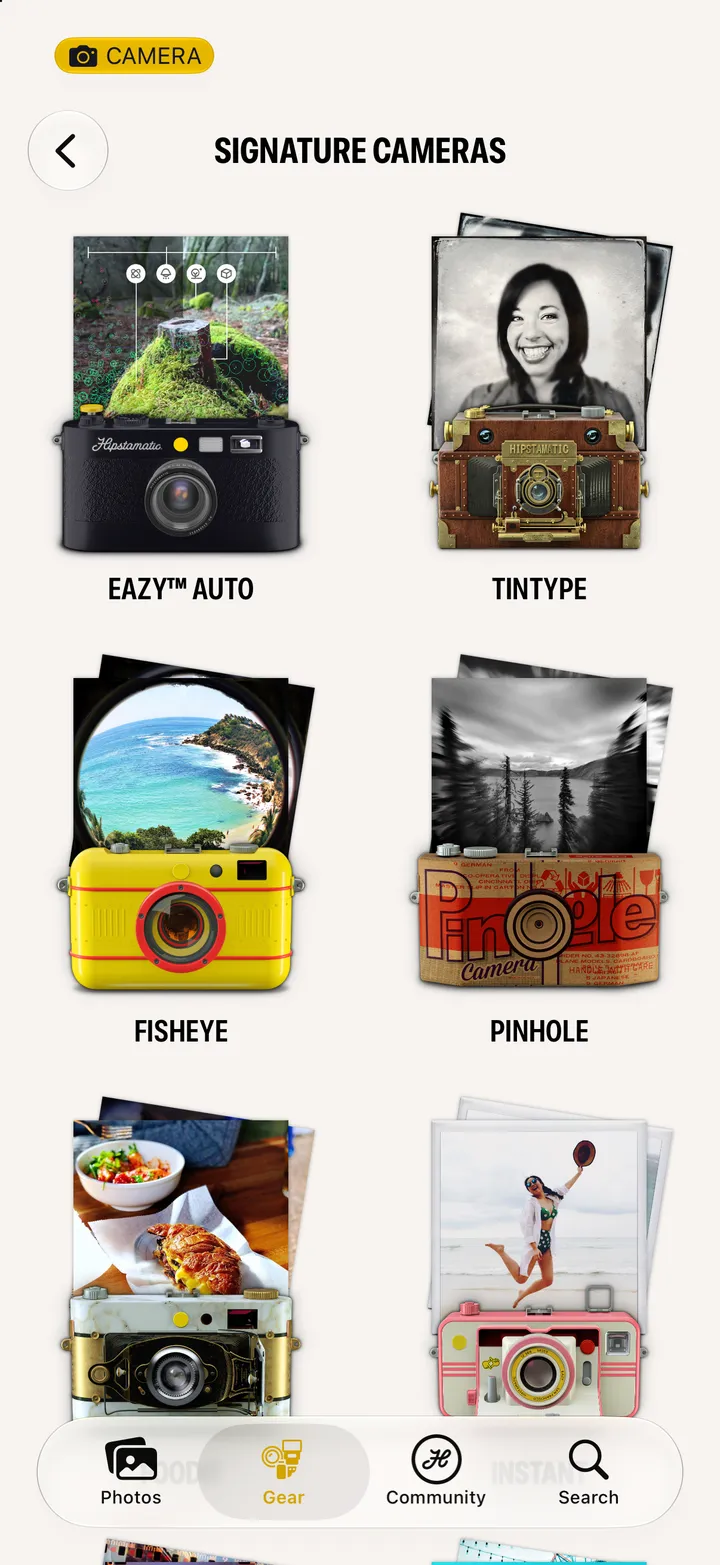
    In Hipstamatic, open the Gear tab

    Swipe up from the camera and tap Gear.
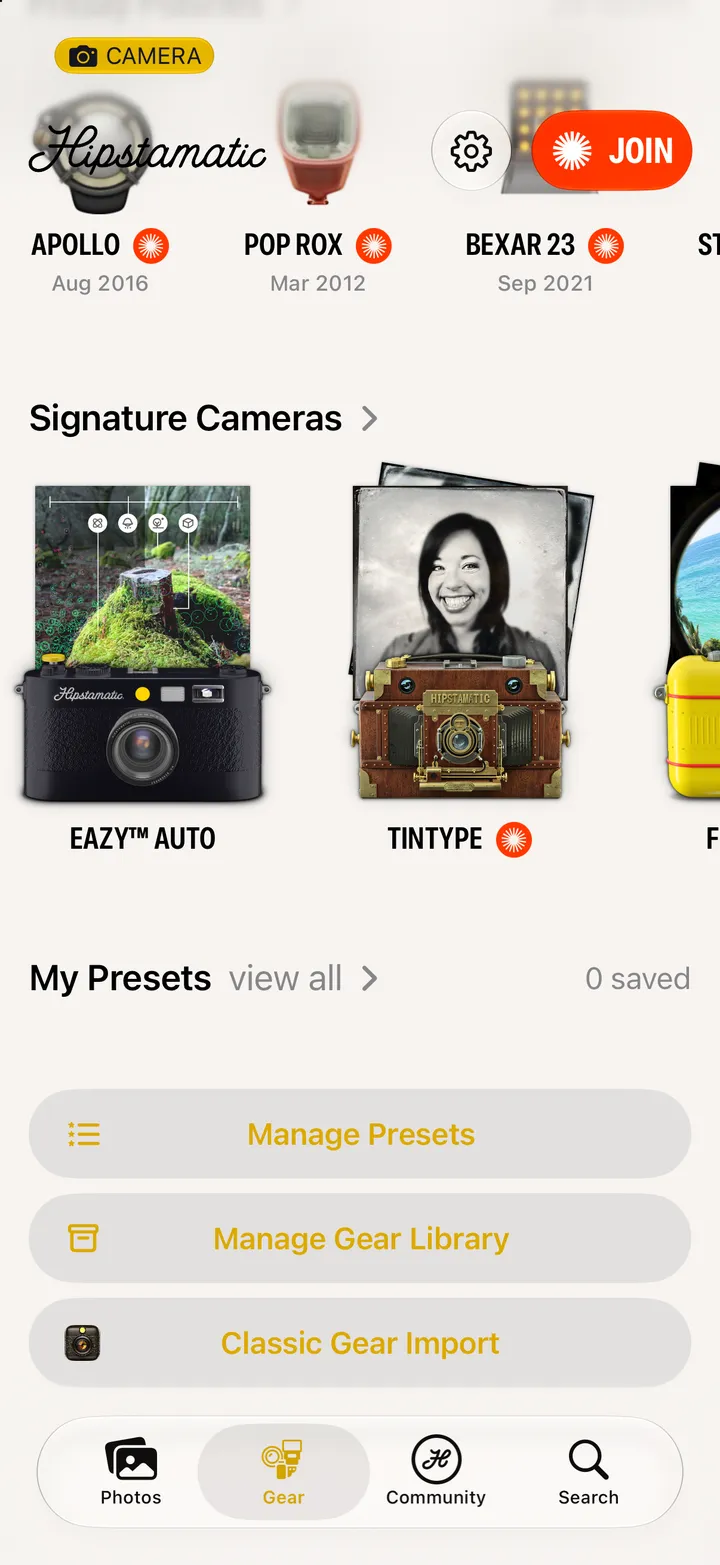
    Step 2: In Hipstamatic, open the Gear tab
  3. 03

    Tap Manage Presets

    Under My Presets.

    Step 3: Tap Manage Presets
  4. 04

    Pick a favorite

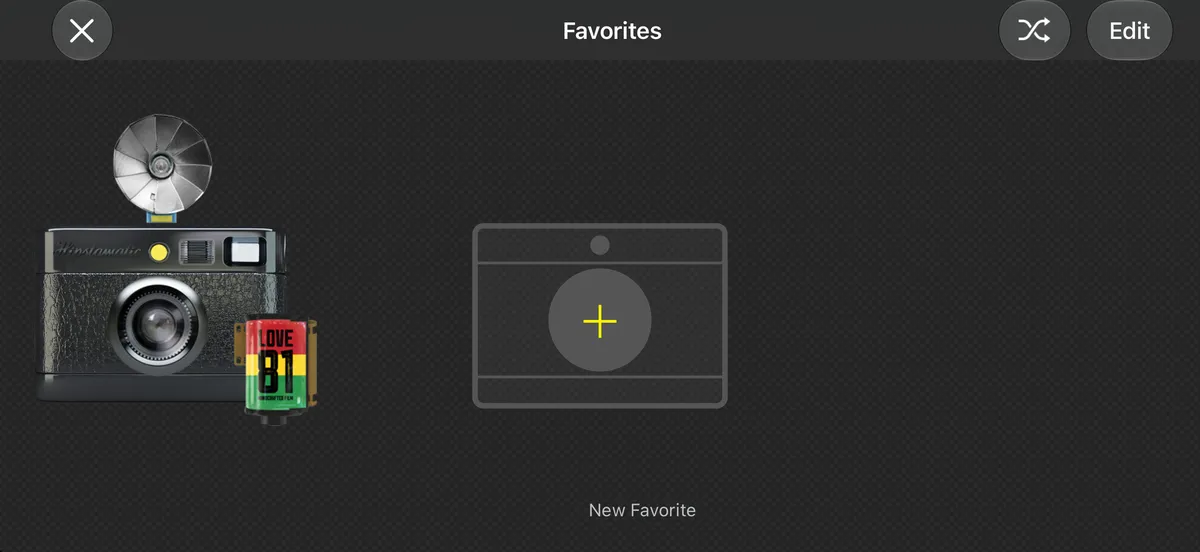
    Your Classic favorites are here as presets. Tap ••• on one, then Load in Camera.
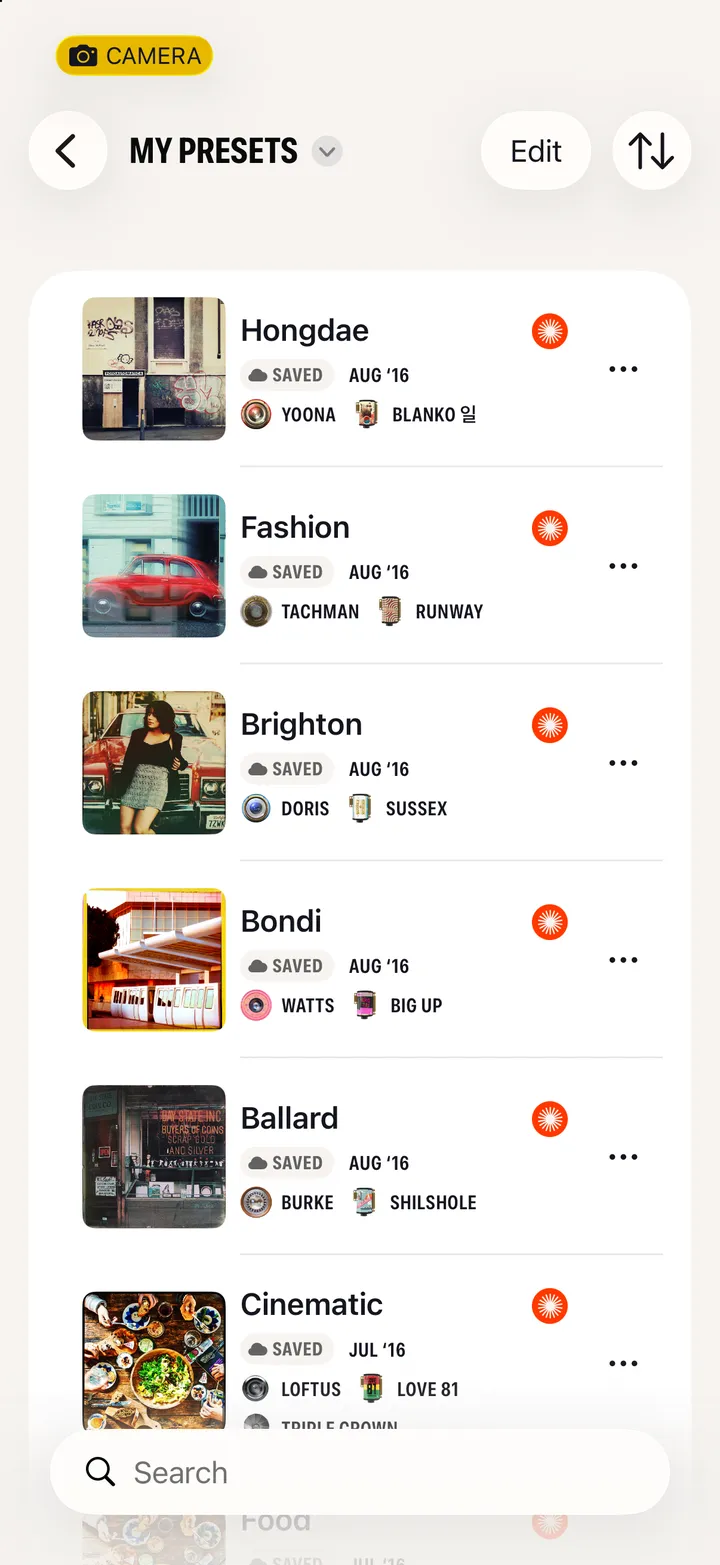
    Step 4: Pick a favorite

Good to know

  • Classic’s Shuffle is in Hipstamatic’s gear sheet too, next to Auto, which reads the scene and picks for you.
  • Both apps need the same iCloud account.

Switching to Hipstamatic Model 10

Hipstamatic Classic guide ↘