Party! guideTry Party! before your party
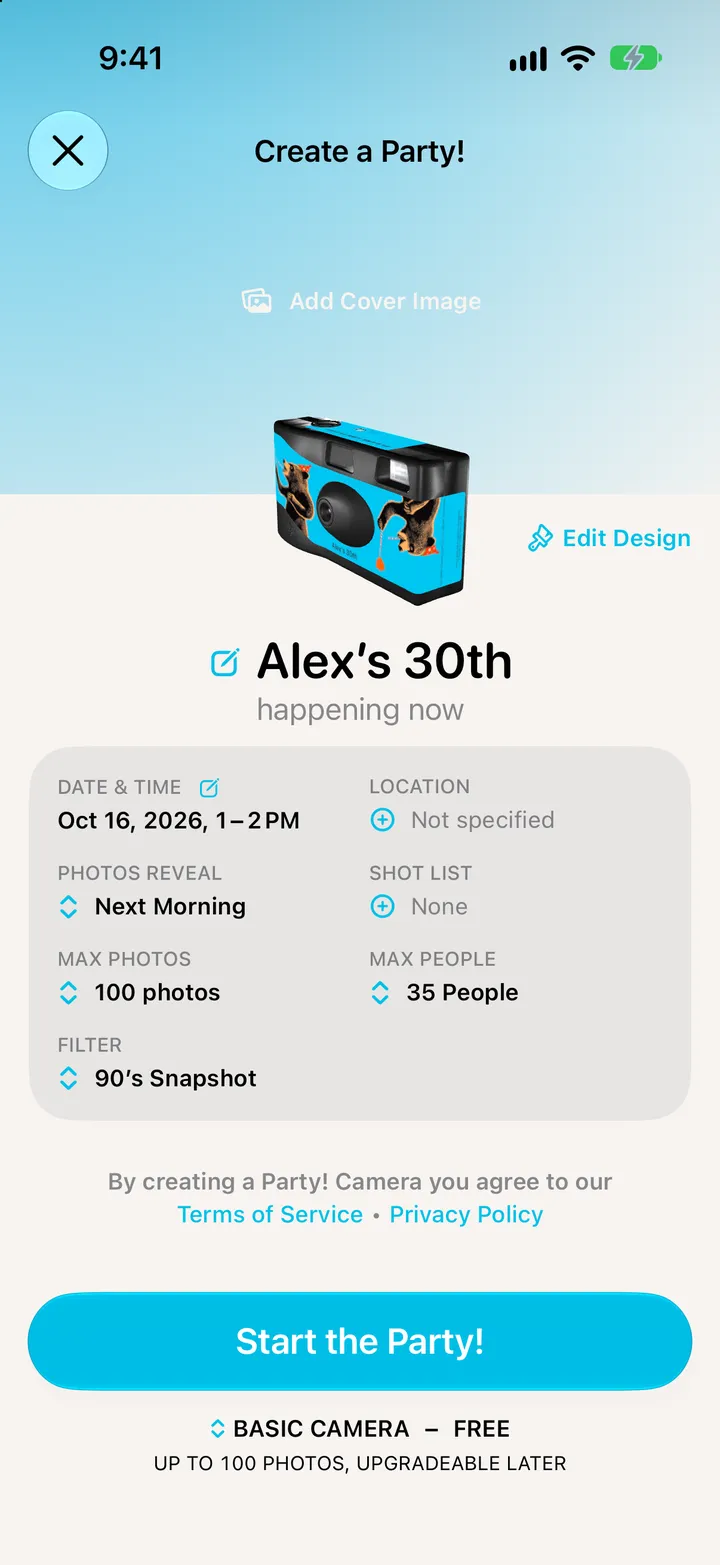
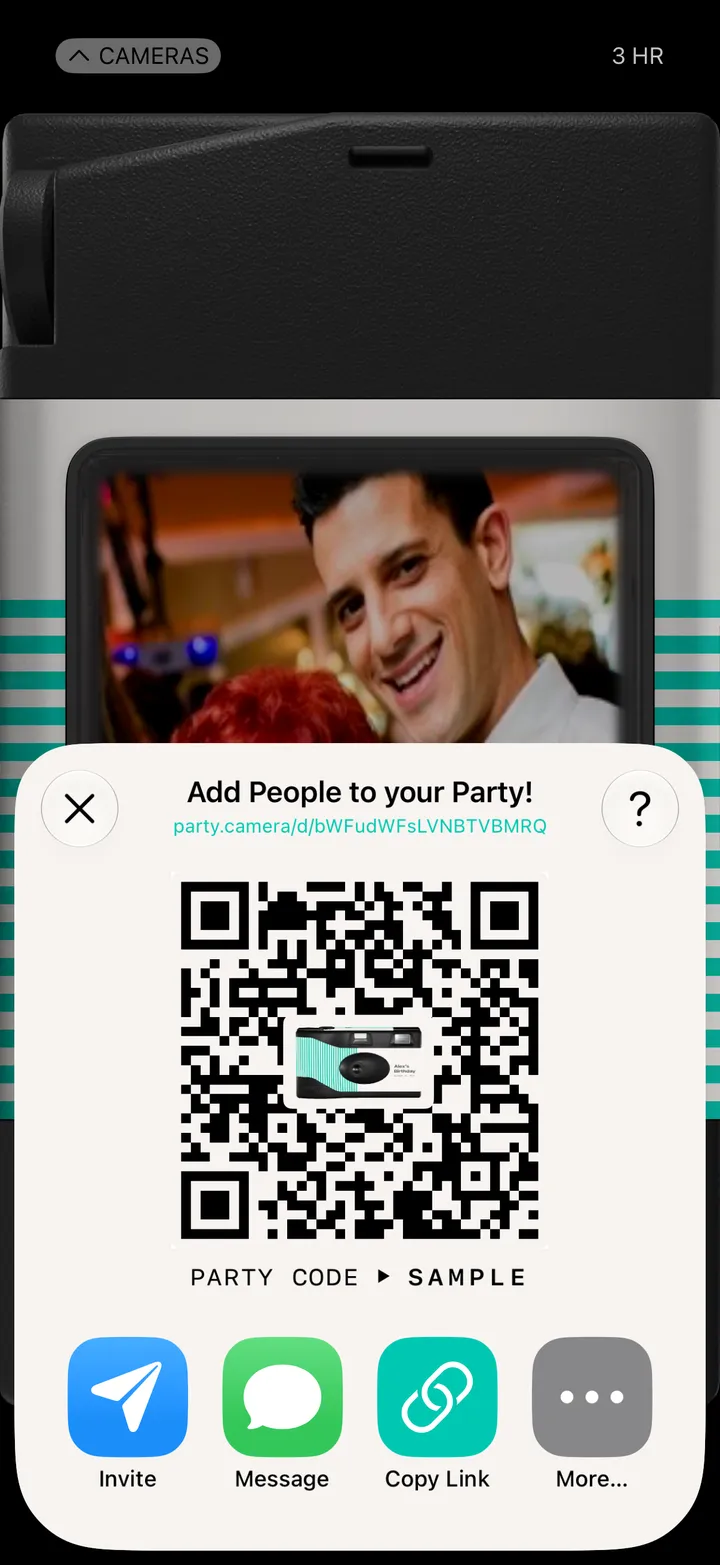
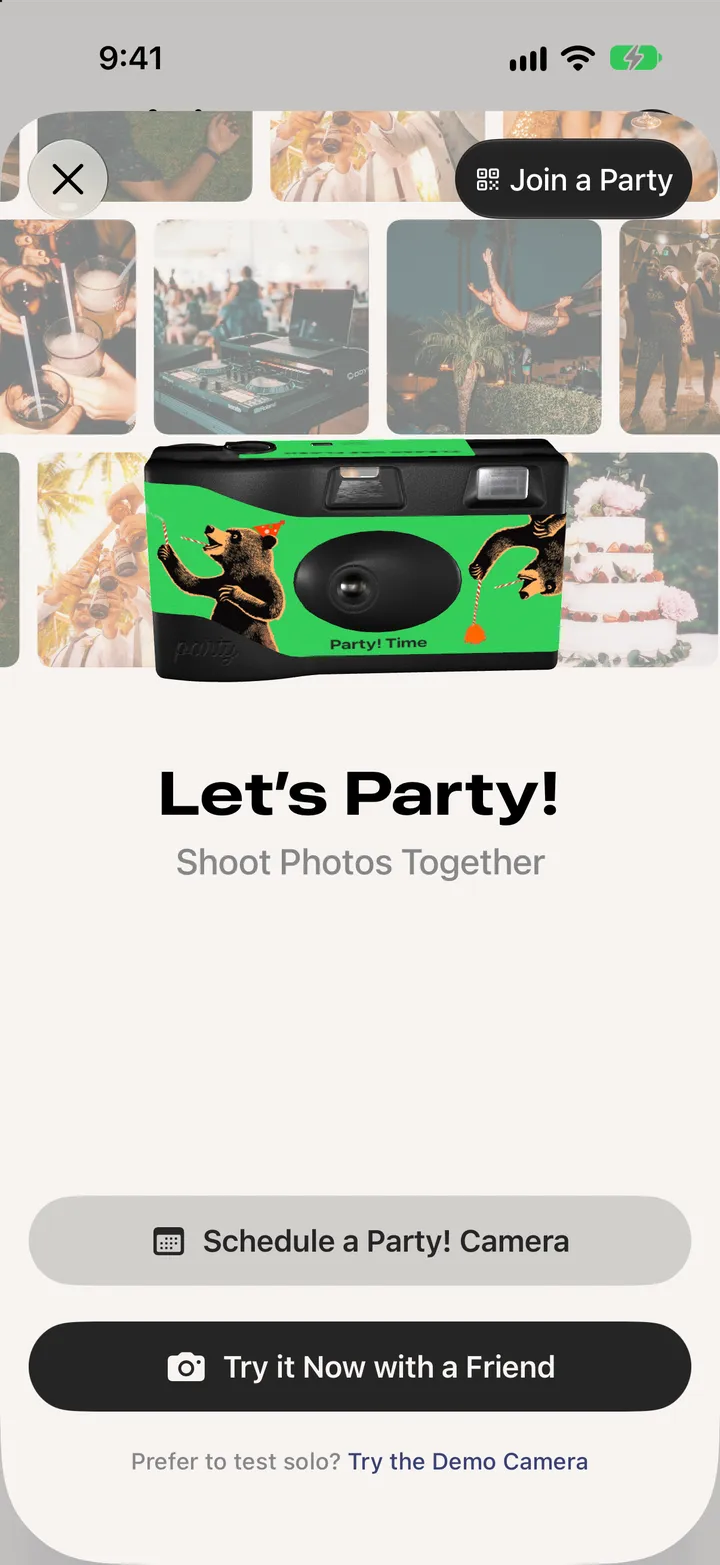
The first time you open Party!, tap Try the Demo Camera to play with a five-minute camera on your own, or Try it Now with a Friend for a real one.
Party! · 1.5 · 4 stepsThe first time, it says Let’s Party!
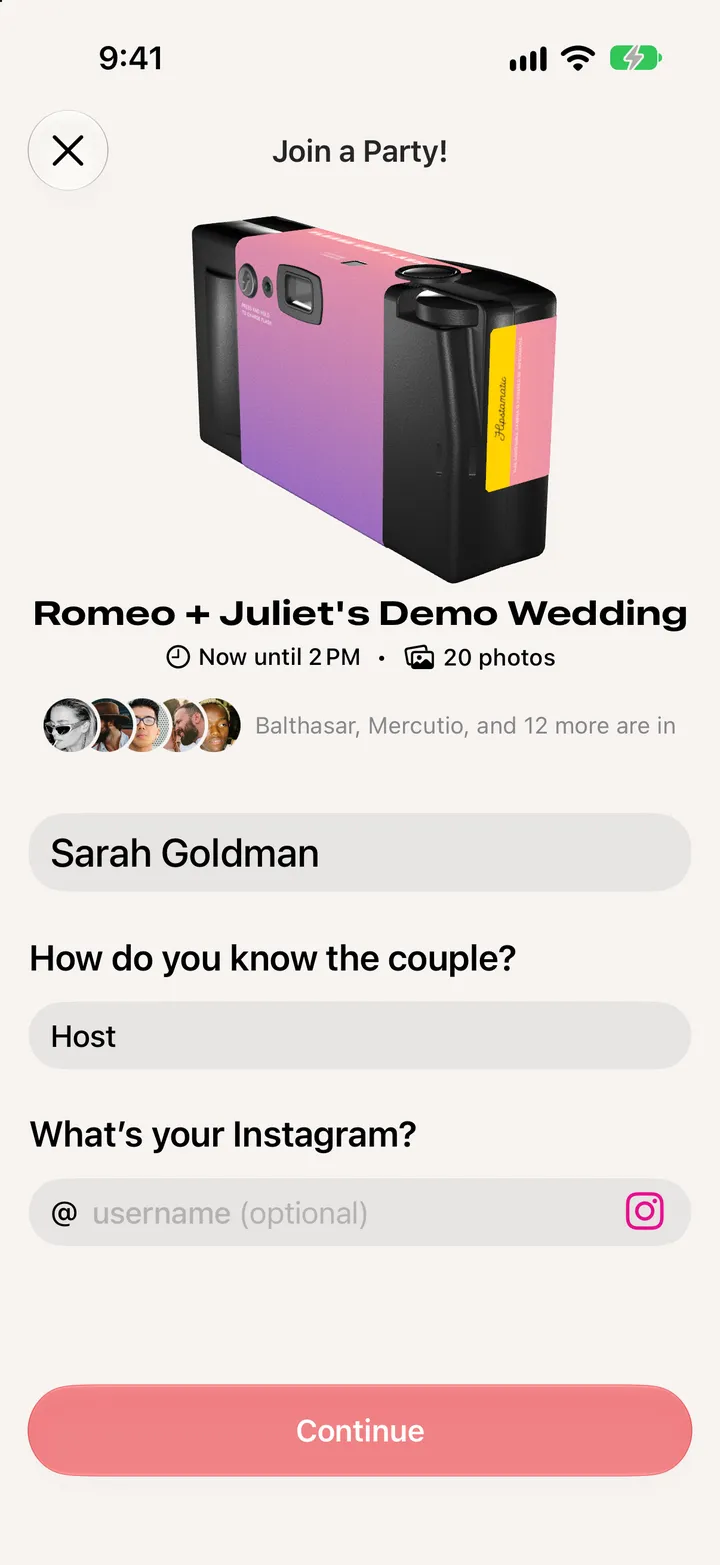
A demo wedding with sample guests, just for you.
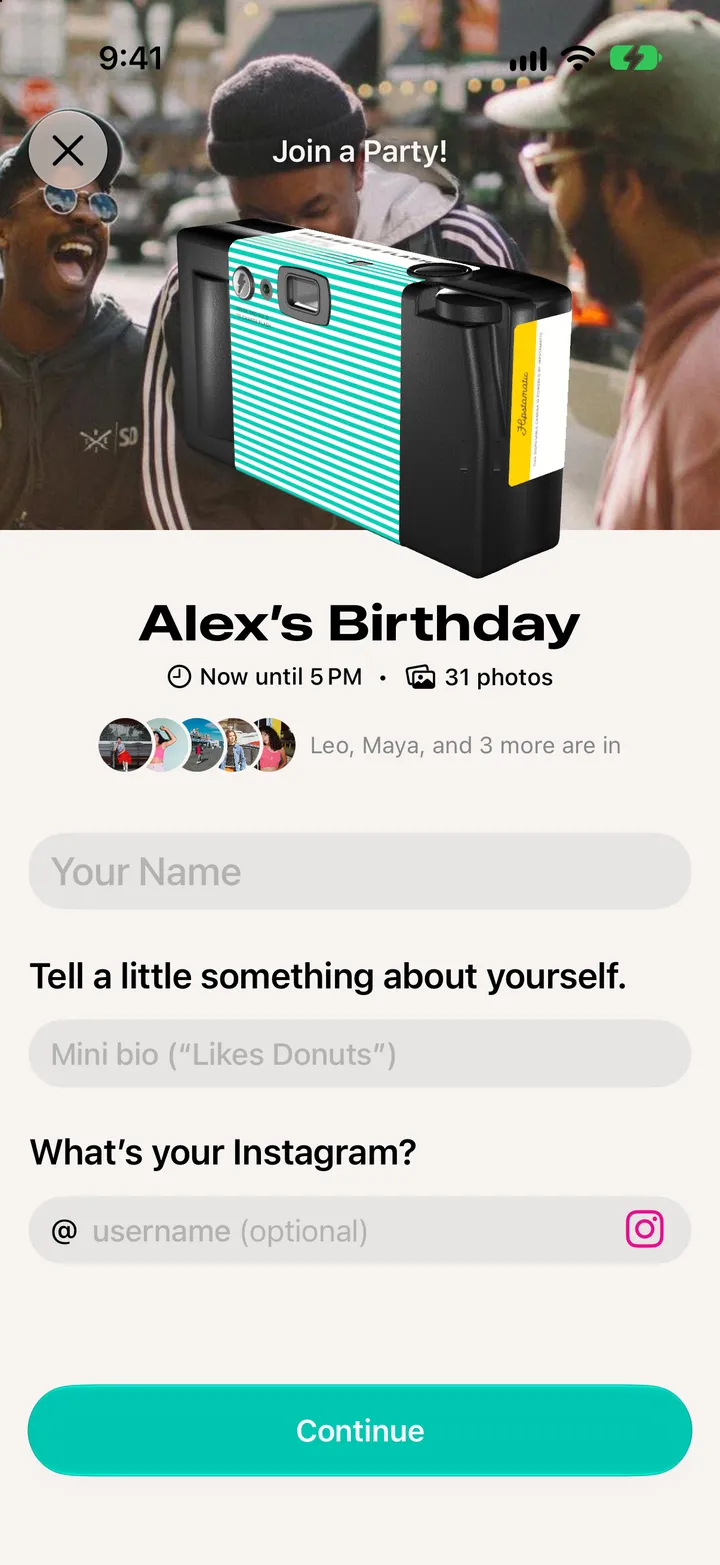
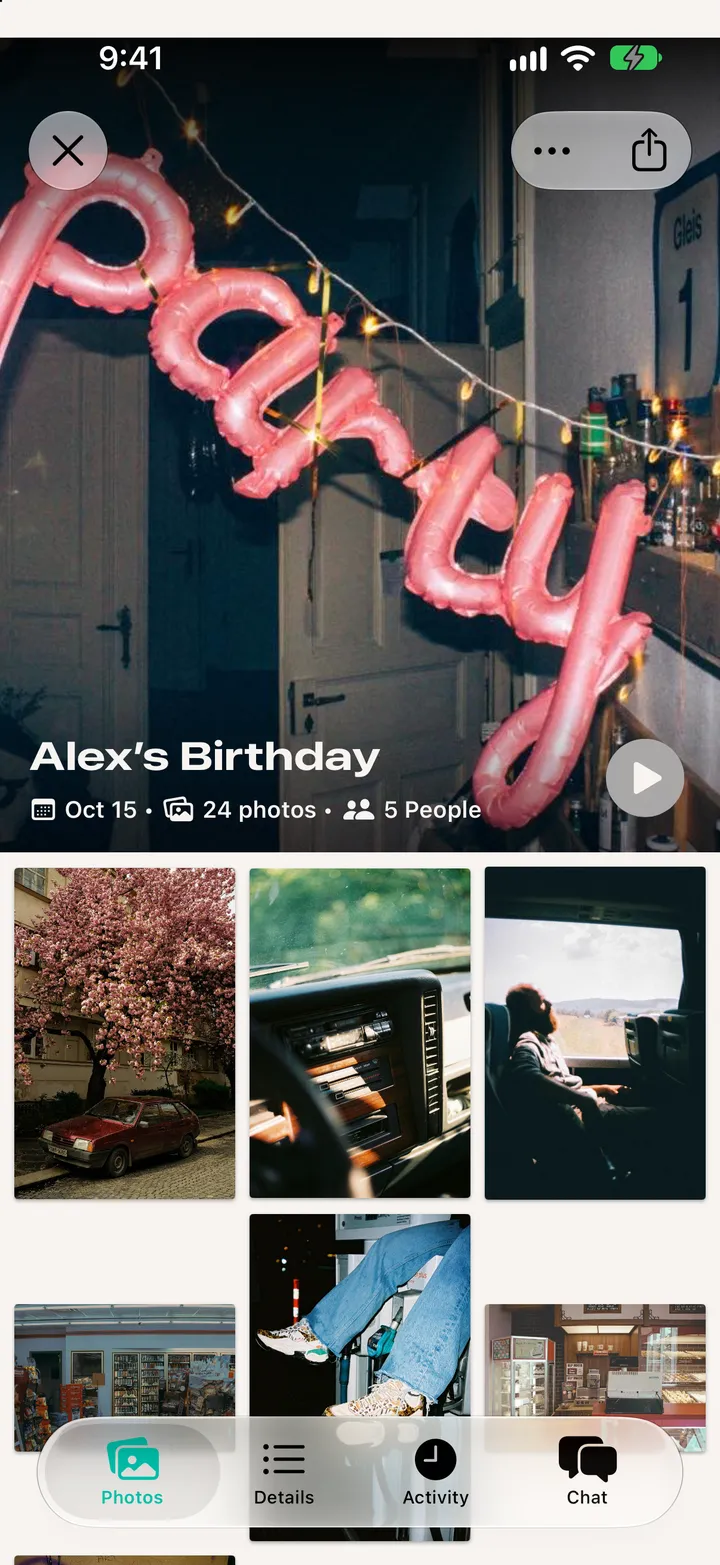
Then Join the Party! The demo runs five minutes and reveals as soon as it ends.
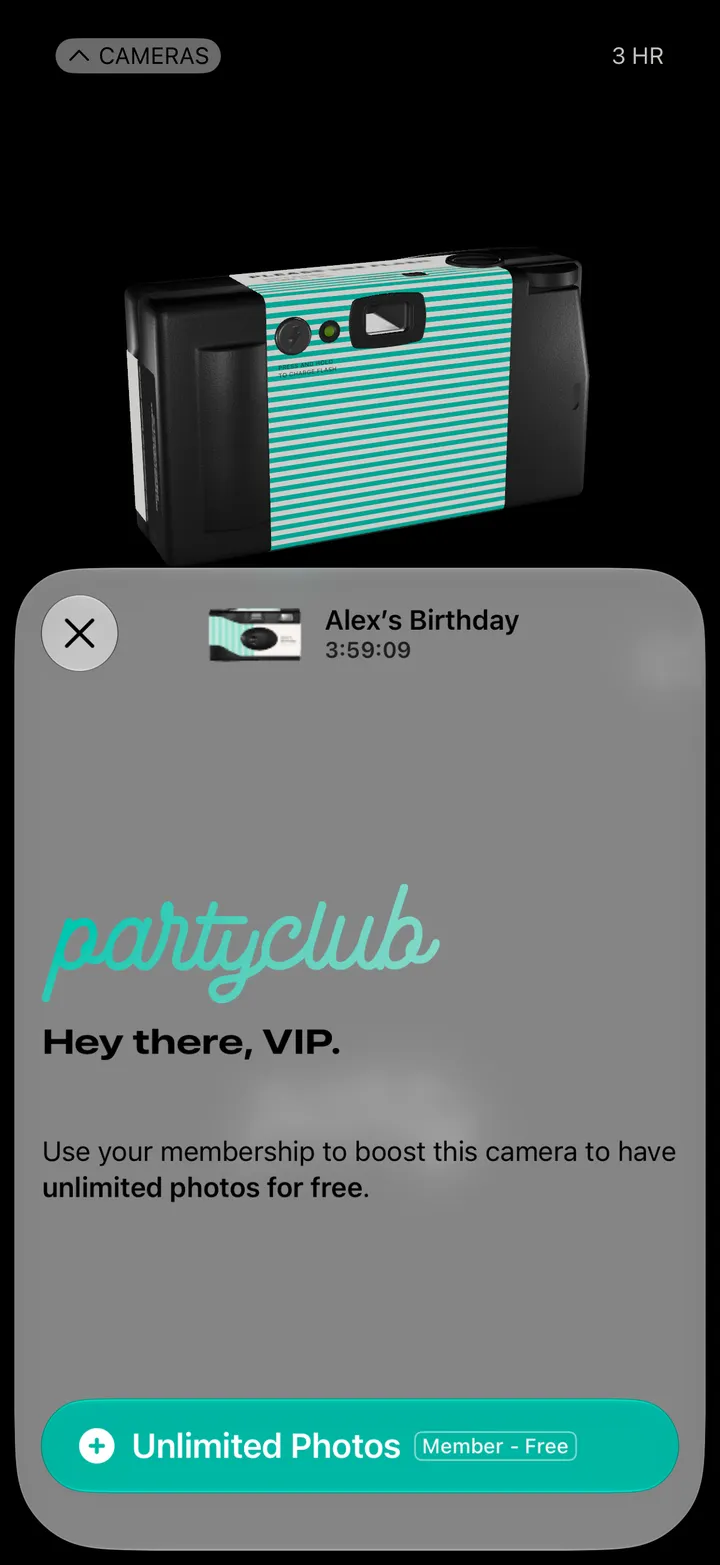
Try it Now with a Friend makes a real camera for the next three hours. It reveals when it ends.